

Soft Plan Software(6)
Pangolin QuickShow FB3 Control Software with ILDA Interface $538.40

Pangolin QuickShow FB3 Control Software with ILDA Interface
Nero: Platinum, Unlimited Perpetual Suite (Software) $79.94
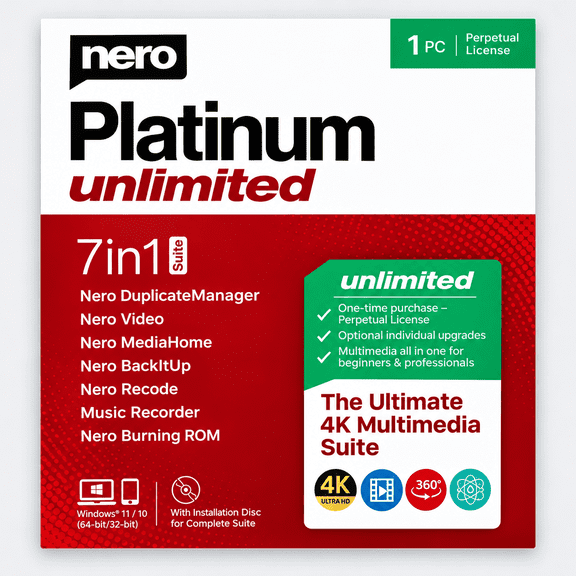
Nero: Platinum, Unlimited Perpetual Suite (Software)
Brother: SAVRVUGK2 V-Series, Software Upgrade Premium Pack II $241.99

Brother: SAVRVUGK2 V-Series, Software Upgrade Premium Pack II
Windows 11 Home 64 Bit DVD & Repair, Recover, Restore, Reinstall Software & Drivers Pack. 3 Pack $74.99
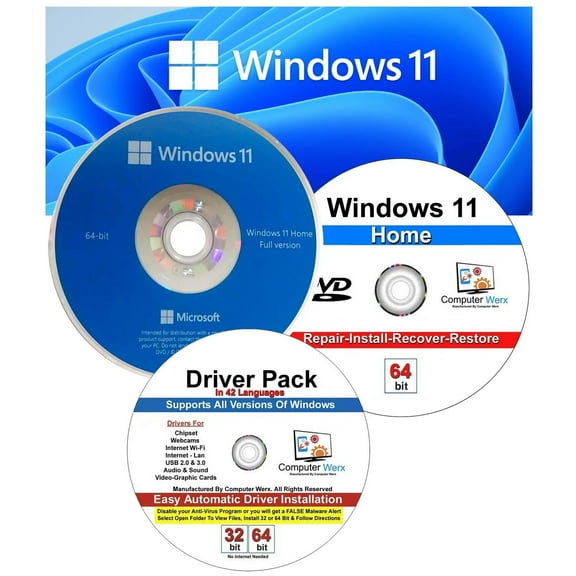
Windows 11 Home 64 Bit DVD & Repair, Recover, Restore, Reinstall Software & Drivers Pack. 3 Pack
SoftMaker FlexiPDF 2025 for 3 Users, Windows [Digital Download] $99.95

SoftMaker FlexiPDF 2025 for 3 Users, Windows [Digital Download]
ClearClick VHS to DVD Wizard Software with USB Video Capture Device (DVD) $39.95

ClearClick VHS to DVD Wizard Software with USB Video Capture Device (DVD)
FAQ
Can I use this software on multiple computers?
Whether you can use the software on several computers depends on the license terms provided with your purchase. Most software titles include details about device limits and activation instructions.
- Check the license agreement for specifics on usage.
- Some software allows installation on a set number of devices, while others may require separate licenses.
- If unsure, look for documentation in your product box or contact the software provider for clarification.
Reviewing these details helps ensure you get the most out of your purchase.
How do I install software from a DVD?
Installing software from a DVD is usually straightforward, but it's good to know a few basics before you start.
- Insert the DVD into your computer's disc drive.
- Wait for the setup program to launch automatically, or open the DVD folder and double-click the setup file.
- Follow the on-screen instructions, making note of any license keys or activation steps.
If your computer doesn't have a DVD drive, consider using an external USB drive to complete the installation.
Will this software work with Windows 11?
Compatibility depends on the software's requirements and your device's operating system. Many software titles now support Windows 11, but it's always wise to check the product description before purchasing.
- Look for system requirements listed on the packaging or Walmart's product page.
- If you're unsure, visit the software manufacturer's website for the latest compatibility information.
Verifying compatibility ahead of time can help you avoid installation issues.
Is technical support included with my purchase?
Technical support offerings vary based on the software and its provider. Some software comes with access to online resources, FAQs, or direct help from the manufacturer.
- Check the product packaging or Walmart's online listing for support details.
- Most providers offer support through email, phone, or live chat.
- Having your product key or proof of purchase handy can make the process smoother.
Knowing your support options can be helpful if you run into installation or usage questions.
How can I transfer old videos to DVD with software?
If you're looking to convert VHS tapes or other old video formats to DVD, certain software makes this process accessible using a video capture device and computer.
- Connect your VHS player to your computer using the included capture device.
- Open the software and follow the prompts to record your video.
- After capturing, use the software to burn the video onto a DVD.
Always follow the instructions included with your software and hardware for best results.
Popular in Shop Soft Plan Software Electronics Online
- Track Off Software
- Estimate Software
- Isos Software
- Act Software
- Download Illustrator App
- Log Software
- Rosetta Stone Software
- Programming & Web Development
- Small Business + Money Management Software
- General Software Development & Engineering Books
- Learning & Professional Development Software
- Presentation Software Books
Related Products
Individual Software EVM MTIG Typing Instructor Gold - Mac
 Individual Software EVM MTIG Typing Instructor Gold - Mac$31.00current price $31.00
Mysoftware My Software - Database [windows 95/98/me/nt/2000/xp]
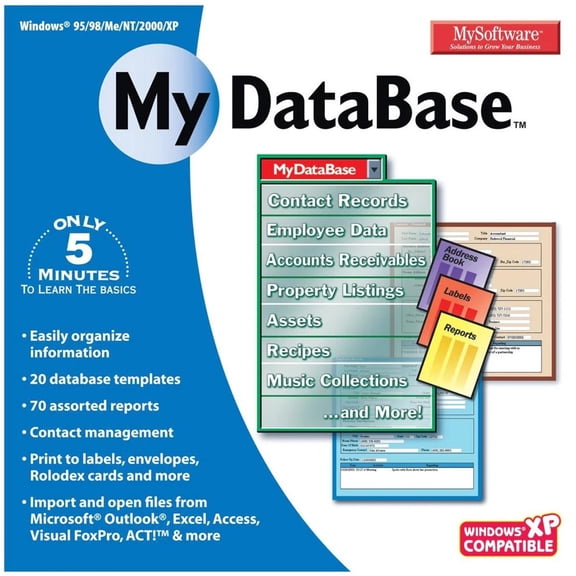 Mysoftware My Software - Database [windows 95/98/me/nt/2000/xp]$18.99current price $18.99
Individual Software EMM-T21 Typing Instructor Platinum 21 - Windows
 Individual Software EMM-T21 Typing Instructor Platinum 21 - Windows$27.16current price $27.16
AVG : Ultimate, Comprehensive Digital Security Solution (Key Card) 10 Users
 AVG : Ultimate, Comprehensive Digital Security Solution (Key Card) 10 Users$64.95current price $64.95
Open Box Total Defense TLD13145 Unlimited Internet Security
 Open Box Total Defense TLD13145 Unlimited Internet Security$79.99current price $79.99
AVG : Ultimate Multi-Device, Comprehensive Cybersecurity Solution (Key Card) 5 Users
 AVG : Ultimate Multi-Device, Comprehensive Cybersecurity Solution (Key Card) 5 Users$39.95current price $39.95
Pre-Owned Telecom for Dummies (Paperback) 047177085X 9780471770855
 Pre-Owned Telecom for Dummies (Paperback) 047177085X 9780471770855$6.37current price $6.37
Mobisystems: PDF Reader & Editor, PDF Extra Premium (PC Key) 1 User
Mobisystems: PDF Reader & Editor, PDF Extra Premium (PC Key) 1 User
INDIVIDUAL SOFTWARE INC TYPING QUICK & EASY 17 QMM-T17
 INDIVIDUAL SOFTWARE INC TYPING QUICK & EASY 17 QMM-T17$19.99current price $19.99

