

Sort by|
Sharp 48 Inch(2)
Uses item details. Price when purchased online
NEC Display Solution -Large Format 49 in. Class HDR 4K UHD Commercial IPS LED Display with Clear Tempered 10-Point IR Touch Installed $2,719.00 Was $3,400.97

Now$2,71900
current price Now $2,719.00, Was $3,400.97$3,400.97
NEC Display Solution -Large Format 49 in. Class HDR 4K UHD Commercial IPS LED Display with Clear Tempered 10-Point IR Touch Installed
Sharp LCD 50" Professional Large Format Display
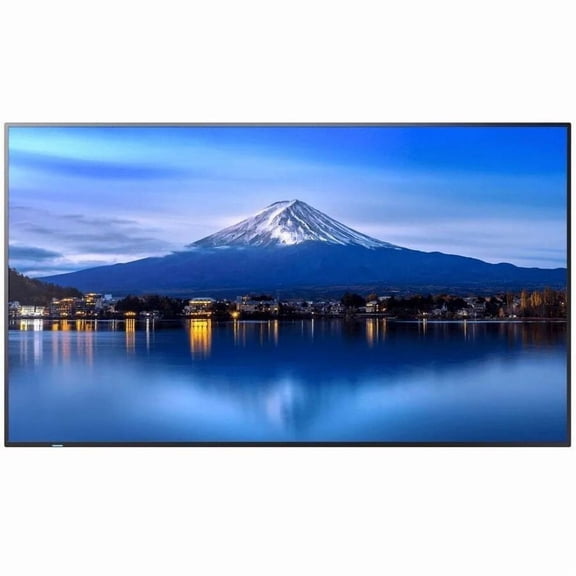
Sharp LCD 50" Professional Large Format Display
Other options to consider(1)
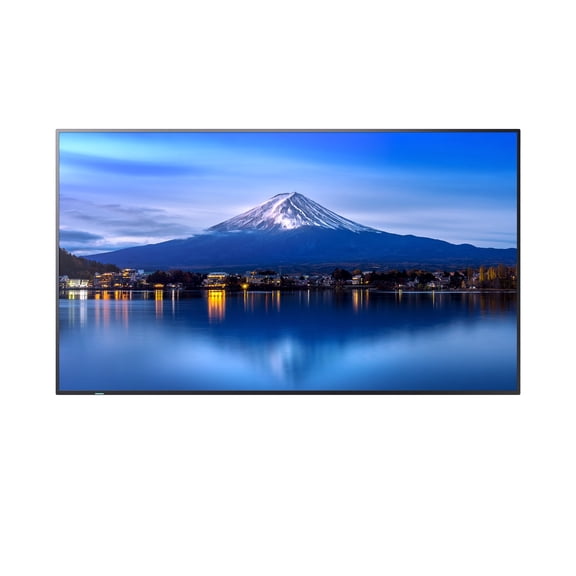
Sharp MultiSync PN-P436 - 43" Diagonal Class (42.5" viewable) LED-backlit LCD display - digital signage - 4K UHD (2160p) 3840 x 2160 - HDR $2,018.00 Was $2,178.63
Now$2,01800
current price Now $2,018.00, Was $2,178.63$2,178.63
Sharp MultiSync PN-P436 - 43" Diagonal Class (42.5" viewable) LED-backlit LCD display - digital signage - 4K UHD (2160p) 3840 x 2160 - HDR
FAQ
How do I set up a 48-inch smart TV?
Setting up a 48-inch smart TV is pretty straightforward. Start by placing the TV on a stable surface or mounting it securely. Plug it into a power outlet and connect it to your Wi-Fi network using the on-screen instructions.
- Follow the prompts to complete the initial setup.
- Sign in to your favorite streaming apps or use the built-in platform for entertainment.
- Adjust picture and sound settings to fit your preferences.
Can I connect my phone to this TV?
Yes, most smart TVs let you connect your phone for streaming or screen mirroring.
- Look for options like Chromecast, AirPlay, or built-in screen mirroring in the TV's menu.
- Make sure your phone and TV are on the same Wi-Fi network.
- Follow the instructions on your TV to pair your device.
What’s the best way to clean the TV screen?
To keep your TV screen looking sharp, use a soft, dry microfiber cloth to gently wipe away dust and fingerprints.
- Avoid using harsh chemicals or paper towels, as these can damage the screen.
- If needed, lightly dampen the cloth with water—never spray liquid directly onto the screen.
Does this TV work with streaming apps?
Most smart TVs are designed to support popular streaming apps.
- Check the TV's app store or menu for options like Netflix, Hulu, and YouTube.
- Download and sign in to your preferred apps for instant access to movies and shows.
- Some TVs also offer built-in platforms for easy browsing.
How can I improve the sound on my TV?
If you want better sound from your TV, consider connecting external speakers or a soundbar.
- Use HDMI ARC, optical, or Bluetooth connections, depending on your TV's ports.
- Adjust the audio settings in the TV menu for clearer dialogue or enhanced bass.
- Placement of speakers can also make a difference—try positioning them in front of the TV for optimal sound.
Popular in Sharp 48 Inch Electronics and Displays
Related Products
SHARP EL2192RII Calculator Ink Roller, Black, Single Pack
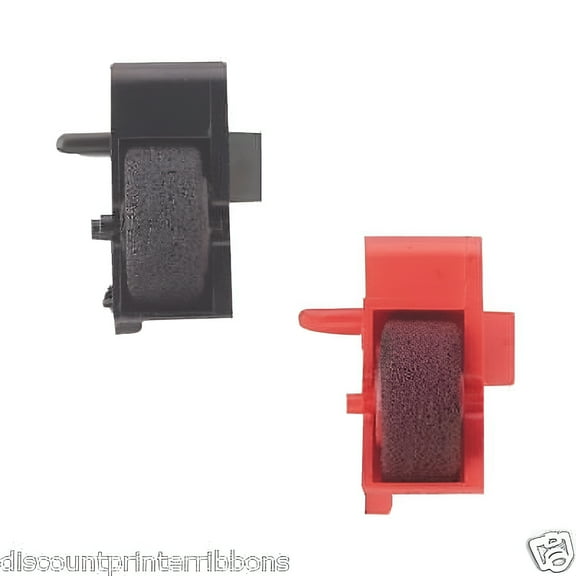 SHARP EL2192RII Calculator Ink Roller, Black, Single Pack$13.95current price $13.95
Sharp EL1750 P III Sharp Printing Calculator Ribbon
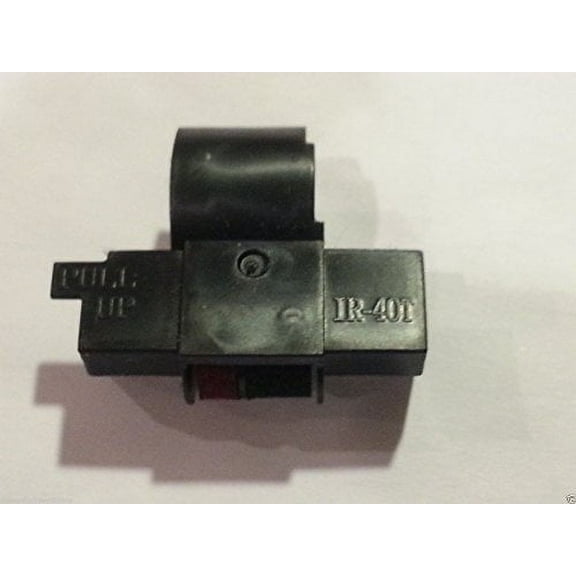 Sharp EL1750 P III Sharp Printing Calculator Ribbon$9.95current price $9.95
Hs-1200ts Desktop Calculator, 12-Digit Lcd | Bundle of 2 Each
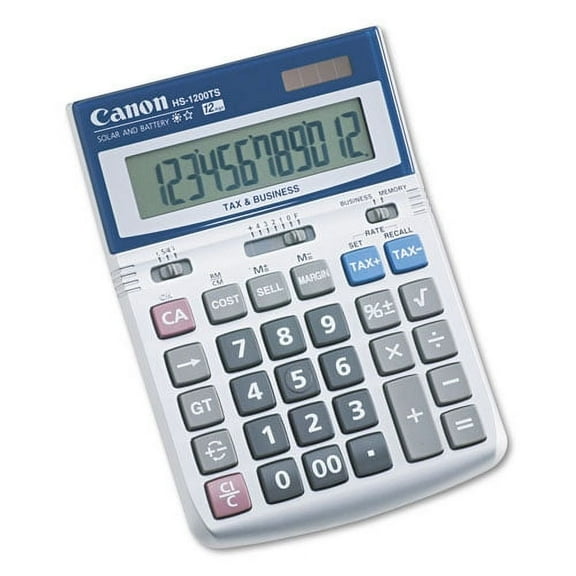 Hs-1200ts Desktop Calculator, 12-Digit Lcd | Bundle of 2 Each$39.45current price $39.45
Sharp Vx2128v Commercial Desktop Calculator with 12-Digit LCD, Black
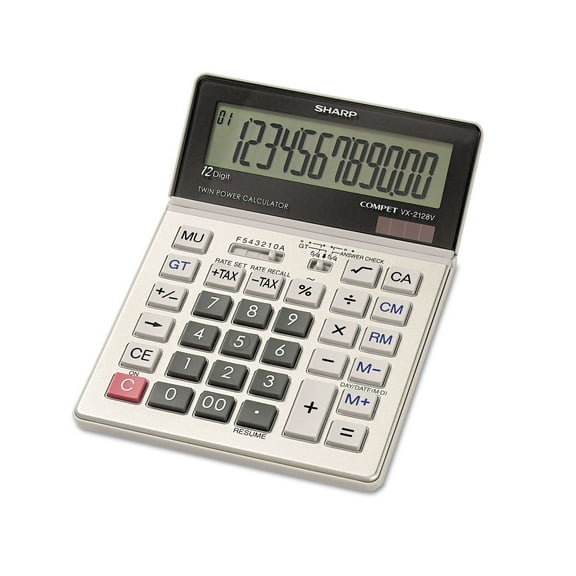 Sharp Vx2128v Commercial Desktop Calculator with 12-Digit LCD, Black$54.99current price $54.99
Sharp EL-2630PIII Printing Calculator with 12-Digit Fluorescent Display, Black/Red
 Sharp EL-2630PIII Printing Calculator with 12-Digit Fluorescent Display, Black/Red$131.05current price $131.05
Sharp EL 1750PII Calculator Ink Roller - EL1750P II
 Sharp EL 1750PII Calculator Ink Roller - EL1750P II$9.95current price $9.95
3 Pack Sharp EL-1750V and EL-1801V Calculator Ink Roller, Black and Red
 3 Pack Sharp EL-1750V and EL-1801V Calculator Ink Roller, Black and Red$10.95current price $10.95
P170-Dh-3 Printing Calculator, Black/red Print, 2.3 Lines/sec | Bundle of 2
 P170-Dh-3 Printing Calculator, Black/red Print, 2.3 Lines/sec | Bundle of 2$152.99current price $152.99
SHARP EL-1750V Calculator Ink Roller, Black & Red
 SHARP EL-1750V Calculator Ink Roller, Black & Red$9.95current price $9.95
Sharp El344rb Metric Conversion Wallet Calculator, 10-digit Lcd
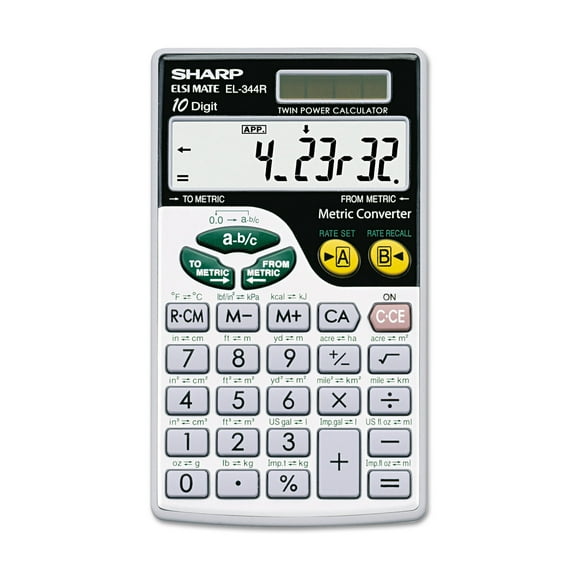 Sharp El344rb Metric Conversion Wallet Calculator, 10-digit Lcd$39.00current price $39.00
Sharp Electronics El2630piii Two-color Printing Calculator, Black/red Print, 4.8 Lines/sec
Sharp Electronics El2630piii Two-color Printing Calculator, Black/red Print, 4.8 Lines/sec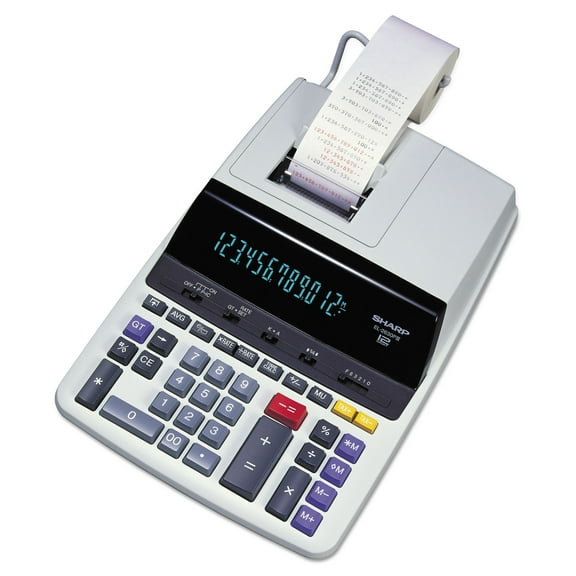
Canon LS555H Wallet Calculator - Hard Shell Cover, Auto Power Off - 8 Digits - LCD - Battery/Solar Powered - 4.3" x 2.9" x 0.6" - Black - 1 Each | Bundle of 2 Each
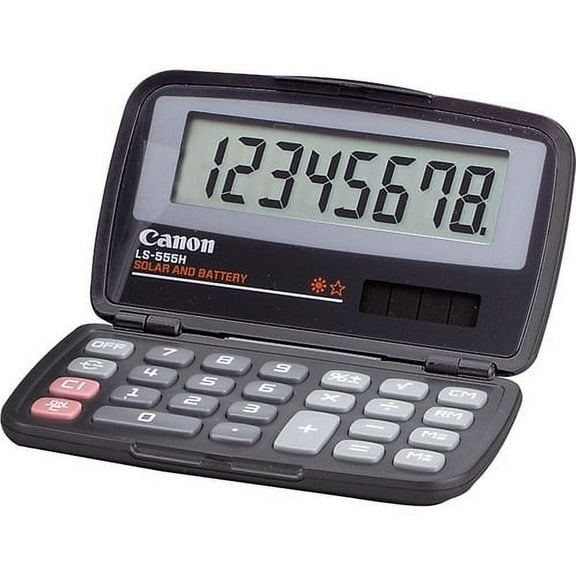 Canon LS555H Wallet Calculator - Hard Shell Cover, Auto Power Off - 8 Digits - LCD - Battery/Solar Powered - 4.3" x 2.9" x 0.6" - Black - 1 Each | Bundle of 2 Each$39.89current price $39.89
aoksee Mini Digital Desktop Calculator with 8-Digit LCD Display, Blue
 aoksee Mini Digital Desktop Calculator with 8-Digit LCD Display, Blue$2.59current price $2.59
Canon LS82Z Handheld Calculator - Big Display, Large Plastic Keytop - 8 Digits - LCD - Battery/Solar Powered - 0.3" x 3.5" x 4.4" - 1 Each | Bundle of 10 Each
 Canon LS82Z Handheld Calculator - Big Display, Large Plastic Keytop - 8 Digits - LCD - Battery/Solar Powered - 0.3" x 3.5" x 4.4" - 1 Each | Bundle of 10 Each$97.78current price $97.78
Canon TS1200TSC 12-digit Desktop Calculator - Extra Large Display - 12 Digits - LCD - Solar Powered - 7" x 5" x 0.7" - Metal - Desktop - 1 Each | Bundle of 5 Each
 Canon TS1200TSC 12-digit Desktop Calculator - Extra Large Display - 12 Digits - LCD - Solar Powered - 7" x 5" x 0.7" - Metal - Desktop - 1 Each | Bundle of 5 Each$118.79current price $118.79
El-W516tbsl Scientific Calculator, 16-Digit Lcd | Bundle of 5 Each
 El-W516tbsl Scientific Calculator, 16-Digit Lcd | Bundle of 5 Each$159.60current price $159.60