

Rs1619xs(2)
Synology 4 bay NAS RackStation RS1619xs+ (Diskless) $3,099.99 Was $3,399.99

Synology 4 bay NAS RackStation RS1619xs+ (Diskless)
Synology Enterprise HAT5310 HAT5310-20T 20 TB Hard Drive - 3.5" Internal - SATA - NAS, Server Device Supported - 550 TB TBW - 4Kn Format
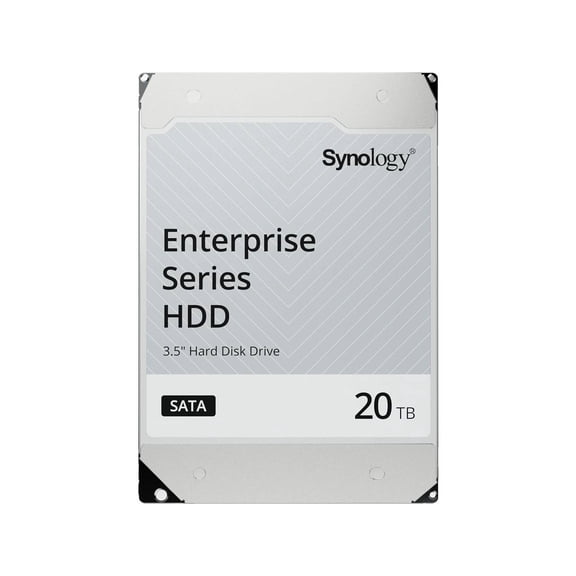
Synology Enterprise HAT5310 HAT5310-20T 20 TB Hard Drive - 3.5" Internal - SATA - NAS, Server Device Supported - 550 TB TBW - 4Kn Format
FAQ
How do I set up a NAS for my home network?
Setting up a NAS for your home network usually involves connecting the device to your router and configuring it through a web interface. Most NAS units come with a user-friendly setup guide to help you get started.
- Connect the NAS to your router using an Ethernet cable.
- Power on the device and follow the instructions for initial setup.
- Create user accounts and set up shared folders as needed.
This process can vary depending on your network and needs, so reviewing the product manual is always helpful.
Can I use different hard drives in my NAS?
Many NAS devices support a range of hard drive models and sizes, but compatibility can depend on the specific unit and its supported formats. It's important to check the manufacturer's documentation for recommended or supported drives.
- Some NAS units work best with drives designed for continuous operation.
- Mixing drive sizes is possible, but may affect performance or storage capacity.
Using drives that match the recommended specifications can help the NAS run more reliably.
What are the benefits of a rack-mounted NAS?
A rack-mounted NAS is designed for easy installation in server racks, making it a good fit for businesses or users with several devices. This setup can help organize and centralize storage.
- Efficient use of space in server rooms.
- Scalable storage options for growing needs.
- Enhanced cooling and accessibility compared to standalone units.
Rack-mounted NAS devices can simplify maintenance and upgrades in larger setups.
How do I back up data with a NAS?
Backing up data to a NAS is straightforward and can provide extra protection for your files. Most NAS units offer built-in backup software and support for scheduled backups.
- Set up automatic backups from your computer or devices.
- Choose folders or files to back up and select the frequency.
- Use the NAS's interface to monitor backup status and manage storage.
Regular backups can help safeguard your important data from accidental loss.
Is it possible to expand NAS storage later?
Many NAS units allow you to add more hard drives or swap out existing ones to increase storage capacity. Expansion options depend on the number of bays and supported drive sizes.
- Some models support hot-swapping, letting you replace drives without shutting down the system.
- Check the NAS specifications for maximum capacity and supported formats.
Expanding storage can help accommodate growing file collections or business needs.
Popular in Rs1619Xs NAS Storage Solutions for PC and Server
Related Products
Corsair Vengeance 32GB (2 x 16GB) DDR5 SDRAM Memory Kit
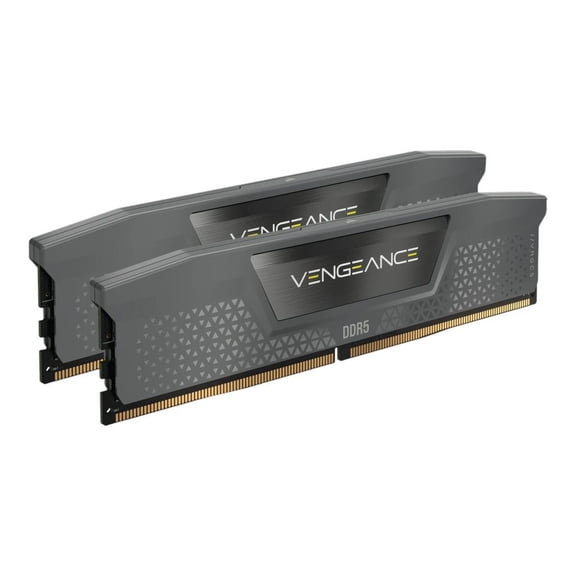 Corsair Vengeance 32GB (2 x 16GB) DDR5 SDRAM Memory Kit$599.99current price $599.99
CORSAIR Vengeance LPX 32GB (2 x 16GB) 288-Pin PC RAM DDR4 3200 (PC4 25600) Desktop Memory Model CMK32GX4M2E3200C16
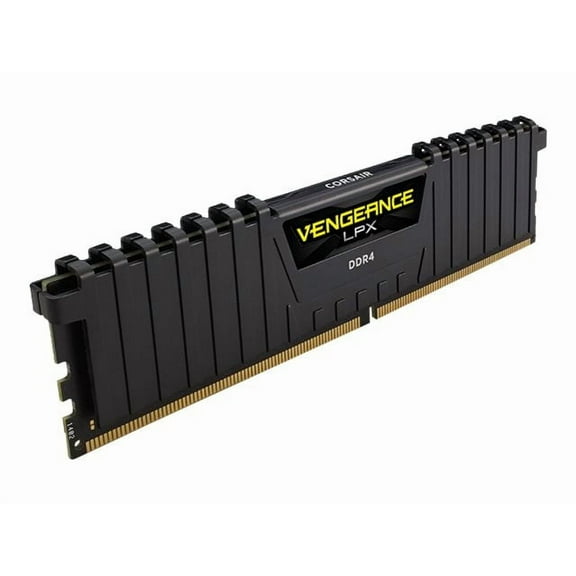 CORSAIR Vengeance LPX 32GB (2 x 16GB) 288-Pin PC RAM DDR4 3200 (PC4 25600) Desktop Memory Model CMK32GX4M2E3200C16$249.99current price $249.99
Timetec 16GB DDR4 2666MHz (PC4-2666V) PC4-21300 SODIMM Laptop RAM – 260-Pin 1.2V CL19 Non-ECC Unbuffered Memory Module for Laptop, Notebook, Mini PC, All-in-One
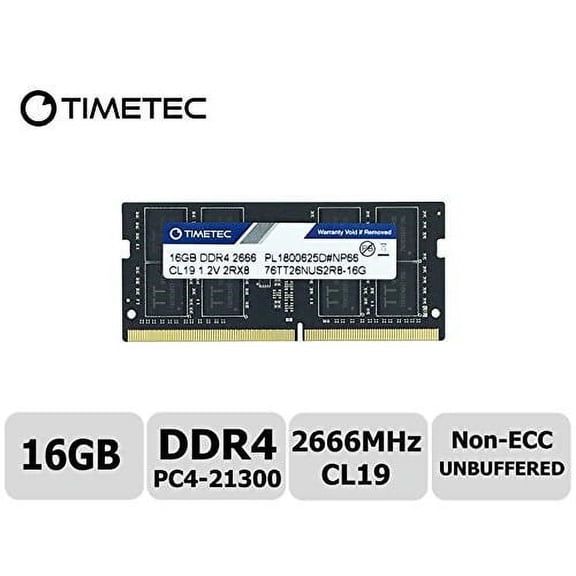 Timetec 16GB DDR4 2666MHz (PC4-2666V) PC4-21300 SODIMM Laptop RAM – 260-Pin 1.2V CL19 Non-ECC Unbuffered Memory Module for Laptop, Notebook, Mini PC, All-in-One$95.99current price $95.99
CORSAIR Vengeance 32GB (2 x 16GB) 260-Pin DDR4 SO-DIMM DDR4 3200 (PC4 25600) Laptop Memory Model CMSX32GX4M2A3200C22
 CORSAIR Vengeance 32GB (2 x 16GB) 260-Pin DDR4 SO-DIMM DDR4 3200 (PC4 25600) Laptop Memory Model CMSX32GX4M2A3200C22$315.99current price $315.99
MemoryMasters Compatible 2GB PC3-10600 DDR3-1333MHz Non-ECC Unbuffered CL9 240-Pin DIMM Dual Rank Memory Module MT16JTF25664AZ-1G4F1
MemoryMasters Compatible 2GB PC3-10600 DDR3-1333MHz Non-ECC Unbuffered CL9 240-Pin DIMM Dual Rank Memory Module MT16JTF25664AZ-1G4F1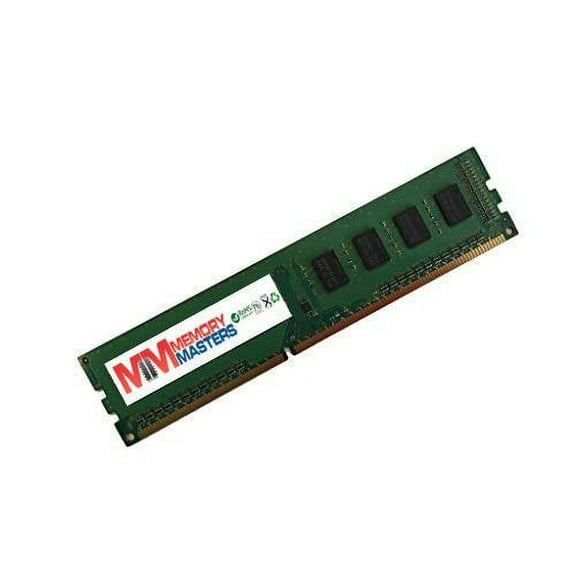
Timetec 32GB KIT (2x16GB) DDR4 2666MHz (PC4-2666V) PC4-21300 SODIMM Laptop RAM – 260-Pin 1.2V CL19 Non-ECC Unbuffered Memory Module for Laptop, Notebook, Mini PC, All-in-One
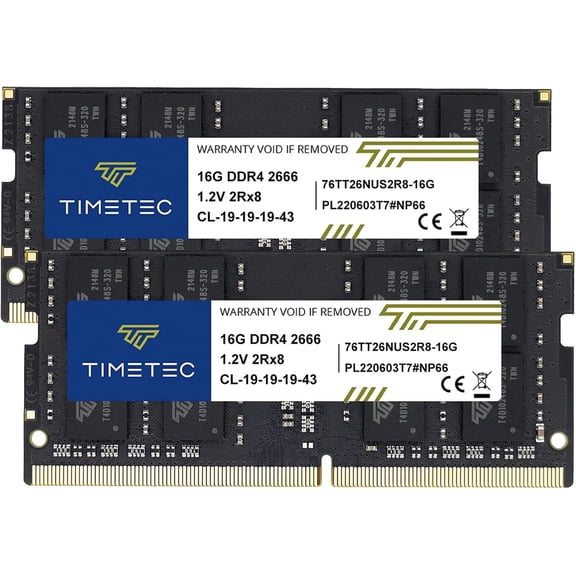 Timetec 32GB KIT (2x16GB) DDR4 2666MHz (PC4-2666V) PC4-21300 SODIMM Laptop RAM – 260-Pin 1.2V CL19 Non-ECC Unbuffered Memory Module for Laptop, Notebook, Mini PC, All-in-One$189.99current price $189.99
Timetec 32GB KIT (2x16GB) DDR4 2400MHz (PC4-2400T) PC4-19200 UDIMM Desktop RAM – 288-Pin 1.2V CL17 Non-ECC Unbuffered DIMM Memory Module Upgrade
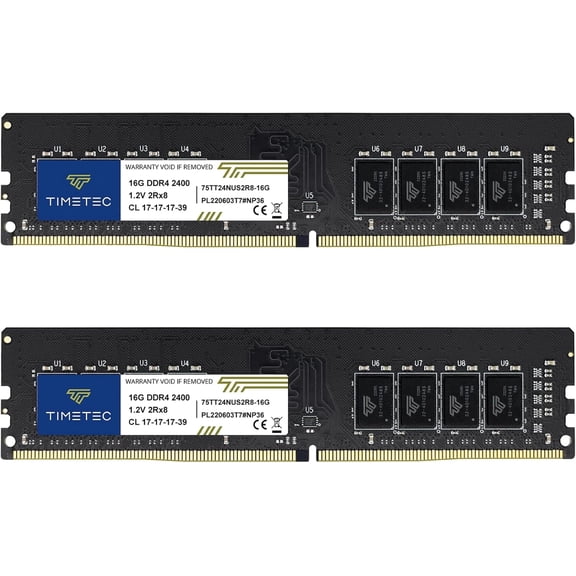 Timetec 32GB KIT (2x16GB) DDR4 2400MHz (PC4-2400T) PC4-19200 UDIMM Desktop RAM – 288-Pin 1.2V CL17 Non-ECC Unbuffered DIMM Memory Module Upgrade$190.99current price $190.99
CORSAIR Vengeance 16GB 260-Pin DDR4 SO-DIMM DDR4 3200 (PC4 25600) Laptop Memory Model CMSX16GX4M1A3200C22
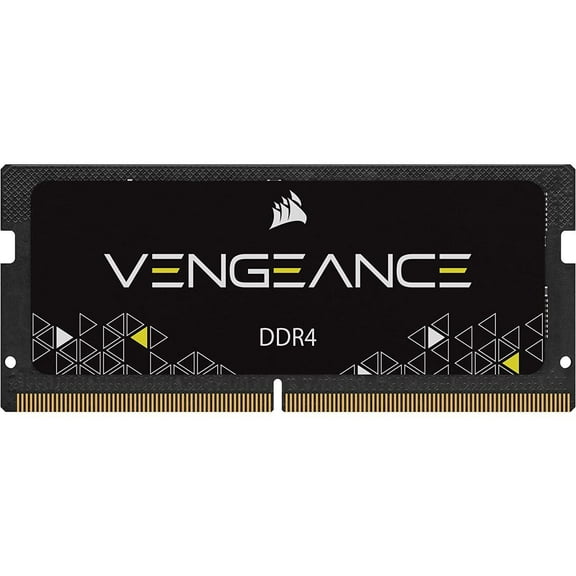 CORSAIR Vengeance 16GB 260-Pin DDR4 SO-DIMM DDR4 3200 (PC4 25600) Laptop Memory Model CMSX16GX4M1A3200C22$109.99current price $109.99
Team T-Force Delta RGB 32GB (2 x 16GB) DDR5 5200 (PC5 41600) Desktop Memory Model FF4D532G5200HC40CDC01
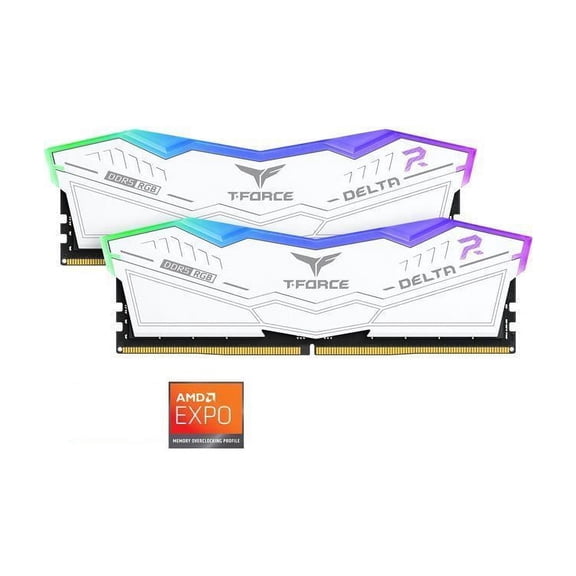 Team T-Force Delta RGB 32GB (2 x 16GB) DDR5 5200 (PC5 41600) Desktop Memory Model FF4D532G5200HC40CDC01$489.99current price $489.99
CORSAIR Vengeance 32GB (2 x 16GB) 288-Pin PC RAM DDR5 5200 (PC5 41600) Desktop Memory Model CMK32GX5M2B5200C40
 CORSAIR Vengeance 32GB (2 x 16GB) 288-Pin PC RAM DDR5 5200 (PC5 41600) Desktop Memory Model CMK32GX5M2B5200C40$507.99current price $507.99
Team T-Force Delta RGB 32GB (2 x 16GB) 288-Pin PC RAM DDR5 6000 (PC5 48000) Desktop Memory Model FF4D532G6000HC38GDC01
 Team T-Force Delta RGB 32GB (2 x 16GB) 288-Pin PC RAM DDR5 6000 (PC5 48000) Desktop Memory Model FF4D532G6000HC38GDC01$549.99current price $549.99
Crucial - DDR4 - module - 8 GB - SO-DIMM 260-pin - 3200 MT/s / PC4-25600 - CL22 - 1.2 V - unbuffered - non-ECC
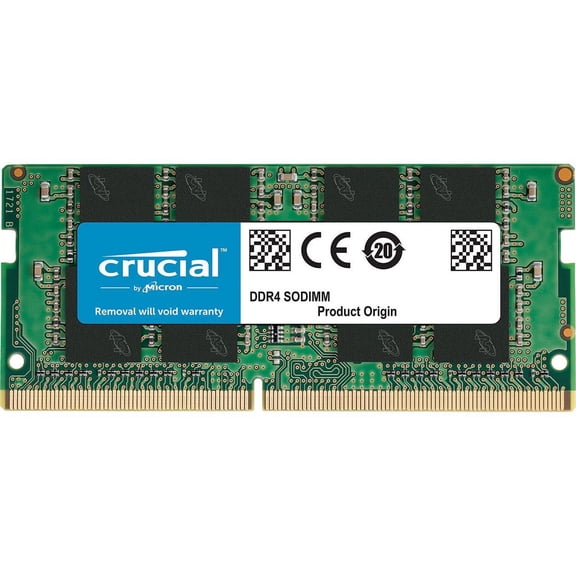 Crucial - DDR4 - module - 8 GB - SO-DIMM 260-pin - 3200 MT/s / PC4-25600 - CL22 - 1.2 V - unbuffered - non-ECC$191.20current price $191.20
Micron 32GB DDR5-6400 (PC5-6400B) 262-Pin 2Rx8 CSODIMM / SODIMM Memory Module 1.1 V Low-Voltage, Single-Rank Model MTC16C2085S1VC64BD1 for HP Dell Lenovo Asus Laptops and All in one Desktop
Micron 32GB DDR5-6400 (PC5-6400B) 262-Pin 2Rx8 CSODIMM / SODIMM Memory Module 1.1 V Low-Voltage, Single-Rank Model MTC16C2085S1VC64BD1 for HP Dell Lenovo Asus Laptops and All in one Desktop