

Roku Remotes in Roku


About Roku Remotes in Roku - Walmart.com
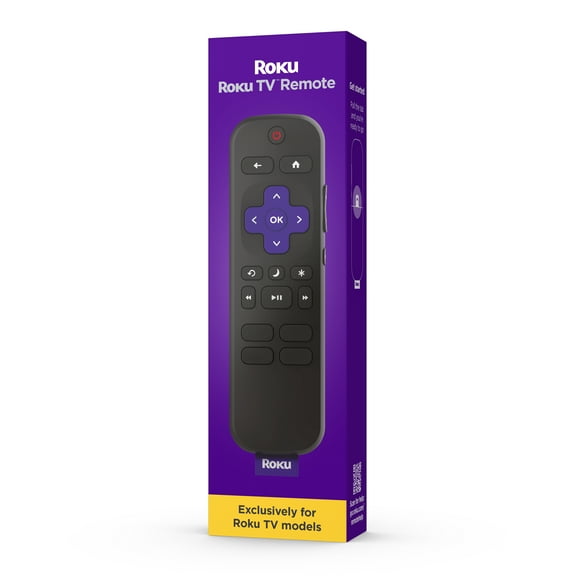
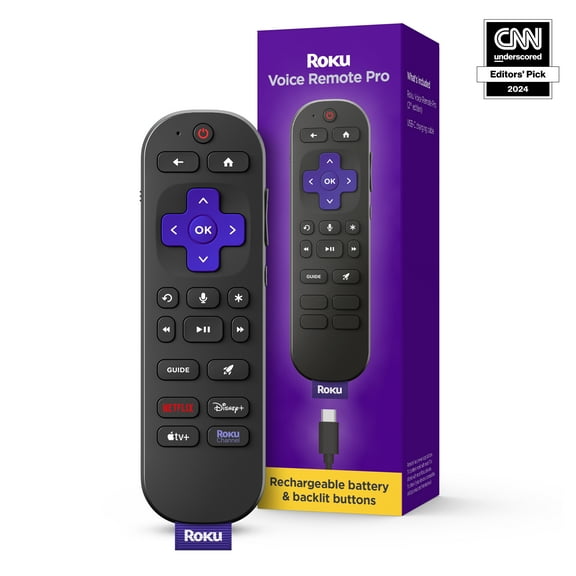
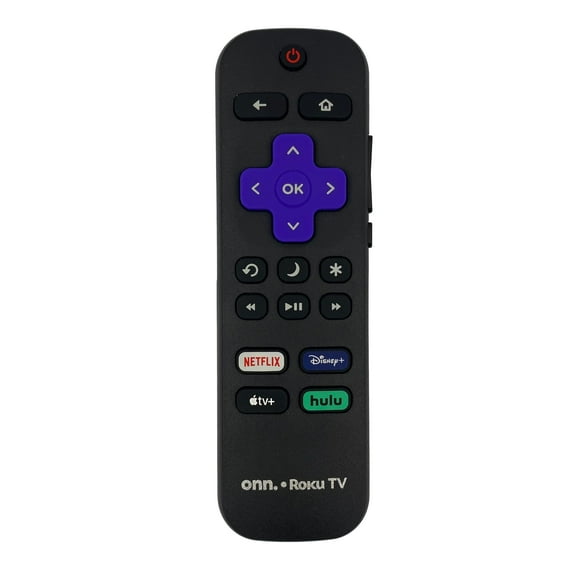
Roku remote price matters when you need a fast replacement that pairs smoothly, supports key shortcuts, and matches your Roku TV or streaming player. This category focuses on compatibility, button layout, and setup details that matter for everyday viewing. You can compare original-style designs, simple replacements, and universal options in one place. That makes it easier to find the right remote for your device without sorting through unrelated accessories.
Roku remote price and replacement options
A strong replacement keeps your streaming routine simple. The right remote gives you direct access to home screens, playback controls, and app shortcut buttons. Many shoppers want the same feel as the original. Others prefer a roku replacement remote with broad device support and familiar navigation keys.
Look closely at how each model fits your setup. Some are designed for a streaming stick or player, while others work as a remote for Roku TV. That difference affects pairing steps, power controls, and volume buttons. Matching those details helps you get back to watching faster.
- Restore easy channel surfing with clearly labeled directional and playback buttons.
- Choose a roku remote replacement that matches your device type and control needs.
- Keep daily use simple with compact shapes that fit comfortably in one hand.
- Find options with TV power and volume controls for fewer remotes on the table.
Button placement also changes the experience. Large home buttons, quick-launch keys, and responsive directional pads can make navigation feel smoother during daily use. For shared living rooms, a familiar layout helps everyone control the screen without a learning curve.
What to check in a Roku remote
Compatibility comes first. Some remotes work with specific Roku players, while others support select television models with built-in Roku software. Product pages often list supported series, connection methods, and pairing steps. Those details help narrow the field before you choose.
Battery type is another practical detail. Many replacements use standard AAA or AA batteries, which keeps setup simple. Others may include different power requirements or pairing instructions. Checking battery format early can help you avoid surprises when the remote arrives.
Connection style matters too. Infrared remotes usually need a clear line to the device, while wireless models pair directly for more flexible control. If your streaming player sits behind the TV, that distinction becomes important. It can shape where you place the device and how you use the remote.
Pay attention to TV controls and voice features when available. Some models include dedicated power, mute, and volume keys for easier living room control. Others focus on core Roku navigation only. A feature set that matches your routine can keep the setup straightforward.
Finding the right Roku remote replacement
Replacement shopping often starts with a missing or worn-out controller. In that moment, clear compatibility notes help more than broad claims. A replacement roku remote should align with your exact device family, whether you use a streaming box, stick, or Roku TV.
For bedrooms and guest rooms, a simple model with essential buttons may be all you need. In a main family room, shoppers often look for power and volume controls on the same handset. That setup reduces remote switching during movies, sports, and everyday streaming.
If youu're buying for a Roku TV, check whether the model is a direct remote for Roku TV or a universal design. That distinction can affect setup steps and supported controls. It also helps explain why two similar-looking remotes may work differently in use.
Universal options can be helpful when you want one controller for a broader entertainment setup. Original-style replacements are useful when you want a familiar feel and a close match to the old remote. Both paths can work well, but the right choice depends on your device and room setup.
Compatibility guide for Roku TVs and players
A quick checklist can make selection easier. Start with your device type, then confirm connection style, battery format, and key functions. For a roku remote replacement, those four points often decide whether setup feels quick or frustrating.
Check the product description for supported Roku TV brands or player families. Confirm whether volume and power buttons control the television or only the Roku interface. Review whether the remote uses infrared or wireless pairing. Then compare the button layout with the functions you use most often.
Shoppers also look for convenience when replacing a lost controller. Fast delivery and pickup options can help when the living room setup is incomplete. That supports the same intent behind searches about where to buy a roku remote. Availability matters when the screen is ready but the controls are missing.
Choosing carefully now helps the next movie night, game day, or weekday episode start with fewer interruptions. A compatible remote brings back simple navigation, clear controls, and an easier path from couch to content.