

Risen 3(1)
Acer Nitro 5 AN515-44-R99Q - Ryzen 5 4600H / 3 GHz - $790.10
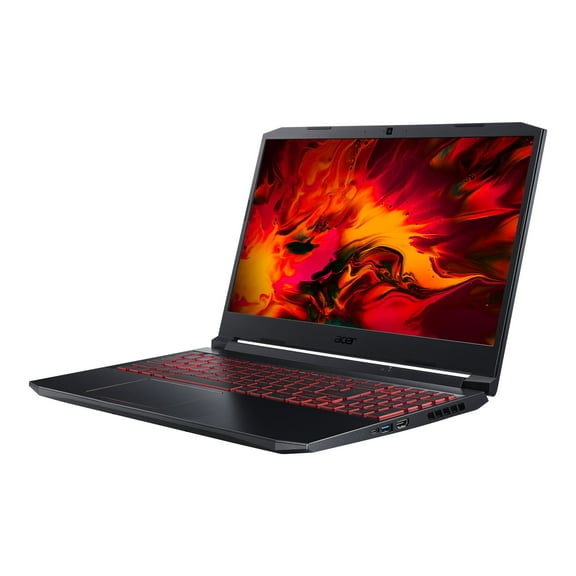
Acer Nitro 5 AN515-44-R99Q - Ryzen 5 4600H / 3 GHz -
FAQ
What should I look for in a gaming laptop?
If you're shopping for a gaming laptop, there are a few important things to keep in mind. Consider the processor speed, graphics capabilities, memory size, and storage type.
- Look for a processor that can handle modern games smoothly.
- Check the graphics card specs for better visuals and performance.
- More RAM helps multitasking and gaming.
- Solid-state drives (SSD) often load games faster than traditional hard drives.
Thinking about your gaming needs can help you find the right fit for your setup.
How can I keep my gaming laptop cool?
Keeping your gaming laptop cool can help maintain performance and extend its lifespan. Here are a few tips to help manage heat:
- Use the laptop on a hard, flat surface for better airflow.
- Consider getting a cooling pad for extra ventilation.
- Keep vents and fans clean and free from dust.
- Avoid blocking air vents with items like blankets or pillows.
These steps can help your laptop stay cooler during intense gaming sessions.
Can I upgrade the memory on a gaming laptop?
Many gaming laptops let you upgrade memory, but options vary by model. Before purchasing, check the laptop's technical specifications or manual to see if it's possible.
- Find out how many memory slots are available.
- Make sure you use compatible RAM types.
- Upgrading memory may require some technical know-how.
If you're unsure, it's a good idea to consult the manufacturer's support or a tech expert.
How do I clean my gaming laptop screen?
Cleaning your laptop screen safely helps keep your display clear and free from smudges. Here's how you can do it:
- Turn off and unplug the laptop before cleaning.
- Use a soft, lint-free microfiber cloth.
- Gently wipe the screen without pressing too hard.
- If needed, lightly dampen the cloth with water—never spray liquids directly onto the screen.
Regular cleaning can keep your laptop looking sharp and functioning well.
What accessories can improve my gaming experience?
Enhancing your gaming setup with accessories can make gameplay more comfortable and immersive. Here are a few useful additions:
- External gaming mice and keyboards for better control.
- Headsets with microphones for clear communication.
- Laptop cooling pads to help manage heat.
- High-quality monitors for improved visuals.
Choosing accessories based on your gaming style can help create a more enjoyable experience.
Popular in Risen 3
Related Products
Restored Hellmut The badass from hell (Nintendo Switch, 2019) Video Game (Refurbished)
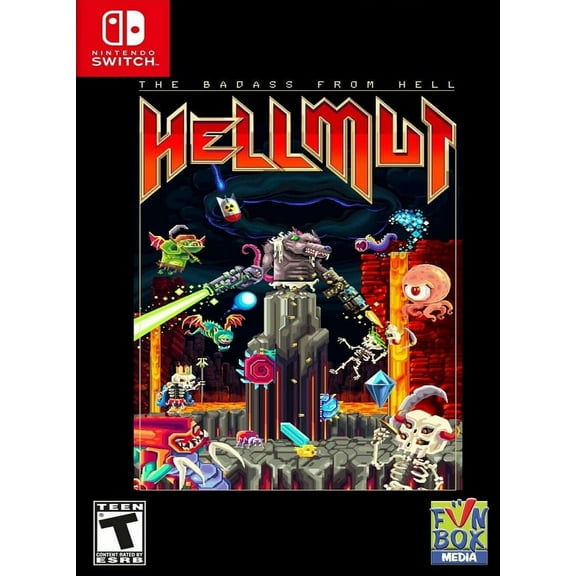 Restored Hellmut The badass from hell (Nintendo Switch, 2019) Video Game (Refurbished)$34.99current price $34.99
Saints Row The Third - Full Package - Nintendo Switch
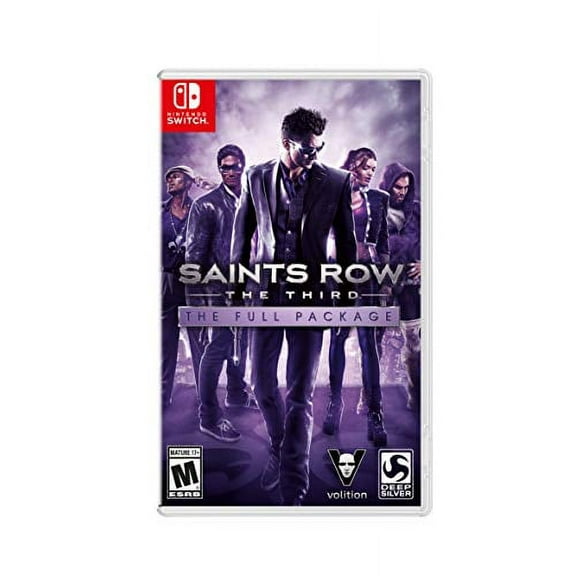 Saints Row The Third - Full Package - Nintendo Switch$29.94current price $29.94
Restored Deadly Arts (Nintendo 64, 1998) Fighting Game (Refurbished)
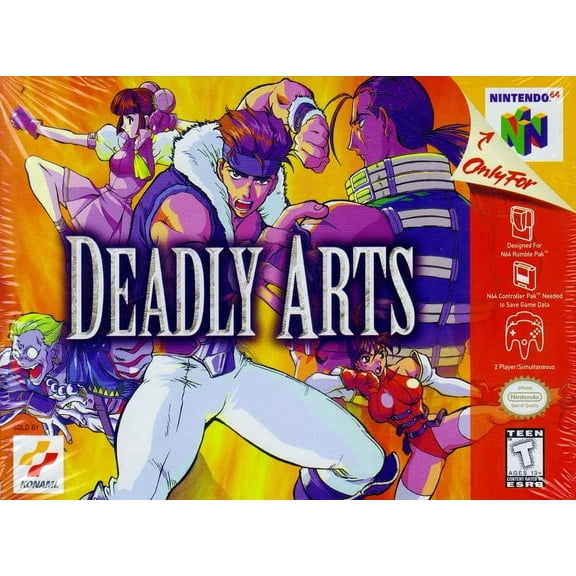 Restored Deadly Arts (Nintendo 64, 1998) Fighting Game (Refurbished)$79.98current price $79.98
Restored Victor Vran: Overkill Edition (Nintendo Switch, 2018) RPG Game (Refurbished)
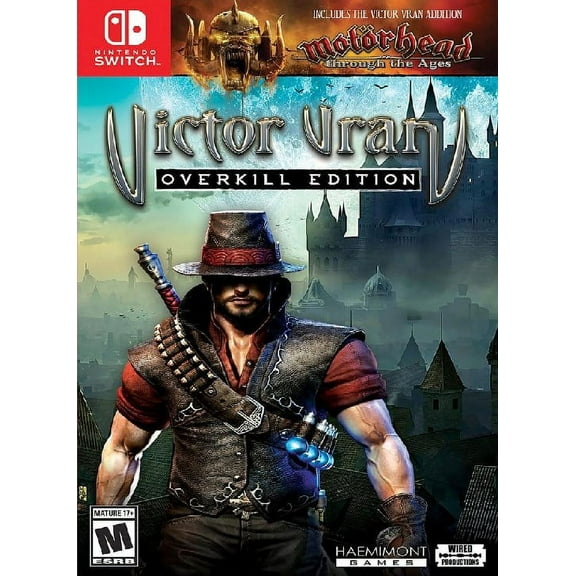 Restored Victor Vran: Overkill Edition (Nintendo Switch, 2018) RPG Game (Refurbished)$69.99current price $69.99
Death Road to Canada - Play Exclusives [Nintendo Switch]
 Death Road to Canada - Play Exclusives [Nintendo Switch]$36.99current price $36.99
Restored Has Been Heroes (Nintendo Switch, 2017) Strategy Game (Refurbished)
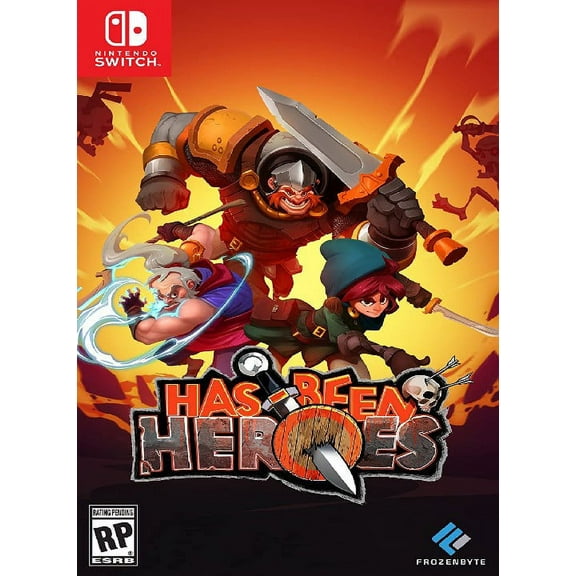 Restored Has Been Heroes (Nintendo Switch, 2017) Strategy Game (Refurbished)$20.01current price $20.01
Sniper Elite III Ultimate Edition (Switch) EU Version Region Free
 Sniper Elite III Ultimate Edition (Switch) EU Version Region Free$37.00current price $37.00
Restored Tales of Symphonia: Remastered, Nintendo Switch (Refurbished)
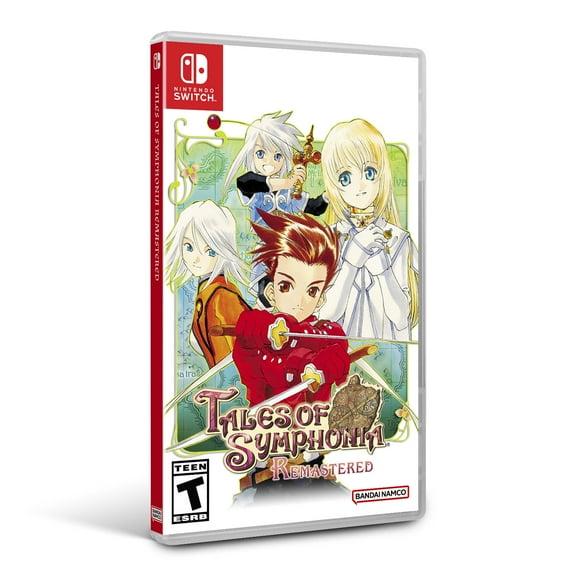 Restored Tales of Symphonia: Remastered, Nintendo Switch (Refurbished)$31.49current price $31.49
Crysis 3 (Limited Run Games) (Nintendo Switch)
 Crysis 3 (Limited Run Games) (Nintendo Switch)$47.88current price $47.88
Restored Brawlout (Nintendo Switch) Fighting Game (Refurbished)
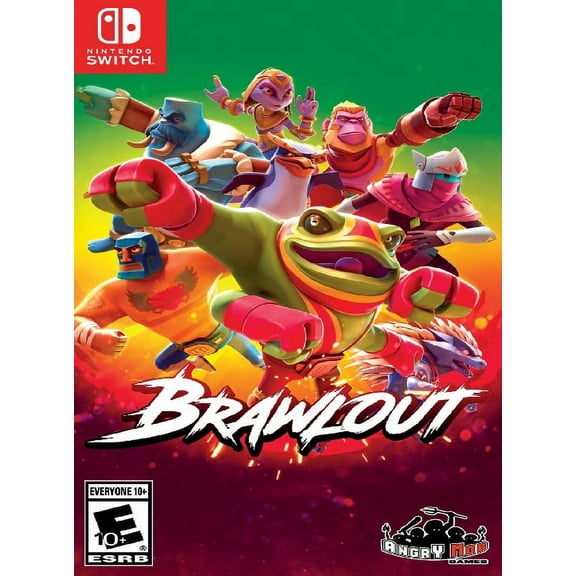 Restored Brawlout (Nintendo Switch) Fighting Game (Refurbished)$26.48current price $26.48
Sniper Elite 4 - Nintendo Switch Physical
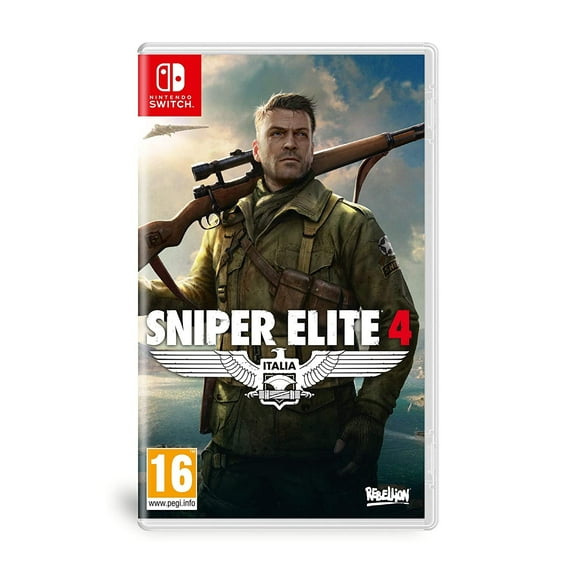 Sniper Elite 4 - Nintendo Switch Physical$39.99current price $39.99