

Replacement Screens(13)
KIQ Replacement LCD Screen Full Assembly with Digitizer Compatible with BLU G64(Withtout Frame) $39.99

KIQ Replacement LCD Screen Full Assembly with Digitizer Compatible with BLU G64(Withtout Frame)
Best seller for iPad 10 (10th Generation) 2022 Screen Replacement 10.9 Inch Digitizer, for iPad 10th Gen A2696 A2757 A2777 Touch Glass, Full Repair Kits $24.99

for iPad 10 (10th Generation) 2022 Screen Replacement 10.9 Inch Digitizer, for iPad 10th Gen A2696 A2757 A2777 Touch Glass, Full Repair Kits
KIQ Replacement LCD Screen Full Assembly with Digitizer Compatible with Samsung Galaxy A26 5G(With Frame) From $30.99
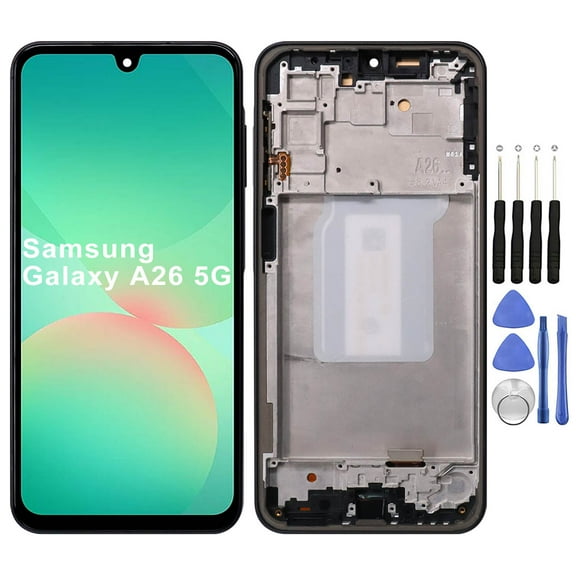
KIQ Replacement LCD Screen Full Assembly with Digitizer Compatible with Samsung Galaxy A26 5G(With Frame)
Riousery LCD Display Screen Replacement for iPod Video 5th Generation 5.5G 30GB 60GB 80GB Front Panel Glass Assembly Repair Part Clear Visuals Easy Installation $43.77
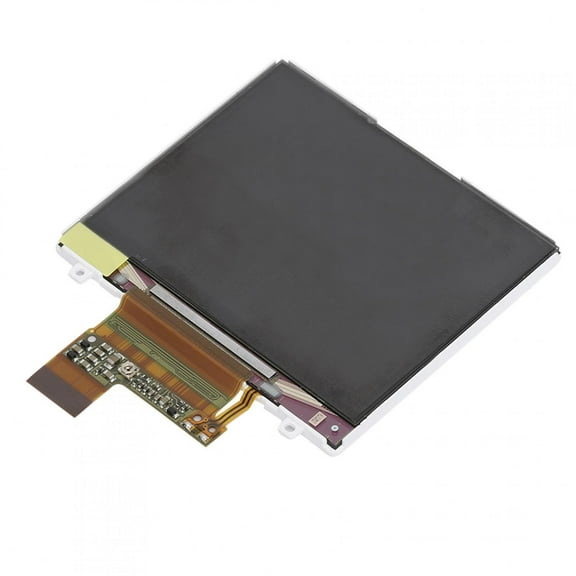
Riousery LCD Display Screen Replacement for iPod Video 5th Generation 5.5G 30GB 60GB 80GB Front Panel Glass Assembly Repair Part Clear Visuals Easy Installation
Digitizer Touch Screen 6.8 Inches / 17.3 cm Display Panel Replacement Assembly for Galaxy S23 Ultra 5G SM S9180 S918B S918U S918W S918N S918E $97.62
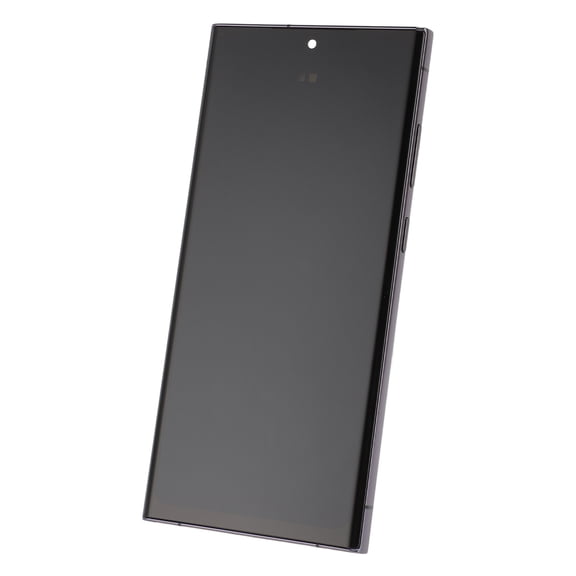
Digitizer Touch Screen 6.8 Inches / 17.3 cm Display Panel Replacement Assembly for Galaxy S23 Ultra 5G SM S9180 S918B S918U S918W S918N S918E
Phone LCD Screen Replacement Sensitive Scratch Proof Digitizer Touch Screen Assembly for Galaxy Note8 SM N9500 SM N950F DS W U Premium Display Repair Part 6.3 inches / 16.0 cm $45.30
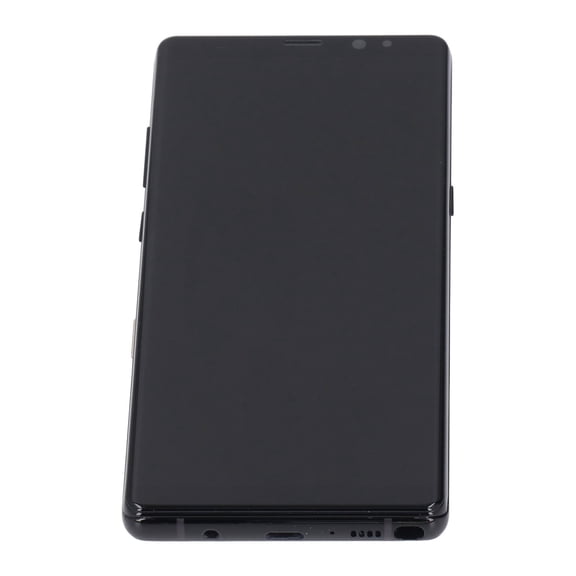
Phone LCD Screen Replacement Sensitive Scratch Proof Digitizer Touch Screen Assembly for Galaxy Note8 SM N9500 SM N950F DS W U Premium Display Repair Part 6.3 inches / 16.0 cm
KIQ For T-Mobile Revvl 8 LCD Screen Full Assembly with Digitizer Replacement $48.99
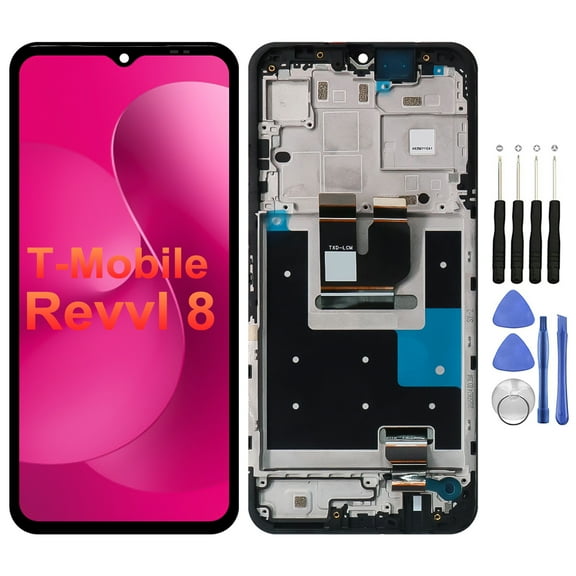
KIQ For T-Mobile Revvl 8 LCD Screen Full Assembly with Digitizer Replacement
KIQ Replacement LCD Screen Full Assembly with Digitizer Compatible with AT&T Motivate 2/Cricket Icon 3(With Frame) From $27.99
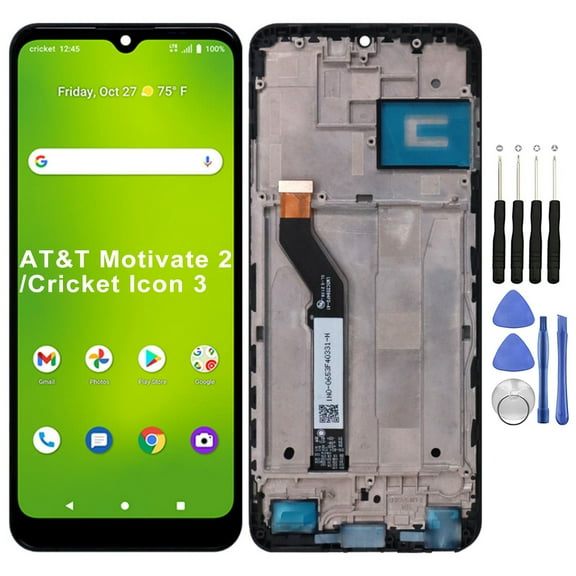
KIQ Replacement LCD Screen Full Assembly with Digitizer Compatible with AT&T Motivate 2/Cricket Icon 3(With Frame)
KIQ Replacement LCD Screen Full Assembly with Digitizer Compatible with Boost Mobile Celero 5G SC(With Frame) From $42.99

KIQ Replacement LCD Screen Full Assembly with Digitizer Compatible with Boost Mobile Celero 5G SC(With Frame)
KIQ Replacement LCD Screen Full Assembly with Digitizer Compatible with Motorola Moto G Power (2025) XT2515(Without Frame) (With Repair Tool Set) From $25.99
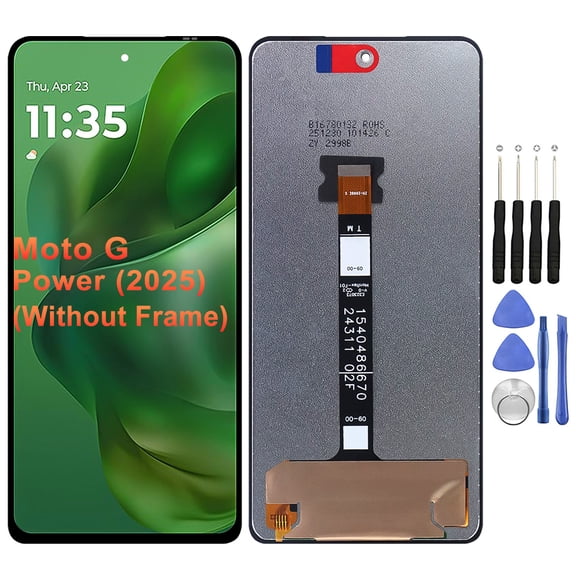
KIQ Replacement LCD Screen Full Assembly with Digitizer Compatible with Motorola Moto G Power (2025) XT2515(Without Frame) (With Repair Tool Set)
Replacement Touch Screen Digitizer Glass For Samsung Galaxy Tab E 8.0 SM-T377W - White $32.93
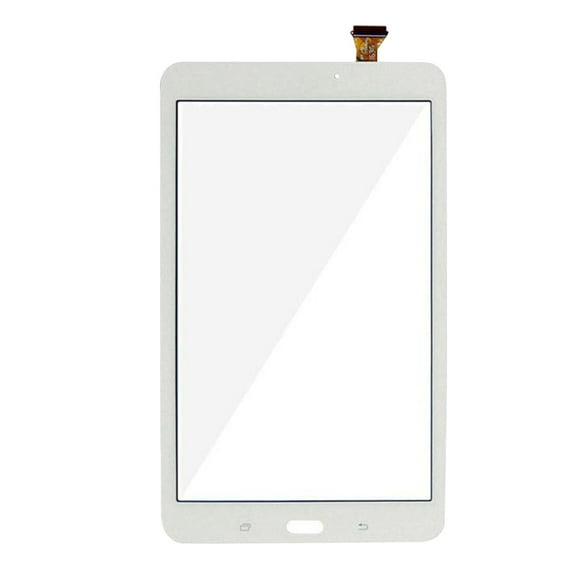
Replacement Touch Screen Digitizer Glass For Samsung Galaxy Tab E 8.0 SM-T377W - White
KIQ For TCL K33 LCD Screen Full Assembly with Digitizer Replacement(With Frame)(With Repair Tool Set) $41.99

KIQ For TCL K33 LCD Screen Full Assembly with Digitizer Replacement(With Frame)(With Repair Tool Set)
For Samsung Galaxy Tab 2 10.1" GT-P5100 Wi-Fi 3G Replacement Front Touch Screen Digitizer Outer Glass Lens Tool White
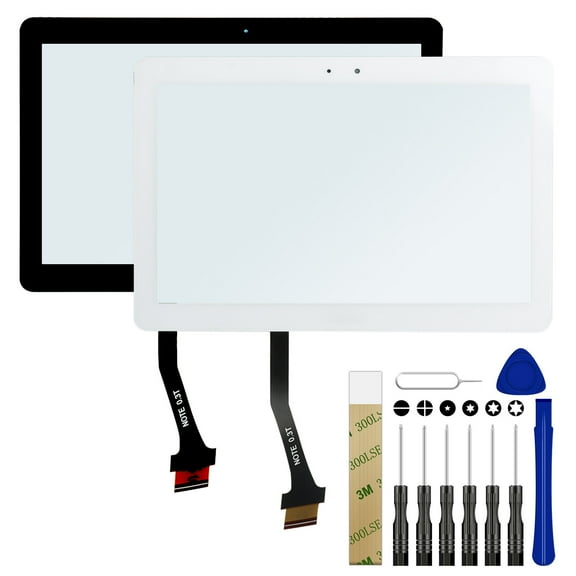
For Samsung Galaxy Tab 2 10.1" GT-P5100 Wi-Fi 3G Replacement Front Touch Screen Digitizer Outer Glass Lens Tool White
FAQ
How do I choose the right replacement screen?
Picking the right screen comes down to compatibility and what’s included. A quick check can save time and rework.
- Confirm your exact model: Find the device model number in Settings > About or etched on the back.
- Match connectors and size: Compare product photos and the listed connector layout to your original.
- Assembly type: Full assemblies (display + touch) are simpler; separate glass/touch or display-only parts can be more advanced.
- With or without frame: Frames can simplify alignment but may require transferring fewer parts.
- What’s in the box: Check if tools, adhesive, and small brackets are included.
Review the product description and compatibility notes on the item page before you order.
What’s the difference between LCD, OLED, and digitizer?
These terms describe different parts of a display assembly and help you decide what you need.
- LCD: A backlit panel that shows the image. It’s common and works well for many devices.
- OLED: Each pixel lights itself, offering deeper blacks and thinner panels. It’s often more sensitive to handling during install.
- Digitizer: The touch-sensing layer. If the picture looks fine but touch doesn’t respond, the digitizer is often the issue.
Many replacements come as a pre-bonded display + digitizer to simplify repair. If the image is cracked or has lines, replace the display; if only touch is unresponsive, a digitizer-integrated assembly can help.
What’s usually in a phone screen repair kit?
Kits vary, so it’s good to scan the “What’s included” section on the product page.
- Replacement screen assembly: May be display-only or a full assembly with touch pre-bonded.
- Frame and small parts: Some include a frame, brackets, speaker mesh, or adhesive gaskets pre-installed.
- Tools: Often a screwdriver set, spudgers, suction cup, opening picks, tweezers, and a SIM tool.
- Adhesive: Pre-applied strips or double-sided tape for resealing.
Not every kit includes waterproof gaskets or every small bracket. If you need a more complete set, look for mentions of pre-installed parts or an included adhesive seal.
Any tips for installing a new screen safely?
A careful setup can make the swap smoother and help protect your device.
- Power down first: If possible, disconnect the battery before unplugging display cables.
- Work clean: Use a dust-free, well-lit surface and keep screws organized.
- Soften adhesive: Gentle, controlled heat can help lift the old screen without stressing cables.
- Protect the battery: Never pry directly on a battery; avoid bending or puncturing it.
- Test before sealing: Connect the new screen, power on, and check touch and display before applying final adhesive.
- Reapply seals: Use new adhesive or a gasket if your device originally had one; water resistance may be reduced after repair.
What if the replacement screen doesn’t work after install?
There are a few quick checks that can help you diagnose what’s going on.
- Reseat connectors: Power down, disconnect the battery if possible, and firmly reattach display and touch cables.
- Inspect for obstructions: Remove any protective films on connectors or sensor windows; clear debris from ports.
- Check flex cables: Look for kinks, tears, or bent pins on connectors.
- Soft reset test: Restart the device and test again before sealing.
- Compare parts: Verify you received the correct model and connector layout.
If issues persist, review the product page for troubleshooting notes and support or return options. Professional installation may be a helpful alternative if you’re unsure.
Popular in Replacement Screens for Cell Phones and Tablets
- Note Camera Glass Replacement
- Pax 2 Screen
- Nexus Screen
- Clear Lcd Screen
- Crack Phone Screen
- Verizon Screen Protector Replacement
- All Screen Protectors
- Supershieldz Screen Protectors
- Multipack Phone Screen Protectors
- SuperGuardZ Screen Protectors
- Tempered Glass Phone Screen Protectors
- Privacy Phone Screen Protector
Related Products
GPCT LCD Display Digitizer Touch Screen Replacement Parts Kit for iPhone 5C Screen
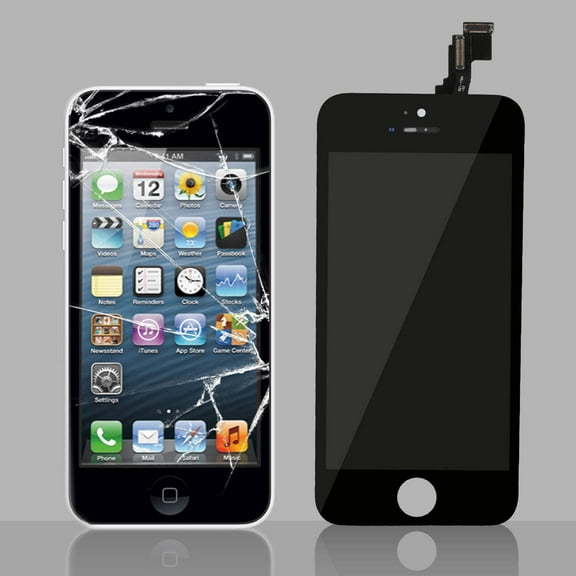 GPCT LCD Display Digitizer Touch Screen Replacement Parts Kit for iPhone 5C Screen$13.53current price $13.53
Replacement LCD Display Touch Screen Digitizer Assembly Without Frame For OnePlus 7T
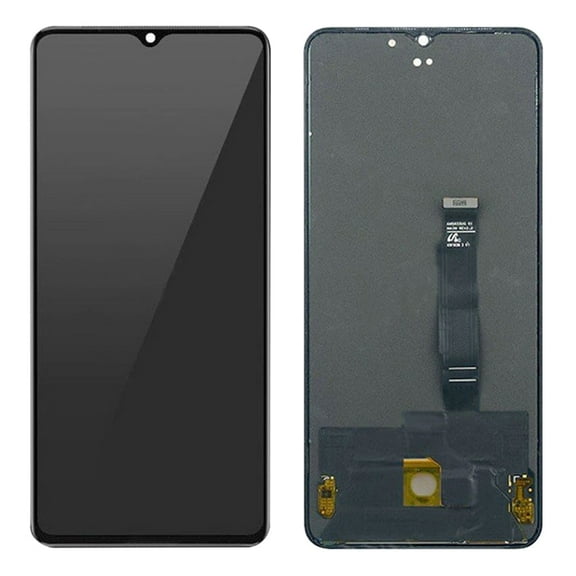 Replacement LCD Display Touch Screen Digitizer Assembly Without Frame For OnePlus 7T$197.87current price $197.87
Replacement OLED Display Touch Screen Digitizer Assembly For Apple iPhone 13 (A2631) - All Colors
 Replacement OLED Display Touch Screen Digitizer Assembly For Apple iPhone 13 (A2631) - All Colors$127.56current price $127.56
Replacement Semi-original LCD Display Touch Screen Digitizer Assembly For Apple iPhone 11 - Black
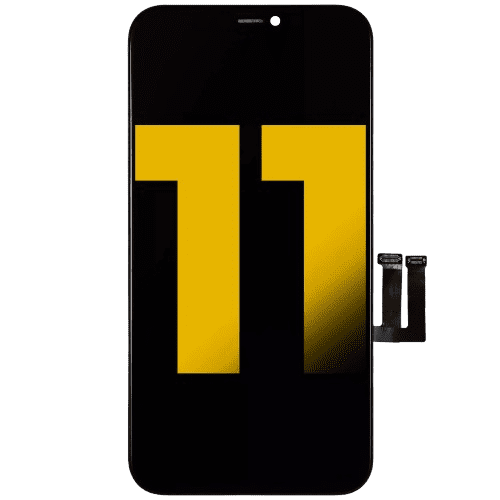 Replacement Semi-original LCD Display Touch Screen Digitizer Assembly For Apple iPhone 11 - Black$61.08current price $61.08
Back Glass Replacement for 15 Pro max with Plate & Flex Cable - Back Glass Replacement for 15 Pro max 6.7 Inch with Repairing Tool Kits(Black Titanium)
Back Glass Replacement for 15 Pro max with Plate & Flex Cable - Back Glass Replacement for 15 Pro max 6.7 Inch with Repairing Tool Kits(Black Titanium)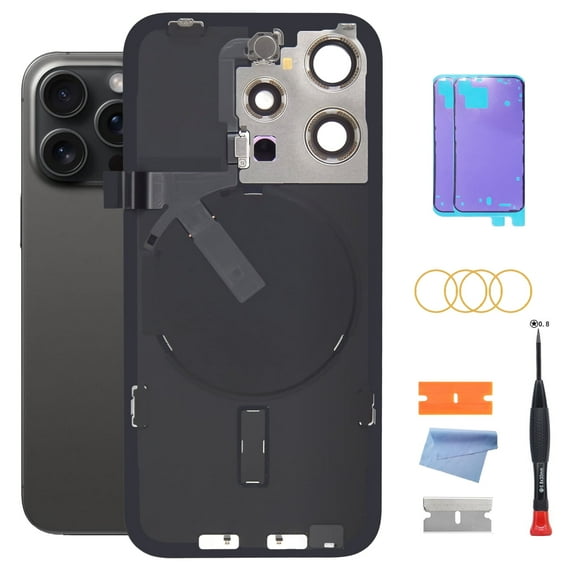
Replacement LCD Display Digitizer Full Assembly Screen + Frame For LG Stylo 2 Plus (K557) - Black
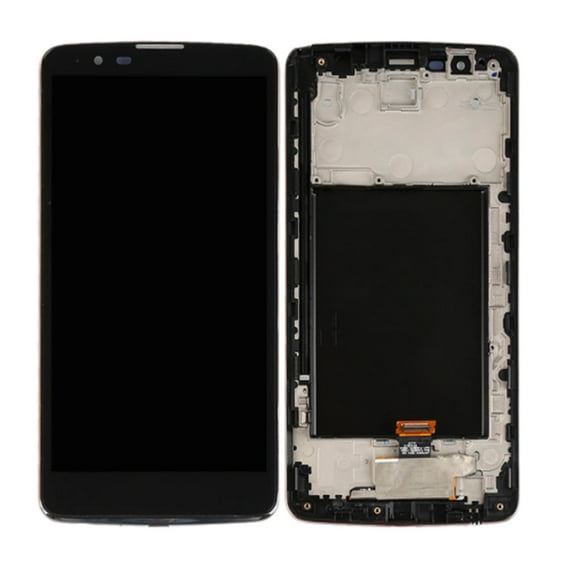 Replacement LCD Display Digitizer Full Assembly Screen + Frame For LG Stylo 2 Plus (K557) - Black$41.82current price $41.82
CSYANXING Anbernic RG35XX LCD Screen Replacement Repair Part Includes Display Panel Easy Install Fix Your Gaming Device
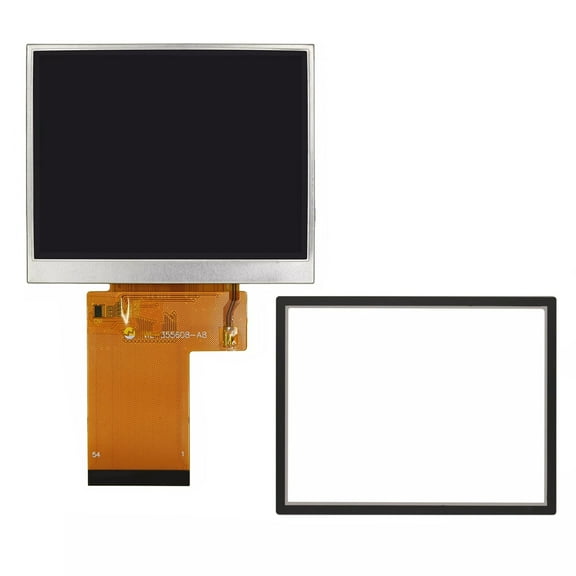 CSYANXING Anbernic RG35XX LCD Screen Replacement Repair Part Includes Display Panel Easy Install Fix Your Gaming Device$23.94current price $23.94
Replacement 5G Glass Edge Strip Compatible With iPhone 15 / 15 Plus (Black)
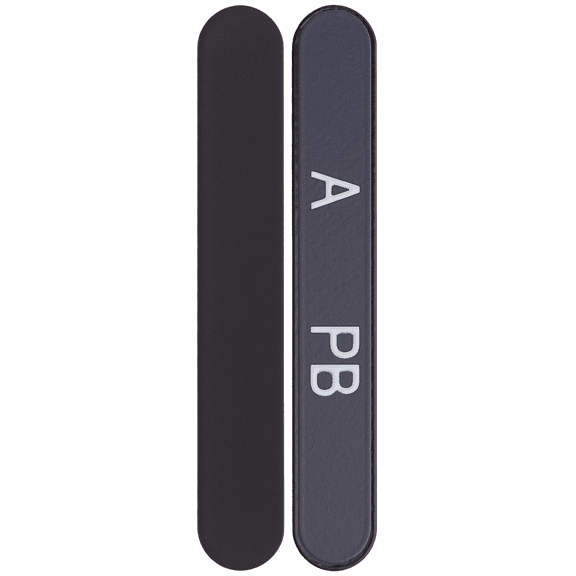 Replacement 5G Glass Edge Strip Compatible With iPhone 15 / 15 Plus (Black)$14.82current price $14.82
Replacement Oled Display Touch Screen Digitizer Assembly For Apple iPhone 13 Pro Max Black
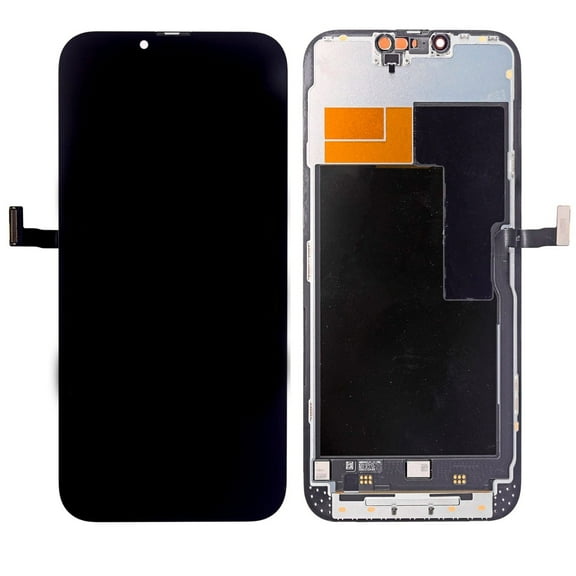 Replacement Oled Display Touch Screen Digitizer Assembly For Apple iPhone 13 Pro Max Black$197.07current price $197.07
Replacement LCD Steel Plate Compatible For iPhone 6S
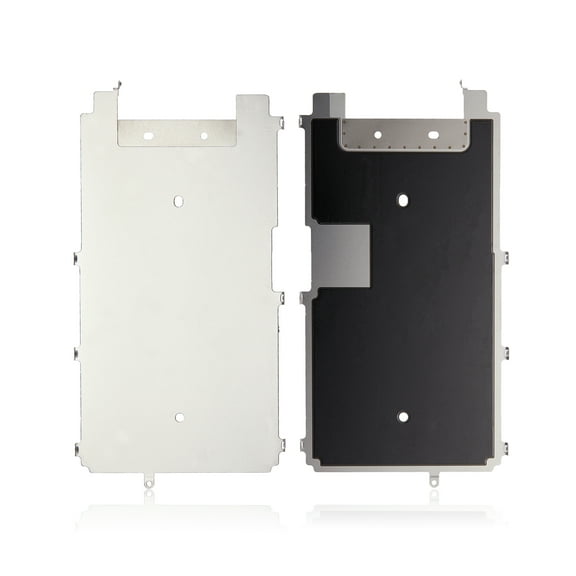 Replacement LCD Steel Plate Compatible For iPhone 6S$17.07current price $17.07
Replacement LCD Assembly Compatible For iPhone 4 (CDMA) (Aftermarket Plus) (Black)
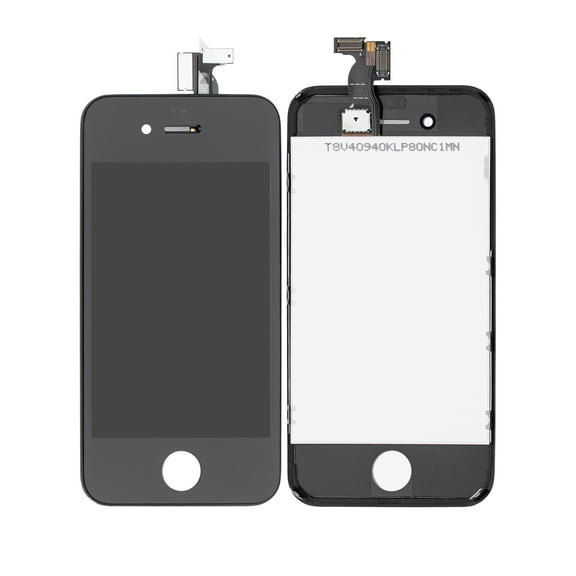 Replacement LCD Assembly Compatible For iPhone 4 (CDMA) (Aftermarket Plus) (Black)$29.09current price $29.09
OEM Back Glass Replacement for iPhone 13 Pro 6.1-Inch – Compatible with All Carriers, Pre-Installed Adhesive and Repair Kit Included (Sierra Blue)
OEM Back Glass Replacement for iPhone 13 Pro 6.1-Inch – Compatible with All Carriers, Pre-Installed Adhesive and Repair Kit Included (Sierra Blue)
Replacement LCD Assembly Compatible For iPhone 4S (Aftermarket Plus) (Black)
 Replacement LCD Assembly Compatible For iPhone 4S (Aftermarket Plus) (Black)$27.55current price $27.55
Replacement 3 in 1 (Frame + Front Glass + OCA Preinstalled) For Apple iPhone 8 4.7'' - Black
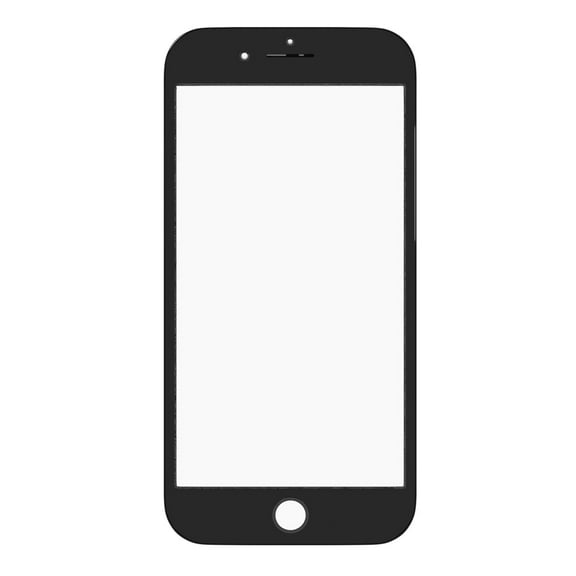 Replacement 3 in 1 (Frame + Front Glass + OCA Preinstalled) For Apple iPhone 8 4.7'' - Black$25.31current price $25.31
Replacement LCD Display Touch Screen Digitizer Assembly For Google Pixel 1 - White
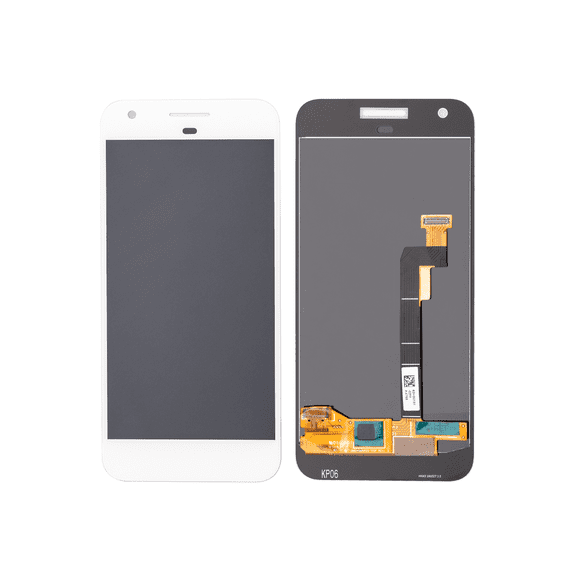 Replacement LCD Display Touch Screen Digitizer Assembly For Google Pixel 1 - White$54.72current price $54.72