

Rainbird Esp Controller(4)
Rain Bird ESP-9V1 (1-Zone) Battery-Operated Controller $90.98

Rain Bird ESP-9V1 (1-Zone) Battery-Operated Controller
Rain Bird ESP-TM2 12 Station WiFi Ready Indoor/Outdoor Controller | TM2-12 $259.99

Rain Bird ESP-TM2 12 Station WiFi Ready Indoor/Outdoor Controller | TM2-12
Rain Bird ESP-TM2 F44224 4-Station Outdoor Irrigation Controller $121.75

Rain Bird ESP-TM2 F44224 4-Station Outdoor Irrigation Controller
Rain Bird ESP-TM2 8 Station LNK WiFi Irrigation System Outdoor Controller Timer $174.99

Rain Bird ESP-TM2 8 Station LNK WiFi Irrigation System Outdoor Controller Timer
Other options to consider(7)
Rain Bird Programmable 8 Zone Residential Controller $119.89

Rain Bird Programmable 8 Zone Residential Controller
Rain Bird ARC6 App-Based Indoor Smart Irrigation WiFi Timer/Controller, 6-Zone/Station, EPA WaterSense Certified, Compatible with Alexa $75.99

Rain Bird ARC6 App-Based Indoor Smart Irrigation WiFi Timer/Controller, 6-Zone/Station, EPA WaterSense Certified, Compatible with Alexa
Rain Bird ESPSM3 3 Station Expansion Module for ESP-Me and ESP-SMTe Controllers $56.36

Rain Bird ESPSM3 3 Station Expansion Module for ESP-Me and ESP-SMTe Controllers
Rain Bird Replacement Transformer for SST, E & ISM Series Indoor Irrigation Controllers $19.95

Rain Bird Replacement Transformer for SST, E & ISM Series Indoor Irrigation Controllers
Rainbird PT322 Pulse Transmitter Programmable M80201 $49.95

Rainbird PT322 Pulse Transmitter Programmable M80201
Rain Bird M30X 30 PSI Inline Pressure Regulator 3/4 in. FPT | PSI-M30X-075 $28.07

Rain Bird M30X 30 PSI Inline Pressure Regulator 3/4 in. FPT | PSI-M30X-075
Rain Bird ESPSM6 6 Station Expansion Module for ESP-Me and ESP-SMTe Controllers $91.21

Rain Bird ESPSM6 6 Station Expansion Module for ESP-Me and ESP-SMTe Controllers
FAQ
How do I set up a Rain Bird ESP controller?
Setting up a Rain Bird ESP controller is straightforward. Start by mounting the controller in a suitable outdoor or indoor location, following the manufacturer's instructions. Connect the wires from your irrigation valves to the corresponding station terminals inside the controller. Plug in the power supply or install batteries if it's a battery-operated model. Use the control panel to set the current date and time, then program your desired watering schedule for each zone. For WiFi-enabled models, you can connect the controller to your home network using the compatible app for remote access and scheduling. Always refer to the included manual for model-specific steps.
Can I control my sprinkler system from my phone?
Many Rain Bird ESP controllers offer WiFi connectivity, allowing you to manage your sprinkler system from your smartphone or tablet. With compatible models, you can download the Rain Bird app, connect your controller to your home WiFi, and adjust watering schedules, start or stop zones, and monitor system status remotely. This feature is especially handy for making quick changes while you're away from home or responding to weather changes. Be sure to check your controller's specifications to confirm WiFi capability and app compatibility before setup.
What do the different station numbers mean?
Station numbers on a Rain Bird ESP controller refer to the individual zones or areas of your yard that the system can water independently. Each station controls a separate valve, so you can customize watering times and frequency for different parts of your landscape. For example, a controller with 8 stations can manage up to 8 separate zones, such as lawns, flower beds, or gardens. This flexibility helps you provide the right amount of water to each area based on its unique needs.
How do I add more zones to my controller?
If you need to expand your irrigation system, some Rain Bird ESP controllers support additional zones through expansion modules. These modules can be installed inside the controller to increase the number of stations it can manage. For example, you might find 3-station or 6-station expansion modules compatible with certain models. Always check your controller's manual to confirm expansion options and follow the installation instructions carefully. This way, you can customize your system as your landscaping needs grow.
What should I do if my controller stops working?
If your Rain Bird ESP controller isn't working as expected, try these troubleshooting steps:
- Check the power supply: Ensure the controller is plugged in or the batteries are fresh.
- Inspect wiring connections: Loose or disconnected wires can cause issues.
- Review the display: Look for error messages or blank screens that might indicate a problem.
- Reset the controller: Some models have a reset button or procedure in the manual.
If these steps don't resolve the issue, consult the product manual or reach out to the manufacturer's support for further assistance.
Popular in Rainbird ESP Controller Smart Irrigation Systems
Related Products
Orbit B-hyve XR 16-StationIndoor/Outdoor Sprinkler Controller (WT26)
 Orbit B-hyve XR 16-StationIndoor/Outdoor Sprinkler Controller (WT26)$199.00current price $199.00
RainPoint Sprinkler Timer with Brass Inlet, 2 Zone Water Timers for Hoses, Garden Watering System
 RainPoint Sprinkler Timer with Brass Inlet, 2 Zone Water Timers for Hoses, Garden Watering System$47.99current price $47.99
RainPoint Sprinkler Timer with Brass Inlet, Water Timers for Hoses, Garden Watering System
 RainPoint Sprinkler Timer with Brass Inlet, Water Timers for Hoses, Garden Watering System$32.99current price $32.99
Rain Bird 1-Outlet Digital Water Timer 1ZEHTMR
 Rain Bird 1-Outlet Digital Water Timer 1ZEHTMR$47.38current price $47.38
Rain Bird Upgraded Hose-End Water Timer with Quick Connect Fittings – Digital Battery-Operated Sprinkler Controller for Easy On/Off, Storage & Seasonal Use
 Rain Bird Upgraded Hose-End Water Timer with Quick Connect Fittings – Digital Battery-Operated Sprinkler Controller for Easy On/Off, Storage & Seasonal Use$29.95current price $29.95
RainPoint Sprinkler Timer with Brass Inlet & Outlet, 2 Zone Water Timers for Hoses, Garden Watering System
 RainPoint Sprinkler Timer with Brass Inlet & Outlet, 2 Zone Water Timers for Hoses, Garden Watering System$50.99current price $50.99
Orbit Easy Dial 4-Station Indoor Hardwired Sprinkler Timer
 Orbit Easy Dial 4-Station Indoor Hardwired Sprinkler Timer$34.99current price $34.99
Orbit Irrigation Products Timer Sprinkler 6Station Green 57896
 Orbit Irrigation Products Timer Sprinkler 6Station Green 57896$71.79current price $71.79
URRU Watering Timers,Outdoor Garden Hose Faucet Timers, Programmable Water Sprinkler Timer with Rain Delay/Manual/Automatic Drip Irrigation and Lawn Watering System for Yard, 1 Outlet
 URRU Watering Timers,Outdoor Garden Hose Faucet Timers, Programmable Water Sprinkler Timer with Rain Delay/Manual/Automatic Drip Irrigation and Lawn Watering System for Yard, 1 Outlet$19.99current price $19.99
Irrigation Controller,LCD,Outdoor 04082
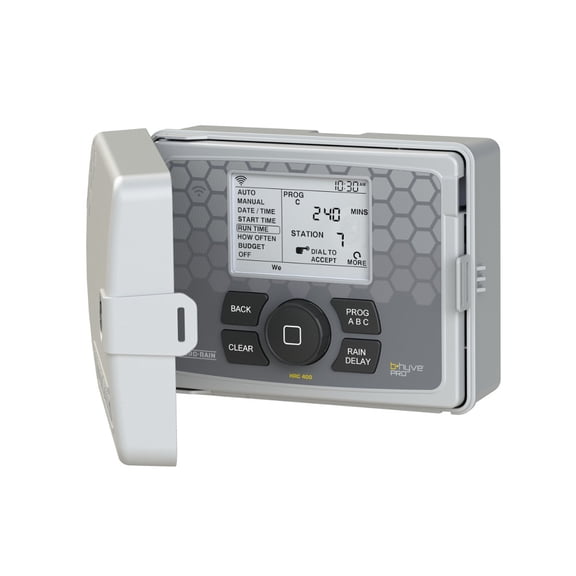 Irrigation Controller,LCD,Outdoor 04082$268.13current price $268.13
RainPoint Sprinkler Timer Dual Zones Automatic Irrigation System Controller, Easy Programming Hose Water Timer
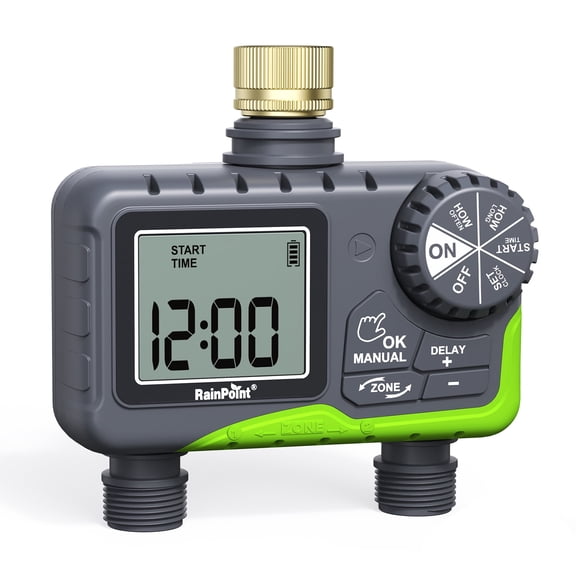 RainPoint Sprinkler Timer Dual Zones Automatic Irrigation System Controller, Easy Programming Hose Water Timer$52.99current price $52.99
RainPoint 3-Zone Water Timer for Outdoor Garden Yard Lawn, Programmable Sprinkler Timer with LCD Display, Watering Controller, ITV347
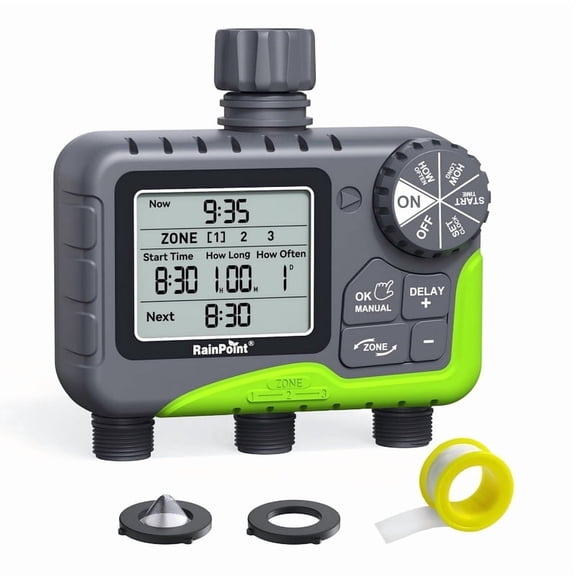 RainPoint 3-Zone Water Timer for Outdoor Garden Yard Lawn, Programmable Sprinkler Timer with LCD Display, Watering Controller, ITV347$58.99current price $58.99
Orbit 4-Station Indoor/Outdoor Sprinkler Controller, Gray
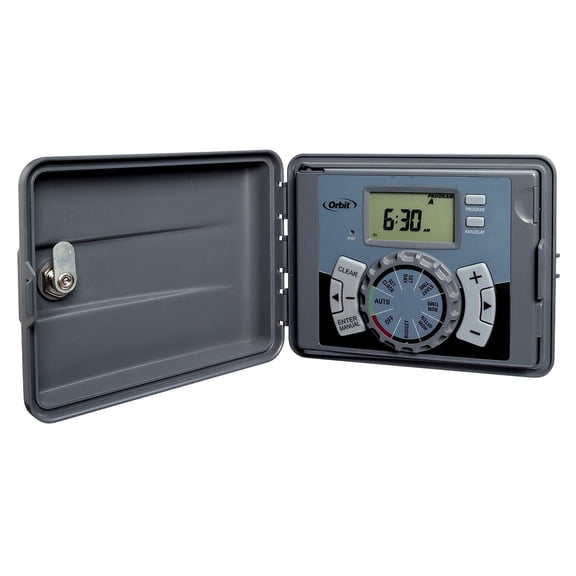 Orbit 4-Station Indoor/Outdoor Sprinkler Controller, Gray$49.99current price $49.99
