

Prostar Laptop(1)
Uses item details. Price when purchased online
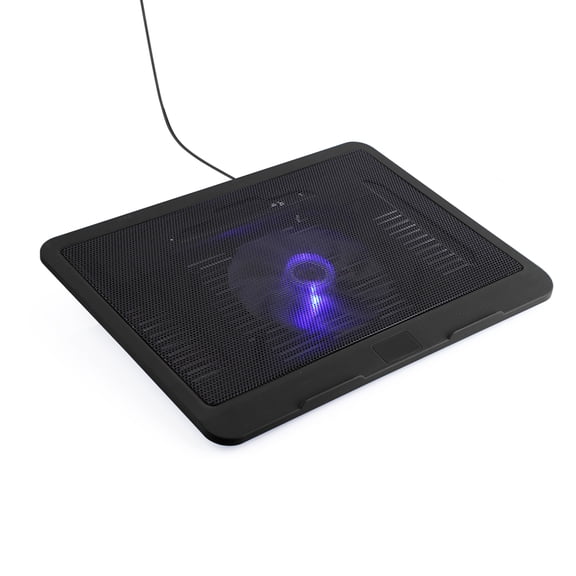
Leyeet Laptop Cooling Pad Laptop Cooler Pad Stand USB Base Big Cooling Fan Pad for Laptop USA From $13.48
Sponsored
From$1348
Leyeet Laptop Cooling Pad Laptop Cooler Pad Stand USB Base Big Cooling Fan Pad for Laptop USA
3.8 out of 5 stars
Other options to consider(2)
New, HP ProBook 460 G11 16" FHD+ Business Laptop, Intel Core Ultra 7 155U, 16GB DDR5, 512GB SSD, Windows 11 Pro From $1,449.00
New

5 options
Available in additional 5 optionsFrom$1,44900
HP ProBook 460 G11 16" FHD+ Business Laptop, Intel Core Ultra 7 155U, 16GB DDR5, 512GB SSD, Windows 11 Pro
Pre-Owned HP ProBook 450 G7 15.6" Intel Core i3 10th Gen 4GB 256GB Windows 11 (Fair) $199.99

$19999
current price $199.99Pre-Owned HP ProBook 450 G7 15.6" Intel Core i3 10th Gen 4GB 256GB Windows 11 (Fair)
FAQ
What makes a laptop good for students?
When choosing a laptop for students, look for features that support everyday tasks and learning.
- Performance: Enough RAM and a fast processor help with multitasking and running educational software.
- Storage: SSDs offer quicker boot times and file access, making assignments easier to manage.
- Portability: Lightweight designs and long battery life are ideal for carrying between classes.
- Connectivity: WiFi 6 ensures smooth online research and video calls.
How does a touchscreen laptop help with work?
Touchscreen laptops can make tasks more interactive and efficient.
- Navigation: Quickly scroll, zoom, and select items without a mouse.
- Creativity: Drawing or annotating directly on the screen is useful for presentations and brainstorming.
- Multitasking: Switching between apps is faster with touch controls.
Can I use these laptops for video calls?
Yes, most modern laptops support video calls with built-in webcams and microphones.
- Software Compatibility: They work with popular platforms like Zoom and Teams.
- Connectivity: WiFi 6 helps maintain a stable connection for clear calls.
- Audio: Integrated speakers and microphones make it easy to communicate.
How do I keep my laptop running smoothly?
Regular maintenance can help your laptop stay fast and reliable.
- Update Software: Install updates for your operating system and apps.
- Clean Storage: Remove unused files and programs to free up space.
- Physical Care: Wipe the screen and keyboard gently with a soft cloth.
- Battery Management: Avoid letting the battery drain completely and recharge as needed.
Is it easy to set up a new laptop?
Setting up a new laptop is straightforward for most users.
- Initial Setup: Follow the on-screen instructions to connect to WiFi and create user accounts.
- Personalization: Adjust settings like display brightness and keyboard preferences.
- Security: Enable fingerprint unlock or set up a password for added protection.
- Software Installation: Download any needed apps for school or work.
Popular in Shop HP Laptops for Business and Students
Related Products
ENHANCE Cryogen Gaming Laptop Cooling Pad with 5 Ultra Quiet Cooler Fans and 2 USB Ports
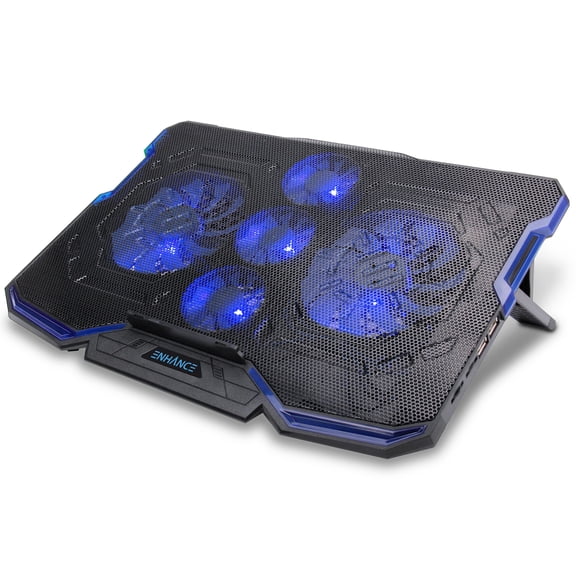 ENHANCE Cryogen Gaming Laptop Cooling Pad with 5 Ultra Quiet Cooler Fans and 2 USB Ports$39.99current price $39.99
Tilted Nation RGB Gaming Laptop Cooling Pad, Adjustable Stand with USB Hub, Fits 15.6-19 In Laptops
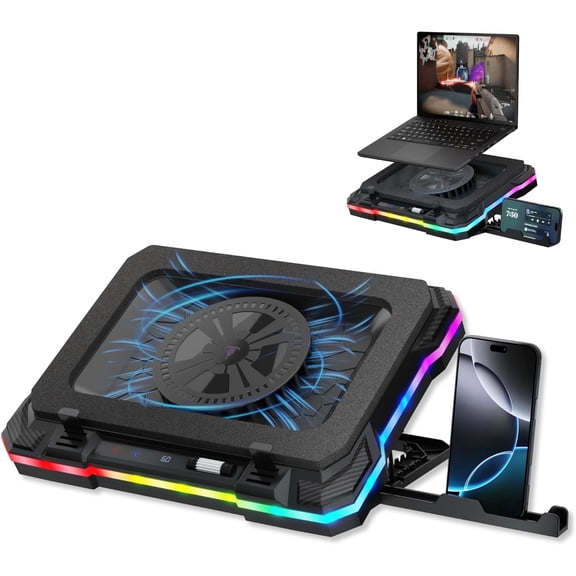 Tilted Nation RGB Gaming Laptop Cooling Pad, Adjustable Stand with USB Hub, Fits 15.6-19 In Laptops$59.99current price $59.99
COOLCOLD Laptop Cooling Pad 5 Big Fans for 10-15.6 In Gaming Notebook Cooler,with 5 Height Adjustable, 2 Usb Ports
 COOLCOLD Laptop Cooling Pad 5 Big Fans for 10-15.6 In Gaming Notebook Cooler,with 5 Height Adjustable, 2 Usb Ports$16.99current price $16.99
Atzeste Laptop Cooling Pad for Laptops, Laptop Cooler with 6 Quiet Cooling Fans for 12''-17.3'' Laptops, Height Wind Speed Adjustable Laptop Cooling Stand, 2 USB Ports and Phone Stand, Black
 Atzeste Laptop Cooling Pad for Laptops, Laptop Cooler with 6 Quiet Cooling Fans for 12''-17.3'' Laptops, Height Wind Speed Adjustable Laptop Cooling Stand, 2 USB Ports and Phone Stand, Black$23.99current price $23.99
Topmate C11 RGB Laptop Cooling Pad Gaming Cooler for 11-17.3" Laptop, Silent Cooling Fan for Laptop with 6 Quiet Fans-Blue LED Light
 Topmate C11 RGB Laptop Cooling Pad Gaming Cooler for 11-17.3" Laptop, Silent Cooling Fan for Laptop with 6 Quiet Fans-Blue LED Light$30.99current price $30.99
Coolcold 15.6-17.3inch Laptop Cooling Pad with 6 Quiet Fans,7 Height & Wind Speed Adjustable, 2 USB Port Laptop Cooer With Mobile Phone Holde
 Coolcold 15.6-17.3inch Laptop Cooling Pad with 6 Quiet Fans,7 Height & Wind Speed Adjustable, 2 USB Port Laptop Cooer With Mobile Phone Holde$15.99current price $15.99
COOLCOLD Vacuum Portable Laptop Cooler USB Air Cooler Black notebook cooling for 12-17in Laptop
 COOLCOLD Vacuum Portable Laptop Cooler USB Air Cooler Black notebook cooling for 12-17in Laptop$9.99current price $9.99
XRGO CHILL (MBSX9) Laptop Cooling Platform - Aluminum laptop stand with Advanced Heat dissipation and USB Charging ports for all PC Laptops and Macbook, MB Air, and MB Pro
 XRGO CHILL (MBSX9) Laptop Cooling Platform - Aluminum laptop stand with Advanced Heat dissipation and USB Charging ports for all PC Laptops and Macbook, MB Air, and MB Pro$39.95current price $39.95
High-performance Laptop Cooler Laptop Cooling Pad Double Fans Cooler with Two USB Ports Support for Laptops Under 17 inch Blue
 High-performance Laptop Cooler Laptop Cooling Pad Double Fans Cooler with Two USB Ports Support for Laptops Under 17 inch Blue$10.99current price $10.99
Arctic Silver 5 High-Density Polysynthetic Silver Thermal Compound
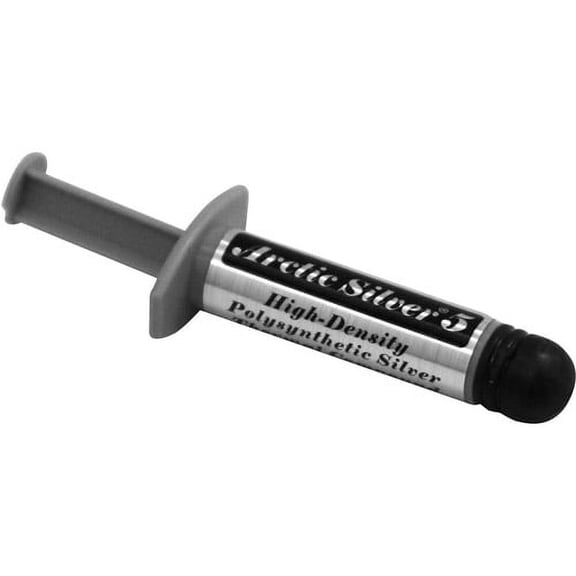 Arctic Silver 5 High-Density Polysynthetic Silver Thermal Compound$16.00current price $16.00
iMBAPrice Quiet Portable 12x17 inches Laptop & Notebook Cooler Cooling Pad, Ultra Slim, 5 Fans
 iMBAPrice Quiet Portable 12x17 inches Laptop & Notebook Cooler Cooling Pad, Ultra Slim, 5 Fans$19.99current price $19.99
ENHANCE Infiltrate 3 RGB Gaming Laptop Cooler - 8 Fans, Adjustable, USB Hub for 13-17.3" Laptops
 ENHANCE Infiltrate 3 RGB Gaming Laptop Cooler - 8 Fans, Adjustable, USB Hub for 13-17.3" Laptops$39.99current price $39.99