

Primewire(2)
PrimeWire Outdoor Digital Timer, Black $22.86 Was $32.46
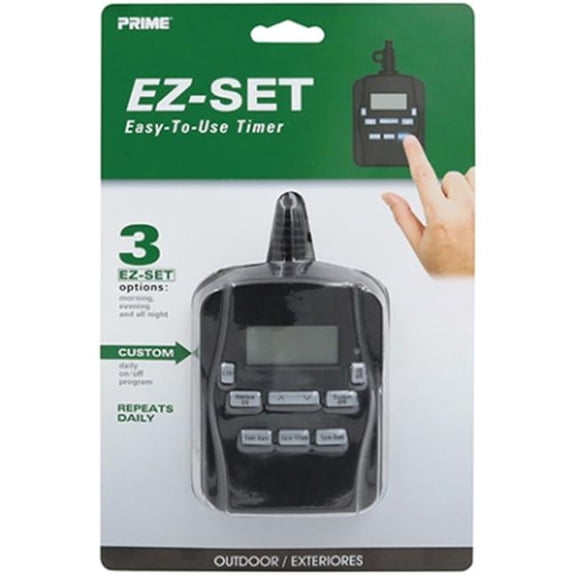
PrimeWire Outdoor Digital Timer, Black
PrimeWire EZ Outlet Indoor Digital Timer Set $25.19 Was $29.26

PrimeWire EZ Outlet Indoor Digital Timer Set
Other options to consider(1)
Prime Wire & Cable TNIW060-RC In-Wall Spring Wound Timer, White $14.95
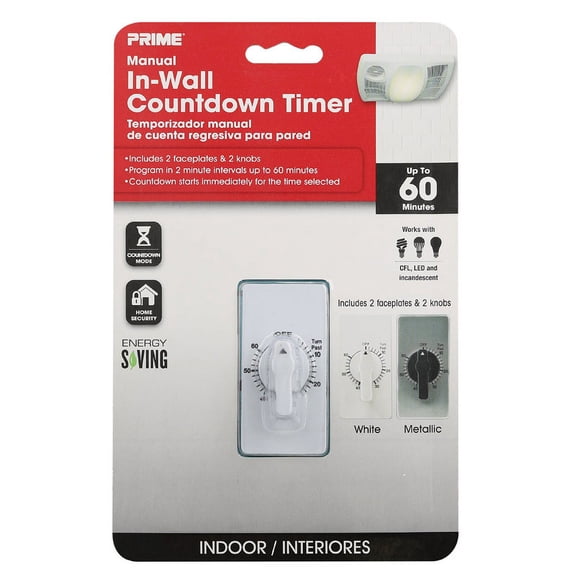
Prime Wire & Cable TNIW060-RC In-Wall Spring Wound Timer, White
FAQ
How do I set up an indoor digital timer?
Setting up an indoor digital timer is pretty straightforward. Start by plugging the timer into your wall outlet. Next, use the buttons or touchscreen to set the current time, then program your desired on/off times for your devices. Many models let you schedule multiple events or choose between daily and weekly settings. Be sure to check the user manual for specific instructions and safety tips. If you’re connecting lamps or electronics, make sure they don’t exceed the timer’s wattage rating. This can help automate your home and save energy.
Can I use these timers outdoors?
Some timers are designed specifically for outdoor use, while others are meant for indoors only. Look for timers labeled as 'outdoor' or 'weather-resistant' if you plan to use them outside. These models are built to handle moisture and temperature changes. Always check the product description and packaging to confirm where it’s safe to use. Using an indoor timer outdoors isn’t recommended, as it may not withstand the elements and could pose safety risks.
What’s the difference between digital and mechanical timers?
Digital timers use electronic controls and often offer more flexible scheduling options, like multiple on/off times and countdown features. Mechanical timers typically have a dial you turn to set the time, and they’re usually limited to basic on/off cycles. Digital timers can be more precise and easier to program, while mechanical timers are simple and reliable for straightforward tasks. Consider your needs and the devices you want to control when choosing between the two.
How do I safely use a surge strip with USB ports?
To use a surge strip with USB ports safely, plug it into a grounded outlet and avoid overloading it with too many devices. Check the strip’s maximum wattage and joule rating to make sure you’re within safe limits. Only use the USB ports for charging compatible devices, and don’t plug in items that require more power than the strip can provide. Keep the strip away from water and heat sources, and inspect it regularly for signs of wear or damage.
Are countdown timers good for holiday lights?
Countdown timers can be a great option for holiday lights. They let you set how long your lights stay on, so you don’t have to remember to turn them off manually. Look for outdoor-rated countdown timers if you’re using them outside. This helps manage energy use and keeps your decorations running smoothly. Always follow the manufacturer’s instructions and check the timer’s compatibility with your lighting setup for safe operation.
Popular in Primewire Home Timers and Power Strips Online
Related Products
SIMPLE TOUCH Auto Shut-Off Safety Outlet, 60 min 30 min 20 min 10 min Countdown Timer with HOLD option
SIMPLE TOUCH Auto Shut-Off Safety Outlet, 60 min 30 min 20 min 10 min Countdown Timer with HOLD option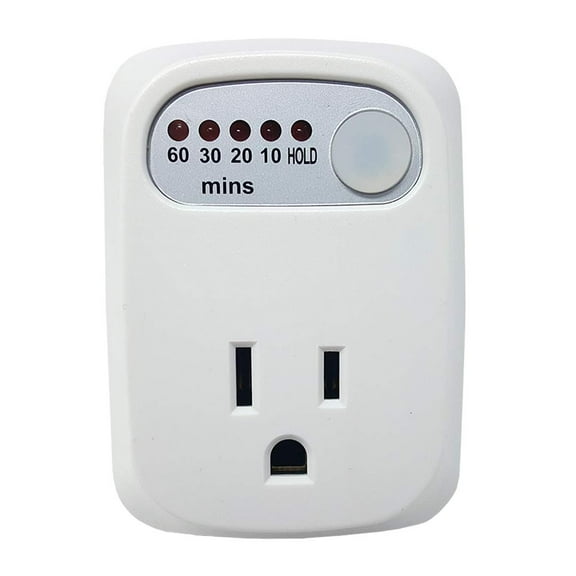
TOPGREENER 4-Hour No Neutral Wire Countdown Timer Switch, 5-10-30-60 Min 1-2-4 Hour Settings, for Fans and Lights, 120VAC 60Hz, 1/2HP, 150W LED, UL Listed, TGT06-4H-JT-LA, Light Almond
 TOPGREENER 4-Hour No Neutral Wire Countdown Timer Switch, 5-10-30-60 Min 1-2-4 Hour Settings, for Fans and Lights, 120VAC 60Hz, 1/2HP, 150W LED, UL Listed, TGT06-4H-JT-LA, Light Almond$14.99current price $14.99
myTouchSmart Digital Dimmable Timer Polarized 2-Outlets Presets On/Off Tether White
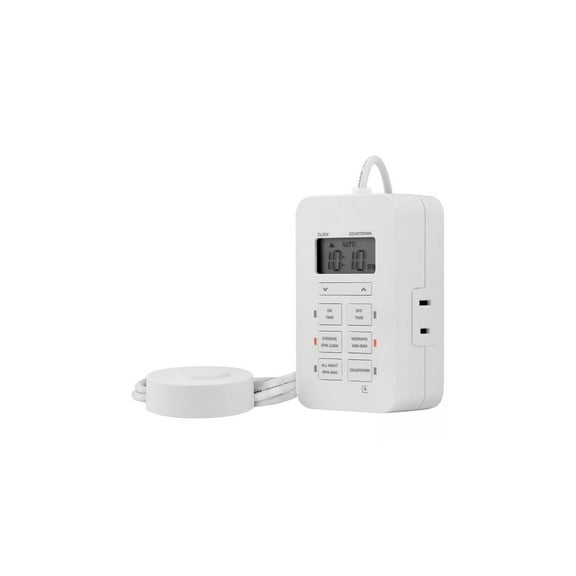 myTouchSmart Digital Dimmable Timer Polarized 2-Outlets Presets On/Off Tether White$35.99current price $35.99
Philips Dusk to Dawn Light-Sensing Countdown Timer - Indoor/Outdoor (Black) Controls 2 Lights or Other Devices
 Philips Dusk to Dawn Light-Sensing Countdown Timer - Indoor/Outdoor (Black) Controls 2 Lights or Other Devices$18.95current price $18.95
BN-LINK Timer Outlet Short Period Repeat Cycle Intermittent Digital Timer, Interval Timer - Day, Night, or 24 Hour Operation, Programmable Plug-in Timer for Appliances Electrical Outlets 15A
 BN-LINK Timer Outlet Short Period Repeat Cycle Intermittent Digital Timer, Interval Timer - Day, Night, or 24 Hour Operation, Programmable Plug-in Timer for Appliances Electrical Outlets 15A$29.99current price $29.99
HTGSupply Single Outlet 120-Volt Mechanical Timer, 24-Hour Programmable
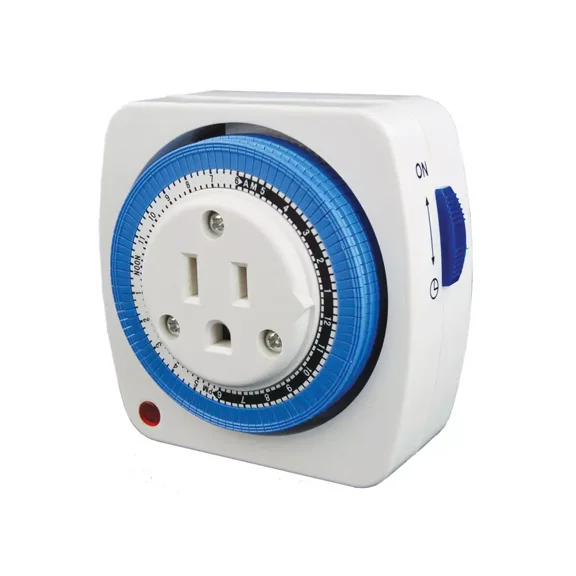 HTGSupply Single Outlet 120-Volt Mechanical Timer, 24-Hour Programmable$6.93current price $6.93
HBN Indoor Timer-24 Hour Plug-in Mechanical Indoor Mini Timer with 2 Outlets, 3 Prong, 2-Pack
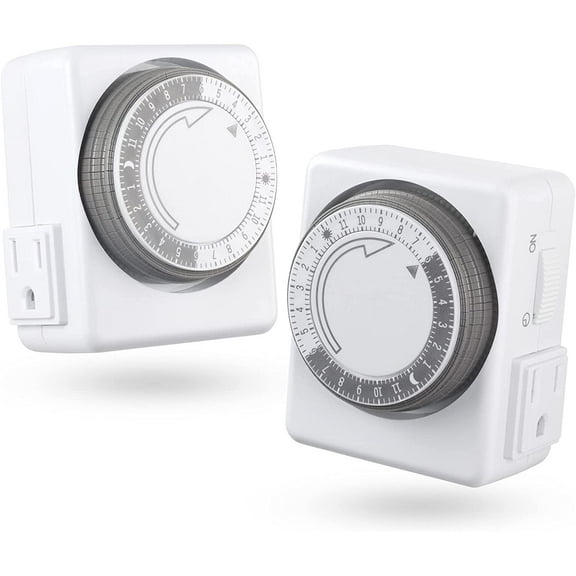 HBN Indoor Timer-24 Hour Plug-in Mechanical Indoor Mini Timer with 2 Outlets, 3 Prong, 2-Pack$10.99current price $10.99
Fosmon 24 Hour Programmable Indoor Digital Timer Outlet, LCD Display Outlet Timer with on/off Button, Indoor Plug In Timer Switch for Lights, 2 Prong Light Timers for Lamps Indoor 125V/15A
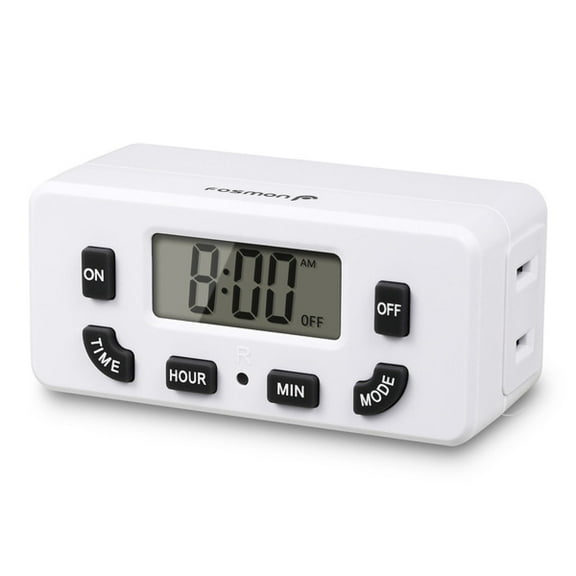 Fosmon 24 Hour Programmable Indoor Digital Timer Outlet, LCD Display Outlet Timer with on/off Button, Indoor Plug In Timer Switch for Lights, 2 Prong Light Timers for Lamps Indoor 125V/15A$9.99current price $9.99
ENERLITES 8-Hour Indoor Countdown Plug-in Timer, Timer for Electrical Outlets, 15-30 Min 1-2-4-8 Hour, for Fans or Lights, 1/4 HP, HET03-W, White
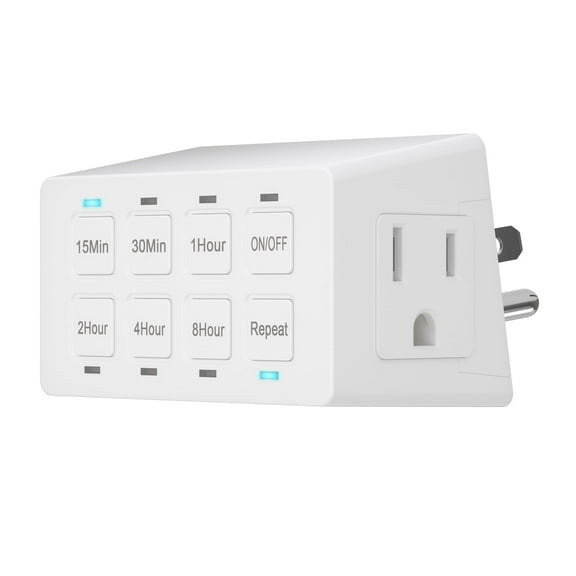 ENERLITES 8-Hour Indoor Countdown Plug-in Timer, Timer for Electrical Outlets, 15-30 Min 1-2-4-8 Hour, for Fans or Lights, 1/4 HP, HET03-W, White$10.49current price $10.49
Century Mini Indoor 24-Hour Mechanical Outlet Timer, 2 Prong, 2-Pack
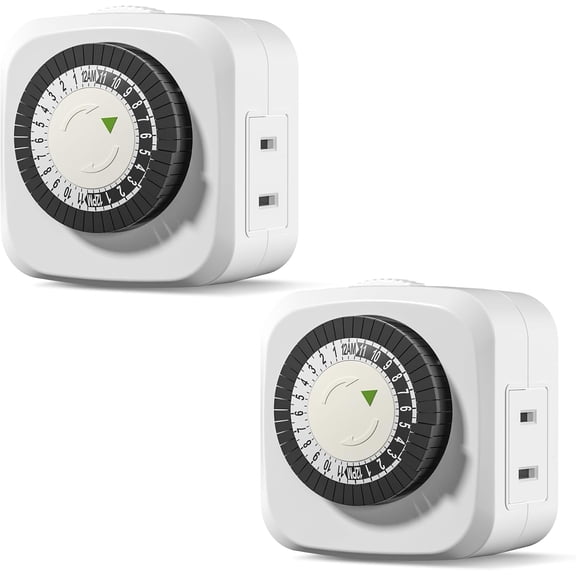 Century Mini Indoor 24-Hour Mechanical Outlet Timer, 2 Prong, 2-Pack$8.54current price $8.54
Leviton DT160-1LW Decora In-Wall Countdown Timer Switch (10, 20, 30, 60 Min)
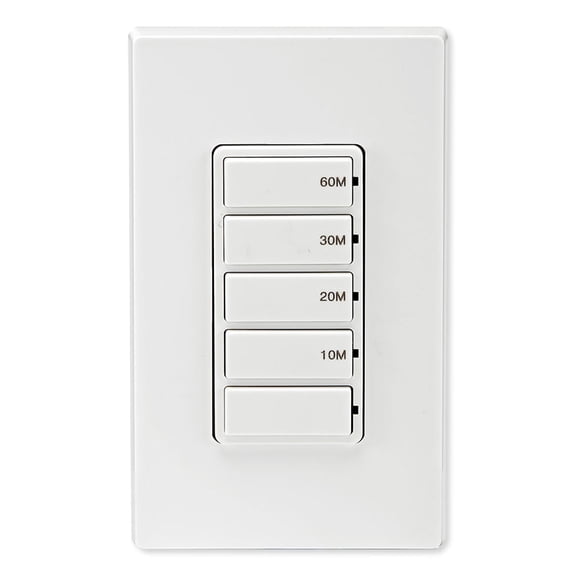 Leviton DT160-1LW Decora In-Wall Countdown Timer Switch (10, 20, 30, 60 Min)$45.60current price $45.60
Time Timing Switch Countdown Timer Digital Timer Control Switch Socket Home 120 Minutes
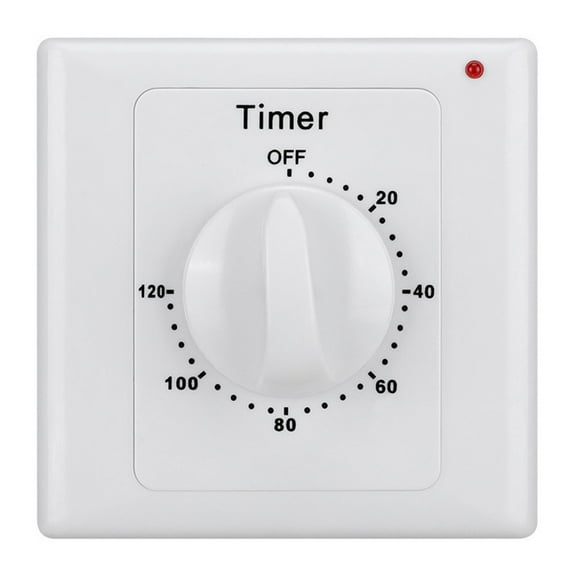 Time Timing Switch Countdown Timer Digital Timer Control Switch Socket Home 120 Minutes$12.54current price $12.54