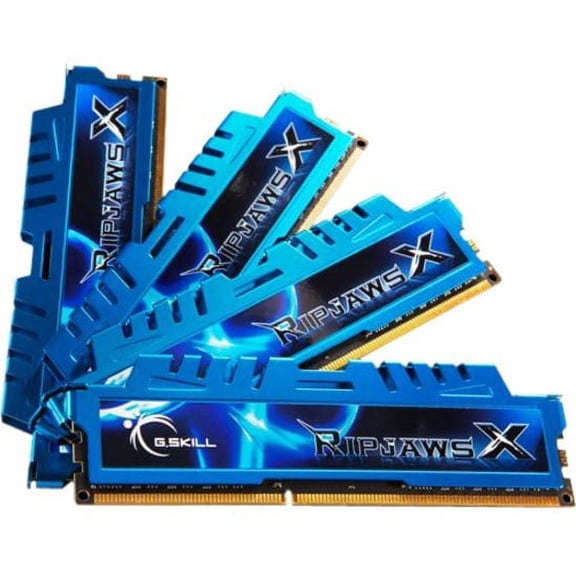
Poweredge Ram(269)
16GB (2X8GB) Memory Ram Compatible with Dell PowerEdge R220 ECC NON BUFFERED By CMS B89 $89.99

16GB (2X8GB) Memory Ram Compatible with Dell PowerEdge R220 ECC NON BUFFERED By CMS B89
CMS 32GB (4X8GB) DDR4 21300 2666MHZ ECC REGISTERED DIMM Memory Ram Upgrade Compatible with Dell PowerEdge R7425 ECC Register - D58 $244.50
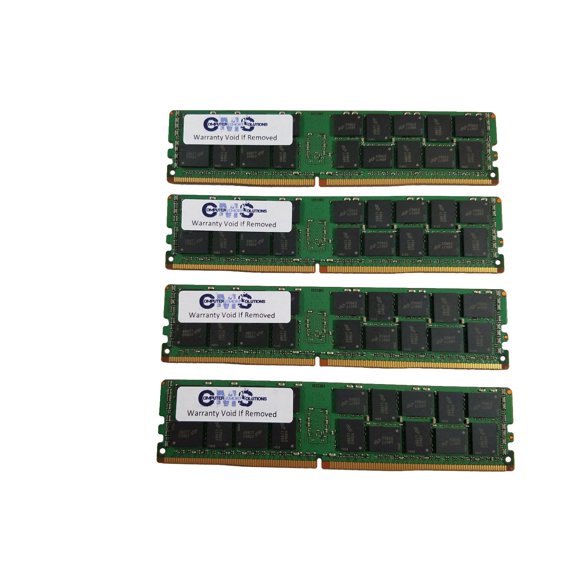
CMS 32GB (4X8GB) DDR4 21300 2666MHZ ECC REGISTERED DIMM Memory Ram Upgrade Compatible with Dell PowerEdge R7425 ECC Register - D58
CMS 32GB (2X16GB) Memory Ram Compatible with Dell PowerEdge R720, R720xd, R810 (Xeon E7-xxxx Series), R815, R820 Load Reduced - C83 $65.00
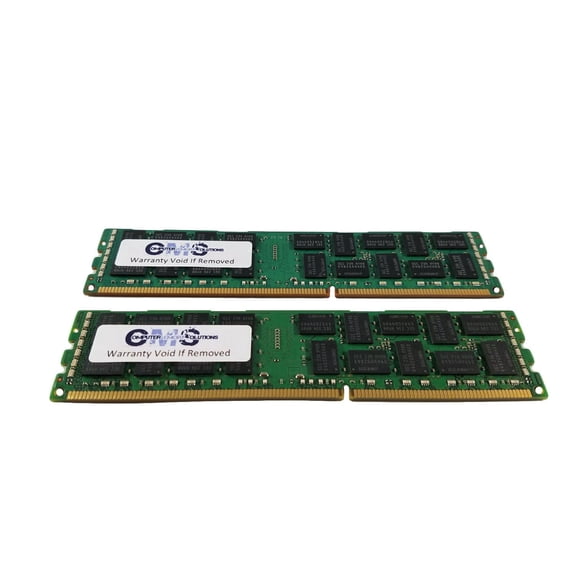
CMS 32GB (2X16GB) Memory Ram Compatible with Dell PowerEdge R720, R720xd, R810 (Xeon E7-xxxx Series), R815, R820 Load Reduced - C83
CMS 64GB (4X16GB) Memory Ram Compatible with Dell PowerEdge M820, M910, M915, R320, R410, R415, R420 ECC Register - D83 $221.00
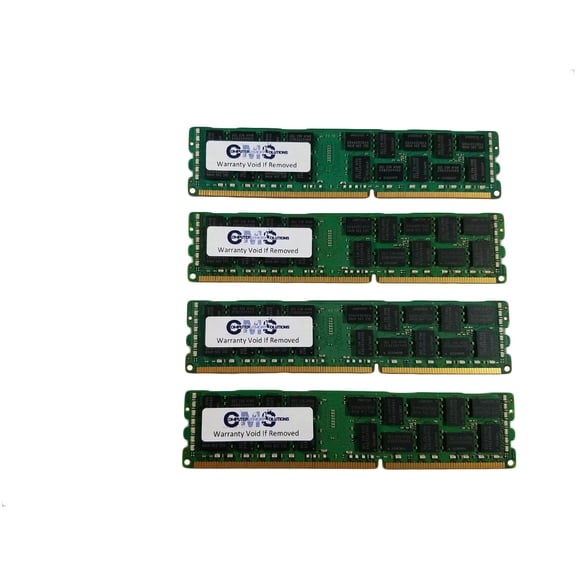
CMS 64GB (4X16GB) Memory Ram Compatible with Dell PowerEdge M820, M910, M915, R320, R410, R415, R420 ECC Register - D83
CMS 16GB (2X8GB) DDR4 21300 2666MHZ ECC REGISTERED DIMM Memory Ram Upgrade Compatible with Dell PowerEdge R940xa ECC Register - D57 $127.50
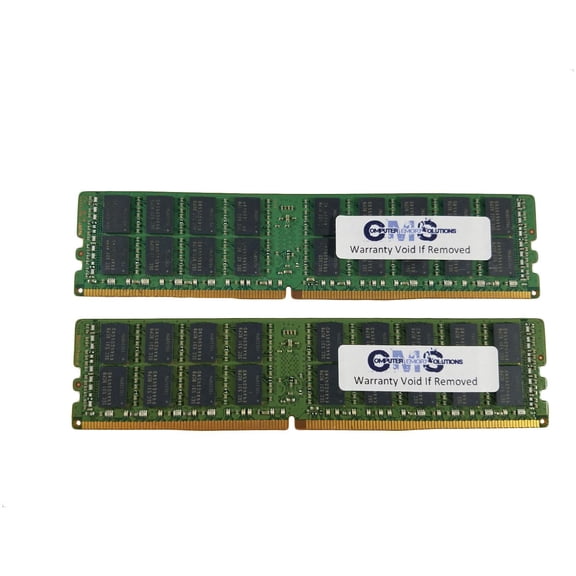
CMS 16GB (2X8GB) DDR4 21300 2666MHZ ECC REGISTERED DIMM Memory Ram Upgrade Compatible with Dell PowerEdge R940xa ECC Register - D57
CMS 8GB (2X4GB) DDR3 10600 1333MHZ ECC NON REGISTERED DIMM Memory Ram Upgrade Compatible with Dell PowerEdge R220 ECC NON BUFFERED - B80 $134.00
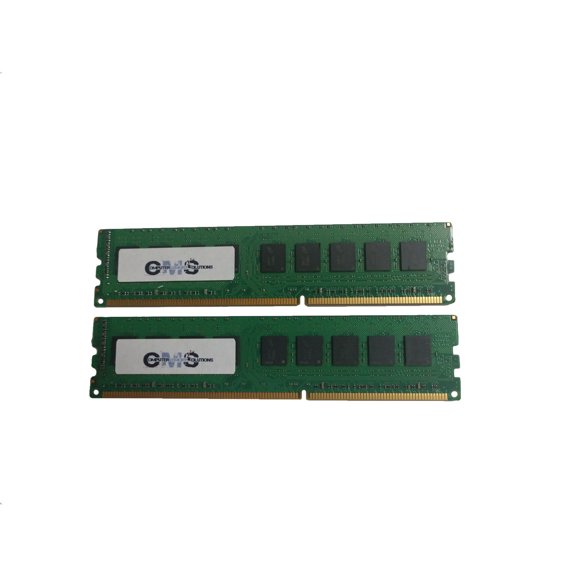
CMS 8GB (2X4GB) DDR3 10600 1333MHZ ECC NON REGISTERED DIMM Memory Ram Upgrade Compatible with Dell PowerEdge R220 ECC NON BUFFERED - B80
CMS 32GB (2X16GB) Memory Ram Compatible with Dell PowerEdge M820, M910, M915, R320, R410, R415, R420 Load Reduced - C83 $65.00
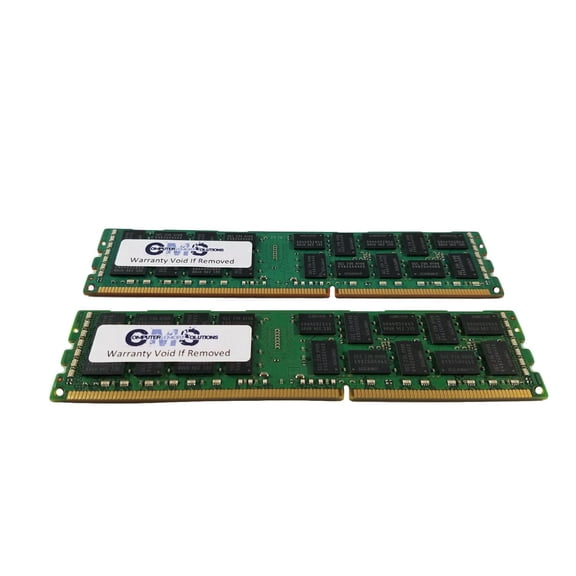
CMS 32GB (2X16GB) Memory Ram Compatible with Dell PowerEdge M820, M910, M915, R320, R410, R415, R420 Load Reduced - C83
CMS 32GB (2X16GB) DDR4 21300 2666MHz Non ECC DIMM Memory Ram Upgrade Replacement for Dell PowerEdge T40 - D21 $219.00
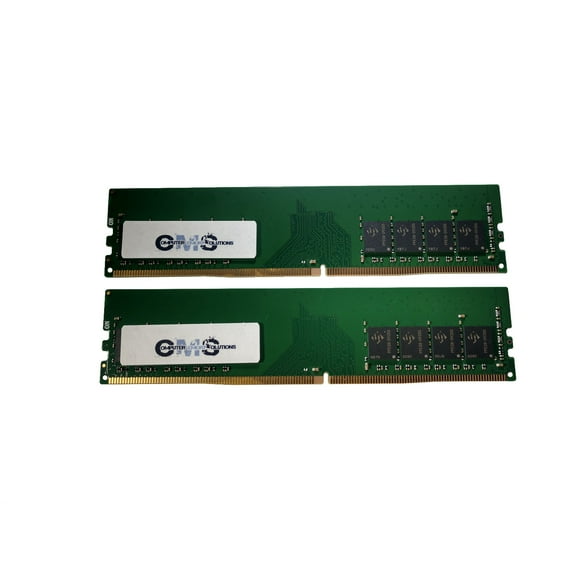
CMS 32GB (2X16GB) DDR4 21300 2666MHz Non ECC DIMM Memory Ram Upgrade Replacement for Dell PowerEdge T40 - D21
CMS 64GB (4X16GB) Memory Ram Compatible with Dell PowerEdge R510, R515, R520, R610, R620, R710, R715 ECC Register - D83 $221.00
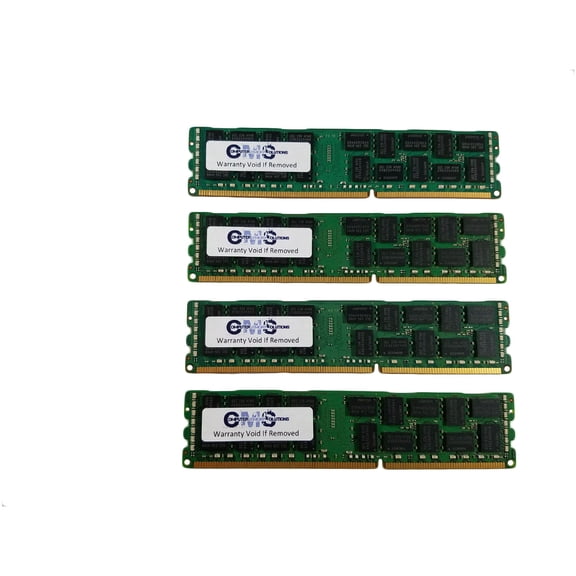
CMS 64GB (4X16GB) Memory Ram Compatible with Dell PowerEdge R510, R515, R520, R610, R620, R710, R715 ECC Register - D83
CMS 32GB (2X16GB) DDR4 21300 2666MHZ ECC REGISTERED DIMM Memory Ram Upgrade Compatible with Dell PowerEdge R840, PowerEdge R930, PowerEdge R940 ECC Register - D60 $380.00
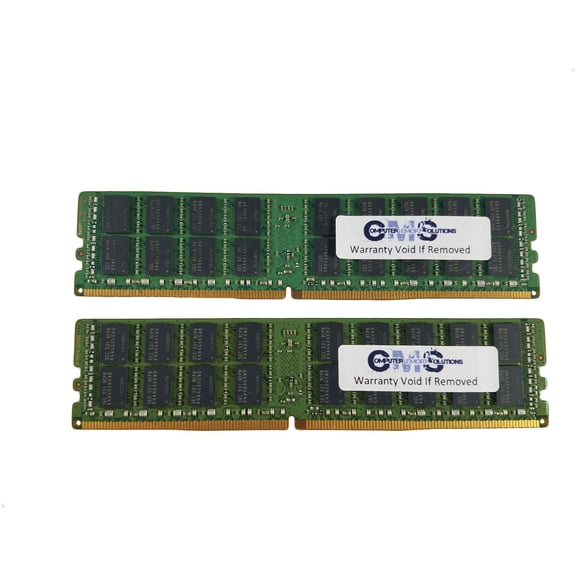
CMS 32GB (2X16GB) DDR4 21300 2666MHZ ECC REGISTERED DIMM Memory Ram Upgrade Compatible with Dell PowerEdge R840, PowerEdge R930, PowerEdge R940 ECC Register - D60
CMS 32GB (4X8GB) DDR3 10600 1333MHZ ECC REGISTERED QUAD RANK DIMM Memory Ram Upgrade Compatible with Dell Poweredge R410 1333 Ecc Reg For Server Only - C110 $281.00
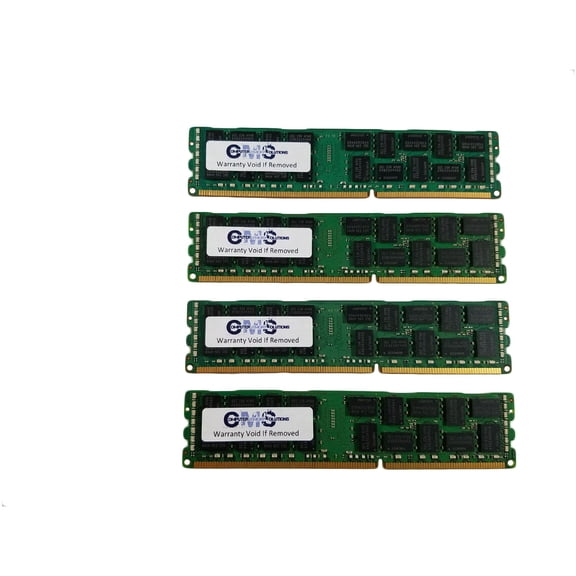
CMS 32GB (4X8GB) DDR3 10600 1333MHZ ECC REGISTERED QUAD RANK DIMM Memory Ram Upgrade Compatible with Dell Poweredge R410 1333 Ecc Reg For Server Only - C110
CMS 32GB (4X8GB) DDR3 8500 1066MHZ ECC REGISTERED QUAD RANK DIMM Memory Ram Compatible with Dell Poweredge T310 Quad Rank Ecc Reg For Server Only - B26 $130.00
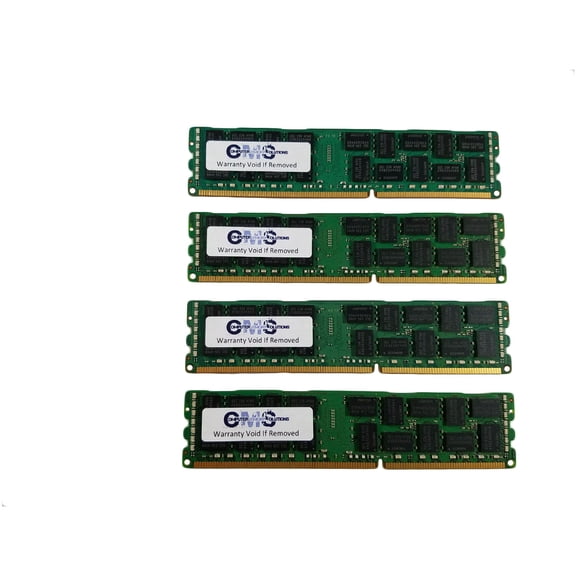
CMS 32GB (4X8GB) DDR3 8500 1066MHZ ECC REGISTERED QUAD RANK DIMM Memory Ram Compatible with Dell Poweredge T310 Quad Rank Ecc Reg For Server Only - B26
CMS 32GB (4X8GB) Memory Ram Compatible with Dell PowerEdge M820, M910, M915, R320, R410, R415, R420 ECC Register - B103 $80.00

CMS 32GB (4X8GB) Memory Ram Compatible with Dell PowerEdge M820, M910, M915, R320, R410, R415, R420 ECC Register - B103
FAQ
How do I know which memory fits my server?
Finding the right memory for your server starts with checking your device's model and specs. Most servers, like those in the PowerEdge series, support specific types such as ECC Registered, Load Reduced, or Non-ECC DIMMs. To help you choose:
- Consult your server's user manual for compatible memory types and capacities.
- Look for details like DDR3 vs. DDR4, speed (e.g., 21300, 2666MHz), and whether the slots require registered or non-registered modules.
- Double-check the number of DIMM slots available and maximum supported memory.
Matching these specs can help your upgrade go smoothly.
Can I mix different RAM sizes or types together?
Mixing different RAM sizes or types in your server isn't always recommended. Many servers require all modules in a channel to match in size, speed, and type for best performance. Here are some things to keep in mind:
- Mixing ECC Registered with Non-ECC or Load Reduced modules is usually not supported.
- Combining different capacities (like 8GB and 16GB) may work, but could limit some features or slow performance.
- Always consult your server's documentation for supported configurations before installing mixed memory.
When in doubt, using matched modules helps avoid compatibility issues.
What does ECC mean for memory upgrades?
ECC stands for Error-Correcting Code. It's a feature found in many server memory modules, especially in business-class models. Here's what it means for you:
- ECC memory can help detect and correct common types of data corruption, improving reliability.
- It's often required in servers to keep systems running smoothly, especially for critical applications.
- Non-ECC memory is generally used in desktops or entry-level servers without strict reliability needs.
Choosing ECC memory can offer extra peace of mind when uptime matters.
How should I install new memory safely?
Installing server memory safely helps protect your hardware. Here are steps to follow:
- Turn off the server and disconnect all power sources before opening the case.
- Wear an anti-static wrist strap or ground yourself to avoid static damage.
- Handle memory modules by the edges and insert them evenly into the memory slots.
- Check that each module clicks securely into place and matches the recommended slot order in your manual.
After installation, reconnect power and check if your server recognizes the new memory during startup.
What signs show I need a memory upgrade?
There are a few signs that your server might benefit from a memory upgrade:
- Slow performance during multitasking or when running heavy applications.
- Frequent crashes, errors, or 'out of memory' messages.
- Difficulty starting new virtual machines or handling more users.
If you notice these issues, upgrading your memory can help your server run more smoothly and handle additional workloads.
Popular in PowerEdge RAM Upgrades for Dell Servers and Computers
Related Products
Team T-Force Delta RGB 16GB (2 x 8GB) 288-Pin PC RAM DDR4 3200 (PC4 25600) Desktop Memory Model TF4D416G3200HC16FDC01
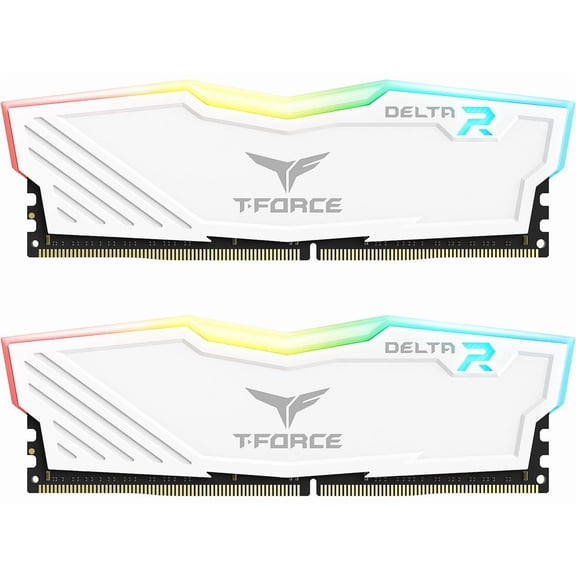 Team T-Force Delta RGB 16GB (2 x 8GB) 288-Pin PC RAM DDR4 3200 (PC4 25600) Desktop Memory Model TF4D416G3200HC16FDC01$129.99current price $129.99
V-COLOR 16GB (1x16GB) 3200MHz DDR4 SO-DIMM for Laptop Notebook Memory 1.2V CL22 260-Pin (TN416G32D822)
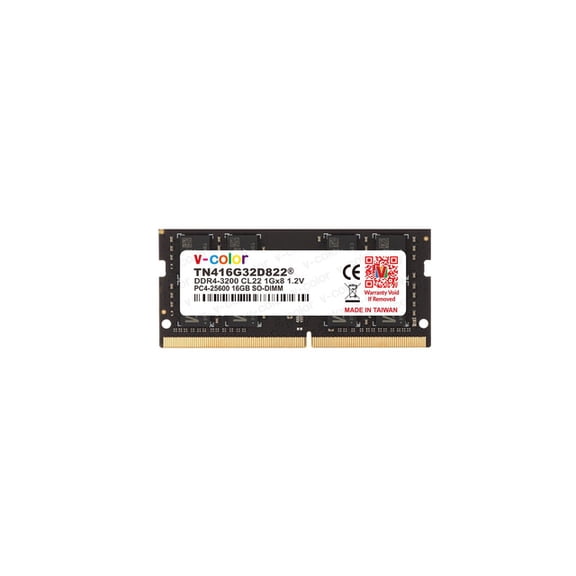 V-COLOR 16GB (1x16GB) 3200MHz DDR4 SO-DIMM for Laptop Notebook Memory 1.2V CL22 260-Pin (TN416G32D822)$99.99current price $99.99
Micron 16GB DDR5 5600MHz SODIMM Laptop Memory – MTC8C1084S1SC56BD1 | PC5-5600, 1Rx8, 262-Pin, Low Voltage 1.1V RAM Upgrade for HP Dell Lenovo Asus Laptops and All in one Desktop
Micron 16GB DDR5 5600MHz SODIMM Laptop Memory – MTC8C1084S1SC56BD1 | PC5-5600, 1Rx8, 262-Pin, Low Voltage 1.1V RAM Upgrade for HP Dell Lenovo Asus Laptops and All in one Desktop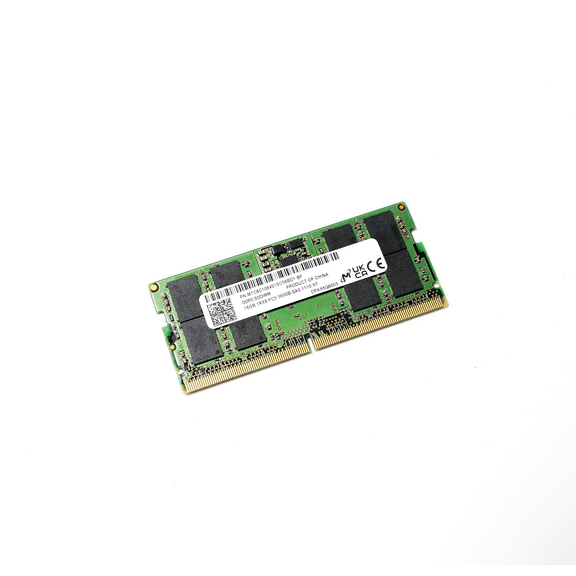
Corsair Vengeance 32GB (2 x 16GB) DDR4 SDRAM Memory Kit
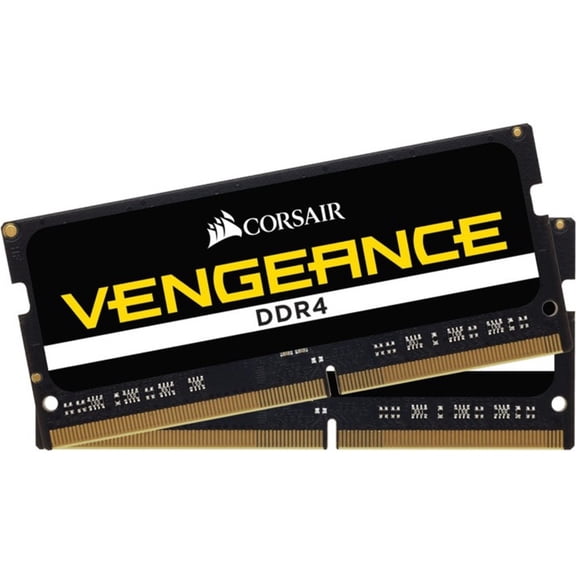 Corsair Vengeance 32GB (2 x 16GB) DDR4 SDRAM Memory Kit$315.99current price $315.99
Kingston FURY Renegade RGB 32GB (2 x 16GB) 288-Pin PC RAM DDR5 7200 (PC5 57600) Memory (Desktop Memory) Model KF572C38RSAK2-32
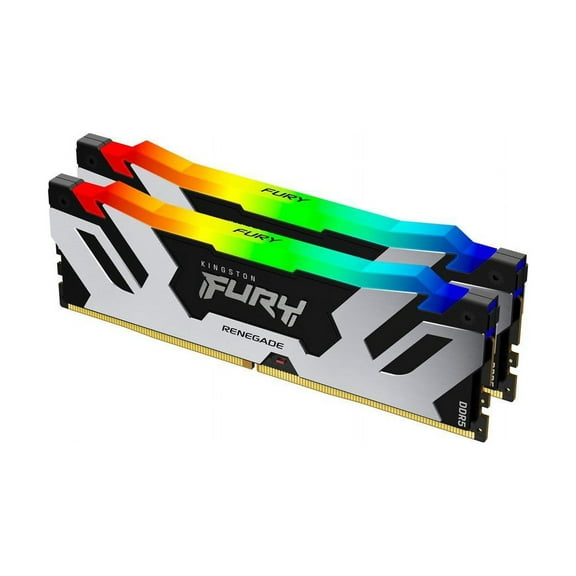 Kingston FURY Renegade RGB 32GB (2 x 16GB) 288-Pin PC RAM DDR5 7200 (PC5 57600) Memory (Desktop Memory) Model KF572C38RSAK2-32$960.00current price $960.00
Team T-Force Delta RGB 32GB (2 x 16GB) 288-Pin PC RAM DDR5 6400 (PC5 51200) Desktop Memory Model FF4D532G6400HC32ADC01
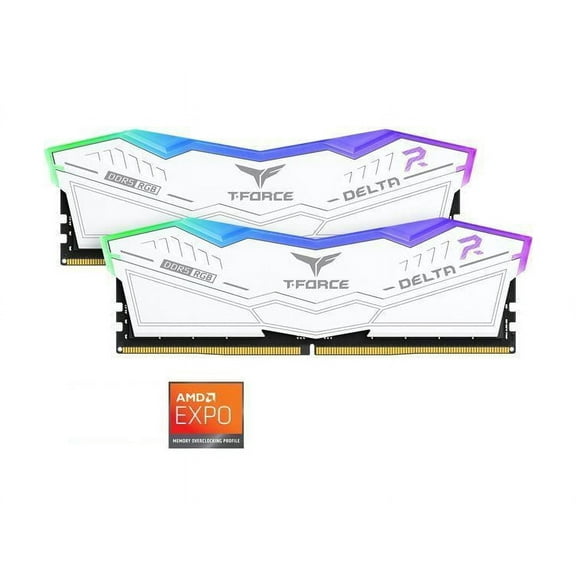 Team T-Force Delta RGB 32GB (2 x 16GB) 288-Pin PC RAM DDR5 6400 (PC5 51200) Desktop Memory Model FF4D532G6400HC32ADC01$659.99current price $659.99
CORSAIR Vengeance 16GB 260-Pin DDR4 SO-DIMM DDR4 3200 (PC4 25600) Laptop Memory Model CMSX16GX4M1A3200C22
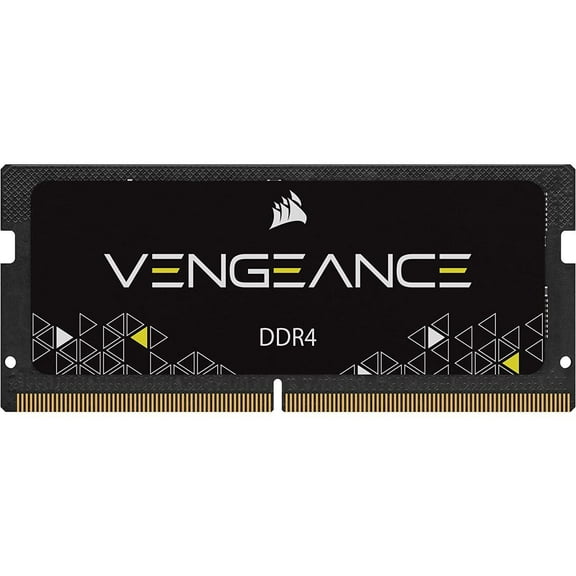 CORSAIR Vengeance 16GB 260-Pin DDR4 SO-DIMM DDR4 3200 (PC4 25600) Laptop Memory Model CMSX16GX4M1A3200C22$109.99current price $109.99
Lenovo 4GB DDR3 1600 SODIMM PC3 12800 Memory Module (0A65723)
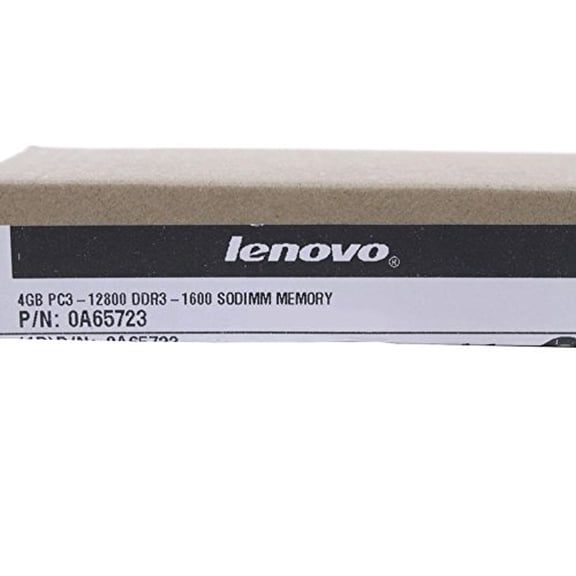 Lenovo 4GB DDR3 1600 SODIMM PC3 12800 Memory Module (0A65723)$9.95current price $9.95
G.SKILL Ripjaws M5 Neo RGB Series 32GB (2 x 16GB) 288-Pin PC RAM DDR5 6000 (PC5 48000) Desktop Memory
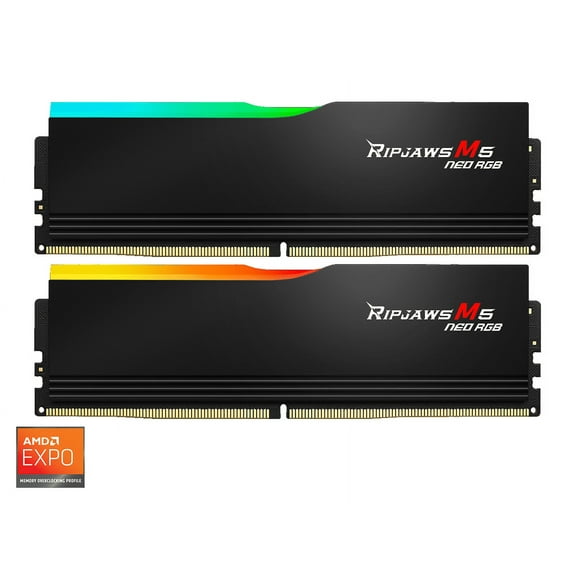 G.SKILL Ripjaws M5 Neo RGB Series 32GB (2 x 16GB) 288-Pin PC RAM DDR5 6000 (PC5 48000) Desktop Memory$559.99current price $559.99
DOLGIX 8GB DDR3 1600MHz SODIMM PC3-12800 2Rx8 Dual Rank 1.35V 204-Pin Notebook Laptop RAM Memory Module Upgrade
DOLGIX 8GB DDR3 1600MHz SODIMM PC3-12800 2Rx8 Dual Rank 1.35V 204-Pin Notebook Laptop RAM Memory Module Upgrade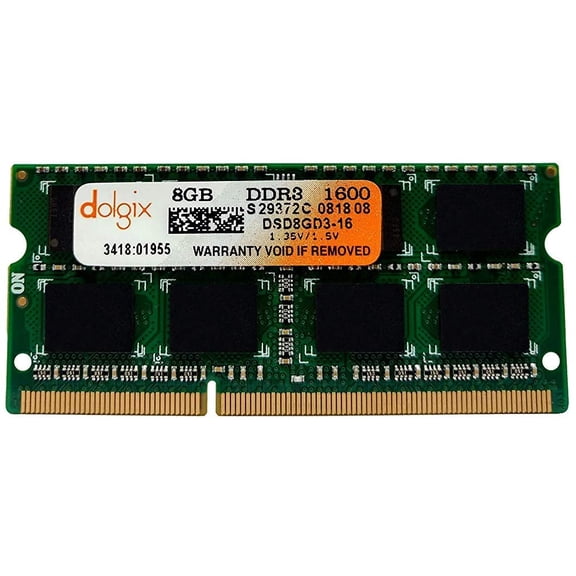
CMS 16GB (2X8GB) DDR3 12800 1600MHz NON ECC DIMM Memory Ram Upgrade Compatible with Dell® Optiplex 9020 Mt, 9020 Sff, 9020 Usff Desktop - A63
 CMS 16GB (2X8GB) DDR3 12800 1600MHz NON ECC DIMM Memory Ram Upgrade Compatible with Dell® Optiplex 9020 Mt, 9020 Sff, 9020 Usff Desktop - A63$41.00current price $41.00