

Pocket Printy(1)
Mini Label Maker, 2 Inch Portable Bluetooth Waterproof Sticker Printer with Roll Paper, Inkless Thermal Printer for Home, Office, DIY, Photos, Notes (Milky White) $19.99
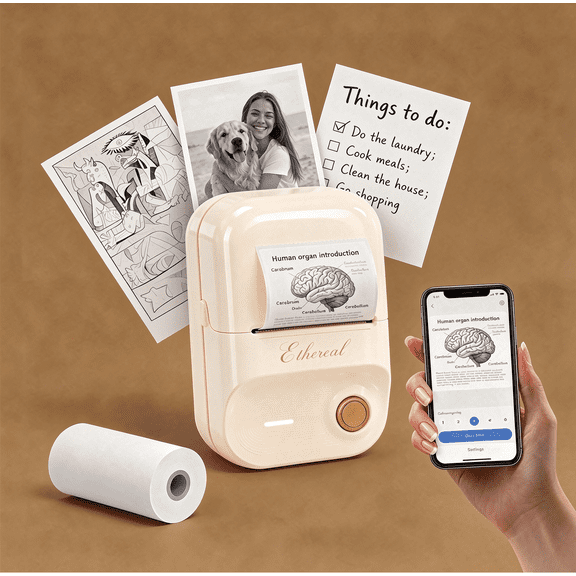
Mini Label Maker, 2 Inch Portable Bluetooth Waterproof Sticker Printer with Roll Paper, Inkless Thermal Printer for Home, Office, DIY, Photos, Notes (Milky White)
FAQ
How does a pocket printer work?
Pocket printers use thermal printing or inkless technology to create images and text on specialized paper. Most models connect to your smartphone or tablet via Bluetooth, letting you send photos, notes, or labels directly to the printer.
- Connect to your device using an app.
- Select what you want to print.
- Printer applies heat to the paper to produce the image.
This makes printing quick and convenient, especially for travel or on-the-go use.
Can I print photos from my phone?
Absolutely, most pocket printers are designed to print photos and images directly from your phone. You'll typically need to download a compatible app, pair your device via Bluetooth, and select the photo you wish to print.
- Install the app provided by the printer.
- Pair your phone and printer via Bluetooth.
- Choose your desired photo and start printing.
This process makes it easy to turn digital memories into physical keepsakes.
Do pocket printers need ink?
Many pocket printers use inkless or thermal printing technology, which means you don't need to buy traditional ink cartridges. Instead, these printers use special paper that reacts to heat, creating images without ink.
- Inkless models rely on thermal paper.
- Some may require replacement paper rolls.
Check the printer's description to see what type of supplies you'll need for ongoing use.
What kind of paper do I need?
Pocket printers often require specific paper types, such as thermal paper or sticky-backed photo paper. It's important to use the recommended paper to ensure quality prints and avoid damage to the printer.
- Thermal printers use heat-sensitive paper.
- Photo printers may use Zink (zero ink) or sticker paper.
Refer to your printer's instructions for compatible paper options.
How do I keep my pocket printer running smoothly?
To help your pocket printer work well, keep it clean and store it safely. Avoid exposing it to moisture, dust, or extreme temperatures.
- Regularly wipe the exterior with a dry cloth.
- Use the recommended paper and don't overload.
- Charge the battery as needed and avoid overcharging.
Following these tips can help extend the life of your device and maintain print quality.
Popular in Pocket Printy Portable Photo Printers for Travel and Home
Related Products
HP Sprocket 3x4 Instant Compact Photo Printers, Bundle, with Zink Paper, White, New, 1 Count, 1 Pack
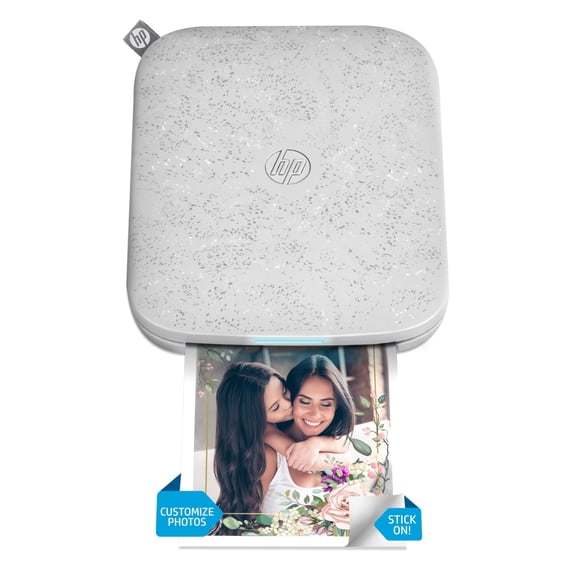 HP Sprocket 3x4 Instant Compact Photo Printers, Bundle, with Zink Paper, White, New, 1 Count, 1 Pack$89.91current price $89.91
Instax Mini Link 2 Mini Photo Printers with Bluetooth Connectivity, Multi-color
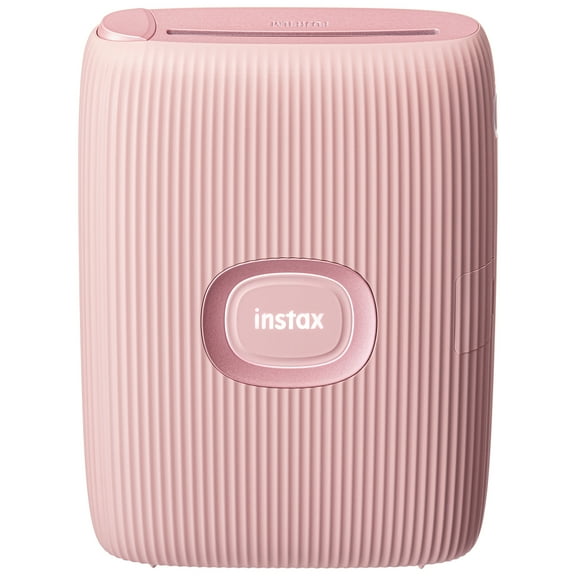 Instax Mini Link 2 Mini Photo Printers with Bluetooth Connectivity, Multi-color$95.99current price $95.99
Kodak Step Instant Smartphone Photo Printer with ZINK Zero Ink, Bluetooth, Includes 75 Sheets
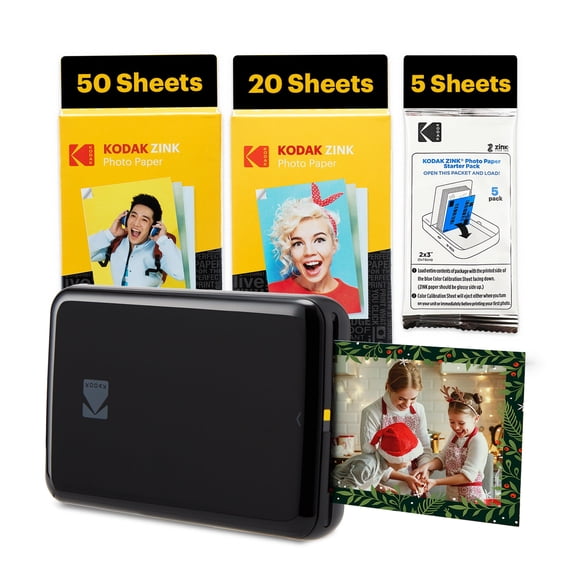 Kodak Step Instant Smartphone Photo Printer with ZINK Zero Ink, Bluetooth, Includes 75 Sheets$129.99current price $129.99
HP Sprocket Select Photo Printer – Zink Technology, Wireless Bluetooth 5.1, 2.3” x 3.4” Prints, Bundle
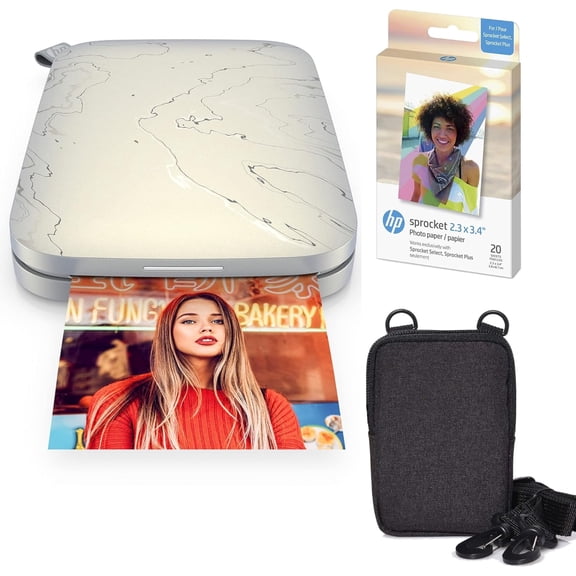 HP Sprocket Select Photo Printer – Zink Technology, Wireless Bluetooth 5.1, 2.3” x 3.4” Prints, Bundle$119.99current price $119.99
KODAK Step Instant Photo Printer with ZINK Technology, Portable, Black, Starter Accessories
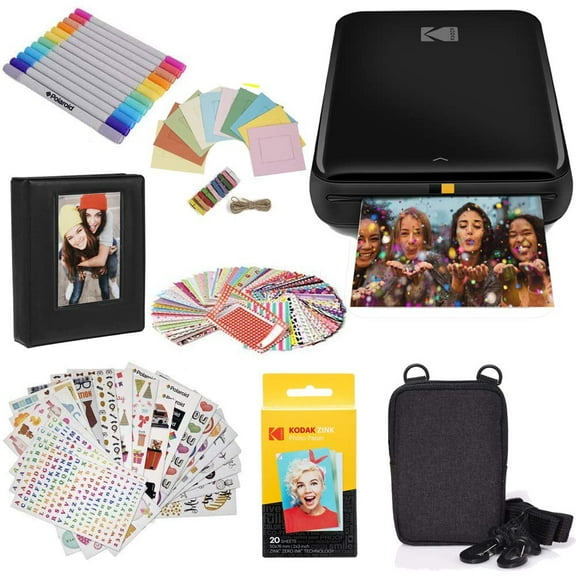 KODAK Step Instant Photo Printer with ZINK Technology, Portable, Black, Starter Accessories$129.99current price $129.99
Fujifilm instax Link Wide Smartphone Printer, Ash White
 Fujifilm instax Link Wide Smartphone Printer, Ash White$136.55current price $136.55
Zink Kodak Step Wireless Mobile Photo Printer Compatible with iOS & Android, NFC & Bluetooth - White
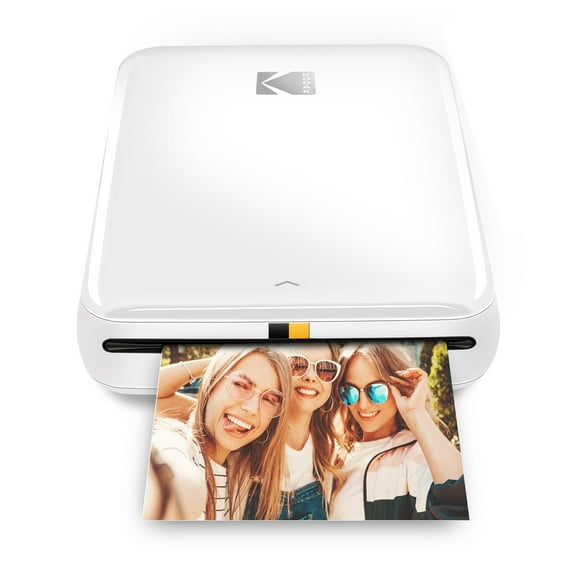 Zink Kodak Step Wireless Mobile Photo Printer Compatible with iOS & Android, NFC & Bluetooth - White$79.99current price $79.99
HP Sprocket Panorama Instant Portable Color Mini Photo Printers, Pink, New
 HP Sprocket Panorama Instant Portable Color Mini Photo Printers, Pink, New$129.99current price $129.99
Kodak Step Slim Mobile Color Instant Photo Printer 2x3” (White), Compatible with iOS and Android
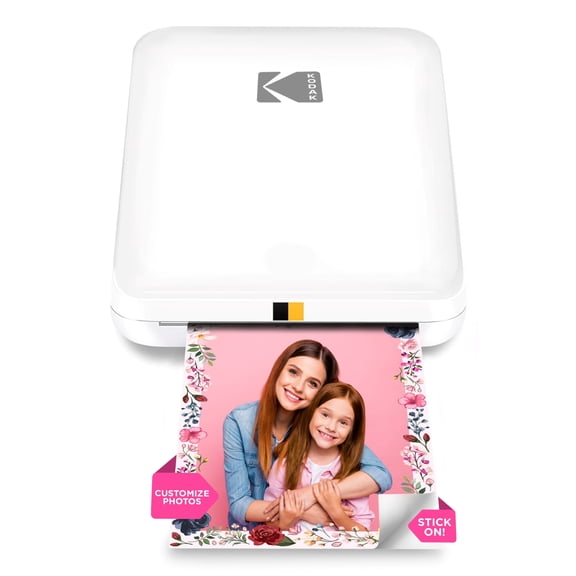 Kodak Step Slim Mobile Color Instant Photo Printer 2x3” (White), Compatible with iOS and Android$89.99current price $89.99
Kodak Step Wireless Mobile Photo Printer (Black) Compatible w/iOS & Android, NFC & Bluetooth Devices
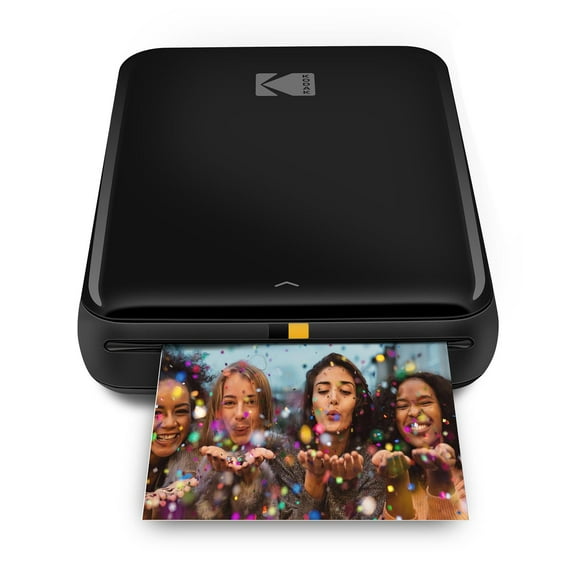 Kodak Step Wireless Mobile Photo Printer (Black) Compatible w/iOS & Android, NFC & Bluetooth Devices$79.99current price $79.99
HP Sprocket Compact Portable Photo Printers, with Accessories Included, Purple, 1 Count, 1 Pack
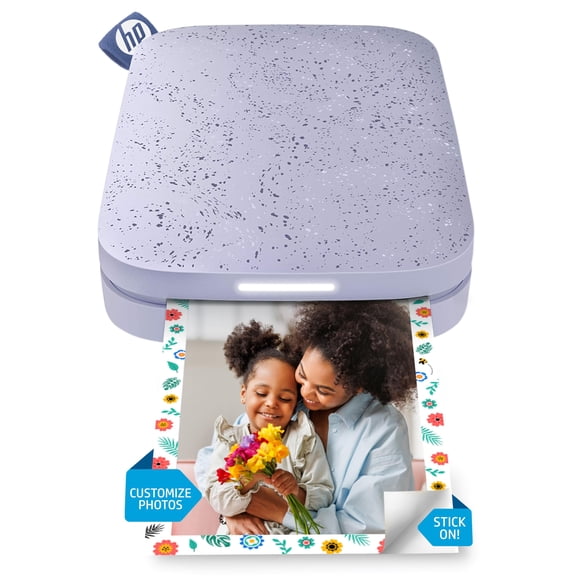 HP Sprocket Compact Portable Photo Printers, with Accessories Included, Purple, 1 Count, 1 Pack$89.89current price $89.89
Step Mobile Instant Photo Printer 2x3" (Black), Compatible with iOS, Android & Bluetooth
 Step Mobile Instant Photo Printer 2x3" (Black), Compatible with iOS, Android & Bluetooth$79.99current price $79.99
FUJIFILM INSTAX MINI LINK 3 Smartphone Printer (Rose Pink), Bundle
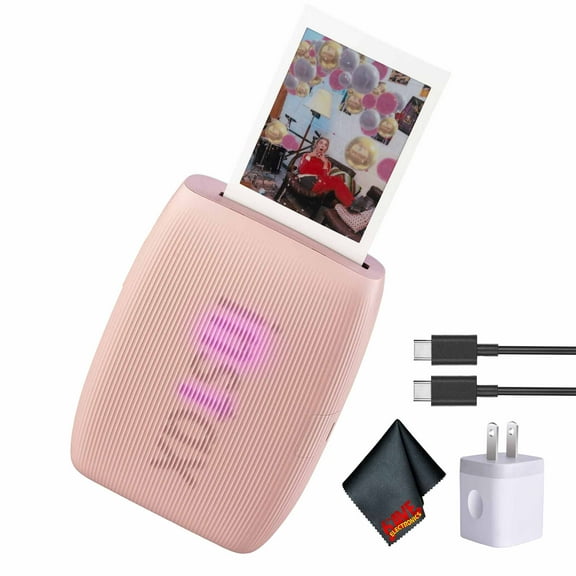 FUJIFILM INSTAX MINI LINK 3 Smartphone Printer (Rose Pink), Bundle$119.95current price $119.95
HP Sprocket 3x4 Instant Photo Printer, Zink Printing Technology, Bluetooth Wireless, 3.5x4.25 in
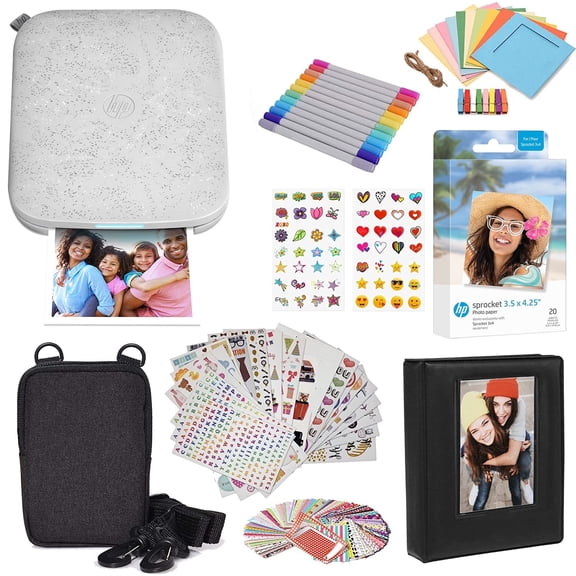 HP Sprocket 3x4 Instant Photo Printer, Zink Printing Technology, Bluetooth Wireless, 3.5x4.25 in$184.99current price $184.99
HP Sprocket Photo Booth Instant Printer Kit (Pink), 100 Zink Paper, 10 Foil Backdrops & Cowboy Hat
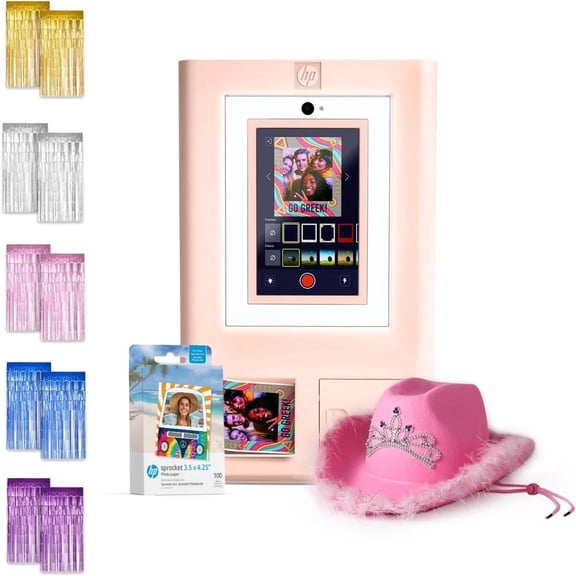 HP Sprocket Photo Booth Instant Printer Kit (Pink), 100 Zink Paper, 10 Foil Backdrops & Cowboy Hat$749.99current price $749.99
LifePrint - Printer - color - zink - up to 0.5 min/page (color) - Bluetooth
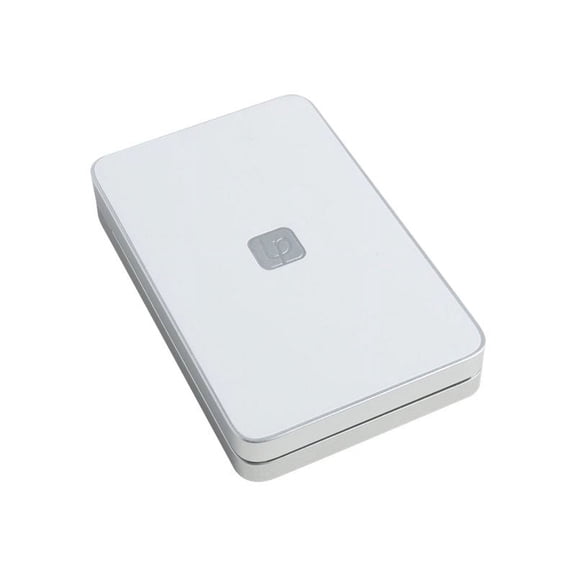 LifePrint - Printer - color - zink - up to 0.5 min/page (color) - Bluetooth$119.99current price $119.99