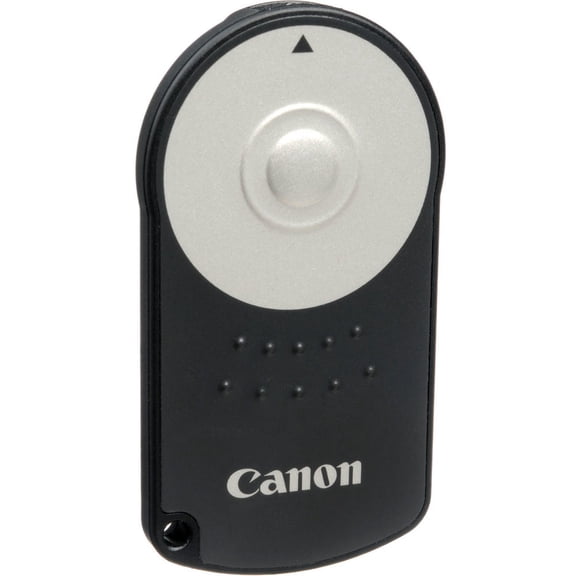
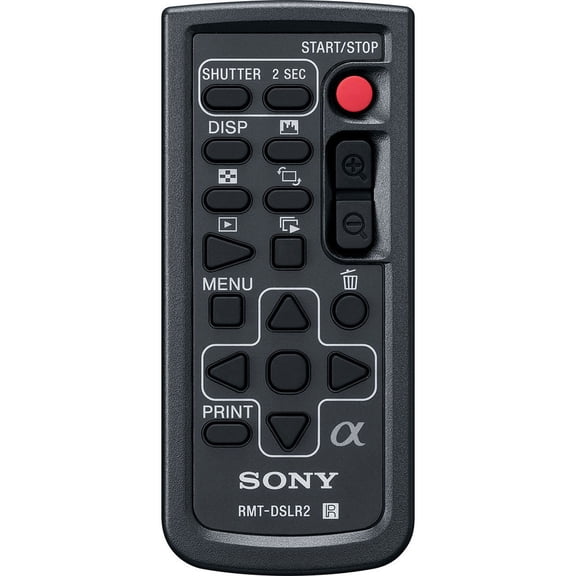
Pentax K Wireless Remote(3)
Foto&Tech 2 PCS IR Wireless Shutter Release Remote Control for PENTAX Q, PENTAX DSLR 645Z, 645D, K-5 II, K-5 II s, K-3 II, K-1, K-3, K-50, K-30, K-S2, K-S1, Q-S1, K-500, X-5, K-m, K-5, K-7 +Velvet Bag $15.99

Foto&Tech 2 PCS IR Wireless Shutter Release Remote Control for PENTAX Q, PENTAX DSLR 645Z, 645D, K-5 II, K-5 II s, K-3 II, K-1, K-3, K-50, K-30, K-S2, K-S1, Q-S1, K-500, X-5, K-m, K-5, K-7 +Velvet Bag
Foto&Tech IR Wireless Shutter Release Remote Control for PENTAX Q, PENTAX DSLR 645Z, 645D, K-5 II, K-5 II s, K-3 II, K-1, K-3, K-50, K-30, K-S2, K-S1, Q-S1, K-500, X-5, K-m, K-5, K-7 with Velvet Bag $13.99

Foto&Tech IR Wireless Shutter Release Remote Control for PENTAX Q, PENTAX DSLR 645Z, 645D, K-5 II, K-5 II s, K-3 II, K-1, K-3, K-50, K-30, K-S2, K-S1, Q-S1, K-500, X-5, K-m, K-5, K-7 with Velvet Bag
Foto&Tech 3 PCS IR Wireless Shutter Release Remote Control for PENTAX Q, PENTAX DSLR 645Z, 645D, K-5 II, K-5 II s, K-3 II, K-1, K-3, K-50, K-30, K-S2, K-S1, Q-S1, K-500, X-5, K-m, K-5, K-7 +Velvet Bag $22.99
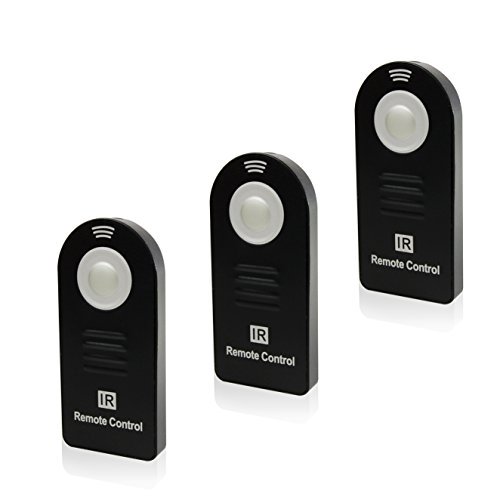
Foto&Tech 3 PCS IR Wireless Shutter Release Remote Control for PENTAX Q, PENTAX DSLR 645Z, 645D, K-5 II, K-5 II s, K-3 II, K-1, K-3, K-50, K-30, K-S2, K-S1, Q-S1, K-500, X-5, K-m, K-5, K-7 +Velvet Bag
Other options to consider(5)
Wireless Camera Shutter Remote Control Compatible with Select, Fujifilm, Olympus, Pentax, and Sigma Cameras $67.63

Wireless Camera Shutter Remote Control Compatible with Select, Fujifilm, Olympus, Pentax, and Sigma Cameras
Foto&Tech Wired Remote Shutter Release Control CS-205 Replacement for PENTAX 645Z, K1, K3, K5, K5 II, K30, K50, K500, K7, K110D, K100D, K100D Super, K200D, K10D, K20D $12.99

Foto&Tech Wired Remote Shutter Release Control CS-205 Replacement for PENTAX 645Z, K1, K3, K5, K5 II, K30, K50, K500, K7, K110D, K100D, K100D Super, K200D, K10D, K20D
Wired Remote Control CS-205 Replacement f PENTAX KP 645Z/K1/K3/K5/K5 II/K30 $43.61

Wired Remote Control CS-205 Replacement f PENTAX KP 645Z/K1/K3/K5/K5 II/K30
Foto&Tech LCD Timer Shutter Release Remote Control Cord for PENTAX 645Z, 645D, K1, K3, K5, K5 II, K30, K50, K500, K7, K110D, K100D, K100D Super, K200D, K10D, K20D $29.99

Foto&Tech LCD Timer Shutter Release Remote Control Cord for PENTAX 645Z, 645D, K1, K3, K5, K5 II, K30, K50, K500, K7, K110D, K100D, K100D Super, K200D, K10D, K20D
Allimity Replaced Remote Control Compatible with ZOOMTAK Box M5, K3, T8, T8-Plus, V Plus, 8H, Upro Plus Dragon $17.88

Allimity Replaced Remote Control Compatible with ZOOMTAK Box M5, K3, T8, T8-Plus, V Plus, 8H, Upro Plus Dragon
FAQ
How does a wireless remote work with a camera?
A wireless remote lets you trigger your camera's shutter without physically touching it. This can be especially handy for group shots, self-portraits, or when you're trying to avoid camera shake during long exposures.
- Point the remote toward the camera's sensor.
- Press the button to activate the shutter.
- Most cameras have settings to enable remote mode, so be sure to check your camera's manual.
Using a wireless remote can make photography more convenient and help you capture sharper images in a variety of situations.
Can I use the remote for group photos?
Yes, a wireless remote is great for taking group photos. It lets you join the shot instead of staying behind the camera.
- Set up your camera on a tripod or stable surface.
- Switch the camera to remote mode if needed.
- Use the remote to trigger the shutter when everyone is ready.
This way, you can be part of the group and reduce the chance of blurry images caused by pressing the shutter button manually.
What cameras are compatible with this remote?
This type of wireless remote is designed to work with a range of cameras, including certain DSLR and mirrorless models. Compatibility often includes specific series or models, so it's important to check your camera's manual or the product description to confirm support.
- Look for lists of compatible camera models in the product details.
- If your camera is mentioned, it should work with the remote.
For questions about exact compatibility, you can also reach out to Walmart's customer service team for more details.
How do I replace the remote's battery?
Replacing the battery in a wireless remote is usually straightforward. Most remotes use a small coin-cell battery, like a CR2025 or CR2032.
- Locate the battery compartment, often on the back or bottom of the remote.
- Slide or unscrew the cover open.
- Remove the old battery and insert a new one, matching the polarity (+/-) as indicated.
- Close the compartment securely.
Always dispose of old batteries responsibly, following local guidelines.
Is there a delay when using the remote?
Many wireless remotes offer both immediate shutter release and a two-second delay option. The delay feature can help reduce camera shake, especially in long exposure photography or when the camera is on a tripod.
- Check your camera's settings to select the preferred mode.
- The remote may have separate buttons or functions for instant and delayed shooting.
Experiment with both options to see which works best for your photography needs.
Popular in Pentax K Wireless Remote for Digital Cameras Electronics
Related Products
AODELAN Camera Wireless Shutter Release Timer Remote Control for Canon EOS R, RP, Rebel SL2, 250D, 750D, 90D, 80D, 77D, M6 Mark II, 5D Mark IV; Fujifilm X-T3, X-T100; Olympus OM-D E-M1 Mark II
 AODELAN Camera Wireless Shutter Release Timer Remote Control for Canon EOS R, RP, Rebel SL2, 250D, 750D, 90D, 80D, 77D, M6 Mark II, 5D Mark IV; Fujifilm X-T3, X-T100; Olympus OM-D E-M1 Mark II$54.99current price $54.99
Wireless Remote Control for Nikon D40, D40X, D50, D70,D60, D70S, D5200, D3200
 Wireless Remote Control for Nikon D40, D40X, D50, D70,D60, D70S, D5200, D3200$8.99current price $8.99
Foto&Tech FTRC-6 IR Wireless Remote Control For Canon EOS 5D Mark IV, 5DS, 5DR, 7D Mark II, EOS 6D, EOS 7D, EOS 80D, EOS 70D, EOS 60Da, EOS 60D, EOS 5D Mark III, 5D Mark II, T6s T6i T5i T4i T3i M3
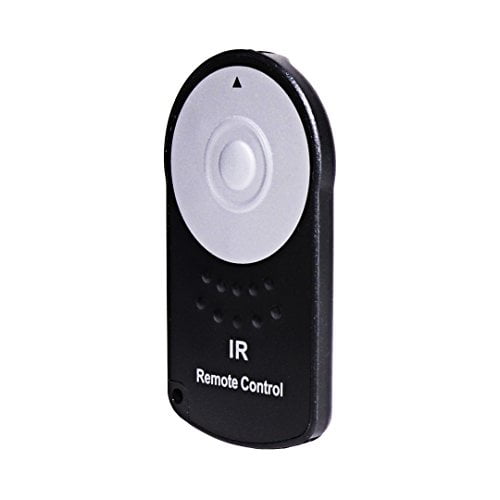 Foto&Tech FTRC-6 IR Wireless Remote Control For Canon EOS 5D Mark IV, 5DS, 5DR, 7D Mark II, EOS 6D, EOS 7D, EOS 80D, EOS 70D, EOS 60Da, EOS 60D, EOS 5D Mark III, 5D Mark II, T6s T6i T5i T4i T3i M3$13.99current price $13.99
GPS Bluetooth Remote Control for Insta360 X5/X4/X3/Go 3S/ACE pro 2/ACE Pro Cameras - 25M Range Smart Action Accessories
GPS Bluetooth Remote Control for Insta360 X5/X4/X3/Go 3S/ACE pro 2/ACE Pro Cameras - 25M Range Smart Action Accessories
Polaroid PLRTC18 Replacement Shutter Release Timer Remote Control for Select Canon Digital SLR Cameras
 Polaroid PLRTC18 Replacement Shutter Release Timer Remote Control for Select Canon Digital SLR Cameras$4.48current price $4.48
Nikon ML-L7 Bluetooth Remote Control - International Version
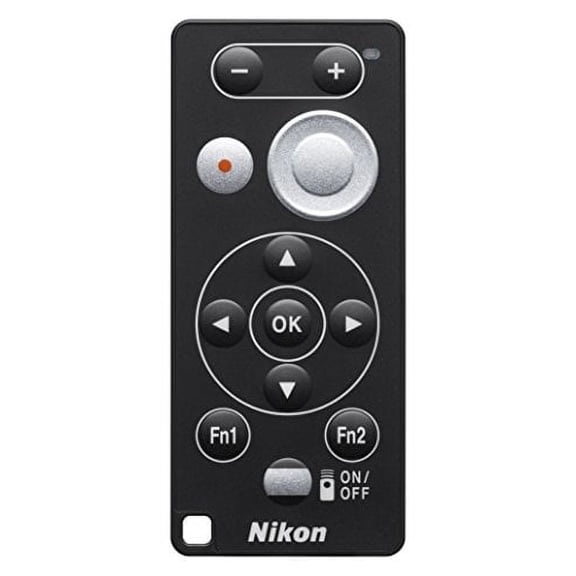 Nikon ML-L7 Bluetooth Remote Control - International Version$49.00current price $49.00
Camera Wireless Remote Shutter Release for Fujifilm X-H1, XF10, X-T20, X-T10, X-T100, X-A5, X-A3, X-A2, X-A1, X-A10, X100F, X100T; Replace Fujifilm RR-90
 Camera Wireless Remote Shutter Release for Fujifilm X-H1, XF10, X-T20, X-T10, X-T100, X-A5, X-A3, X-A2, X-A1, X-A10, X100F, X100T; Replace Fujifilm RR-90$38.99current price $38.99
Promaster 1957 MC-DC2 Remote for Nikon
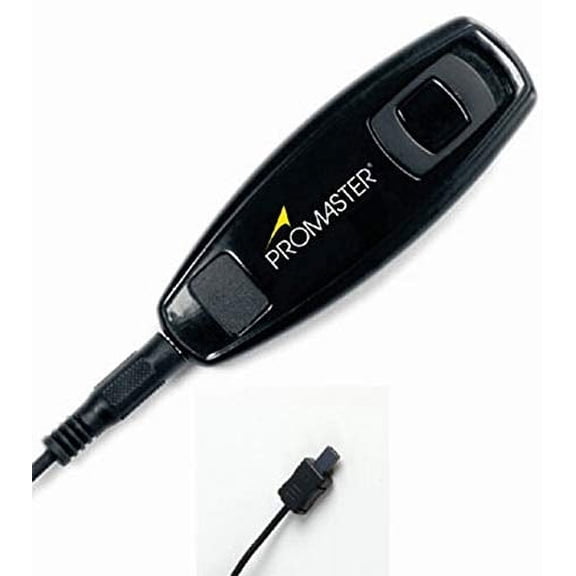 Promaster 1957 MC-DC2 Remote for Nikon$24.95current price $24.95
Agfa Photo Wireless Remote Control for Canon
 Agfa Photo Wireless Remote Control for Canon$6.99current price $6.99
Vivitar VIV-RC6 Universal Wireless Shutter Release (Black)
Vivitar VIV-RC6 Universal Wireless Shutter Release (Black)
Flashpoint R2 Nano Touchscreen TTL Wireless Flash Trigger for Leica, Godox X3 L
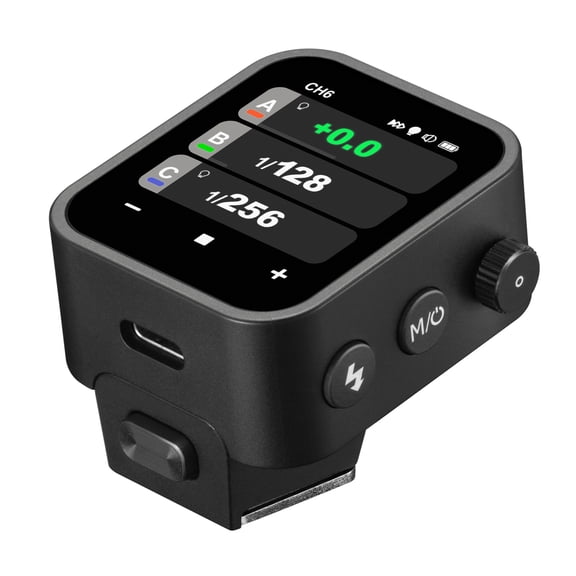 Flashpoint R2 Nano Touchscreen TTL Wireless Flash Trigger for Leica, Godox X3 L$109.00current price $109.00
Flashpoint Wave Commander II Remote Shutter Release Transmitter with Cable for Sony Cameras with Accessory Port, Godox TR-S1
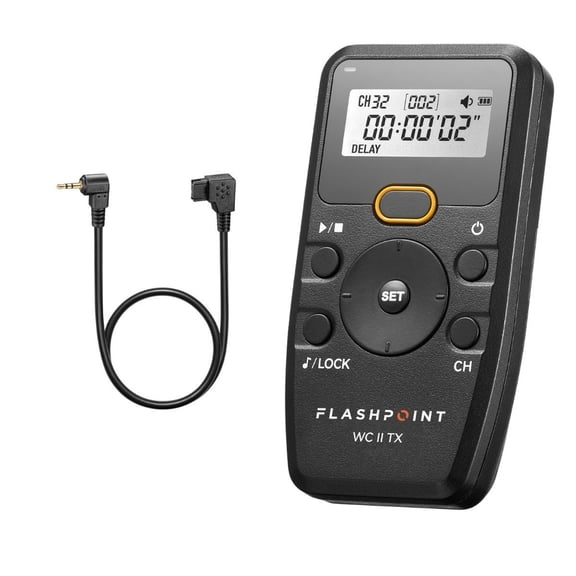 Flashpoint Wave Commander II Remote Shutter Release Transmitter with Cable for Sony Cameras with Accessory Port, Godox TR-S1$46.90current price $46.90
Polaroid Wireless Infrared Remote For Canon DSLR Camera
 Polaroid Wireless Infrared Remote For Canon DSLR Camera$4.99current price $4.99
Flashpoint Wave Commander II Wireless Remote Shutter Release Kit for Canon Cameras with 3-Pin, Godox TR-C3
 Flashpoint Wave Commander II Wireless Remote Shutter Release Kit for Canon Cameras with 3-Pin, Godox TR-C3$57.65current price $57.65