

Patlite(4)
Uses item details. Price when purchased online
Patlite Red/Green Pole Mount Continuous Indicator Light Signal Tower LES-202A-RG $50.00

$5000
current price $50.00Patlite Red/Green Pole Mount Continuous Indicator Light Signal Tower LES-202A-RG
Patlite 24V Blue/Clear/Green/Red/Yellow Continuous Light Tower LCE-502U-RYGBC $160.00

$16000
current price $160.00Patlite 24V Blue/Clear/Green/Red/Yellow Continuous Light Tower LCE-502U-RYGBC
Patlite 40mm 24VAC/VDC Continuous Light Signal Tower LCE-102UW-G+FB120 $60.00

$6000
current price $60.00Patlite 40mm 24VAC/VDC Continuous Light Signal Tower LCE-102UW-G+FB120
Patlite LU7 Series 5V Modular USB Signal Tower LU7-02S-USB $149.96
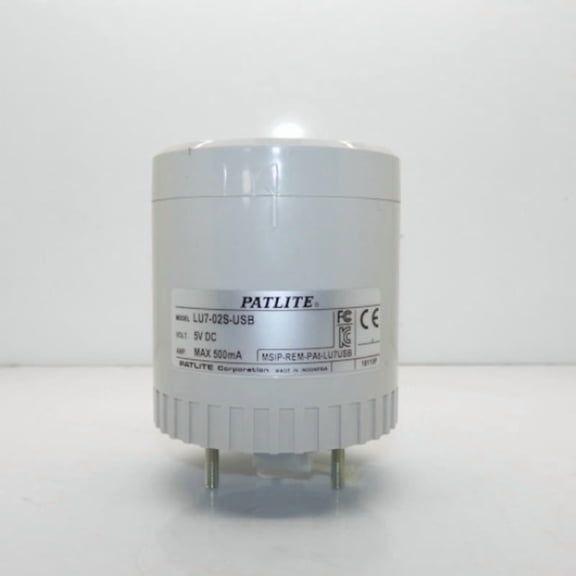
$14996
current price $149.96Patlite LU7 Series 5V Modular USB Signal Tower LU7-02S-USB
FAQ
What are signal towers used for?
Signal towers are visual alert devices often used in workplaces or production environments to indicate equipment status or call attention to specific situations.
- They can show machine performance, signal errors, or alert staff to maintenance needs.
- Different light colors correspond to distinct statuses, making it easier to identify issues quickly, even from a distance.
- Many models support continuous or flashing lights, depending on the situation.
How do I install a light signal tower?
Installing a signal tower generally involves these steps:
- Securely mount the tower to a flat, stable surface using the hardware provided.
- Follow the wiring diagram included with your tower, connecting the wires to your power source (such as 24V AC/DC or USB, as indicated for your model).
- Double-check the connections before powering up, and use proper safety equipment during installation.
Can I use these signal towers outdoors?
Many signal towers are designed primarily for indoor use, but some may have features that make them suitable for certain outdoor environments.
- To determine if a tower is appropriate for outdoor installation, check for weather-resistance ratings or IP codes in the product information.
- A tower with a higher IP rating generally offers more protection against dust and moisture.
Are these signal towers easy to maintain?
Most signal towers are designed for low maintenance and long-term use.
- Cleaning the exterior regularly with a dry or lightly damp cloth helps keep the lights visible and dust-free.
- Check connections for secure wiring and replace light modules as needed if your model allows it.
- Avoid harsh chemicals or abrasives that could damage the housing.
What do the different light colors mean?
The meaning of each color on a signal tower can differ depending on how you set it up, but here are some common uses:
- Red: Typically signals a stop, fault, or urgent issue.
- Yellow: Often means a warning or that attention is needed soon.
- Green: Usually shows normal operation or that it's safe to proceed.
- Blue and clear: These can represent specific notifications or custom statuses chosen by the user.
Popular in Patlite Signal Towers and Indicator Lights for Home
Related Products
DEWEL 4-Count 12 LED Amber Strobe Lights Vehicles Trucks Emergency Strobe Lights Kit 12V -24V Beacon Warning Hazard Flash Strobe Lights Bar Grill Grille Surface Mount Super Bright Waterproof, Amber
 DEWEL 4-Count 12 LED Amber Strobe Lights Vehicles Trucks Emergency Strobe Lights Kit 12V -24V Beacon Warning Hazard Flash Strobe Lights Bar Grill Grille Surface Mount Super Bright Waterproof, Amber$22.67current price $22.67
2Pcs Magnetic Flashing Hazard Amber Strobe Lights for Trucks Vehicles Wireless Surface Mount Rechargeable Portable Trailer Tow Beacon Warning
 2Pcs Magnetic Flashing Hazard Amber Strobe Lights for Trucks Vehicles Wireless Surface Mount Rechargeable Portable Trailer Tow Beacon Warning$55.99current price $55.99
AUTOXBERT 4X Motorcycle Turn Signals Lights Indicators Bike LED Blinkers Amber 10MM Universal
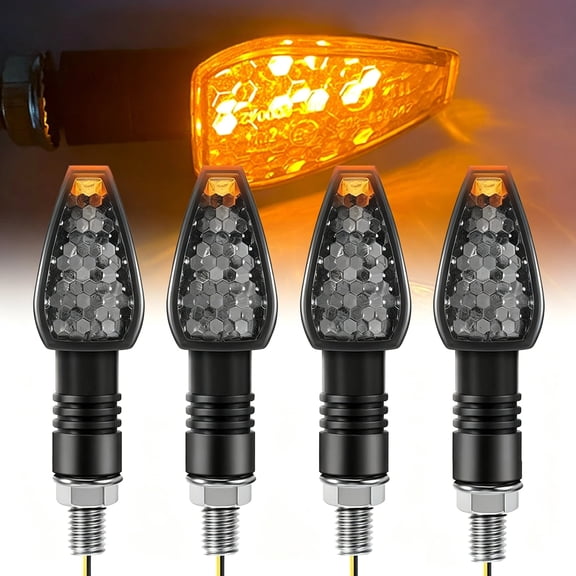 AUTOXBERT 4X Motorcycle Turn Signals Lights Indicators Bike LED Blinkers Amber 10MM Universal$11.99current price $11.99
LED Emergency Strobe Lights, Amber 6 LED Strobe Warning Emergency Flashing Light for Car Truck Road ATV SUV 4 Pack
 LED Emergency Strobe Lights, Amber 6 LED Strobe Warning Emergency Flashing Light for Car Truck Road ATV SUV 4 Pack$13.29current price $13.29
Nilight 42 LED Roof Top Strobe Lights Hazard Emergency Safety Warning Flashing Light Bar w/Control Panel Magnetic Mount 12V 24V Car Truck Tractor Snow Plow
 Nilight 42 LED Roof Top Strobe Lights Hazard Emergency Safety Warning Flashing Light Bar w/Control Panel Magnetic Mount 12V 24V Car Truck Tractor Snow Plow$65.99current price $65.99
WQNZMADO LED Emergency Strobe Lights, Amber 6 LED Strobe Warning Emergency Flashing Light for Car Truck Off Road ATV SUV 2 Pack
 WQNZMADO LED Emergency Strobe Lights, Amber 6 LED Strobe Warning Emergency Flashing Light for Car Truck Off Road ATV SUV 2 Pack$11.24current price $11.24
Nilight 40 LED Amber Strobe Light with Magnetic Base, Rubber Feet, 12V-24V for UTV, Car, Truck, Tractor, Golf Carts, Forklift, Bus
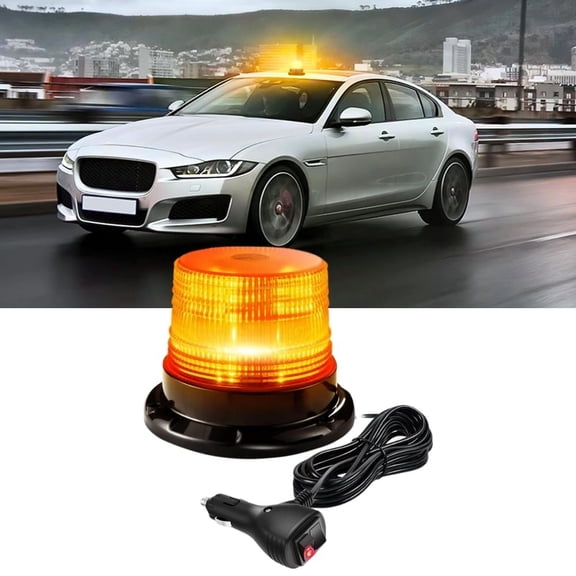 Nilight 40 LED Amber Strobe Light with Magnetic Base, Rubber Feet, 12V-24V for UTV, Car, Truck, Tractor, Golf Carts, Forklift, Bus$22.99current price $22.99
2pc 5" Amber LED Motorcycle Running & Turn Signal Tail Light Strip Kit for Bikes
 2pc 5" Amber LED Motorcycle Running & Turn Signal Tail Light Strip Kit for Bikes$15.99current price $15.99
Nilight Strobe Lights, Windshield Hazard Warning Safety Flash Lights with Suction Cups, Super Bright LED Strobe Lights for Truck
 Nilight Strobe Lights, Windshield Hazard Warning Safety Flash Lights with Suction Cups, Super Bright LED Strobe Lights for Truck$17.59current price $17.59
AUTOXBERT 8 LED Emergency Strobe Light Hazard Warning Strobe Lamp w/ Suction Cup for Car Truck
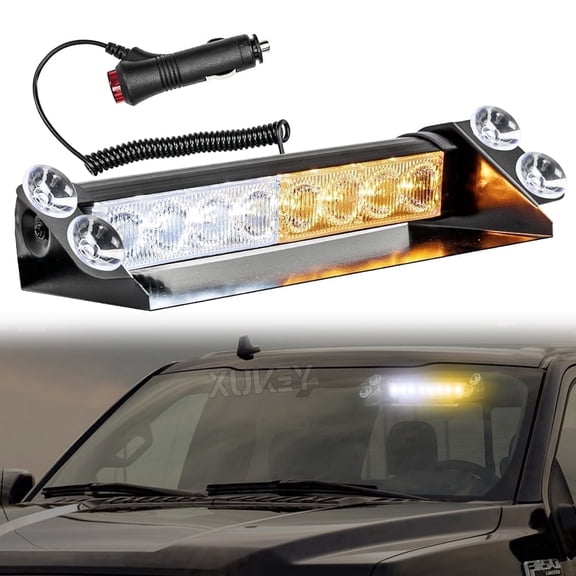 AUTOXBERT 8 LED Emergency Strobe Light Hazard Warning Strobe Lamp w/ Suction Cup for Car Truck$14.38current price $14.38
RAVEK Turn Signal Kit - Amber - White Running Lights - Ranger 64-101
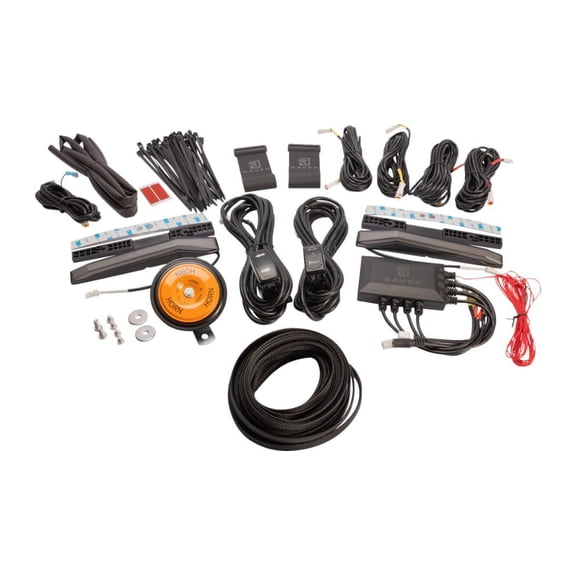 RAVEK Turn Signal Kit - Amber - White Running Lights - Ranger 64-101$459.95current price $459.95
LED Strobe Light Bar Warning Light Emergency Beacon for Postal Service Snowplows 51" 96-LED Light Bar Emergency Beacon Warn Tow Truck Response Strobe Amber Strobe Light Bar Emergency Beacon Warn Lamp
 LED Strobe Light Bar Warning Light Emergency Beacon for Postal Service Snowplows 51" 96-LED Light Bar Emergency Beacon Warn Tow Truck Response Strobe Amber Strobe Light Bar Emergency Beacon Warn Lamp$193.16current price $193.16
Odeo LED Strobe Flare | Waterproof | High-Visibility Emergency Signal Light | Long Battery Life | Durable | Includes Protective Pouch
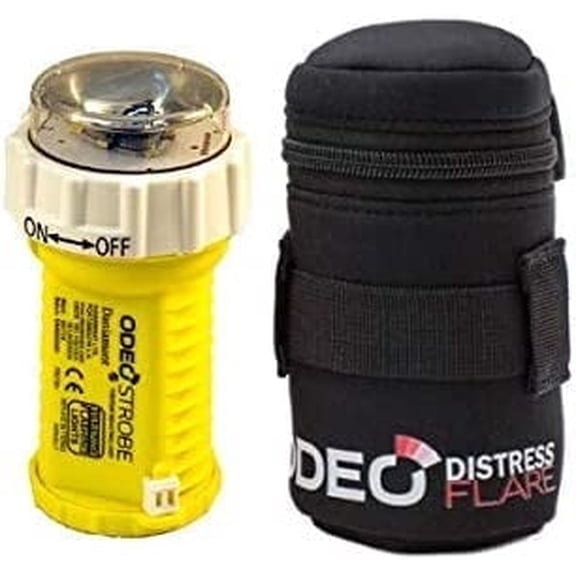 Odeo LED Strobe Flare | Waterproof | High-Visibility Emergency Signal Light | Long Battery Life | Durable | Includes Protective Pouch$140.05current price $140.05
Universal 12V Motorcycle Turn Signal Indicator Front and Rear Flashing Halogen Light Strobe
 Universal 12V Motorcycle Turn Signal Indicator Front and Rear Flashing Halogen Light Strobe$15.70current price $15.70
Buyers Products Stop/Turn/Table Light,5.75",38 LED 5626734
 Buyers Products Stop/Turn/Table Light,5.75",38 LED 5626734$49.74current price $49.74