

Paper Cutters and Guillotine Trimmers 12 Inch




















About Paper Cutters and Guillotine Trimmers 12 Inch - Walmart.com
Paper trimmers help you make clean, repeatable cuts for crafts, classrooms, and office projects. You can compare blade style, sheet capacity, size, and safety features to match your workflow.
How to choose paper trimmers by blade type
You should start with blade type because it shapes how your cuts feel and how your finished edges look. You can choose guillotine, rotary, bypass, or wire designs based on the materials you trim most.
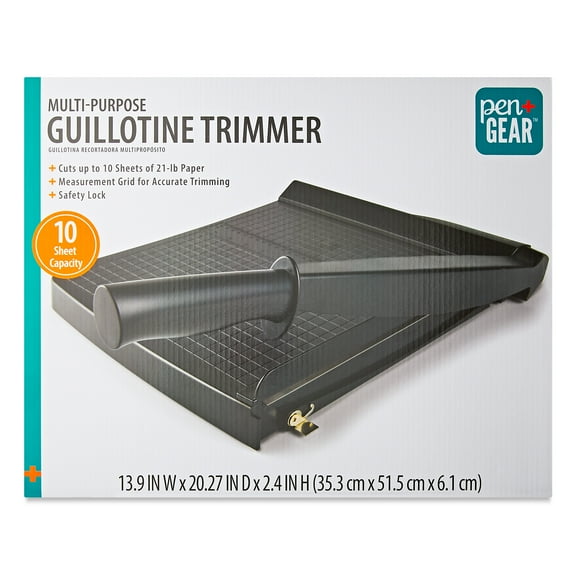
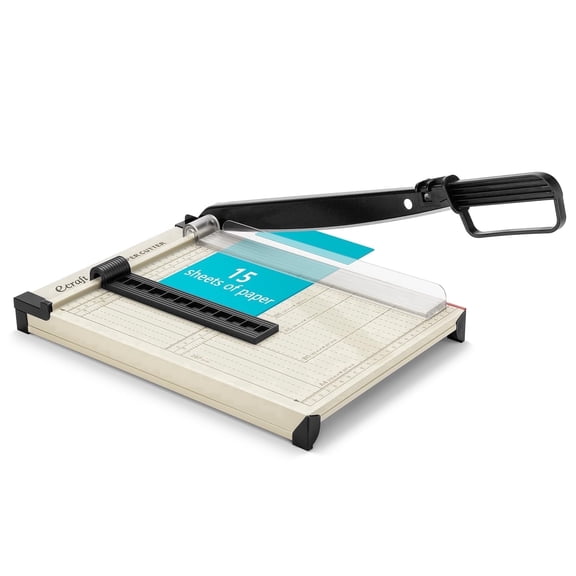
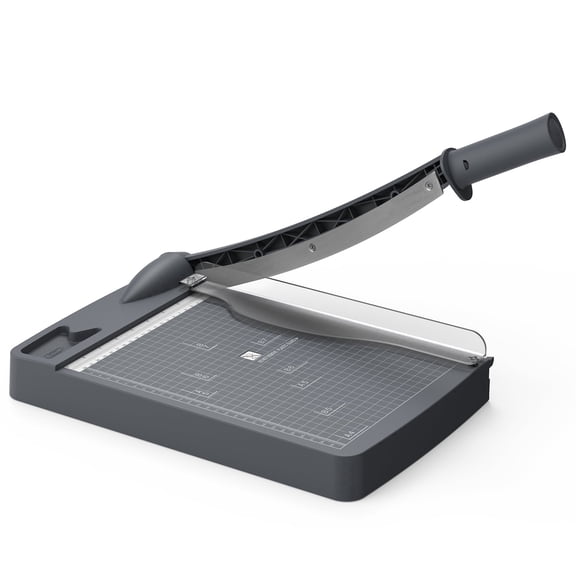
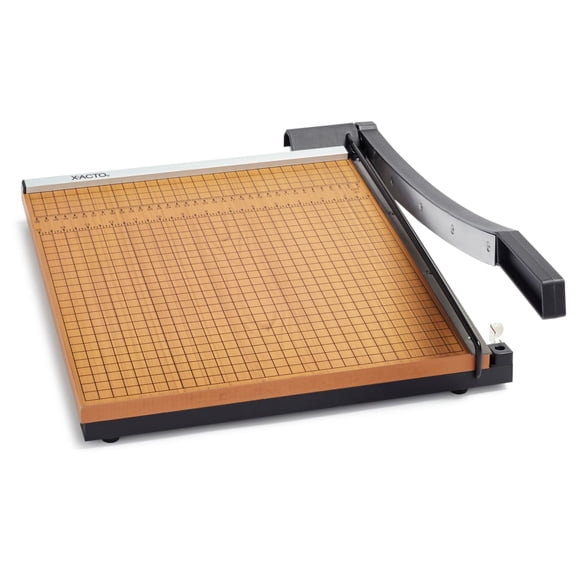
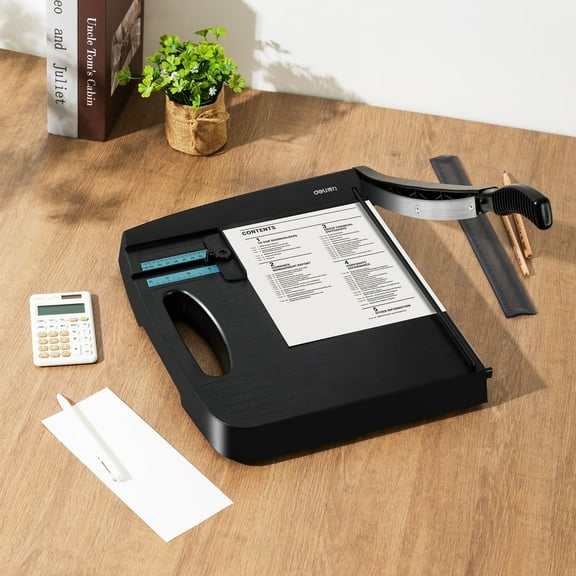
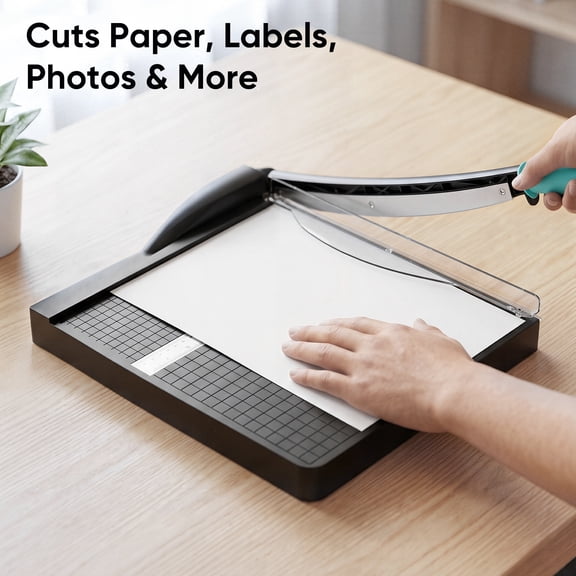
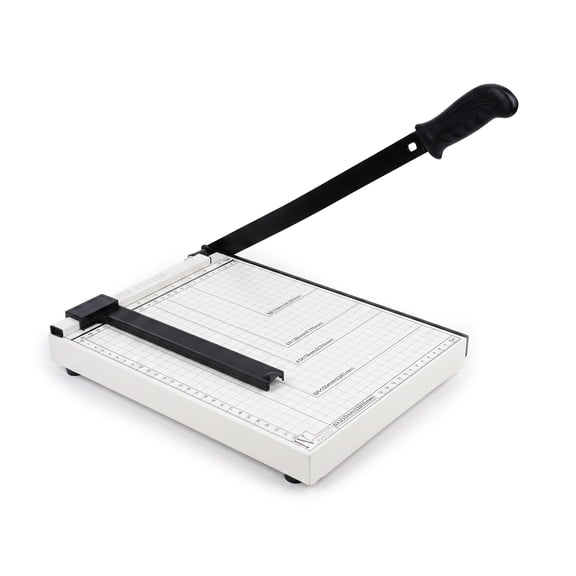
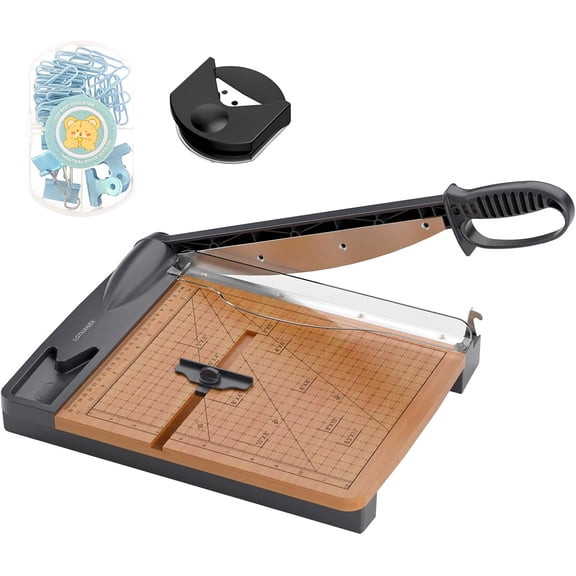
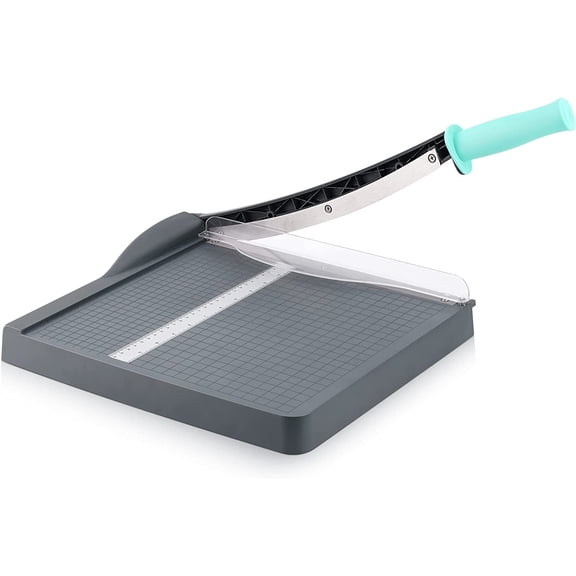
If you want fast straight cuts through stacked sheets, you may prefer a guillotine paper cutter. You can lower the arm in one motion, which works well for forms, handouts, and office batches.
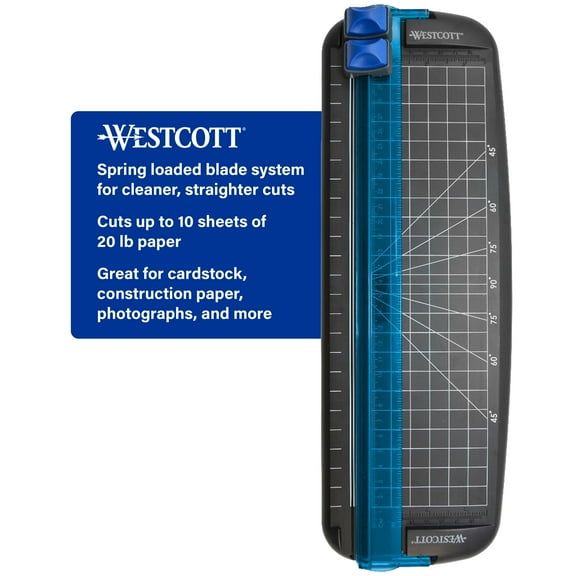
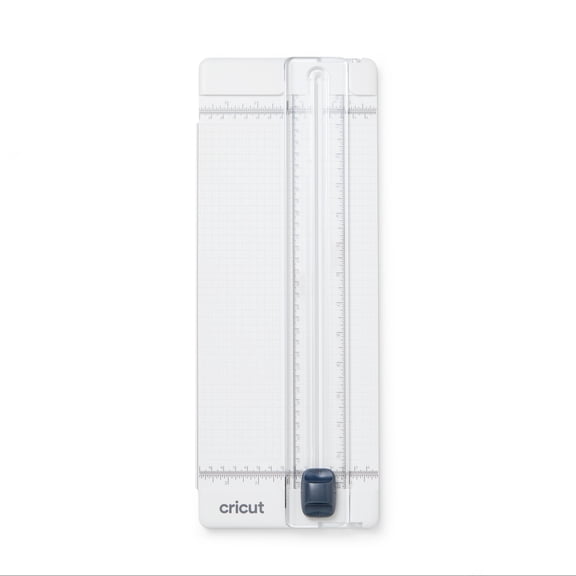
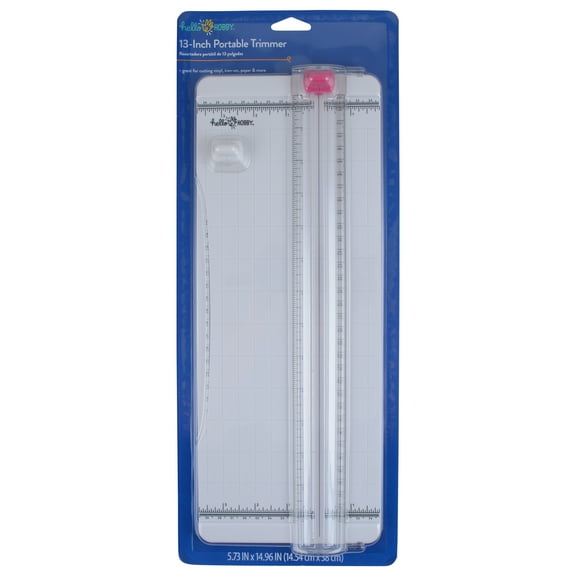
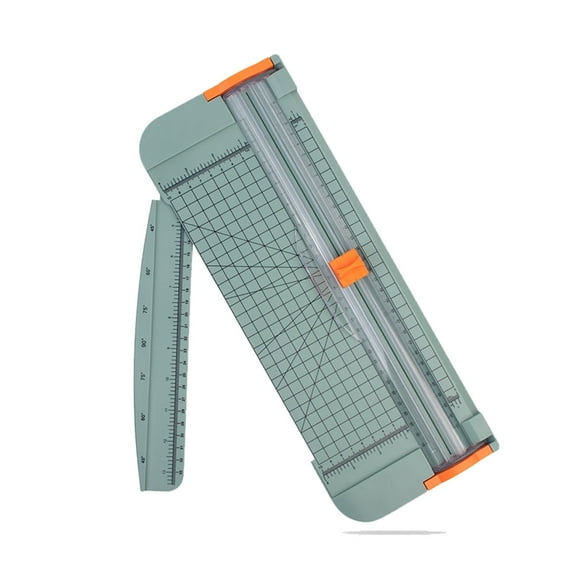
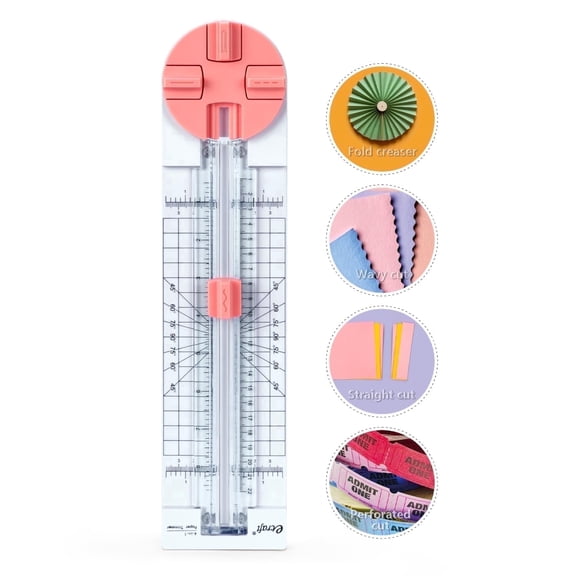
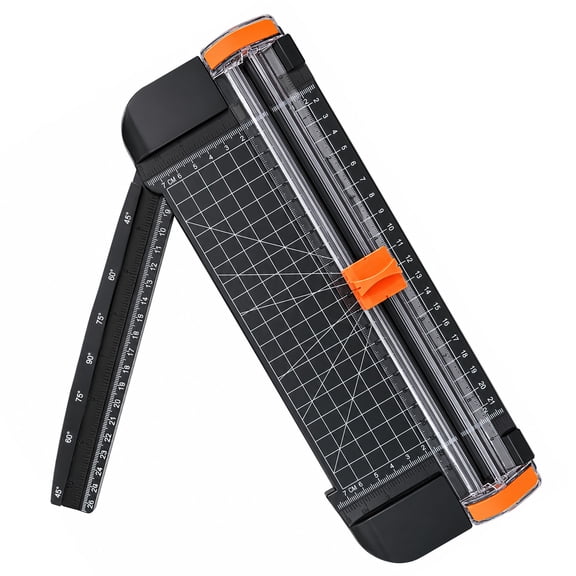
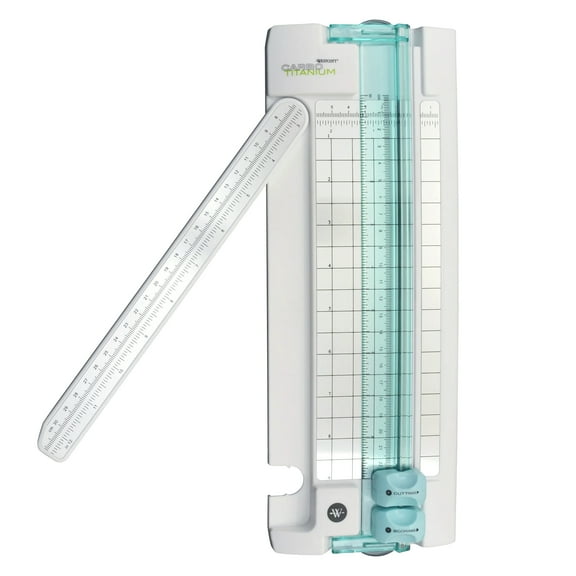
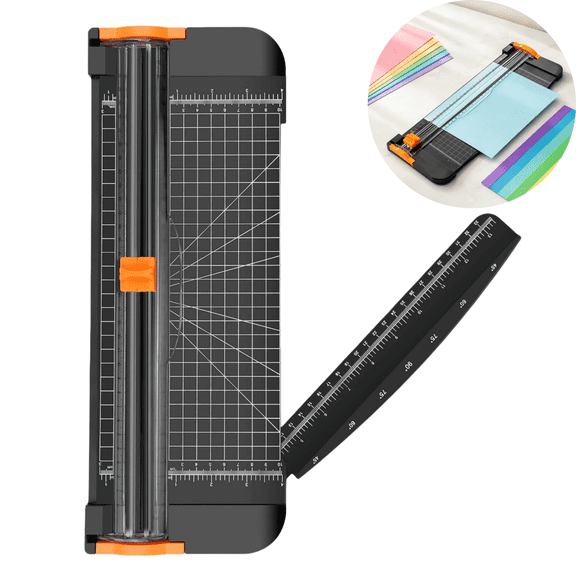
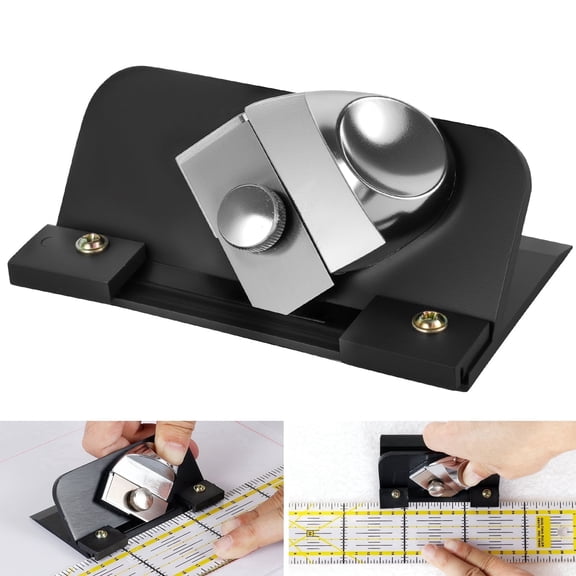
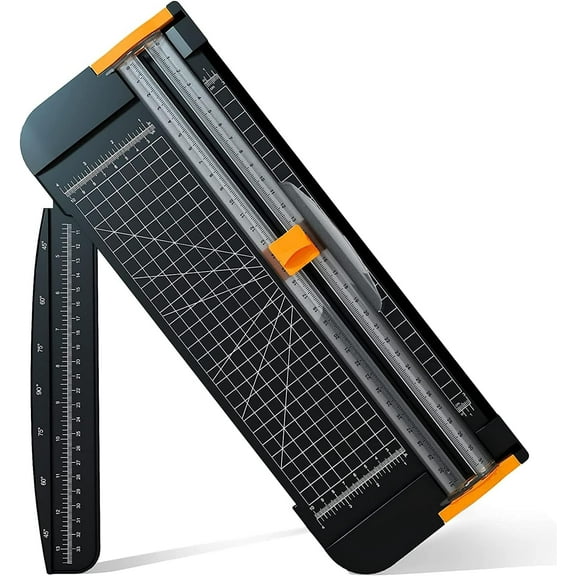
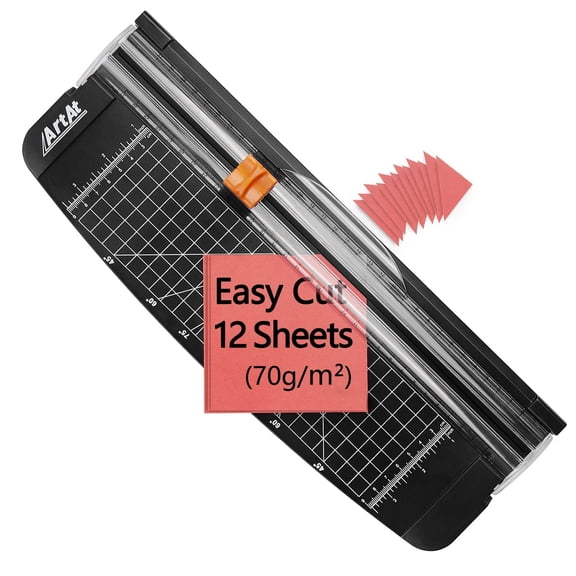
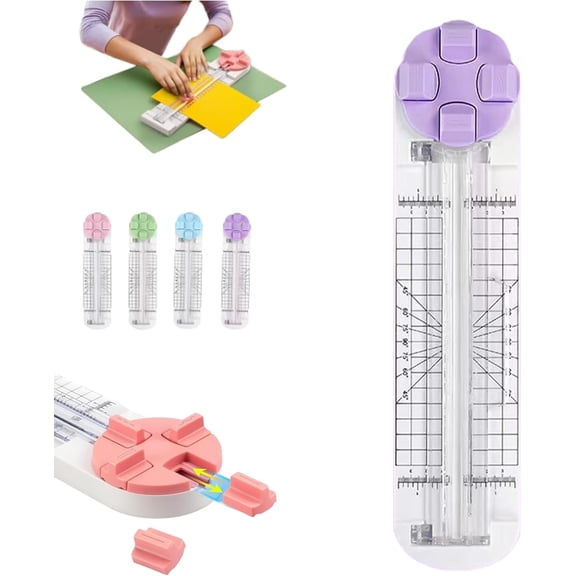
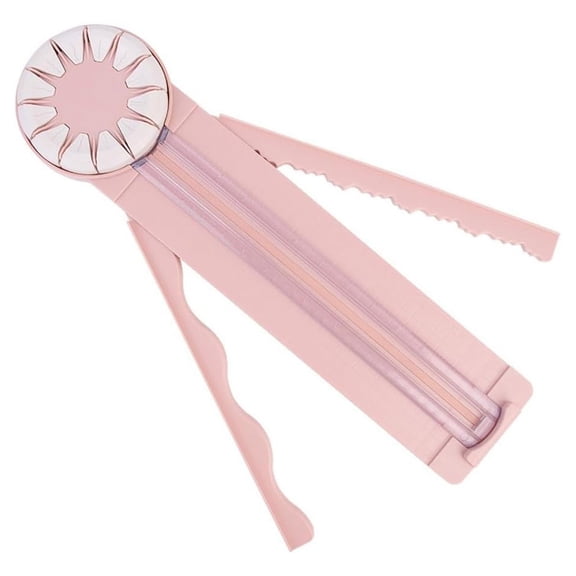
If you want controlled motion for photos, invitations, or scrapbook pages, you may prefer a rotary paper trimmer. You can slide the blade along a track, which helps you follow alignment marks with steady precision.
You can also compare bypass and wire styles when you want lighter trimming tasks or compact desktop use. You should check product details so your cutter matches the paper types you handle most often.
What to look for in paper cutters and sheet capacity
You should compare sheet capacity based on how many pages you cut at one time. You can use lower-capacity models for occasional crafting, while heavy duty paper trimmer options suit repeated office jobs.
If you trim one to 10 sheets at a time, you may want a lighter board that stores easily. You can keep setup simple for homework packets, labels, and small creative projects.
If you handle thicker stacks, you should look for multi-sheet designs with sturdy arms and stable bases. You can finish flyers, schedules, or classroom sets with fewer passes and less repositioning.
- You can choose lighter capacities for crafts, photos, and occasional home paperwork.
- You can choose multi-sheet or heavy duty options for frequent office or classroom cutting.
- You should match capacity to your routine, so your cuts stay neat and consistent.
You should avoid guessing on stack size because capacity affects edge quality and cutting speed. You can get cleaner results when you choose a trimmer that fits your usual workload.
Choosing base material and cutting length
You should compare base material because it affects stability, portability, and how your trimmer fits your workspace. You can find wood base paper trimmer options, metal bases, plastic boards, and lightweight choices.
If you want a traditional work surface with a substantial feel, you may choose a wood base paper trimmer. You can keep the board steady during repeated cuts on cardstock, flyers, or office paper.
If you need extra durability for frequent use, you should consider a metal base. You can also choose plastic or lightweight boards when you want easier storage between projects.
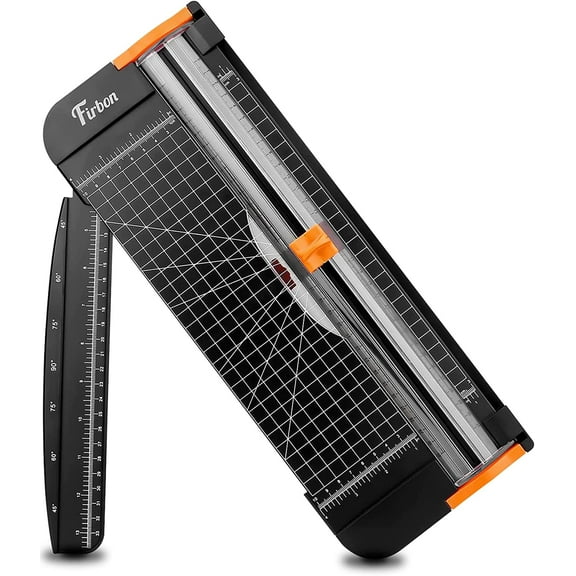
You should measure the sheet sizes you trim most often before picking a board length. You can use a 12 inch paper cutter for standard letter-size projects, while longer boards fit banners and larger layouts.
If you work on posters, classroom displays, or wide craft materials, you may need 15 inch, 18 inch, or large format lengths. You can reduce repositioning when your cutter supports the full sheet width.
Checking alignment guides and safety features
You should look for clear grid lines and dual-scale rulers because they help you line up every cut. You can measure in familiar increments and place paper consistently for repeat jobs.
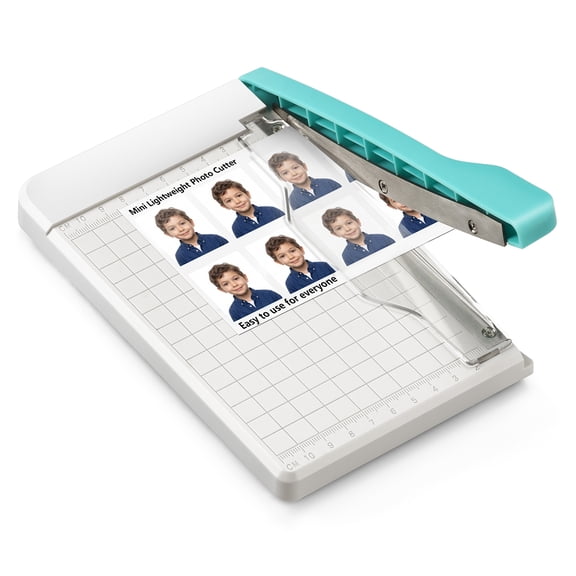
If you prepare invitations or photo borders, you may notice alignment guides make narrow trims easier to repeat. You can waste fewer sheets when the board shows where edges and margins will land.
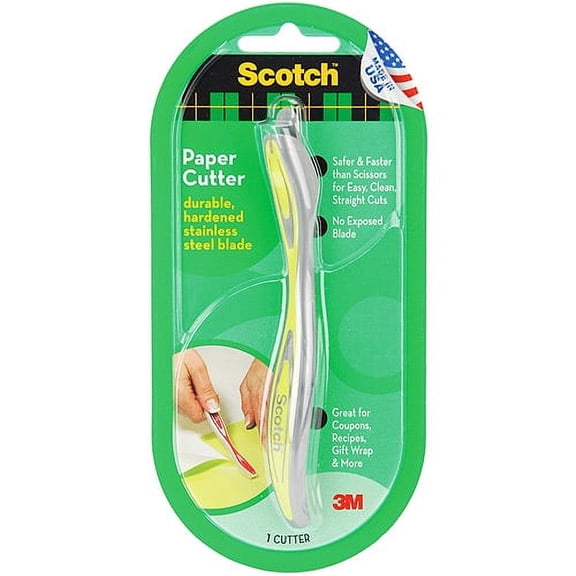
You should also compare safety features carefully, especially for shared spaces at home, school, or work. You can look for a blade guard, safety latch, finger guard, or locking mechanism.
If you need a classroom paper cutter, you may want visible guards and simple locking steps. You can put the trimmer away securely and bring it back out for projects, signs, or worksheets.
You should check whether the handle, track, and latch feel easy to control during regular use. You can work through paper tasks with more confidence when the cutter stays stable and covered between cuts.
Matching your paper trimmers to real projects
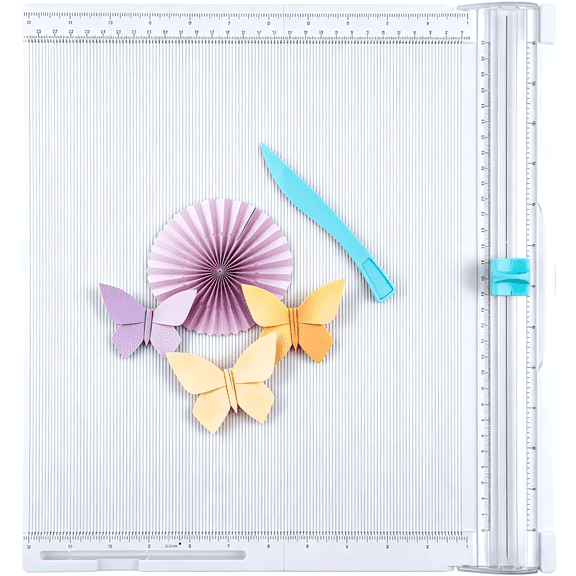
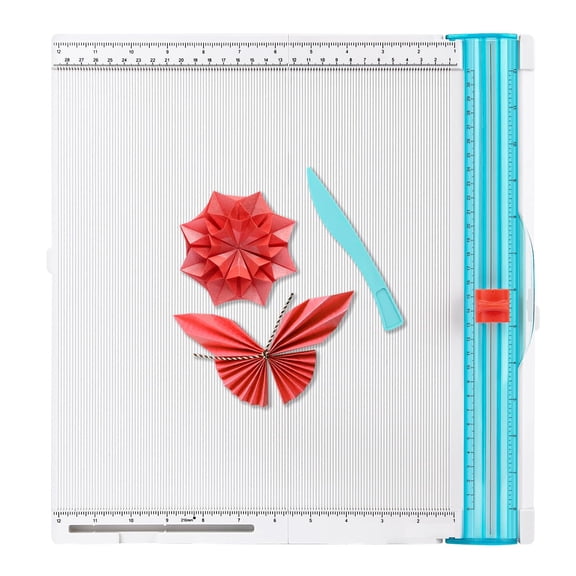
You can match a rotary paper trimmer to scrapbooking, greeting cards, photos, and printed decorations. You may appreciate the guided blade when you trim single sheets or make precise border cuts.
You can match a guillotine paper cutter to offices, mailrooms, and busy desks that process repeated stacks. You should consider stronger bases and higher sheet capacity for schedules, forms, and handouts.
If you create classroom packets, anchor charts, or bulletin board pieces, you should compare cutting length and safety details together. You can choose a classroom paper cutter that fits larger sheets and stores securely.
If you handle cardstock, laminated pages, or frequent presentation prep, you should review board strength and alignment markings. You can keep edges straighter when your cutter supports heavier materials and measured placement.
You should also think about nearby supplies that support your workflow, including cardstock paper, laminating machines, and scissors and shears. You can build a more efficient workspace when your tools fit the projects you complete most.
Paper trimmers work effectively when you match the blade style, board size, and safety details to your routine. You can cut more accurately, handle projects smoothly, and keep your workspace organized.