

P2417h(6)
Restored Dell P2417H 24" Monitor (Refurbished) $78.00
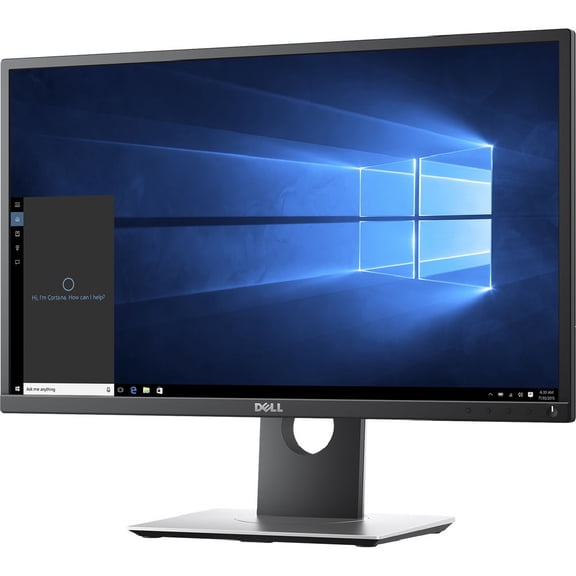
Restored Dell P2417H 24" Monitor (Refurbished)
Restored Dell Monitor LCD 24" P2417H (Refurbished) $68.00
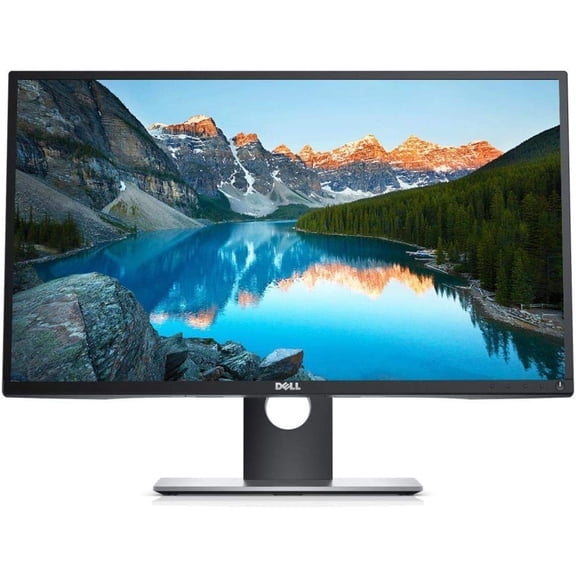
Restored Dell Monitor LCD 24" P2417H (Refurbished)
Restored Dell Professional P2417H 23.8" Screen LED-Lit Monitor (Refurbished) $97.00
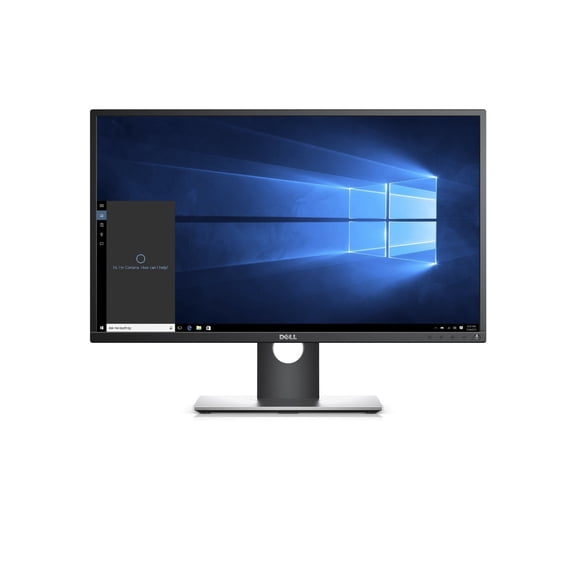
Restored Dell Professional P2417H 23.8" Screen LED-Lit Monitor (Refurbished)
Restored Dell Monitor LCD 24" P2417H (Refurbished) $68.00
Restored Dell Monitor LCD 24" P2417H (Refurbished)
Restored Dell 24 Monitor - P2417H $78.00
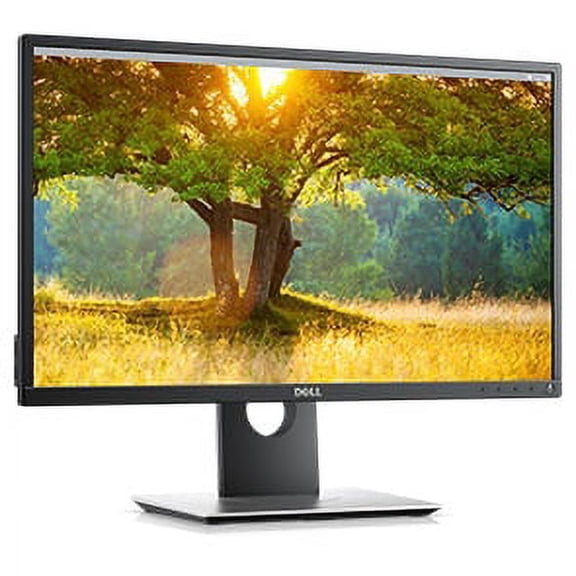
Restored Dell 24 Monitor - P2417H
Restored Dell P2417H 24" Monitor (Refurbished) $78.00
Restored Dell P2417H 24" Monitor (Refurbished)
FAQ
What devices can I connect to this monitor?
This monitor offers flexible connection options for many devices. You can hook it up to desktops, laptops, or even some gaming consoles using its available ports.
- Common input options include HDMI, DisplayPort, and VGA.
- Check your device's outputs and grab the right cable for a quick setup.
Always confirm your device supports one of the monitor's input types for the best experience.
How do I adjust the screen height and angle?
This monitor is designed with user comfort in mind. You can easily tweak its position to find your ideal viewing angle.
- Raise or lower the screen to match your eye level.
- Tilt it forward or backward for less glare.
- Some stands let you swivel the monitor or turn it vertical (portrait mode).
Making these adjustments can help reduce neck and eye strain during longer computer sessions.
Can I use this monitor for dual screen setups?
Absolutely, this monitor can be a great addition to a dual screen workstation. Here are some things to keep in mind:
- Make sure your computer supports multiple monitors.
- Connect each monitor to your device using compatible ports.
- Adjust display settings on your computer to extend or duplicate your desktop.
Dual screens can boost productivity by giving you more space to work or multitask.
What should I know about buying a used monitor?
Buying a used monitor can be a smart way to save, but it's good to check a few things first:
- Look for any visible wear, like scratches or marks on the screen.
- Ask about the monitor's working condition and if all ports function.
- See if the seller includes accessories like power cables or stands.
Shopping at a trusted retailer can give you added peace of mind.
How do I keep the monitor screen clean?
Keeping your monitor clean helps with clear viewing and extends its lifespan. Here's a safe cleaning routine:
- Turn off and unplug the monitor before cleaning.
- Use a soft microfiber cloth for dusting.
- If needed, lightly dampen the cloth with water or a screen-safe cleaner—never spray liquid directly on the screen.
Regular gentle cleaning can help keep your monitor looking its best.
Popular in p2417h Computer Monitors and PC Display Screens
Related Products
BenQ GW2283 Eye Care 22 inch IPS 1080p Monitor | Optimized for Home & Office with Adaptive Brightness Technology
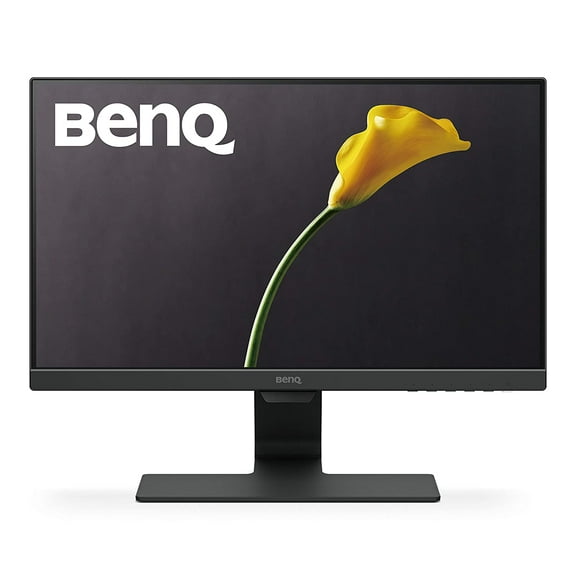 BenQ GW2283 Eye Care 22 inch IPS 1080p Monitor | Optimized for Home & Office with Adaptive Brightness Technology$124.03current price $124.03
KOORUI 24" 100Hz Curved Computer Monitor, FHD 1080P 1500R PC Monitors, HDMI&VGA Ports, Eye Care
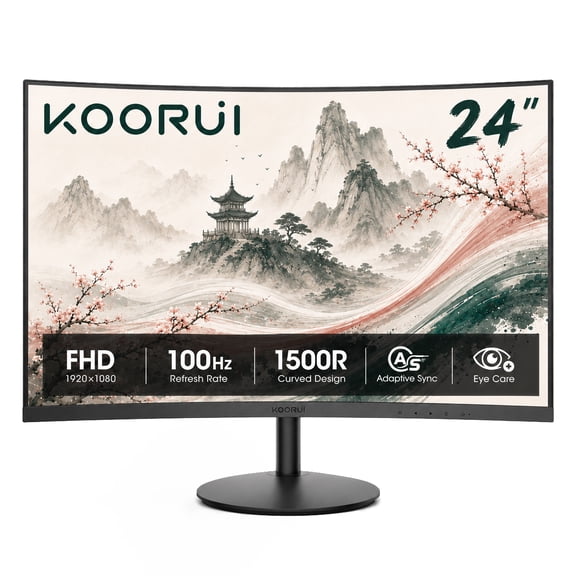 KOORUI 24" 100Hz Curved Computer Monitor, FHD 1080P 1500R PC Monitors, HDMI&VGA Ports, Eye Care$79.99current price $79.99
BenQ GW2490T 24" Class Full HD LED Monitor - 16:9
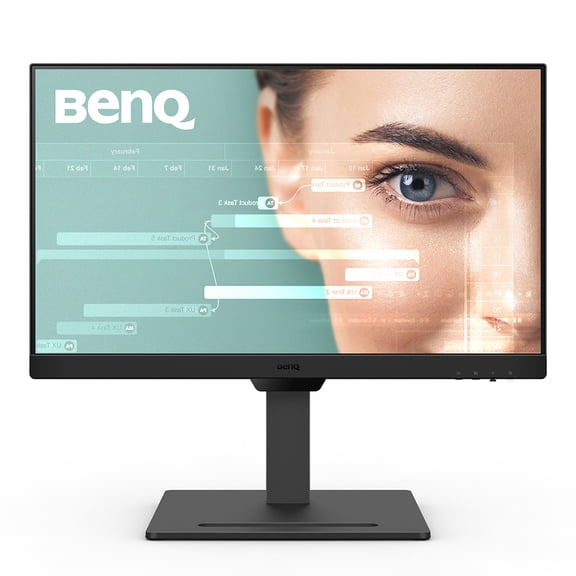 BenQ GW2490T 24" Class Full HD LED Monitor - 16:9$122.00current price $122.00
Acer V196L B 19" Class SXGA LED Monitor - 5:4 - Black - 19" Viewable - In-plane Switching (IPS) Technology - LED Backlight - 1280 x 1024 - 16.7 Million Colors - 250 Nit - 5 ms - 75 Hz Refresh Rate ...
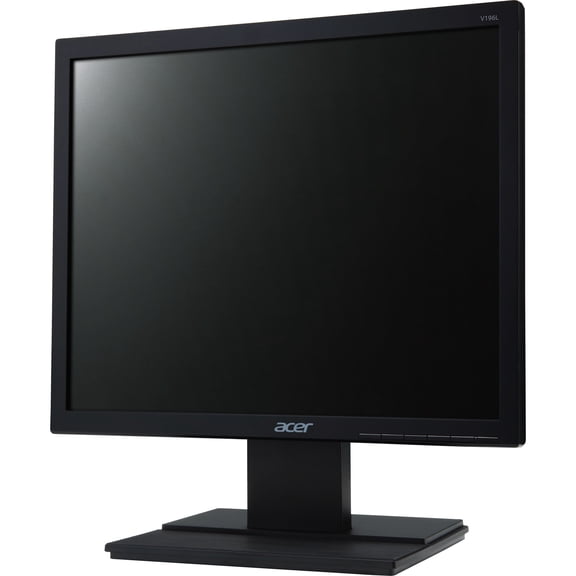 Acer V196L B 19" Class SXGA LED Monitor - 5:4 - Black - 19" Viewable - In-plane Switching (IPS) Technology - LED Backlight - 1280 x 1024 - 16.7 Million Colors - 250 Nit - 5 ms - 75 Hz Refresh Rate ...$154.18current price $154.18
Sceptre 27-inch IPS Eye Care Monitor 100Hz DisplayPort HDMI and USB-C 100% sRGB Build-in Speakers, E275W-FP100T 2024
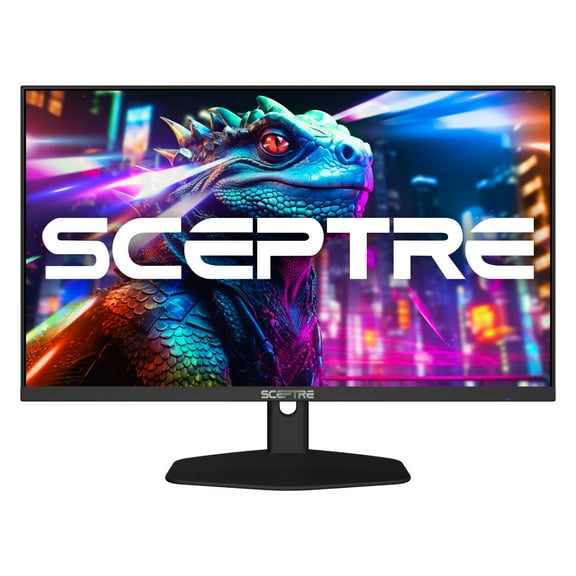 Sceptre 27-inch IPS Eye Care Monitor 100Hz DisplayPort HDMI and USB-C 100% sRGB Build-in Speakers, E275W-FP100T 2024$89.98current price $89.98
ViewSonic VX2776-SMHD 27 Inch 1080p Widescreen IPS Monitor with Ultra-Thin Bezels, HDMI and DisplayPort
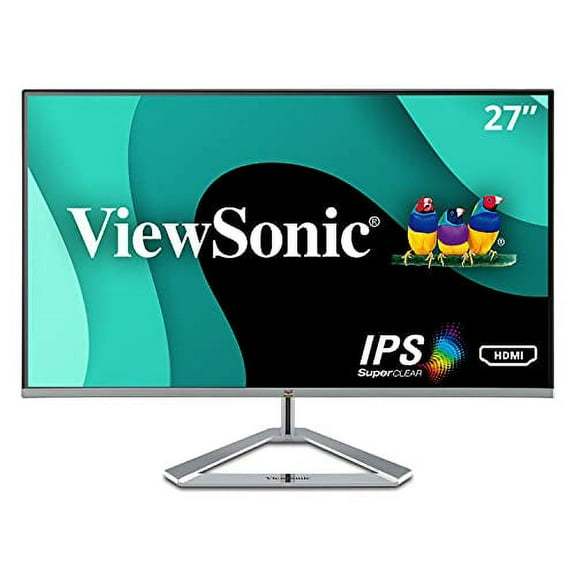 ViewSonic VX2776-SMHD 27 Inch 1080p Widescreen IPS Monitor with Ultra-Thin Bezels, HDMI and DisplayPort$168.50current price $168.50
Sharp NEC Display MultiSync DD-EA272U 27" Class 4K UHD LED Monitor - 16:9 - 27" Viewable - In-plane Switching (IPS) Technology - LED Backlight - 3840 x 2160 - 16.7 Million Colors - 350 Nit - 6 ms -...
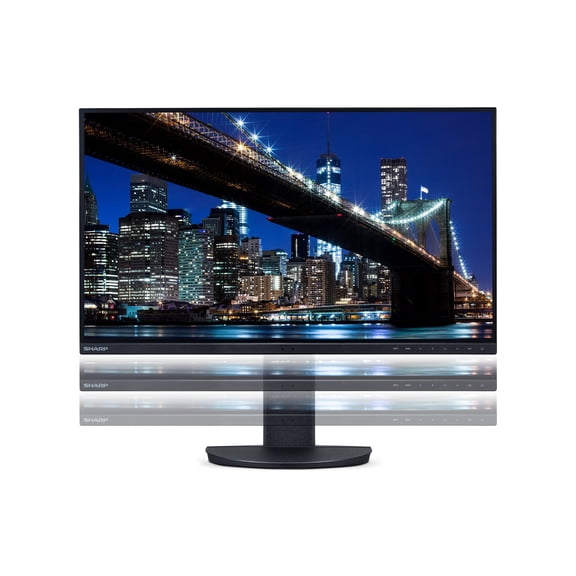 Sharp NEC Display MultiSync DD-EA272U 27" Class 4K UHD LED Monitor - 16:9 - 27" Viewable - In-plane Switching (IPS) Technology - LED Backlight - 3840 x 2160 - 16.7 Million Colors - 350 Nit - 6 ms -...$694.59current price $694.59
Acer Vero V247Y G 24" Class LCD Monitor - 16:9 - Black - 23.8" Viewable - 4 ms - Speakers - HDMI - VGA - DisplayPort
 Acer Vero V247Y G 24" Class LCD Monitor - 16:9 - Black - 23.8" Viewable - 4 ms - Speakers - HDMI - VGA - DisplayPort$122.21current price $122.21
Acer B247Y Gbmiprx - 24" Vero B7 Class Full HD LED Monitor in Black - UM.QB7AA.G02
 Acer B247Y Gbmiprx - 24" Vero B7 Class Full HD LED Monitor in Black - UM.QB7AA.G02$153.89current price $153.89