Nr200p(3)
Deal, Cooler Master Compact Power, Refined Design NR200P V3 $119.98 Was $163.99
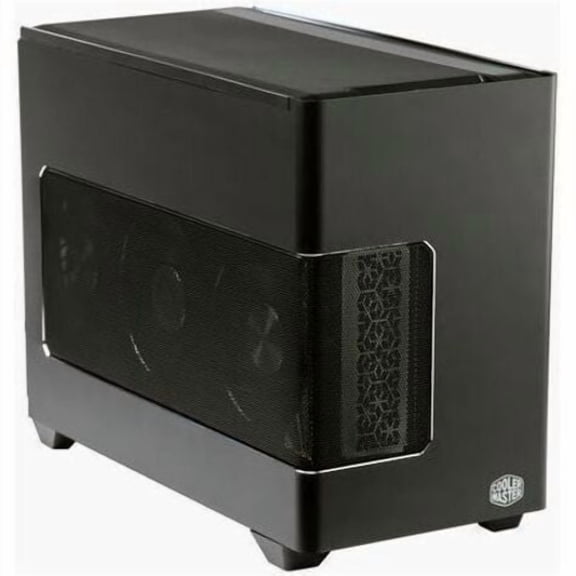
Cooler Master Compact Power, Refined Design NR200P V3
Cooler Master NR200P MAX NR200P-MCNN85-SL0 Computer Case $324.20
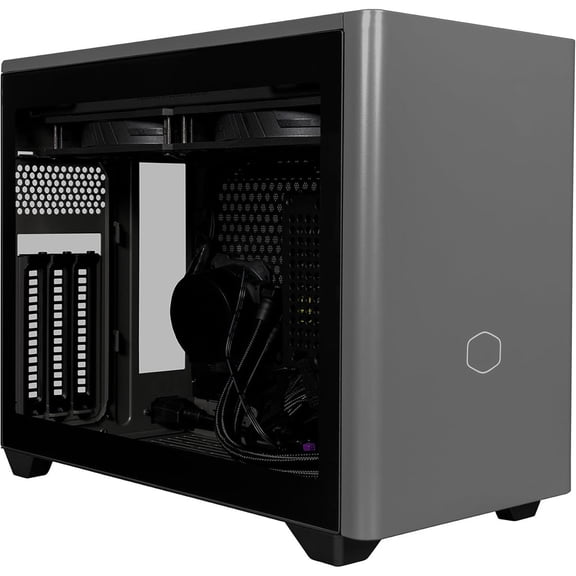
Cooler Master NR200P MAX NR200P-MCNN85-SL0 Computer Case
Cooler Master MasterBox NR200P V2 Mini ITX Computer Case Black (NR200PV2-KCNN-S00) $125.01

Cooler Master MasterBox NR200P V2 Mini ITX Computer Case Black (NR200PV2-KCNN-S00)
Other options to consider(2)
Cooler Master NR2 Pro Mini ITX - AMD RYZEN 7 9800X3D 4.7 GHz (5.2 GHz Turbo) | Gigabyte RX 9070 XT 16GB & B850I AORUS PRO | 32GB DDR5 6000MHz | 2TB Gen4 M.2 | WiFi | Windows 11 | 280mm AIO Gaming PC $3,679.99

Cooler Master NR2 Pro Mini ITX - AMD RYZEN 7 9800X3D 4.7 GHz (5.2 GHz Turbo) | Gigabyte RX 9070 XT 16GB & B850I AORUS PRO | 32GB DDR5 6000MHz | 2TB Gen4 M.2 | WiFi | Windows 11 | 280mm AIO Gaming PC
Cooler Master NR2 Pro Mini ITX - AMD RYZEN 7 9800X3D 4.7 GHz (5.2 GHz Turbo) | Gigabyte RTX 5080 16GB & Gigabyte B850I AORUS PRO | 32GB DDR5 6000MHz | 2TB Gen4 M.2 | WiFi | Windows 11 Gaming PC $4,679.99

Cooler Master NR2 Pro Mini ITX - AMD RYZEN 7 9800X3D 4.7 GHz (5.2 GHz Turbo) | Gigabyte RTX 5080 16GB & Gigabyte B850I AORUS PRO | 32GB DDR5 6000MHz | 2TB Gen4 M.2 | WiFi | Windows 11 Gaming PC
FAQ
How do I know if a PC case fits my components?
Checking compatibility is key before picking a PC case. Start with your motherboard size; most mini ITX cases support only smaller boards. Next, look at the max GPU and CPU cooler heights listed in the product details. Also, consider how many fans or storage drives you want to install.
- Compare component dimensions to the case's specs.
- Make sure your power supply type matches what's supported.
- Review clearance for cables and cooling.
Double-checking these details helps ensure a smoother build experience.
What makes a compact PC case a good choice?
Compact PC cases appeal to those wanting a smaller footprint and modern design. They're ideal for limited desk space or a minimalist look. Many offer smart layouts to maximize airflow and cable management, even in tight quarters.
- Save space without sacrificing essential features.
- Flexible layouts for storage and cooling options.
- Easy to relocate or transport.
Choosing a compact case can help you build a stylish, efficient system that fits your lifestyle.
Can I install liquid cooling in a mini ITX case?
Some mini ITX cases are designed to support liquid cooling, but it's important to check the specs before buying. Look for radiator compatibility and mounting spots.
- Check if there's room for a 240mm or 120mm radiator.
- Look for clear instructions on pump and reservoir placement.
- Consider compact cooling solutions for tight spaces.
Reading the product's manual can help you plan the best cooling setup for your build.
How do I clean and maintain my PC case?
Regular cleaning keeps your PC case running efficiently. Start by powering down and unplugging your system. Use compressed air to remove dust from vents, fans, and filters. Wipe surfaces with a soft, dry cloth.
- Remove and clean dust filters every few months.
- Check for loose cables or screws inside.
- Keep airflow paths clear for optimal cooling.
Maintaining your case helps extend the life of your components and keeps your build looking sharp.
Where can I find replacement panels or accessories?
If you need replacement panels or accessories for your PC case, check with the manufacturer's official website for authorized parts. Some cases have aftermarket support for side panels, dust filters, or modular upgrades.
- Look for product-specific accessories online.
- Contact customer support for unique parts or advice.
- Visit the retailer's website for compatible items.
Having access to spare parts makes it easier to personalize or repair your PC case over time.
Popular in NR200P Electronics Computer Cases Collection
Related Products
Intel - Server CPU - Tray 12 Core Xeon Silver 4th Gen 4410Y Scalable Server CPU & Processor
 Intel - Server CPU - Tray 12 Core Xeon Silver 4th Gen 4410Y Scalable Server CPU & Processor$876.53current price $876.53
Fractal Design Terra Jade Mini-ITX SFF PC Case with PCIe 4.0 Riser, Anodized Aluminum and Walnut
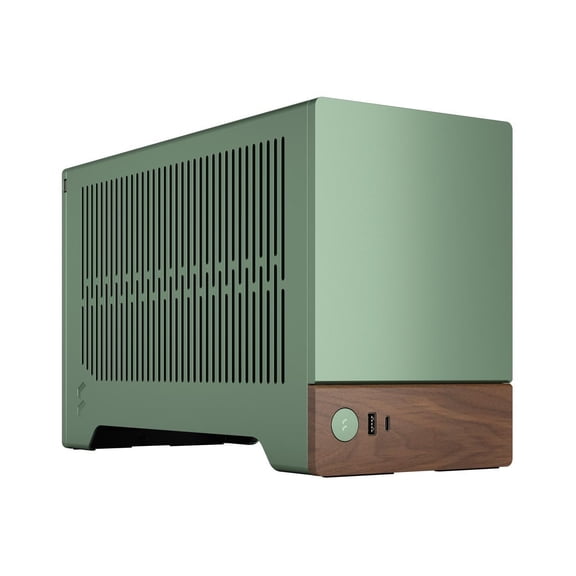 Fractal Design Terra Jade Mini-ITX SFF PC Case with PCIe 4.0 Riser, Anodized Aluminum and Walnut$258.33current price $258.33
Fractal Design Node 304 System Cabinet FDCANODE304BL
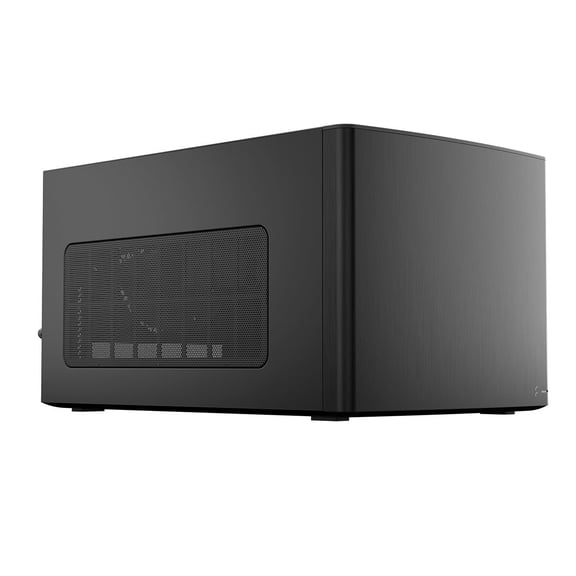 Fractal Design Node 304 System Cabinet FDCANODE304BL$119.98current price $119.98
Pre-Owned HP 747686-000 Mini-ITX Motherboard with AMD E350 Dual-Core CPU, USB 3.0
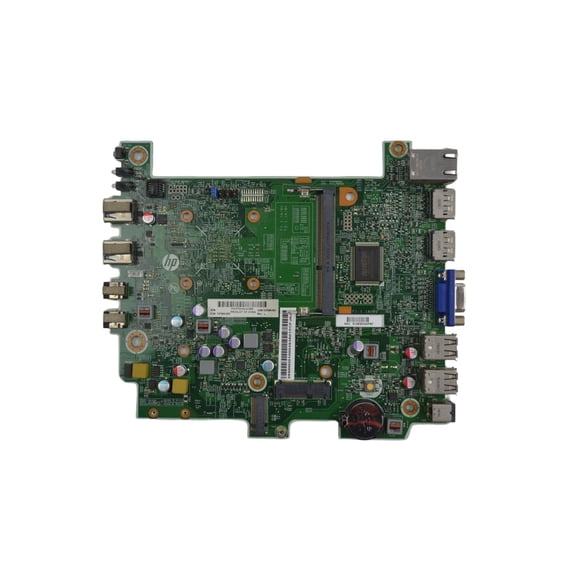 Pre-Owned HP 747686-000 Mini-ITX Motherboard with AMD E350 Dual-Core CPU, USB 3.0$59.99current price $59.99
Fractal Design Mini-ITX Terra Small Form Factor Computer Case, Silver
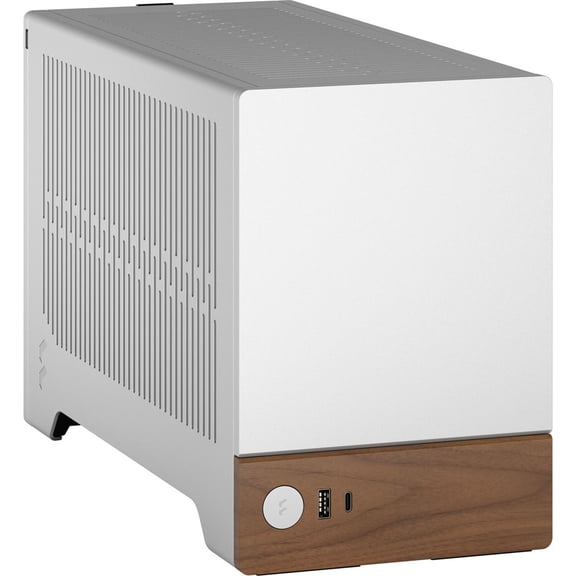 Fractal Design Mini-ITX Terra Small Form Factor Computer Case, Silver$199.99current price $199.99
MUSETEX ATX Mid-Tower Computer Gaming Case with Tempered Glass PC Case Computer Chassis (G05N6-HB)
 MUSETEX ATX Mid-Tower Computer Gaming Case with Tempered Glass PC Case Computer Chassis (G05N6-HB)$159.95current price $159.95
SilverStone Technology Ultra Compact Mini-ITX Computer Case with Solid Front Panel Black (SST-SG13B-Q-USA)
 SilverStone Technology Ultra Compact Mini-ITX Computer Case with Solid Front Panel Black (SST-SG13B-Q-USA)$75.34current price $75.34
SilverStone Precision SST-PS13B Black Steel / Plastic ATX / Micro ATX Mid Tower Computer Case
 SilverStone Precision SST-PS13B Black Steel / Plastic ATX / Micro ATX Mid Tower Computer Case$85.38current price $85.38
Cisco Intel Xeon Gold (2nd Gen) 6248 Icosa-core (20 Core) 2.50 GHz Processor Upgrade
Cisco Intel Xeon Gold (2nd Gen) 6248 Icosa-core (20 Core) 2.50 GHz Processor Upgrade
Aluminum Heatsink Case for Raspberry Pi 4 - Black
 Aluminum Heatsink Case for Raspberry Pi 4 - Black$67.95current price $67.95
Bluegears Bgears b-Pellucid MicroATX Gaming PC Case with Infinity Tempered Glass and USB 3.0 x 2. (Fan Sold Separately)
 Bluegears Bgears b-Pellucid MicroATX Gaming PC Case with Infinity Tempered Glass and USB 3.0 x 2. (Fan Sold Separately)$48.99current price $48.99