

Multi Plug Outlets in Outlets










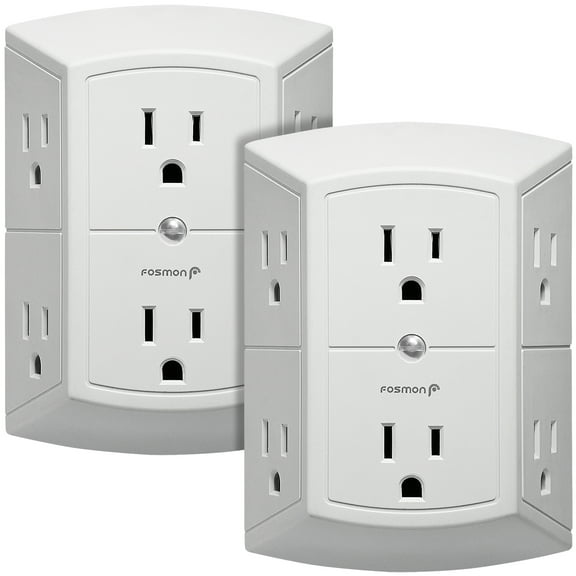
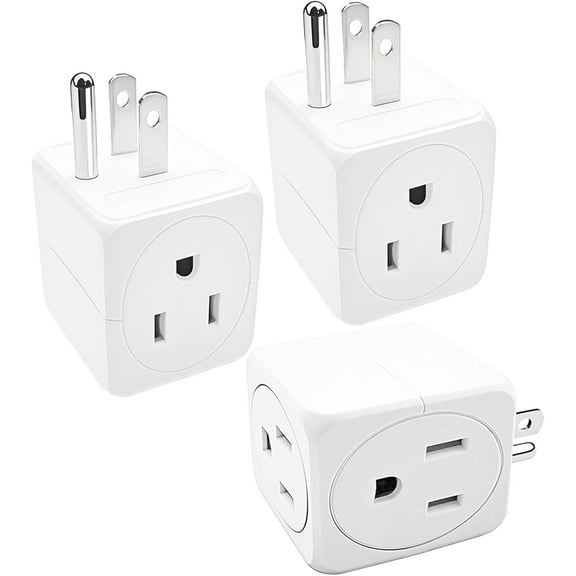
![Fosmon [ETL Listed] 2 Pack 3 Outlets Electrical Adapters Plug For Travel, Cruise, Home & Office, Grounded 3 Prong Plug In Wall Adapter Charger, 3 Way, Multi Plug & Cube Wall Outlet Extender, White](https://i5.walmartimages.com/seo/3-Outlet-Wall-Adapter-Tap-2-Pack-Fosmon-3-Prong-Portable-Travel-Mini-Plug-Grounded-Indoor-AC-Outlet-Extender-ETL-Listed-White_05a3c9c0-3a73-417d-b9cc-3dabf4654d2e.613197d9d8ea76d0d7f2d1fcb39d5e0e.jpeg?odnHeight=576&odnWidth=576&odnBg=FFFFFF)




About Multi Plug Outlets in Outlets - Walmart.com
Multi-plug outlets help you turn one wall socket into a more useful charging and power station. You can compare outlet capacity, USB options, surge coverage, and plug shape to match your room and devices.
How to choose multi-plug outlets for your space
Start with where you'll use your multi-plug outlets and how many devices you need connected at once. You may want a simple wall tap for a lamp area or a multi outlet plug for a busy desk.
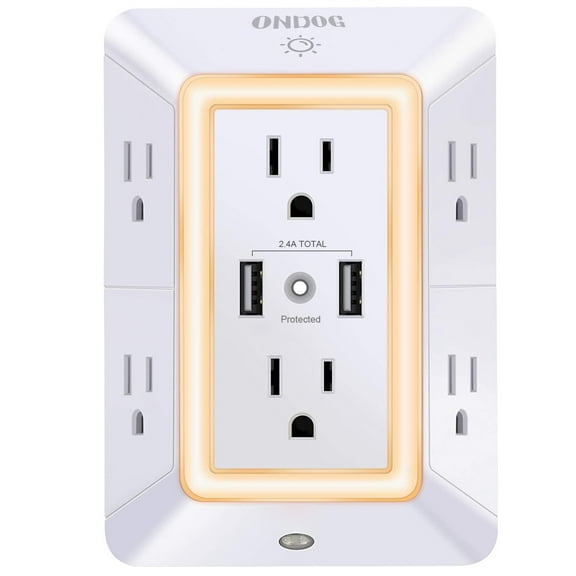
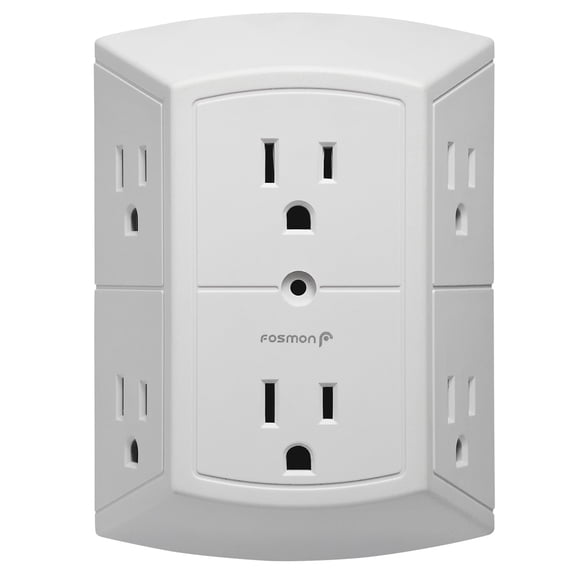
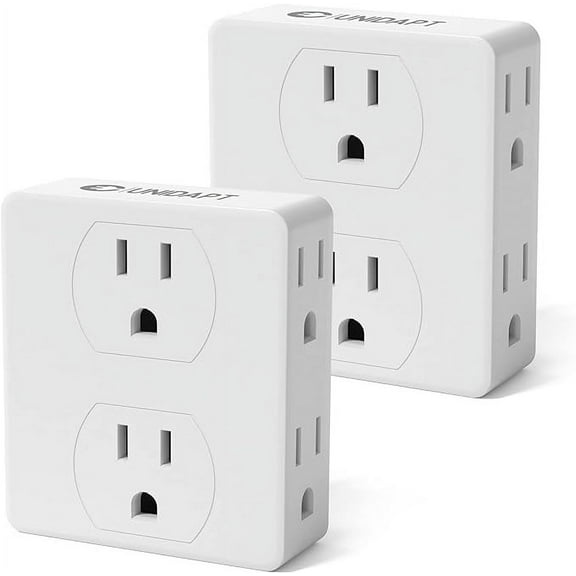
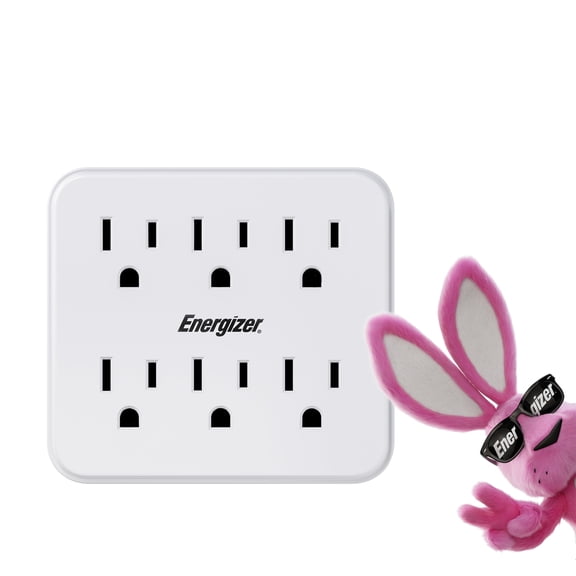
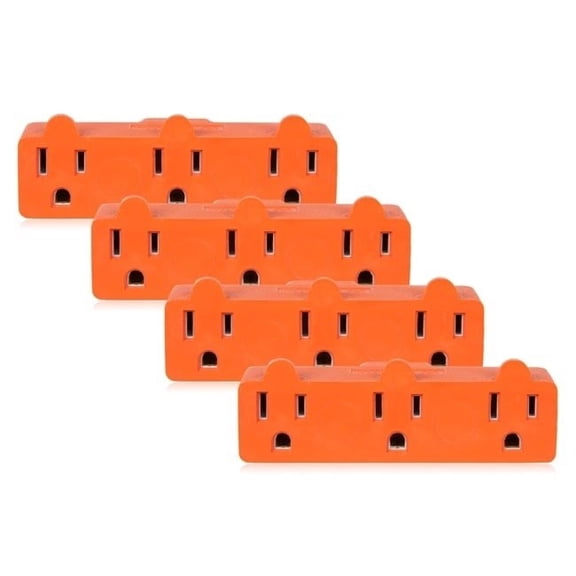
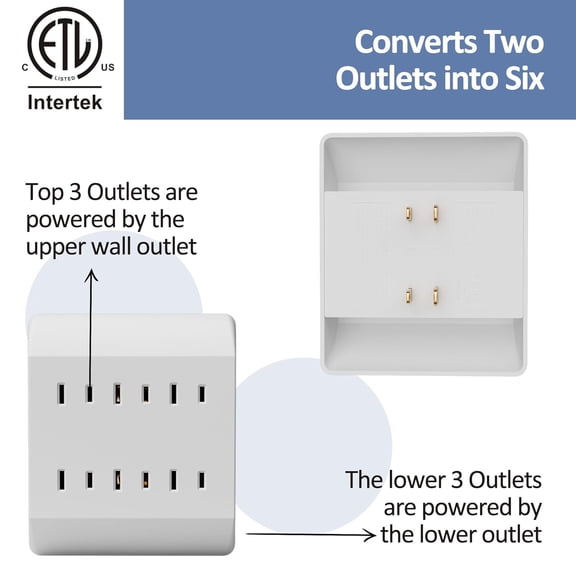
Outlet count changes how much flexibility you get each day. You can choose three-outlet styles for compact setups, six-outlet options for shared spaces, or multi-port designs for charging hubs.
Spacing matters just as much as the number of sockets. You should look for room between outlets if your chargers have large plugs or built-in power bricks.
Choosing outlet capacity and everyday convenience
If you only need to power a clock, lamp, and phone charger, you may prefer a smaller wall plug expander. You can keep your setup neat without adding a bulky strip on the floor.
For media centers, home offices, and kitchen counters, you may need more connection points. You can use a multi plug adapter to support speakers, routers, monitors, and charging cables together.
- You can reduce cord clutter by adding more outlets directly at the wall.
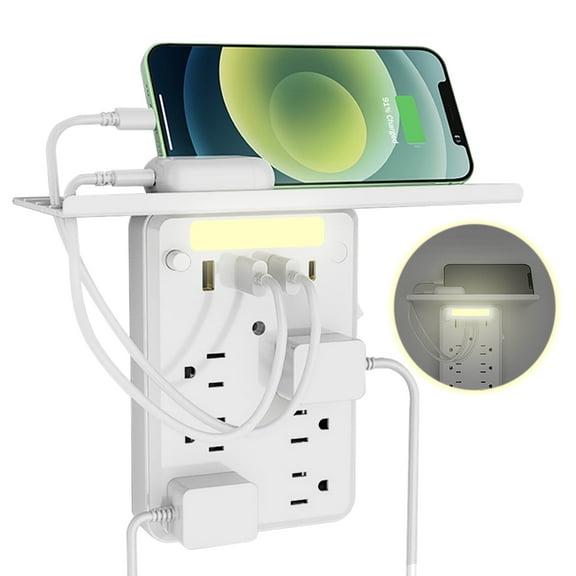
- You can charge phones and tablets more easily when you choose styles with built-in USB ports.
- You can keep furniture closer to the wall when you choose a compact profile.
- You can organize larger plugs more smoothly when you choose wider outlet spacing.
When you compare capacity, think about both today's devices and the ones you add later. You can avoid constant unplugging when you choose enough ports for your routine.
Comparing USB integration and charging options
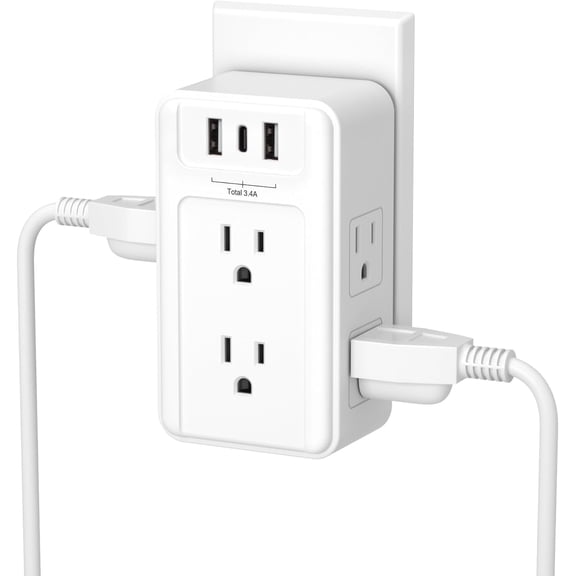
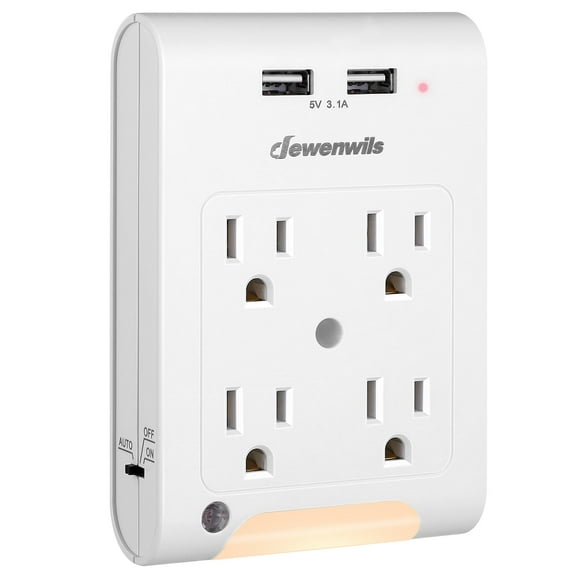
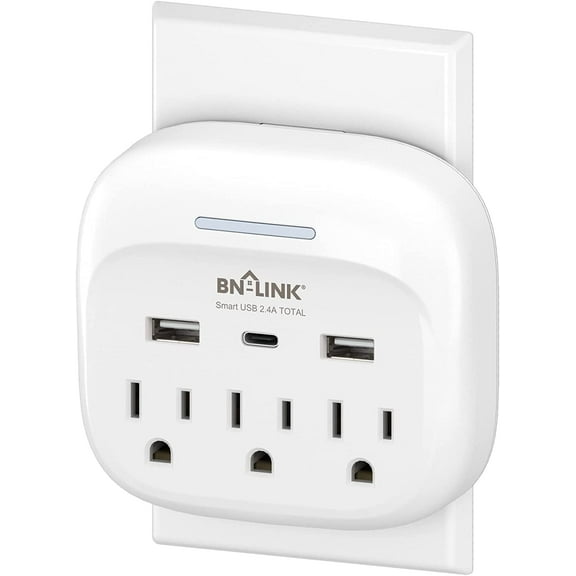
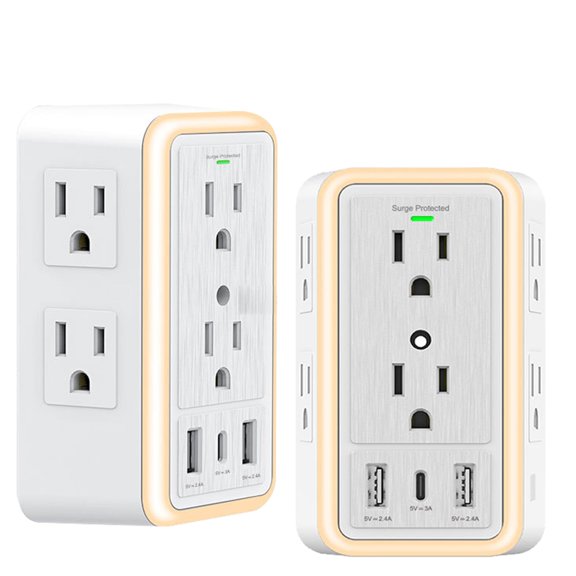
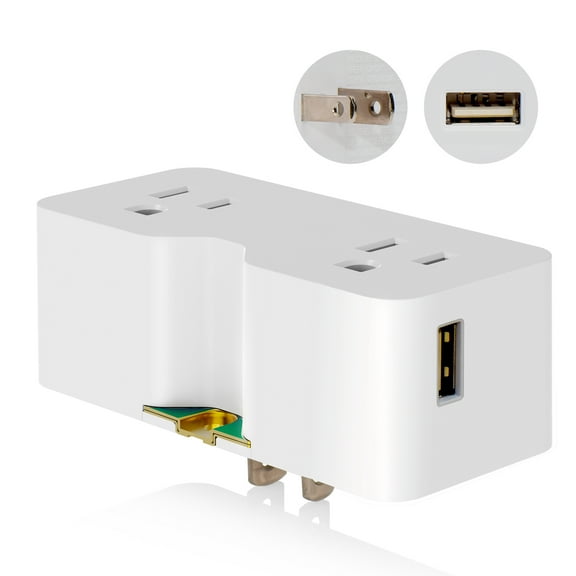
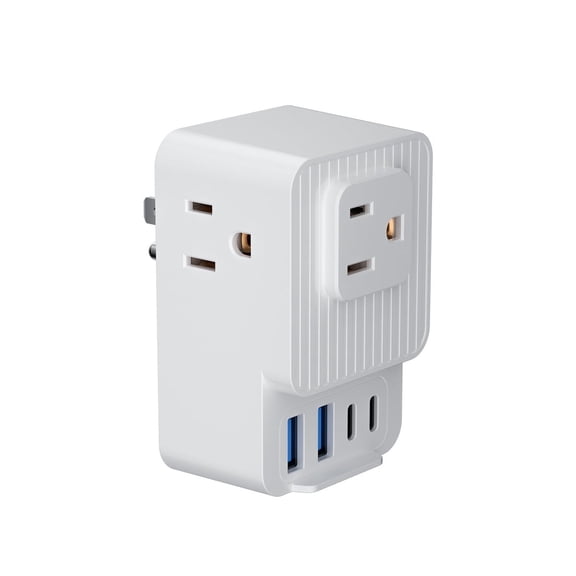
USB integration lets you charge devices without using up standard outlets for charging blocks. You can compare models with USB-A, USB-C, or no USB ports based on your cables.
If you charge newer phones, tablets, or earbuds, you may want USB-C on your outlet extender. You should also check the wattage or amperage rating, because that helps you judge charging speed.
Amps and watts are decision details that make shopping easier. You can use higher output ports for larger devices, while lower output ports fit smaller accessories and overnight charging.
If you mostly power lamps, kitchen timers, or other plug-in items, you may not need USB at all. You can choose a USB-less design when you want a simpler setup.
Understanding surge protection and Joule ratings
Surge protection is a major choice when you plug in electronics like TVs, computers, routers, or game consoles. You can compare surge protected and non-surge options based on what you connect.
A wall outlet splitter with surge protection can include a Joule rating. You should read that number as a practical guide to the level of surge coverage built into the unit.
If you use your adapter for basic lamps or simple household items, a non-surge model may fit your needs. You can keep the focus on outlet expansion when electronics protection isn't your main concern.
For workstations and entertainment areas, you may want an outlet extender with surge features and clear labeling. You can make a faster decision when the outlet count, USB ports, and Joule rating are easy to compare.
Checking plug design, fit, and room layout
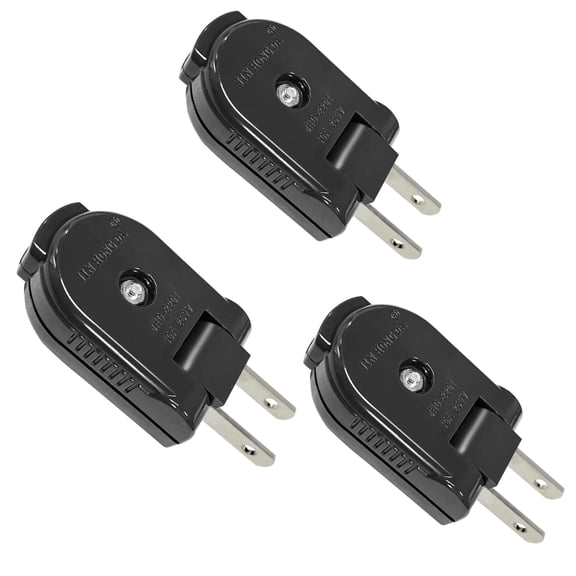
Plug design affects how the adapter sits on your wall and how much room it takes. You should compare wall tap, swivel plug, and block adapter styles before choosing.
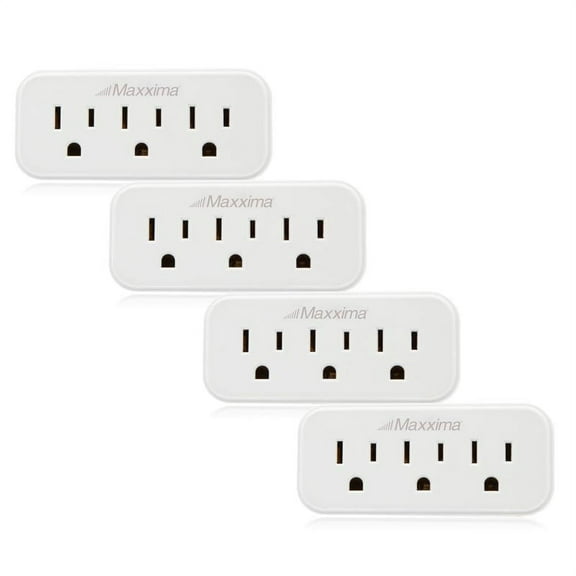
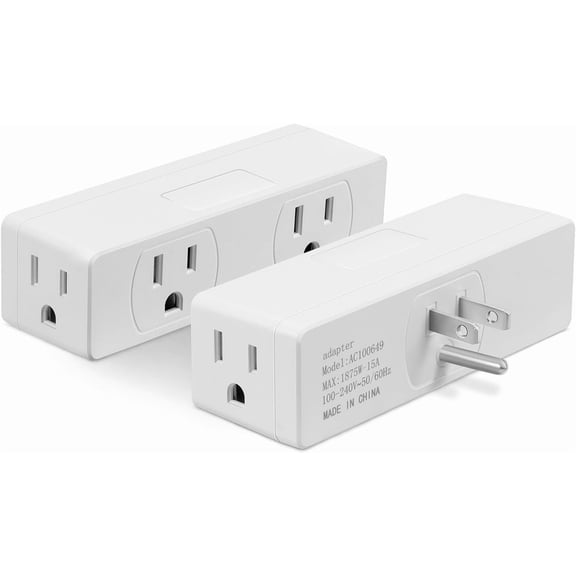
A wall tap sits directly over the receptacle and works well when you want a simple, close-to-wall setup. You can use it in hallways, bathrooms, or guest rooms where space is limited.
A swivel plug gives you more flexibility around furniture and angled cords. You can adjust the direction to help cords fall more naturally behind desks, nightstands, or entertainment stands.
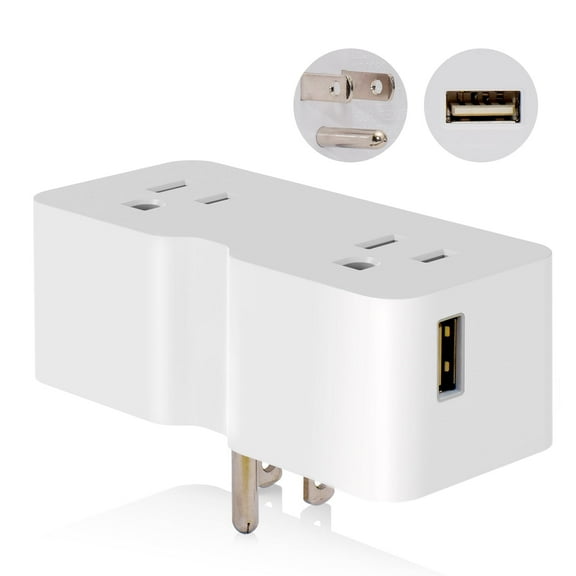
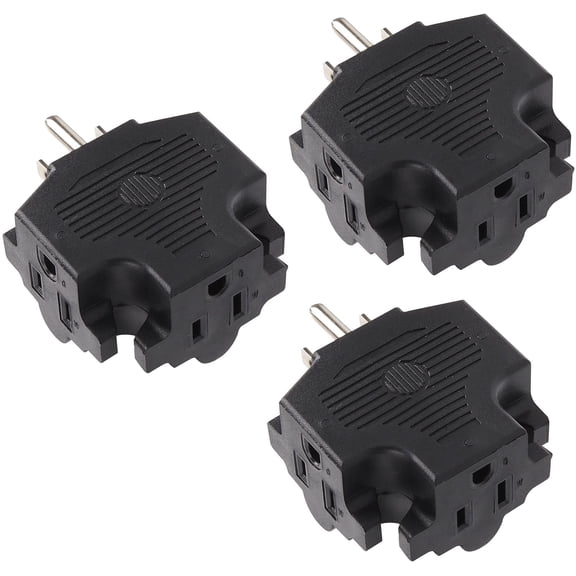
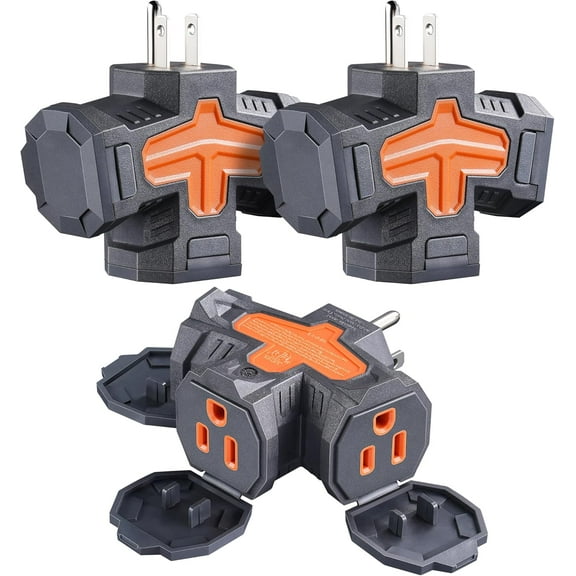
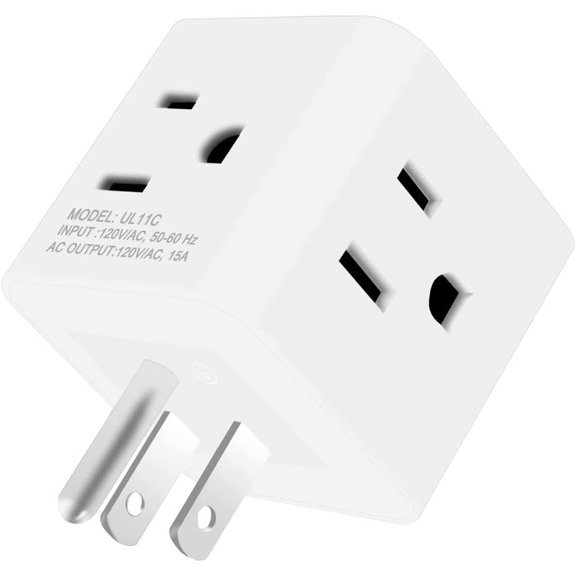
A block adapter may give you multiple outlets in a compact shape, but you should check whether it covers the adjacent socket. You can avoid frustration by comparing the profile before you plug in larger chargers.
Matching a multi outlet plug to real household use
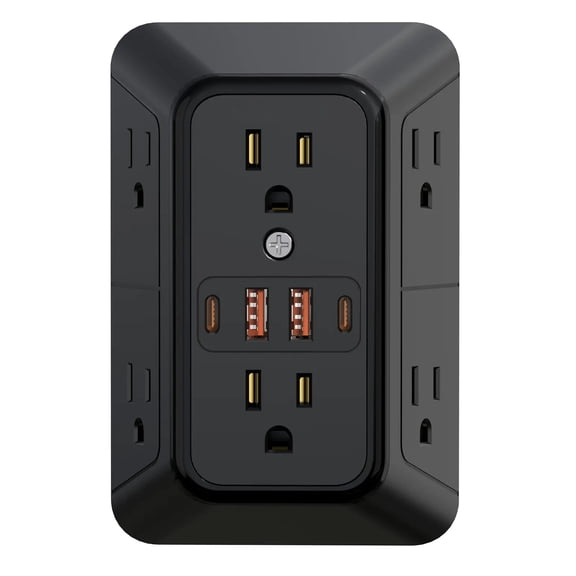
In a home office, you may need room for a monitor, laptop charger, phone cable, and router. You can choose a six-outlet model with USB ports and surge coverage for that setup.
In a bedroom, you may want a smaller multi outlet plug with USB-C for overnight charging. You can power a lamp and clock while keeping your phone cable within reach.
At a kitchen counter, you may prefer a compact wall plug expander that doesn't crowd nearby appliances. You can plug in small tools while keeping the area easier to manage.
For travel bags, dorm rooms, or shared living spaces, you may want a compact multi plug adapter. You can look for a lighter design with enough ports for everyday essentials.
If you need broader power solutions, you may also compare surge protectors, extension cords, and smart plugs. You can build a setup that fits each room, device group, and charging routine.
When you compare multi-plug outlets by capacity, USB format, surge rating, and plug shape, you can choose with more confidence. You end up with a cleaner setup that fits your devices and your space.