

Monoprice Dac(1)
Uses item details. Price when purchased online
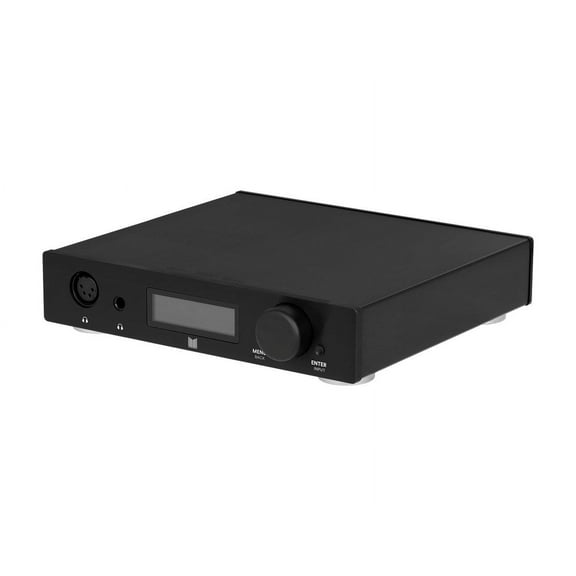
Monoprice Monolith Desktop Balanced Headphone Amplifier and ESS SABRE DAC with THX AAA Technology, Dirac Virtuo, MQA, Compatible with All Headphones and IEMS $299.99 Was $325.99
Now$29999
current price Now $299.99, Was $325.99$325.99
Monoprice Monolith Desktop Balanced Headphone Amplifier and ESS SABRE DAC with THX AAA Technology, Dirac Virtuo, MQA, Compatible with All Headphones and IEMS
5 out of 5 stars
Other options to consider(1)
FiiO/Snowsky Retro Nano Bluetooth USB DAC AMP with LDAC, aptX Adaptive, aptX LL (3.5mm Unbalanced & 4.4mm Balanced Output) (Blue) $59.99

$5999
current price $59.99FiiO/Snowsky Retro Nano Bluetooth USB DAC AMP with LDAC, aptX Adaptive, aptX LL (3.5mm Unbalanced & 4.4mm Balanced Output) (Blue)
FAQ
What does a DAC do for my headphones?
A DAC, or Digital-to-Analog Converter, transforms digital audio signals from your device into analog sound that your headphones can play.
- This process can help provide clearer and more detailed music playback, especially when using high-quality headphones.
- DACs are commonly used when you want to improve sound quality beyond what a built-in laptop or phone plug can deliver.
- Some DACs include amplifier features, making them ideal for driving both regular and high-impedance headphones.
Can I use these DACs with my gaming console?
Many DACs offer compatibility with gaming consoles, but it's important to check the specific connection requirements.
- Some DACs feature USB or optical inputs, which are often found on popular consoles.
- Plug-and-play models make setup easier and minimize the need for extra drivers.
- For consoles without direct USB compatibility, you might need an adapter or might be limited to certain audio outputs.
How do I connect a DAC to my computer?
Connecting a DAC to your computer is usually straightforward.
- Start by plugging the DAC into your computer using a USB, optical, or coaxial cable, depending on the DAC's input options.
- Once connected, your computer may automatically recognize it as an audio device, or you might need to select it in your sound settings.
- If drivers are required, follow the manufacturer's instructions for installation.
What should I look for in a DAC for music streaming?
When choosing a DAC for music streaming, consider these factors:
- Supported formats: Look for compatibility with high-resolution audio formats like DSD or PCM if that's important to you.
- Connections: USB, Bluetooth, or network options can give you flexibility based on how you access music.
- Headphone amp: If you'll be using headphones, an integrated amp can power a wide range of models.
- Build quality and size: Consider portability if you want to take it on the go.
Do I need special headphones to use a DAC?
You don't need special headphones to use a DAC—most work with any standard headphones or earbuds.
- DACs can enhance sound quality for both entry-level and high-end models.
- Some DACs have balanced outputs, which can be compatible with higher-end or professional headphones, but that's optional.
- If your headphones require more power (high impedance), a DAC with a built-in amplifier can provide better performance.
Popular in Monoprice DAC and Amplifiers for High-Fidelity Audio
Related Products
Cable Leader 3.5mm Stereo Female to Female Coupler
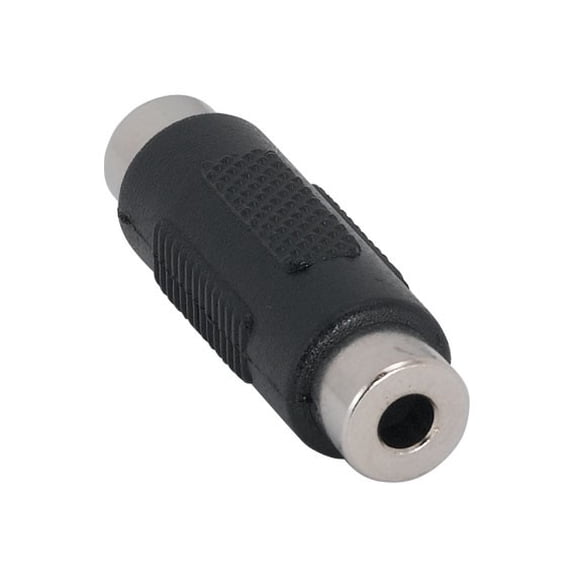 Cable Leader 3.5mm Stereo Female to Female Coupler$9.49current price $9.49
Monoprice Audio/Stereo Cable - 25 Feet - Black | 3.5mm Plug/Plug Male/Male
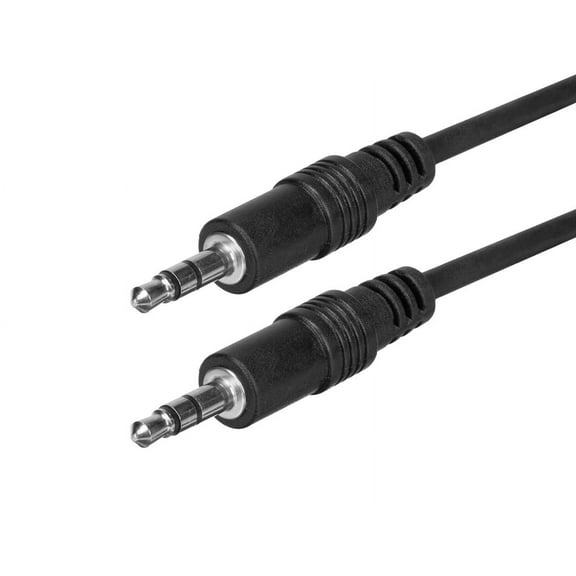 Monoprice Audio/Stereo Cable - 25 Feet - Black | 3.5mm Plug/Plug Male/Male$7.47current price $7.47
3ft 3.5mm 4 Conductor TRRS ANGLED/STRAIGHT Mini +Mic / Video M/M Cable
 3ft 3.5mm 4 Conductor TRRS ANGLED/STRAIGHT Mini +Mic / Video M/M Cable$8.35current price $8.35
Hosa CPR-206 Stereo Interconnect, Dual 1/4 in TS to Dual RCA, 6 m
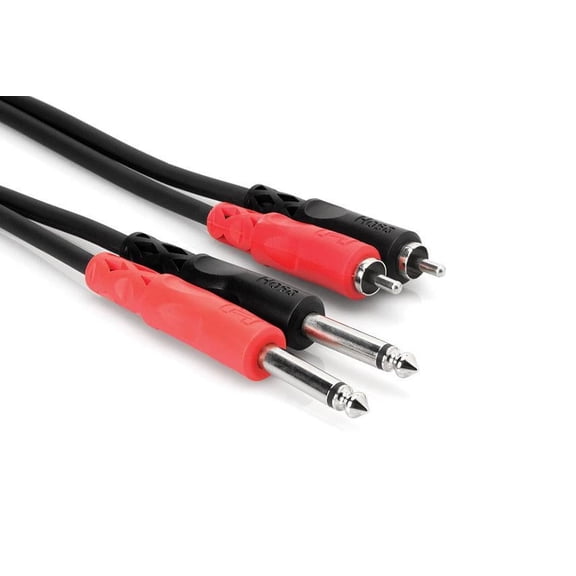 Hosa CPR-206 Stereo Interconnect, Dual 1/4 in TS to Dual RCA, 6 m$29.99current price $29.99
2ft 3.5mm 4 Conductor TRRS ANGLED/STRAIGHT Mini +Mic / Video M/M Cable
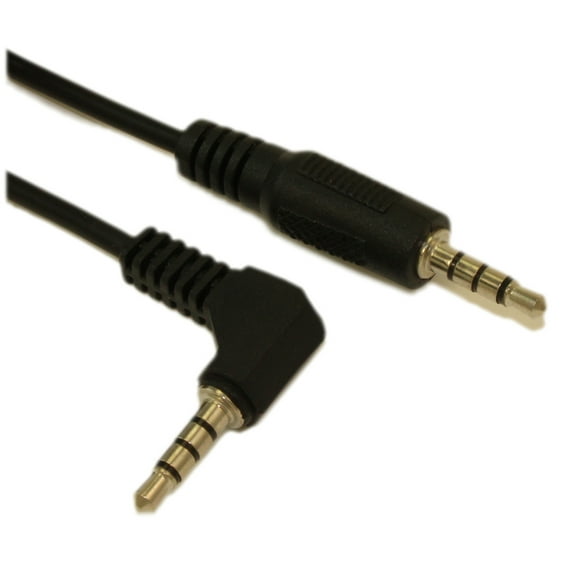 2ft 3.5mm 4 Conductor TRRS ANGLED/STRAIGHT Mini +Mic / Video M/M Cable$8.01current price $8.01
Cerwin-Vega 15Ft 3.5MM Stereo Male to Dual RCA Males Cable - CBL35MMDRCA15
 Cerwin-Vega 15Ft 3.5MM Stereo Male to Dual RCA Males Cable - CBL35MMDRCA15$27.98current price $27.98
3.5mm 4 Conductor TRRS Female to Female Coupler Adapter
 3.5mm 4 Conductor TRRS Female to Female Coupler Adapter$7.11current price $7.11
Hosa Technology 5' 3.5mm Male to 3.5mm Male Stereo Interconnect Coiled Cable
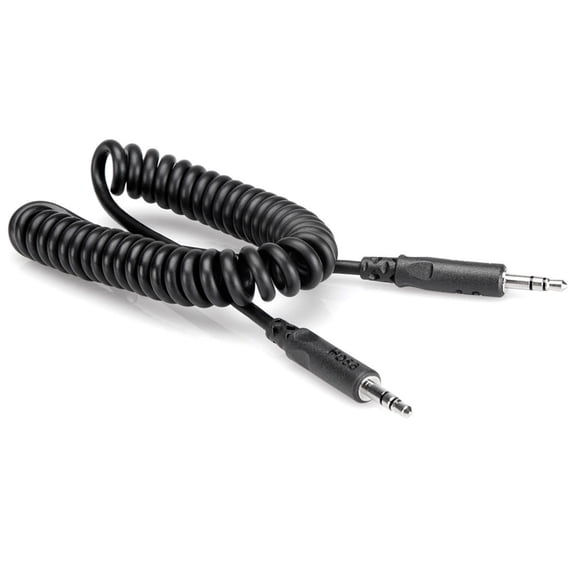 Hosa Technology 5' 3.5mm Male to 3.5mm Male Stereo Interconnect Coiled Cable$17.26current price $17.26
6ft 3.5mm 4 Conductor TRRS BOTH ANGLED Mini +Mic / Video M/M Cable
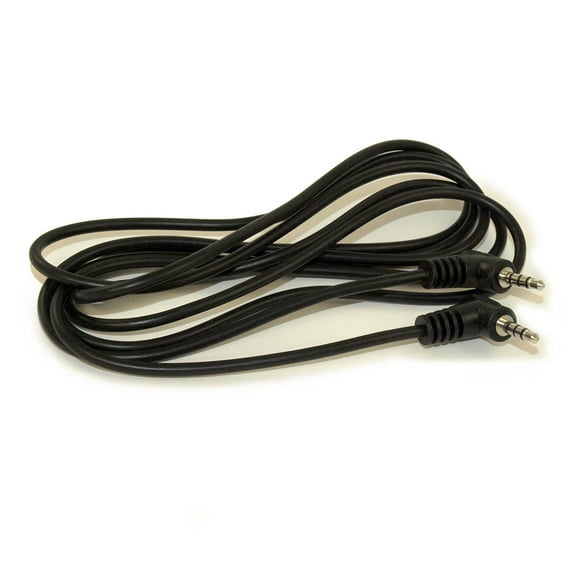 6ft 3.5mm 4 Conductor TRRS BOTH ANGLED Mini +Mic / Video M/M Cable$8.11current price $8.11
20ft PREMIUM SHIELDED 3.5mm Mini-Stereo TRS Male to FEMALE EXTENSION Cable
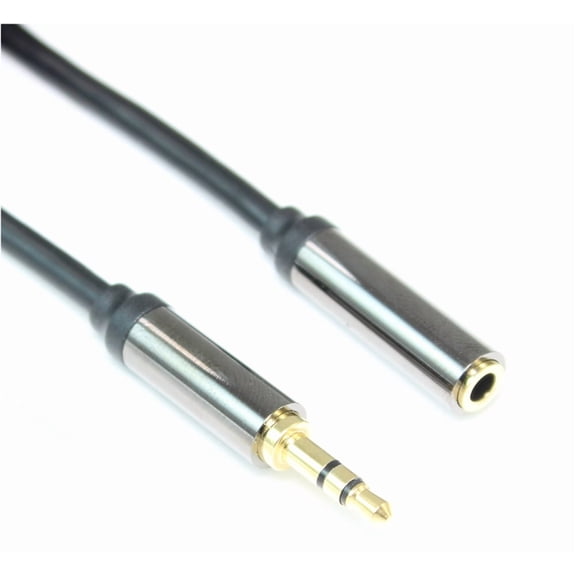 20ft PREMIUM SHIELDED 3.5mm Mini-Stereo TRS Male to FEMALE EXTENSION Cable$12.86current price $12.86
35ft PREMIUM SHIELDED 3.5mm Mini-Stereo TRS Male to FEMALE EXTENSION Cable
 35ft PREMIUM SHIELDED 3.5mm Mini-Stereo TRS Male to FEMALE EXTENSION Cable$15.64current price $15.64
15ft PREMIUM SHIELDED 3.5mm Mini-Stereo TRS Male to FEMALE EXTENSION Cable
 15ft PREMIUM SHIELDED 3.5mm Mini-Stereo TRS Male to FEMALE EXTENSION Cable$9.32current price $9.32
6ft 3.5mm Mini-Stereo TRS Male to Y-Female (2) EXTENSION Cable
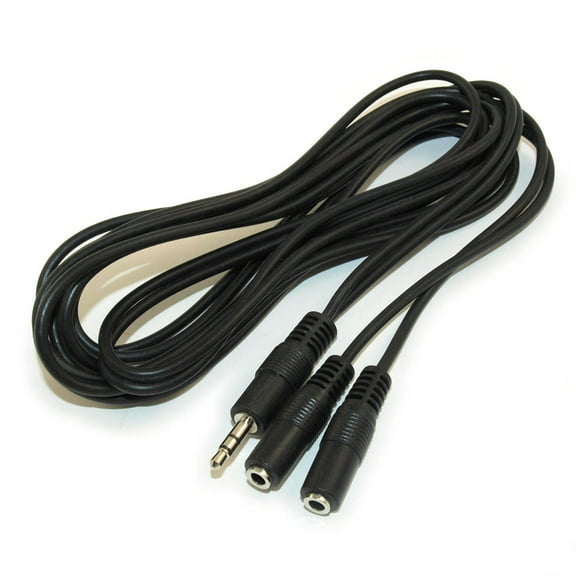 6ft 3.5mm Mini-Stereo TRS Male to Y-Female (2) EXTENSION Cable$9.48current price $9.48
Monoprice 3.5mm to 2-Male RCA Adapter Cable - 3 Feet - Black | Gold Plated Connectors, Double Shielded With Copper Braiding - Onix Series
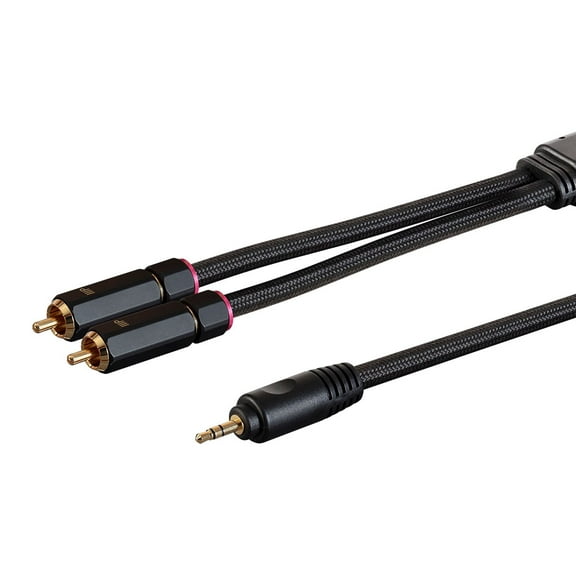 Monoprice 3.5mm to 2-Male RCA Adapter Cable - 3 Feet - Black | Gold Plated Connectors, Double Shielded With Copper Braiding - Onix Series$14.00current price $14.00
Xiwai Type-C to SPDIF Toslink Optical Audio Cable Opt Male USB-C to Digital Optical Fiber Optic Sound Interface Male Adapter Wire for Desktop Laptop
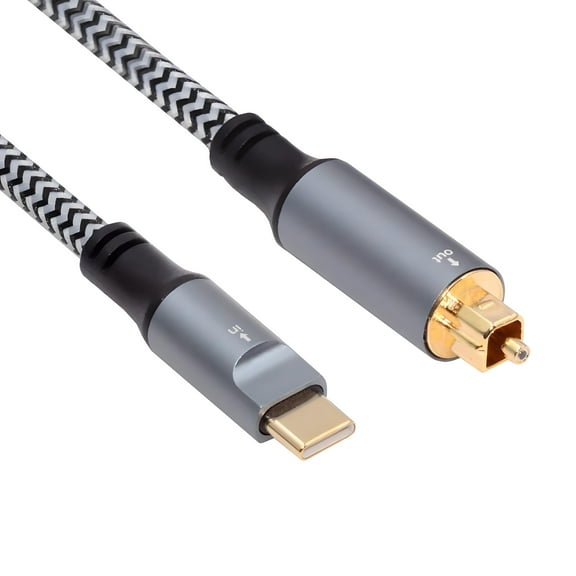 Xiwai Type-C to SPDIF Toslink Optical Audio Cable Opt Male USB-C to Digital Optical Fiber Optic Sound Interface Male Adapter Wire for Desktop Laptop$33.99current price $33.99