Microsoft Ergo(2)
Incase Bluetooth Ergonomic Mouse – Designed by Microsoft – Two Programmable Buttons, Easy to Grip Thumb Rest, Precision Tracking, Connects 3 Devices, 15 Month Battery Life, PCs/Laptops - Pastel Blue

Incase Bluetooth Ergonomic Mouse – Designed by Microsoft – Two Programmable Buttons, Easy to Grip Thumb Rest, Precision Tracking, Connects 3 Devices, 15 Month Battery Life, PCs/Laptops - Pastel Blue
2.4gHz Wireless Ergo Minimouse, Red $19.18 Was $26.89

2.4gHz Wireless Ergo Minimouse, Red
Other options to consider(103)
Microsoft Surface Arc Mouse, Light Grey
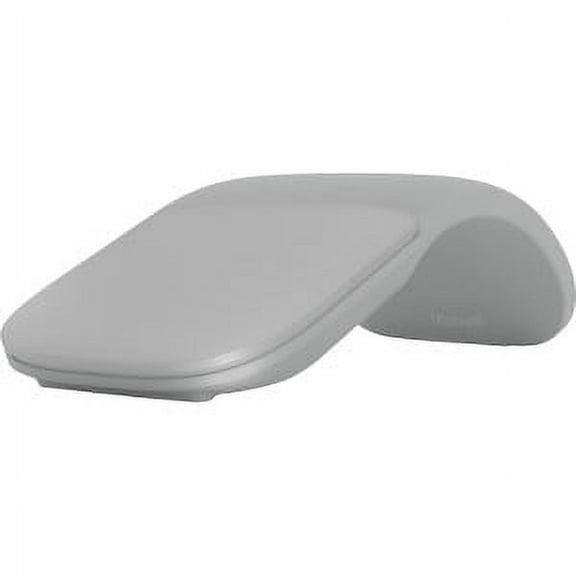
Microsoft Surface Arc Mouse, Light Grey
Microsoft Arc Mouse (Black) - BlueTrack - Wireless - 32.81 ft - Bluetooth - 2.40 GHz - Black - 1800 dpi - Scroll Plane - 2 Button(s) - 1 Programmable Button(s) - Symmetrical - 2 x AA Battery Supported $80.99
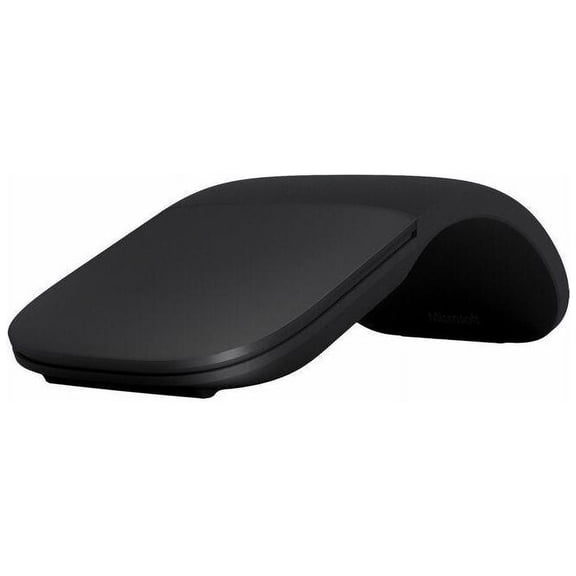
Microsoft Arc Mouse (Black) - BlueTrack - Wireless - 32.81 ft - Bluetooth - 2.40 GHz - Black - 1800 dpi - Scroll Plane - 2 Button(s) - 1 Programmable Button(s) - Symmetrical - 2 x AA Battery Supported
Microsoft Mobile Mouse 1850 - mouse - 2.4 GHz - wool blue
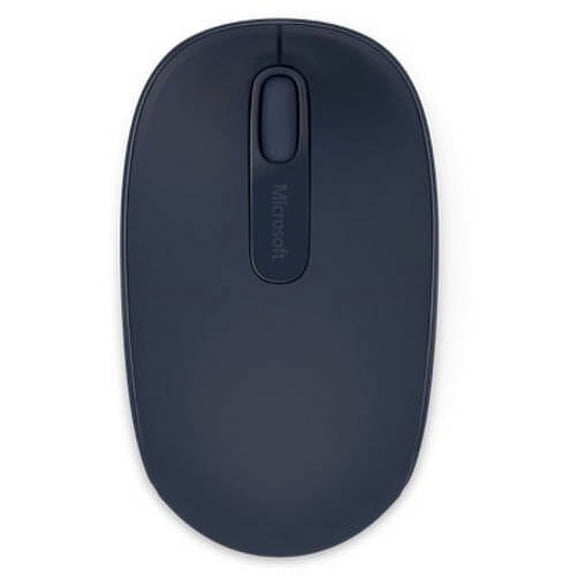


Microsoft Mobile Mouse 1850 - mouse - 2.4 GHz - wool blue
Microsoft Designer Compact Keyboard - Matte Black. Standalone Wireless Bluetooth Keyboard. Compatible with Bluetooth Enabled PCs/Mac $34.99 $7.00/ea

Microsoft Designer Compact Keyboard - Matte Black. Standalone Wireless Bluetooth Keyboard. Compatible with Bluetooth Enabled PCs/Mac
Microsoft - Surface Arc Bluetooth BlueTrack Ambidextrous Mouse - Wireless - Ocean Blue From $79.99


Microsoft - Surface Arc Bluetooth BlueTrack Ambidextrous Mouse - Wireless - Ocean Blue
Rollback, Microsoft 365 Personal | 6-Month Subscription, 1 Person | Premium Office apps | 1TB OneDrive Cloud Storage | PC/Mac Download $49.00 Was $59.97

Microsoft 365 Personal | 6-Month Subscription, 1 Person | Premium Office apps | 1TB OneDrive Cloud Storage | PC/Mac Download
New, Microsoft Surface Mouse Black - Wireless - Bluetooth Connectivity - Ambidextrous Mouse with BlueTrack and Haptics $76.99
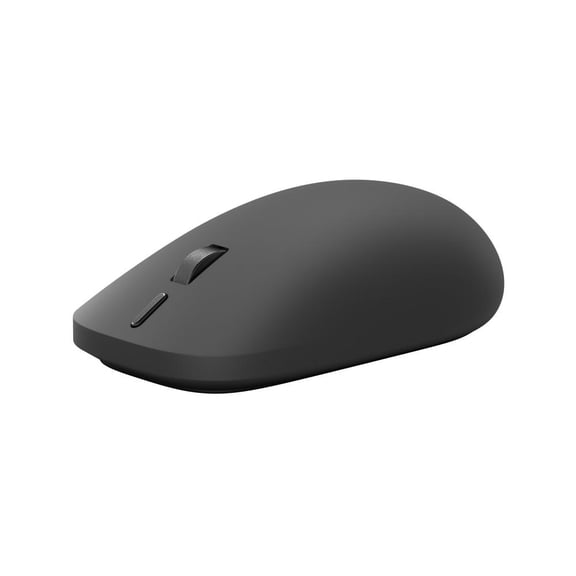
Microsoft Surface Mouse Black - Wireless - Bluetooth Connectivity - Ambidextrous Mouse with BlueTrack and Haptics
New, Microsoft Surface Mouse Platinum - Wireless - Bluetooth Connectivity - Ambidextrous Mouse with BlueTrack and Haptics $79.99
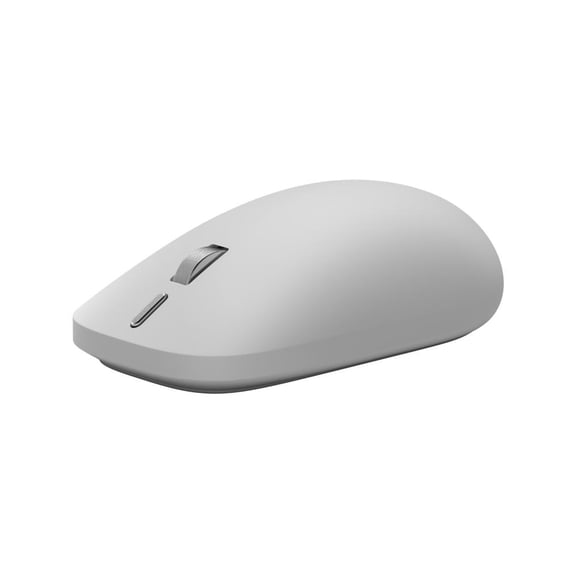
Microsoft Surface Mouse Platinum - Wireless - Bluetooth Connectivity - Ambidextrous Mouse with BlueTrack and Haptics
Microsoft Surface Arc Touch Mouse Platinum 2 Pack $159.99
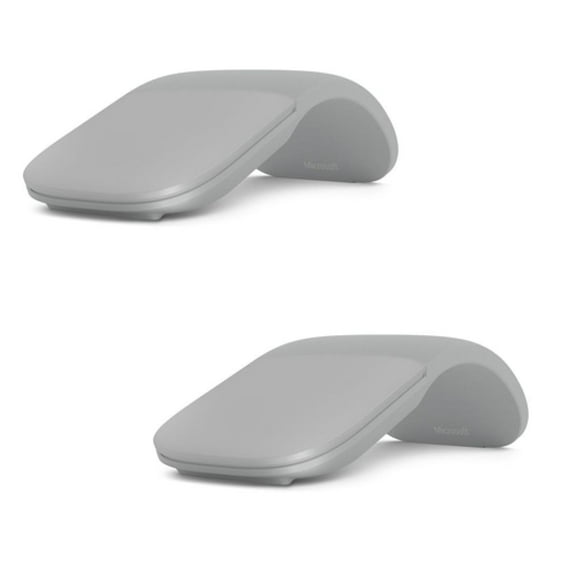
Microsoft Surface Arc Touch Mouse Platinum 2 Pack
New, Microsoft Surface Laptop 8 15" 120Hz Touch Copilot+ PC, Windows 11 Pro $3,379.50
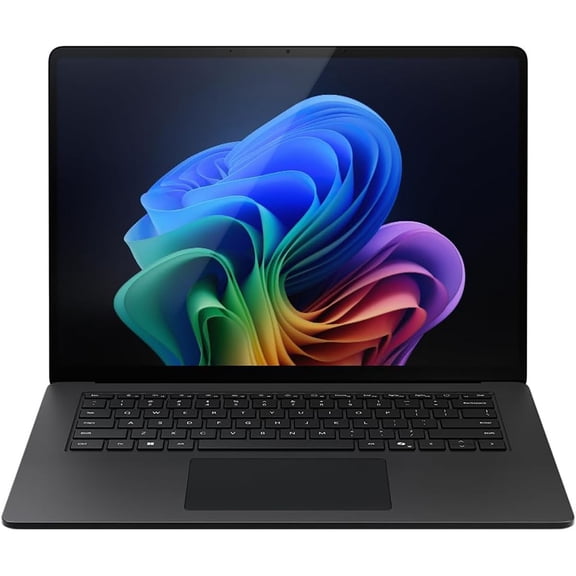
Microsoft Surface Laptop 8 15" 120Hz Touch Copilot+ PC, Windows 11 Pro
WITC Office 2024 Professional Plus USB | Full Version $149.95

WITC Office 2024 Professional Plus USB | Full Version
Best seller, Microsoft: Windows 11 Home (PC USB) 1 User Sleek and Modern Interface $129.00 $12.90/ea
Microsoft: Windows 11 Home (PC USB) 1 User Sleek and Modern Interface
Logitech ERGO K860 Split Bluetooth Ergonomic Keyboard, Black $149.99

Logitech ERGO K860 Split Bluetooth Ergonomic Keyboard, Black
Microsoft Windows 10 Pro 64-BIT (USB) $39.95
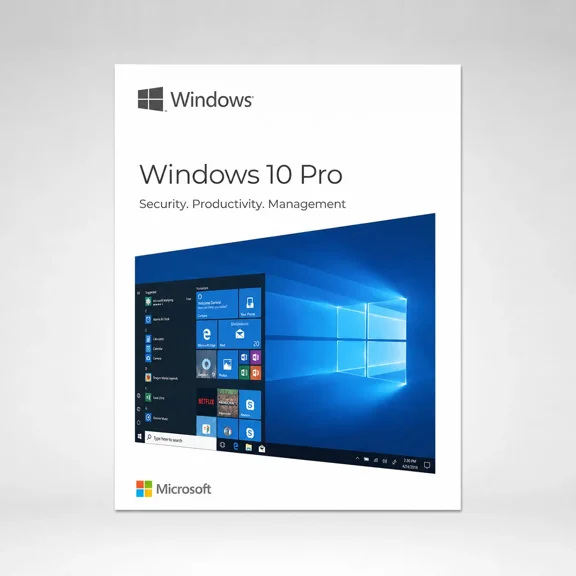
Microsoft Windows 10 Pro 64-BIT (USB)
Microsoft Office 2013 Home and Student, Complete Product, 1 PC, 1 User $139.00

Microsoft Office 2013 Home and Student, Complete Product, 1 PC, 1 User
Microsoft Office Home & Business 2019 | One-time purchase, 1 device | PC/Mac Download $226.39

Microsoft Office Home & Business 2019 | One-time purchase, 1 device | PC/Mac Download
Microsoft Windows 11 Pro 64-BIT (USB) $99.95

Microsoft Windows 11 Pro 64-BIT (USB)
Microsoft Surface Pro 12" Keyboard with Slim Pen, Slate $199.99
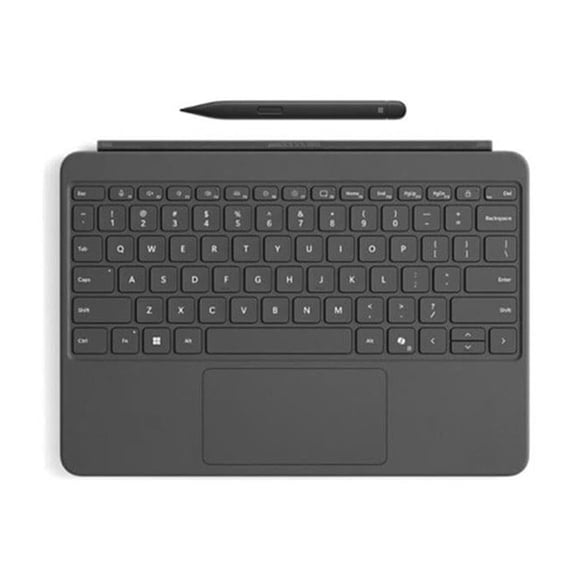
Microsoft Surface Pro 12" Keyboard with Slim Pen, Slate
Microsoft Surface Pro 12" Keyboard Ocean $109.99 Was $124.99

Microsoft Surface Pro 12" Keyboard Ocean
Logitech ERGO M575 Wireless Trackball, Graphite
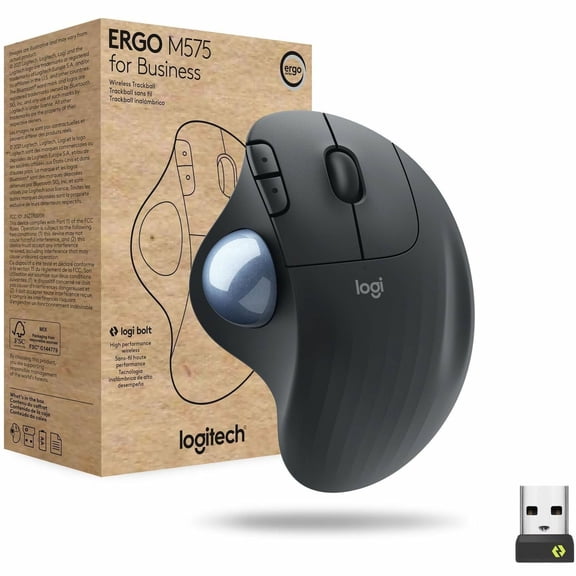
Logitech ERGO M575 Wireless Trackball, Graphite
Microsoft Surface Wireless Keyboard, Gray $138.40

Microsoft Surface Wireless Keyboard, Gray
Pre-Owned Microsoft Surface Pro Signature Keyboard - Black $79.95
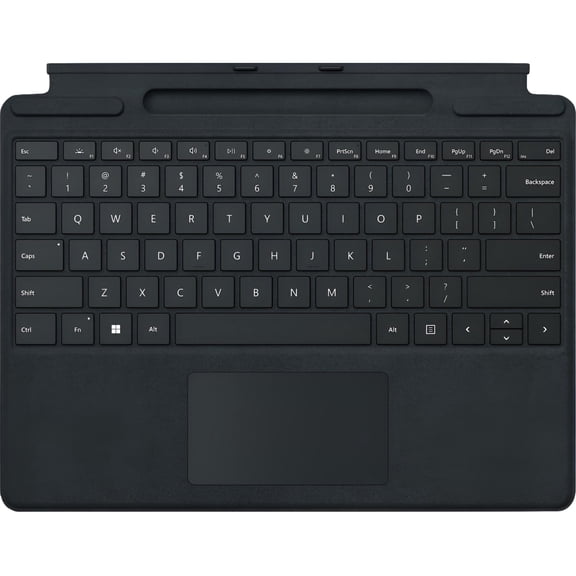
Pre-Owned Microsoft Surface Pro Signature Keyboard - Black
Windows 11 Pro USB + Office 2024 Pro Plus USB $189.95

Windows 11 Pro USB + Office 2024 Pro Plus USB
Microsoft Office 2013 Home and Business 32/64-bit, Complete Product, 1 PC, 1 User $219.00

Microsoft Office 2013 Home and Business 32/64-bit, Complete Product, 1 PC, 1 User
Microsoft Windows 11 Pro 64-BIT (USB) $63.99
Microsoft Windows 11 Pro 64-BIT (USB)
Microsoft Office 2019 Pro Plus 64 - BIT (DVD) with Free BullZIGA PC Cleaning Utility 1 Year | 1 Device (Key Card) $76.14
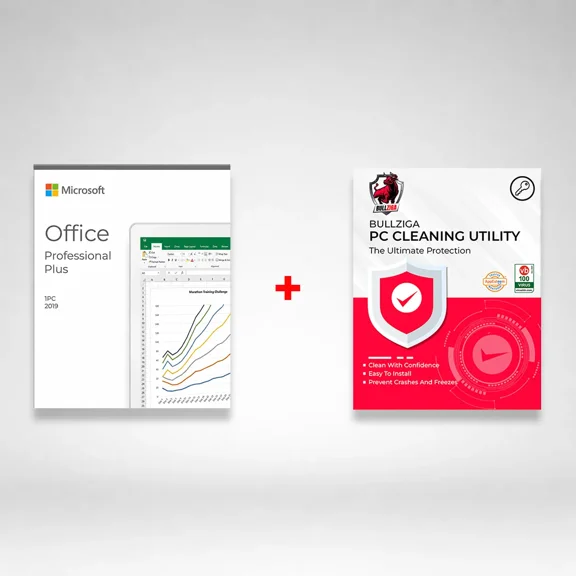
Microsoft Office 2019 Pro Plus 64 - BIT (DVD) with Free BullZIGA PC Cleaning Utility 1 Year | 1 Device (Key Card)
Office 2013 Home and Student $139.00

Office 2013 Home and Student
Microsoft 365 Personal (1-User License / 12-Month Subscription / Download) $99.99
Microsoft 365 Personal (1-User License / 12-Month Subscription / Download)
Microsoft Surface Pro Keyboard with Slim Pen for Business, Platinum $270.68
Microsoft Surface Pro Keyboard with Slim Pen for Business, Platinum
Office Home 2024 + ESET Home Security Essential 1-Year 1-Device Digital Download $189.98

Office Home 2024 + ESET Home Security Essential 1-Year 1-Device Digital Download
Microsoft Windows v.8.0 Pro Pack 32/64-bit, Product Upgrade, 1 PC, Standard $99.99
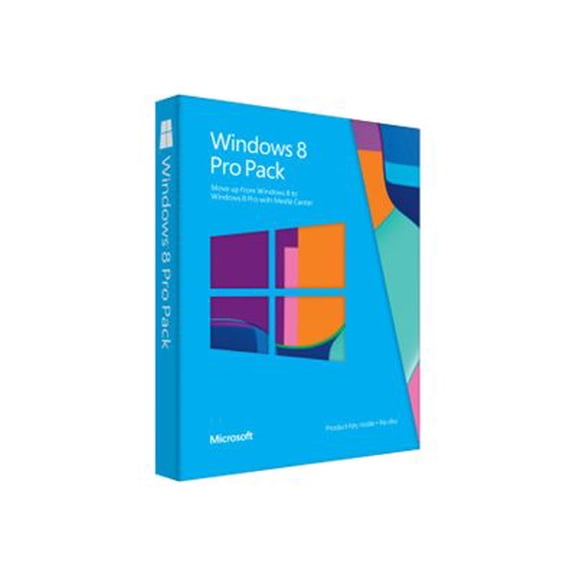
Microsoft Windows v.8.0 Pro Pack 32/64-bit, Product Upgrade, 1 PC, Standard
Microsoft Surface Pro Keyboard Without Pen Storage, Surface Pro Copilot+ Black $149.47
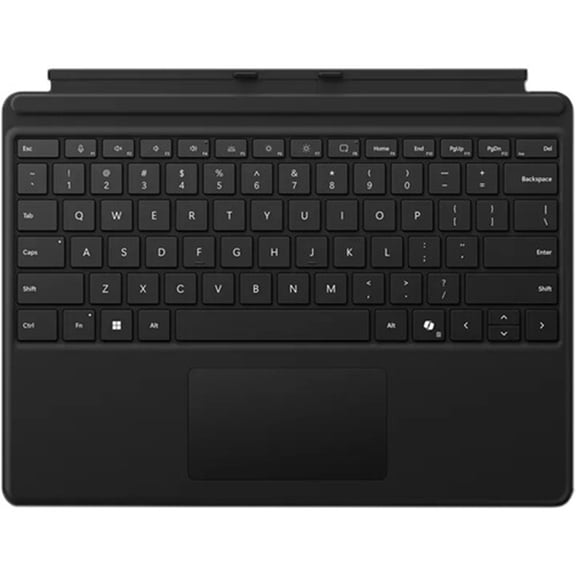
Microsoft Surface Pro Keyboard Without Pen Storage, Surface Pro Copilot+ Black
WITC Office 2021 Professional Plus | 64-Bit USB Edition $99.95

WITC Office 2021 Professional Plus | 64-Bit USB Edition
Microsoft Surface Pro Keyboard with Pen Storage - Black Large - Notebook - TouchPad - Mechanical Keyswitch - Black $144.99

Microsoft Surface Pro Keyboard with Pen Storage - Black Large - Notebook - TouchPad - Mechanical Keyswitch - Black
Office 365 University 32/64-bit $79.00

Office 365 University 32/64-bit
Outlook 2013 32/64-bit $99.00

Outlook 2013 32/64-bit
Microsoft Surface Pro Copilot+ PC + Surface Pro 12" Keyboard + Arc Mouse $1,499.99

Microsoft Surface Pro Copilot+ PC + Surface Pro 12" Keyboard + Arc Mouse
Microsoft Office 365 Personal - 1-Year / 1-User - USA/Canada (KeyCard) $119.95
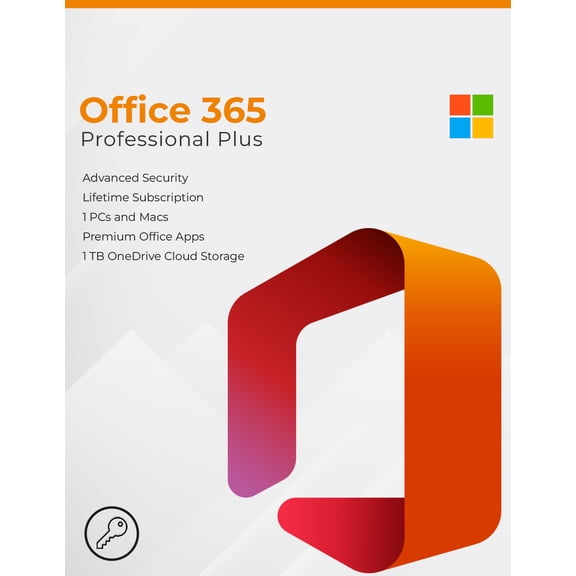
Microsoft Office 365 Personal - 1-Year / 1-User - USA/Canada (KeyCard)
FAQ
How do I connect an ergonomic mouse to my laptop?
Connecting an ergonomic mouse is usually quick and simple. Here's how you can do it:
- Turn on your mouse and enable Bluetooth pairing mode if applicable (check the user manual for specific instructions).
- Open your laptop's Bluetooth settings and search for new devices.
- Select your mouse from the list and follow any on-screen instructions to finish pairing.
Some models may also include a USB dongle or support 2.4 GHz wireless connections. For those, just plug in the dongle and your device should recognize the mouse automatically.
What makes a mouse ergonomic?
An ergonomic mouse is designed to fit the natural shape of your hand. Here are some key features:
- Contoured shape: Helps reduce strain on your fingers and wrist.
- Thumb rest: Keeps your thumb supported and comfortable for longer use.
- Programmable buttons: Allow for custom shortcuts, which can minimize repetitive movements.
- Ambidextrous designs: Some models can be used by both right- and left-handed people.
These features can provide more comfort during extended periods of use, but everyone's needs are different. It's often a good idea to try different shapes to see what feels best for you.
Can I use an ergonomic mouse with multiple devices?
Many ergonomic mice offer multi-device connectivity. If your mouse supports this feature, you can typically switch between devices using a button on the mouse or through specific software. Here’s how it works:
- Pair the mouse with up to three devices (like a laptop, tablet, or desktop) via Bluetooth or a wireless dongle.
- Switch between them with a button or control on the mouse itself.
This can make working across multiple computers more seamless, especially in a home office or hybrid work setup.
Do I need special batteries for wireless ergonomic mice?
Most wireless ergonomic mice use standard batteries, such as AA or AAA, or they may include a built-in rechargeable battery. Here’s what to keep in mind:
- Check the mouse specifications or manual to see the required battery type.
- For rechargeable models, use the supplied cable and charging instructions.
- If it uses replaceable batteries, you can usually use any reputable brand of the correct size.
Battery life varies by usage and model, so keeping spare batteries or a charger handy can help prevent interruptions.
How should I clean my ergonomic mouse?
Keeping your ergonomic mouse clean can help it function well and stay comfortable to use. Here’s how:
- First, turn off the mouse and remove any batteries to avoid accidental clicks.
- Wipe the surface with a soft, slightly damp cloth. Avoid using harsh chemicals or getting moisture inside.
- Use a dry cotton swab to clean around buttons and the scroll area.
- If your mouse has removable parts (like a trackball), consult the manual for proper cleaning steps.
Regular cleaning helps maintain performance and hygiene, especially if you use your mouse daily.
Popular in Shop Microsoft Ergo Electronics for Ergonomic Devices
Related Products
Dell Mobile Wireless Mouse, MS5120W, Black
 Dell Mobile Wireless Mouse, MS5120W, Black$35.87current price $35.87
Logitech M510 Wireless Computer Mouse - Comfortable Shape with USB Unifying Receiver, with Back/Forward Buttons and Side-to-Side Scrolling - Red
 Logitech M510 Wireless Computer Mouse - Comfortable Shape with USB Unifying Receiver, with Back/Forward Buttons and Side-to-Side Scrolling - Red$99.99current price $99.99
Logitech MX Keys S Master Keyboard - Wireless Connectivity - Bluetooth - 32.81 ft - USB Interface - Windows 10, Windows 11, macOS 10.15, ChromeOS, Linux, iPadOS 14, Android 8.0 - English - Notebook...
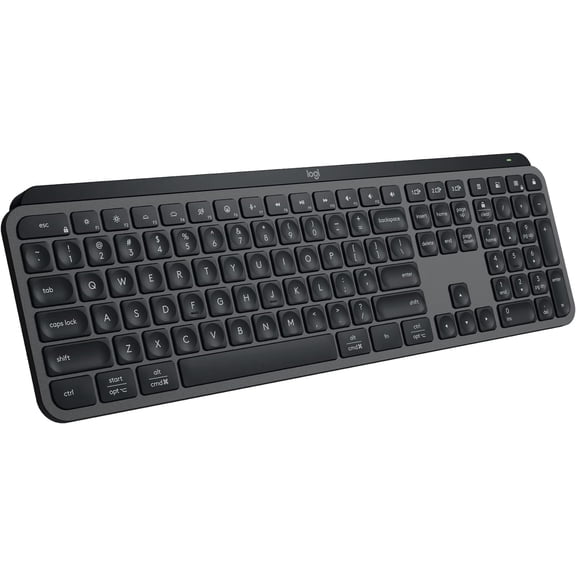 Logitech MX Keys S Master Keyboard - Wireless Connectivity - Bluetooth - 32.81 ft - USB Interface - Windows 10, Windows 11, macOS 10.15, ChromeOS, Linux, iPadOS 14, Android 8.0 - English - Notebook...$109.99current price $109.99
Kensington Pro Fit Ergonomic Wireless Keyboard Bluetooth K75401US - Black
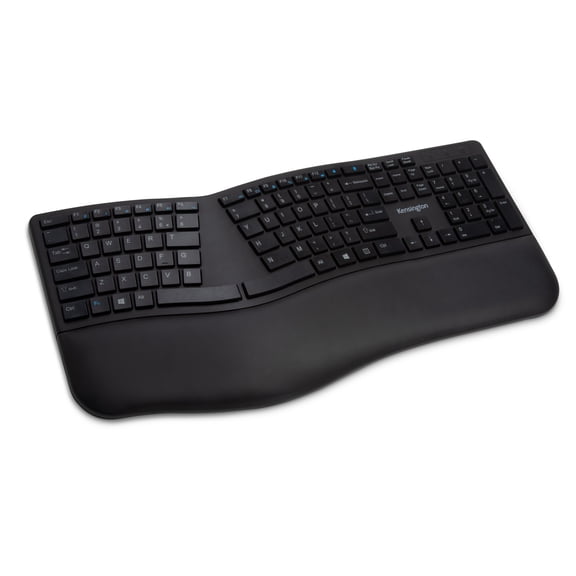 Kensington Pro Fit Ergonomic Wireless Keyboard Bluetooth K75401US - Black$68.11current price $68.11
Lenovo ThinkPad Essential Wireless Mouse
 Lenovo ThinkPad Essential Wireless Mouse$23.53current price $23.53
Logitech M705 Marathon Wireless Mouse, 2.4 GHz USB Unifying Receiver, 1000 DPI, 5-Programmable Buttons, 3-Year Battery, Compatible with PC, Mac, Laptop, Chromebook - Black
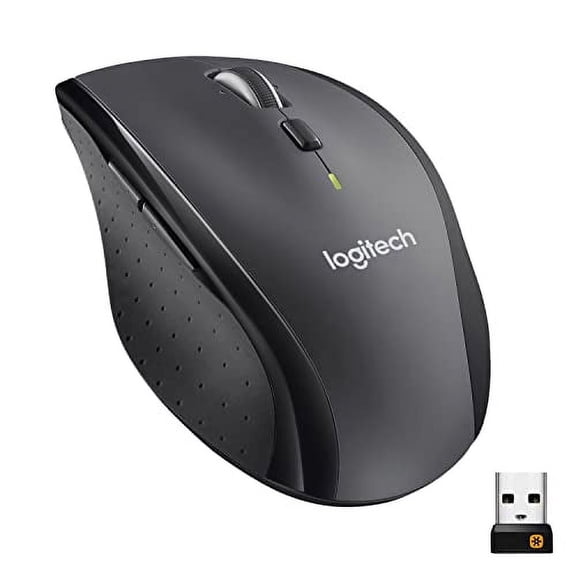 Logitech M705 Marathon Wireless Mouse, 2.4 GHz USB Unifying Receiver, 1000 DPI, 5-Programmable Buttons, 3-Year Battery, Compatible with PC, Mac, Laptop, Chromebook - Black$29.99current price $29.99
Wagpak Wireless Keyboard and Mouse with 2.4 GHz, Backlits, Wrist Rest, Holder, Mouse for Computer, Mac, PC, Laptop, Chromebook
 Wagpak Wireless Keyboard and Mouse with 2.4 GHz, Backlits, Wrist Rest, Holder, Mouse for Computer, Mac, PC, Laptop, Chromebook$49.69current price $49.69
8Bitdo N30 Wireless Mouse for Windows & macOS
 8Bitdo N30 Wireless Mouse for Windows & macOS$29.99current price $29.99
Logitech Signature M650 L Full Size Wireless Mouse - For Large Sized Hands, 2-Year Battery, Silent Clicks, Customizable Side Buttons, Bluetooth, Blue
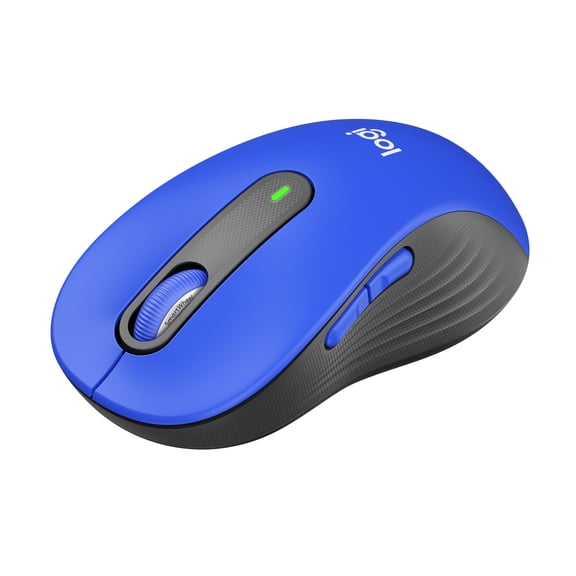 Logitech Signature M650 L Full Size Wireless Mouse - For Large Sized Hands, 2-Year Battery, Silent Clicks, Customizable Side Buttons, Bluetooth, Blue$29.00current price $29.00
Lenovo WL310 Bluetooth Silent Mouse - Optical - Wireless - Bluetooth - Gray - 1600 dpi - Scroll Wheel - 6 Button(s) - Right-handed - AA Battery Supported - 1
 Lenovo WL310 Bluetooth Silent Mouse - Optical - Wireless - Bluetooth - Gray - 1600 dpi - Scroll Wheel - 6 Button(s) - Right-handed - AA Battery Supported - 1$26.75current price $26.75
Logitech Signature Slim Solar+ K980 for Business, Wireless Keyboard, Quiet Typing, Secure Receiver, Bluetooth, Windows, Mac - Graphite - Wireless Connectivity - Bluetooth/RF - 5.1 - 32.81 ft - 2.40...
 Logitech Signature Slim Solar+ K980 for Business, Wireless Keyboard, Quiet Typing, Secure Receiver, Bluetooth, Windows, Mac - Graphite - Wireless Connectivity - Bluetooth/RF - 5.1 - 32.81 ft - 2.40...$99.00current price $99.00
Keychron M7 8K Wireless Mouse, 2.4G/Bluetooth/Wired, Lightweight Ergonomic, PAW3950, Black
 Keychron M7 8K Wireless Mouse, 2.4G/Bluetooth/Wired, Lightweight Ergonomic, PAW3950, Black$69.99current price $69.99
Logitech M705 Marathon Wireless Laser Mouse
 Logitech M705 Marathon Wireless Laser Mouse$29.99current price $29.99