

Micro:bit V2 Go(1)
Micro:bit MEFV22G GO BBC micro:bit V2 GO Starter Kit $29.99

Micro:bit MEFV22G GO BBC micro:bit V2 GO Starter Kit
Other options to consider(1)
BBC Micro:Bit V2.1 Go Kit - Includes micro:bit Board, MicroUSB Cable, and Battery Pack $29.59
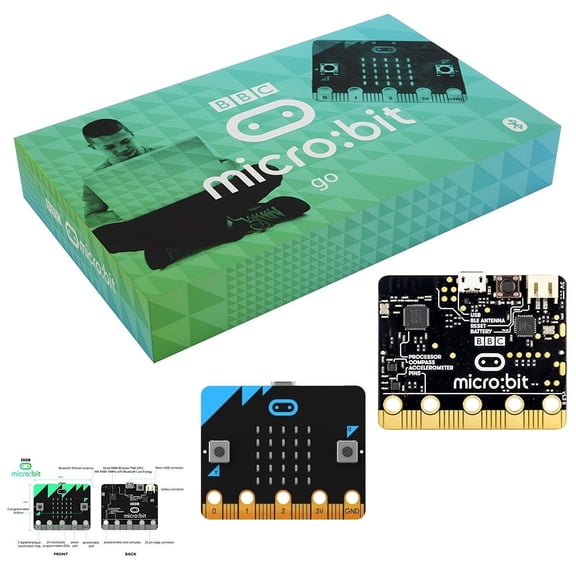
BBC Micro:Bit V2.1 Go Kit - Includes micro:bit Board, MicroUSB Cable, and Battery Pack
FAQ
What comes in the micro:bit V2 starter kit?
The micro:bit V2 starter kit typically includes everything you need to begin exploring coding and electronics. You'll find the micro:bit board itself, as well as essential accessories.
- The micro:bit V2 board
- USB cable for connecting to a computer
- Battery pack
- AA batteries
- Quick start guide or booklet
These items help you get started with basic projects and experiments. If you're looking for more advanced features, you might want to explore additional accessories.
Can I use micro:bit V2 with my computer?
The micro:bit V2 is designed to work with most computers, including Windows, macOS, and Linux. You'll need a USB cable to connect the board to your computer. Once connected, you can use online editors or downloadable software to write and transfer code to the device.
- Compatible with popular operating systems
- USB connection required
- Supports web-based coding platforms
Be sure to check your computer's USB port and internet access to make the most of your micro:bit experience.
How can I start coding with micro:bit V2?
Getting started with coding on the micro:bit V2 is easy and flexible. You can use online coding platforms like MakeCode or Python editors, which allow you to create and test code directly in your browser. No software installation is required unless you prefer downloadable tools.
- Choose a coding platform (MakeCode, Python, etc.)
- Connect the device via USB
- Explore tutorials and sample projects online
Trying out simple projects is a great way to learn the basics and discover new possibilities.
What can I build with the micro:bit V2 kit?
The micro:bit V2 kit offers a wide range of creative possibilities for both beginners and experienced users. You can design interactive games, control lights, measure environmental data, or create simple robots.
- Interactive games and challenges
- Music and sound experiments
- Temperature and light sensing projects
- Basic robotics and automation
Online resources and guides provide inspiration and step-by-step instructions for many fun projects.
Is micro:bit V2 good for beginners?
The micro:bit V2 is a popular choice for those new to coding and electronics. Its user-friendly interface and wide range of tutorials make it accessible for all ages. The starter kit includes everything you need to begin experimenting, and online resources offer guidance for first-time users.
- Easy-to-use hardware and software
- Plenty of beginner-friendly projects
- Supportive online community
Whether you're just starting out or looking to expand your skills, the micro:bit V2 offers a flexible and approachable learning experience.
Popular in micro:bit v2 go Kits and Micro USB Accessories
Related Products
Skywin FMCB Free McBoot Card v1.966 for PS2 - Plug and Play PS2 Memory Card - 64 MB Memory Card PS2 Runs Games in USB Disk or Hard Disk
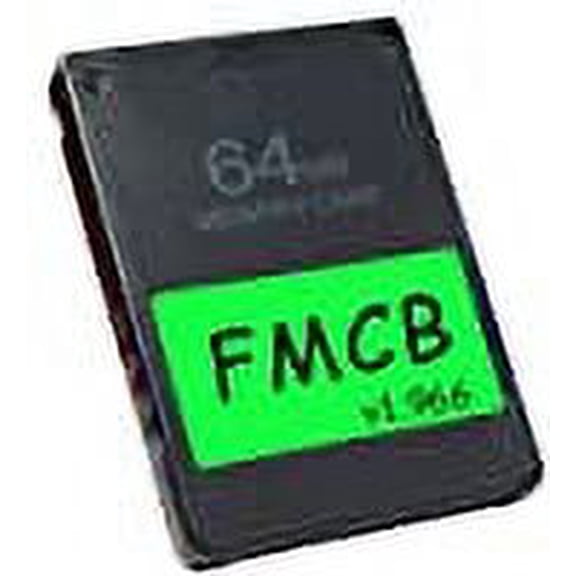 Skywin FMCB Free McBoot Card v1.966 for PS2 - Plug and Play PS2 Memory Card - 64 MB Memory Card PS2 Runs Games in USB Disk or Hard Disk$14.99current price $14.99
Marseille mClassic Retro Edition Green Resolution Upscaler and Image Enhancer for NES, Sega Genesis, SNES, PS1, PS2
 Marseille mClassic Retro Edition Green Resolution Upscaler and Image Enhancer for NES, Sega Genesis, SNES, PS1, PS2$55.02current price $55.02
PIXICADE! - PLUS - Draw Your Own Video Game Creator Kit for Kids Ages 6+ – Turn Hand-Drawn Art into Playable Games
 PIXICADE! - PLUS - Draw Your Own Video Game Creator Kit for Kids Ages 6+ – Turn Hand-Drawn Art into Playable Games$29.99current price $29.99
EON GCHD Mk-II Digital HD Video Adapter for Nintendo GameCube - Spice Orange
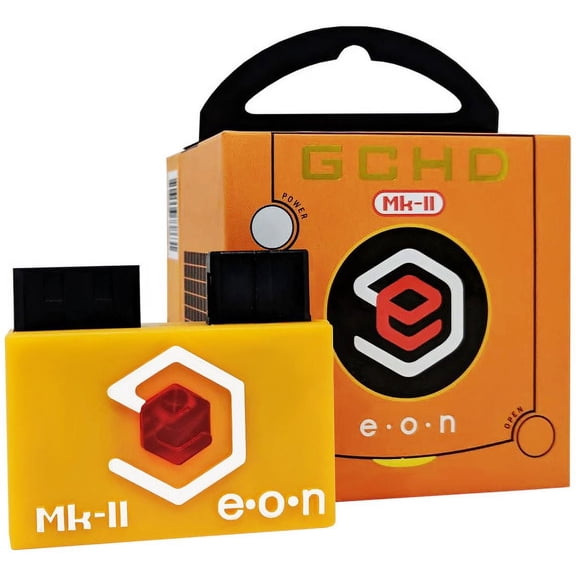 EON GCHD Mk-II Digital HD Video Adapter for Nintendo GameCube - Spice Orange$144.99current price $144.99
CIYISON Carrying for Case for PSP 1000 2000 3000 Protective Hard for Shell Cover Travel
 CIYISON Carrying for Case for PSP 1000 2000 3000 Protective Hard for Shell Cover Travel$9.40current price $9.40
SD Card Slot Socket Ribbon Cable Replacement Part for Nintendo DSi Fixing Sticky
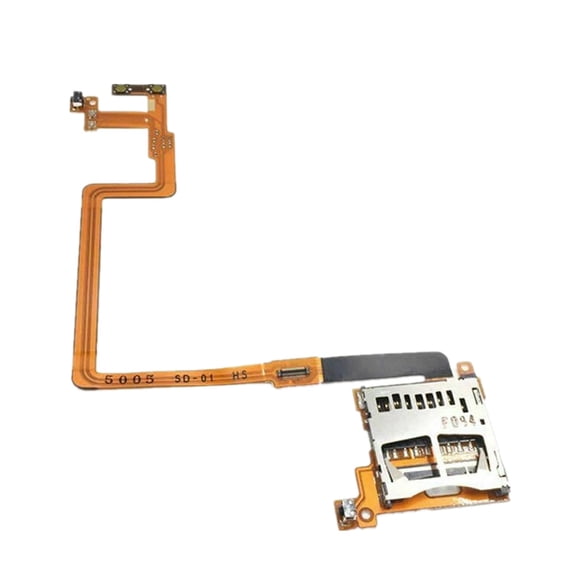 SD Card Slot Socket Ribbon Cable Replacement Part for Nintendo DSi Fixing Sticky$12.09current price $12.09
Replacement DVD Rom Drive Dual IC Disc Repair Part for Nintendo Wii D2E Console
 Replacement DVD Rom Drive Dual IC Disc Repair Part for Nintendo Wii D2E Console$25.82current price $25.82
RetroPie Kit for Raspberry Pi 3B/3B+ with SNES Controllers, Retro-Style Case, and Accessories
 RetroPie Kit for Raspberry Pi 3B/3B+ with SNES Controllers, Retro-Style Case, and Accessories$42.00current price $42.00
8MB Memory Card For Game Cube GC And Wii Black For GameCube Expansion
 8MB Memory Card For Game Cube GC And Wii Black For GameCube Expansion$8.99current price $8.99
20 Clear W/ Clear Back GameCube Mini Game Disc Cases
 20 Clear W/ Clear Back GameCube Mini Game Disc Cases$16.99current price $16.99
EVA Hard Shell Storage Bag for Nex Playground - Portable Dustproof Shockproof Case for Video Game System & Accessories
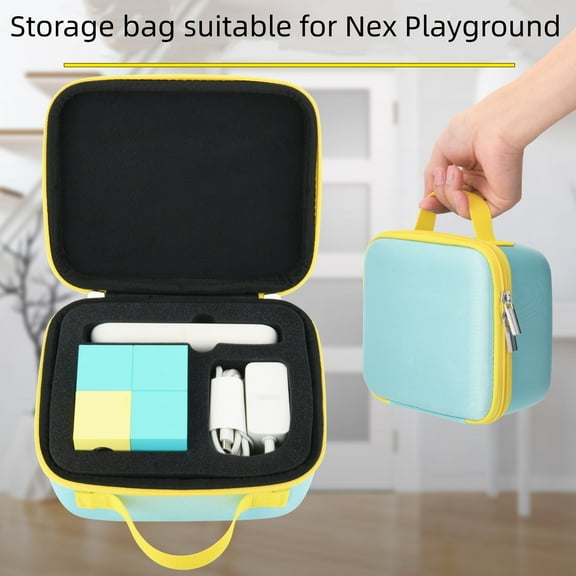 EVA Hard Shell Storage Bag for Nex Playground - Portable Dustproof Shockproof Case for Video Game System & Accessories$17.61current price $17.61
WUNGSENN N64 Cartridge Reader Save Backup ROM Dumper Reflash Retro r Dumpe Repros J4O5
 WUNGSENN N64 Cartridge Reader Save Backup ROM Dumper Reflash Retro r Dumpe Repros J4O5$14.72current price $14.72

