

Lutron Ms Ops2(2)
Lutron CA-4PS-IV Paddle Switch 15A 120/277V 4-Way Rocker Switch Ivory $23.50
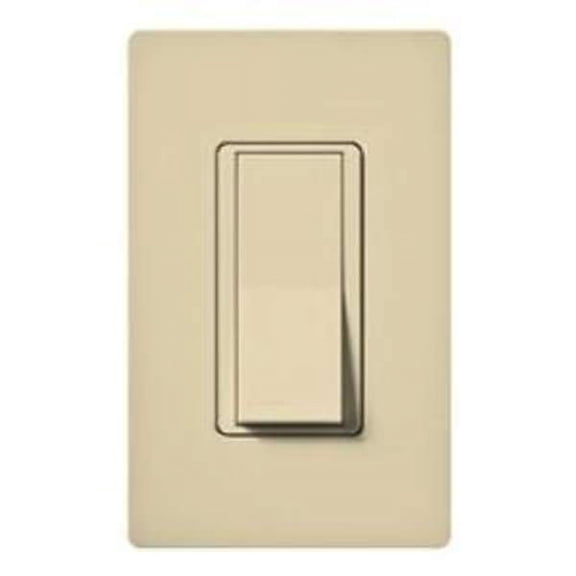
Lutron CA-4PS-IV Paddle Switch 15A 120/277V 4-Way Rocker Switch Ivory
Lutron 98268 - MS-OPS2-LA Occupancy Sensors
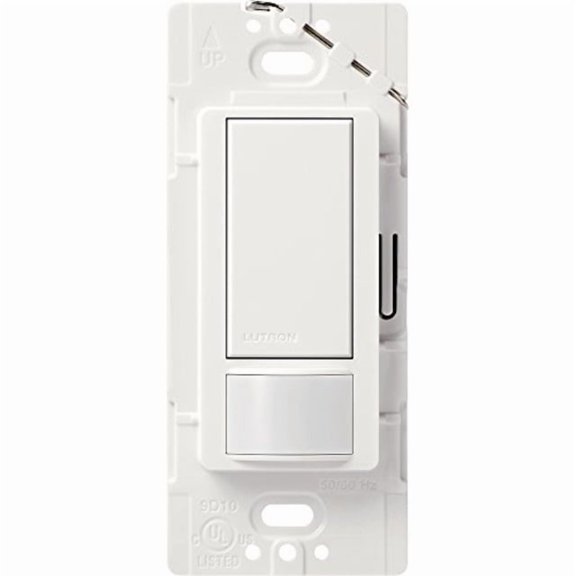


Lutron 98268 - MS-OPS2-LA Occupancy Sensors
Other options to consider(5)
Lutron MS-A102-WH Maestro Dual Tech Occupancy Sensor Switch, no neutral required, 6 Amp Single-Pole, White CA2 $117.25
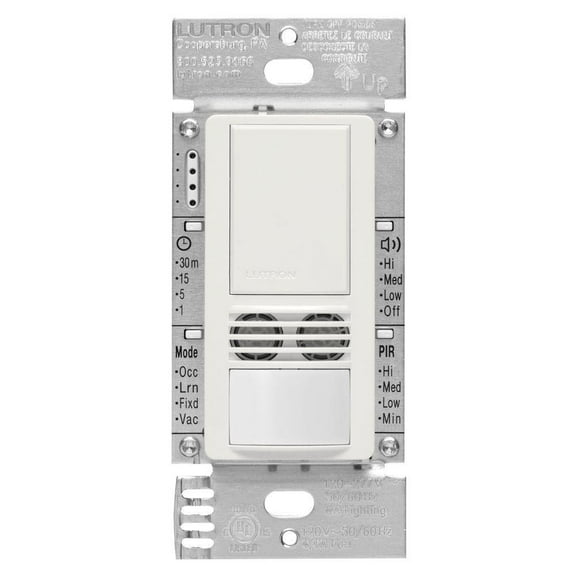
Lutron MS-A102-WH Maestro Dual Tech Occupancy Sensor Switch, no neutral required, 6 Amp Single-Pole, White CA2
Lutron Series MS-Z101-IV, Occupancy/Vacancy Dimmer Sensor CA3 $143.82

Lutron Series MS-Z101-IV, Occupancy/Vacancy Dimmer Sensor CA3
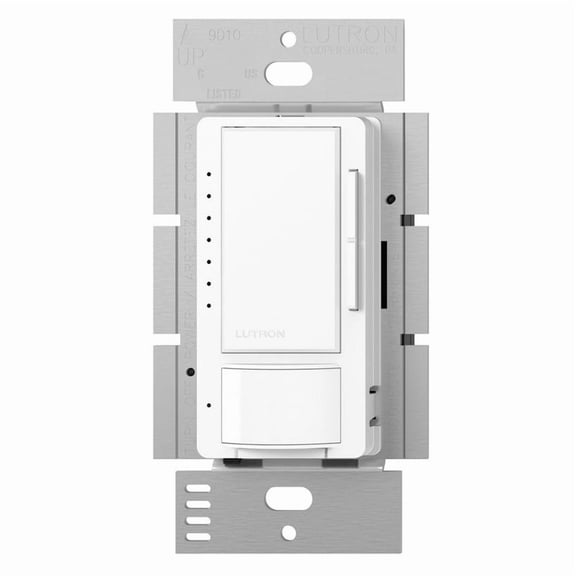


Lutron Series MS-Z101-V-WH, Vacancy Dimmer Sensor CA2 $136.56
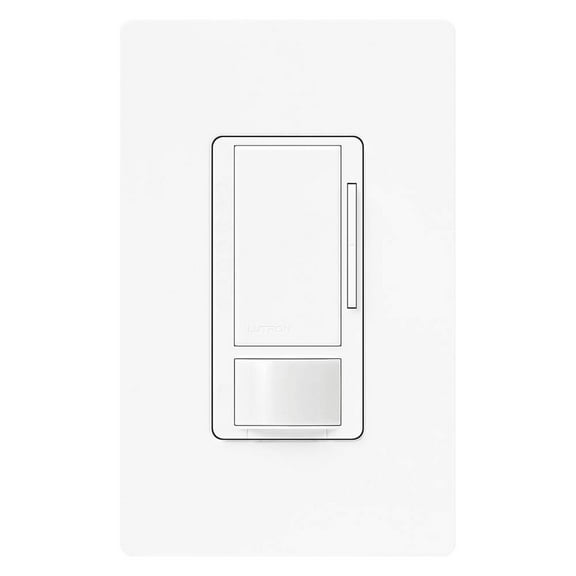
Lutron Series MS-Z101-V-WH, Vacancy Dimmer Sensor CA2
Lutron OMX-IO Control Interface Grafik Eye System 5 Output/Input 24V Class 2 $143.41

Lutron OMX-IO Control Interface Grafik Eye System 5 Output/Input 24V Class 2
FAQ
How does an occupancy sensor work?
Occupancy sensors use motion detection to automatically turn lights on or off depending on whether a room is occupied. They typically sense movement using infrared or ultrasonic technology.
- Lights turn on when you enter the room.
- Lights shut off after a set period of no activity.
This can help reduce energy use and make everyday lighting more convenient.
Can I install an occupancy sensor myself?
Many occupancy sensors are designed for easy installation, especially in standard single-pole lighting setups. If you're comfortable working with electrical wiring and follow safety instructions, you may be able to install it yourself.
- Always turn off power at the breaker before starting.
- Read the included instructions carefully.
If you're unsure, consider hiring a licensed electrician for safe installation.
Where should I use an occupancy sensor?
Occupancy sensors are ideal for spaces where lights are often left on unintentionally. Common places include:
- Bathrooms
- Hallways
- Garages
- Laundry rooms
These sensors can help reduce energy waste and add convenience in areas where you frequently enter and exit.
Is an occupancy sensor compatible with LED lights?
Most modern occupancy sensors are compatible with LED bulbs, but it's important to check the sensor's specifications. Some sensors may have minimum wattage requirements or specific compatibility notes.
- Review the product details and packaging.
- If needed, consult the manufacturer's documentation for compatibility information.
This helps ensure the sensor operates as expected with your lighting setup.
How do I adjust the sensitivity on an occupancy sensor?
Many occupancy sensors offer adjustable sensitivity settings to tailor detection for the room. You can typically change these settings using a dial or switches located on the sensor itself.
- Refer to the instruction manual for details.
- Adjust the sensor to detect motion as needed for your space.
Fine-tuning sensitivity can help avoid unnecessary activations and improve overall performance.
Popular in Lutron MS OPS2 Motion Sensor Switches for Lighting
Related Products
Maestro Single-Pole Occupancy Sensor Switch
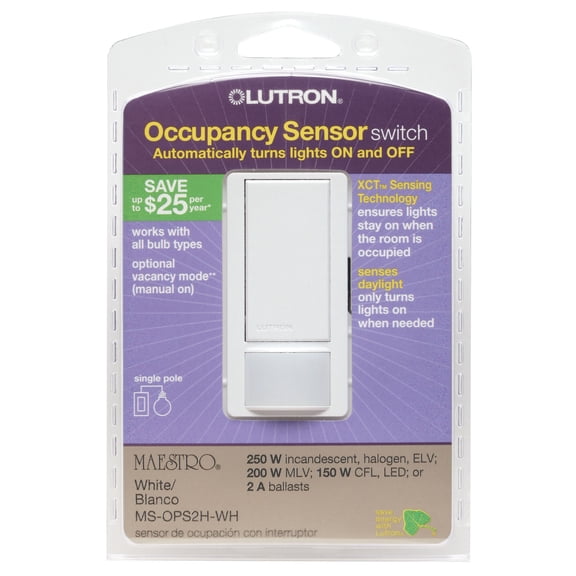 Maestro Single-Pole Occupancy Sensor Switch$24.98current price $24.98
HQRP Photocell Sensor LED Light Switch Indoor Outdoor Compatible with Zing Ear SNR-100WF, UL Listed
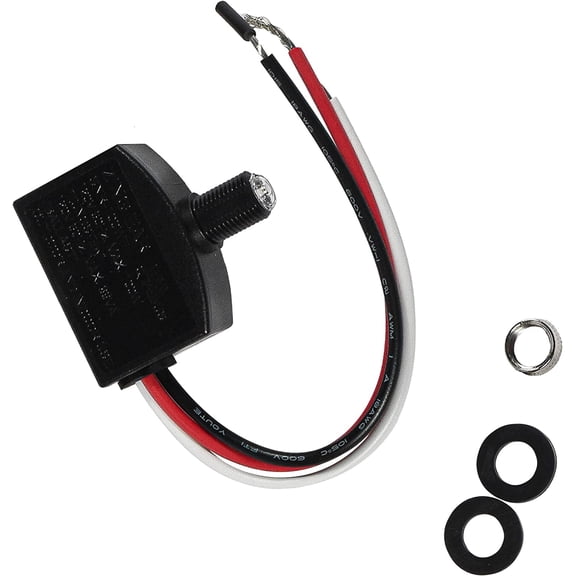 HQRP Photocell Sensor LED Light Switch Indoor Outdoor Compatible with Zing Ear SNR-100WF, UL Listed$14.40current price $14.40
Leviton Decora 180 Deg. Occupancy Sensor Switch, Single Pole or 3-Way
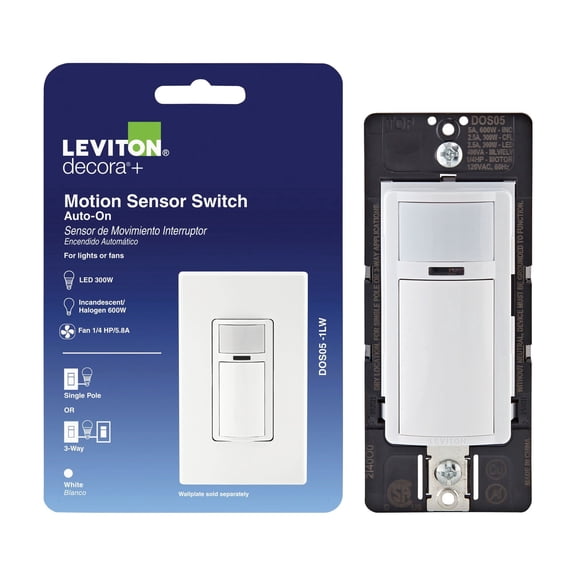 Leviton Decora 180 Deg. Occupancy Sensor Switch, Single Pole or 3-Way$30.35current price $30.35
Maxxima Occupancy Vacancy Motion Sensor PIR Wall Switch, 3-Way or Single Pole Wall Plate Included, Commercial or Residential, 120-277V
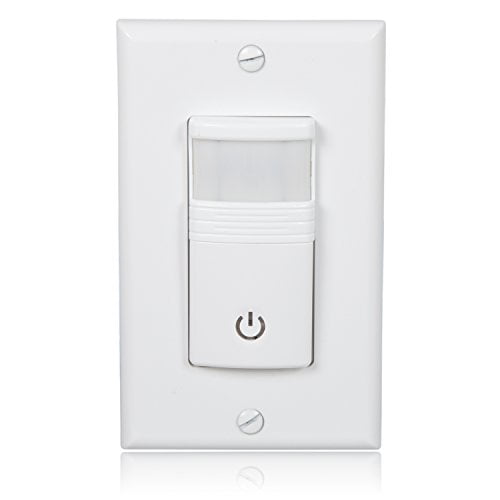 Maxxima Occupancy Vacancy Motion Sensor PIR Wall Switch, 3-Way or Single Pole Wall Plate Included, Commercial or Residential, 120-277V$19.99current price $19.99
Lutron PJ2W-P2B-WH Pico Paddle Remote Wall-Mounting Kit, Wireless On/Off Control For Smart
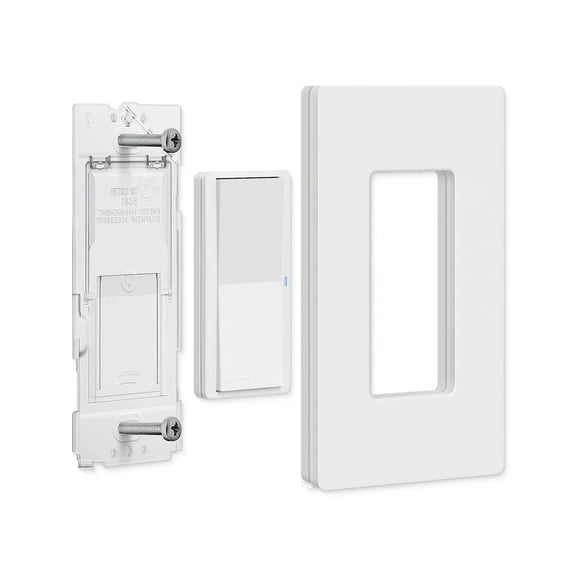 Lutron PJ2W-P2B-WH Pico Paddle Remote Wall-Mounting Kit, Wireless On/Off Control For Smart$39.69current price $39.69
Leviton DD00R-DLZ Decora Digital/Decora Smart Dual Voltage Matching Dimmer Remote
 Leviton DD00R-DLZ Decora Digital/Decora Smart Dual Voltage Matching Dimmer Remote$24.99current price $24.99
Leviton Decora Smart Dimmer Anywhere Companion DAWDC-1RW - 3-Way Smart Dimmer - White — Residential Use, Standard Application
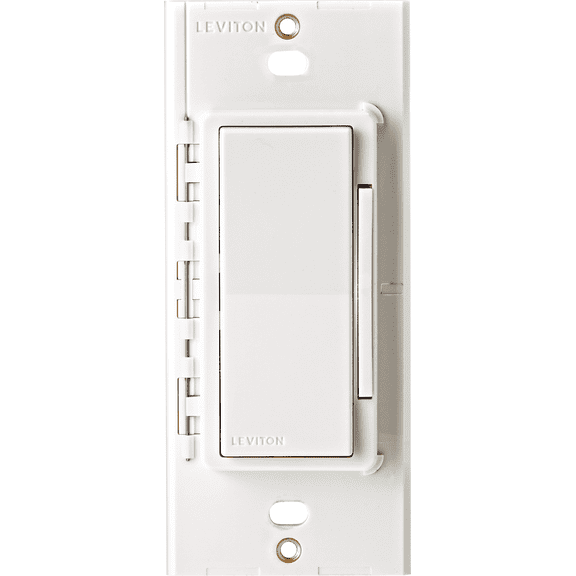 Leviton Decora Smart Dimmer Anywhere Companion DAWDC-1RW - 3-Way Smart Dimmer - White — Residential Use, Standard Application$36.88current price $36.88
Light Sensor Control Automatic On/Off Photoelectric Switch for Outdoor Lighting Fixtures
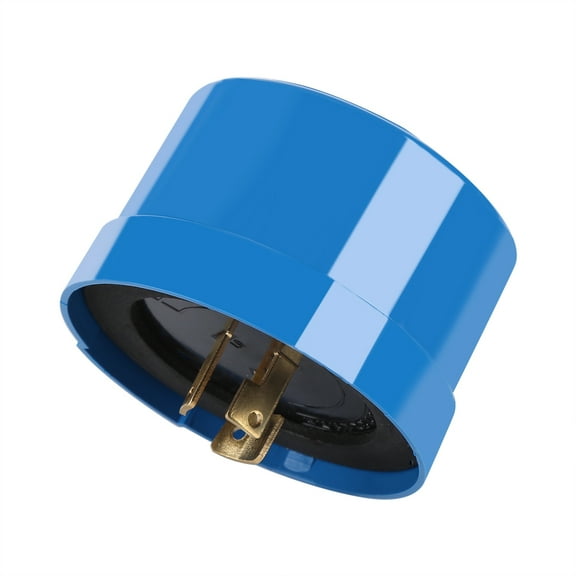 Light Sensor Control Automatic On/Off Photoelectric Switch for Outdoor Lighting Fixtures$9.55current price $9.55
Shelly Wi-Fi Wall Dimmer (Plus Wall Dimmer)
 Shelly Wi-Fi Wall Dimmer (Plus Wall Dimmer)$26.39current price $26.39
Leviton Decora 180-Degree Occupancy Sensor Switch
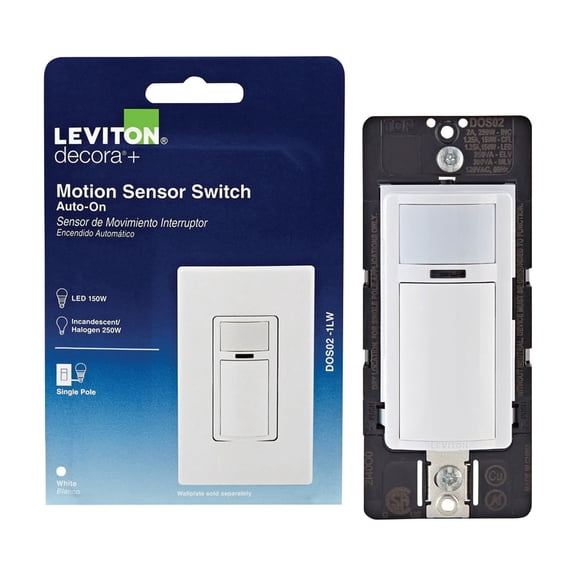 Leviton Decora 180-Degree Occupancy Sensor Switch$27.69current price $27.69
Enbrighten 14293 Z-Wave Plus In-Wall Smart Toggle Switch With QuickFit And SimpleWire, Gen5, Light Almond, 14293
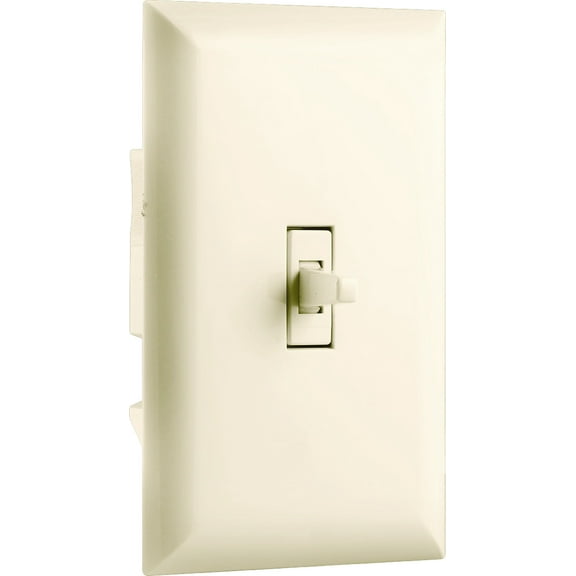 Enbrighten 14293 Z-Wave Plus In-Wall Smart Toggle Switch With QuickFit And SimpleWire, Gen5, Light Almond, 14293$19.99current price $19.99
Lutron Sunnata STCL-153MH-W, White, Illuminated Touch Light Dimmer & Switch, 1 Piece
Lutron Sunnata STCL-153MH-W, White, Illuminated Touch Light Dimmer & Switch, 1 Piece
NineLeaf 1PK IP66 Waterproof Switch, SPDT(Single Pole Double Throw) Switch, 2 Way Single Light Switch for Outdoor Garden, Weatherproof (1Gang 10A Grey)
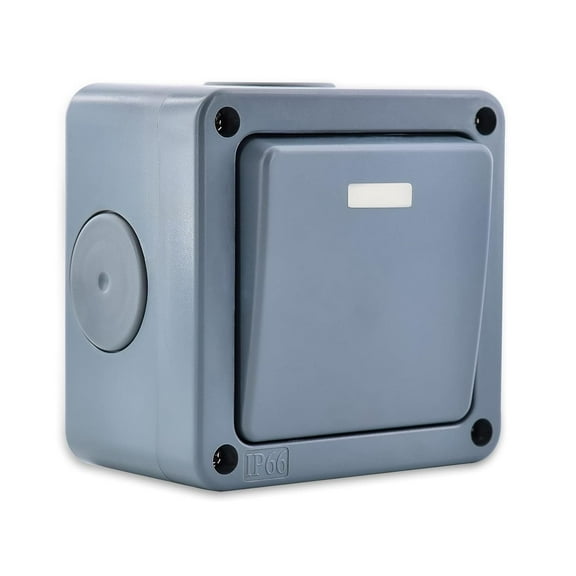 NineLeaf 1PK IP66 Waterproof Switch, SPDT(Single Pole Double Throw) Switch, 2 Way Single Light Switch for Outdoor Garden, Weatherproof (1Gang 10A Grey)$17.99current price $17.99
Lutron PD-5NE-WH-C Smart Dimmer Switch 120V 500W Wireless 3 Way White
 Lutron PD-5NE-WH-C Smart Dimmer Switch 120V 500W Wireless 3 Way White$159.10current price $159.10
Leviton Dimmer Switch — Decora® Rocker-Style Design in White — UL Listed for US Residential Electrical Code Compliance, Drop-in NEC-Standard Wiring
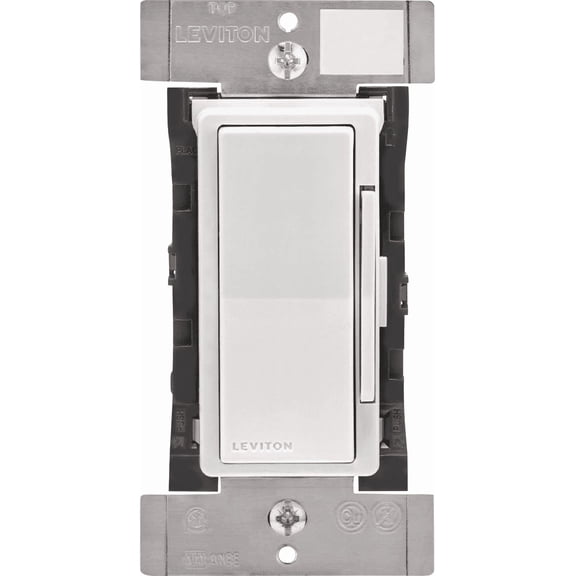 Leviton Dimmer Switch — Decora® Rocker-Style Design in White — UL Listed for US Residential Electrical Code Compliance, Drop-in NEC-Standard Wiring$38.51current price $38.51
Lutron Diva Dimmer for 0-10V LED/Fluorescent Fixtures, Single-Pole or 3-Way, White
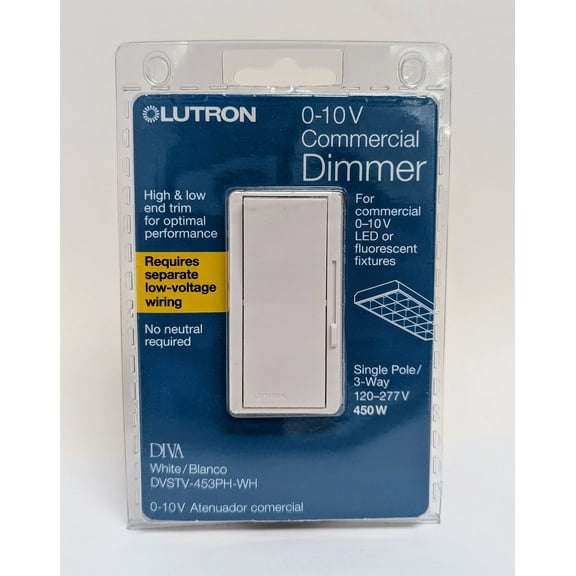 Lutron Diva Dimmer for 0-10V LED/Fluorescent Fixtures, Single-Pole or 3-Way, White$61.95current price $61.95