

Jetpack 8800l(1)
New Verizon Novatel MiFi 8800L Jetpack 4G LTE Advanced Mobile Hotspot Modem - Black $119.99
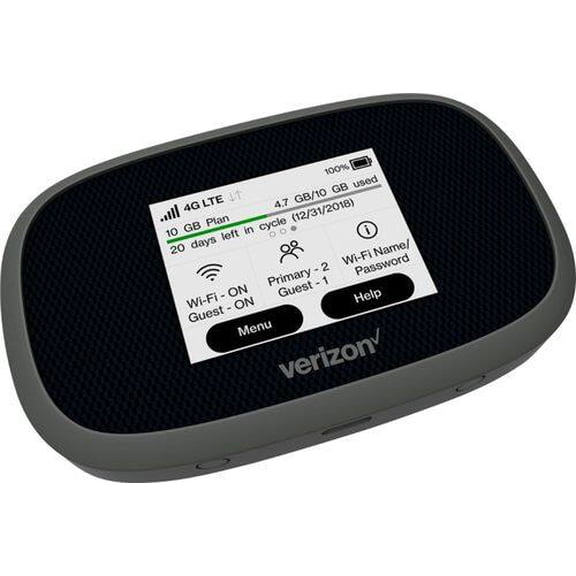
New Verizon Novatel MiFi 8800L Jetpack 4G LTE Advanced Mobile Hotspot Modem - Black
Other options to consider(1)
for USB-C Fast Wall Charger Charging Cable Cord Fit for Verizon Orbic Speed Mobile Hotspot 400L MiFi 7730L 8800L Jetpack Hotspot, 5G MiFi M1000 M2000 M2100 $20.99

for USB-C Fast Wall Charger Charging Cable Cord Fit for Verizon Orbic Speed Mobile Hotspot 400L MiFi 7730L 8800L Jetpack Hotspot, 5G MiFi M1000 M2000 M2100
FAQ
How does a mobile hotspot work?
A mobile hotspot lets you connect devices like phones, tablets, or laptops to the internet when you're away from Wi-Fi. It uses cellular networks to create a portable wireless signal that your devices can join.
- It receives data from the cellular network.
- It broadcasts a Wi-Fi signal you can join with your device.
- Multiple devices can connect at once, depending on the hotspot model.
This setup is handy for travel, remote work, or anywhere you need reliable internet on the go.
What devices can connect to a hotspot?
Most Wi-Fi enabled devices are compatible with a mobile hotspot. You simply search for the hotspot network, enter the password, and connect.
- Smartphones, tablets, and laptops can all use a hotspot.
- Some smart TVs, gaming consoles, and e-readers may also connect.
- Check your device's Wi-Fi settings to ensure compatibility.
This flexibility helps you stay online whether you need to work, stream, or browse on multiple devices.
How do I set up my mobile hotspot?
Setting up your mobile hotspot is usually straightforward. After powering it on, follow these steps:
- Locate the Wi-Fi network name and password on your hotspot's screen or label.
- On your device, open Wi-Fi settings and select the hotspot's network.
- Enter the provided password to connect.
Once connected, you'll have access to the internet through the cellular network. Always check the manual for specific instructions.
Can I use a hotspot for streaming movies?
Streaming movies on your device with a mobile hotspot is possible, but there are a few things to keep in mind.
- Streaming uses more data than browsing or emails.
- Data limits may apply, depending on your plan.
- Check your signal strength to avoid buffering.
If you plan to stream regularly, monitor your usage so you don't run into slowdowns or extra charges.
What should I do if my hotspot isn't connecting?
If your mobile hotspot isn't connecting, there are a few troubleshooting steps you can try:
- Restart both the hotspot and your device.
- Double-check the Wi-Fi password and network name.
- Move to an area with better cellular signal.
- Consult the user manual for additional support options.
These steps can help resolve most connection issues, but if problems persist, you may want to contact customer support for more help.
Popular in Jetpack 8800L Mobile Hotspot for Cell Phones
Related Products
Hyper Charge Pro, Hyper Charge Pro Charger for Android and iPhone, Fast Charging, Four Ports, Suitable for Mobile Phones, Laptops, Tablets (Black * 2)
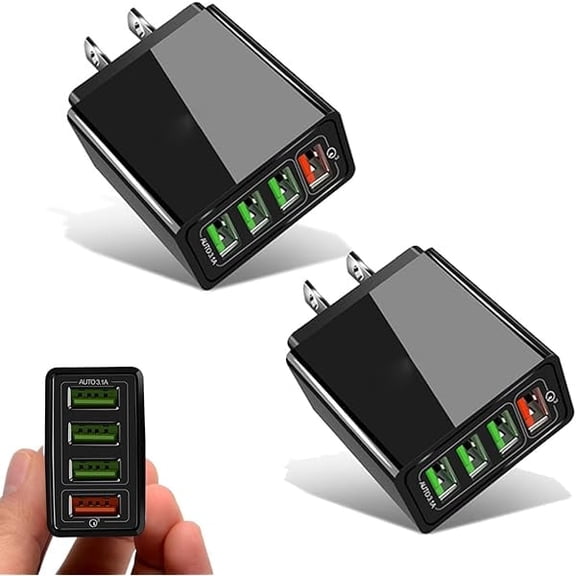 Hyper Charge Pro, Hyper Charge Pro Charger for Android and iPhone, Fast Charging, Four Ports, Suitable for Mobile Phones, Laptops, Tablets (Black * 2)$27.99current price $27.99
WZXPWT 120W GaN Charger, 2 in 1 Fast Charging Adapter with 2 Type-C/2 USB Ports, Multi-Device Wall Plug for Phones, Laptops, and Tablets, Portable Compact Charger for Travel and Daily Use
 WZXPWT 120W GaN Charger, 2 in 1 Fast Charging Adapter with 2 Type-C/2 USB Ports, Multi-Device Wall Plug for Phones, Laptops, and Tablets, Portable Compact Charger for Travel and Daily Use$1.49current price $1.49
ACE Wall Charger 5V 1A(1000mA) Power Adapter Compatible with Smartphone,Cell Phone for Senior & Kids, 2 Pack
 ACE Wall Charger 5V 1A(1000mA) Power Adapter Compatible with Smartphone,Cell Phone for Senior & Kids, 2 Pack$8.99current price $8.99
Limitless PowerPro Go 3-in-1 Wall Charger - Black
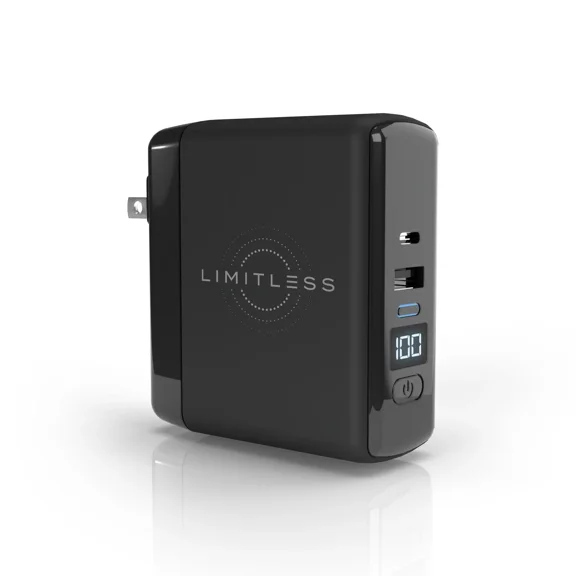 Limitless PowerPro Go 3-in-1 Wall Charger - Black$49.99current price $49.99
TYLT Smart Charger 3X - Power bank / power adapter - 6700 mAh - 2.4 A (USB)
 TYLT Smart Charger 3X - Power bank / power adapter - 6700 mAh - 2.4 A (USB)$14.99current price $14.99
Purple 65W Gradient Shell Charger With Qc3.0 Technology Led Indicator Multiple Ports Fast Charging Support For Various Devices Us Standard In Purple
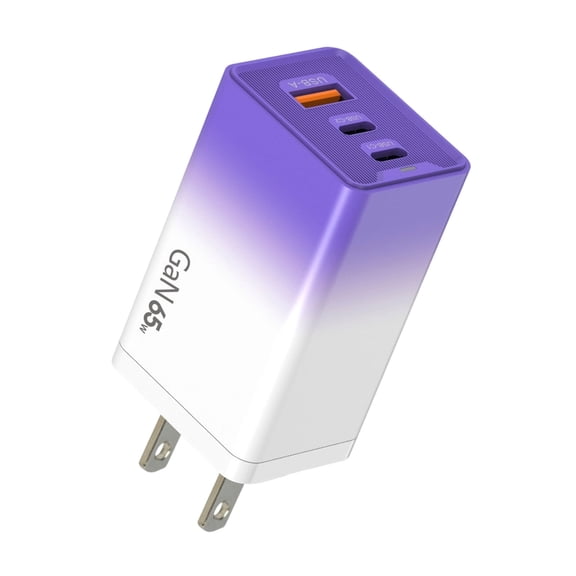 Purple 65W Gradient Shell Charger With Qc3.0 Technology Led Indicator Multiple Ports Fast Charging Support For Various Devices Us Standard In Purple$6.64current price $6.64
Travel Battery Home Wall AC Micro USB Charger 1200mA
Travel Battery Home Wall AC Micro USB Charger 1200mA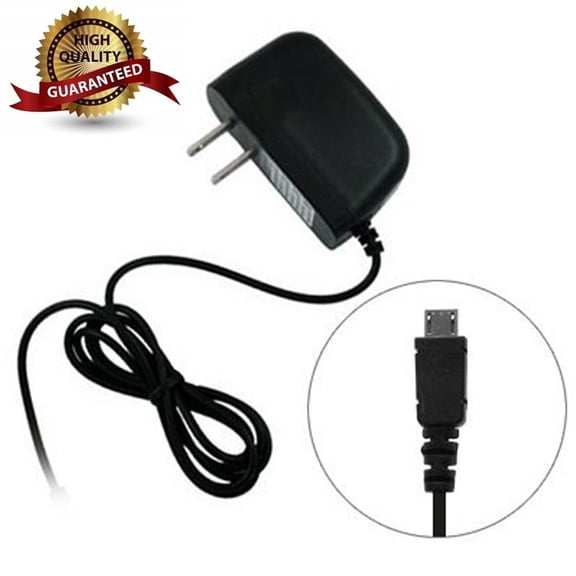
USB 5 Port Wall Charger Portable Fast Charger for Smart Devices Like Phones, Laptops
 USB 5 Port Wall Charger Portable Fast Charger for Smart Devices Like Phones, Laptops$5.39current price $5.39
LmnLft 80W All in One Charger Retractable Phone Charger Wall Plug with Scalable 80 Watt Max Fast Charging Module, Type C Cable and 2 USB Ports for Phone, Laptops
 LmnLft 80W All in One Charger Retractable Phone Charger Wall Plug with Scalable 80 Watt Max Fast Charging Module, Type C Cable and 2 USB Ports for Phone, Laptops$9.25current price $9.25
SeQual Eclipse 5 External Battery Charger
 SeQual Eclipse 5 External Battery Charger$346.00current price $346.00
ALOGIC 2X68 Rapid Power 68W GaN Charger, Gray
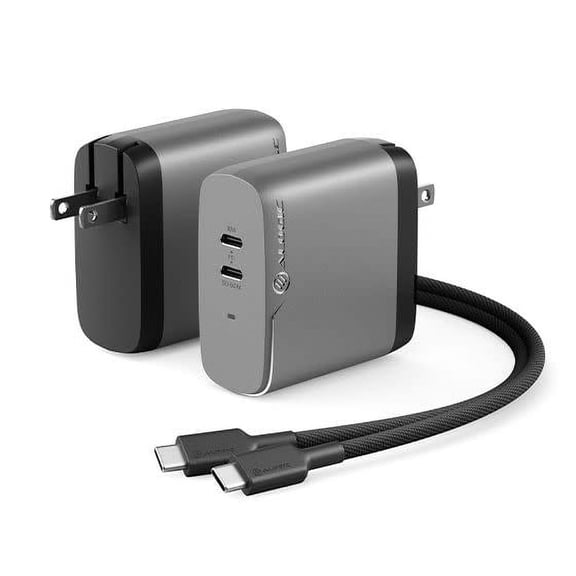 ALOGIC 2X68 Rapid Power 68W GaN Charger, Gray$53.30current price $53.30
Bibicord 3-in-1 Retractable USB-C Type C Wall Charger & Power Bank, Compatible with iPhone 15/16/17, New iPods & iPads (White)
 Bibicord 3-in-1 Retractable USB-C Type C Wall Charger & Power Bank, Compatible with iPhone 15/16/17, New iPods & iPads (White)$29.99current price $29.99
Mini-Max Powered Charger for Smart Phones and Tablets - RED
 Mini-Max Powered Charger for Smart Phones and Tablets - RED$74.48current price $74.48
3.7V USB Charging Cord with SM2.0 2P Plugs and Smartest IC Charging for Lithiums Batteries and Electronic Devices
3.7V USB Charging Cord with SM2.0 2P Plugs and Smartest IC Charging for Lithiums Batteries and Electronic Devices
E-Filliate 7369796 72W 5-Port Mobile Usb PD Charger
 E-Filliate 7369796 72W 5-Port Mobile Usb PD Charger$54.12current price $54.12
Dual Port USB C And USB A Charger Power Adapter 12W 5V 2.4A Fast Charging With Smart Power Management And Safety Protection
 Dual Port USB C And USB A Charger Power Adapter 12W 5V 2.4A Fast Charging With Smart Power Management And Safety Protection$8.49current price $8.49
CoolPad 5V/1000mA USB-A Travel Charger (618045) - Black
 CoolPad 5V/1000mA USB-A Travel Charger (618045) - Black$6.99current price $6.99
