





iPad Stand in iPad Accessories










![Dockem Koala Tablet Wall Mount - Screw-in Version; Universal Tablet, iPad and Phone Wall Dock [Black]](https://i5.walmartimages.com/seo/Dockem-Koala-Tablet-Wall-Mount-Screw-in-Version-Universal-Tablet-iPad-and-Phone-Wall-Dock-Black_18311b0e-5c5b-41c9-85a1-a3c322df2cfd.5b4d7d2bf39839d6e6a7020a95a5de50.jpeg?odnHeight=576&odnWidth=576&odnBg=FFFFFF)







![iProp: Universal Tablet and Phone Stand for Bed, Lap, Couch: Bean Bag Pillow Holder for iPads, Tablets, iPhones, eReaders and Many More [Black]](https://i5.walmartimages.com/seo/iProp-Universal-Tablet-and-Phone-Stand-for-Bed-Lap-Couch-Bean-Bag-Pillow-Holder-for-iPads-Tablets-iPhones-eReaders-and-Many-More-Black_57e2db72-c919-473f-99d1-6feef726a8bd.2150f958fbe3e99a4bfdf92bd2a0a8bb.jpeg?odnHeight=576&odnWidth=576&odnBg=FFFFFF)











About iPad Stand in iPad Accessories - Walmart.com
You can compare ipad stands more confidently when you focus on fit, stability, and viewing comfort for your daily screen setup. You’ll notice this category stands out because your choice often depends on device size, adjustment range, and where you plan to place it.
If you use your iPad for work, recipes, streaming, or video calls, you’ll want support that matches your routine. You can narrow your options faster when you compare compatibility, materials, mounting style, and portability first.
How to choose ipad stands by compatibility
You should start with compatibility because your stand needs to match your iPad’s size and weight. You may shop for iPad Pro, iPad Air, iPad Mini, or universal tablet support, depending on your device lineup.
When you compare screen size range, you can avoid a holder that feels too loose or too tight. You should also check weight capacity, because your larger tablet may need stronger support than your smaller everyday device.
An adjustable grip can help you switch between tablets without changing your whole setup. You’ll often find that a tablet stand holder with wider arms gives your household more flexibility.
- You can match wider supports to larger iPad Pro models.
- You can choose compact grips when your iPad Mini needs a lighter footprint.
- You can pick universal tablet sizing when your home uses different devices.
- You can check padded contact points to help keep your tablet seated neatly.
Choosing an adjustable ipad stand for viewing comfort
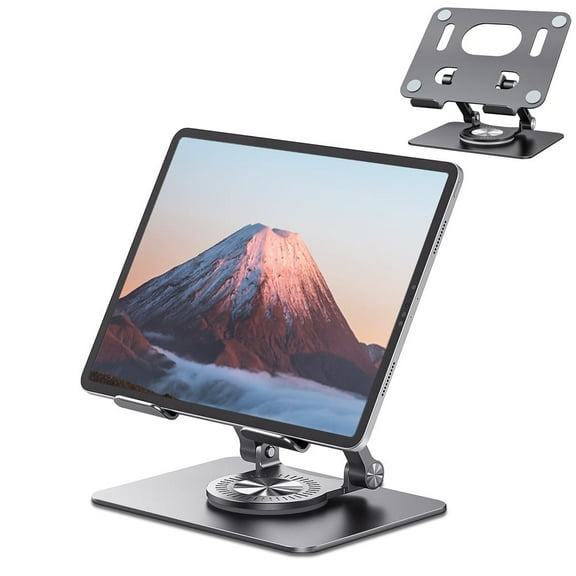
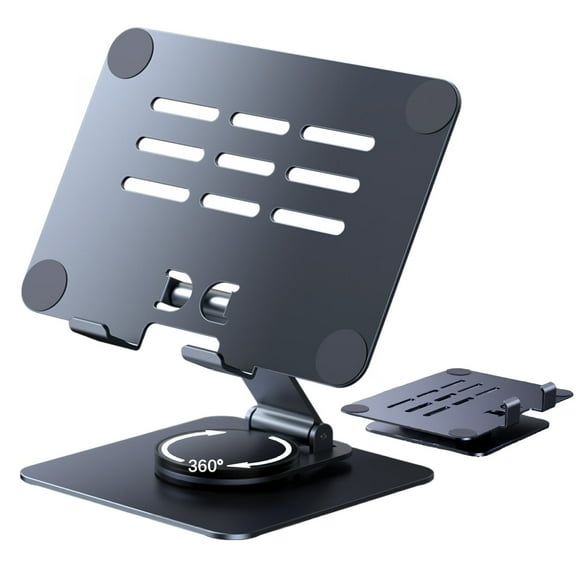
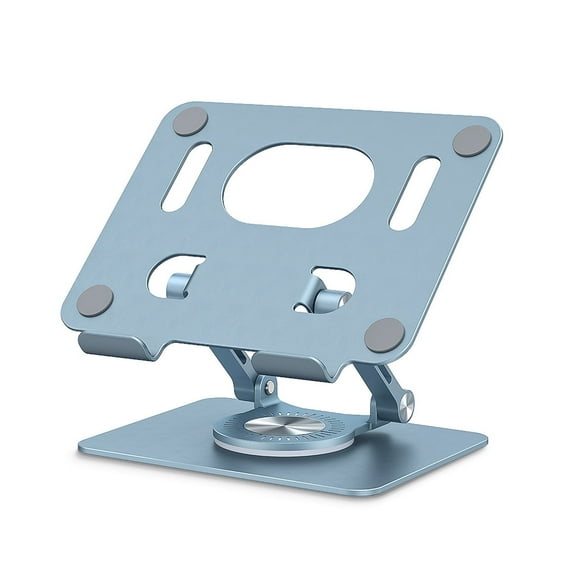
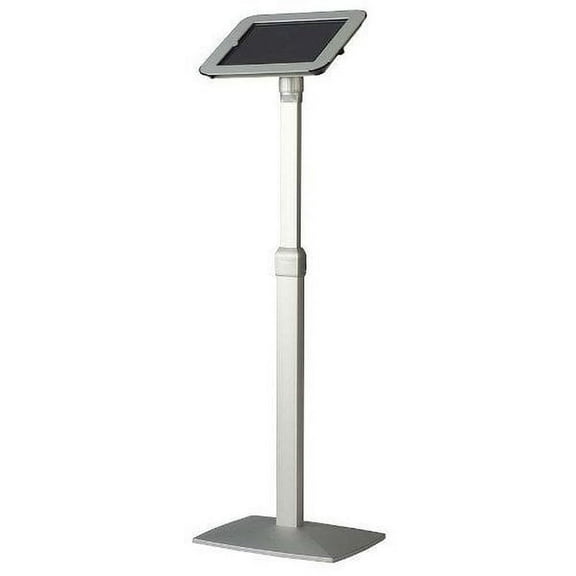
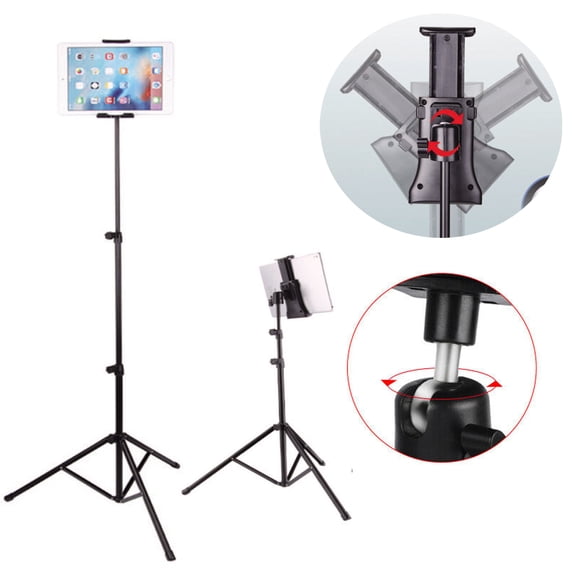
You should compare height adjustable designs, multi-angle tilt, 360-degree rotation, and fixed formats before you commit. You’ll feel the difference quickly when your screen sits closer to eye level during reading or typing.
Ball-joint rotation gives you flexible screen positioning for portrait or landscape use. Tension screws let you hold an angle more securely, so your screen stays where you place it.
If your setup changes through the day, you may want more movement from your stand. If your routine stays consistent, you may prefer a fixed model that keeps your surface simple.
You can also compare how easily the stand shifts between note-taking, video calls, and streaming. You’ll appreciate multi-angle tilt when your desk height or chair position changes often.
What to look for in stability and material
You should think about material as a balance between sturdiness, weight, and style. You can compare aluminum alloy, durable plastic, silicone-padded contact points, and wood finishes based on your space.
A metal tablet stand often gives you a steadier feel on a desk because the frame usually carries more weight. A plastic design can feel easier to move around when you switch between rooms.
Silicone padding matters because you want a secure grip where your iPad touches the stand. You should also look for a weighted base or non-slip feet if your setup includes tapping, swiping, or frequent screen adjustments.
Wood styles can blend into shelves, counters, or bedside tables with a warmer look. You may prefer aluminum when your workspace leans modern and you want a clean, streamlined profile.
Comparing mounting types for your space
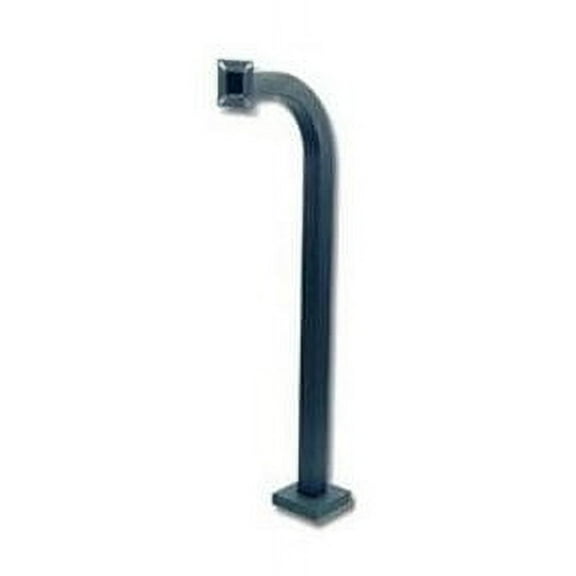
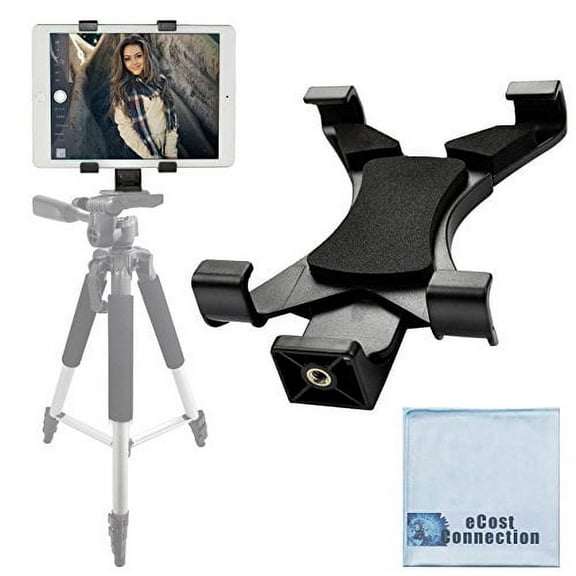
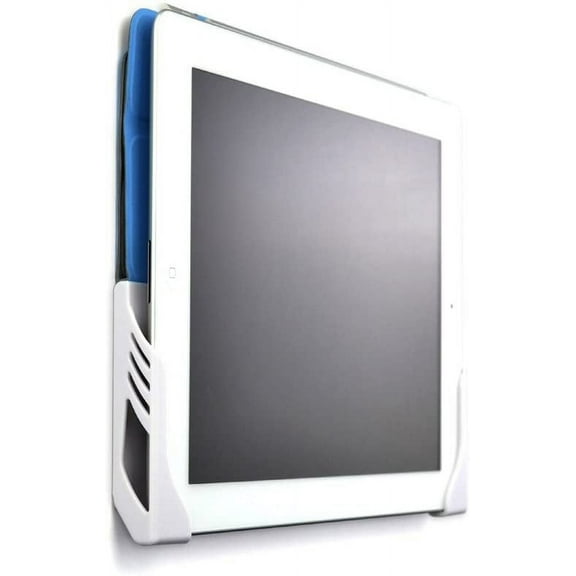
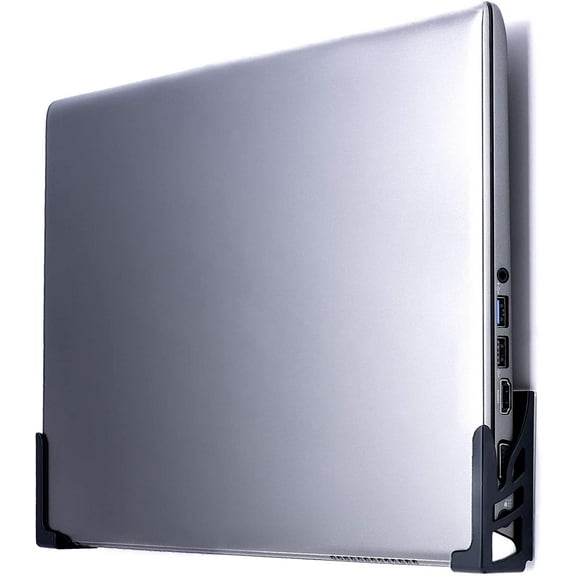
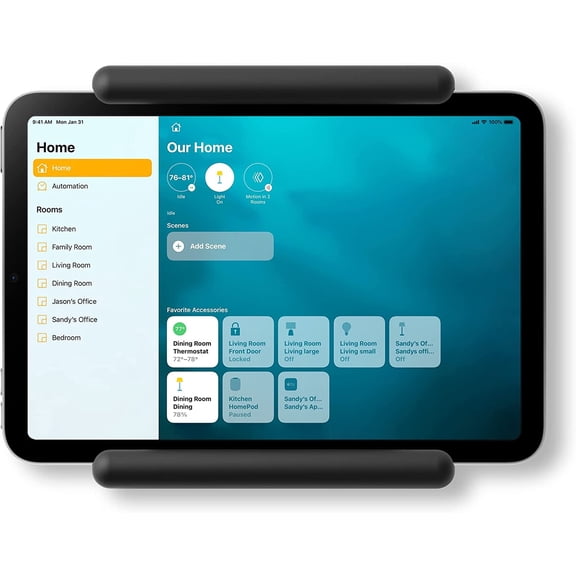
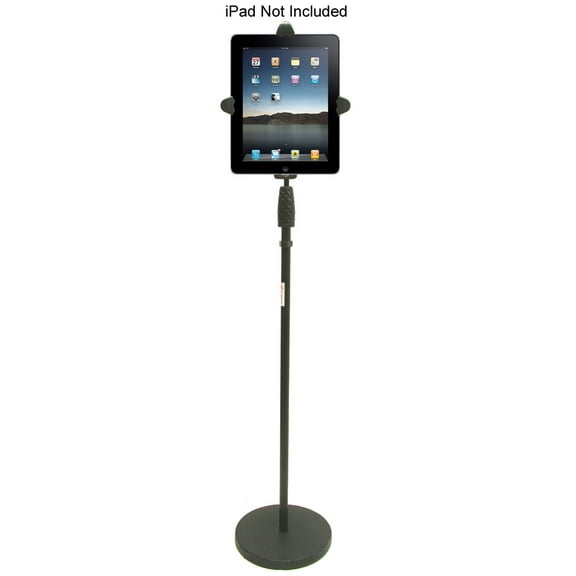
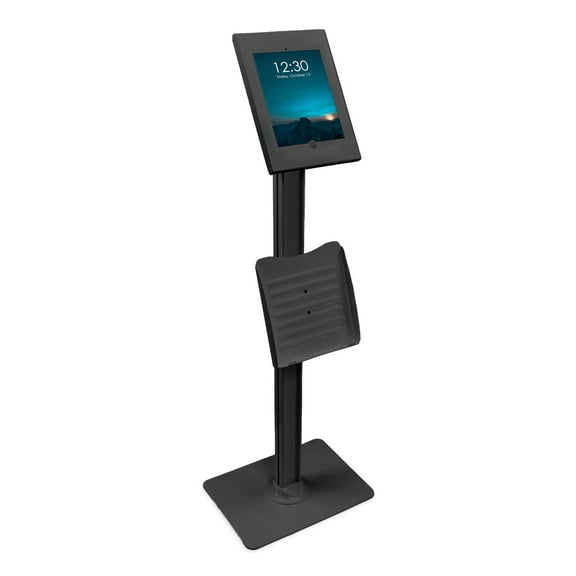
You can choose a tabletop stand, clamp mount, tripod, or wall mount based on where you use your device. Your room layout often decides whether you need portability, reach, or a fixed viewing position.
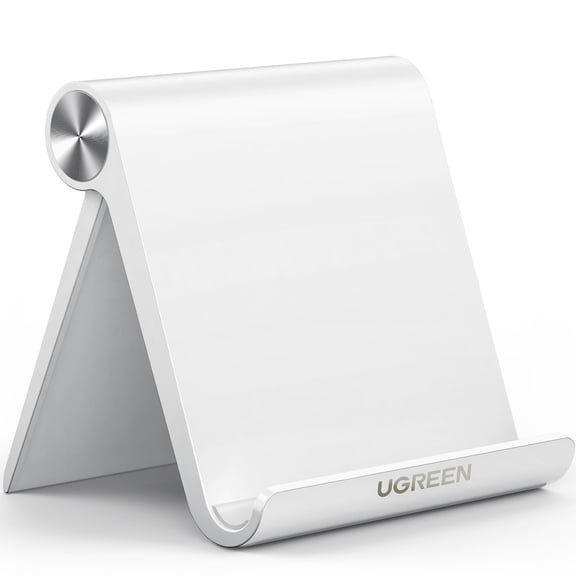
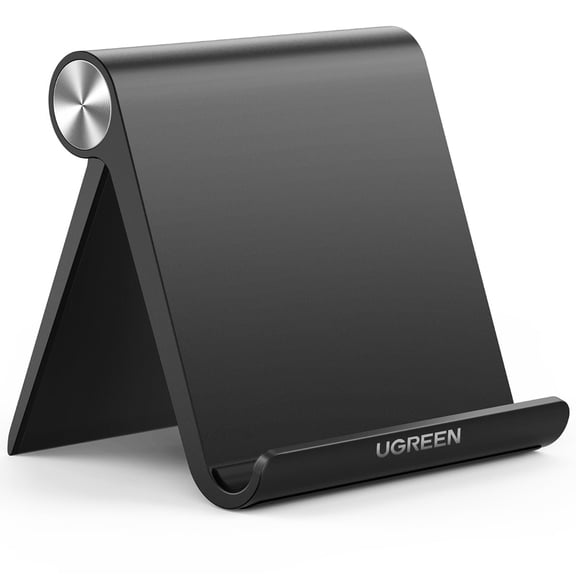
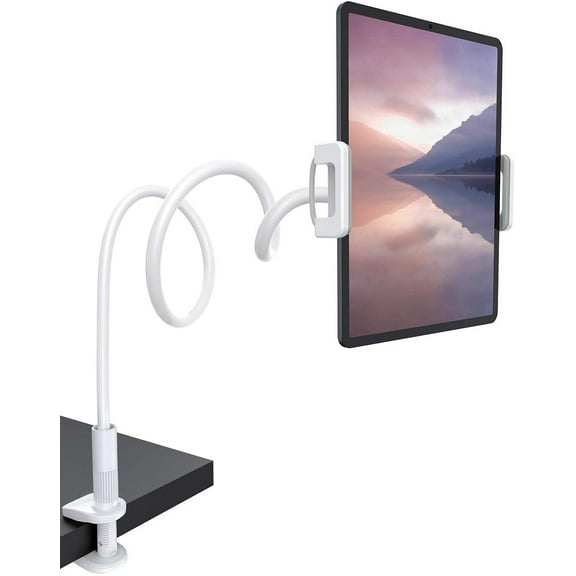
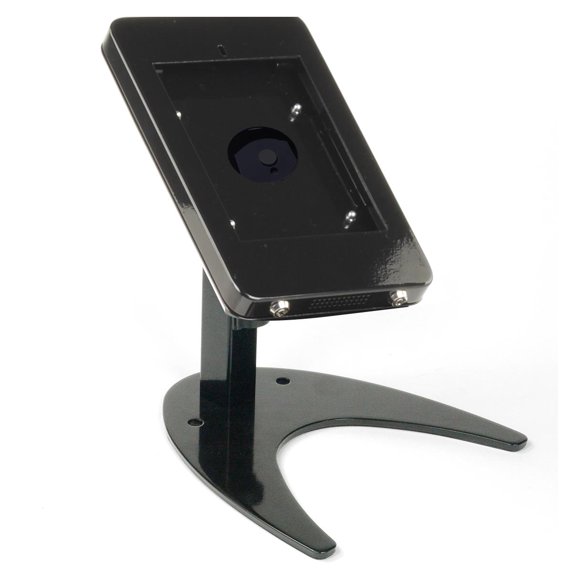
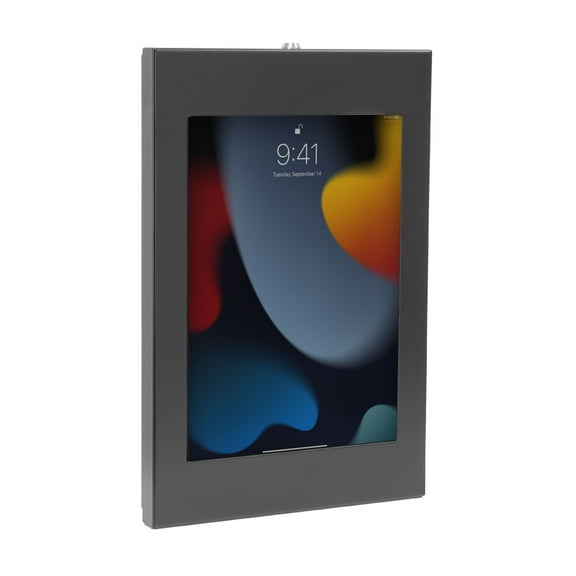
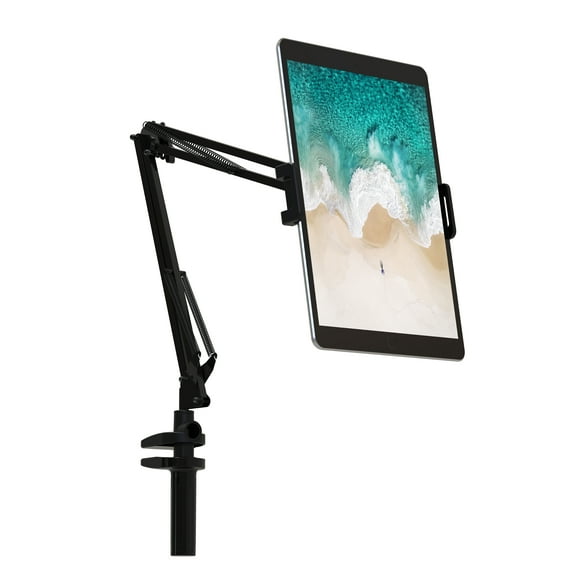
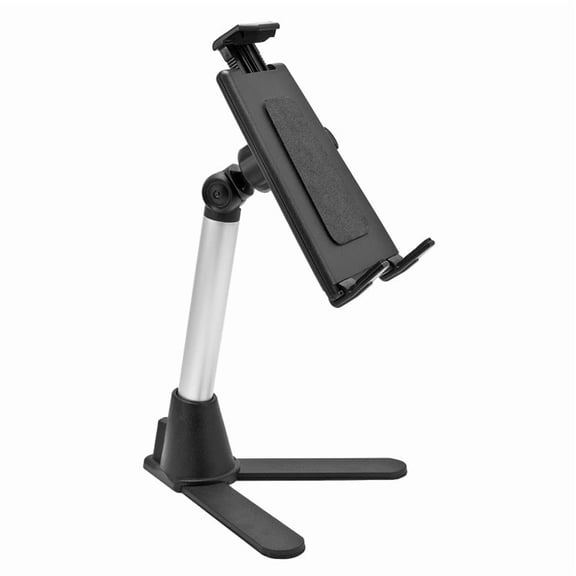
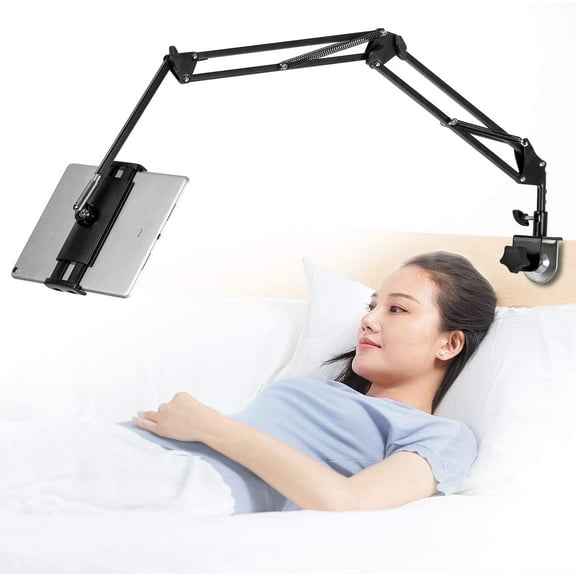
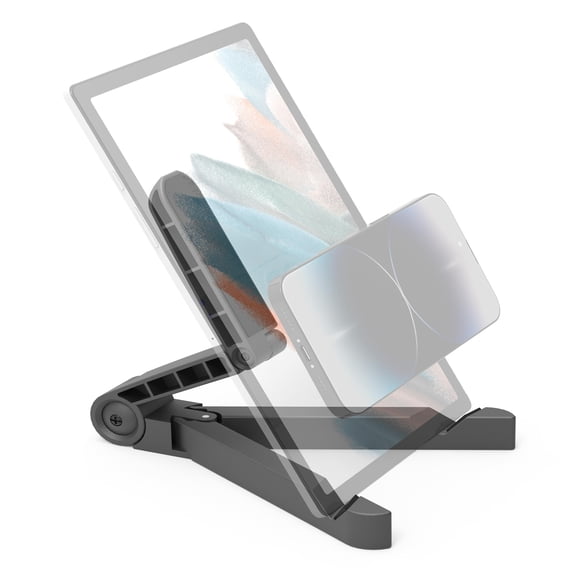
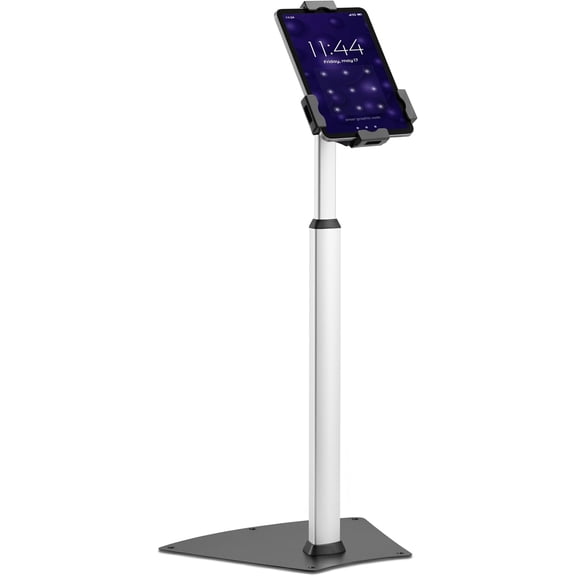
A tabletop stand works well when you want a simple ipad stand for desk tasks, drawing, or streaming. A clamp-style ipad holder mount can free up surface space when your workstation already feels crowded.
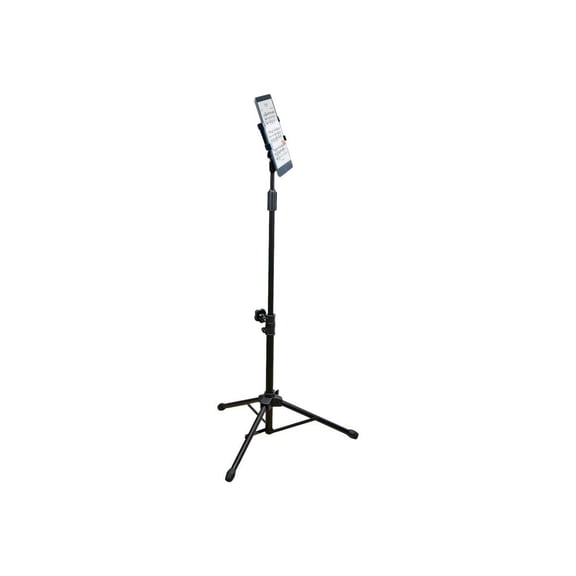
You may prefer a tripod when you record content, join calls, or need flexible height placement. You can use a wall mount when your counter or side table needs to stay clear.
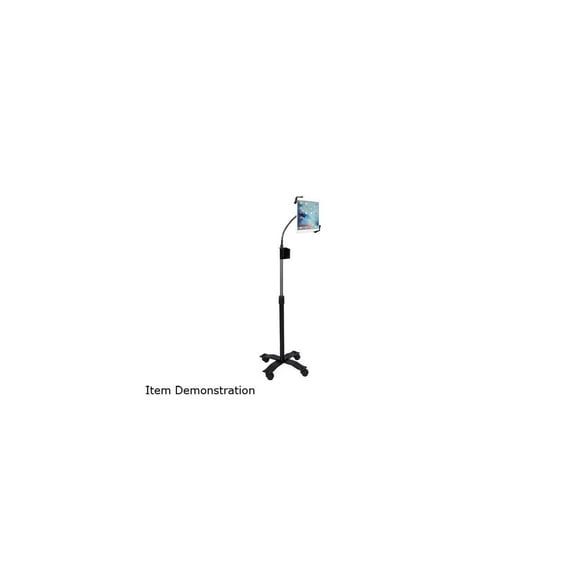
If you switch between seated and standing positions, you should compare arm reach and lock points carefully. You’ll want a mount that moves smoothly without feeling loose after repeated adjustments.
Matching use cases to the right stand
You can make a faster choice when you match the stand to your main routine. Your desk, bedside table, kitchen counter, or travel bag each calls for a different balance of size and support.
For desk use, you may want a broader base, stronger hinge, and easy tilt changes through the day. You’ll likely appreciate a stand that keeps your iPad visible during typing, sketching, or second-screen work.
At your bedside, you might prefer a clamp mount or compact tabletop stand with easy angle changes. You can position your screen for reading or streaming without taking over your nightstand.
On your kitchen counter, you may want wipeable surfaces, quick repositioning, and stable footing during recipe follow-along. You’ll benefit from a stand that holds your screen upright while your hands stay busy.
For travel, a portable ipad stand can fold flatter and pack more easily into your bag. You may trade some desk-weight stability for a lighter shape that moves with you.
If you want one stand for several rooms, you should compare foldability against frame strength. You’ll usually find that heavier builds suit permanent desks, while slimmer models suit portable setups.
Choosing with confidence
You can narrow ipad stands by checking compatibility, adjustment style, material, use case, and mounting type in that order. You’ll make a smarter pick when your stand supports your screen comfortably wherever your day takes it.