

Ink Display Raspberry Pi(9)
2x20 40-Pin IDC Ribbon Cable, 0.1 Inch Pitch Male to Female Rainbow Flat Cable Connector for Raspberry Pi GPIO, Electronics and DIY Projects $9.99
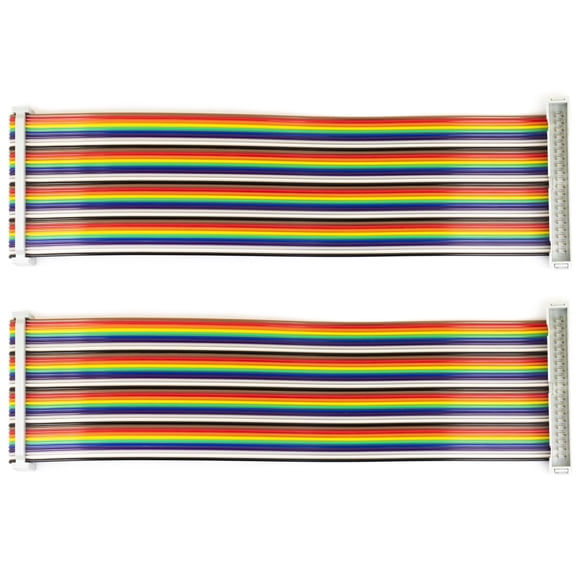
2x20 40-Pin IDC Ribbon Cable, 0.1 Inch Pitch Male to Female Rainbow Flat Cable Connector for Raspberry Pi GPIO, Electronics and DIY Projects
4Pcs 0.91'' LCD Display Modules 0.91inch IIC I2C OLED Display I2C OLED Screen Driver DC 3.3V/5V( White Display) $9.99
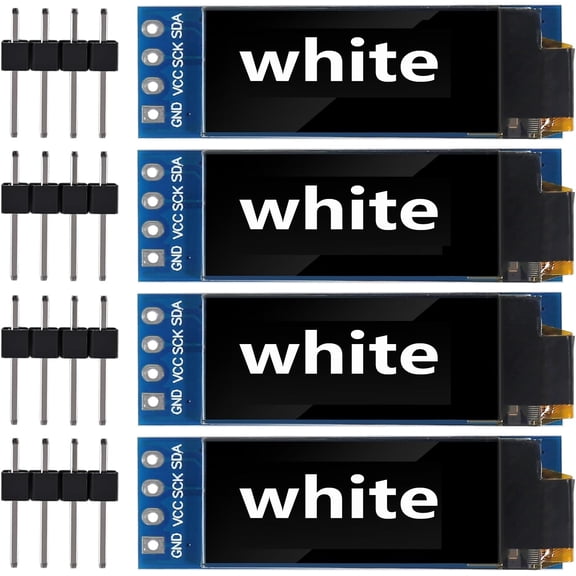
4Pcs 0.91'' LCD Display Modules 0.91inch IIC I2C OLED Display I2C OLED Screen Driver DC 3.3V/5V( White Display)
Waveshare 4.2 Inch E-Ink Display Module for Raspberry Pi 4 B E-Paper $36.99

Waveshare 4.2 Inch E-Ink Display Module for Raspberry Pi 4 B E-Paper
2.13-inch E-Paper Display HAT for Raspberry Pi 250122 Resolution, SPI Interface, E-Ink Screen $27.74

2.13-inch E-Paper Display HAT for Raspberry Pi 250122 Resolution, SPI Interface, E-Ink Screen
Waveshare 2Inch IPS LCD Display for Raspberry Pi Pico,65K RGB Color $18.68
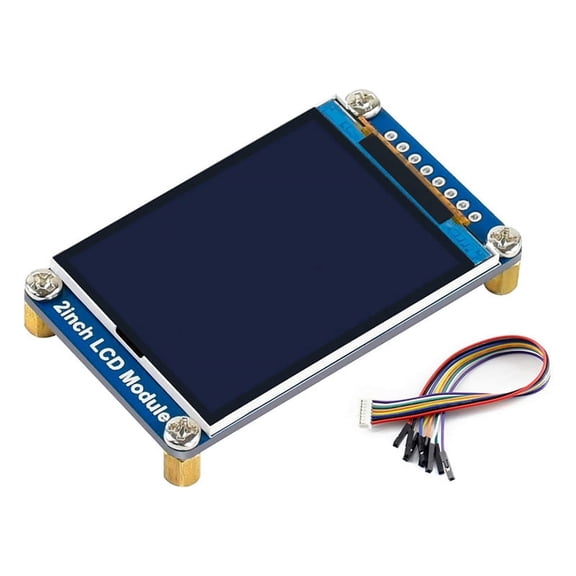
Waveshare 2Inch IPS LCD Display for Raspberry Pi Pico,65K RGB Color
2.13Inch E-Ink Display HAT, Black,White Two-Color 250X122 Pixel E-Paper Screen LCD for 4B/3B+/3B/2B/Zero $22.99

2.13Inch E-Ink Display HAT, Black,White Two-Color 250X122 Pixel E-Paper Screen LCD for 4B/3B+/3B/2B/Zero
5inch Capacitive Display Compatible with Raspberry Pi 5/4B/3B+/3A+/3B/2B/B+/A+/CM3/3+/4 800x480 Resolution DSI Interface $78.18
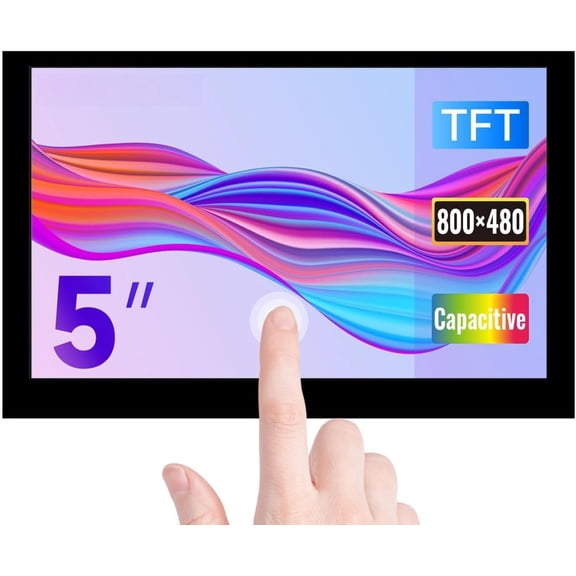
5inch Capacitive Display Compatible with Raspberry Pi 5/4B/3B+/3A+/3B/2B/B+/A+/CM3/3+/4 800x480 Resolution DSI Interface
for Raspberry Pi Display, 3.5 inch with Case, 480x320 60 FPS with Active Cooler $36.11

for Raspberry Pi Display, 3.5 inch with Case, 480x320 60 FPS with Active Cooler
2X 4.2 Inch E-Ink Display Module for 4 B E-Paper Module $63.66

2X 4.2 Inch E-Ink Display Module for 4 B E-Paper Module
Other options to consider(13)
Raspberry Pi 4 1GB $74.22
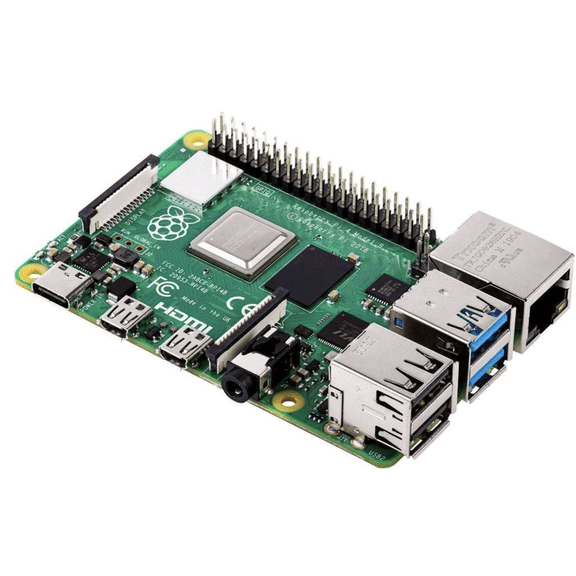
Raspberry Pi 4 1GB
Novixy 2.8 Inch TFT LCD Display Module with ILI9341 Driver, 240x320 SPI Serial Screen for Arduino Raspberry Pi DIY Electronics Projects (Red) From $12.07
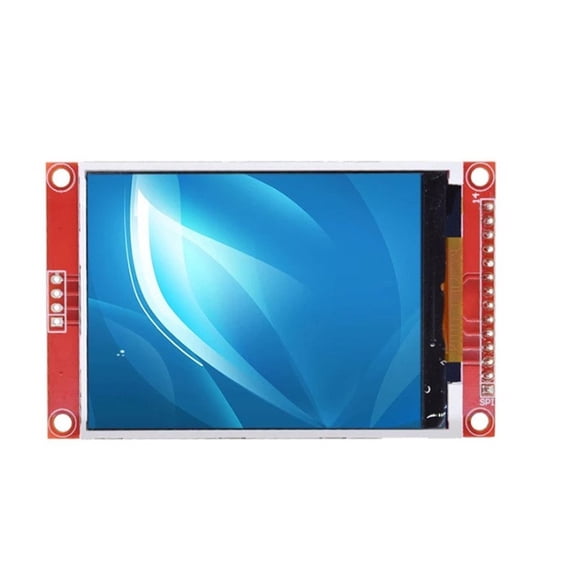
Novixy 2.8 Inch TFT LCD Display Module with ILI9341 Driver, 240x320 SPI Serial Screen for Arduino Raspberry Pi DIY Electronics Projects (Red)
For Raspberry Pi 4 3.5 Inch Touch Screen 50 FPS Display MHS LCD with ABS Case Heat Sink for Raspberry Pi 4 Model B $9.99

For Raspberry Pi 4 3.5 Inch Touch Screen 50 FPS Display MHS LCD with ABS Case Heat Sink for Raspberry Pi 4 Model B
Raspberry Pi SC1231 Pi 500, Unit only- Quad-Core 64-bit Arm Processor, Support WiFi/Bluetooth $238.99

Raspberry Pi SC1231 Pi 500, Unit only- Quad-Core 64-bit Arm Processor, Support WiFi/Bluetooth
NEC Display MPI4E Raspberry Pi Compute Module $136.69 Was $170.00

NEC Display MPI4E Raspberry Pi Compute Module
Novixy 5-Pack 1.8 Inch SPI TFT LCD Module ST7735 Display Screen 128x160 with SD Card Slot for Arduino Raspberry Pi ESP32 STM32 3.3V/5V $20.87
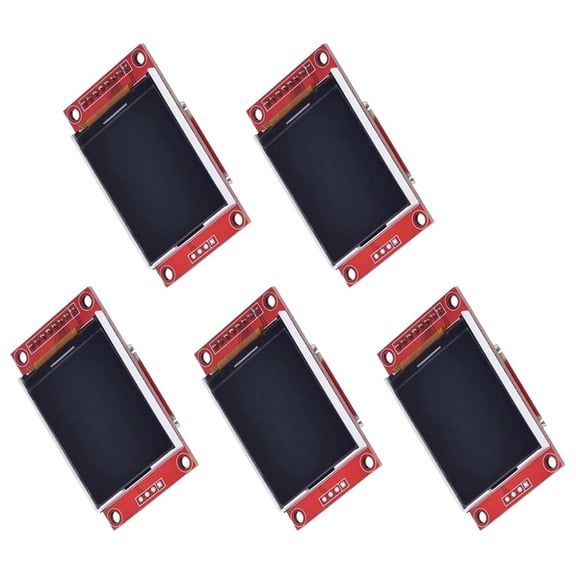
Novixy 5-Pack 1.8 Inch SPI TFT LCD Module ST7735 Display Screen 128x160 with SD Card Slot for Arduino Raspberry Pi ESP32 STM32 3.3V/5V
Raspberry Pi 4 07AH2036 Model B Touchscreen Display Case, ABS, White $16.99

Raspberry Pi 4 07AH2036 Model B Touchscreen Display Case, ABS, White
TAPDRA Black Acrylic LCD Case for 5-Inch Display for Raspberry Pi Projects $9.96

TAPDRA Black Acrylic LCD Case for 5-Inch Display for Raspberry Pi Projects
Adafruit 2x20 pin IDC Box Header - Raspberry Pi A+/B+/Pi 2/Pi 3 $16.10

Adafruit 2x20 pin IDC Box Header - Raspberry Pi A+/B+/Pi 2/Pi 3
For Raspberry Pi CM4 M.2 Adapter Card Faster Read/Write Speeds, Clear LED Status Display $14.94

For Raspberry Pi CM4 M.2 Adapter Card Faster Read/Write Speeds, Clear LED Status Display
Raspberry Pi 3 Model B+ Motherboard $52.59

Raspberry Pi 3 Model B+ Motherboard
Aestri 14mm Ultrathin Metal CNC Cooling Heatsink Computer Case for Raspberry Pi 3 Model A+ Black $26.24
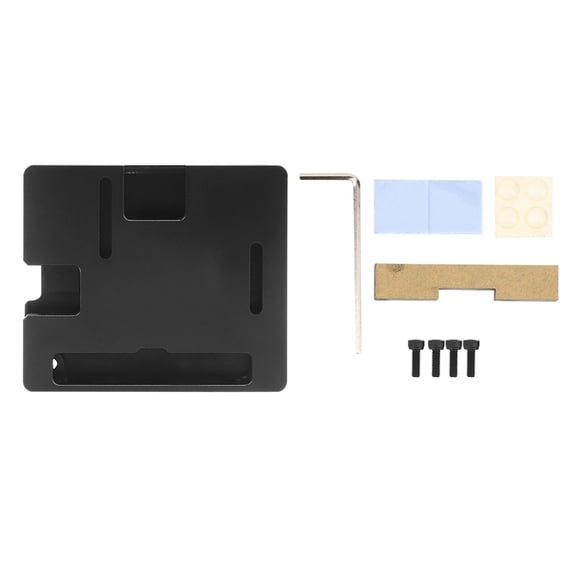
Aestri 14mm Ultrathin Metal CNC Cooling Heatsink Computer Case for Raspberry Pi 3 Model A+ Black
Raspberry Pi Pico W : WiFi Wireless Bluetooth Single Board Computer

Raspberry Pi Pico W : WiFi Wireless Bluetooth Single Board Computer
FAQ
How do I connect an e-ink display to my Raspberry Pi?
Connecting an e-ink display to a Raspberry Pi can be straightforward if you follow a few steps. First, make sure your Raspberry Pi is powered off before connecting any hardware. Most e-ink displays use either the GPIO header or a specific interface like SPI or DSI. Refer to the display's documentation for the correct pin connections. Once connected, you may need to enable the interface in your Raspberry Pi's settings and install any required drivers. It's also a good idea to double-check the display orientation and secure the connection to avoid loose pins.
What projects are e-ink screens good for?
E-ink screens are popular for projects that benefit from low power consumption and high readability. Here are some common uses:
- Digital calendars or to-do lists.
- Weather stations with real-time updates.
- Simple dashboards for data monitoring.
- Electronic labels or price tags.
- DIY e-readers or notification boards.
Because e-ink displays retain their image without constant power, they're especially useful for projects needing always-on information.
Can I use a touchscreen with my Raspberry Pi?
Yes, you can use a touchscreen with many Raspberry Pi models. Touchscreen displays often connect via the GPIO header, HDMI, or DSI interface. Some touchscreens are plug-and-play, while others may require installing specific drivers or adjusting display settings in your operating system. Be sure to check compatibility with your Raspberry Pi version and operating system for the best experience, and follow the manufacturer's setup guide for precise instructions.
How do I keep my Raspberry Pi display cool?
Keeping your Raspberry Pi display cool helps maintain performance and longevity. Here are a few tips:
- Use a case with built-in cooling features, like a fan or vents.
- Ensure airflow around the display and Raspberry Pi board.
- Avoid placing your setup in direct sunlight or near heat sources.
- Consider a cooling fan or heat sinks for more demanding projects.
Proper cooling can help reduce the chance of performance issues during extended use.
What's the difference between e-ink and LCD displays?
E-ink and LCD displays have different strengths. E-ink displays use electronic ink technology, offering high readability in bright light and very low power usage, but usually display only black, white, and sometimes limited colors. LCD displays, on the other hand, provide vibrant colors and fast refresh rates, making them suitable for videos and interactive applications, but they use more power. Choosing between the two depends on whether you need visibility outdoors and low energy use, or color and speed for your project.
Popular in Shop Ink Display Raspberry Pi Electronics Online
Related Products
5.1V 3A USB-C Replacement AC Adapter Compatible with Raspberry Pi 4 Model B SC0218 KSA-15E-051300HU Power Supply
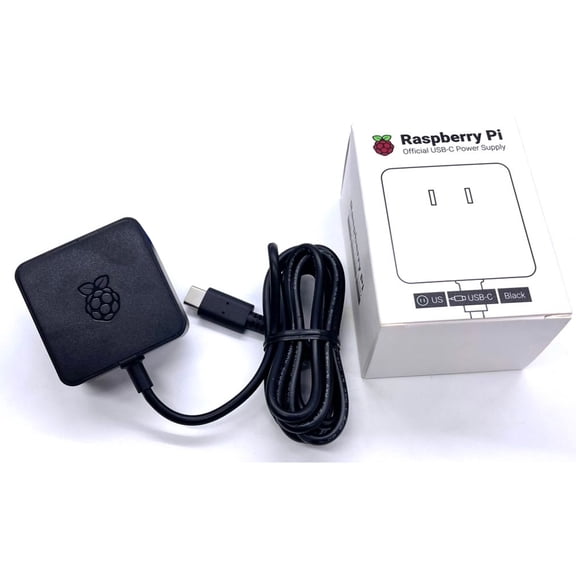 5.1V 3A USB-C Replacement AC Adapter Compatible with Raspberry Pi 4 Model B SC0218 KSA-15E-051300HU Power Supply$16.45current price $16.45
ATX PSU 24 Pin to Motherboards 6Pin for Acer 6Pin Mainboard Power Supply Cable
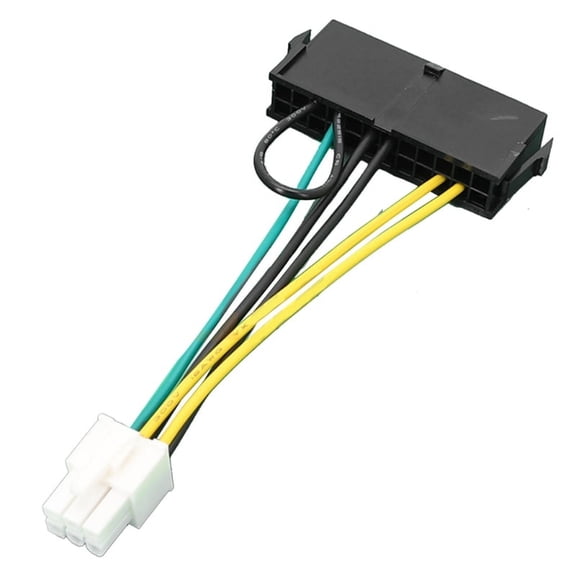 ATX PSU 24 Pin to Motherboards 6Pin for Acer 6Pin Mainboard Power Supply Cable$6.99current price $6.99
Pimoroni PIM704 NVMe Base Duo for Raspberry Pi 5 M.2 HAT PCIe Extension Board (M.2 2230 to 2280 Supported)
 Pimoroni PIM704 NVMe Base Duo for Raspberry Pi 5 M.2 HAT PCIe Extension Board (M.2 2230 to 2280 Supported)$39.99current price $39.99
FormulaMod Power Supply Extension Cable Kit, 18AWG 1x ATX 24P+ 2x EPS 8-P(4+4)+ 3x PCI-E8-P(6+2) With 4 Combs for PSU to Motherboard/GPU (Black)
 FormulaMod Power Supply Extension Cable Kit, 18AWG 1x ATX 24P+ 2x EPS 8-P(4+4)+ 3x PCI-E8-P(6+2) With 4 Combs for PSU to Motherboard/GPU (Black)$25.99current price $25.99
Raspberry Pi Development Board, Raspberry Pi RP2040 133 MHz Motherboard, 264 KB RAM, 2 MB Flash
 Raspberry Pi Development Board, Raspberry Pi RP2040 133 MHz Motherboard, 264 KB RAM, 2 MB Flash$9.59current price $9.59
AAAwave AuraWave GPU Support Bracket Graphic Cards Sag Holder Brace, 5V 3 PIN ARGB Adjustable Height with Magnet Base (Black)
 AAAwave AuraWave GPU Support Bracket Graphic Cards Sag Holder Brace, 5V 3 PIN ARGB Adjustable Height with Magnet Base (Black)$13.79current price $13.79
Raspberry Pi SC1631 Pico 2 Microcontroller Board RP2350 Dual-Core 150 MHz, 4MB Flash
 Raspberry Pi SC1631 Pico 2 Microcontroller Board RP2350 Dual-Core 150 MHz, 4MB Flash$11.99current price $11.99
AYA 10-Inch PCI-Express 16X 3.0 Flexible Black Extender High Speed Riser Ribbon Cable AYA-PCIX16-7
 AYA 10-Inch PCI-Express 16X 3.0 Flexible Black Extender High Speed Riser Ribbon Cable AYA-PCIX16-7$15.99current price $15.99
Silverstone Pp07E-Eps8B, 30Cm Eps 8Pin To Eps/Atx 4+4Pin Flexible Sleeved Extention Cable, Black, Sst-Pp07E-Eps8B
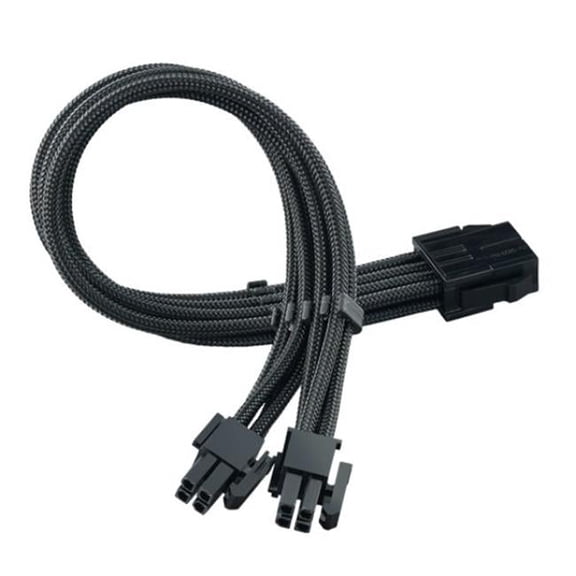 Silverstone Pp07E-Eps8B, 30Cm Eps 8Pin To Eps/Atx 4+4Pin Flexible Sleeved Extention Cable, Black, Sst-Pp07E-Eps8B$20.73current price $20.73
Lof of 3 Dell PowerEdge R750XA 12-Pin to 8-Pin GPU Power Cable (4RW1P)
 Lof of 3 Dell PowerEdge R750XA 12-Pin to 8-Pin GPU Power Cable (4RW1P)$44.99current price $44.99
Silverstone 2 x PCIe 8 pin (PSU) to 12+4 pin (GPU) 12VHPWR PCIe Gen5 Cable
 Silverstone 2 x PCIe 8 pin (PSU) to 12+4 pin (GPU) 12VHPWR PCIe Gen5 Cable$25.99current price $25.99
Lof of 2 Dell PowerEdge R750XA 12-Pin to 8-Pin GPU Power Cable (4RW1P)
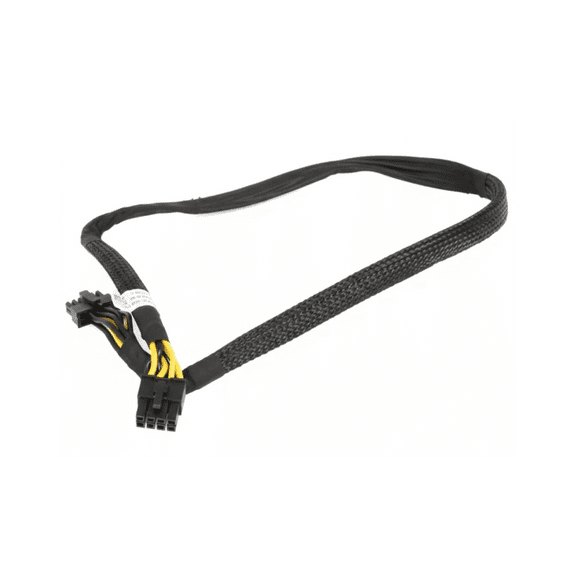 Lof of 2 Dell PowerEdge R750XA 12-Pin to 8-Pin GPU Power Cable (4RW1P)$31.99current price $31.99
Vilros Raspberry Pi Zero 2 W Complete Starter Kit- Includes Incudes SD Card, Case, Power Supply, HDMI Cable ,4 Port USB HUB, (Multi-Use ABS Case, Black)
Vilros Raspberry Pi Zero 2 W Complete Starter Kit- Includes Incudes SD Card, Case, Power Supply, HDMI Cable ,4 Port USB HUB, (Multi-Use ABS Case, Black)
