

Ifrogz Plugz Wireless(2)
iFrogz Flex Force 2 in Ear Bluetooth Headphones - Black / Gray $29.99

iFrogz Flex Force 2 in Ear Bluetooth Headphones - Black / Gray
IFROGZ EarPollution Plugz with Mic - Hot Pink


IFROGZ EarPollution Plugz with Mic - Hot Pink
Other options to consider(6)
Wyze Smart Plug - WiFi Enabled - 2 Pack, White $29.98 $14.99/ea

Wyze Smart Plug - WiFi Enabled - 2 Pack, White
WiFi Smart Outlet Plug with Remote,Nineleaf 10PK Portable Remote Control Outlet Plug with 1PK Magnetic Base Remote,Compatible with Tuya/Smart Life Alexa and Google Home,10A/1500W,TUV FCC List(2.4G) $279.99
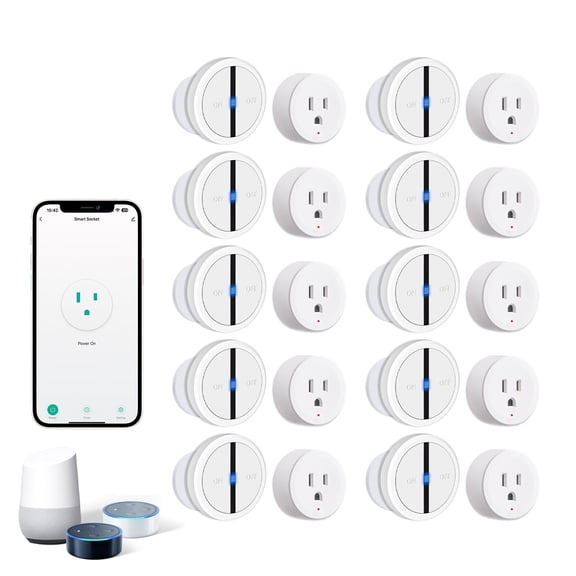
WiFi Smart Outlet Plug with Remote,Nineleaf 10PK Portable Remote Control Outlet Plug with 1PK Magnetic Base Remote,Compatible with Tuya/Smart Life Alexa and Google Home,10A/1500W,TUV FCC List(2.4G)
SwitchBot Smart Plug Mini, Smart Wi-Fi and Bluetooth Outlet, 15A From $12.99
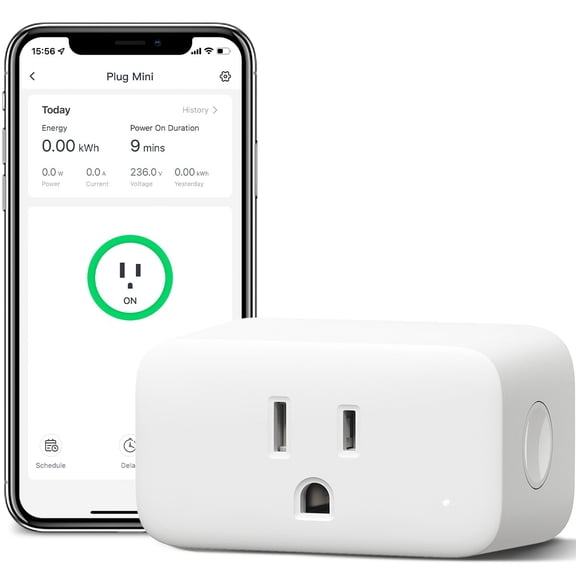
SwitchBot Smart Plug Mini, Smart Wi-Fi and Bluetooth Outlet, 15A
Smart Plug, WGGE Mini Smart WiFi Outlet Compatible with Alexa, Google Assistant for Voice Control, Remote Control Anywhere, Timer Function, No Hub Required, FCC Certified (2 Pieces) $16.99

Smart Plug, WGGE Mini Smart WiFi Outlet Compatible with Alexa, Google Assistant for Voice Control, Remote Control Anywhere, Timer Function, No Hub Required, FCC Certified (2 Pieces)
Mobi Smart Plug, Smart Devices That Work with Alexa,Mini WiFi Smart Plug | No Hub Required (Single) $8.49 Was $9.99

Mobi Smart Plug, Smart Devices That Work with Alexa,Mini WiFi Smart Plug | No Hub Required (Single)
Jaspertronics Smart Plug 4-Pack Bluetooth/WiFi, Alexa/Google Voice, Scheduling, ETL Certified, Compact Design - 4 Units per Pack $29.99 $29.99/count
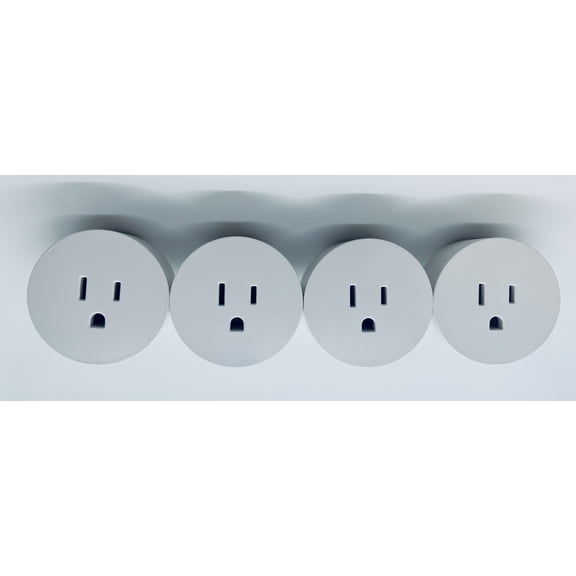
Jaspertronics Smart Plug 4-Pack Bluetooth/WiFi, Alexa/Google Voice, Scheduling, ETL Certified, Compact Design - 4 Units per Pack
FAQ
How do I pair these wireless earbuds with my phone?
Pairing wireless earbuds is usually pretty simple. Start by turning on the earbuds and making sure they're in pairing mode—often indicated by a blinking light. On your phone, go to Bluetooth settings and look for the earbuds in the list of available devices. Tap to connect. If you run into issues, try restarting both devices or checking the manual for specific pairing instructions. Once connected, you'll be able to listen to music or take calls wirelessly. If you need extra help, Walmart's customer support can guide you through the process.
Can I use these earbuds for workouts or running?
Many wireless earbuds are designed with active lifestyles in mind. Look for features like a secure fit, sweat resistance, and lightweight design, which can make them suitable for workouts or running.
- Check product descriptions for terms like 'sport' or 'in-ear' to ensure they're built for movement.
- It's a good idea to test the fit before heading out for a run.
How long does the battery last on these earbuds?
Battery life depends on the specific model and how you use the earbuds. Most wireless earbuds offer several hours of playtime on a single charge, with some providing extra hours via a charging case.
- Check the product packaging or online listing for estimated battery duration.
- Factors like volume level and usage type (music vs. calls) can affect battery performance.
Are these earbuds comfortable for all-day wear?
Comfort can vary based on earbud shape, material, and your personal preferences. Many wireless earbuds come with different sizes of ear tips to help you find the best fit.
- Try out the included ear tips to see which feels most comfortable.
- Look for lightweight designs and flexible materials for extended use.
What should I do if one earbud stops working?
If one earbud isn't working, try these steps:
- Place both earbuds in the charging case and let them charge fully.
- Reset the earbuds according to the manufacturer's instructions.
- Reconnect them to your device via Bluetooth.
Popular in Ifrogz Plugz Wireless Electronics Collection
Related Products
Ultra Open-Ear-Earbuds Wireless Bluetooth - Ergonomic Clip-On Earbuds, Bone Conduction Over-The-Ear Headphones with Waterproof Design and Secure Fit for Small Ears, Classic Black
 Ultra Open-Ear-Earbuds Wireless Bluetooth - Ergonomic Clip-On Earbuds, Bone Conduction Over-The-Ear Headphones with Waterproof Design and Secure Fit for Small Ears, Classic Black$21.59current price $21.59
Ear Plugs Bluetooth Headphones for Work, Neckband Wireless Earbuds, Noise Reduction in-Ear Earphones with Mic and Controls, Waterproof Earbuds with 20 Hours Battery, for Industrial Safety,bue
 Ear Plugs Bluetooth Headphones for Work, Neckband Wireless Earbuds, Noise Reduction in-Ear Earphones with Mic and Controls, Waterproof Earbuds with 20 Hours Battery, for Industrial Safety,bue$9.80current price $9.80
YouthWhisper Bone Conduction Headphones Bluetooth Open Ear Headset Wireless Bluetooth Sports Earphones with Built-in Mic Waterproof for Workout
 YouthWhisper Bone Conduction Headphones Bluetooth Open Ear Headset Wireless Bluetooth Sports Earphones with Built-in Mic Waterproof for Workout$33.99current price $33.99
STA Open Ear Clip-On Earbuds, LCD Touch Screen,Bluetooth 5.4 Sports Earphones,ENC Call Noise Cancelling Earphones with Mic,Ear Clip Earbuds,Bass Boost,IPX7 Waterproof,60H Playtime,Lightweight
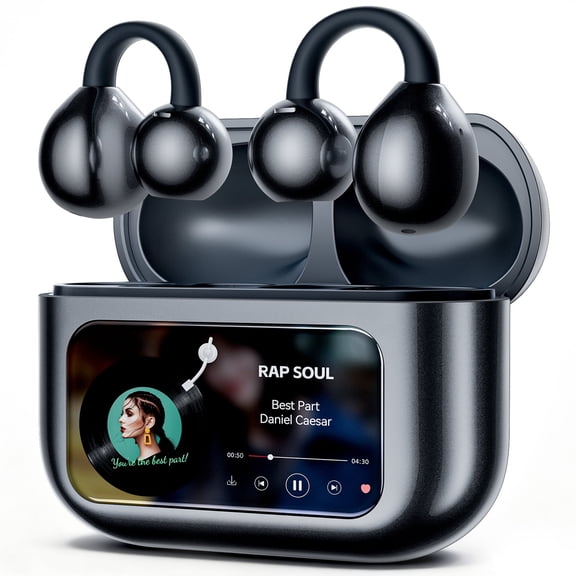 STA Open Ear Clip-On Earbuds, LCD Touch Screen,Bluetooth 5.4 Sports Earphones,ENC Call Noise Cancelling Earphones with Mic,Ear Clip Earbuds,Bass Boost,IPX7 Waterproof,60H Playtime,Lightweight$21.39current price $21.39
Naxoaeo Waterproof Swimming Earbuds -Wireless Bluetooth 5.0 Headphones Built-in Mic Sweatproof Stable Fit in Ear Headsets with Wireless Charging Case Special for Swimming Bathing Driving
 Naxoaeo Waterproof Swimming Earbuds -Wireless Bluetooth 5.0 Headphones Built-in Mic Sweatproof Stable Fit in Ear Headsets with Wireless Charging Case Special for Swimming Bathing Driving$3.92current price $3.92
Restored Shokz OpenRun Bone Conduction Waterproof Bluetooth Headphones for Sports(Formerly Aeropex), Gray(Refurbished)
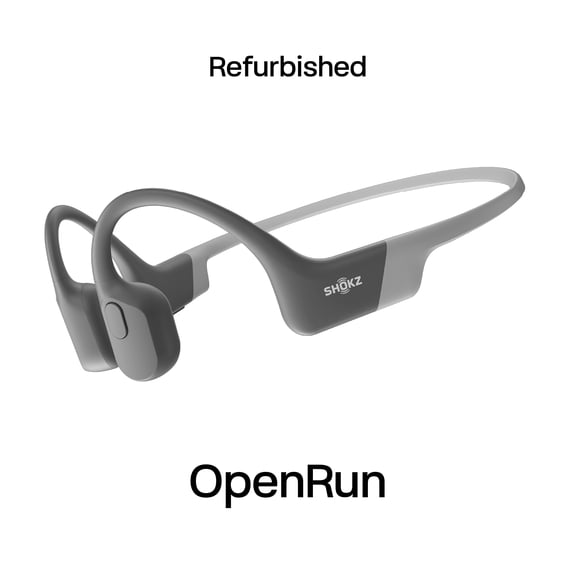 Restored Shokz OpenRun Bone Conduction Waterproof Bluetooth Headphones for Sports(Formerly Aeropex), Gray(Refurbished)$68.00current price $68.00
sunvito Sleep Earbuds, Mini Sleep Earbuds for Side Sleepers, 28H Playtime with IPX6 Waterproof LED Earphones for Small Ears Sleeping Working, Exercise,Hiking(Black)
 sunvito Sleep Earbuds, Mini Sleep Earbuds for Side Sleepers, 28H Playtime with IPX6 Waterproof LED Earphones for Small Ears Sleeping Working, Exercise,Hiking(Black)$29.99current price $29.99
Shokz OpenMove Bone Conduction Wireless Bluetooth Headphones for Sports with Cooling Wristband (Grey)
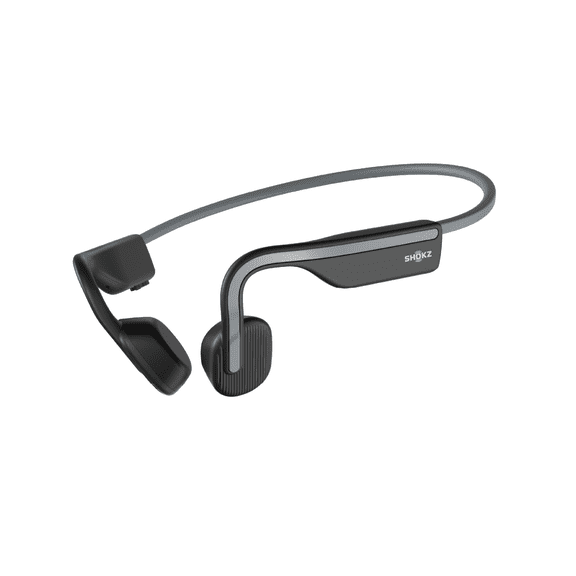 Shokz OpenMove Bone Conduction Wireless Bluetooth Headphones for Sports with Cooling Wristband (Grey)$54.95current price $54.95
Alpha Digital Wireless Ear Clip Earbuds with Bluetooth 5.3, up to 18 Hours Playtime, 350mAh Battery, Lightweight, Ideal for Excercise, Cycling, Sports, Driving
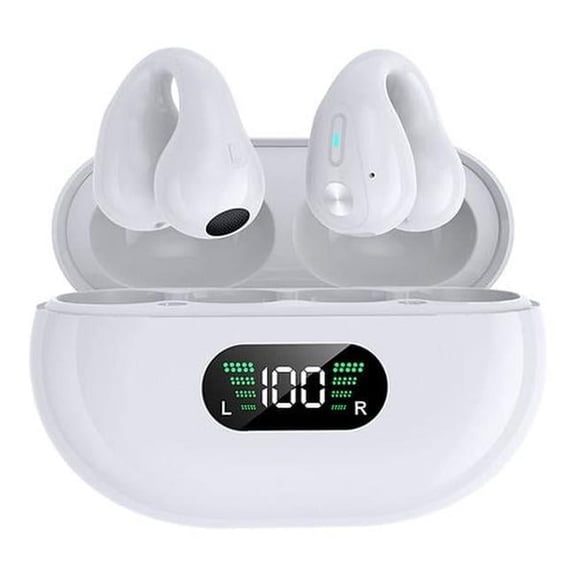 Alpha Digital Wireless Ear Clip Earbuds with Bluetooth 5.3, up to 18 Hours Playtime, 350mAh Battery, Lightweight, Ideal for Excercise, Cycling, Sports, Driving$29.39current price $29.39
LOBKIN Open Ear Headphones,Clip On Earphones, Wireless Earbud,Open Ear Earbuds with LED Display and 4GB Memory,Bone Conduction Earbuds Built-in HD Microphone,36 Hours Playtime
 LOBKIN Open Ear Headphones,Clip On Earphones, Wireless Earbud,Open Ear Earbuds with LED Display and 4GB Memory,Bone Conduction Earbuds Built-in HD Microphone,36 Hours Playtime$64.99current price $64.99
Open Ear Earbuds,Open Ear Bone Conduction Headphones Clip-on Headphones,Wireless Earbuds Bluetooth 5.3 with LED Display Charging Case for Running Walking,Workout,Lightweight Comfort Clip Earbuds
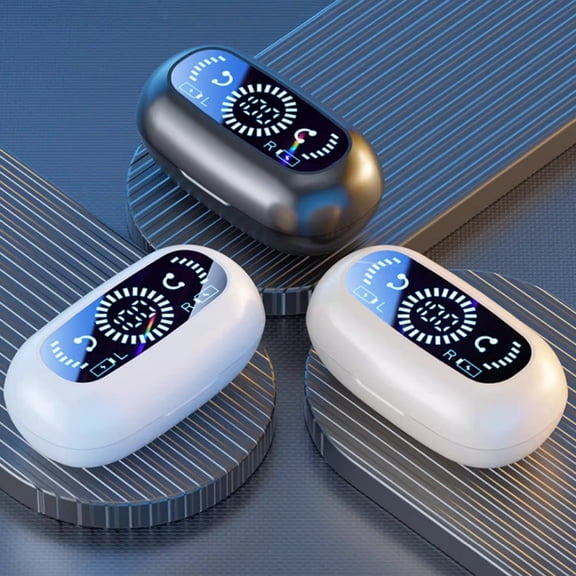 Open Ear Earbuds,Open Ear Bone Conduction Headphones Clip-on Headphones,Wireless Earbuds Bluetooth 5.3 with LED Display Charging Case for Running Walking,Workout,Lightweight Comfort Clip Earbuds$5.57current price $5.57
Ultra Open Earbuds, Immersive Audio Open Ear Earbuds, Clip on Earbuds for Comfort, Running Earbuds with OpenAudio for Awareness, Up to 48 Hours of Battery Life, Diamond - 60th Anniversary Edition
 Ultra Open Earbuds, Immersive Audio Open Ear Earbuds, Clip on Earbuds for Comfort, Running Earbuds with OpenAudio for Awareness, Up to 48 Hours of Battery Life, Diamond - 60th Anniversary Edition$20.62current price $20.62
iFrogz Flex Force 2 in Ear Bluetooth Headphones - Black / Gray
iFrogz Flex Force 2 in Ear Bluetooth Headphones - Black / Gray$29.99current price $29.99ISOtunes PRO Aware Bluetooth Earbuds, Audio Passthrough, Comfort Ear Hook, Black
 ISOtunes PRO Aware Bluetooth Earbuds, Audio Passthrough, Comfort Ear Hook, Black$171.64current price $171.64
Ear Plugs Bluetooth Headphones for Work, Neckband Wireless Earbuds, Noise Reduction in-Ear Earphones with Mic and Controls, Waterproof Earbuds with 20 Hours Battery, for Industrial Safety
 Ear Plugs Bluetooth Headphones for Work, Neckband Wireless Earbuds, Noise Reduction in-Ear Earphones with Mic and Controls, Waterproof Earbuds with 20 Hours Battery, for Industrial Safety$17.21current price $17.21
Earphones In Ear LCD Color Screen Noise Reduction Transparent Long Endurance Sports Earphones
 Earphones In Ear LCD Color Screen Noise Reduction Transparent Long Endurance Sports Earphones$7.50current price $7.50