

IDE Hard Drives(594)
Toshiba 40GB IDE Ultra ATA-100 4200RPM 8MB Internal 2.5" Hard Drive MK4036GAC $55.00 Was $63.04

Toshiba 40GB IDE Ultra ATA-100 4200RPM 8MB Internal 2.5" Hard Drive MK4036GAC
IBM ThinkPad 360 750 755 540MB 2.5 IDE Hard Drive 84G4319 (84G2150) $349.00

IBM ThinkPad 360 750 755 540MB 2.5 IDE Hard Drive 84G4319 (84G2150)
ST31012A Metalist 1082MB IDE Hard Drive NEW! $49.99
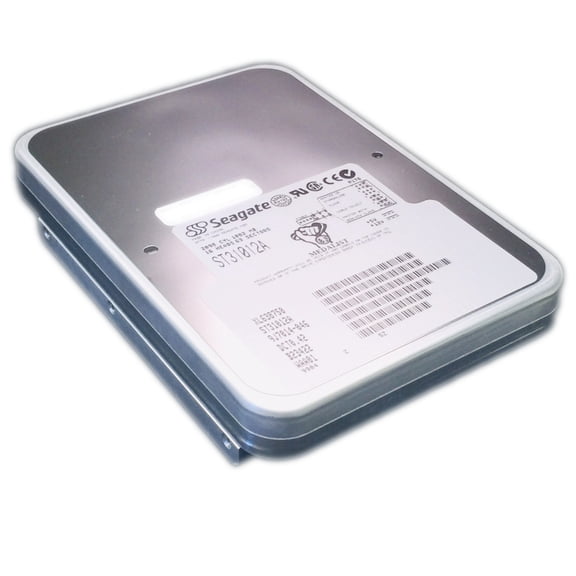
ST31012A Metalist 1082MB IDE Hard Drive NEW!
WD Caviar WD800JB 80 GB Hard Drive, Internal, IDE $99.99

WD Caviar WD800JB 80 GB Hard Drive, Internal, IDE
Super Talent DuraDrive ET3 128 GB Solid State Drive, 2.5" Internal, IDE $226.16
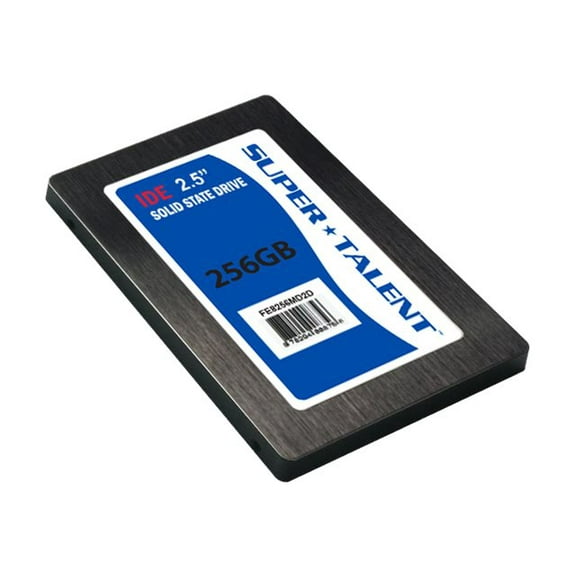
Super Talent DuraDrive ET3 128 GB Solid State Drive, 2.5" Internal, IDE
FOR 3.5-inch 7200-rpm 160G Computer Hard Drive, Old-fashioned IDE Parallel Port $103.19
FOR 3.5-inch 7200-rpm 160G Computer Hard Drive, Old-fashioned IDE Parallel Port
SV1604E 160GB, SV1604E/NPS Spin Point 5400 RPM 2MB Cache IDE Ultra ATA133 / ATA-7 3.5 Internal Hard Drive Bare Drive $49.99

SV1604E 160GB, SV1604E/NPS Spin Point 5400 RPM 2MB Cache IDE Ultra ATA133 / ATA-7 3.5 Internal Hard Drive Bare Drive
FOR MPB3032AT HDD 3G 3.5'' IDE parallel port hard drive $283.86
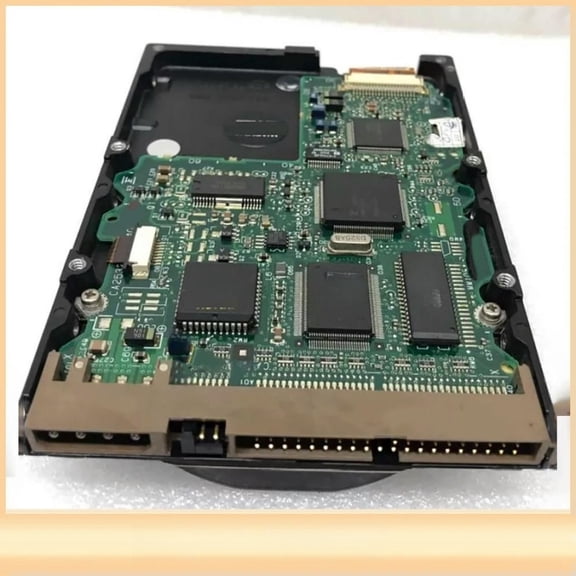
FOR MPB3032AT HDD 3G 3.5'' IDE parallel port hard drive
FOR CX64A011 HDD For 6.4AT REV 02-B 6.4GB Parallel Port IDE 6.4G Industrial Hard Drive $269.36
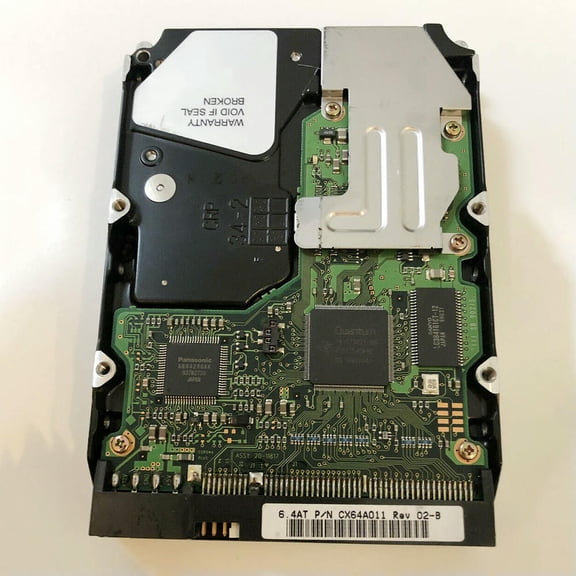
FOR CX64A011 HDD For 6.4AT REV 02-B 6.4GB Parallel Port IDE 6.4G Industrial Hard Drive
FAQ
How do I know if an IDE hard drive fits my laptop?
To check if an IDE hard drive fits your laptop, start by looking at your laptop's user manual or searching for its model online to confirm it uses a 2.5-inch IDE interface. Most modern laptops use SATA drives, so older models are more likely to need IDE. Also, check the physical connector—IDE drives have a wide, flat pin connector, while SATA uses a smaller, L-shaped one. If you're unsure, bring your old drive or laptop to compare with available options. Always power off and unplug your device before handling internal components.
Can I use an IDE hard drive in a desktop computer?
Yes, many desktop computers, especially older models, support IDE hard drives. Desktop IDE drives are typically 3.5 inches, while laptop IDE drives are 2.5 inches. Make sure your desktop has an available IDE port and the correct power connector. If your desktop only has SATA ports, you might need an IDE-to-SATA adapter. Always check your computer's specifications and consider compatibility with your operating system before installing a new drive.
What should I do before installing a used IDE hard drive?
- Back up important data: If the drive contains files you want to keep, transfer them to another device first.
- Scan for viruses: Connect the drive to a computer and run a full antivirus scan to check for malware.
- Format the drive: Formatting erases old data and prepares the drive for new use. Choose the file system that matches your operating system.
- Inspect for damage: Look for bent pins or signs of wear on the connectors.
Taking these steps can help ensure your used IDE hard drive works smoothly in its new setup.
How do I safely store an extra IDE hard drive?
To store an IDE hard drive safely, place it in an anti-static bag to protect against static electricity. Keep the drive in a cool, dry place away from direct sunlight and moisture. Avoid stacking heavy items on top of it, as pressure can damage the drive. If possible, store it in its original packaging or a padded box to prevent physical shocks. Label the drive with its capacity and any important details for easy identification later.
Why is my IDE hard drive not showing up on my computer?
- Check connections: Make sure the data and power cables are securely attached to the drive and motherboard.
- Set jumpers correctly: IDE drives often have jumper pins for Master, Slave, or Cable Select settings. Refer to the drive label or manual for proper configuration.
- BIOS settings: Enter your computer's BIOS/UEFI to see if the drive is detected. If not, try another cable or port.
- Drive health: If the drive is old, it may have failed. Try connecting it to another computer to test functionality.
These steps can help you troubleshoot why your IDE hard drive isn't appearing.
About IDE Hard Drives for Laptops Internal Storage Solutions
Is there an easy way to figure out which internal hard drive will work best for me?
Yes, you can quickly figure out which one will work best based on how you want to use your computer: for enterprise, personal or consumer electronic storage. For enterprise storage use an SCSI or SAS interface. For personal storage, use a PATA or SATA interface. For consumer electronic storage, use CF Type II or PATA.
How do I know if I want a 2.5-inch or a 3.5-inch IDE drive?
The 3.5-inch IDE drives are for desktop computers, and the 2.5-inch drives are for laptops.
Can I choose any kind of IDE hard drive if I'm adding it to an already complete system?
No, you will need to choose based on the interface of your current motherboard.
Popular in IDE Hard Drives for Laptops Internal Storage Solutions
Related Products
Seagate IronWolf ST4000VN006 4TB 5400 RPM 256MB Cache SATA 6.0Gb/s 3.5" Internal Hard Drive
 Seagate IronWolf ST4000VN006 4TB 5400 RPM 256MB Cache SATA 6.0Gb/s 3.5" Internal Hard Drive$220.41current price $220.41
Western Digital 10TB WD Purple Surveillance Internal Hard Drive HDD - 7200 RPM, SATA 6 Gb/s, 256 MB Cache, 3.5" - WD102PURZ
 Western Digital 10TB WD Purple Surveillance Internal Hard Drive HDD - 7200 RPM, SATA 6 Gb/s, 256 MB Cache, 3.5" - WD102PURZ$554.99current price $554.99
MaxDigitalData (MD14000GSA25672) 14TB 7200RPM SATA 6Gb/s 128MB Cache 3.5" Internal Desktop Hard Drive - 3 Years Warranty
 MaxDigitalData (MD14000GSA25672) 14TB 7200RPM SATA 6Gb/s 128MB Cache 3.5" Internal Desktop Hard Drive - 3 Years Warranty$359.99current price $359.99
MaxDigitalData 14TB 7200 RPM 256MB Cache SATA 6.0Gb/s 3.5" Internal Hard Drive for Surveillance (MD14TGSA25672DVR) - 3 Years Warranty
 MaxDigitalData 14TB 7200 RPM 256MB Cache SATA 6.0Gb/s 3.5" Internal Hard Drive for Surveillance (MD14TGSA25672DVR) - 3 Years Warranty$359.99current price $359.99
MaxDigitalData 12TB 7200 RPM 256MB Cache SATA 6.0Gb/s 3.5" Internal Hard Drive for Surveillance (MD12TGSA25672DVR) - 3 Years Warranty
 MaxDigitalData 12TB 7200 RPM 256MB Cache SATA 6.0Gb/s 3.5" Internal Hard Drive for Surveillance (MD12TGSA25672DVR) - 3 Years Warranty$349.99current price $349.99
Seagate Exos M ST28000NM003K 28TB SATA 6Gb/s 7200RPM Internal Hard Drive
 Seagate Exos M ST28000NM003K 28TB SATA 6Gb/s 7200RPM Internal Hard Drive$1159.99current price $1159.99
Seagate Constellation ES ST1000NM0011 1 TB 3.5" Internal Hard Drive - SATA/600 - 7200 rpm - 64 MB Buffer
Seagate Constellation ES ST1000NM0011 1 TB 3.5" Internal Hard Drive - SATA/600 - 7200 rpm - 64 MB Buffer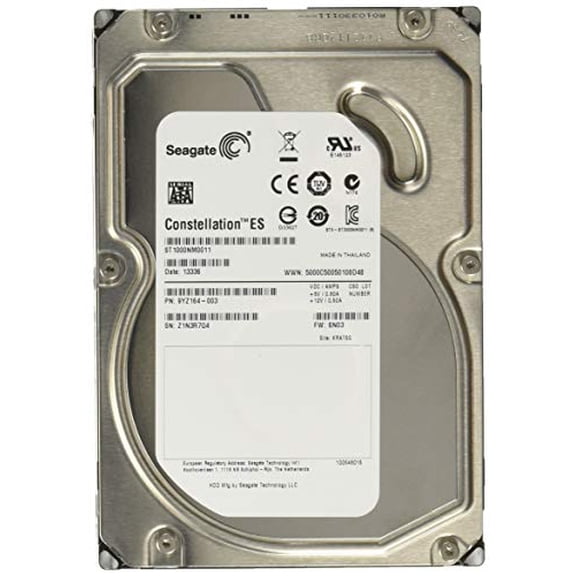
MaxDigitalData 4TB 5900PM 64MB Cache 6.0Gb/s 3.5" Internal Hard Disk Drive
 MaxDigitalData 4TB 5900PM 64MB Cache 6.0Gb/s 3.5" Internal Hard Disk Drive$158.50current price $158.50
Power Adapter Compatible with WD My Book Essential External Hard Drive 160 320 500 750GB 1TB 2TB 3TB 4TB WD5000H1U-00 WD3200H1U-00 WD1600H1U-00 WD10000H1U-00 WD3200B007 WD3200B012 AC Charger Supply
 Power Adapter Compatible with WD My Book Essential External Hard Drive 160 320 500 750GB 1TB 2TB 3TB 4TB WD5000H1U-00 WD3200H1U-00 WD1600H1U-00 WD10000H1U-00 WD3200B007 WD3200B012 AC Charger Supply$12.98current price $12.98
Western Digital Gold 20TB 3.5" SATA 7200rpm Internal Hard Disk Drive WD203KRYZ
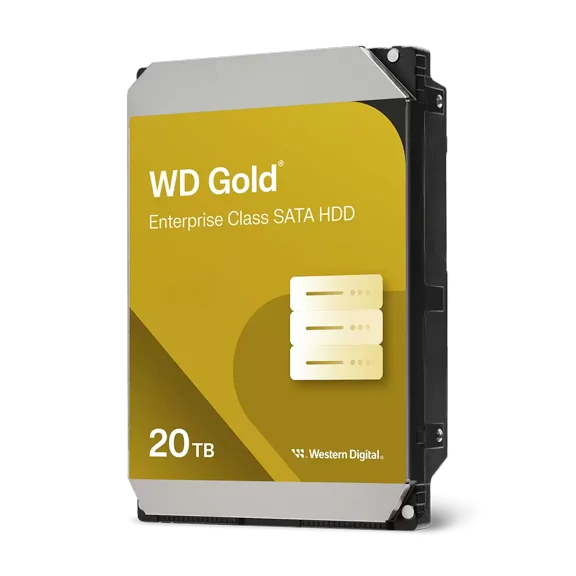 Western Digital Gold 20TB 3.5" SATA 7200rpm Internal Hard Disk Drive WD203KRYZ$1102.83current price $1102.83
MaxDigitalData 8TB 7200 RPM 256MB Cache SATA 6.0Gb/s 3.5inch Internal Hard Drive for Surveillance (MD8000GSA25672DVR) - 3 Years Warranty
 MaxDigitalData 8TB 7200 RPM 256MB Cache SATA 6.0Gb/s 3.5inch Internal Hard Drive for Surveillance (MD8000GSA25672DVR) - 3 Years Warranty$309.99current price $309.99
Sabrent M.2 SSD to 2.5-Inch SATA III Aluminum Enclosure Adapter (EC-M2SA)
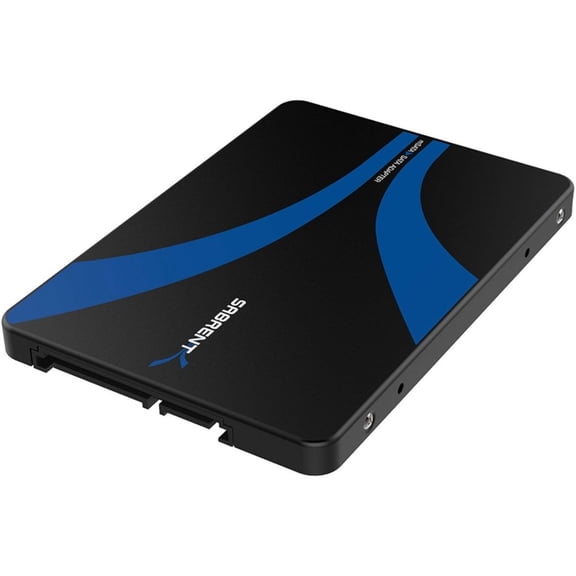 Sabrent M.2 SSD to 2.5-Inch SATA III Aluminum Enclosure Adapter (EC-M2SA)$10.79current price $10.79
Western Digital 12TB WD Elements Desktop, External Hard Drive HDD - WDBWLG0120HBK-NESN
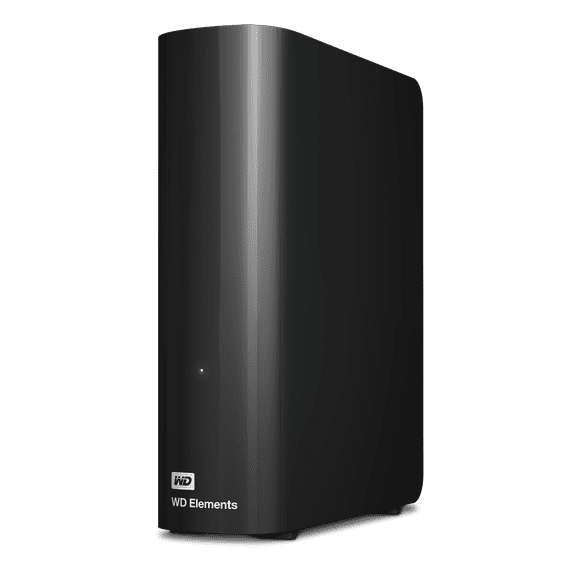 Western Digital 12TB WD Elements Desktop, External Hard Drive HDD - WDBWLG0120HBK-NESN$602.86current price $602.86