

Huddlecam(10)
HuddleCamHD HC3XA Full HD USB 2.0 Video Conferencing 3x PTZ Camera, Black $299.00

HuddleCamHD HC3XA Full HD USB 2.0 Video Conferencing 3x PTZ Camera, Black
PTZ Optics PT12XSTUDIO4KGYG3 12x Optical Zoom 4K Live-Streaming PTZ Camera $1,199.00
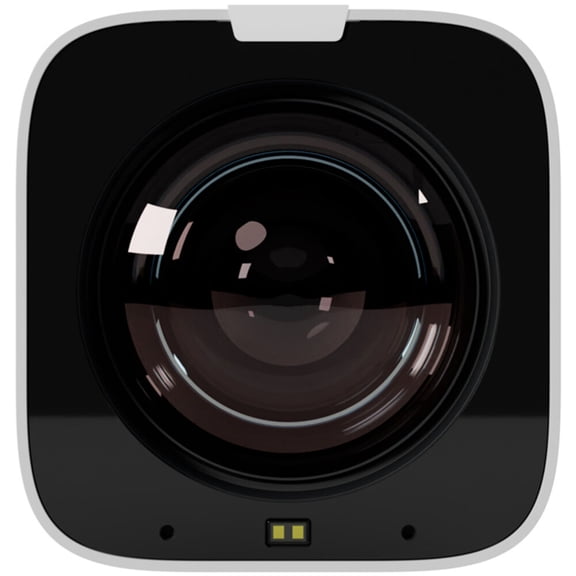
PTZ Optics PT12XSTUDIO4KGYG3 12x Optical Zoom 4K Live-Streaming PTZ Camera
Huddlecam PTZOpticsLink4K30X 4K 30X Tracking PTZ Camera With Dante AV-H And IP Streaming $2,699.00
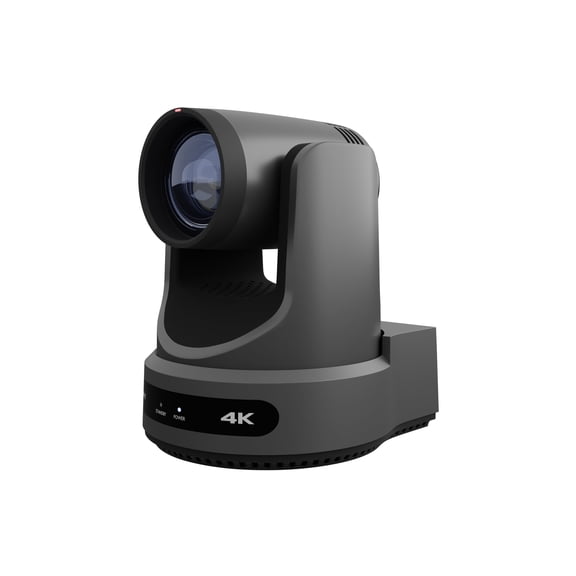
Huddlecam PTZOpticsLink4K30X 4K 30X Tracking PTZ Camera With Dante AV-H And IP Streaming
HuddleCamHD Simpltrack2 2cnd Generation IP Streaming PTZ Conference Camera,Gray $2,516.33 Was $2,892.22
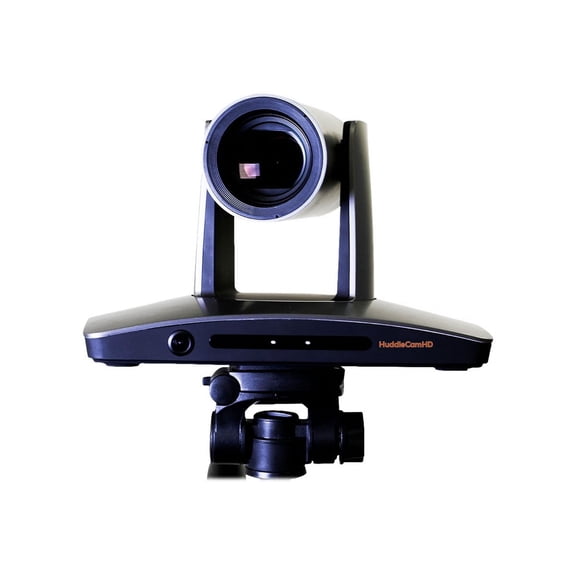
HuddleCamHD Simpltrack2 2cnd Generation IP Streaming PTZ Conference Camera,Gray
PTZOptics Move Video Conferencing Camera 60 fps White USB 2.0 $1,999.50

PTZOptics Move Video Conferencing Camera 60 fps White USB 2.0
HuddleCamHD HC3XA Full HD USB 2.0 Video Conferencing 3x PTZ Camera, White $199.00

HuddleCamHD HC3XA Full HD USB 2.0 Video Conferencing 3x PTZ Camera, White
PTZOptics Link 4K 12X (Grey) $1,999.00
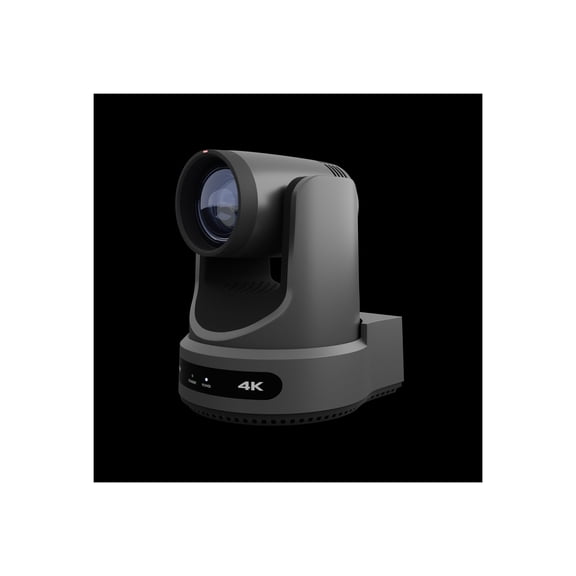
PTZOptics Link 4K 12X (Grey)
Huddlecam PTZCameraCeilingMount(Large) Ptz Camera Large Ceiling Mount | Universal Design [white]; Warranty: 10 Year; New Product! $86.28

Huddlecam PTZCameraCeilingMount(Large) Ptz Camera Large Ceiling Mount | Universal Design [white]; Warranty: 10 Year; New Product!
HuddleCamHD 25' 3G-SDI Male-Male $100.99

HuddleCamHD 25' 3G-SDI Male-Male
PTZOptics 30X-SDI Live Streaming Camera, Gray+ HuddleCam Controller $2,098.00
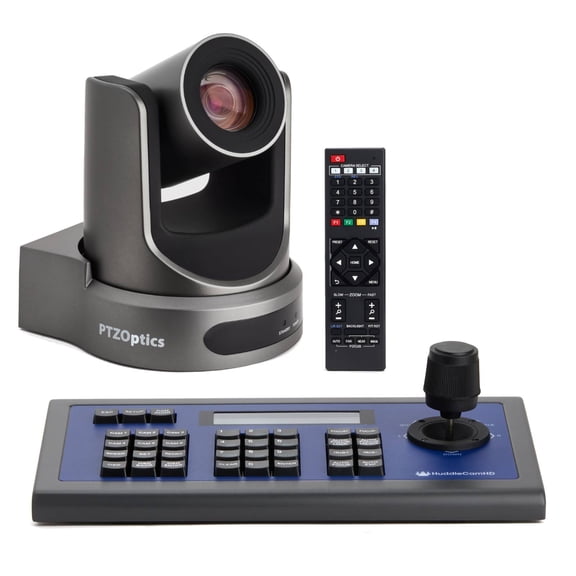
PTZOptics 30X-SDI Live Streaming Camera, Gray+ HuddleCam Controller
Other options to consider(2)
HuddleCamHD Universal Small Camera Wall Mount (White) $99.98

HuddleCamHD Universal Small Camera Wall Mount (White)
HuddleCamHD PTZ Camera Small Mount for Wall | Universal Design (Black) $99.71
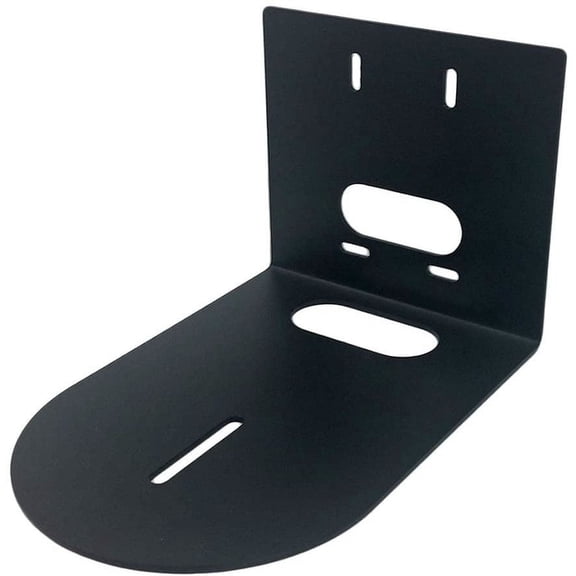
HuddleCamHD PTZ Camera Small Mount for Wall | Universal Design (Black)
FAQ
What makes a PTZ camera good for video calls?
PTZ (Pan-Tilt-Zoom) cameras are great for video calls because they offer flexible camera movement, clear high-definition video, and wide-area coverage. These features let users adjust the camera remotely, zoom in for close-ups, and track speakers automatically. If you’re setting up a meeting space or classroom, this can help everyone stay visible and engaged. Plus, many PTZ cameras connect easily with common video conferencing software, making them user-friendly for a variety of setups.
How do I mount a PTZ camera in my office?
Mounting a PTZ camera is straightforward with the right accessories.
- First, choose where you want to install the camera for the best coverage.
- Decide if you’ll use a wall or ceiling mount—universal designs are offered for different camera sizes.
- Secure the mount with the hardware provided, following the included instructions.
- Once the mount is fixed, attach the camera and connect the necessary cables for power and video.
Do I need special software to control a PTZ camera?
Most PTZ cameras work with common video conferencing platforms and come with user-friendly control options. You might use a remote, camera controller, or software interface. Some models support IP-based control, letting you manage settings from a computer on the same network. Check your camera’s manual for compatible options, and always follow safety guidelines when setting up new controls or connections.
Can these cameras track moving speakers automatically?
Many modern PTZ cameras offer automatic tracking features designed for following speakers as they move. This is especially handy for presentations or classrooms where the presenter may walk around. These tracking options use built-in technology to detect and keep the camera focused on the person speaking, enhancing engagement in virtual meetings. Always refer to your camera’s user guide to see which tracking features are available and how to adjust them for your needs.
What's the best way to keep my camera clean?
To keep your PTZ camera working well, gently dust the body and lens with a soft, lint-free cloth.
- Avoid using sprays or chemical cleaners directly on the camera.
- If needed, lightly dampen your cloth with water for stubborn smudges.
- Regularly check for dust around mounts and cable connections to prevent buildup.
Popular in Shop Huddlecam Security Cameras and Surveillance Electronics
Related Products
OIEXI 10x Optical Zoom 1080P USB PTZ Camera - 30FPS HD Webcam for Video Conferencing, Live Streaming, Church, School, Events - Compatible with Most Software
 OIEXI 10x Optical Zoom 1080P USB PTZ Camera - 30FPS HD Webcam for Video Conferencing, Live Streaming, Church, School, Events - Compatible with Most Software$199.99current price $199.99
T200 Full HD Webcam 1080p 30FPS Widescreen Mode, Autofocus System, Hi-Speed USB 2.0
 T200 Full HD Webcam 1080p 30FPS Widescreen Mode, Autofocus System, Hi-Speed USB 2.0$14.99current price $14.99
Insta360 Link 2C 4K AI Webcam - CINSABNA
 Insta360 Link 2C 4K AI Webcam - CINSABNA$119.98current price $119.98
RONY 4K UHD USB Autofocus Webcam with Mic for PC Laptop Computer Conference Video Streaming Web cam
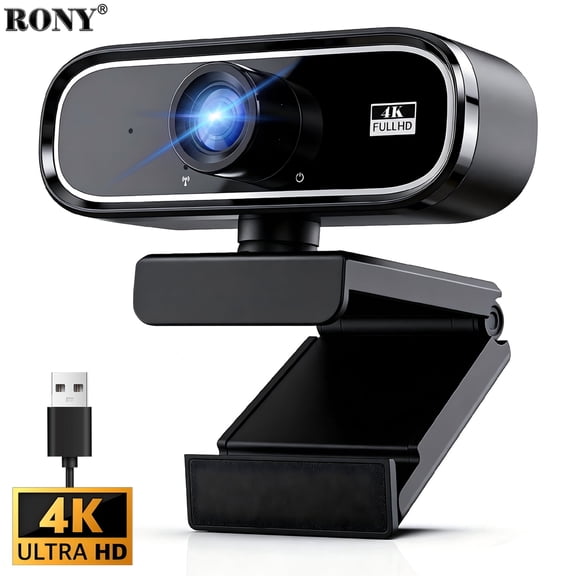 RONY 4K UHD USB Autofocus Webcam with Mic for PC Laptop Computer Conference Video Streaming Web cam$20.99current price $20.99
RONY 4K Autofocus Webcam with Ring Light, Plug & Play Computer Camera with Microphone for PC Laptop Video Streaming
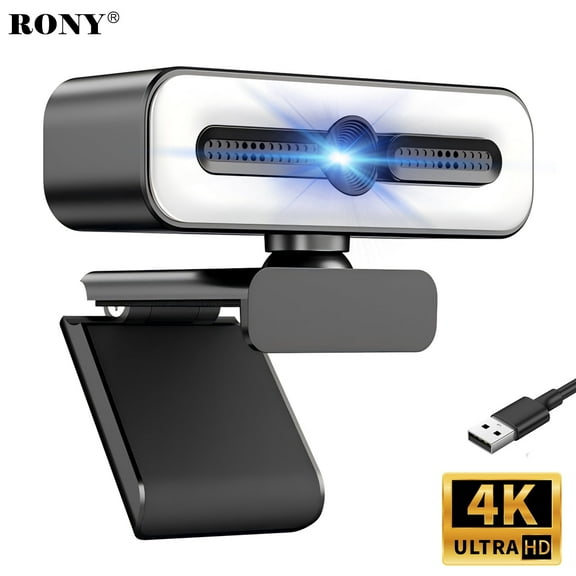 RONY 4K Autofocus Webcam with Ring Light, Plug & Play Computer Camera with Microphone for PC Laptop Video Streaming$23.59current price $23.59
UVQYC 1080P HD Webcam with Noise-Cancelling Mic/360° Rotation/180° Adjustable/100° Wide Andsgle/Automatic White Balance and Color Correction/Plug & Play PC Camera for Laptops/Monitors
 UVQYC 1080P HD Webcam with Noise-Cancelling Mic/360° Rotation/180° Adjustable/100° Wide Andsgle/Automatic White Balance and Color Correction/Plug & Play PC Camera for Laptops/Monitors$12.99current price $12.99
1080p Webcam Full HD Web Camera w/ Built-In Microphone, 30fps, USB 2.0, 120° View Streaming Cam by Mata1-USA
 1080p Webcam Full HD Web Camera w/ Built-In Microphone, 30fps, USB 2.0, 120° View Streaming Cam by Mata1-USA$14.99current price $14.99
RONY 2K Webcam with Auto Focus & Noise-Canceling Mic Plug & Play PC Camera Compatible with Windows 10/8/7, Vista/7/8/10, Silver
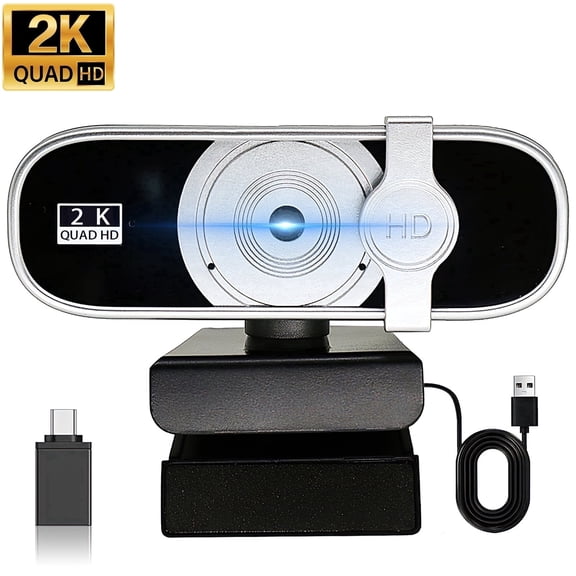 RONY 2K Webcam with Auto Focus & Noise-Canceling Mic Plug & Play PC Camera Compatible with Windows 10/8/7, Vista/7/8/10, Silver$18.99current price $18.99
EMEET C960 4K Webcam, 4K Uhd Cmos Sensor, 30fps, Pdaf Autofocus, Dual Mics, Webcam w/ Privacy Cover, USB-C, for PC/Zoom/Teams/Meet
 EMEET C960 4K Webcam, 4K Uhd Cmos Sensor, 30fps, Pdaf Autofocus, Dual Mics, Webcam w/ Privacy Cover, USB-C, for PC/Zoom/Teams/Meet$59.99current price $59.99
Hexamurby 1080P Webcam with Microphone,Plug and Play USB Computer Video Camera for Conferencing/Laptop/PC/Zoom/Skype/Facetime/YouTube
 Hexamurby 1080P Webcam with Microphone,Plug and Play USB Computer Video Camera for Conferencing/Laptop/PC/Zoom/Skype/Facetime/YouTube$14.39current price $14.39
4K Webcam, Auto-zoom,with remote control,Privacy Cover, White Balance, Webcam with Microphone, Plug & Play, 4K Web Camera for PC/Laptop/Desktop, Video Calling,Conferencing
 4K Webcam, Auto-zoom,with remote control,Privacy Cover, White Balance, Webcam with Microphone, Plug & Play, 4K Web Camera for PC/Laptop/Desktop, Video Calling,Conferencing$27.77current price $27.77
EverGrow 1080p HD Webcam W8, USB Desktop Laptop Camera, Mini Plug and Play Video Calling Computer Camera, Built-in Mic, Flexible Rotatable Clip (CAM-WEB-2MP-168Z)
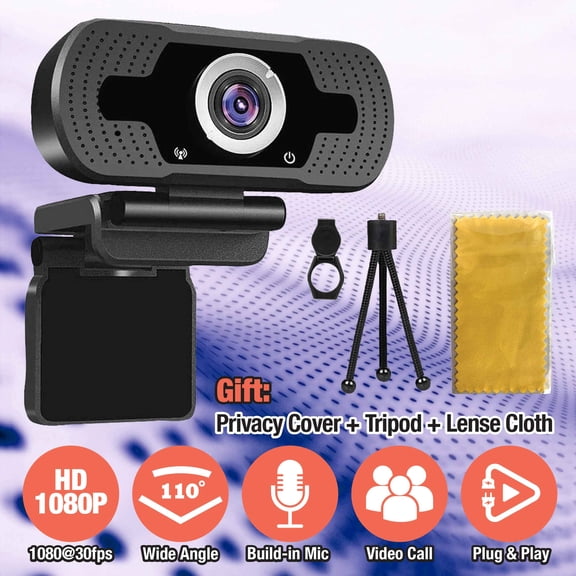 EverGrow 1080p HD Webcam W8, USB Desktop Laptop Camera, Mini Plug and Play Video Calling Computer Camera, Built-in Mic, Flexible Rotatable Clip (CAM-WEB-2MP-168Z)$19.95current price $19.95
Alogic A09 Webcam 2 Megapixel 30 fps Silver Black USB Type A 1 Pack IUWA09
 Alogic A09 Webcam 2 Megapixel 30 fps Silver Black USB Type A 1 Pack IUWA09$68.99current price $68.99
AI Tracking USB2.0 1080P 3X Optical Zoom Live Streaming PTZ Camera
 AI Tracking USB2.0 1080P 3X Optical Zoom Live Streaming PTZ Camera$166.03current price $166.03
Supersonic SC-1210SR PRO Live Stream 10-inch LED Selfie Ring Light with Stand and 360° Phone Holder, 3 Color Modes, 10 Brightness Levels, USB Powered, In-Line Control, Tiktok/YouTube/Zoom Meeting
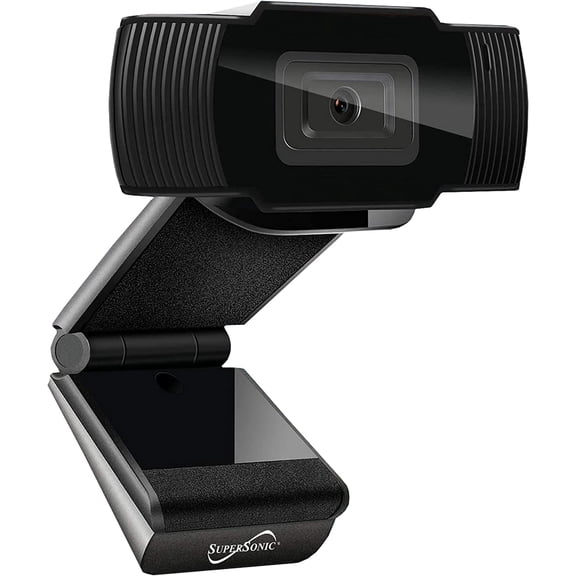 Supersonic SC-1210SR PRO Live Stream 10-inch LED Selfie Ring Light with Stand and 360° Phone Holder, 3 Color Modes, 10 Brightness Levels, USB Powered, In-Line Control, Tiktok/YouTube/Zoom Meeting$24.32current price $24.32
