

Honor Display Replacement(3)
TFT for Huawei Honor X7 Screen Replacement for Honor Play 6T/Honor Play 30 Plus LCD Display LCD Screen Digitizer CMA-LX2 CMA-LX1 CMA-LX3 Assembly Repair Part $40.00

TFT for Huawei Honor X7 Screen Replacement for Honor Play 6T/Honor Play 30 Plus LCD Display LCD Screen Digitizer CMA-LX2 CMA-LX1 CMA-LX3 Assembly Repair Part
Premium Phone LCD Screen Assembly Scratch Proof Touch Digitizer Display Replacement with Complete Disassembly Tool Kit Compatible with Honor X7A Phone Repair Part 6.75 inches / 17.14 cm $22.54

Premium Phone LCD Screen Assembly Scratch Proof Touch Digitizer Display Replacement with Complete Disassembly Tool Kit Compatible with Honor X7A Phone Repair Part 6.75 inches / 17.14 cm
Professional OLED Screen Assembly Replacement for Honor X50i Plus X8B 200 Lite Cell Phone Touch Digitizer Screen Assembly Kit with Repair Tools $48.05
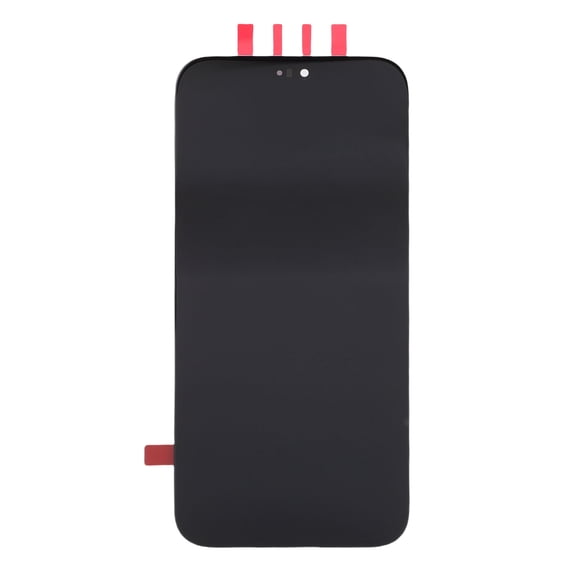
Professional OLED Screen Assembly Replacement for Honor X50i Plus X8B 200 Lite Cell Phone Touch Digitizer Screen Assembly Kit with Repair Tools
Other options to consider(1)
POYOGA Not Shock Phone Display Digitizer Full Assembly Replacement for Armor22 $37.99
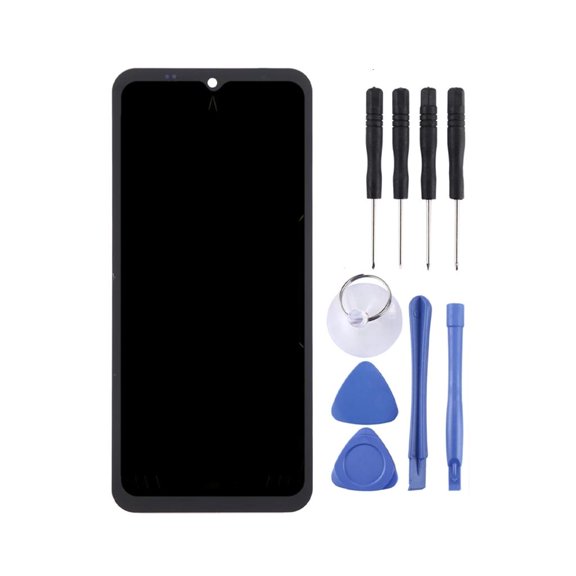
POYOGA Not Shock Phone Display Digitizer Full Assembly Replacement for Armor22
FAQ
how do I know which screen fits my phone?
Finding the right replacement display for your phone starts with checking your device's exact model number, which is often found in your phone settings or on the box. Matching this number to the product listing helps ensure compatibility.
- Look for your phone's full model name and number.
- Compare those details with the replacement screen's description.
- If you're unsure, contact Walmart's customer service for help.
Taking a moment to double-check these details can save you time and make your repair smoother.
what tools do I need to install a new display?
Replacing a phone screen usually requires a few basic tools, and some kits include everything you need.
- Small screwdrivers for opening your device.
- Plastic prying tools to avoid damaging components.
- Adhesive strips or tape for securing the new screen.
- A suction cup can help safely lift the display.
Before you start, review the kit contents to be sure you have all the tools handy. If you need extras, Walmart offers individual tools and kits to help complete the job.
can I replace my phone screen myself?
Many customers choose to replace their phone display themselves, especially when the kit comes with detailed instructions and tools. However, the process can be tricky and requires patience and care.
- Read the instructions thoroughly before starting.
- Work in a clean, well-lit space.
- Take your time to avoid damaging sensitive parts.
If you're not comfortable with DIY repairs, consider seeking help from a professional technician. Walmart's selection makes it easy to find the right parts for either option.
how do I care for a new phone screen?
To keep your replacement display looking and working its best, regular care goes a long way.
- Use a microfiber cloth to gently wipe away fingerprints and dust.
- Avoid harsh cleaning chemicals that might damage the screen.
- Consider adding a screen protector to reduce scratches.
Staying mindful of these tips can help extend the life of your new display and keep your phone functioning smoothly.
what should I do if the screen doesn't work after installation?
If your replacement screen isn't functioning after installation, there are a few steps you can take to troubleshoot.
- Double-check all connections to ensure they're secure.
- Restart your phone to see if the issue resolves.
- Review the installation instructions for any missed steps.
If problems persist, you may need to reach out to Walmart's customer support or consult a technician. Keeping your tools and parts organized during installation can help identify possible solutions quickly.
Popular in Honor Display Replacement for Cell Phones Repair
Related Products
LCD Screen and Digitizer Full Assembly for Xiaomi Redmi 9A / Redmi 9C / Redmi 9C NFC / Redmi 9AT /
 LCD Screen and Digitizer Full Assembly for Xiaomi Redmi 9A / Redmi 9C / Redmi 9C NFC / Redmi 9AT /$19.86current price $19.86
Cellphone Spare Parts LCD Screen and Digitizer Full Assembly With Frame for OPPO Realme 7 (Asia) 4G RMX2151 RMX2163
Cellphone Spare Parts LCD Screen and Digitizer Full Assembly With Frame for OPPO Realme 7 (Asia) 4G RMX2151 RMX2163
TFT LCD Screen for OPPO Realme C21Y/Realme C25Y with Digitizer Full Assembly
 TFT LCD Screen for OPPO Realme C21Y/Realme C25Y with Digitizer Full Assembly$19.99current price $19.99
TFT LCD Screen for OPPO A7X / F9 / F9 Pro / Realme 2 Pro Digitizer Full Assembly with Frame
 TFT LCD Screen for OPPO A7X / F9 / F9 Pro / Realme 2 Pro Digitizer Full Assembly with Frame$23.28current price $23.28
TFT LCD Screen for OPPO Realme 3 Pro / Realme X Lite with Digitizer Full Assembly
 TFT LCD Screen for OPPO Realme 3 Pro / Realme X Lite with Digitizer Full Assembly$22.20current price $22.20
LCD Touch Screen With Frame for Redmi 9 M2004j19g
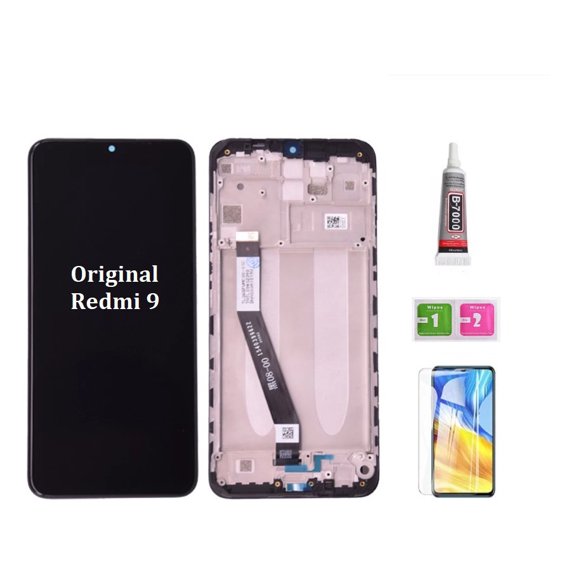 LCD Touch Screen With Frame for Redmi 9 M2004j19g$33.64current price $33.64
DOOGEE V40 Rugged Smartphone 5G,32GB+512GB/2TB Rugged Phone,4nm D7300,6.78" FHD+120Hz Rugged Unlocked Cell Phone,108MP+20MP Night Vision,8680mAh,3 Card Slots/Dual Unlock/NFC/Wi-Fi6E/IP69K
 DOOGEE V40 Rugged Smartphone 5G,32GB+512GB/2TB Rugged Phone,4nm D7300,6.78" FHD+120Hz Rugged Unlocked Cell Phone,108MP+20MP Night Vision,8680mAh,3 Card Slots/Dual Unlock/NFC/Wi-Fi6E/IP69K$370.49current price $370.49
TFT Material LCD Screen and Digitizer Full Assembly (No Fingerprint Identification) For OPPO Reno
 TFT Material LCD Screen and Digitizer Full Assembly (No Fingerprint Identification) For OPPO Reno$22.73current price $22.73
Cellphone Spare Parts Original LCD Screen and Digitizer Full Assembly for OPPO Reno6 5G PEQM00 CPH2251
 Cellphone Spare Parts Original LCD Screen and Digitizer Full Assembly for OPPO Reno6 5G PEQM00 CPH2251$76.25current price $76.25
TFT LCD Screen For Tecno Pova 3 LF7n with Digitizer Full Assembly
 TFT LCD Screen For Tecno Pova 3 LF7n with Digitizer Full Assembly$24.53current price $24.53
Cat® S22 | Rugged Flip phone | 16GB 2GB RAM | IP68 | 4G LTE | T-Mobile Locked - Black
 Cat® S22 | Rugged Flip phone | 16GB 2GB RAM | IP68 | 4G LTE | T-Mobile Locked - Black$320.00current price $320.00
Cellphone Repair Parts For TCL 40 XE 5G LCD Screen with Digitizer Full Assembly
Cellphone Repair Parts For TCL 40 XE 5G LCD Screen with Digitizer Full Assembly