

Hawkeye Mini Camera(5)
Uses item details. Price when purchased online
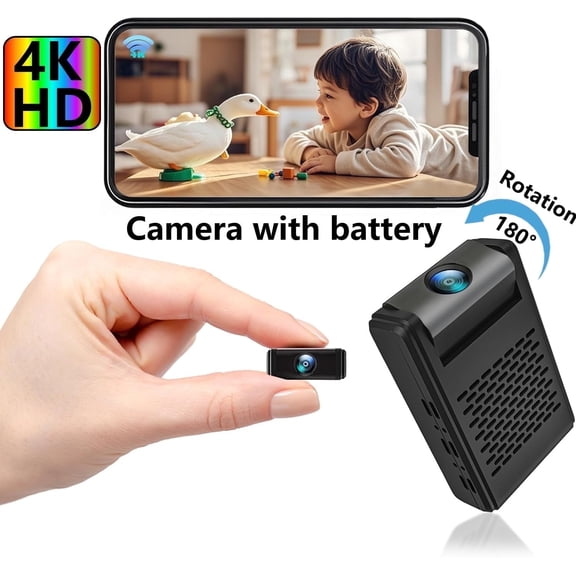
In 50+ people's carts, Mini Camera , Mini Security Camera, Nanny Cam with 180°Rotating Lens, 4K WiFi Wireless Surveillance, Motion Detection, Auto Night Vision $21.59 Was $23.99
In 50+ people's carts
Sponsored
Now$2159
current price Now $21.59, Was $23.99$23.99
Mini Camera , Mini Security Camera, Nanny Cam with 180°Rotating Lens, 4K WiFi Wireless Surveillance, Motion Detection, Auto Night Vision
3.5 out of 5 stars
DNXNIAIFY Wireless Mini WiFi Camera for 4K, Small Surveillance Camera, Indoor Surveillance Camera with Night Vision, Motion Detection, Sound Recording $20.99

Sponsored
$2099
current price $20.99DNXNIAIFY Wireless Mini WiFi Camera for 4K, Small Surveillance Camera, Indoor Surveillance Camera with Night Vision, Motion Detection, Sound Recording
3.4 out of 5 stars
OTVIAP 170° Wide Angle Wired Waterproof Mini Color CCTV CCD Camera IR Night Vision For Car,cctv Camera, Mini Cctv Camera $9.28

Sponsored
$928
current price $9.28OTVIAP 170° Wide Angle Wired Waterproof Mini Color CCTV CCD Camera IR Night Vision For Car,cctv Camera, Mini Cctv Camera
Fugacal Mini Security Camera, Wired CCTV Camera, HD Quality For Home Outdoor $9.88

Sponsored
$988
current price $9.88Fugacal Mini Security Camera, Wired CCTV Camera, HD Quality For Home Outdoor
3.3 out of 5 stars
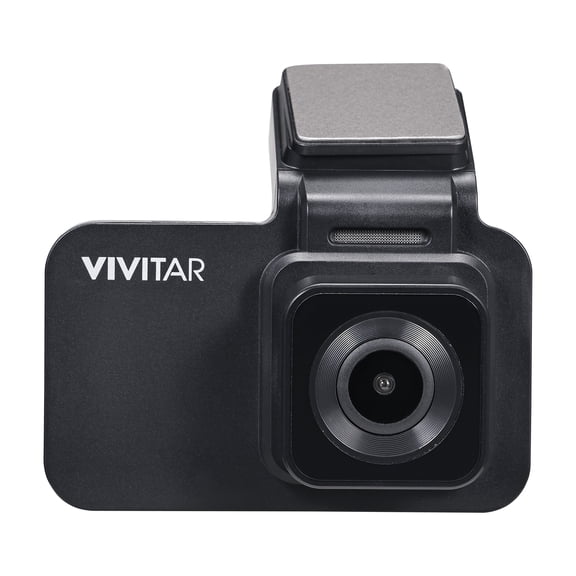
Vivitar HawkEye 4K AI Dash Cam with WiFi, Smart AI App, Front & Rear Collision Warnings, Lane Departure Alert, G-Sensor & 8GB MicroSD Card $29.97
$2997
current price $29.97Vivitar HawkEye 4K AI Dash Cam with WiFi, Smart AI App, Front & Rear Collision Warnings, Lane Departure Alert, G-Sensor & 8GB MicroSD Card
5 out of 5 stars
FAQ
How does motion detection work on mini cameras?
Mini cameras often feature motion detection that uses sensors—like PIR (Passive Infrared)—to pick up movement in their field of view. When motion is detected, the camera can trigger recording or send alerts.
- This helps you monitor spaces without watching live feeds constantly.
- Sensitivity settings vary, so you can adjust how much movement is needed before the camera reacts.
- Some models support notifications sent to your smartphone or device.
Can I use a mini camera inside my car?
Yes, many mini cameras—including dash cams—are designed for use inside your vehicle.
- These cameras offer features like front and rear collision warnings, lane departure alerts, and G-sensors to record incidents.
- Mounting options vary, so make sure you follow your camera's installation guide for proper placement.
- Conveniently, some models connect via WiFi to apps for easy footage review.
Do mini cameras have night vision features?
Many mini cameras come with auto night vision or infrared LEDs, allowing them to record clearly in low-light or dark environments.
- Night vision activates automatically, so you don't have to manually switch modes.
- This feature improves visibility for security and monitoring purposes around the clock.
- Variants include basic IR technology and more advanced strobe lights for enhanced detection.
How do I set up a wireless mini camera?
Setting up a wireless mini camera typically involves the following steps:
- Connect the camera to a power source as instructed.
- Download the companion app or software to your phone or computer.
- Follow the app's prompts to join the camera to your home WiFi network.
- Position the camera for optimal coverage and adjust any antennas if available.
How can I keep my mini camera secure?
To help keep your mini camera secure:
- Change default passwords and create strong, unique credentials.
- Update the camera's firmware regularly to access the latest security patches.
- Use encrypted WiFi networks and avoid sharing access with unauthorized users.
- Check app permissions and manage who can view or control your camera.
Popular in Hawkeye Mini Camera for Hidden Surveillance Electronics
Related Products
Evertech 1080p HD Indoor Pinhole Lens Mini CCTV Security Camera
 Evertech 1080p HD Indoor Pinhole Lens Mini CCTV Security Camera$39.99current price $39.99
6MP Triple Lens WiFi Outdoor Security Camera, Waterproof PTZ Surveillance, Auto Tracking & Human Detection, Color Night Vision, 355°View, SD/Cloud Storage, Two-Way Audio, Works with Mobile Apps & PCs
 6MP Triple Lens WiFi Outdoor Security Camera, Waterproof PTZ Surveillance, Auto Tracking & Human Detection, Color Night Vision, 355°View, SD/Cloud Storage, Two-Way Audio, Works with Mobile Apps & PCs$62.89current price $62.89
Evertech 16 pcs CCTV Security Camera HD 1080p, 2.8~12mm Wide Angle Vari-Focal Zoom Lens Indoor & Outdoor Day & Night Vision Home Security Surveillance Dome Camera
 Evertech 16 pcs CCTV Security Camera HD 1080p, 2.8~12mm Wide Angle Vari-Focal Zoom Lens Indoor & Outdoor Day & Night Vision Home Security Surveillance Dome Camera$649.99current price $649.99
VideoSecu 5 Pack Dummy Fake Bullet Security Camera Infrared LEDs Flashing Blinking Light for Home CCTV Surveillance bfh
 VideoSecu 5 Pack Dummy Fake Bullet Security Camera Infrared LEDs Flashing Blinking Light for Home CCTV Surveillance bfh$70.55current price $70.55
Mini Waterproof Camera , 170° Wide Angle Wired CCTV CCD Mini Security Camera Hd IR Camera IP66 100W Night Vision Hiddening Surveillance Camera For Car Monitor ,Home ,Warehouse NTSC
 Mini Waterproof Camera , 170° Wide Angle Wired CCTV CCD Mini Security Camera Hd IR Camera IP66 100W Night Vision Hiddening Surveillance Camera For Car Monitor ,Home ,Warehouse NTSC$8.37current price $8.37
Evertech 1080p Dome Security Cameras High Resolution Indoor Outdoor Night Vision 2.8-12mm Adjustable Lens Camera (Pack of 4)
 Evertech 1080p Dome Security Cameras High Resolution Indoor Outdoor Night Vision 2.8-12mm Adjustable Lens Camera (Pack of 4)$184.99current price $184.99
Cuddeback CuddeLink Wireless, 3rd Gen (3-pack) Bundle with Home Camera Starter Kit
 Cuddeback CuddeLink Wireless, 3rd Gen (3-pack) Bundle with Home Camera Starter Kit$399.99current price $399.99
Quanmin 2 Pcs Cctv Lens, F1.2 1/3" 8mm Wide Angle HD CS IR Lens, Cctv Board Video Home Surveillance Security Camera Lens, Camera Accessories for Security, Black
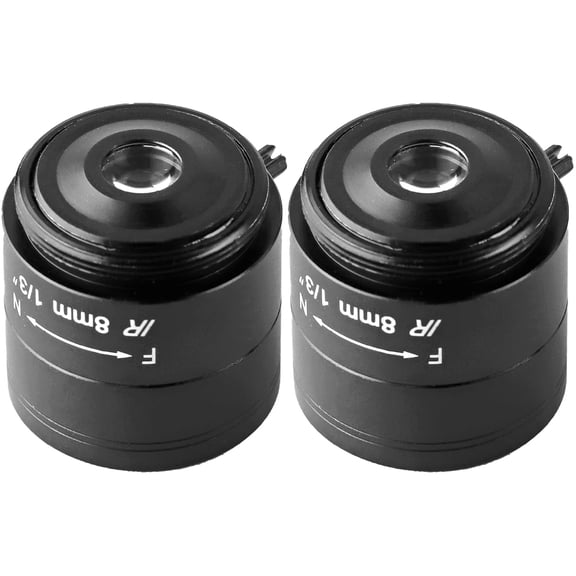 Quanmin 2 Pcs Cctv Lens, F1.2 1/3" 8mm Wide Angle HD CS IR Lens, Cctv Board Video Home Surveillance Security Camera Lens, Camera Accessories for Security, Black$8.99current price $8.99
Nanny Cam 1080P HD WiFi Security Camera
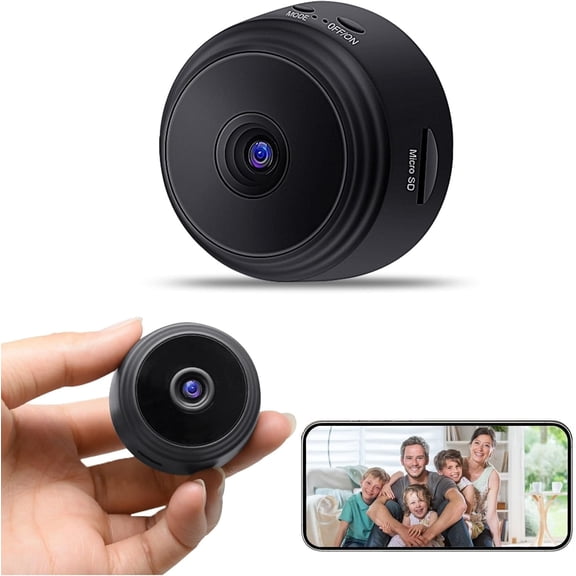 Nanny Cam 1080P HD WiFi Security Camera$19.95current price $19.95
ELG Smart Indoor Camera 1080p HD WiFi Security Motion Detection Night Vision SOS Button Three Unit
 ELG Smart Indoor Camera 1080p HD WiFi Security Motion Detection Night Vision SOS Button Three Unit$63.99current price $63.99
