

Grind Wireless(3)
Coffee Grinder,Wireless Convenience, Adjustable Grind Settings,Low - Noise Motor,Long - Lasting Battery Life, $30.00

Coffee Grinder,Wireless Convenience, Adjustable Grind Settings,Low - Noise Motor,Long - Lasting Battery Life,
Portable Electric Coffee GrinderAutomatic Grinder with USB Type-C wireless charging designAdjustable Coarse to Fine for coffee beans, grains, cleaning brush + cable Includes (black) $53.13

Portable Electric Coffee GrinderAutomatic Grinder with USB Type-C wireless charging designAdjustable Coarse to Fine for coffee beans, grains, cleaning brush + cable Includes (black)
Clearance, Wireless Rechargeable Coffee Grinder with Ceramic Grinding Core for Home Kitchen Portable Use From $15.26
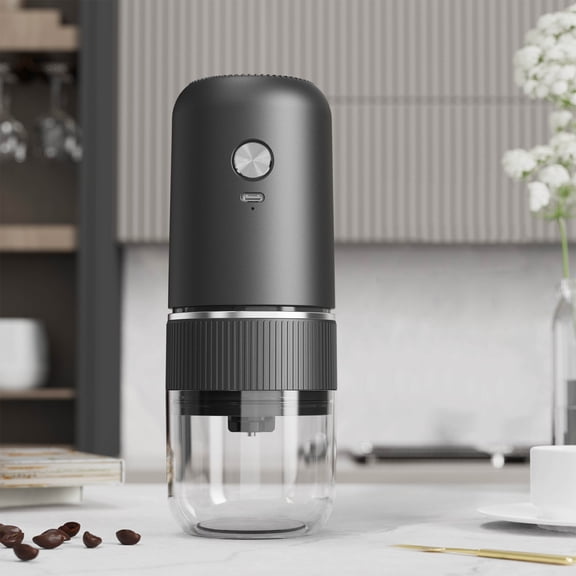


Wireless Rechargeable Coffee Grinder with Ceramic Grinding Core for Home Kitchen Portable Use
Explore related products(1000+)
FAQ
How do I pair wireless earbuds with my phone?
To pair most wireless earbuds with your phone, start by making sure the earbuds are charged and in pairing mode. Usually, this means holding down the power button until a light flashes. On your phone, enable Bluetooth, then select your earbuds from the list of available devices. Some earbuds may use voice prompts or a companion app for setup. If you experience trouble, restart both devices and try again. It can also help to consult the product’s manual for specific instructions on pairing for your particular model.
Can I use wireless headphones during workouts?
Yes, you can use wireless headphones during workouts, but look for features that suit your exercise routine. Many models have secure-fitting ear tips or ear hooks to keep them in place. Sweat and water resistance are useful for active use—check the product specifications for details. It's best to clean your headphones after workouts to help maintain them. Always follow manufacturer guidance to ensure long-lasting performance and comfort during activities.
What does noise isolating mean for earbuds?
Noise isolating earbuds feature a snug fit that helps block external sounds by physically sealing your ear canal. This passive technology doesn't use electronic circuitry but relies on the eartip design to minimize distractions. It’s great for focusing in loud environments like gyms or public transport. For best results, choose the right eartip size for your ears, and remember, noise isolation is different from active noise cancellation, which electronically reduces background sounds.
How can I customize my earbud controls?
Many wireless earbuds offer customizable controls through a companion app; this lets you adjust functions like skip track, volume, or voice assistant. Download the app recommended by your earbud’s manufacturer and follow the prompts to personalize the controls. Some models let you program tap or press gestures for specific actions. Customizing your controls can help make your listening experience more convenient, especially during activities when you want easy access to common features.
How do I care for and clean wireless headphones?
To keep your wireless headphones in good condition, power them off and unplug them before cleaning. Use a soft, slightly damp cloth to wipe earbuds or ear cups—avoid harsh cleaners and never submerge them in water. For in-ear models, gently remove and clean eartips with mild soap and water, letting them dry completely before reattaching. Regular maintenance can help prolong the life of your headphones and ensure optimal sound quality over time.
Popular in Shop Grind Wireless Headphones and Earbuds Electronics
Related Products
Gemilai Electric Conical Burr Coffee Grinder, Coffee Bean Grinder with Smart 60S Timer, 60 Precise Adjustable Grind Settings for Espresso, 2-12 Cup, Easy to Clean, Durable & Quiet, G9010B Grey
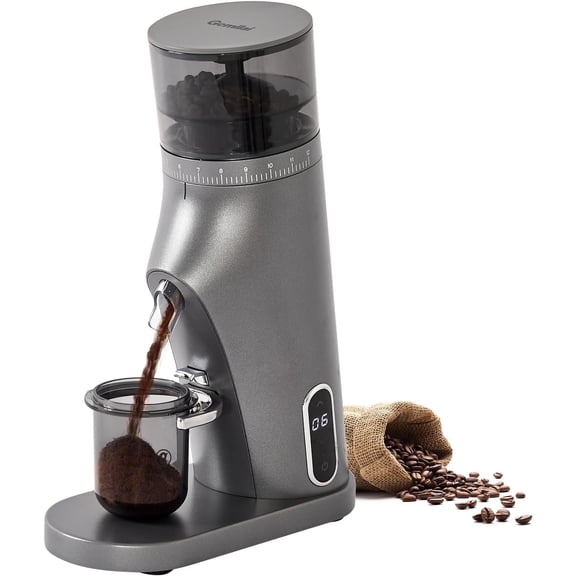 Gemilai Electric Conical Burr Coffee Grinder, Coffee Bean Grinder with Smart 60S Timer, 60 Precise Adjustable Grind Settings for Espresso, 2-12 Cup, Easy to Clean, Durable & Quiet, G9010B Grey$183.99current price $183.99
FOHERE Manual Coffee Grinder, 7-Angle Stainless Steel Conical Burrs, External Adjustment, For All Coffees
 FOHERE Manual Coffee Grinder, 7-Angle Stainless Steel Conical Burrs, External Adjustment, For All Coffees$59.99current price $59.99
Portable Battery Powered Burr Coffee Grinder with 40 Adjustable Settings & 35g Capacity, 1800mAh Rechargeable Coffee Bean Grinder with Conical Ceramic Burr, for Travel, Camping, Office, Espresso, etc
 Portable Battery Powered Burr Coffee Grinder with 40 Adjustable Settings & 35g Capacity, 1800mAh Rechargeable Coffee Bean Grinder with Conical Ceramic Burr, for Travel, Camping, Office, Espresso, etc$28.99current price $28.99
LINKChef Coffee Grinder, Coffee Bean Grinder, Spice Grinder with Stainless Steel Four Blades Perfect for Coffee Beans, Spice, Tea (Black)
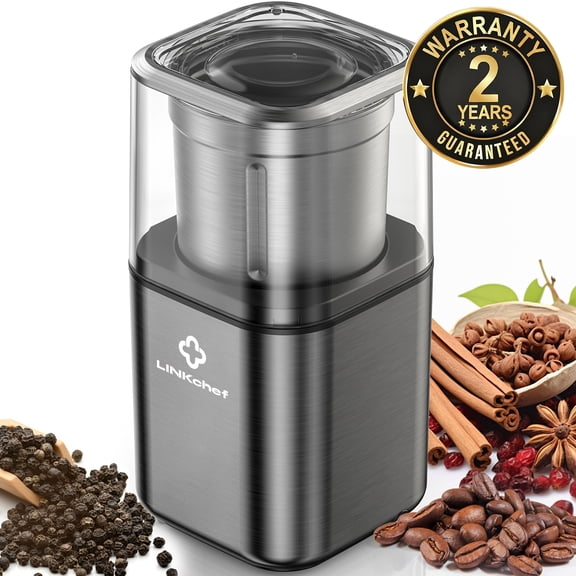 LINKChef Coffee Grinder, Coffee Bean Grinder, Spice Grinder with Stainless Steel Four Blades Perfect for Coffee Beans, Spice, Tea (Black)$26.50current price $26.50
Twine Handheld Vintage Style Burr Coffee Grinder - Manual Adjustable Design
 Twine Handheld Vintage Style Burr Coffee Grinder - Manual Adjustable Design$19.83current price $19.83
Baratza Encore ESP (Electric Burr Coffee Grinder) (White)
 Baratza Encore ESP (Electric Burr Coffee Grinder) (White)$199.95current price $199.95
Professional Electric Coffee Grinders,10 OZ Large Capacity or Coffee Beans & Spices,One Touch Push-Button Control,350W Motor with Stainless Steel Blades,Safety Lid Lock - White
 Professional Electric Coffee Grinders,10 OZ Large Capacity or Coffee Beans & Spices,One Touch Push-Button Control,350W Motor with Stainless Steel Blades,Safety Lid Lock - White$19.99current price $19.99
Grinders Set of 3 , Coffee Grinder, Refillable Turkish Style Mill, Pepper Grinder,Manual Coffee Mill, Turkish Coffee Mill, Manual Grinder
 Grinders Set of 3 , Coffee Grinder, Refillable Turkish Style Mill, Pepper Grinder,Manual Coffee Mill, Turkish Coffee Mill, Manual Grinder$148.99current price $148.99
Jetcloudlive Manual Coffee Grinder with Ceramic Burr, 35 Adjustable Settings, 30g Beans & 80ml Powder, Detachable Handle for Espresso, French Press, Camping
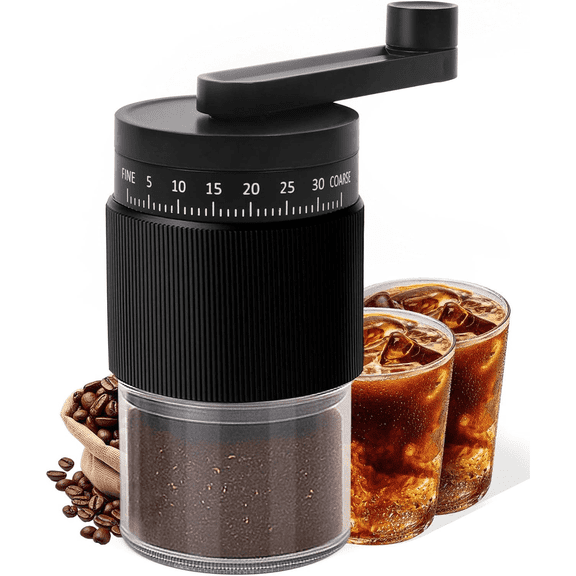 Jetcloudlive Manual Coffee Grinder with Ceramic Burr, 35 Adjustable Settings, 30g Beans & 80ml Powder, Detachable Handle for Espresso, French Press, Camping$13.99current price $13.99
Electric Coffee Grinder 150W for Coffee Beans, Spices & Nuts – Stainless Steel Bowl with Metal Blades, One-Touch Control, Compact Countertop Grinder by Dependable Industries Inc. Essentials
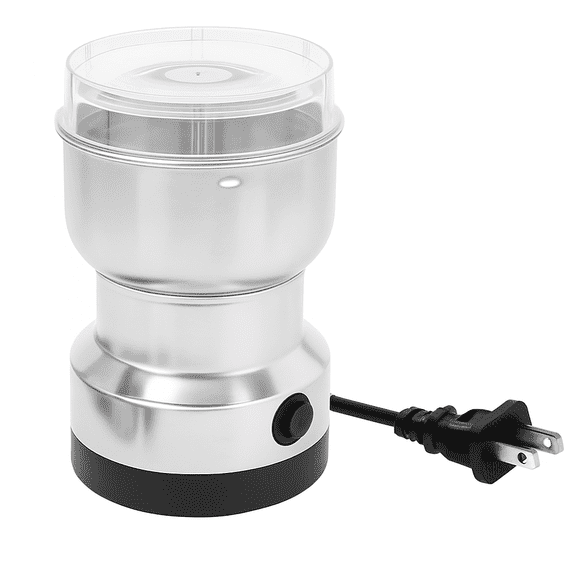 Electric Coffee Grinder 150W for Coffee Beans, Spices & Nuts – Stainless Steel Bowl with Metal Blades, One-Touch Control, Compact Countertop Grinder by Dependable Industries Inc. Essentials$14.39current price $14.39
TRU Conical Burr Grinder - Precision Coffee Bean Grinder with 30 Grind Settings - Adjustable Grind Time & Digital Countdown - 9oz Bean Hopper for Espresso & Drip Coffee
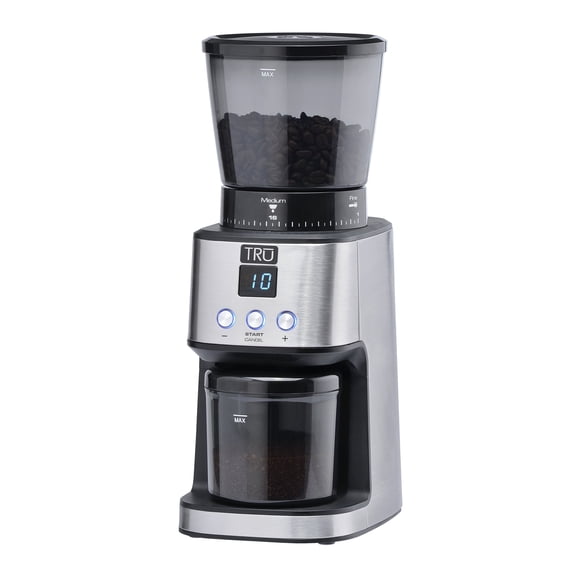 TRU Conical Burr Grinder - Precision Coffee Bean Grinder with 30 Grind Settings - Adjustable Grind Time & Digital Countdown - 9oz Bean Hopper for Espresso & Drip Coffee$84.99current price $84.99
Hario Mini-Slim+ Ceramic Coffee Mill Grinder
 Hario Mini-Slim+ Ceramic Coffee Mill Grinder$38.49current price $38.49
Electric Burr Coffee Grinder with 2-14 Cup Capacity, Aiheal Adjustable Burr Mill Coffee Bean Grinder with 18 Grind Settings for Espresso Drip Coffee and French Press, Black
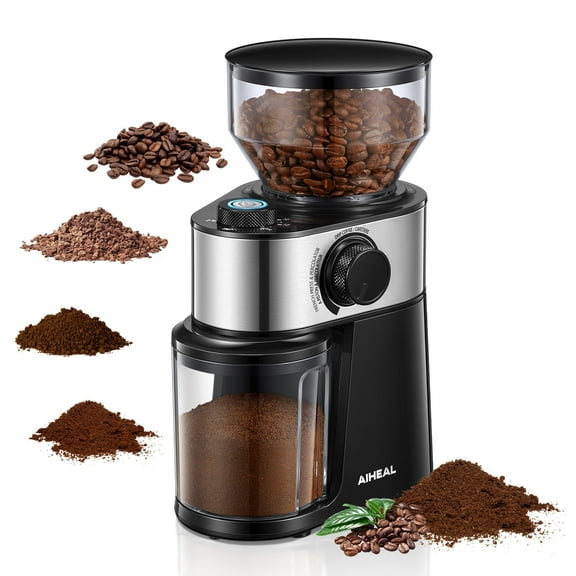 Electric Burr Coffee Grinder with 2-14 Cup Capacity, Aiheal Adjustable Burr Mill Coffee Bean Grinder with 18 Grind Settings for Espresso Drip Coffee and French Press, Black$59.99current price $59.99