

Gamecube Serial Port(1)
Zecic SD Card TF Card Reader for Gamecube for NGC NTSC Serial Port 2 Adapter $9.23 Was $10.37

Zecic SD Card TF Card Reader for Gamecube for NGC NTSC Serial Port 2 Adapter
Other options to consider(7)
New, SD2SP2 PRO Adapter for Gamecube NGC, SD Load SDL Micro SD Card TF Card Reader, Supports 512GB, ENIG Gold Finish
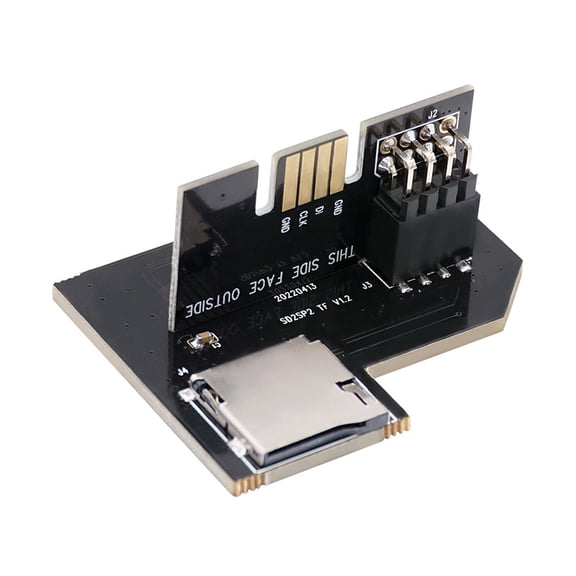
SD2SP2 PRO Adapter for Gamecube NGC, SD Load SDL Micro SD Card TF Card Reader, Supports 512GB, ENIG Gold Finish
Restored Composite [A/V] Cable | Nintendo GameCube - N64 - SNES | 2023 | Brand New (Refurbished) $25.96

Restored Composite [A/V] Cable | Nintendo GameCube - N64 - SNES | 2023 | Brand New (Refurbished)
ANXPTIME SD TF Card Reader for Gamecube for NGC SD2SP2 Replacement Parts See price in cart
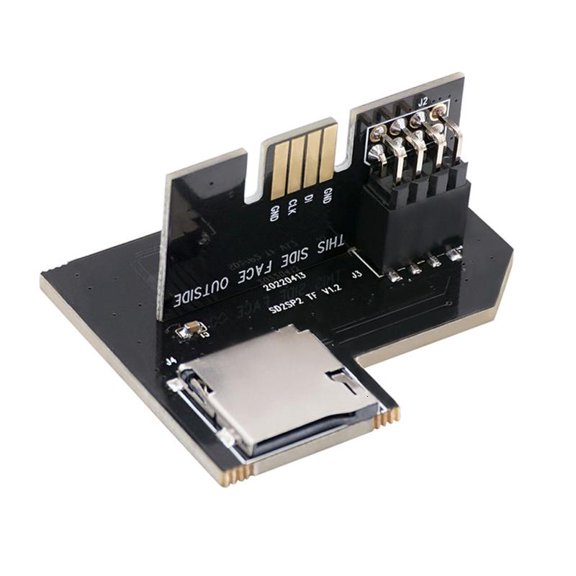
ANXPTIME SD TF Card Reader for Gamecube for NGC SD2SP2 Replacement Parts
Restored Nintendo GameCube Power Adapter | NGC | 2023 | Brand New (Refurbished) $26.87

Restored Nintendo GameCube Power Adapter | NGC | 2023 | Brand New (Refurbished)
Restored Composite [A/V] Cable | Nintendo GameCube - N64 - SNES | 2023 | Brand New (Refurbished) $26.87

Restored Composite [A/V] Cable | Nintendo GameCube - N64 - SNES | 2023 | Brand New (Refurbished)
CIYISON Replacement SD Card Adapter TF Card Reader for NGC Gamecube SD2SP2 SDLoad $9.40

CIYISON Replacement SD Card Adapter TF Card Reader for NGC Gamecube SD2SP2 SDLoad
Clearance, JZROCKER TF Card Reader for NGC Gamecube SD2SP2 SDLoad Adapter Professional Repair $6.58 Was $7.39

JZROCKER TF Card Reader for NGC Gamecube SD2SP2 SDLoad Adapter Professional Repair
FAQ
What does the GameCube serial port do?
The GameCube serial port gives you a way to connect accessories and expand your console's capabilities. It's commonly used for adapters like SD card readers, letting you load games or save data in new ways.
- Supports devices like memory card readers
- Lets you add extra functionality to your GameCube
- Easy to access underneath the console
This port opens up lots of options for customizing your gaming experience.
How do I install an SD card adapter in my GameCube?
Installing an SD card adapter is a pretty straightforward process, but it's good to take your time.
- Turn off and unplug your GameCube.
- Find the Serial Port 2 on the underside of the console.
- Gently insert the adapter into the port until it fits snugly.
- Insert your SD or TF card into the adapter.
Once installed, you can try using compatible software or homebrew tools to access your card. Always check compatibility before starting.
Can I use any SD card with a GameCube adapter?
Not every SD card works with a GameCube adapter, so it's important to check for compatibility.
- Most adapters support standard SD or TF cards up to a certain size (often 2GB or 32GB).
- High-capacity or newer cards may not be recognized.
- Format your card as FAT or FAT32 for best results.
It's a good idea to try a few different cards if you're having trouble, and always follow the adapter's instructions.
What kinds of games or files can I load using the serial port?
The serial port lets you load various files, depending on the adapter and software you use.
- Homebrew games
- Saved data backups
- Emulators and custom applications
You'll need compatible software on your SD card to use these features. Make sure you're following all guidelines and using legal files.
Are there any tips for keeping my GameCube's serial port in good shape?
Taking care of the serial port can help your adapter work smoothly and extend your console's life.
- Keep the port covered when not in use to prevent dust buildup.
- Insert and remove adapters gently to avoid damaging the pins.
- Clean the area with a soft, dry cloth if needed.
Regular care can keep your GameCube running strong for years of gaming fun.
Popular in GameCube Serial Port Adapters and Accessories
Related Products
USB 3.0 Card Reader, TSV TF Card/SD Memory Reader Adapter Supports SD/Micro SD/SDHC/SDXC/MMC, Mini Camera Flash Reader Compatible with Windows, Mac, Linux
 USB 3.0 Card Reader, TSV TF Card/SD Memory Reader Adapter Supports SD/Micro SD/SDHC/SDXC/MMC, Mini Camera Flash Reader Compatible with Windows, Mac, Linux$8.48current price $8.48
USB 3.0 to IDE/SATA Converter, EEEkit Hard Drive Adapter Fit for Universal 2.5"/3.5" SATA HDD/SSD & IDE HDD Drives, Support 6TB
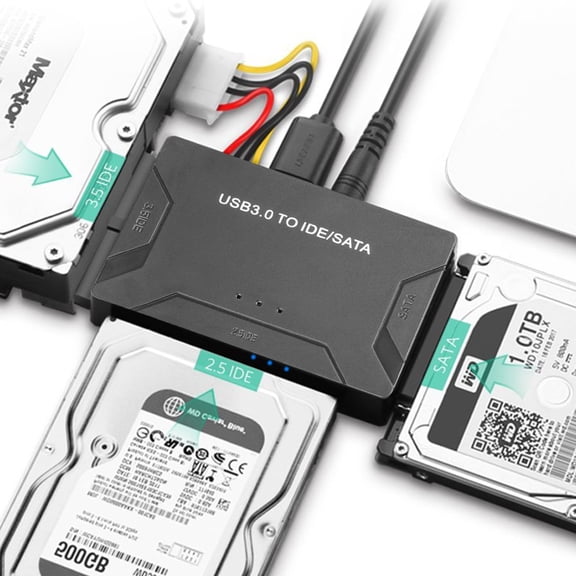 USB 3.0 to IDE/SATA Converter, EEEkit Hard Drive Adapter Fit for Universal 2.5"/3.5" SATA HDD/SSD & IDE HDD Drives, Support 6TB$18.49current price $18.49
StarTech.com USB-C CFexpress Type B Card Reader, Portable USB 3.2 (10Gbps) Memory Card Reader, USB Type-C to CF Express 2.0 Adapter
 StarTech.com USB-C CFexpress Type B Card Reader, Portable USB 3.2 (10Gbps) Memory Card Reader, USB Type-C to CF Express 2.0 Adapter$39.00current price $39.00
Skywin Memory Stick Pro Duo Adapter - Card Reader for PSP Memory Card Duo Adapter, Easy-to-Use Card Holder Compatible with Playstation Card, Camera, or Handycam
 Skywin Memory Stick Pro Duo Adapter - Card Reader for PSP Memory Card Duo Adapter, Easy-to-Use Card Holder Compatible with Playstation Card, Camera, or Handycam$6.50current price $6.50
Jous 4-in-1 SD Card Reader, USB-C & USB 3.0 Simultaneous Read/Write Memory Adapter for Micro iPhone MacBook Pro, Laptop, PC
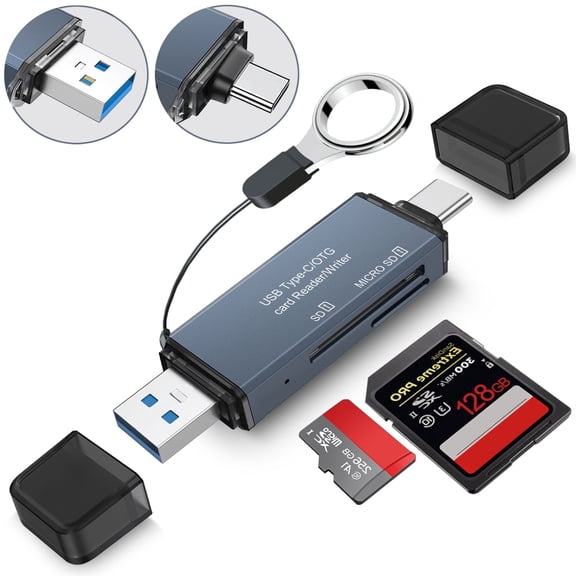 Jous 4-in-1 SD Card Reader, USB-C & USB 3.0 Simultaneous Read/Write Memory Adapter for Micro iPhone MacBook Pro, Laptop, PC$10.99current price $10.99
Micro SD To Micro SD Card Extension Cable Adapter Flexible Extender Compatible With 3D Printer/Car/GPS/Camera/DVD/DVR/LED Display Board
 Micro SD To Micro SD Card Extension Cable Adapter Flexible Extender Compatible With 3D Printer/Car/GPS/Camera/DVD/DVR/LED Display Board$7.44current price $7.44
Memory Cube 16MB GameCube Memory Card
 Memory Cube 16MB GameCube Memory Card$10.99current price $10.99
Sabrent 74-In-1 3.5' Internal Flash Media Card Reader/writer with USB Port , Black (CR-USNT)
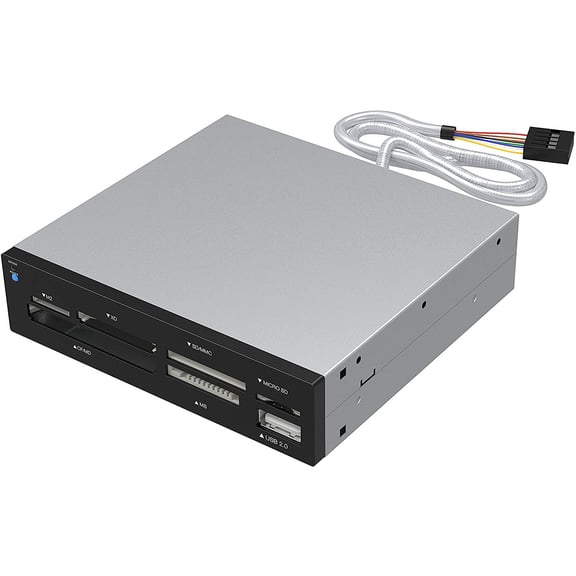 Sabrent 74-In-1 3.5' Internal Flash Media Card Reader/writer with USB Port , Black (CR-USNT)$9.99current price $9.99
Angelbird AV PRO SD MK2 V60 256 GB Class 10/UHS-II (U3) SDXC
Angelbird AV PRO SD MK2 V60 256 GB Class 10/UHS-II (U3) SDXC
MS PRO Duo Memory Game Cards 4GB/8GB/16GB/32GB Memory Stick Pro Memory Card Gaming Accessories for /3000
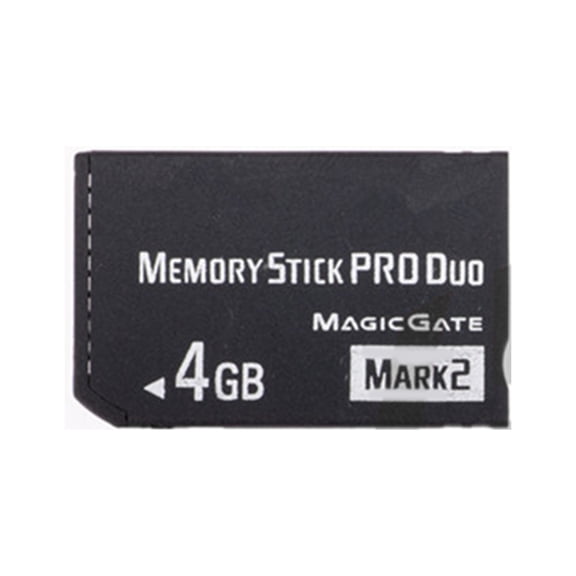 MS PRO Duo Memory Game Cards 4GB/8GB/16GB/32GB Memory Stick Pro Memory Card Gaming Accessories for /3000$14.39current price $14.39
CY SD Male Extender to SD Card Female Extension Cable Adapter Flexible SD/SDHC/SDXC UHS-III UHS-3
 CY SD Male Extender to SD Card Female Extension Cable Adapter Flexible SD/SDHC/SDXC UHS-III UHS-3$11.88current price $11.88
StarTech.com 2 Slot USB 3.0 SD Card Reader w/ UASP, SD 4.0 UHS II, TAA Compliant, USB SD Card Reader, Dual SD Card Reader
StarTech.com 2 Slot USB 3.0 SD Card Reader w/ UASP, SD 4.0 UHS II, TAA Compliant, USB SD Card Reader, Dual SD Card Reader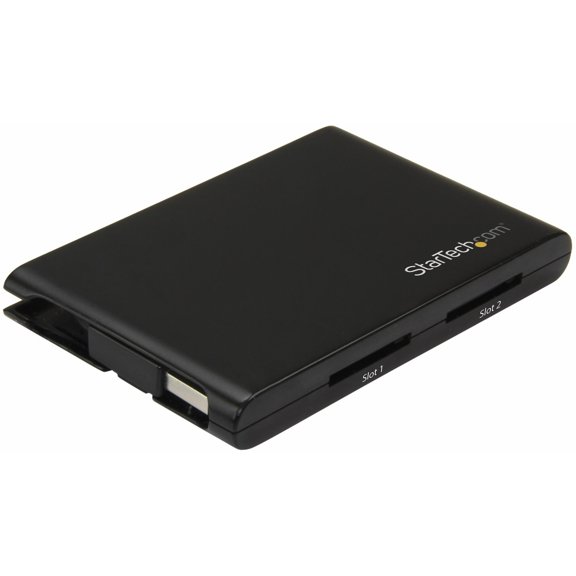
StarTech USB 3.0 Multi-Media Memory Card Reader FCREADMICRO3V2
 StarTech USB 3.0 Multi-Media Memory Card Reader FCREADMICRO3V2$34.63current price $34.63


