



Samsung Tablets








































About Samsung Tablets - Walmart.com
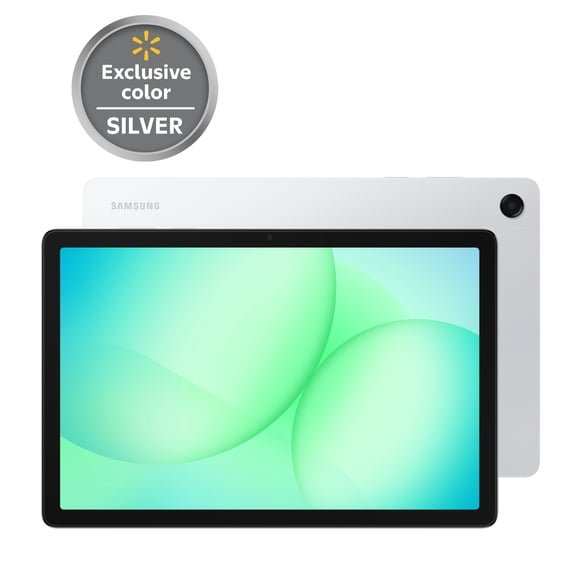
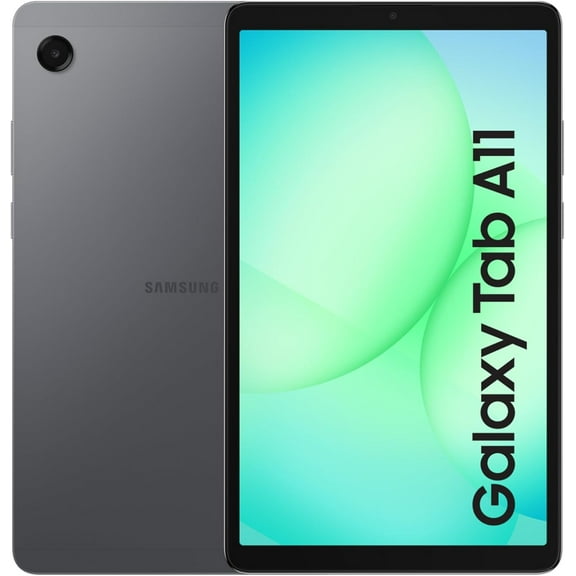
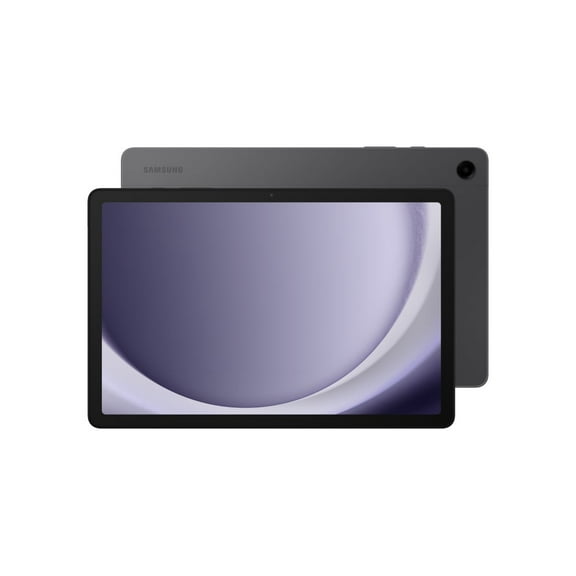
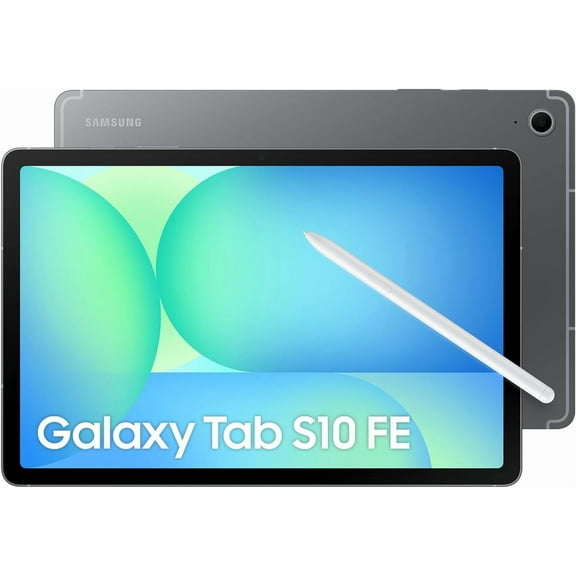
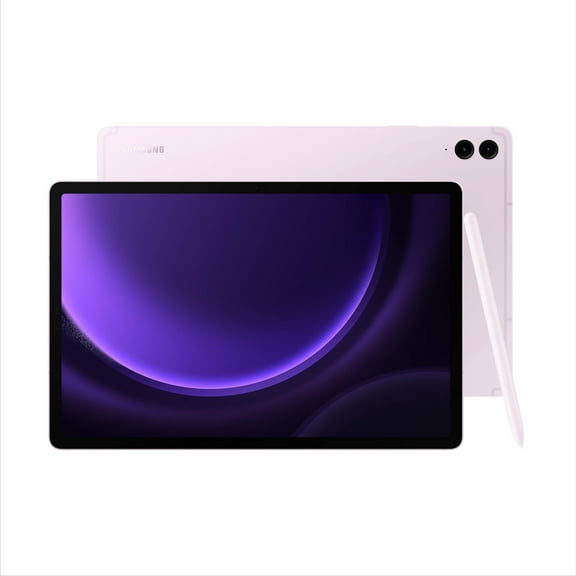
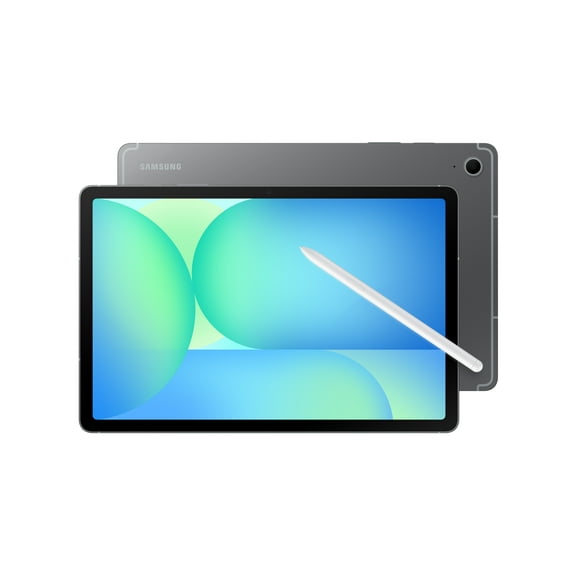
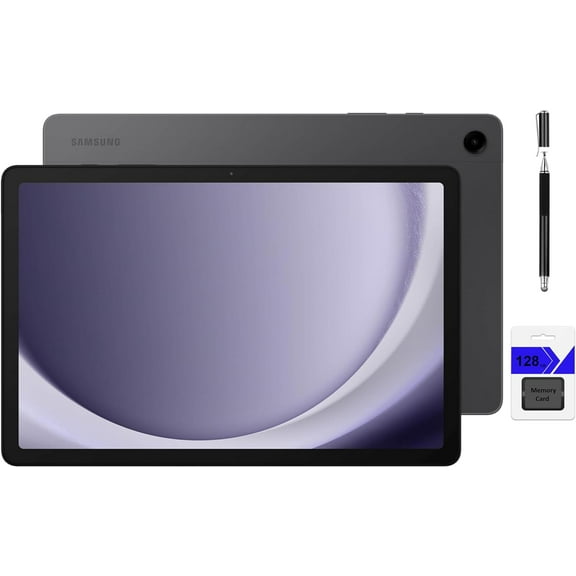
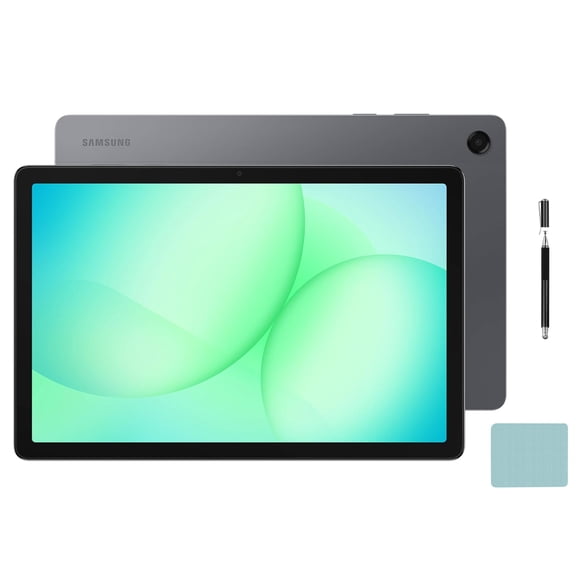
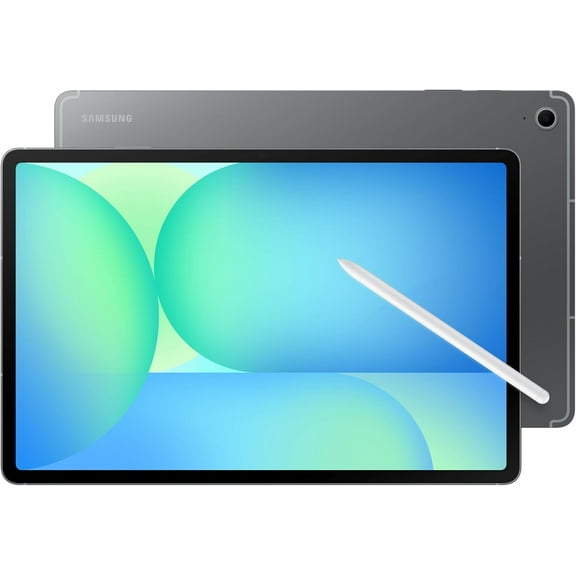
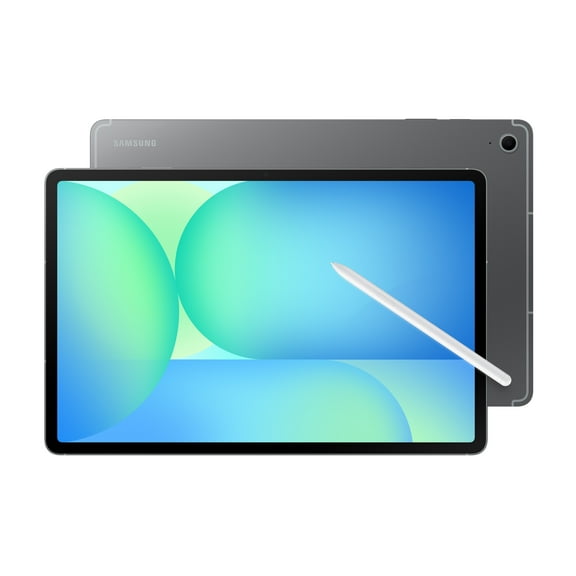
A samsung tablet gives you a bright touchscreen, familiar Galaxy features, and flexible performance for streaming, notes, work, and everyday family use. Samsung tablets stand out with Galaxy Tab lineups for entertainment, study sessions, sketching, and portable productivity. Many models pair slim designs with vivid displays and expandable storage support.
That combination matters when you want one device for travel, couch viewing, and quick tasks around the house. The Galaxy interface also feels familiar if you already use Samsung phones, earbuds, or watches. That continuity can make setup and daily use seamless.
Explore the Samsung tablet family
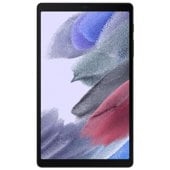
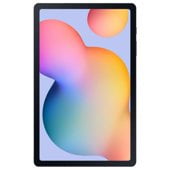
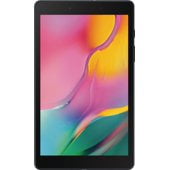
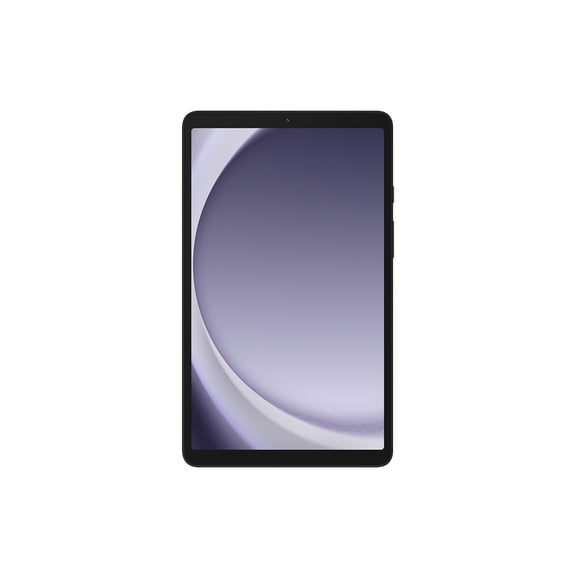
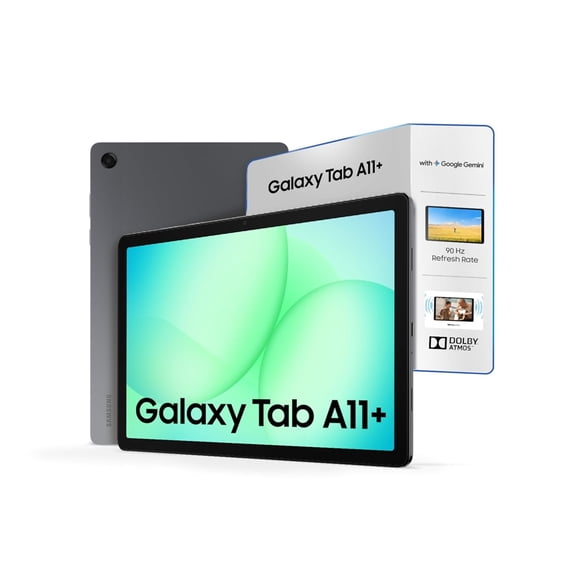
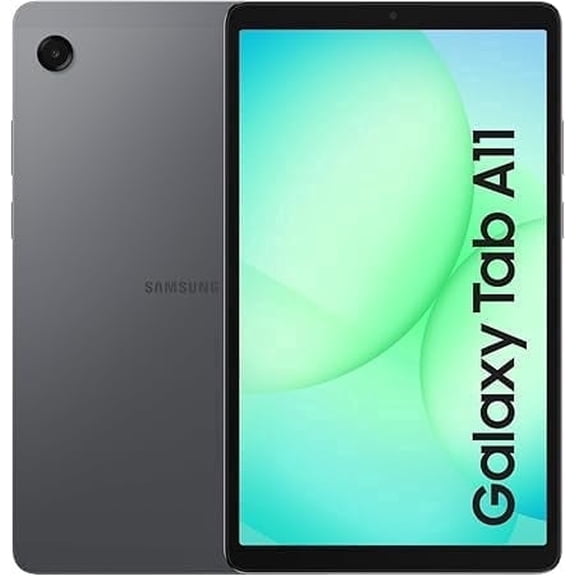
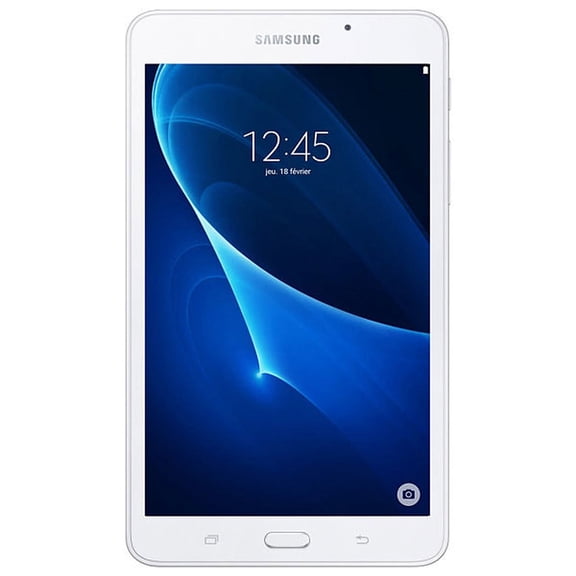
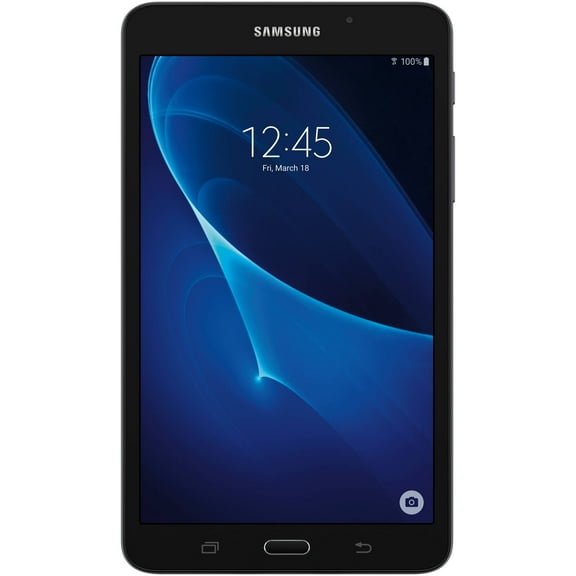
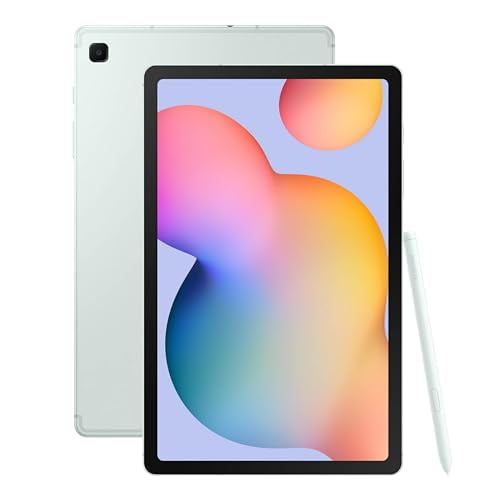
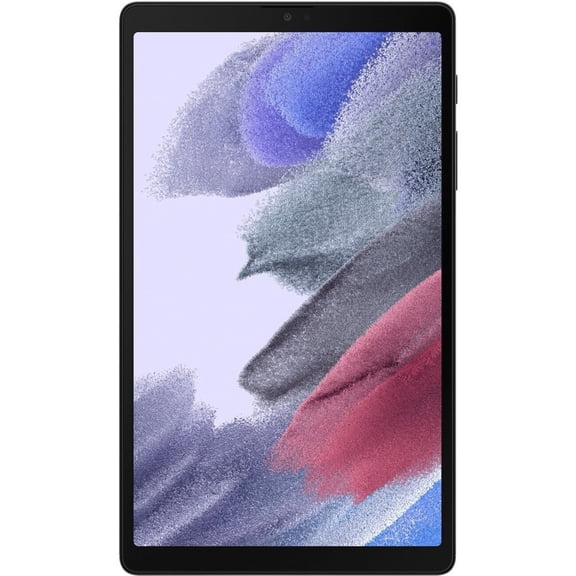
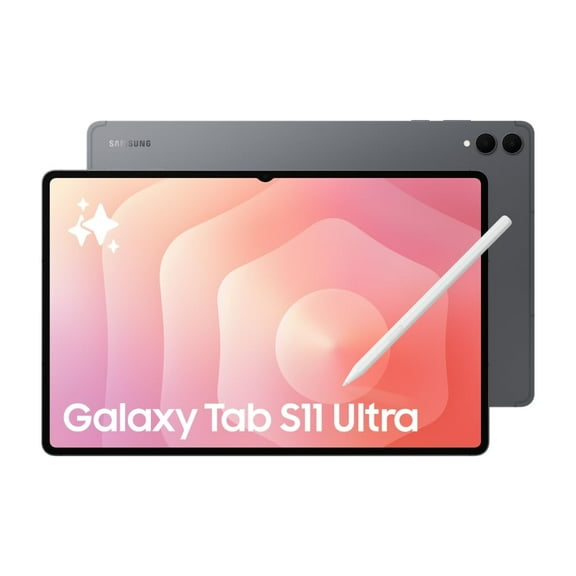
The Galaxy tablet range includes distinct series built for different routines. Galaxy Tab S models focus on responsive displays, multitasking tools, and accessories for desktop-style use. Tab A and related options keep things simple for casual streaming, reading, and everyday apps.
That makes it easier to compare a Samsung Galaxy tablet by screen size, storage, and accessory compatibility. Some shoppers want a tablet for lectures and handwritten notes. Others want a living room screen for movies, recipes, and browsing.
Samsung’s tablet lineup also fits neatly into a connected Galaxy setup. You can move between your phone, earbuds, and tablet with a familiar interface and shared app experience. That matters when you want one ecosystem across daily devices.
Why Samsung tablets fit everyday routines
A Samsung tablet works well when you want portability without giving up screen space. It fits into daily life for movies, digital notes, video calls, recipes, and classroom tasks. Different Galaxy Tab series also make it easier to match the device to your routine.
That flexibility helps when one shopper wants creative tools and another wants a straightforward media screen. A Galaxy tablet can shift from kitchen counter viewing to backpack carry without feeling bulky. That mix of mobility and screen size is central to this category.
- Large touch displays make shows, ebooks, and games feel immersive compared to a phone screen.
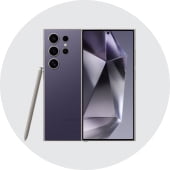
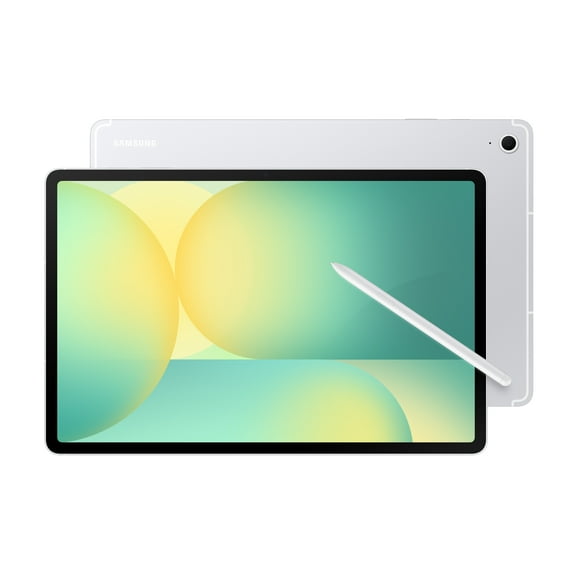
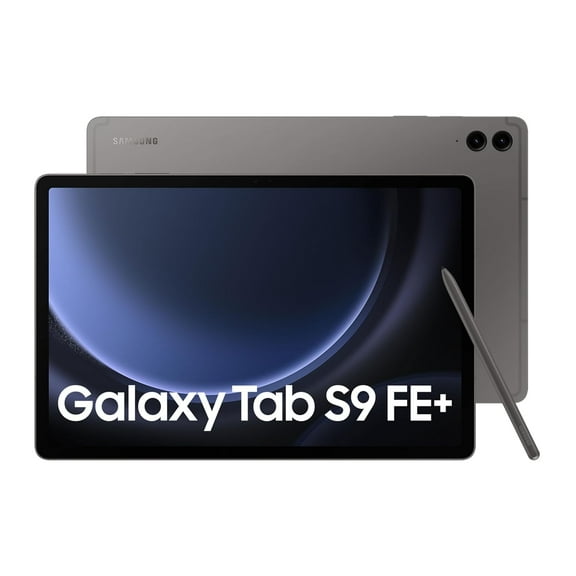
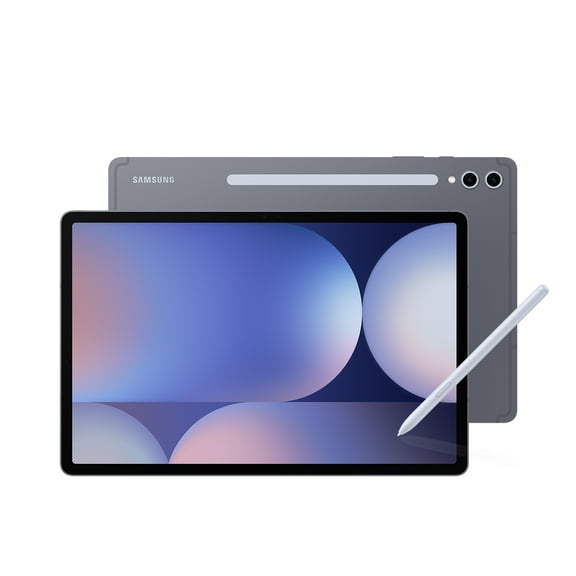
- Select Galaxy Tab models support S Pen input for handwriting, sketching, and precise navigation.
- Expandable storage on many models gives you room for downloaded content, files, and photos.
- Optional keyboard support creates a laptop-like setup for typing and document work.
- Galaxy ecosystem features keep the experience familiar across Samsung devices and accessories.
Those benefits matter in real households. One tablet can handle school research in the afternoon and streaming after dinner. It also works well for travel days when a lighter device feels easier to carry.
Features to compare in a Samsung Galaxy tablet
Screen size is often the first decision point. Smaller tablets feel easier to hold for reading and commuting. Larger displays suit split-screen work, movie watching, and side-by-side app use.
Resolution and panel type also shape the experience. Sharp text helps with reading and document review. Rich color and contrast can make shows, games, and photos look engaging on screen.
Processing power matters if you switch between apps often. Shoppers comparing a Samsung Galaxy Tab should look at memory, storage capacity, and multitasking features. Those details affect how smoothly the tablet handles streaming, browsing, note apps, and casual gaming.
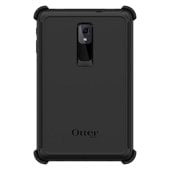
Accessory support is another major factor. Some Galaxy tablets work with S Pen input, detachable keyboards, and protective cases designed for specific models. Battery size, charging port type, and camera placement also help shape daily convenience.
Expandable storage is especially relevant here. Many shoppers choose Samsung tablets because microSD support adds flexibility for downloaded movies and larger file libraries. That feature is not universal across the tablet market.
Choosing the right Samsung tablet for your needs
Students often want a device that handles notes, reading, and portable entertainment. A Samsung tablet with S Pen compatibility and a clear display can fit lectures, annotation, and downtime between classes. If portability comes first, a lighter screen size may fit a backpack easily.
For work and home office tasks, focus on keyboard compatibility and screen space. A Samsung Galaxy tablet with multitasking tools can support email, document review, video meetings, and calendar management. It can also work well as a travel-friendly second screen.
Families often want a shared device for streaming, browsing, and app use. In that case, durable cases, expandable storage, and an easy interface become important. A Galaxy tablet can move from road trips to kitchen counters with less bulk than a laptop.
Creative users should compare pen support, display responsiveness, and available accessories. Some Samsung Galaxy Tab models are especially appealing for sketching, handwritten ideas, and visual planning. Pairing a tablet with a keyboard case or Galaxy Buds can complete the setup.
Compare Samsung Galaxy tablets with confidence
Choosing among Samsung tablets comes down to screen size, accessory support, storage flexibility, and how deeply you use Galaxy features. The right Samsung tablet can cover streaming, note-taking, travel, and light work in one compact device. That versatility makes everyday tasks feel simpler on a screen built for phone tasks and larger projects.