


Find auto parts that fit
Let’s search for parts that fit your vehicle.
Fuel Pumps - Electric In-Tank Modules & Assemblies

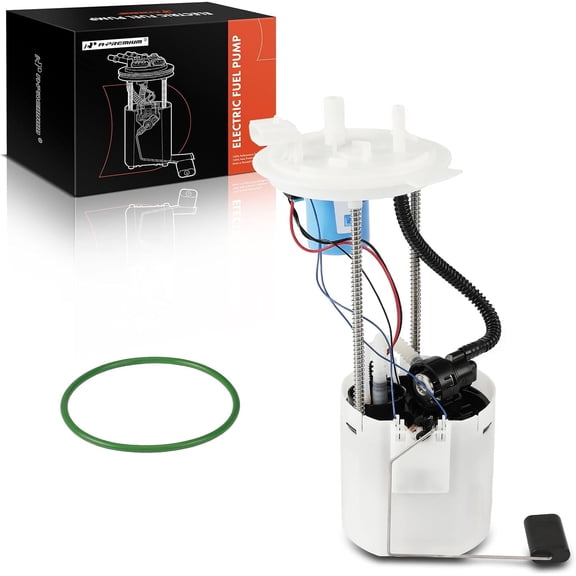
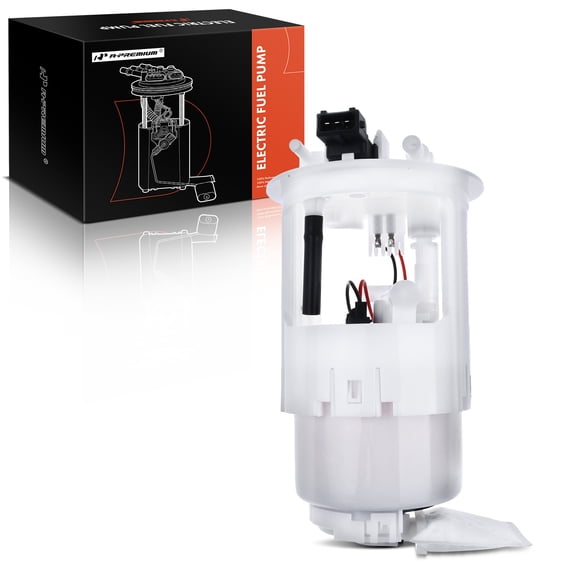


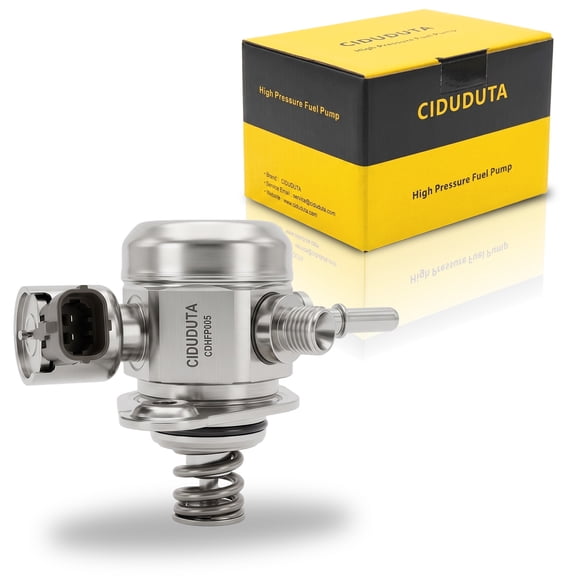
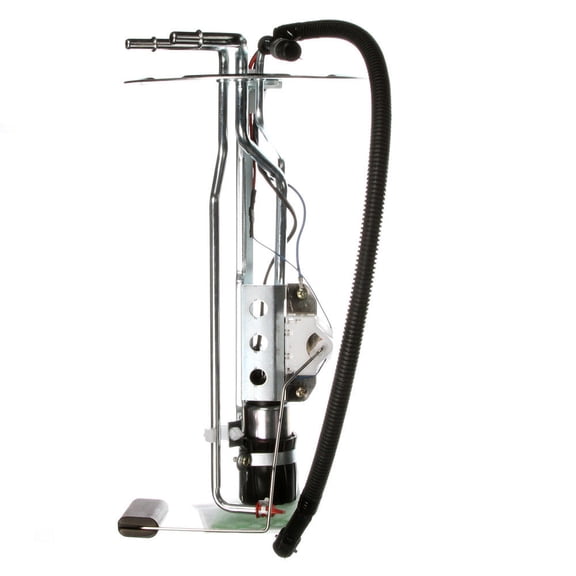
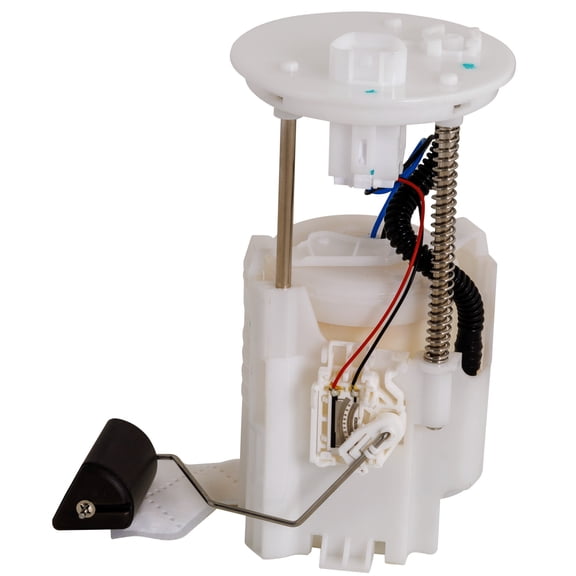


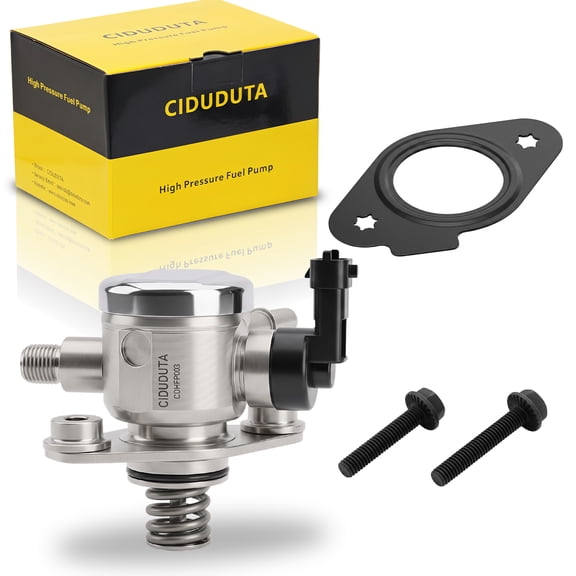


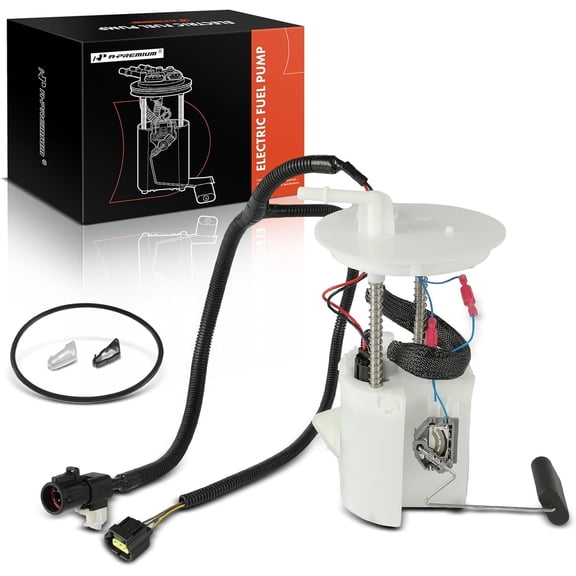


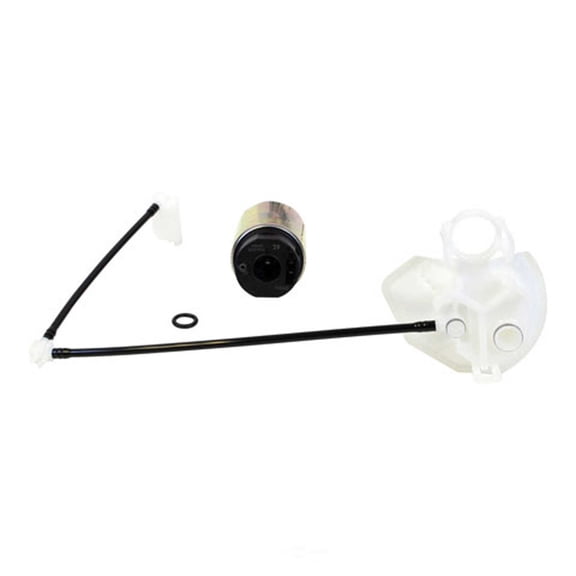


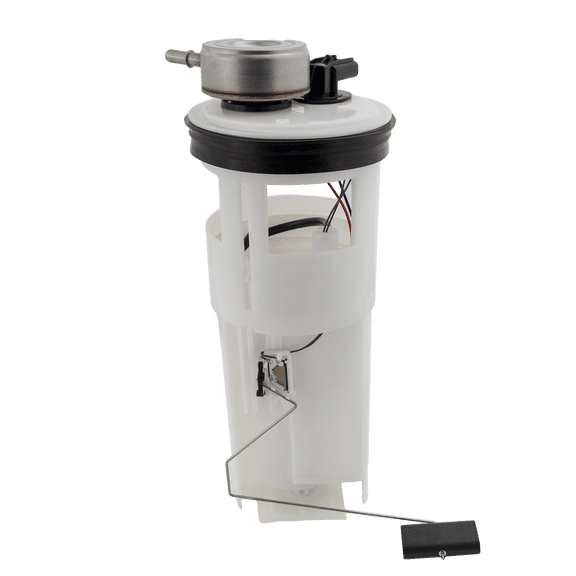

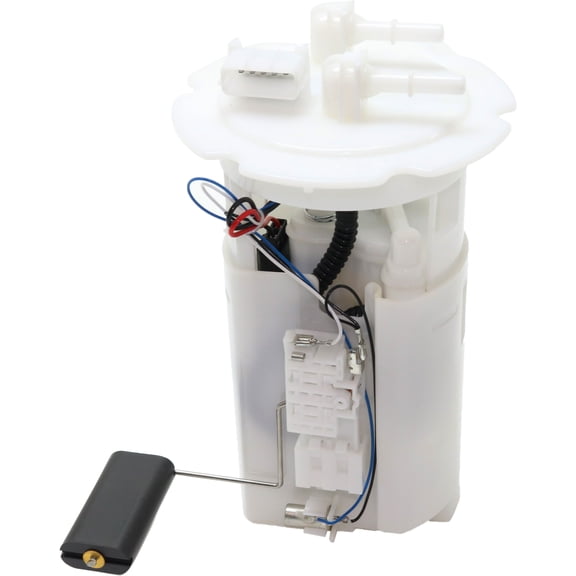


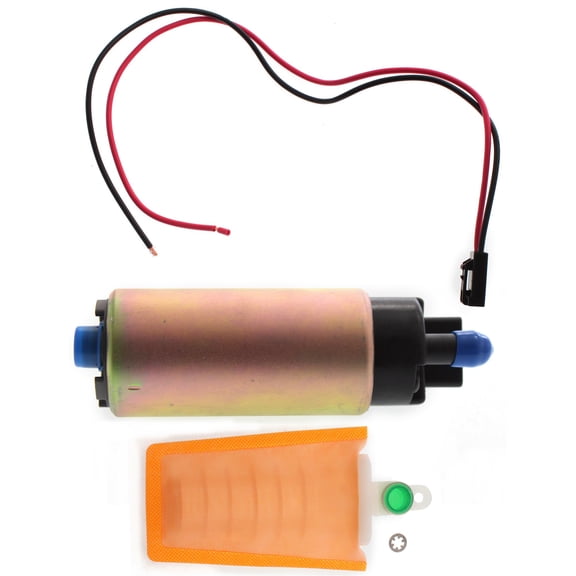
About Fuel Pumps - Electric In-Tank Modules & Assemblies - Walmart.com
Computer power supplies help you build, upgrade, or replace a core PC part with clear guidance on wattage, fit, and cable layout. You can compare ATX, SFX, and modular options here, so your setup matches your case, components, and daily workload.
Choosing computer power supplies by wattage
You should start with wattage because your graphics card and processor set the power draw for your system. You can avoid guesswork by matching your build type to practical wattage ranges.
If you use an office desktop, you may only need a power supply unit in the 500W to 650W range. If you build a gaming PC, you may want a 750w power supply or 850w power supply for newer graphics cards.
You should also leave some headroom for extra drives, cooling, and future upgrades. You’ll find that a little extra capacity can support steadier performance under heavier loads.
- You can match lower wattage options to everyday office desktops and simple home setups.
- You can choose 700W to 850W models when your gaming PC uses a stronger GPU and multiple accessories.
- You can consider 1000W+ options when your build includes high-end graphics, added storage, or server-style workloads.
How to compare modular power supply options
You should compare cable styles next because they affect installation, airflow, and how tidy your case looks. You can pick fully modular, semi-modular, or non-modular layouts based on your space and build goals.
If you choose a fully modular power supply, you connect only the cables your system needs. You can reduce clutter more easily, especially if your case has limited routing space.
If you choose a semi-modular model, you keep essential cables attached and add others as needed. You can get a simpler setup process while still improving cable management.
If you choose a non-modular unit, all cables stay attached from the start. You may like this style when your case has room for extra cables and your build stays straightforward.
Understanding 80 plus power supply ratings
You should look at efficiency ratings because they show how effectively your unit converts wall power for your PC. You can compare 80 Plus Bronze, Gold, and Platinum levels when you balance output, heat, and daily use.
If you use your computer for long sessions, an 80 plus power supply with a higher rating may run with less wasted energy. You may also notice less extra heat inside your case during extended gaming or work sessions.
If you want a practical starting point, Bronze often fits general desktop needs well. If you use a demanding setup often, Gold or Platinum may suit your usage pattern more closely.
Checking atx power supply and form factor fit
You should confirm size before anything else because a power supply for pc builds must fit your case correctly. You can usually choose among ATX, SFX, and TFX form factors depending on your enclosure.
If your mid-tower or full-tower case uses a standard layout, an atx power supply is often the expected fit. You should still check your case specifications, because mounting space and cable clearance can vary.
If you build in a compact enclosure, you may need an SFX unit for the right footprint. If you replace a slim desktop unit, you may need TFX dimensions instead of a larger format.
You should also check connector support for your motherboard, graphics card, and storage devices. You can avoid mismatched installations by reviewing PCIe, CPU, and SATA cable needs before you choose.
Matching computer power supplies to how you use your PC
You should choose by use case because your daily tasks shape the right mix of wattage, efficiency, and cable design. You can narrow options quickly when you compare gaming, office, and home server needs.
If you need a gaming pc power supply, you may want higher wattage, stronger GPU support, and cleaner cable routing. You can pair that need with a fully modular design and an 80 Plus Gold rating.
If you use an office desktop, you may prefer a simpler unit with moderate wattage and standard cables. You can focus on dependable output, a familiar ATX fit, and the connectors your system already uses.
If you run a home server, you may want steady power delivery for continuous operation and multiple drives. You can compare higher-capacity options and efficiency levels that fit longer runtimes.
What to look for before you choose a pc power supply
You should review wattage, modularity, efficiency, and form factor together before you decide. You can make a cleaner choice when each detail supports your case size, hardware list, and upgrade plans.
Computer power supplies work effectively for you when the unit fits your case, powers your graphics card, and keeps cable routing manageable. You’ll feel more confident when your build starts with the right electrical foundation.