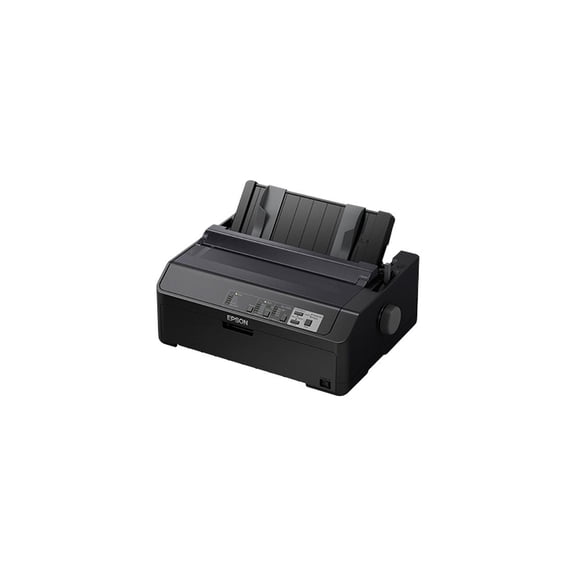
Epson Tm U220b(2)
(Open Box) Epson XP-4205 Small-in-One Inkjet Printer, Scanner, Copier - Black $51.00

(Open Box) Epson XP-4205 Small-in-One Inkjet Printer, Scanner, Copier - Black
Restored Epson TM-U220B Impact Receipt Printer – 2-Color, Ethernet, Auto-Cutter, 6 LPS, Auto-Status, Includes PS-180 Power Supply (Refurbished) $255.00 Was $280.00
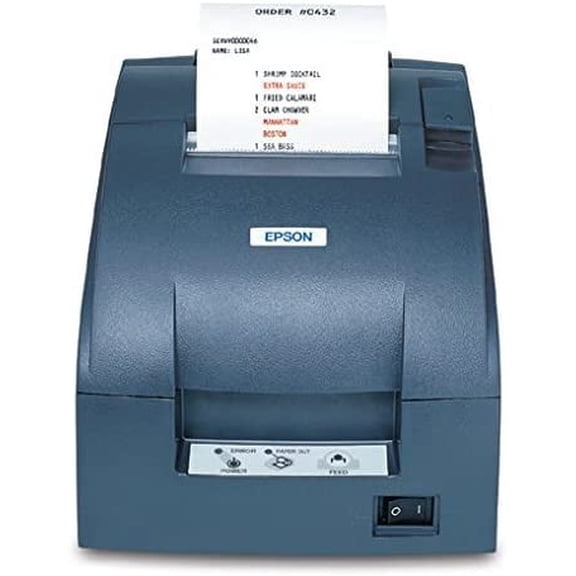
Restored Epson TM-U220B Impact Receipt Printer – 2-Color, Ethernet, Auto-Cutter, 6 LPS, Auto-Status, Includes PS-180 Power Supply (Refurbished)
Other options to consider(4)
Epson WorkForce Pro WF-7820 Wireless All-in-One Wide-format Printer with Auto 2-sided Print up to 13" x 19", Copy, Scan and Fax, 50-page ADF, 250-sheet Paper Capacity, and 4.3" Color Touchscreen $329.99

Epson WorkForce Pro WF-7820 Wireless All-in-One Wide-format Printer with Auto 2-sided Print up to 13" x 19", Copy, Scan and Fax, 50-page ADF, 250-sheet Paper Capacity, and 4.3" Color Touchscreen
Restored Epson TM-S9000 Multifunction Check Scanner and Receipt Printer, 110 DPM, MSR Reader, USB Hub, Model A41A267001 $789.99

Restored Epson TM-S9000 Multifunction Check Scanner and Receipt Printer, 110 DPM, MSR Reader, USB Hub, Model A41A267001
Epson TM-m30II Thermal Receipt Printer, USB & Ethernet, Black, C31CJ27022 $250.00
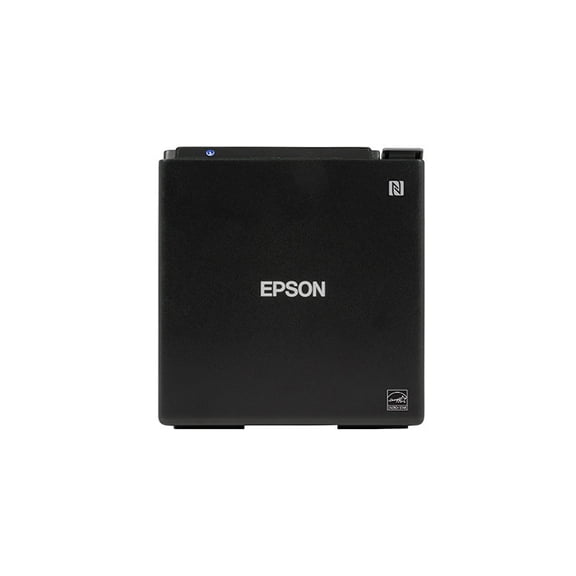
Epson TM-m30II Thermal Receipt Printer, USB & Ethernet, Black, C31CJ27022
Printhead Print Head Cable Fits For Epson U220PB U220PD TM-U220PA U220PA TM-U220B TM-U220PB TM-U220PD $10.99

Printhead Print Head Cable Fits For Epson U220PB U220PD TM-U220PA U220PA TM-U220B TM-U220PB TM-U220PD
FAQ
What makes an impact receipt printer different from a thermal one?
An impact receipt printer uses a ribbon and tiny pins to print on paper by striking it, which lets it create two-color receipts and handle multipart forms. Thermal printers use heat-sensitive paper and don't need ink ribbons, but they usually print in only one color and can be sensitive to heat or light.
- Impact printers are often preferred for kitchens or places with high heat, as the print won't fade easily.
- Thermal printers are quieter and a bit faster but may have higher supply costs over time.
Choosing between them depends on your printing needs and operating environment.
How do I connect an Ethernet receipt printer to my network?
To connect an Ethernet receipt printer to your network, start by plugging the Ethernet cable into the printer and your router or network switch. Power on the printer and locate its IP address—this is usually printed on a status or test page from the printer's menu.
- Install any required drivers on your POS system or computer.
- Enter the printer's IP address in your system's printer setup area.
Following these steps can help you get connected, but consult your POS software's support for specific details if you run into any issues.
Can I use a refurbished receipt printer for my restaurant?
Many restaurants choose refurbished receipt printers to balance cost and reliability. Refurbished models are typically inspected, cleaned, and tested to make sure they work well before resale. They can be a good fit for kitchens or front-of-house use, especially if you're looking for a dependable printer without a high price tag.
- Check for included accessories like power supplies or network cables.
- Look for details about the refurbishing process and what's covered.
Always review the product details to confirm it matches your needs and setup.
What ink or ribbon do I need for this receipt printer?
Impact receipt printers use ink ribbons, which are specific to the printer model. You'll want to check your user manual or the product's technical specs to confirm the right ribbon type and size. Some models use two-color ribbons for red and black printing, while others use single-color ribbons.
- Using the correct ribbon helps maintain print quality and reduces wear on the printer.
- Always install ribbons per the instructions to avoid jams or damage.
If you're unsure, consult the product listing or reach out to customer support for guidance.
How do I troubleshoot printing issues with my receipt printer?
If your receipt printer isn't printing as expected, there are a few steps you can try:
- Check that the printer is powered on and properly connected to your network or POS system.
- Make sure there's paper in the tray and the ribbon is installed correctly.
- Print a self-test page to see if the printer works independently of your POS system.
- Restart both your printer and POS system to reset connections.
If issues continue, refer to the user manual or contact technical support for further help.
Popular in Epson TM U220B Receipt Printers and Accessories
Related Products
Epson WorkForce ST-C8000 Wireless Inkjet Multifunction Printer Color C11CH71202
 Epson WorkForce ST-C8000 Wireless Inkjet Multifunction Printer Color C11CH71202$1235.86current price $1235.86
EPSON C11CE21201 Surecolor P600 5760x1440dpi Inkjet
 EPSON C11CE21201 Surecolor P600 5760x1440dpi Inkjet$1699.00current price $1699.00
Epson Monochrome Thermal POS Printer TM-T20III C31CH51001
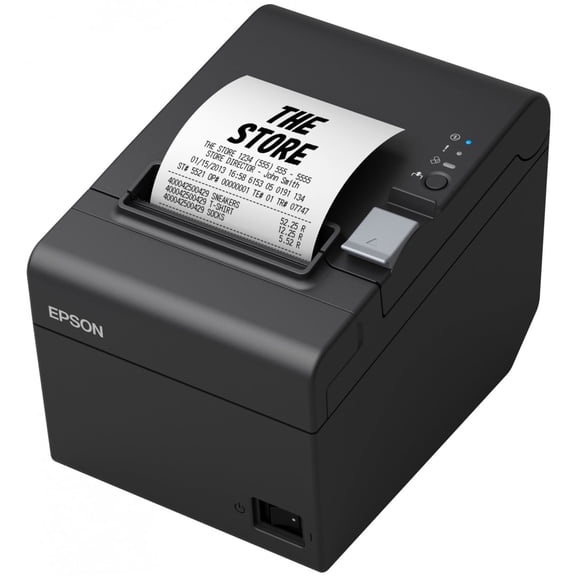 Epson Monochrome Thermal POS Printer TM-T20III C31CH51001$258.99current price $258.99
Epson EcoTank ET-15000 Wireless Color All-in-One Supertank Printer with Scanner, Copier, Fax, Ethernet, Bundle with AIEC Printer Cable
 Epson EcoTank ET-15000 Wireless Color All-in-One Supertank Printer with Scanner, Copier, Fax, Ethernet, Bundle with AIEC Printer Cable$556.00current price $556.00
Duplex Roller Feed Gear for Epson ET-2720 ET-2750 ET-3750 ET-15000 XP-15000 WF-2850 WF-2903 XP-4105 XP-4205 XP-6000 XP-7100 XP-970 ET-2800 ET-2803 ET-2760 ET-3750 ET-3760 ET-3830 Printers
 Duplex Roller Feed Gear for Epson ET-2720 ET-2750 ET-3750 ET-15000 XP-15000 WF-2850 WF-2903 XP-4105 XP-4205 XP-6000 XP-7100 XP-970 ET-2800 ET-2803 ET-2760 ET-3750 ET-3760 ET-3830 Printers$21.98current price $21.98
Epson T542 Color Combo Ink Bottles, Ultra High Capacity
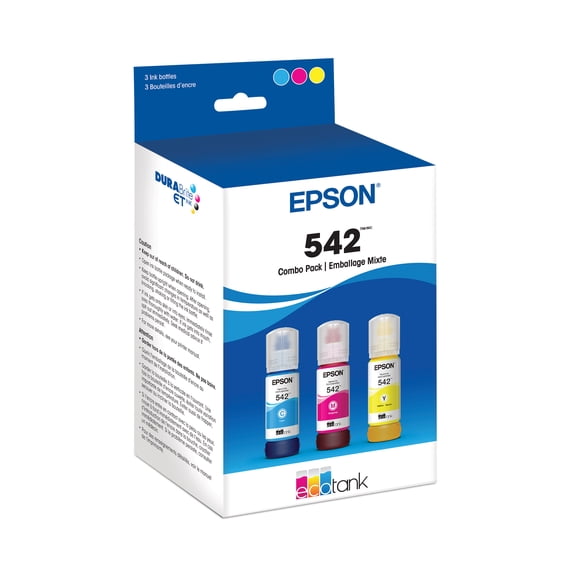 Epson T542 Color Combo Ink Bottles, Ultra High Capacity$83.95current price $83.95
Epson EcoTank Ink Maintenance Box T04D100
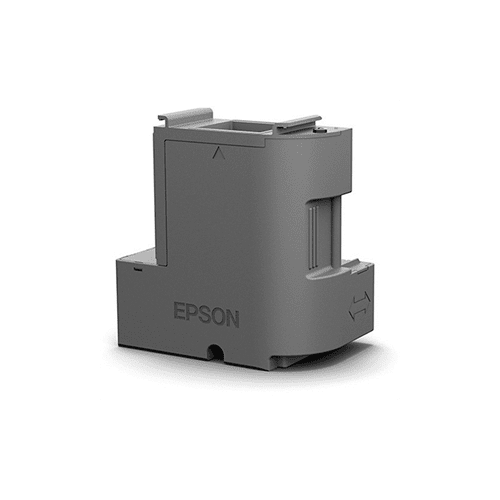 Epson EcoTank Ink Maintenance Box T04D100$28.69current price $28.69
Epson ColorWorks CW-C4000 Color Inkjet Label Printer (Gloss) – C31CK03A9991
 Epson ColorWorks CW-C4000 Color Inkjet Label Printer (Gloss) – C31CK03A9991$2492.00current price $2492.00
Epson Expression 12000XL Color Flatbed Scanner, with LaserSoft Imaging SilverFast Ai Software
 Epson Expression 12000XL Color Flatbed Scanner, with LaserSoft Imaging SilverFast Ai Software$3899.00current price $3899.00
Epson WorkForce Pro WF-C5390 Wireless Inkjet Printer Color C11CK25201
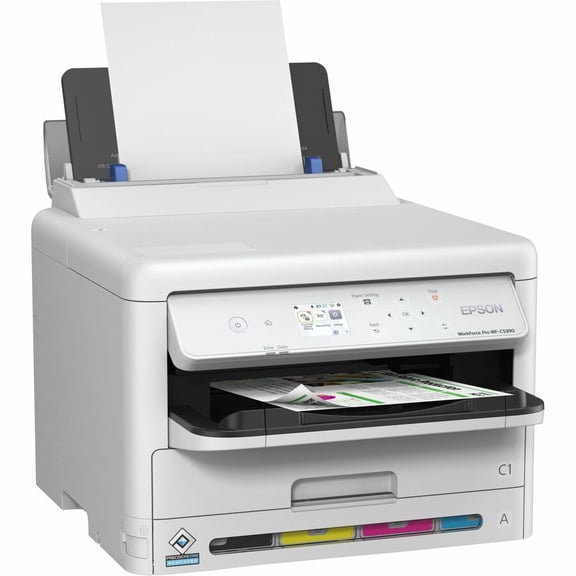 Epson WorkForce Pro WF-C5390 Wireless Inkjet Printer Color C11CK25201$291.34current price $291.34
Epson Stylus C88+ Color Inkjet Printer – 5760 x 1440 dpi, Desktop, Plain Paper Printing, Model C11C617121
 Epson Stylus C88+ Color Inkjet Printer – 5760 x 1440 dpi, Desktop, Plain Paper Printing, Model C11C617121$1042.80current price $1042.80
Epson LQ-680 Pro Dot Matrix Printer – 24-Pin, 360 dpi, High-Speed 106 Columns, 64 KB Buffer, Long-Life 10,000h (P/N: C11C376125A1)
 Epson LQ-680 Pro Dot Matrix Printer – 24-Pin, 360 dpi, High-Speed 106 Columns, 64 KB Buffer, Long-Life 10,000h (P/N: C11C376125A1)$1914.00current price $1914.00