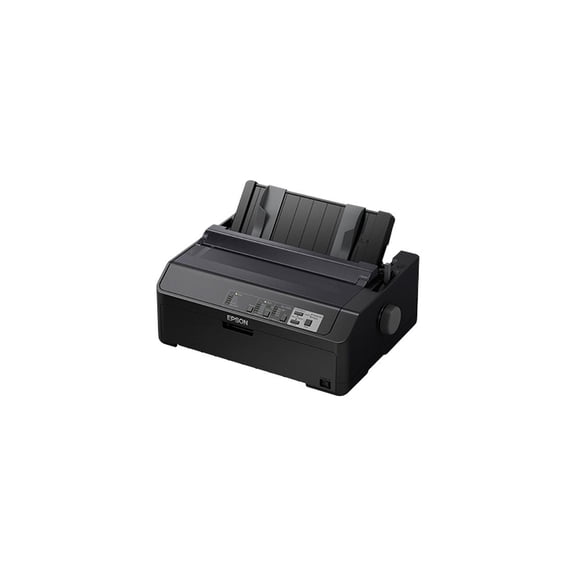
Epson Es400(3)
Epson Workforce ES-400 II Color Duplex Desktop Document Scanner for PC and Mac, with Auto Document Feeder (ADF) $329.99 Was $379.99
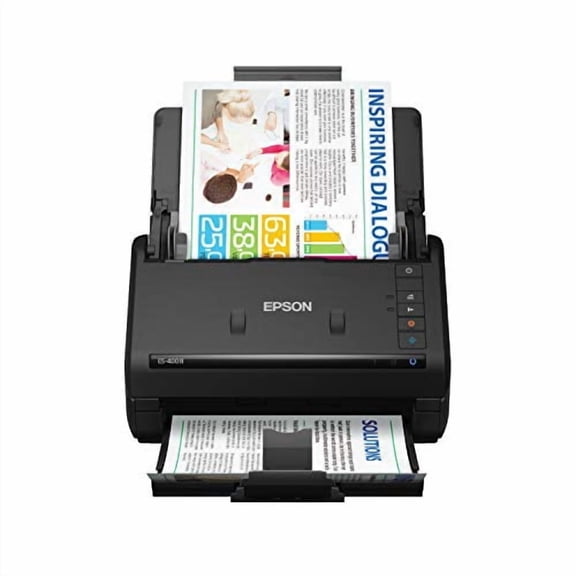
Epson Workforce ES-400 II Color Duplex Desktop Document Scanner for PC and Mac, with Auto Document Feeder (ADF)
Pre-Owned Epson WorkForce ES-400 J381A Duplex Desktop Color Document Scanner w/AC Adapter $288.15

Pre-Owned Epson WorkForce ES-400 J381A Duplex Desktop Color Document Scanner w/AC Adapter
Epson Workforce ES-400 II Color Duplex Desktop Document Scanner for PC and Mac, with Auto Document Feeder (ADF) $415.74
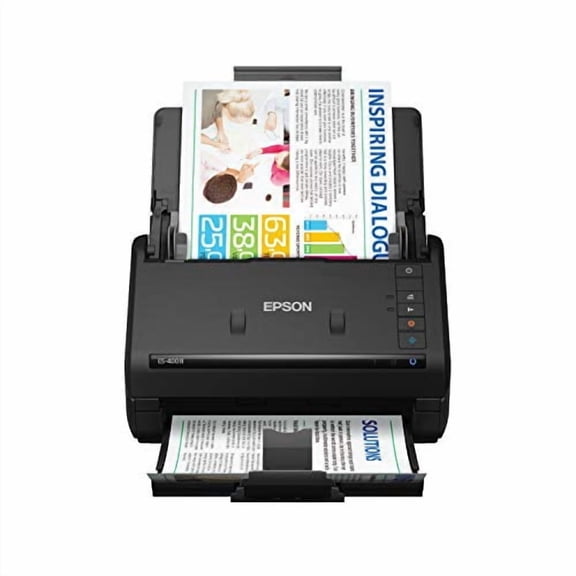
Epson Workforce ES-400 II Color Duplex Desktop Document Scanner for PC and Mac, with Auto Document Feeder (ADF)
Other options to consider(8)
Epson ES-500W II Wireless Duplex Document Scanner $369.99 Was $419.99

Epson ES-500W II Wireless Duplex Document Scanner
Epson WorkForce ES-590W Wireless & USB High-Speed AI & Cloud Ready Desktop Color Duplex Document Scanner for Mac & PC, up to 45 ppm, Large 4.3" Color Touchscreen, 100-Page Auto Document Feeder $389.99 Was $449.99

Epson WorkForce ES-590W Wireless & USB High-Speed AI & Cloud Ready Desktop Color Duplex Document Scanner for Mac & PC, up to 45 ppm, Large 4.3" Color Touchscreen, 100-Page Auto Document Feeder
Epson ColorWorks CW-C4000 Color Inkjet Label Printer (Gloss) C31CK03A9991 $2,492.00

Epson ColorWorks CW-C4000 Color Inkjet Label Printer (Gloss) C31CK03A9991
Epson WorkForce Pro ST-C5500 Wired & Wireless Inkjet Multifunction Printer - Color - Outgoing Fax Only C11CJ28202 $940.00 Was $1,010.34

Epson WorkForce Pro ST-C5500 Wired & Wireless Inkjet Multifunction Printer - Color - Outgoing Fax Only C11CJ28202
Restored Epson LX-300 Plus 9-Pin Dot Matrix Impact Printer, Reliable Continuous Paper Printer, Model C294001 $838.80

Restored Epson LX-300 Plus 9-Pin Dot Matrix Impact Printer, Reliable Continuous Paper Printer, Model C294001
Restored Epson LQ-590 C11C558001 24-Pin Dot Matrix Printer, High-Speed Monochrome Impact Printer, USB & Parallel, Heavy-Duty Business Printer $780.00

Restored Epson LQ-590 C11C558001 24-Pin Dot Matrix Printer, High-Speed Monochrome Impact Printer, USB & Parallel, Heavy-Duty Business Printer
Restored Epson LQ-680 Pro Dot Matrix Printer – 24-Pin, 360 dpi, High-Speed 106 Columns, 64 KB Buffer, Long-Life 10,000h (P/N: C11C376125A1) $1,914.00
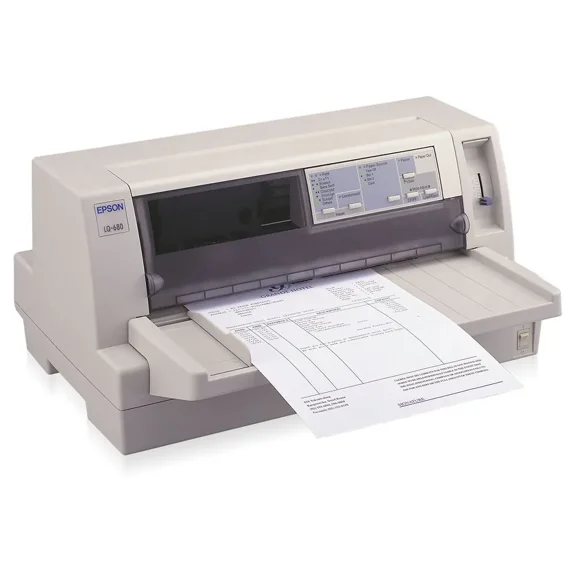
Restored Epson LQ-680 Pro Dot Matrix Printer – 24-Pin, 360 dpi, High-Speed 106 Columns, 64 KB Buffer, Long-Life 10,000h (P/N: C11C376125A1)
Restored Epson LQ-590 24-Pin Impact Printer, High-Speed Dot Matrix, C11C558001

Restored Epson LQ-590 24-Pin Impact Printer, High-Speed Dot Matrix, C11C558001
FAQ
What can I scan with the Epson ES-400?
The Epson Workforce ES-400 II scanner is designed for a wide variety of documents. You can use it to scan:
- Receipts and invoices
- Photos (in standard sizes)
- Business cards
- Multi-page contracts
- Double-sided documents
It's a great tool for digitizing paperwork quickly, and its auto document feeder (ADF) makes scanning multiple sheets much easier. For best results, avoid scanning items thicker than standard paper or documents with staples or paperclips.
How does duplex scanning work on this scanner?
Duplex scanning means the Epson ES-400 II can scan both sides of a document at once, saving you time and effort. Here's how it works:
- Place your double-sided documents in the auto document feeder (ADF).
- The scanner automatically pulls each page through, capturing both sides in a single pass.
- Digital images are saved onto your computer, ready to be organized or shared.
This feature is especially handy for scanning lengthy contracts or statements without flipping pages manually.
Can I use the Epson ES-400 with Mac computers?
Yes, the Epson Workforce ES-400 II scanner is compatible with both PC and Mac computers. To set it up:
- Connect the scanner to your Mac using the included cable.
- Download and install the necessary drivers from Epson's official website.
- Follow on-screen instructions to begin scanning documents.
The software offers easy-to-use options for saving and organizing your scans. If you run into issues, checking the latest driver updates may help.
How do I keep the Epson ES-400 scanner clean?
To maintain clear, high-quality scans from your ES-400, it's important to keep the scanner clean:
- Turn off and unplug your scanner before cleaning.
- Gently wipe the glass and rollers with a soft, lint-free cloth.
- Avoid using harsh chemicals or spraying liquids directly on the device.
Regular cleaning prevents dust or debris from causing streaks or jams. If you notice decreased scan quality, checking for smudges on the glass is a good first step.
Is there a way to scan a stack of receipts quickly?
Absolutely! The Epson ES-400 II's auto document feeder (ADF) lets you scan several receipts in one go. Here's what you can do:
- Stack your receipts neatly and insert them into the feeder.
- Start the scan using the control software or panel.
- The scanner processes them one after another, saving digital copies to your computer.
This makes it much easier to organize expenses for budgeting or tax purposes. If receipts are wrinkled, flatten them for smoother feeding.
Popular in Epson ES400 Electronics and Accessories Selection
Related Products
Epson Expression 12000XL Color Flatbed Scanner, with LaserSoft Imaging SilverFast Ai Software
 Epson Expression 12000XL Color Flatbed Scanner, with LaserSoft Imaging SilverFast Ai Software$3899.00current price $3899.00
Epson EcoTank ET-15000 Wireless Color All-in-One Supertank Printer with Scanner, Copier, Fax, Ethernet, Bundle with AIEC Printer Cable
 Epson EcoTank ET-15000 Wireless Color All-in-One Supertank Printer with Scanner, Copier, Fax, Ethernet, Bundle with AIEC Printer Cable$556.00current price $556.00
Epson Perfection V370 Photo Scanner, 4800 x 9600
 Epson Perfection V370 Photo Scanner, 4800 x 9600$399.99current price $399.99
Epson WorkForce ST-C8000 Wireless Inkjet Multifunction Printer Color C11CH71202
 Epson WorkForce ST-C8000 Wireless Inkjet Multifunction Printer Color C11CH71202$1235.86current price $1235.86
Epson WorkForce Pro WF-C5390 Wireless Inkjet Printer Color C11CK25201
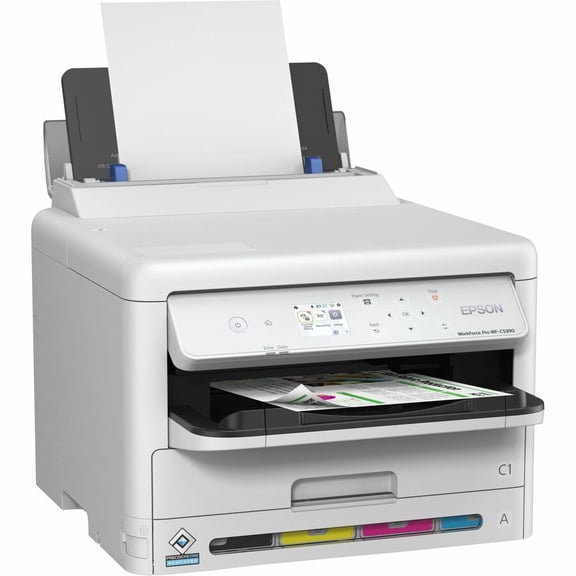 Epson WorkForce Pro WF-C5390 Wireless Inkjet Printer Color C11CK25201$291.34current price $291.34
Epson WorkForce ST-C5000 Wireless Inkjet Multifunction Printer Color
 Epson WorkForce ST-C5000 Wireless Inkjet Multifunction Printer Color$1289.99current price $1289.99
Epson J27771M Epson B11B178011 Perfection V700 Photo Scanner
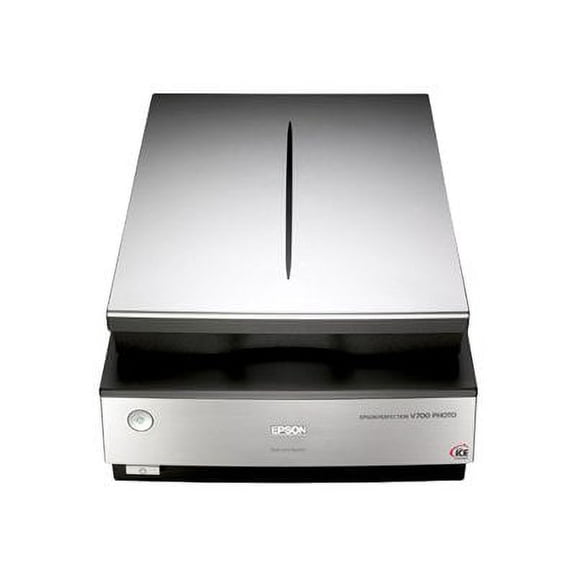 Epson J27771M Epson B11B178011 Perfection V700 Photo Scanner$1498.00current price $1498.00
Epson WorkForce ST-C4100 Wireless Inkjet Multifunction Printer Color C11CJ60203
 Epson WorkForce ST-C4100 Wireless Inkjet Multifunction Printer Color C11CJ60203$412.00current price $412.00
Epson FX-890 Impact Dot Matrix Printer, 9-Pin, High-Speed Parallel and USB – P/N C11C524001
 Epson FX-890 Impact Dot Matrix Printer, 9-Pin, High-Speed Parallel and USB – P/N C11C524001$960.00current price $960.00
Epson FX-890N High-Speed Networking Impact Dot Matrix Printer – 9-Pin, Parallel/USB/Ethernet, C11C524001NT
 Epson FX-890N High-Speed Networking Impact Dot Matrix Printer – 9-Pin, Parallel/USB/Ethernet, C11C524001NT$1080.00current price $1080.00
Restored Epson TM-S9000MJ Check Scanner and Printer, 200 DPM, 2-Pocket, USB, Without MSR – P/N A41A267112 (Refurbished)
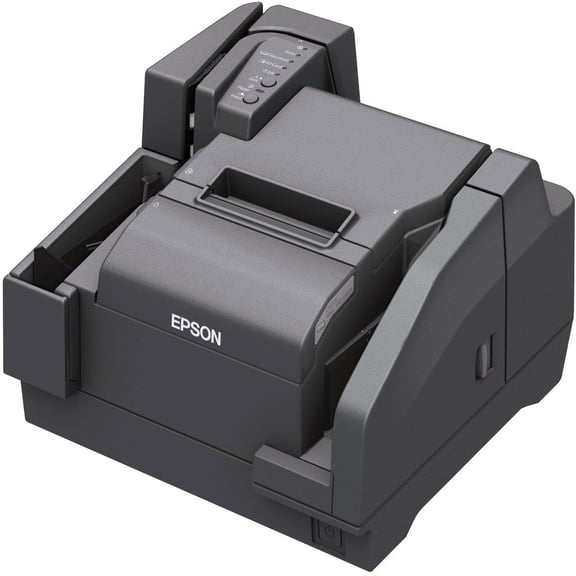 Restored Epson TM-S9000MJ Check Scanner and Printer, 200 DPM, 2-Pocket, USB, Without MSR – P/N A41A267112 (Refurbished)$840.00current price $840.00
Epson FX-2190II NT Network Impact Printer
 Epson FX-2190II NT Network Impact Printer$844.60current price $844.60
Kyocera ECOSYS M3655idn B&W Multifunction Printer – 57 PPM, Print/Scan/Copy/Fax, Duplex, 1200 dpi, Mobile Printing Ready - 1102TB2US0
 Kyocera ECOSYS M3655idn B&W Multifunction Printer – 57 PPM, Print/Scan/Copy/Fax, Duplex, 1200 dpi, Mobile Printing Ready - 1102TB2US0$3000.00current price $3000.00
Epson Artisan 1430 Wireless Color Wide-Format Inkjet Printer – 13" Borderless Printing, Wireless Networking, C11CB53201
 Epson Artisan 1430 Wireless Color Wide-Format Inkjet Printer – 13" Borderless Printing, Wireless Networking, C11CB53201$3120.00current price $3120.00
Epson FX 890II - Printer - monochrome - dot-matrix - Roll (21.6 cm), 254 mm (width), 257 x 363 mm -
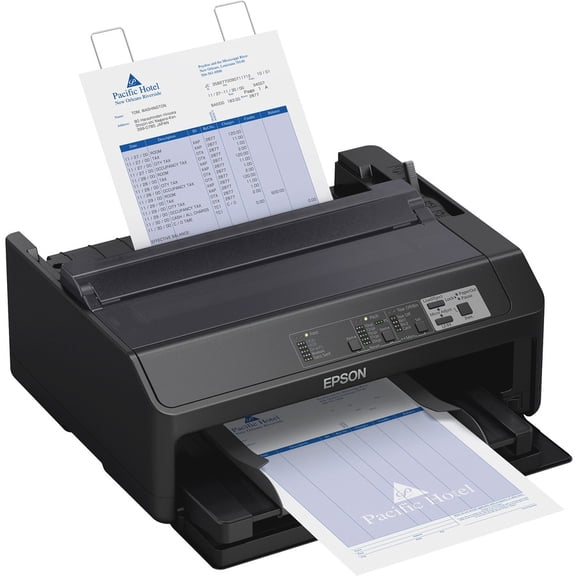 Epson FX 890II - Printer - monochrome - dot-matrix - Roll (21.6 cm), 254 mm (width), 257 x 363 mm -$422.55current price $422.55