

Epartsolution(13)
Compatible with Samsung Galaxy Note 10 N970/Galaxy Note 10 Plus N975 Stylus Pen S Pen Touch Pen All Carriers (Without Bluetooth) Blue Was $15.99
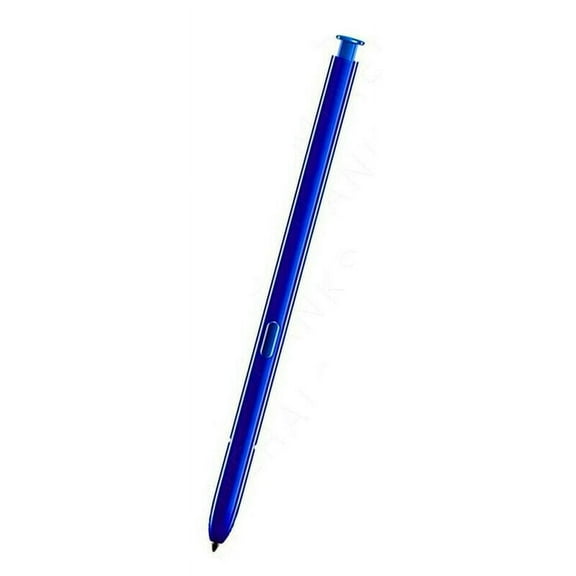


Compatible with Samsung Galaxy Note 10 N970/Galaxy Note 10 Plus N975 Stylus Pen S Pen Touch Pen All Carriers (Without Bluetooth) Blue
(Black) for 25 Ultra Stylus S Pen Touch Pencil All Carriers Replacement for Samsung Galaxy S25 Ultra 5G SM-S938 (Without Bluetooth)
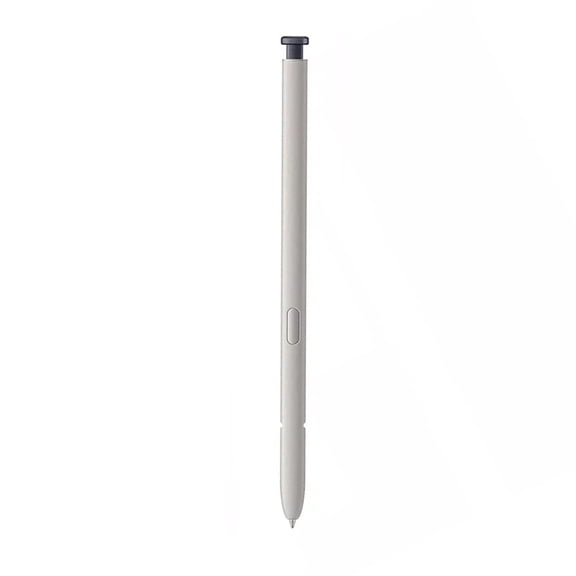


(Black) for 25 Ultra Stylus S Pen Touch Pencil All Carriers Replacement for Samsung Galaxy S25 Ultra 5G SM-S938 (Without Bluetooth)
Note10/Note10 Plus Stylus Pen for Samsung Galaxy Note 10/Galaxy Note 10 Plus S Pen Compatible with Samsung Galaxy Note 10 SM-N970/Galaxy Note 10 SM-N975 All Carriers (Without Bluetooth) White

Note10/Note10 Plus Stylus Pen for Samsung Galaxy Note 10/Galaxy Note 10 Plus S Pen Compatible with Samsung Galaxy Note 10 SM-N970/Galaxy Note 10 SM-N975 All Carriers (Without Bluetooth) White
FAQ
How do I pick the right stylus for my device?
Choosing the right stylus depends on your device model and compatibility. Make sure to look for stylus pens that mention your phone or tablet’s exact model in their description. Many styluses, like those listed, are designed for specific Samsung Galaxy or Motorola Moto G models and do not support Bluetooth functionality. Double-check if your device accepts stylus input and read the item details on the product page to avoid compatibility issues.
Can these stylus pens let me write or draw easily?
Most replacement stylus pens are created to help you write, draw, and navigate your screen smoothly. They offer pressure-sensitive tips that mimic a natural pen feel. While you can use them for quick notes and doodles, some advanced features like pressure variations or Bluetooth actions aren’t available on non-Bluetooth models. For basic everyday tasks, these styluses make things convenient and simple.
Do I need to install anything when I use a new stylus?
For non-Bluetooth stylus pens, no special software or pairing is required. Simply insert the stylus into its slot or use it directly on your screen. Your device should automatically recognize the pen as a touch tool. If your stylus isn’t working, try restarting your device or checking for compatibility in your settings menu. Installation or setup is typically hassle-free for these models.
What’s the best way to care for my stylus pen?
To keep your stylus in good shape, avoid dropping it, exposing it to water, or bending its tip. Clean the stylus gently with a soft cloth to remove dirt and fingerprints. If you notice the tip wearing down, some pens offer replacement tips you can swap. Storing your stylus in its designated slot or a case helps prevent loss or damage, making it last longer.
Are there cases that fit both my tablet and stylus?
Many tablet cases, like those featured here, include a built-in holder or slot for a stylus or touch pencil. This design makes it easier to keep your stylus handy and safe. Look for cases that list compatibility with your tablet’s generation and dimensions, and check if they mention specifics about stylus storage. Having both items together can streamline your workflow and keep your tech organized.
Popular in epartsolution Electronics Accessories for Tablets and Phones
Related Products
Stylus Pens Set Assorted 5 Colors Touch Screen Pen, 10-Pack
 Stylus Pens Set Assorted 5 Colors Touch Screen Pen, 10-Pack$3.12current price $3.12
Stylus Pen for Touch Screens, Active Digital Pencil with Fine Tip, Rechargeable Capacitive Stylus for Tablets & Smartphones, Universal for Drawing & Note-Taking, 4 Replaceable Tips Included
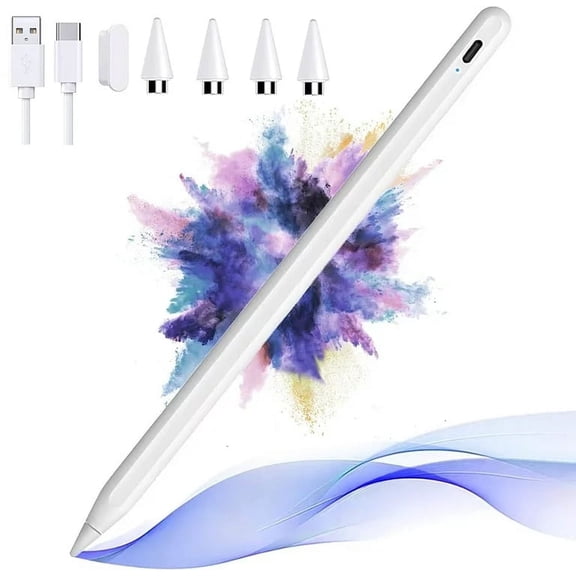 Stylus Pen for Touch Screens, Active Digital Pencil with Fine Tip, Rechargeable Capacitive Stylus for Tablets & Smartphones, Universal for Drawing & Note-Taking, 4 Replaceable Tips Included$12.99current price $12.99
Stylus Pen for Touch Screens, Anti-fingerprint Dual Tips Capacitive Stylus Drawing Pen for Tablet Phone
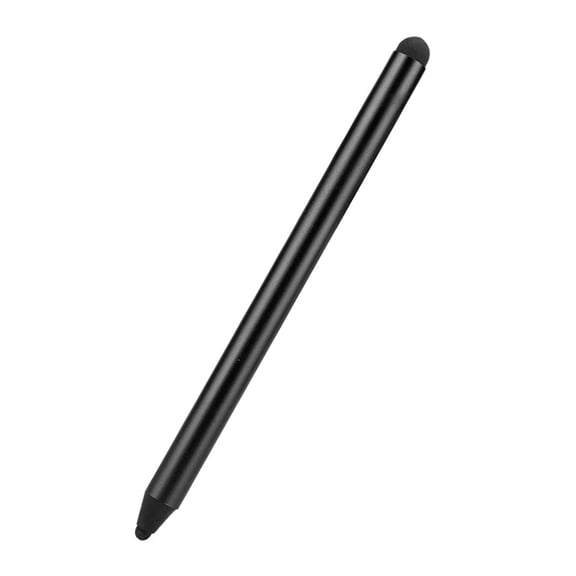 Stylus Pen for Touch Screens, Anti-fingerprint Dual Tips Capacitive Stylus Drawing Pen for Tablet Phone$3.94current price $3.94
Stylus Pen for ipad,Stylus for Touch Screens, Digiroot 4-Pack Stylus Pens High Sensitivity & Precision Capacitive Stylus with 8 Extra Tips for iPhone/ iPad Pro/ Tablets/ Samsung/ Galaxy/ PC
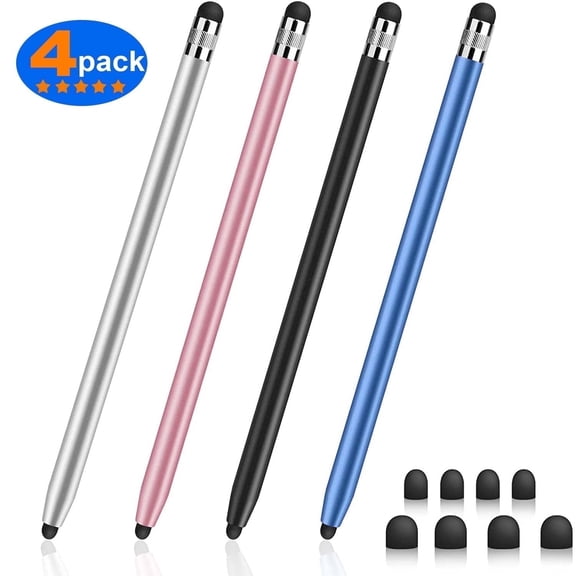 Stylus Pen for ipad,Stylus for Touch Screens, Digiroot 4-Pack Stylus Pens High Sensitivity & Precision Capacitive Stylus with 8 Extra Tips for iPhone/ iPad Pro/ Tablets/ Samsung/ Galaxy/ PC$10.99current price $10.99
Stylus Pen, Stylus Pens for Touch Screens, 7.0 Rubber Tip Touch Pen, Tablet Stylus Pen Touch Screen Pen, Universal Capacitive Touch Screen Pens for Mobile Phones Electronic Tablet Devices,10Pcs
 Stylus Pen, Stylus Pens for Touch Screens, 7.0 Rubber Tip Touch Pen, Tablet Stylus Pen Touch Screen Pen, Universal Capacitive Touch Screen Pens for Mobile Phones Electronic Tablet Devices,10Pcs$4.20current price $4.20
MEKO Stylus Pens for Touch Screens, 2-Pack Touch Pen Tablets Smartphone Styluses with 10 Replaceable Tips
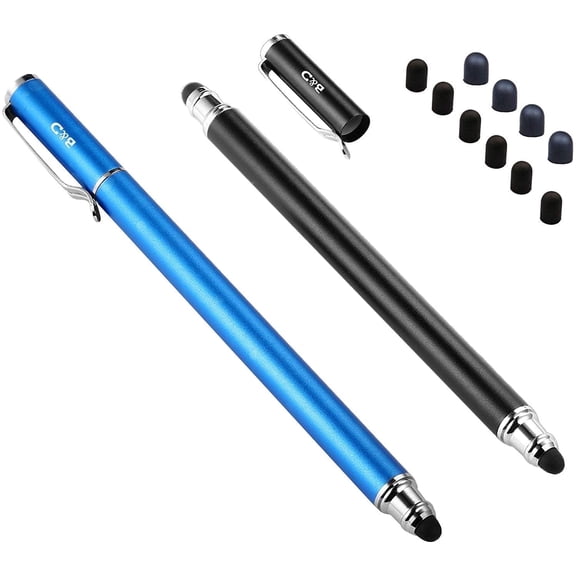 MEKO Stylus Pens for Touch Screens, 2-Pack Touch Pen Tablets Smartphone Styluses with 10 Replaceable Tips$8.99current price $8.99
Stylus Pen [10 pcs], 2-in-1 Universal Touch Screen Stylus + Ballpoint Pen For Smartphones Tablets + 10 Extra Ink
 Stylus Pen [10 pcs], 2-in-1 Universal Touch Screen Stylus + Ballpoint Pen For Smartphones Tablets + 10 Extra Ink$5.77current price $5.77
20pcs Stylus Pen Tip 4.5-7.5mm Conductive Capacitive Touch Screen Pen Tip, Black
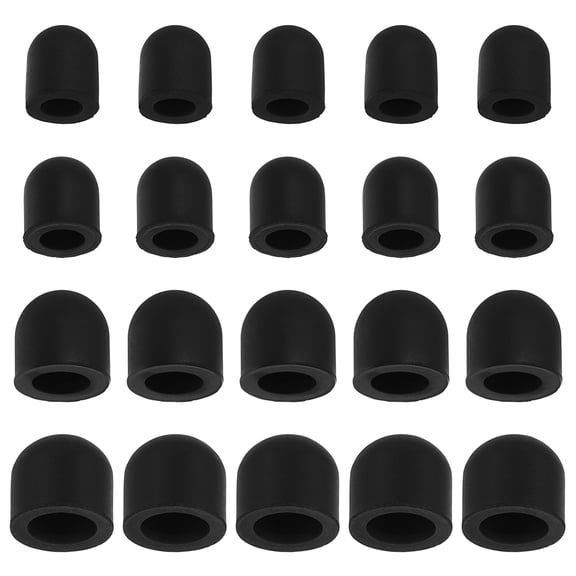 20pcs Stylus Pen Tip 4.5-7.5mm Conductive Capacitive Touch Screen Pen Tip, Black$8.27current price $8.27
80pcs Stylus Pen Tips 5/7mm Conductive Capacitive Touch Screen Pens Tip, Black
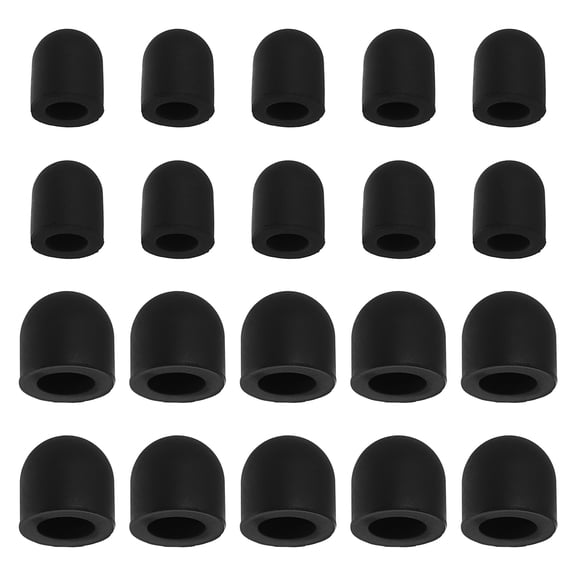 80pcs Stylus Pen Tips 5/7mm Conductive Capacitive Touch Screen Pens Tip, Black$9.69current price $9.69
Mesh fiber tips (10 pack) stylus pen replacement tips suitable for capacitive touch screen, high sensitivity, soft, no scratch screen pen tip
 Mesh fiber tips (10 pack) stylus pen replacement tips suitable for capacitive touch screen, high sensitivity, soft, no scratch screen pen tip$13.99current price $13.99
30pcs Stylus Pen Tips 7.0mm Conductive Capacitive Touch Screen Pens Tip, Black
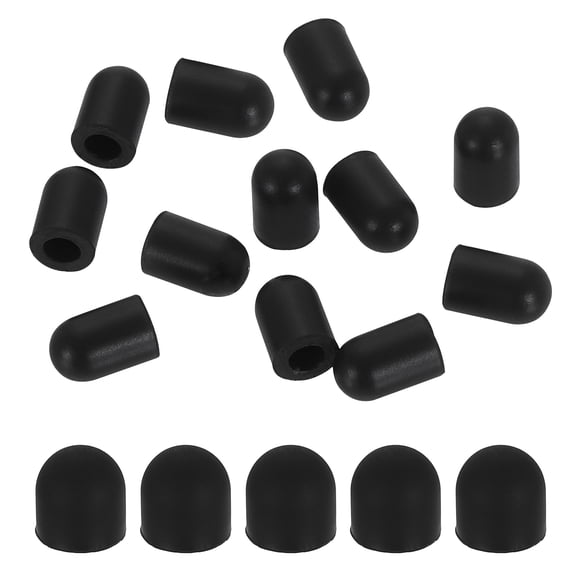 30pcs Stylus Pen Tips 7.0mm Conductive Capacitive Touch Screen Pens Tip, Black$9.31current price $9.31
20pcs Stylus Pen Tips 4.5mm Conductive Capacitive Touch Screen Pens Tip, Black
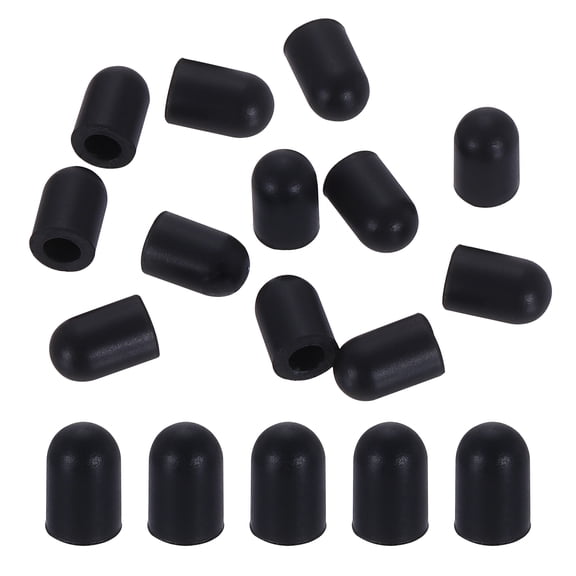 20pcs Stylus Pen Tips 4.5mm Conductive Capacitive Touch Screen Pens Tip, Black$6.99current price $6.99
GROFRY Stylus Pen Sensitive Non-delayed Anti-scratch Universal Accurate Condenser Cloth Head Touch Stylus Pencil for Tablet
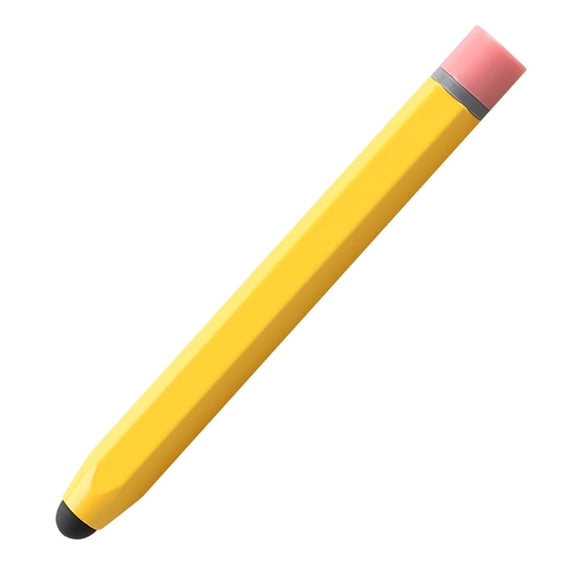 GROFRY Stylus Pen Sensitive Non-delayed Anti-scratch Universal Accurate Condenser Cloth Head Touch Stylus Pencil for Tablet$9.48current price $9.48
Raindrops Capacitive Stylus Pen with Soft Silicone Tip for Smooth Writing and Drawing on Touchscreen Devices Black
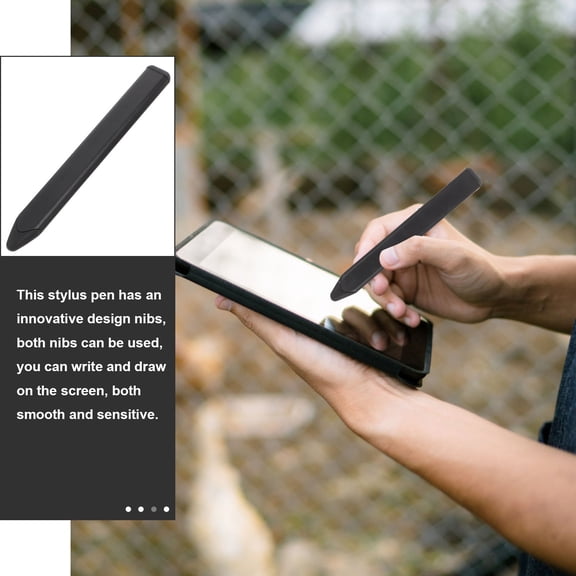 Raindrops Capacitive Stylus Pen with Soft Silicone Tip for Smooth Writing and Drawing on Touchscreen Devices Black$7.76current price $7.76
PAMINGONO Durable Conductive Cloth Stylus Tips Dark Brown for Professional Use
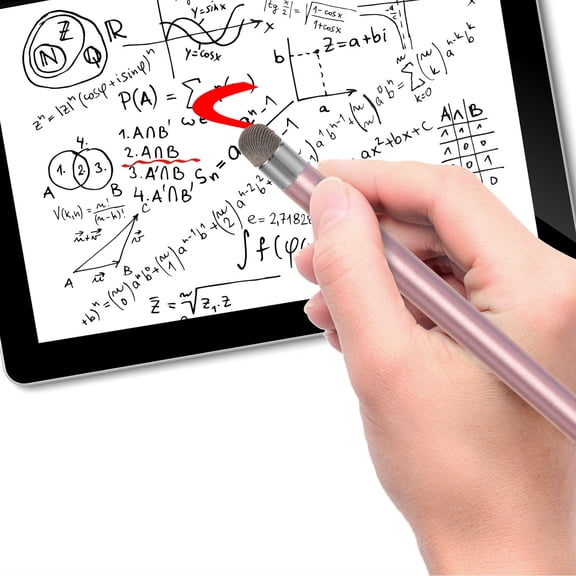 PAMINGONO Durable Conductive Cloth Stylus Tips Dark Brown for Professional Use$8.73current price $8.73
Stylus Pens, 10 Pack, Plastic, Touch Screen - Metallic White
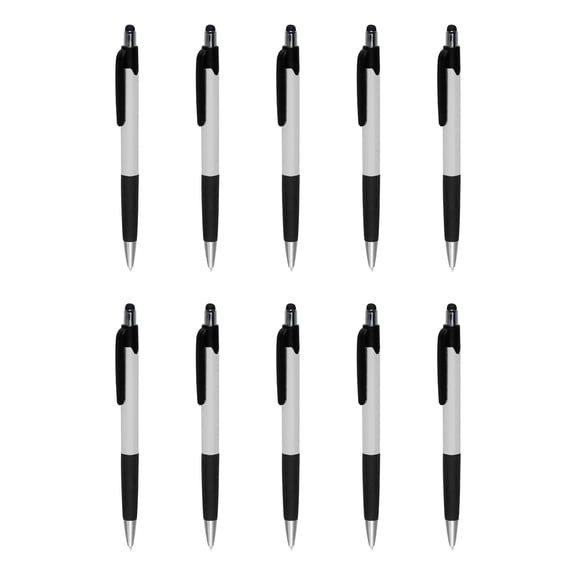 Stylus Pens, 10 Pack, Plastic, Touch Screen - Metallic White$27.99current price $27.99
Active Digital Display Stylus Touch Pen for iPhone 15/16/Plus/Pro/Pro Max/16e - Pink Capacitive Rechargeable Palm Rejection
 Active Digital Display Stylus Touch Pen for iPhone 15/16/Plus/Pro/Pro Max/16e - Pink Capacitive Rechargeable Palm Rejection$37.99current price $37.99