

E Ink Display Raspberry Pi(7)
5 Pack 0.96 Inch OLED Display Module, 128 x 64 Pixel SSD1306 I2C IIC Self-Luminous Screen Board, Compatible with Arduino and Raspberry Pi,Blue From $16.99
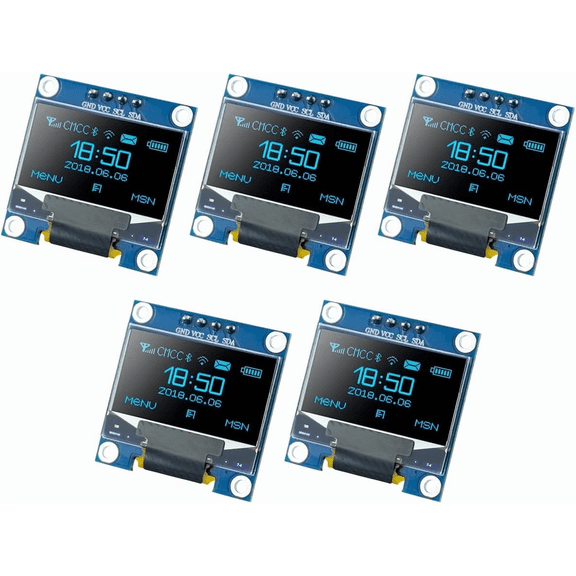
5 Pack 0.96 Inch OLED Display Module, 128 x 64 Pixel SSD1306 I2C IIC Self-Luminous Screen Board, Compatible with Arduino and Raspberry Pi,Blue
2.13Inch E-Ink Display HAT, Black,White Two-Color 250X122 Pixel E-Paper Screen LCD for 4B/3B+/3B/2B/Zero $22.51
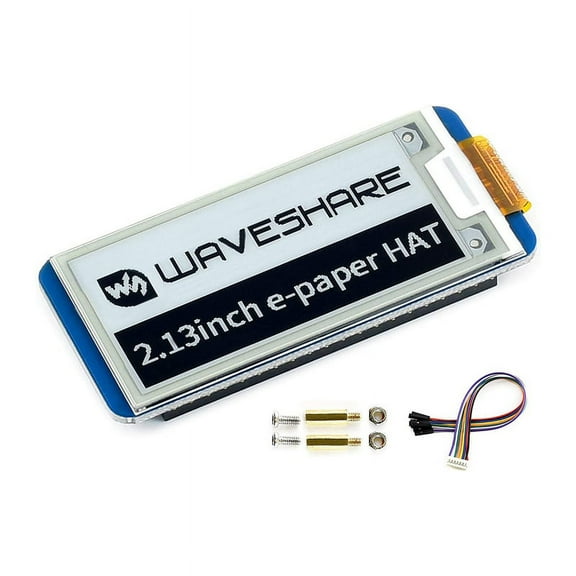
2.13Inch E-Ink Display HAT, Black,White Two-Color 250X122 Pixel E-Paper Screen LCD for 4B/3B+/3B/2B/Zero
Waveshare 4.2 Inch E-Ink Display Module for Raspberry Pi 4 B E-Paper $36.99
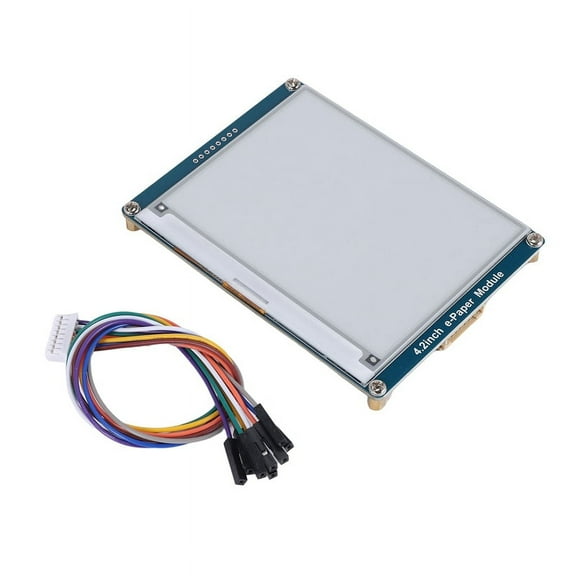
Waveshare 4.2 Inch E-Ink Display Module for Raspberry Pi 4 B E-Paper
2X 4.2 Inch E-Ink Display Module for 4 B E-Paper Module $63.66

2X 4.2 Inch E-Ink Display Module for 4 B E-Paper Module
2.13-inch E-Paper Display HAT for Raspberry Pi 250122 Resolution, SPI Interface, E-Ink Screen $27.74

2.13-inch E-Paper Display HAT for Raspberry Pi 250122 Resolution, SPI Interface, E-Ink Screen
2.13Inch Electric Ink Display High Readability Environmental Protections $16.58
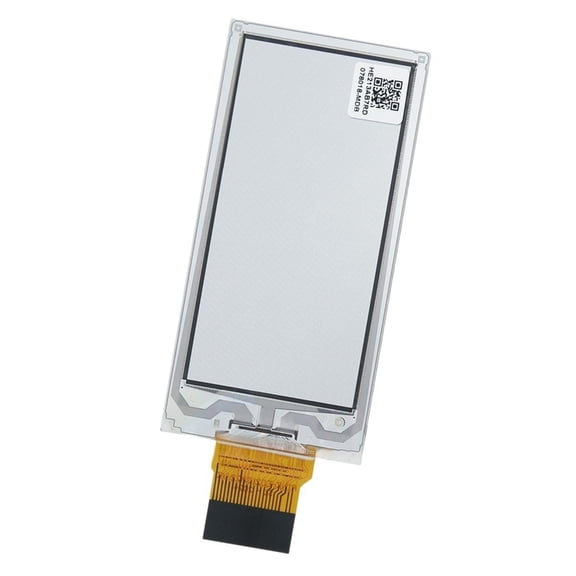
2.13Inch Electric Ink Display High Readability Environmental Protections
2X 4.2 Inch E-Ink Display Module for 4 B E-Paper Module $80.19

2X 4.2 Inch E-Ink Display Module for 4 B E-Paper Module
Other options to consider(19)
Novixy 3.5 Inch IPS Touchscreen Display for Raspberry Pi 5/4B/3B+/3B, 480x320 HD LCD Display with Stylus, Plug and Play GPIO Screen for Raspbian Ubuntu Kali, Black $16.23 Was $19.59
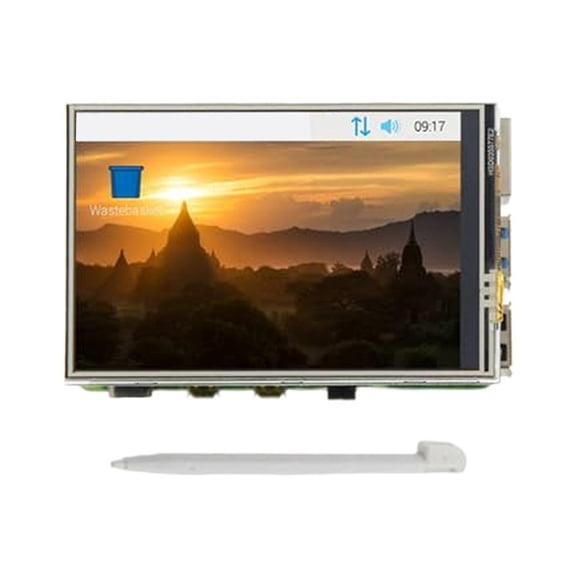
Novixy 3.5 Inch IPS Touchscreen Display for Raspberry Pi 5/4B/3B+/3B, 480x320 HD LCD Display with Stylus, Plug and Play GPIO Screen for Raspbian Ubuntu Kali, Black
Novixy 3.5 Inch Resistive Touch Screen LCD Display Module 480x320 Resolution Compatible with Raspberry Pi for DIY Projects and Embedded Systems $14.59 Was $17.67
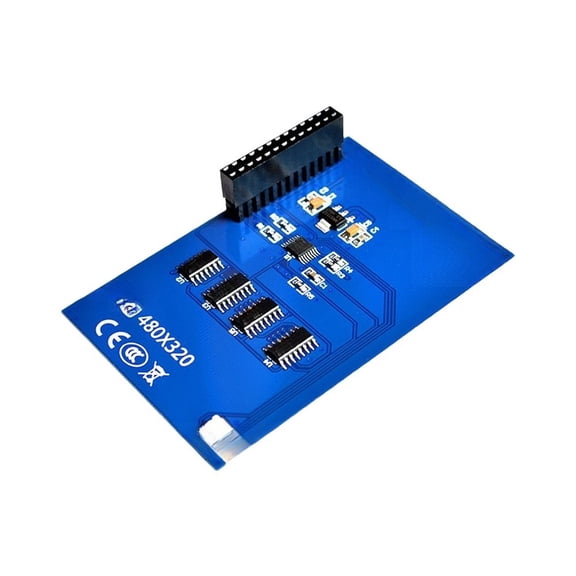
Novixy 3.5 Inch Resistive Touch Screen LCD Display Module 480x320 Resolution Compatible with Raspberry Pi for DIY Projects and Embedded Systems
Aestri 1.44 Inch LCD Display Module 128x128 SPI Interface for Raspberry Pi $19.29
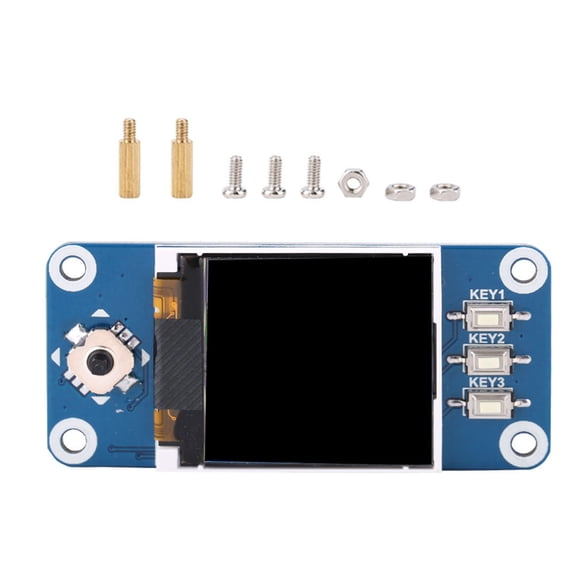
Aestri 1.44 Inch LCD Display Module 128x128 SPI Interface for Raspberry Pi
Treedix 3.5 inch TFT LCD Display 480 x 320 Color Touch Screen Module with Touch Pen Compatible with Raspberry Pi 4B/3B/3B+ $21.99
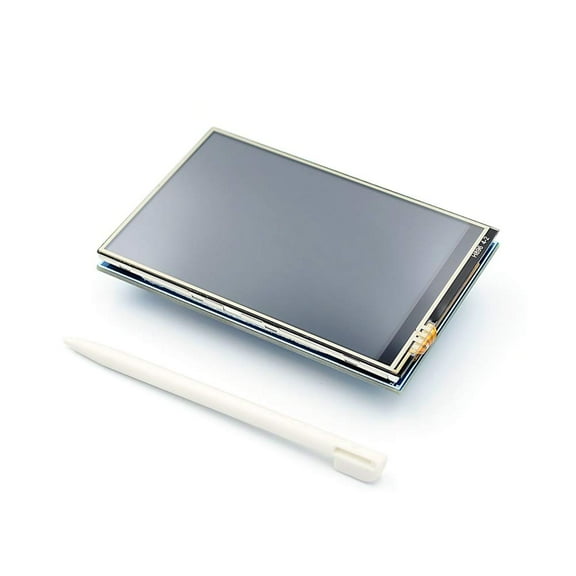
Treedix 3.5 inch TFT LCD Display 480 x 320 Color Touch Screen Module with Touch Pen Compatible with Raspberry Pi 4B/3B/3B+
Raspberry Pi 4 1GB $65.90 Was $74.22
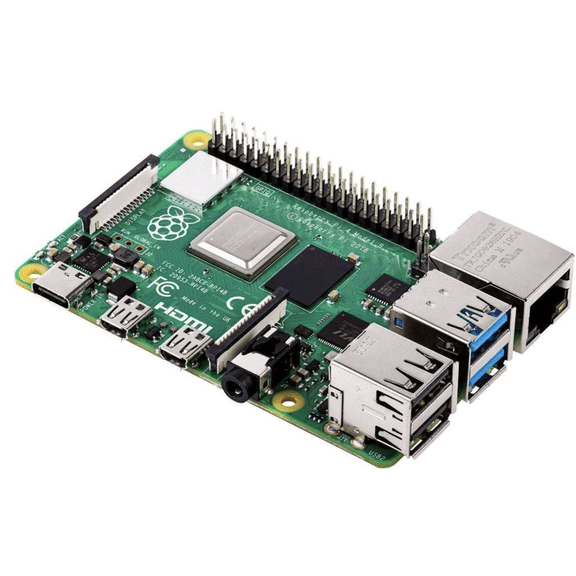
Raspberry Pi 4 1GB
Vowen 1.14in Color Display LCD Module SPI 240x135 for Raspberry Pi Pico $16.28
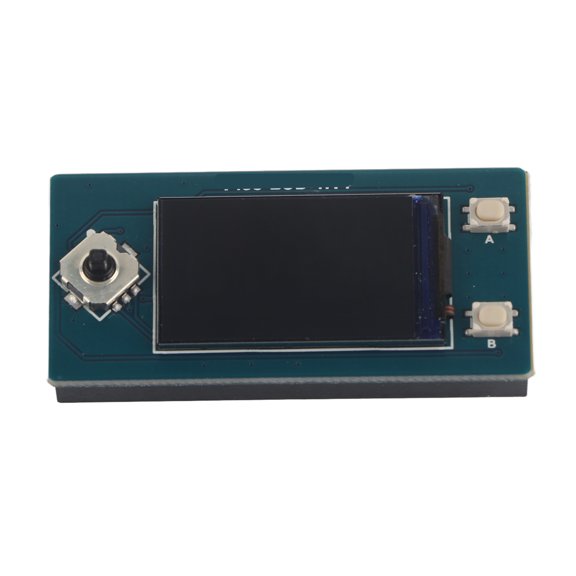
Vowen 1.14in Color Display LCD Module SPI 240x135 for Raspberry Pi Pico
New and Original Official Raspberry Pi Pico RP2040-Zero Built-in 264KB Memory Using 40nm Process Technology $11.99

New and Original Official Raspberry Pi Pico RP2040-Zero Built-in 264KB Memory Using 40nm Process Technology
Novixy 5-Pack 1.8 Inch SPI TFT LCD Module ST7735 Display Screen 128x160 with SD Card Slot for Arduino Raspberry Pi ESP32 STM32 3.3V/5V $20.87
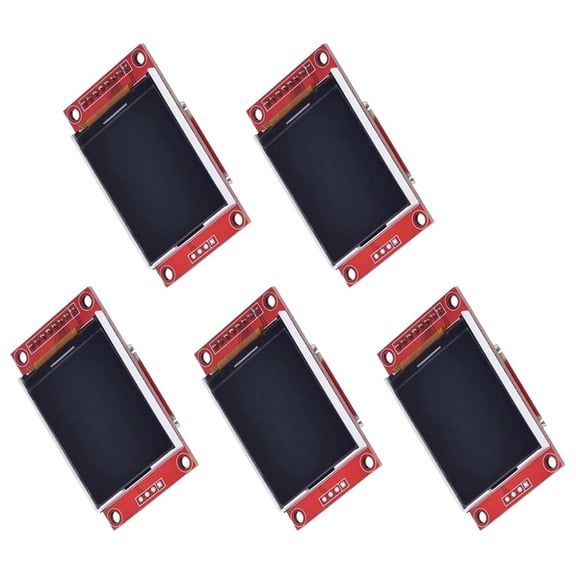
Novixy 5-Pack 1.8 Inch SPI TFT LCD Module ST7735 Display Screen 128x160 with SD Card Slot for Arduino Raspberry Pi ESP32 STM32 3.3V/5V
JUNTEX 2.8" TJC HMI TFT LCD Display Module 320x240 Touch Screen For Raspberry Pi $22.89 Was $25.60
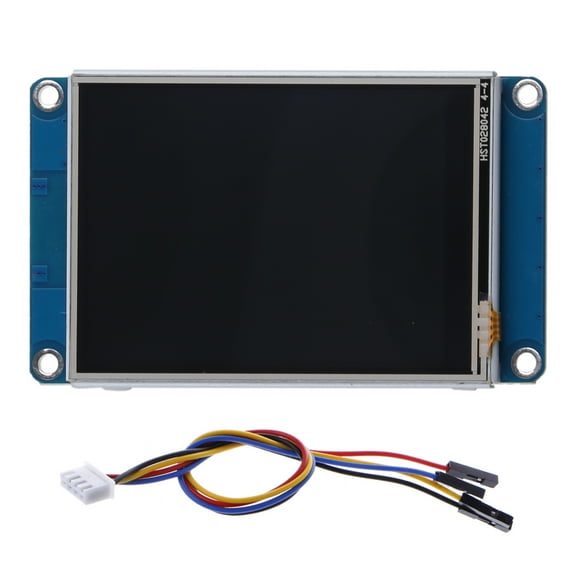
JUNTEX 2.8" TJC HMI TFT LCD Display Module 320x240 Touch Screen For Raspberry Pi
High Performance 3 5 Inch Display And Cooler For Raspberry Pi Projects $24.99

High Performance 3 5 Inch Display And Cooler For Raspberry Pi Projects
Raspberry Pi 3 Model B+ Motherboard $52.59
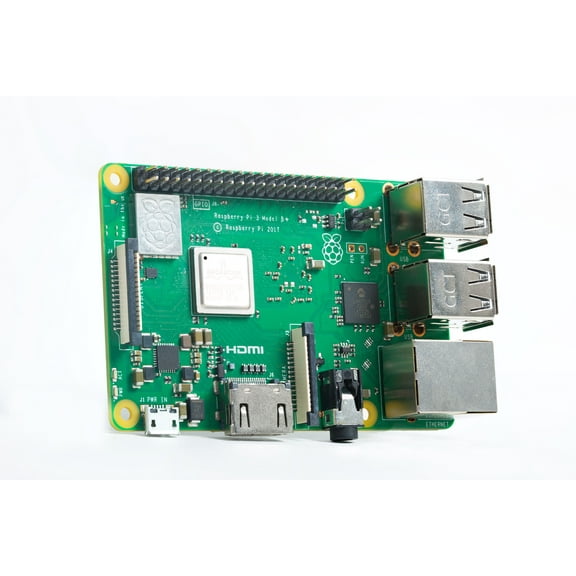
Raspberry Pi 3 Model B+ Motherboard
Raspberry Pi 4 Model B - Single-board computer - Broadcom BCM2711 / 1.5 GHz - RAM 8 GB - 802.11a/b/g/n/ac, Bluetooth 5.0 $189.99
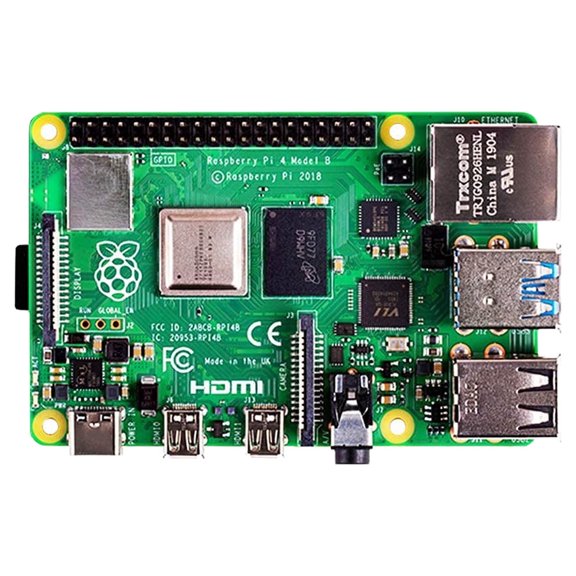
Raspberry Pi 4 Model B - Single-board computer - Broadcom BCM2711 / 1.5 GHz - RAM 8 GB - 802.11a/b/g/n/ac, Bluetooth 5.0
Raspberry Pi Development Board, Raspberry Pi RP2040 133 MHz Motherboard, 264 KB RAM, 2 MB Flash $9.59
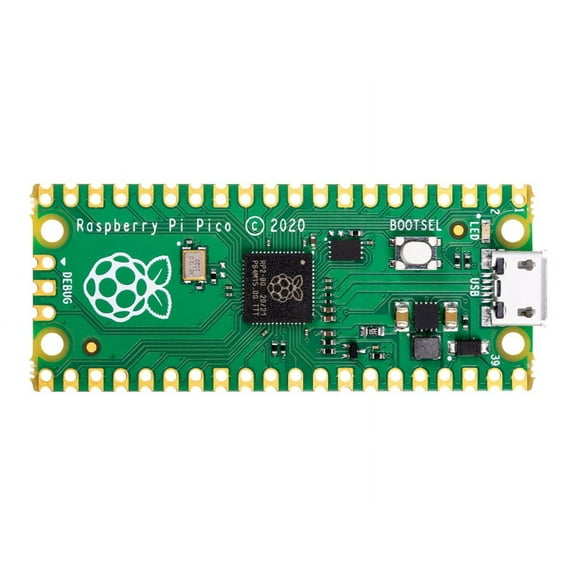
Raspberry Pi Development Board, Raspberry Pi RP2040 133 MHz Motherboard, 264 KB RAM, 2 MB Flash
Orvunela 1.14 in Color IPS LCD Display Module 240x135 SPI Screen for Raspberry Pi Pico $16.57
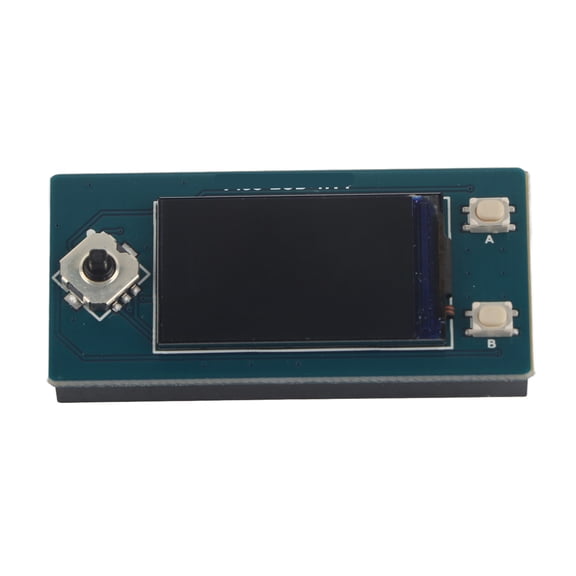
Orvunela 1.14 in Color IPS LCD Display Module 240x135 SPI Screen for Raspberry Pi Pico
Adafruit Raspberry Pi A+ Case - Smoke Base w/ Clear Top $22.74
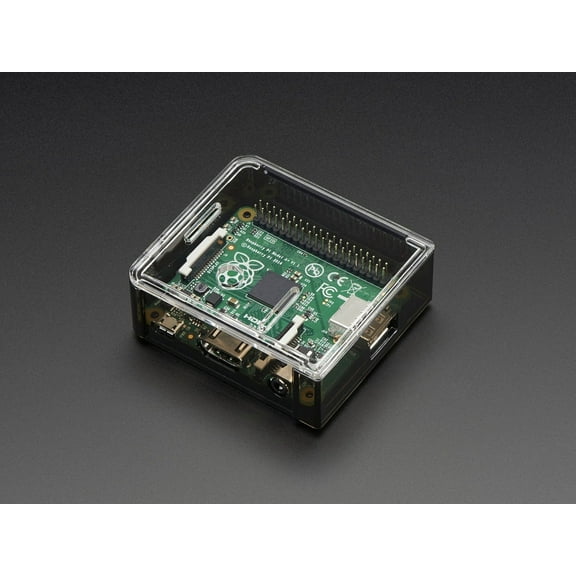
Adafruit Raspberry Pi A+ Case - Smoke Base w/ Clear Top
UCREATE - Raspberry Pi 3 Official Starter Kit with HDMI, Black $148.95
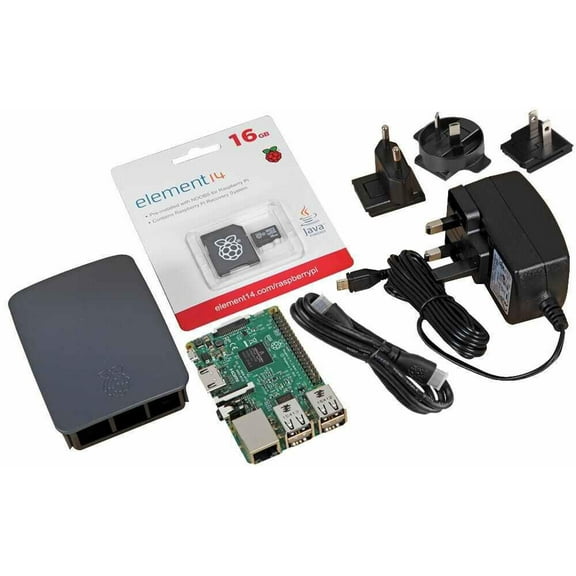
UCREATE - Raspberry Pi 3 Official Starter Kit with HDMI, Black
Adafruit 2x20 pin IDC Box Header - Raspberry Pi A+/B+/Pi 2/Pi 3 $16.10
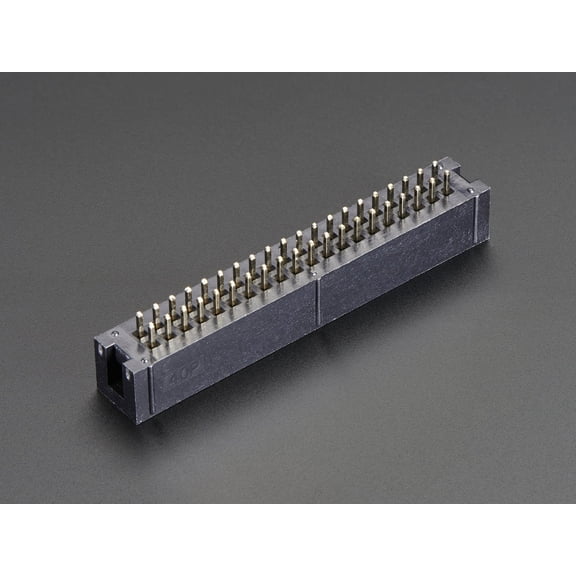
Adafruit 2x20 pin IDC Box Header - Raspberry Pi A+/B+/Pi 2/Pi 3
Edimax Wi-Fi 4 802.11n Mini USB Adapter, Works with Raspberry Pi, Wireless N300 Dongle, 300Mbps throughput, Auto-Power Adjustment for energy saving, Win 10 Plug-n-Play, Mac OS, Linux, EW-7722UTn V2 $9.99 Was $65.30
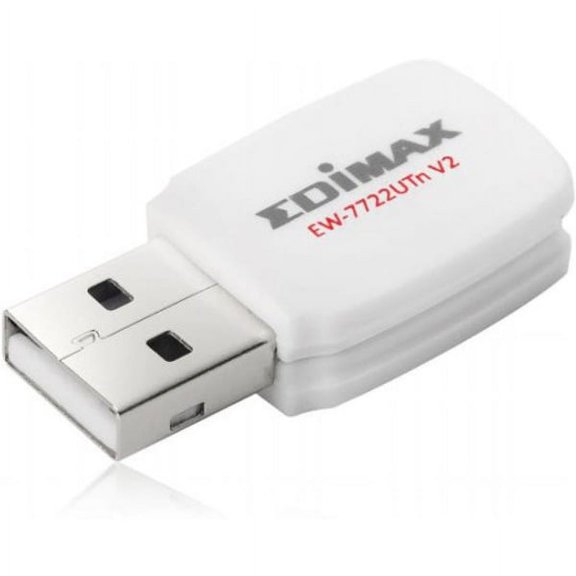
Edimax Wi-Fi 4 802.11n Mini USB Adapter, Works with Raspberry Pi, Wireless N300 Dongle, 300Mbps throughput, Auto-Power Adjustment for energy saving, Win 10 Plug-n-Play, Mac OS, Linux, EW-7722UTn V2
Raspberry Pi Pico W : WiFi Wireless Bluetooth Single Board Computer
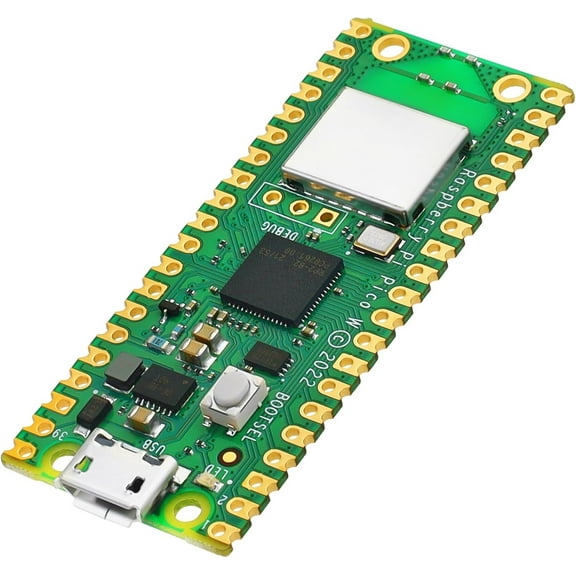
Raspberry Pi Pico W : WiFi Wireless Bluetooth Single Board Computer
FAQ
What is an E-Ink display for Raspberry Pi?
An E-Ink display is a special type of screen that uses electronic ink to show images or text. It's often used with Raspberry Pi boards for projects where low power consumption and clear readability are important.
- It mimics the look of paper and is easy to see even in bright light.
- E-Ink screens are ideal for static content like digital signage, clocks, or e-readers.
These displays connect to Raspberry Pi using SPI or GPIO interfaces, making them simple to set up for hobbyists and makers.
How do I connect an E-Ink display to my Pi?
Connecting an E-Ink display to a Raspberry Pi usually involves using the SPI interface or GPIO pins. Most modules include a cable and clear pin labels to help guide the installation.
- Power off your Pi before connecting the display.
- Align the pins to the correct GPIO header as shown in the product's documentation.
- Secure the cable and double-check connections.
After physical setup, software drivers are often needed, which can be found on the manufacturer's website or community forums.
Can E-Ink screens show color or just black and white?
E-Ink screens for Raspberry Pi come in different models, some offering black and white, while others may include additional colors like red or yellow.
- Basic models usually display black and white only.
- Certain versions can show up to three colors such as black, white, and red or yellow.
The choice depends on the type of project you're working on and the display's specifications.
What kind of projects use E-Ink displays?
E-Ink displays are popular for Raspberry Pi projects that need clear, static visuals and minimal power usage.
- Digital clocks or calendars that update infrequently.
- DIY e-reader devices.
- Smart home dashboards or weather stations.
- Low-power digital signage.
These screens are great for applications where legibility and energy efficiency matter most.
How do you update the screen on an E-Ink display?
Updating an E-Ink display involves sending new data from your Raspberry Pi to the screen using software commands. The screen refreshes to show the new content.
- Use libraries and code examples provided with the display module.
- Some displays support partial updates for faster changes, while others require full refreshes.
You'll find sample scripts and guides in online Raspberry Pi communities to help customize updates for your project.
Popular in E Ink Display Raspberry Pi Screens and Modules
Related Products
(1) Genuine Monroe M33X Super Saturated Ribbon Cartridge For Monroe 6120X, 2020PlusX, 122PDX, 8130X, 8145X, and Ultimate
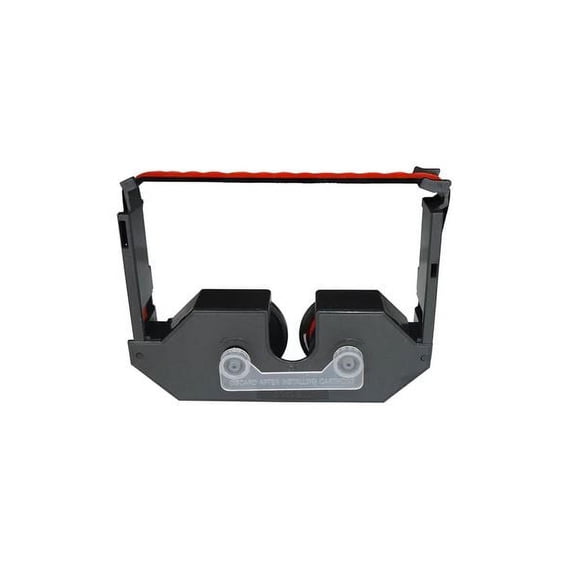 (1) Genuine Monroe M33X Super Saturated Ribbon Cartridge For Monroe 6120X, 2020PlusX, 122PDX, 8130X, 8145X, and Ultimate$11.75current price $11.75
AMANO PIX-55 PIX55 TIME CLOCK RIBBON CARTRIDGES IN USA
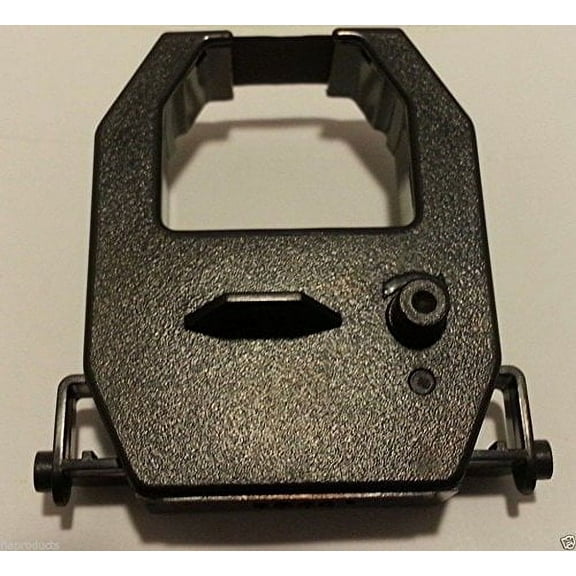 AMANO PIX-55 PIX55 TIME CLOCK RIBBON CARTRIDGES IN USA$9.95current price $9.95
Fargo Color Ribbon Card Printer for DTC4000 & DTC4250e ID (45110)
 Fargo Color Ribbon Card Printer for DTC4000 & DTC4250e ID (45110)$71.00current price $71.00
Magicard MC300YMCKO/2 300 Dual YMCKO/2 Printer Ribbon - Black/Cyan/Magenta/Yellow
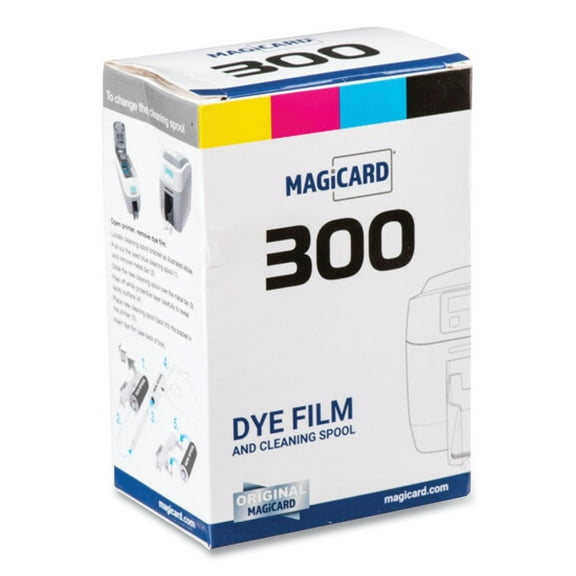 Magicard MC300YMCKO/2 300 Dual YMCKO/2 Printer Ribbon - Black/Cyan/Magenta/Yellow$95.99current price $95.99
SICURIX MA300YMCKO Printer Ribbon Cartridge
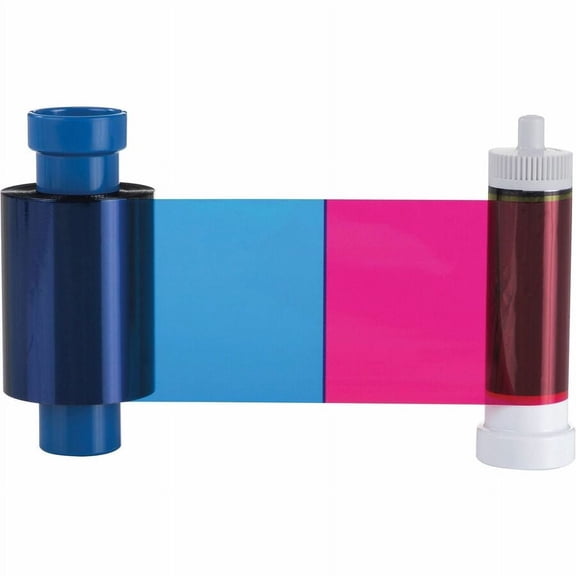 SICURIX MA300YMCKO Printer Ribbon Cartridge$70.68current price $70.68
Genuine Magicard MA300YMCKO Color Ribbon for Enduro & Rio Printers,300 Images/roll
 Genuine Magicard MA300YMCKO Color Ribbon for Enduro & Rio Printers,300 Images/roll$74.00current price $74.00
Dataproducts Ribbon Okidata ML182 (52102001/52104001) Black 6-Pack 438228
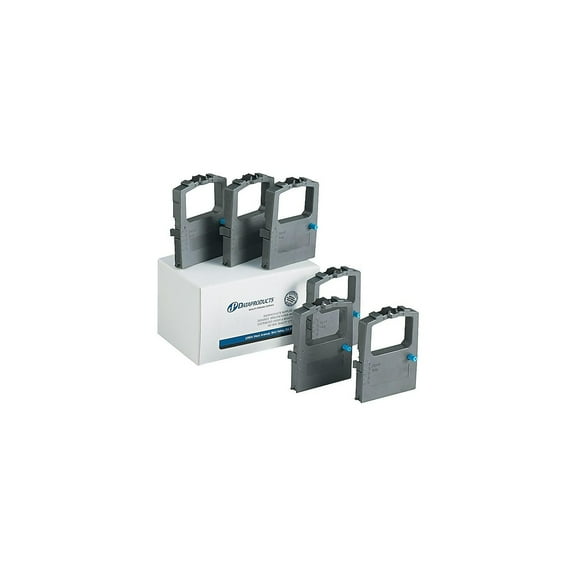 Dataproducts Ribbon Okidata ML182 (52102001/52104001) Black 6-Pack 438228$16.42current price $16.42
myCartridge ERC30 ERC-30 ERC 30 34 38 B/R Compatible Ribbon Cartridge for use in ERC38 NK506 (Black Red, 12-Pack)
 myCartridge ERC30 ERC-30 ERC 30 34 38 B/R Compatible Ribbon Cartridge for use in ERC38 NK506 (Black Red, 12-Pack)$25.95current price $25.95
myCartridge 120 Pack Compatible Ribbon Cartridge Replacement for ERC 30 34 38 B/R (Black Red) for use in ERC38 NK506
 myCartridge 120 Pack Compatible Ribbon Cartridge Replacement for ERC 30 34 38 B/R (Black Red) for use in ERC38 NK506$129.95current price $129.95
MA300YMCKO Color Ribbon with CloudBadging Lite (1 Pack)
 MA300YMCKO Color Ribbon with CloudBadging Lite (1 Pack)$64.00current price $64.00
Entrust 525100-004 Full Color Ribbon, 500 Images, for use specifically with Entrust Sigma DS1 and DS2 ID Card Printers
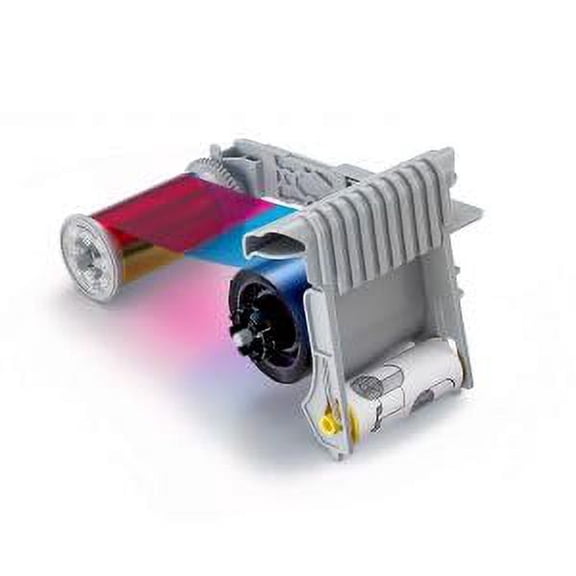 Entrust 525100-004 Full Color Ribbon, 500 Images, for use specifically with Entrust Sigma DS1 and DS2 ID Card Printers$115.99current price $115.99
Evolis R3314 YMCKO Color Ribbon with 500 PVC Cards
 Evolis R3314 YMCKO Color Ribbon with 500 PVC Cards$142.35current price $142.35
Ink Ribbon ERC 30, ERC 34, ERC 38, ERC 30/34/38 compatible black and red impact and dot matrix printer ribbon cartridge for the ERC38, NK506 by Monroe Systems for Business (12-pack, black and red)
 Ink Ribbon ERC 30, ERC 34, ERC 38, ERC 30/34/38 compatible black and red impact and dot matrix printer ribbon cartridge for the ERC38, NK506 by Monroe Systems for Business (12-pack, black and red)$24.95current price $24.95
Evolis R5F008AAA Printer Ribbon for Evolis Primacy, 300 Count
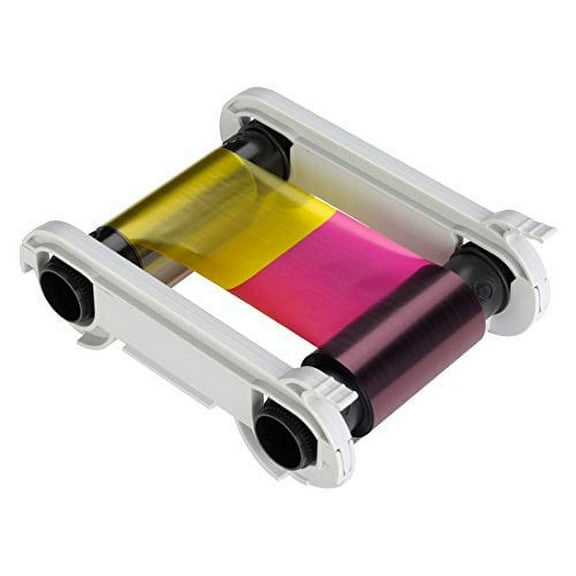 Evolis R5F008AAA Printer Ribbon for Evolis Primacy, 300 Count$92.80current price $92.80
Compatible Replacement for Ricoh Savin Lanier IM C300F, IM C400F, IM C400SRF Yellow
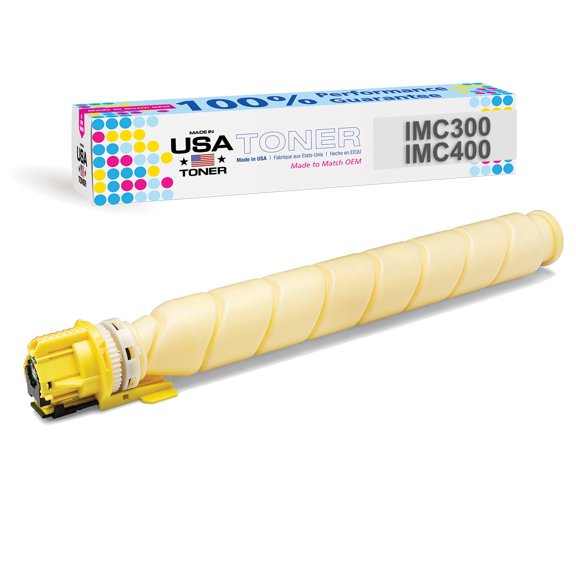 Compatible Replacement for Ricoh Savin Lanier IM C300F, IM C400F, IM C400SRF Yellow$74.99current price $74.99