

Dell Desktop Computers in Desktops By Brand


















About Dell Desktop Computers in Desktops By Brand - Walmart.com
Finding a dell desktop near me is easier when you can compare tower, small form factor, and all-in-one models in one place. Walmart.com brings together Dell desktop computers for home offices, classrooms, and shared family spaces.
You can check pickup options and shipping availability while narrowing by memory, storage, processor family, and screen setup. That matters when you need an OptiPlex for work tasks, an Inspiron for everyday use, or an XPS configuration for creative projects.
Dell desktop computers for everyday setups
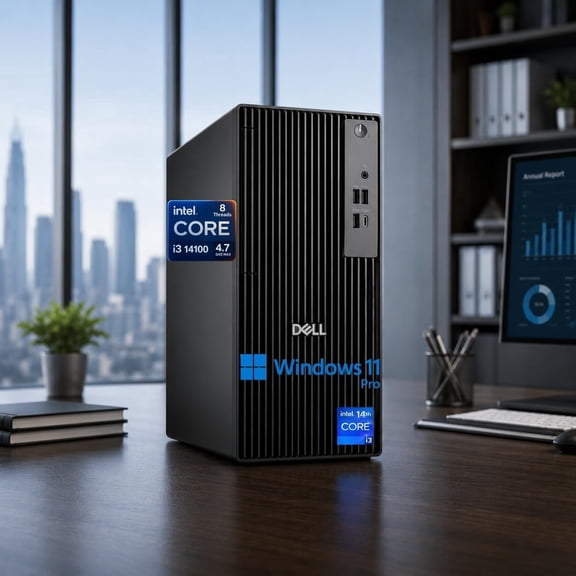
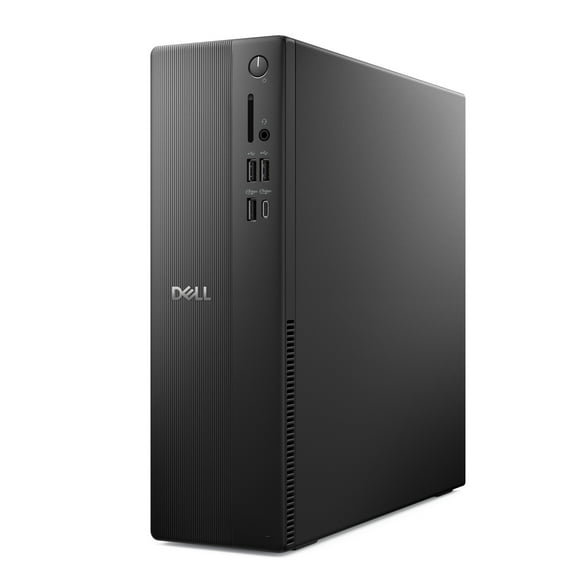
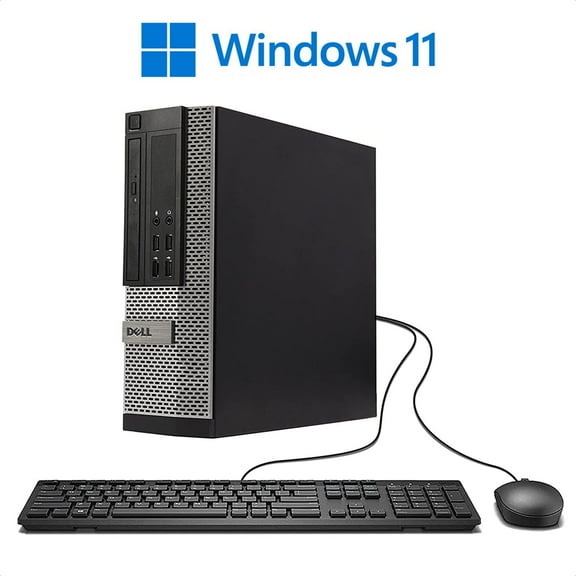
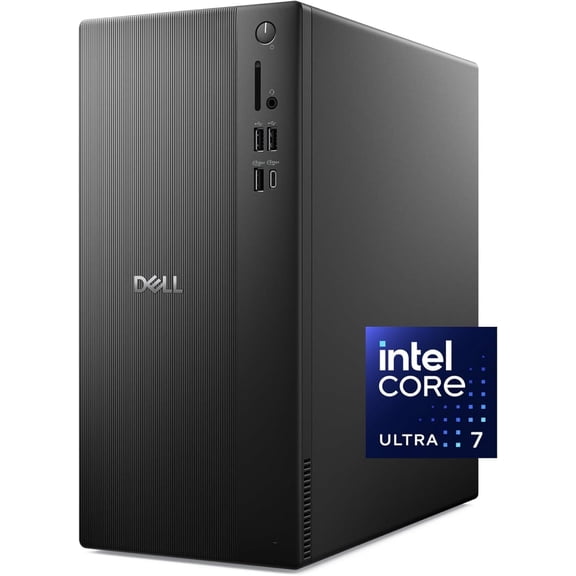
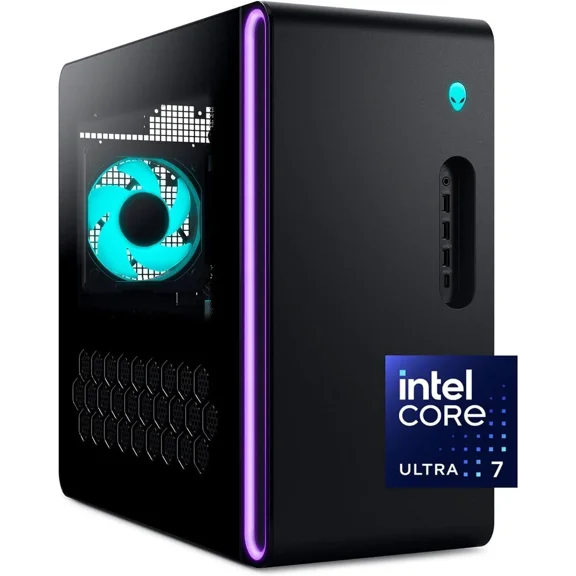
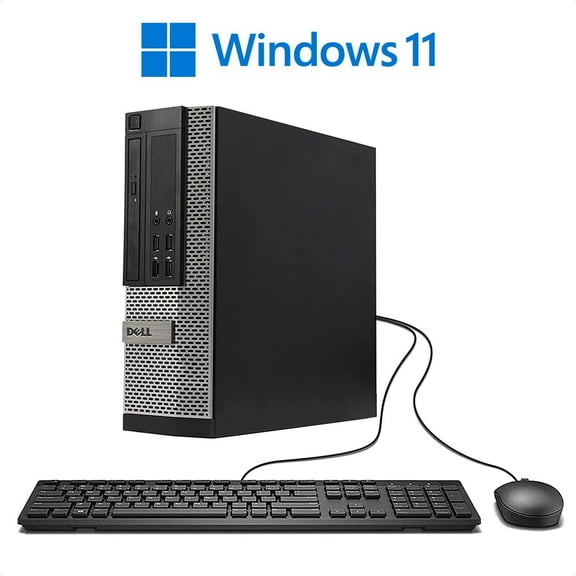
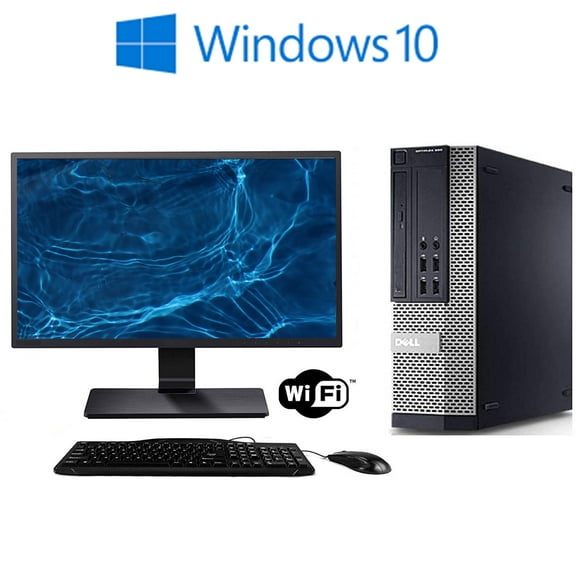
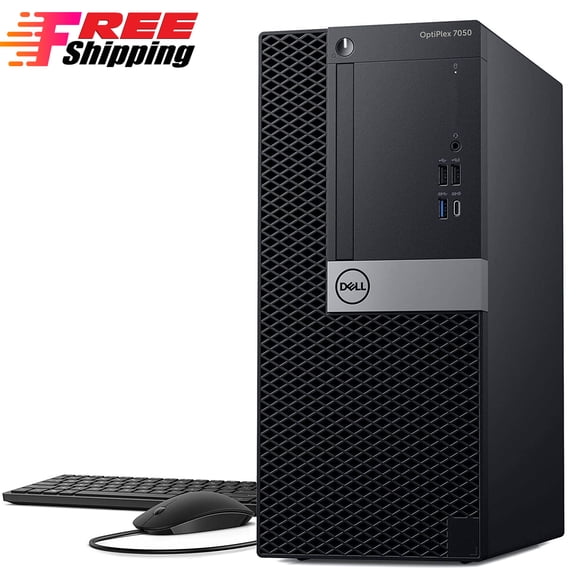
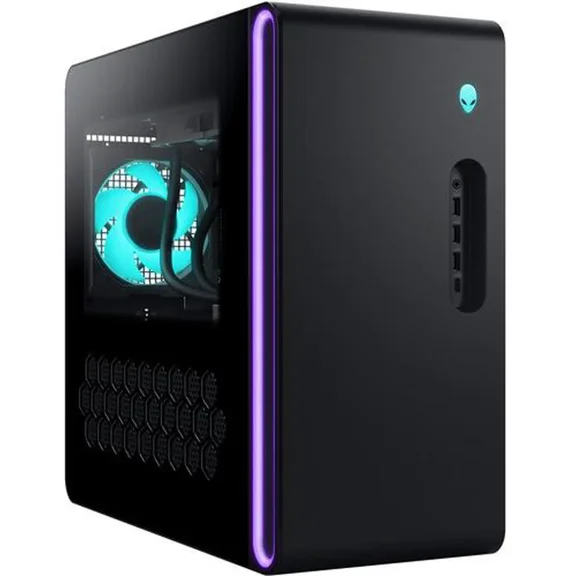
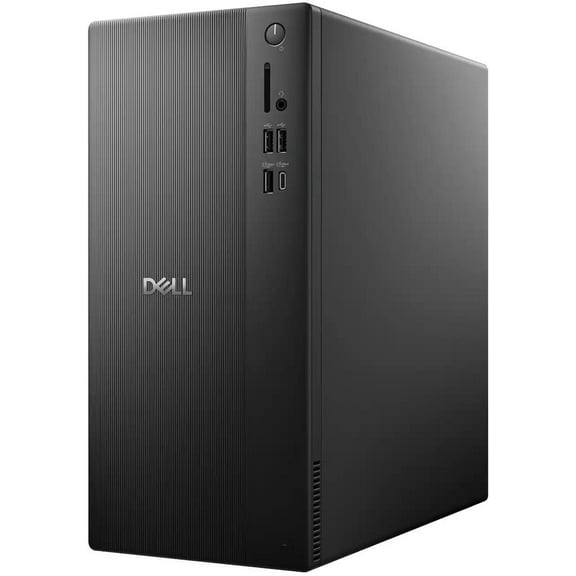
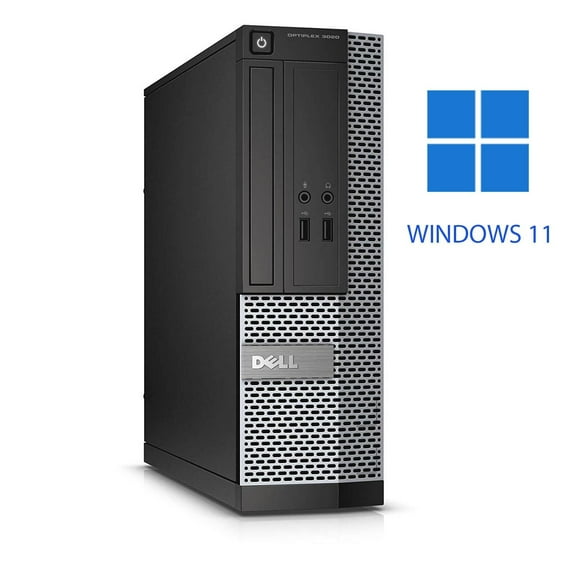
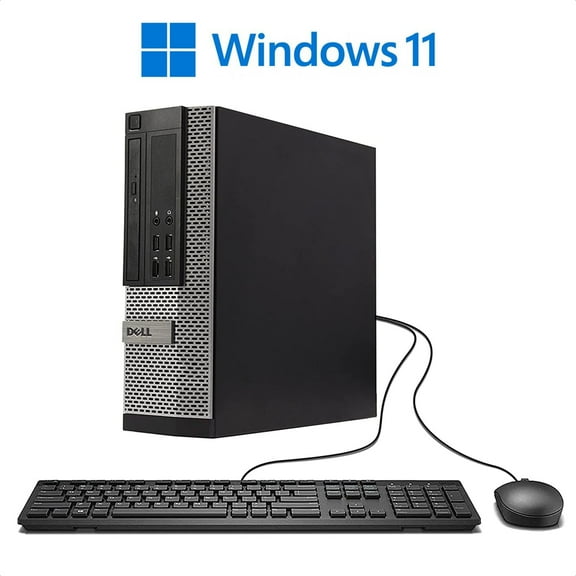
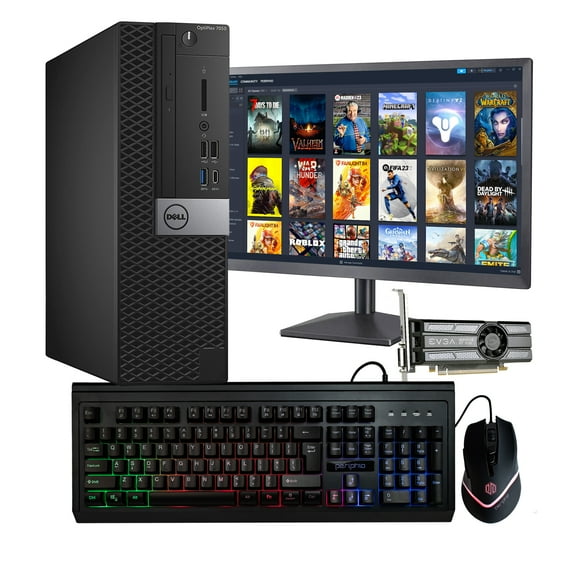
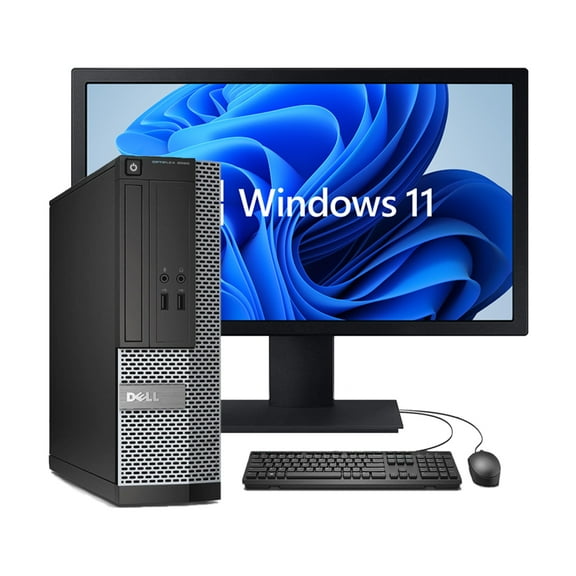
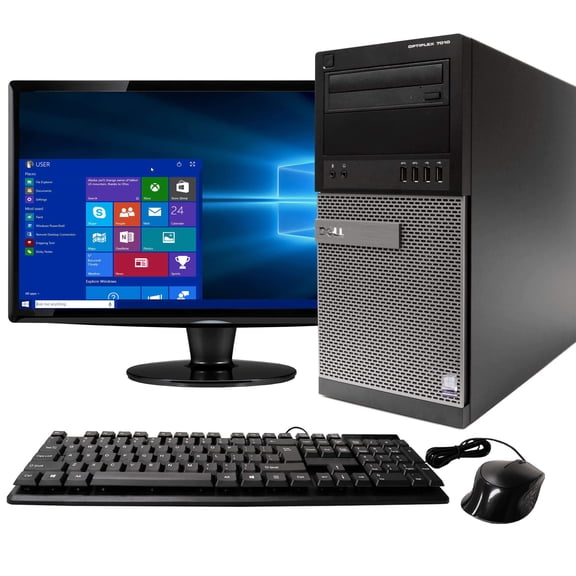
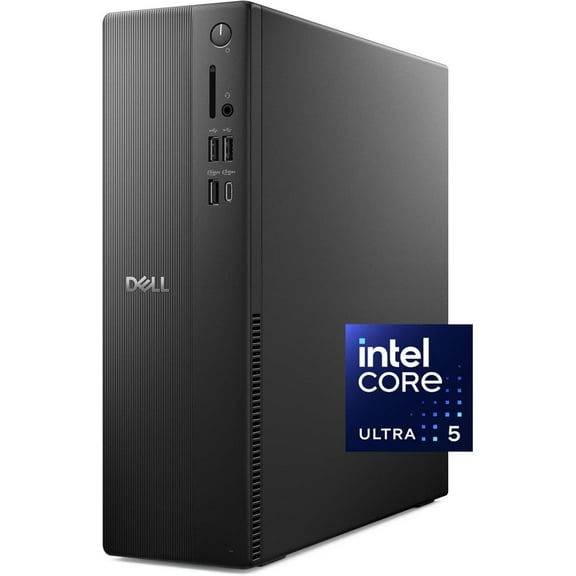
Dell desktop computers fit different rooms and routines without forcing the same layout on every shopper. A compact small form factor can slide under a desk, while a tower leaves more room for ports and future upgrades.
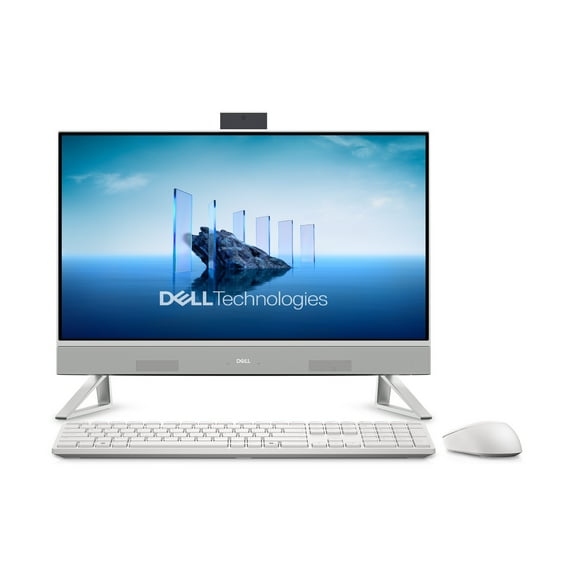
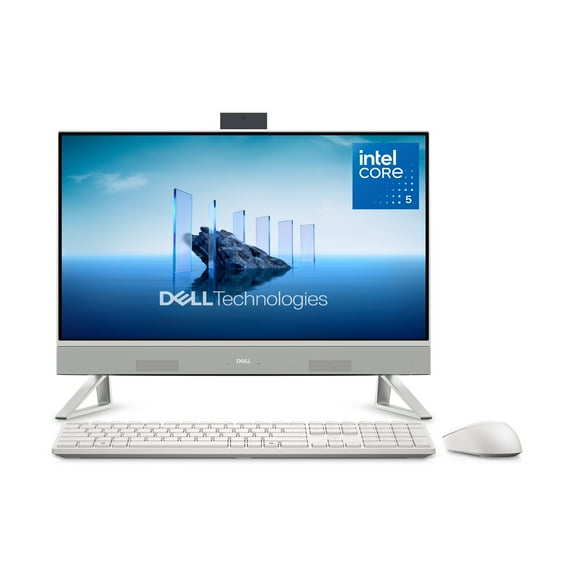
An all-in-one keeps the footprint tidy by combining the display and computer in a single unit. That flexibility helps you match the machine to your workspace instead of rearranging furniture around it.
You can choose a system for spreadsheets, remote classes, streaming, photo sorting, or multi-window office work. Dell desktops also make it easier to keep a dedicated station ready for keyboards, printers, and wired internet connections.
- Choose tower, small form factor, or all-in-one designs for the way your desk is arranged.
- Compare pickup and delivery options when local availability matters for your timeline.
- Match performance levels to office tasks, schoolwork, content creation, or household computer use.
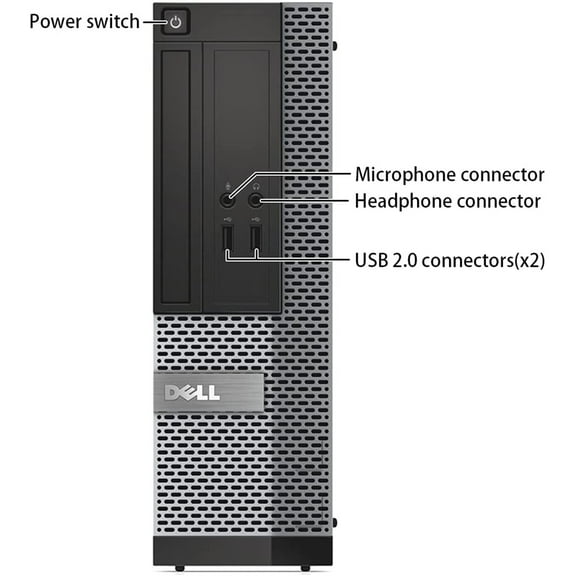
- Connect monitors, speakers, printers, and external drives through the ports you use every day.
What to look for in a dell desktop near me
Start with the processor, because it shapes how responsive the system feels during daily use. Intel Core and AMD Ryzen options support different workloads, from basic document editing to heavier multitasking.
If you keep many browser tabs open, extra memory can make the experience feel smoother. Storage also changes how a dell computer fits your routine.
Solid state drives help with quick startup times and fast file access, while larger capacities hold more photos, documents, and applications. Some Dell desktop computer models pair SSD storage with additional hard drive space for larger libraries.
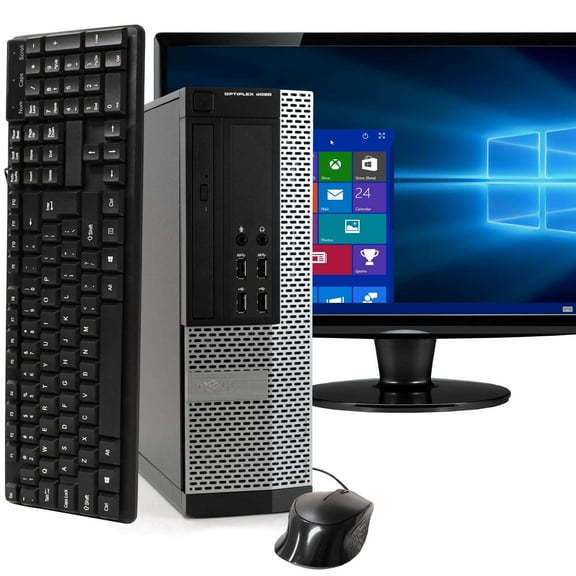
Form factor matters just as much as internal specs. OptiPlex systems often focus on office-friendly layouts and reliable connectivity for monitors, keyboards, and wired accessories.
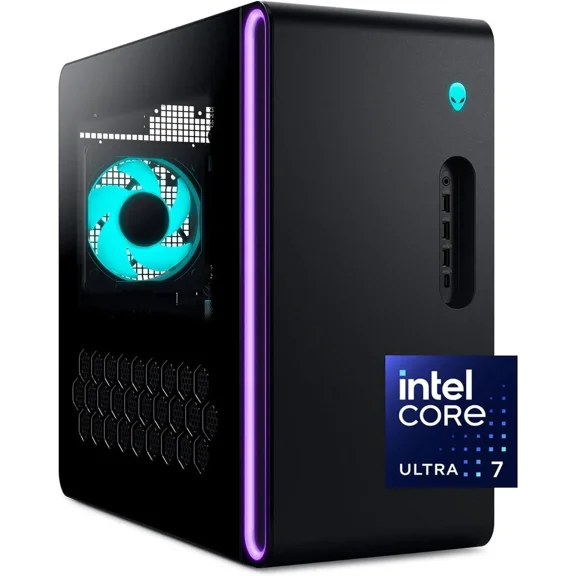
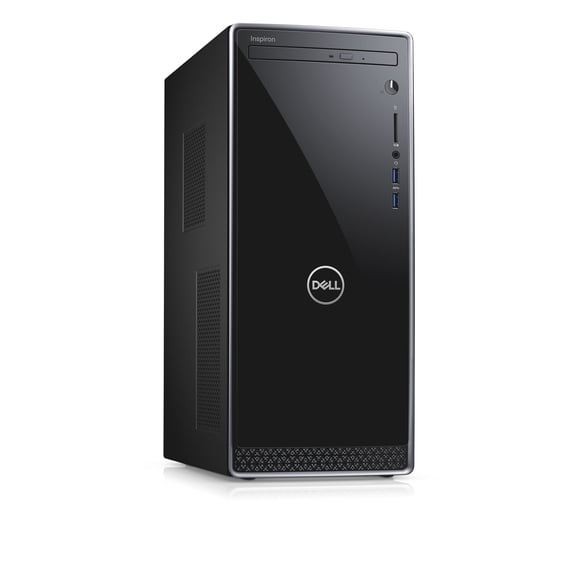
Inspiron desktops are common choices for home computing, while XPS desktops can suit editing software and demanding multitasking. Ports deserve a close look before you choose.
USB-A, USB-C, HDMI, DisplayPort, Ethernet, and audio connections affect how easily the desktop joins your existing setup. Built-in Wi-Fi and Bluetooth can also simplify placement when your router or accessories sit across the room.
Where Dell desktops fit at home and work
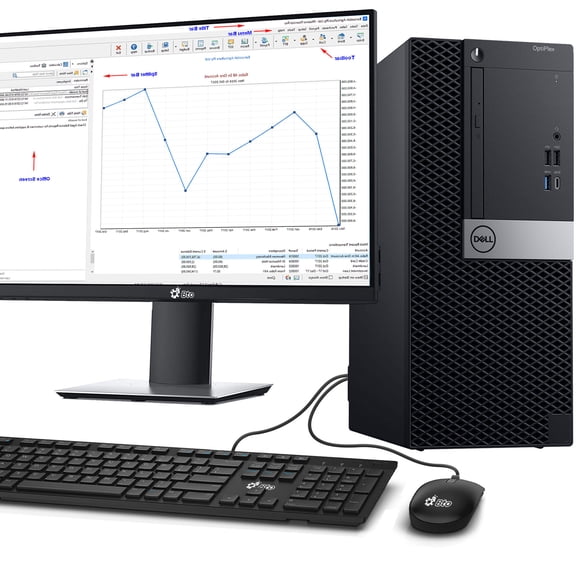
Dell desktops work well when you want a permanent computer station instead of carrying a device from room to room. In a home office, that can mean a larger monitor, full-size keyboard, and wired mouse that stay connected.
The result is a setup that feels ready when your workday starts. Students can use these systems for research, writing, video lessons, and document storage in a shared household area.
A small form factor desktop keeps the footprint manageable on compact desks. An all-in-one can help reduce cable clutter in bedrooms, dorm-style spaces, or kitchen study corners.
For household management, a Dell desktop can become the central machine for calendars, printing, tax documents, and photo organization. Families often prefer a shared desktop when they want one stable location for online forms and everyday tasks.
Wired accessory support also helps when you already own printers, webcams, or external storage. Office buyers may focus on OptiPlex units for front desks, cubicles, and conference room support stations.
Creative users may lean toward XPS models with stronger graphics and room for larger project files. If you’re comparing a dell desktop near me, availability filters can help you narrow options that fit your schedule.
Pickup, compatibility, and setup details
Availability tools matter for this category because desktop purchases often happen around a work start date or school need. Checking pickup eligibility can help when timing is part of the decision.
Shipping options also give you another way to line up delivery with your setup plans. Compatibility is another practical filter that experienced shoppers watch closely.
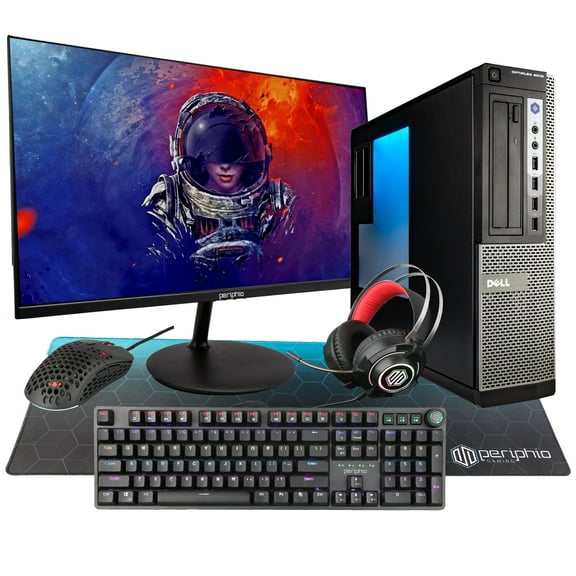
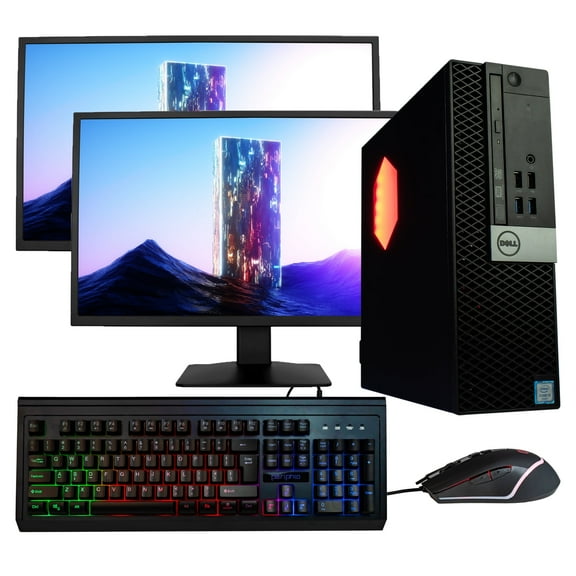
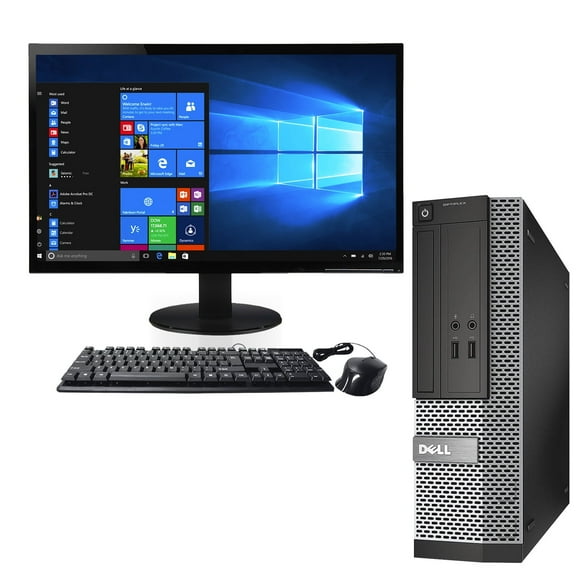
Look at operating system details, monitor support, wireless features, and included accessories before choosing. Some packages include a keyboard and mouse, while others focus on the desktop alone.
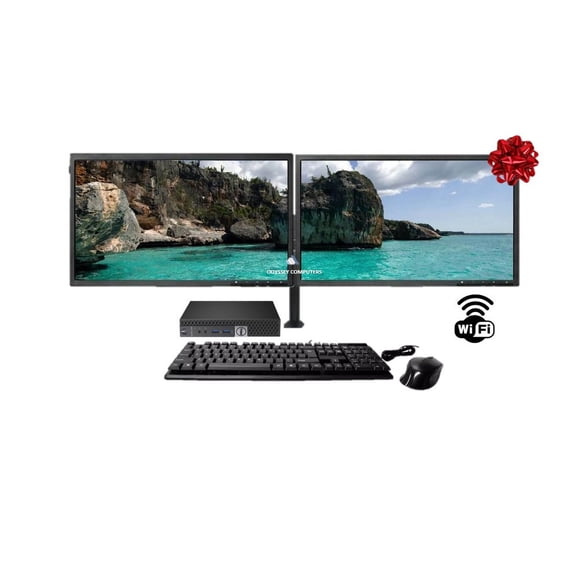
Monitor pairings can shape your final choice more than expected. If you plan to run dual screens, confirm the video outputs and resolution support first.
That’s especially useful for spreadsheet work, design tasks, and side-by-side browser windows. Warranty terms, return details, and product descriptions can also guide the final decision.
These details help you compare Dell computers with the accessories and display setup you already own. A well-matched desktop keeps your workspace organized and your daily tasks moving with fewer interruptions.
A well-chosen Dell desktop gives you a stable workstation, useful connectivity, and a form factor that fits your room. Clear availability options and recognizable Dell lines help you land on a setup with less guesswork.