

Death Razer(14)
New, Razer Blackwidow V4 Tenkeyless Hyperspeed Wireless Hot-Swappable PC Gaming Keyboard $149.00
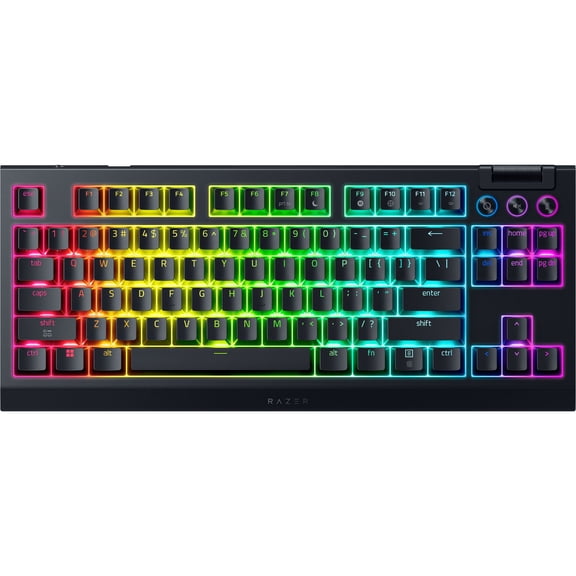
Razer Blackwidow V4 Tenkeyless Hyperspeed Wireless Hot-Swappable PC Gaming Keyboard
In 25+ people's carts, Razer Viper V3 Pro Lightweight USB Wireless Symmetrical Esports Gaming Mouse, 2.4Ghz, 55g, White From $129.00
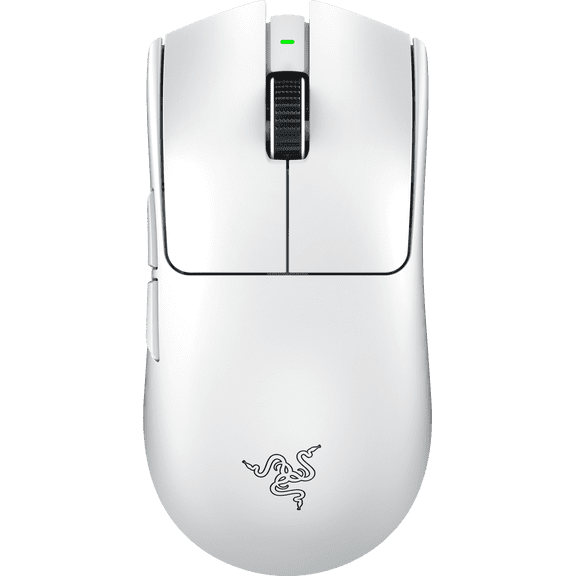
Razer Viper V3 Pro Lightweight USB Wireless Symmetrical Esports Gaming Mouse, 2.4Ghz, 55g, White
Best seller, Razer Basilisk V3 Pro Wireless Gaming Mouse, 2.4Ghz Bluetooth, White From $98.99

Razer Basilisk V3 Pro Wireless Gaming Mouse, 2.4Ghz Bluetooth, White
Razer Viper Ultimate Lightweight Wireless Gaming Mouse & RGB Charging Dock: HyperSpeed Wireless Technology - 20K DPI Optical Sensor - 78g Lightweight - Optical Mouse Switch - 70 Hr Battery - Mercury $79.99

Razer Viper Ultimate Lightweight Wireless Gaming Mouse & RGB Charging Dock: HyperSpeed Wireless Technology - 20K DPI Optical Sensor - 78g Lightweight - Optical Mouse Switch - 70 Hr Battery - Mercury
Rollback, RAZER DEATHADDER ESSENTIAL - ERGONOMIC Wired Gaming Mouse -Black Was $24.98
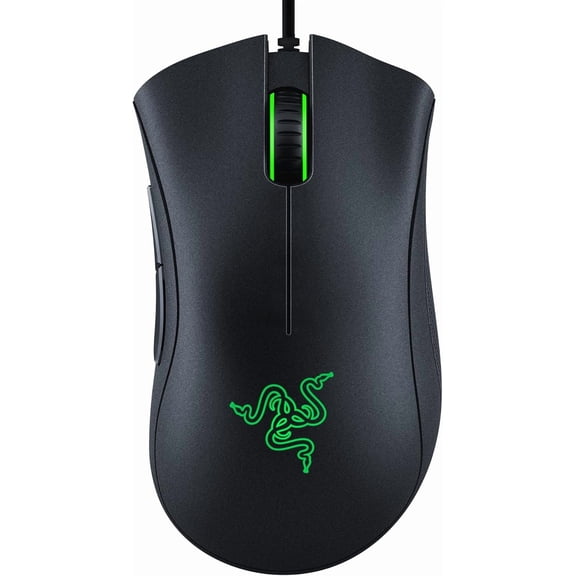
RAZER DEATHADDER ESSENTIAL - ERGONOMIC Wired Gaming Mouse -Black
Rollback, Razer DeathAdder Essential Wired Optical Gaming Mouse Hello Kitty Edition From $39.87
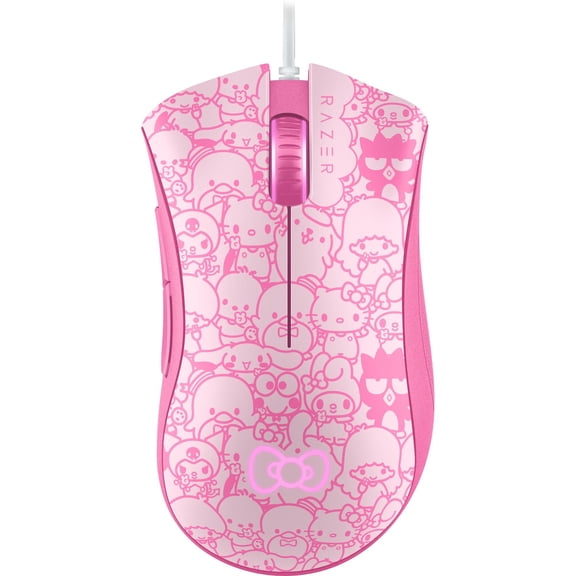
Razer DeathAdder Essential Wired Optical Gaming Mouse Hello Kitty Edition
Razer DeathAdder V4 Pro Ultra-lightweight Wireless Ergonomic Esports PC Gaming Mouse, 2.4Ghz, Black
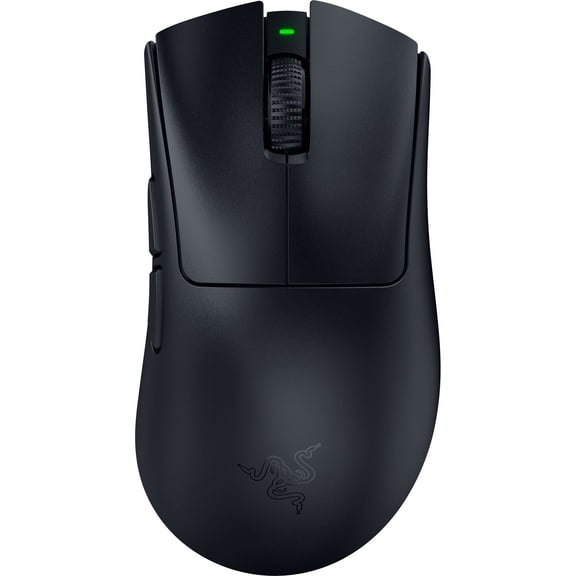


Razer DeathAdder V4 Pro Ultra-lightweight Wireless Ergonomic Esports PC Gaming Mouse, 2.4Ghz, Black
Razer DeathAdder V3 Wired Esports Gaming Mouse, Ultra-lightweight, Ergonomic, 6 Buttons, Black $59.99 Was $69.99

Razer DeathAdder V3 Wired Esports Gaming Mouse, Ultra-lightweight, Ergonomic, 6 Buttons, Black
Razer DeathAdder Essential White Edition - Ergonomic Wired Gaming Mouse $29.99

Razer DeathAdder Essential White Edition - Ergonomic Wired Gaming Mouse
Razer DeathAdder V3 HyperSpeed Wireless Optical Ergonomic Gaming Mouse, 26000 DPI, Black $59.99 Was $99.99

Razer DeathAdder V3 HyperSpeed Wireless Optical Ergonomic Gaming Mouse, 26000 DPI, Black
(Open Box) Razer Gaming Mouse Wireless Vi $71.00 Was $106.00
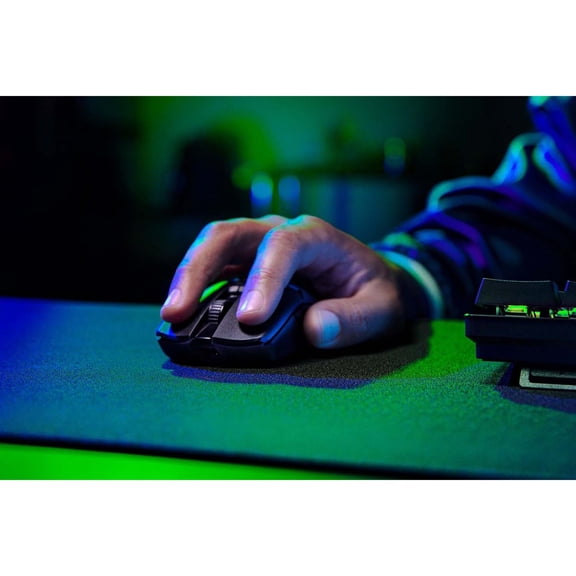
(Open Box) Razer Gaming Mouse Wireless Vi
Razer DeathAdder V2 X HyperSpeed Wireless Ergonomic Gaming Mouse $59.99 $59.99/lb

Razer DeathAdder V2 X HyperSpeed Wireless Ergonomic Gaming Mouse
Razer DeathAdder V3 Pro Wireless Esports Gaming Mouse, 64g, 5 Buttons, 2.4GHz & Bluetooth Connectivity, White From $65.99


Razer DeathAdder V3 Pro Wireless Esports Gaming Mouse, 64g, 5 Buttons, 2.4GHz & Bluetooth Connectivity, White
Rollback, Razer DeathAdder Essential - Right-Handed Gaming Mouse $20.98 Was $24.98

Razer DeathAdder Essential - Right-Handed Gaming Mouse
Other options to consider(5)
Razer DeathStalker V2 Gaming Keyboard: Low-Profile Keys - Linear Red Optical Switches - Ultra-Durable Coated Keycaps - Durable Aluminum Top Plate - Multi-Function Roller and Media Button - Chroma RGB $199.99
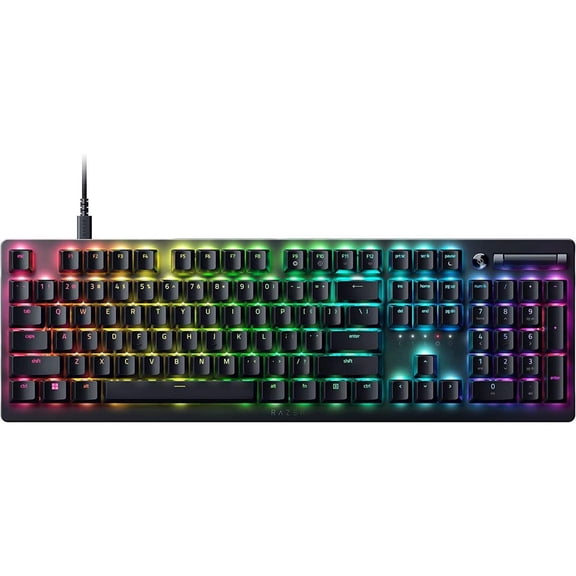
Razer DeathStalker V2 Gaming Keyboard: Low-Profile Keys - Linear Red Optical Switches - Ultra-Durable Coated Keycaps - Durable Aluminum Top Plate - Multi-Function Roller and Media Button - Chroma RGB
Talongames Control Type Mouse Feet for DeathAdder V4 Pro Wireless, Black, New, 2-Pack $10.99

Talongames Control Type Mouse Feet for DeathAdder V4 Pro Wireless, Black, New, 2-Pack
TALONGAMES Mouse Feet Skates For DeathAdder V3 PRO Wireless, Gray, 2Sets, 1 Pack $11.99
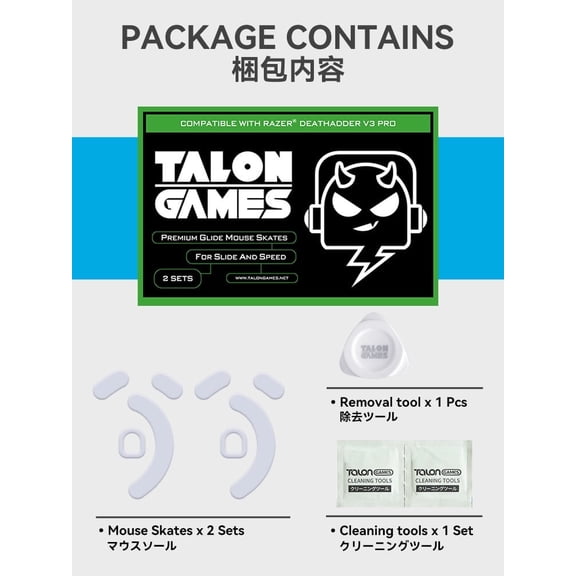
TALONGAMES Mouse Feet Skates For DeathAdder V3 PRO Wireless, Gray, 2Sets, 1 Pack
Hard Travel Mouse Case Fit for Fit for Redragon M612 Predator RGB/ M908, Fit for Razer Basilisk V3/ Cobra/ Fit for DeathAdder V3/ Elite/ Essential Wired Gaming Mouses, Fit for SteelSeries Rival 5 $12.99
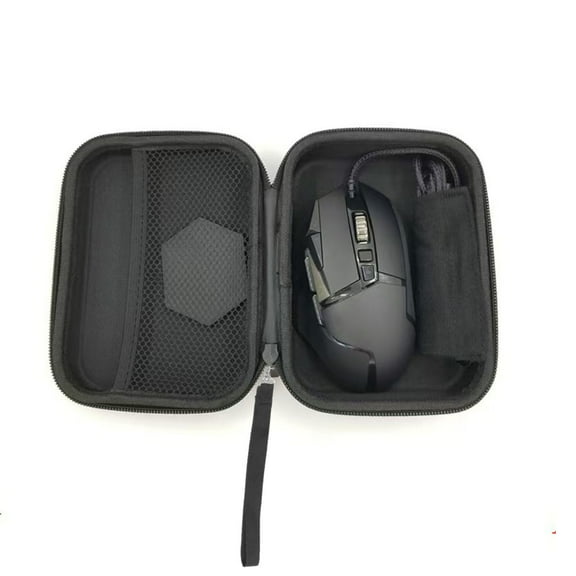
Hard Travel Mouse Case Fit for Fit for Redragon M612 Predator RGB/ M908, Fit for Razer Basilisk V3/ Cobra/ Fit for DeathAdder V3/ Elite/ Essential Wired Gaming Mouses, Fit for SteelSeries Rival 5
for 6.6FT USB-C Fast Charger Cable for Razer Viper V3 Pro/V2 Pro, DeathAdder V3 Pro, Basilisk V2/V3 Pro, Naga V2 Pro, Cobra Pro Wireless Gaming Mouse, Durable Nylon Braided

for 6.6FT USB-C Fast Charger Cable for Razer Viper V3 Pro/V2 Pro, DeathAdder V3 Pro, Basilisk V2/V3 Pro, Naga V2 Pro, Cobra Pro Wireless Gaming Mouse, Durable Nylon Braided
FAQ
What's the difference between wired and wireless mice?
Both wired and wireless mice have their own benefits, and your choice depends on how you plan to use them.
- Wired mice usually offer a consistent connection and don't require batteries or charging.
- Wireless mice give you more freedom to move and a cleaner desk setup, but you'll need to keep an eye on battery life or charging needs.
Consider where you'll use your mouse most—at a desk or on the go—and whether you prefer fewer cables or never worrying about battery levels.
How do I connect a gaming mouse to my computer?
Connecting a gaming mouse is simple, but it depends on whether you have a wired or wireless model.
- Wired models typically just plug into a USB port—your computer should recognize it automatically.
- Wireless mice may use Bluetooth or a USB receiver. For Bluetooth, put the mouse in pairing mode and connect through your computer's Bluetooth settings. For USB receivers, plug in the receiver and follow any quick setup steps provided.
Always check your mouse's manual for specific pairing details if you're unsure.
Can I customize the buttons on a gaming mouse?
Many gaming mice allow you to customize buttons for different games or tasks. This can be done using included software, which lets you assign functions, macros, or shortcuts to each button.
- Some mice support saving multiple profiles for different uses.
- Button customization can help boost productivity or give you an edge in games.
If your mouse supports customization, look for setup instructions in the user guide or download the software from the brand's official website.
What's the benefit of an ergonomic mouse shape?
An ergonomic mouse is designed to fit comfortably in your hand, which can help reduce strain during long sessions.
- The shape encourages a more natural wrist and hand position.
- It may help with grip and control, especially during extended use like gaming or work.
Choosing an ergonomic design can make your mouse feel more comfortable, especially if you spend a lot of time using your computer.
How do I clean my gaming mouse safely?
Keeping your gaming mouse clean can help it work smoothly and last longer. To clean it:
- Unplug the mouse or turn it off if it's wireless.
- Use a soft, slightly damp cloth to wipe the surface—avoid getting moisture near any openings.
- For stubborn spots, a cotton swab or a small brush can help clean around buttons and crevices.
Make sure the mouse is completely dry before plugging it back in or using it again.
Popular in Death Razer
Related Products
HyperX Pulsefire Haste - Gaming Mouse - Black
 HyperX Pulsefire Haste - Gaming Mouse - Black$83.99current price $83.99
HyperX Pulsefire Haste 2 - Wireless Gaming Mouse (White)
 HyperX Pulsefire Haste 2 - Wireless Gaming Mouse (White)$89.99current price $89.99
Razer Cobra Lightweight Wired Gaming Mouse with Chroma RGB, Minecraft Edition
 Razer Cobra Lightweight Wired Gaming Mouse with Chroma RGB, Minecraft Edition$32.99current price $32.99
HyperX Pulsefire Haste 2 Pro Wireless Gaming Mouse (Instant Pair!)
 HyperX Pulsefire Haste 2 Pro Wireless Gaming Mouse (Instant Pair!)$119.99current price $119.99
HP HyperX Pulsefire Fuse Wireless Gaming Mouse
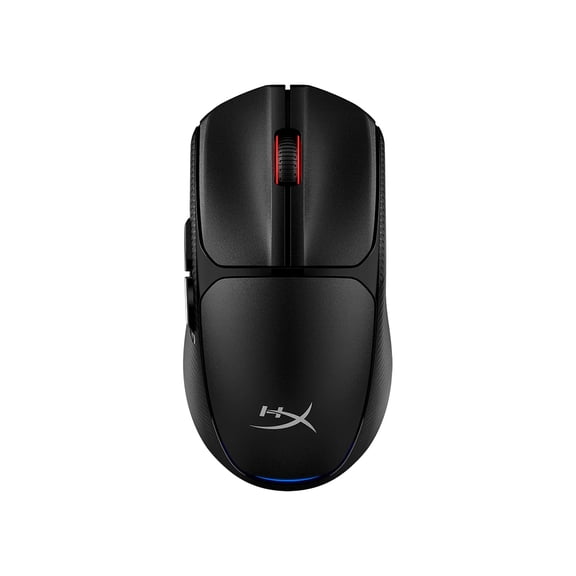 HP HyperX Pulsefire Fuse Wireless Gaming Mouse$34.99current price $34.99
Hexamurby Rechargeable Wireless Gaming Mouse 2.4G Computer Mouse with Adjustable DPI, Colorful Light, Side Buttons, Ergonomic Optical Mice for PC, Laptop,Gamer PS4 Xbox One Xbox 360,White
 Hexamurby Rechargeable Wireless Gaming Mouse 2.4G Computer Mouse with Adjustable DPI, Colorful Light, Side Buttons, Ergonomic Optical Mice for PC, Laptop,Gamer PS4 Xbox One Xbox 360,White$14.99current price $14.99
TSV RGB Gaming Mouse, Wired USB Computer Mice, PC Gaming Mice, Ergonomic Optical Mice with 4 Adjustable DPI, RGB Backlit LED for Desktop, Laptop, Windows, Mac, Vista, Linux, Gamer, Black
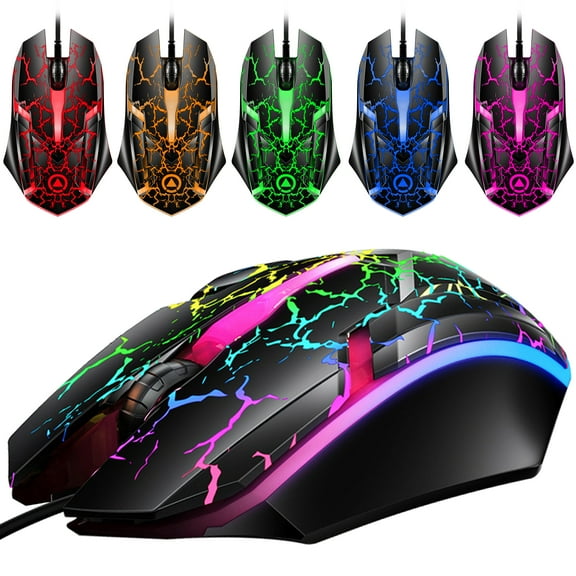 TSV RGB Gaming Mouse, Wired USB Computer Mice, PC Gaming Mice, Ergonomic Optical Mice with 4 Adjustable DPI, RGB Backlit LED for Desktop, Laptop, Windows, Mac, Vista, Linux, Gamer, Black$11.98current price $11.98
Monoprice Hyper-K Wireless Ultralight Gaming Mouse , PixArt Optical Sensor and Offers 6 Programmable DPI Settings Ranging from 800 to 16,000 DPI - Dark Matter
 Monoprice Hyper-K Wireless Ultralight Gaming Mouse , PixArt Optical Sensor and Offers 6 Programmable DPI Settings Ranging from 800 to 16,000 DPI - Dark Matter$29.99current price $29.99
UHM Wired Gaming Mouse with Swap Honeycomb Shell,Adjustable 7200 DPI,6 Programmable Buttons,Lightweight Gaming Mice with 12 RGB Backlight for Windows PC Gaming and Office,Black
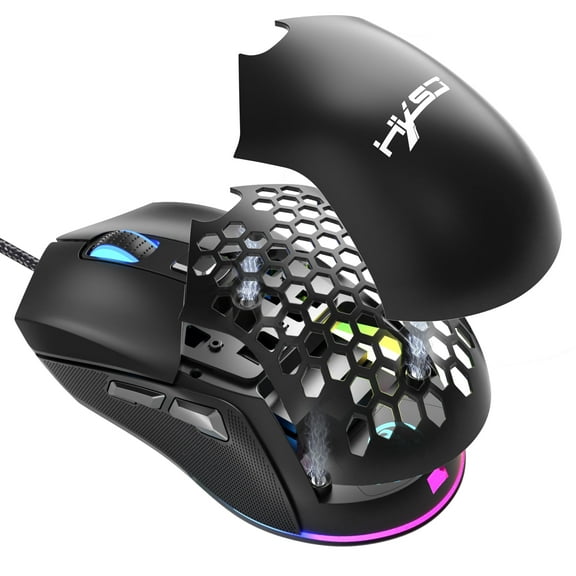 UHM Wired Gaming Mouse with Swap Honeycomb Shell,Adjustable 7200 DPI,6 Programmable Buttons,Lightweight Gaming Mice with 12 RGB Backlight for Windows PC Gaming and Office,Black$10.05current price $10.05
AJAZZ NJ08 Wireless Gaming Mouse, 3-Mode 2.4G/Bluetooth/USB-C Wired, Instinct S203 Sensor, 12800 DPI, 1000Hz Polling Rate, 70g Lightweight Design, RGB Strip, PC/Mac Compatible, Black
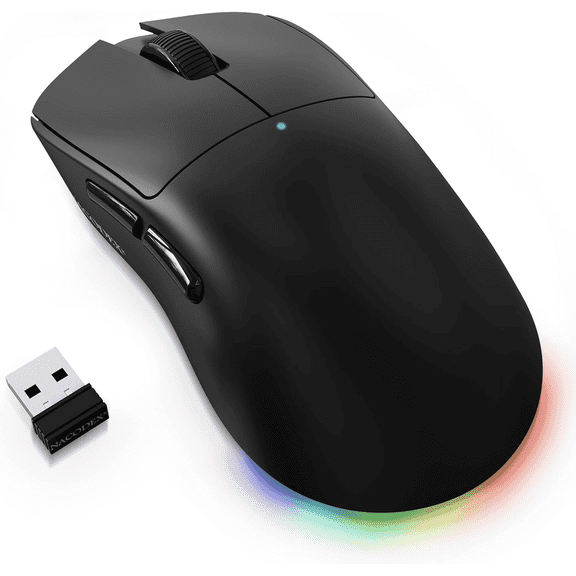 AJAZZ NJ08 Wireless Gaming Mouse, 3-Mode 2.4G/Bluetooth/USB-C Wired, Instinct S203 Sensor, 12800 DPI, 1000Hz Polling Rate, 70g Lightweight Design, RGB Strip, PC/Mac Compatible, Black$16.99current price $16.99
Redragon M612 Predator RGB Gaming Mouse, 8000 DPI Wired Optical Gamer Mouse with 11 Programmable Buttons & 5 Backlit Modes, Software Supports DIY Keybinds Rapid Fire Button
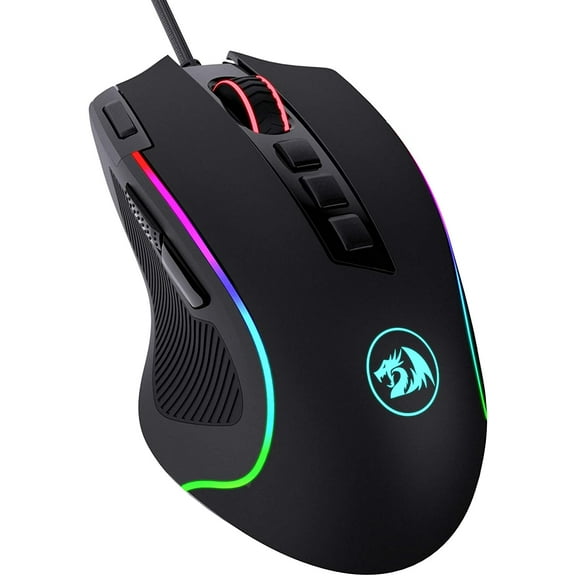 Redragon M612 Predator RGB Gaming Mouse, 8000 DPI Wired Optical Gamer Mouse with 11 Programmable Buttons & 5 Backlit Modes, Software Supports DIY Keybinds Rapid Fire Button$19.99current price $19.99
ZIYOU LANG M5 Honeycomb Ergonomic Design Optical Wired Gaming Mouse, White
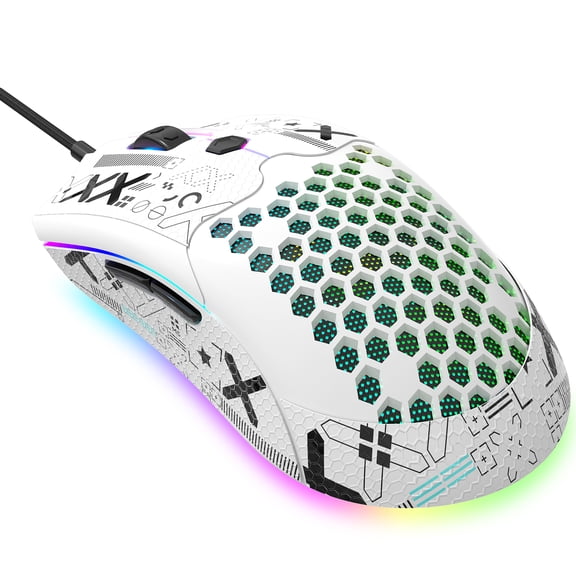 ZIYOU LANG M5 Honeycomb Ergonomic Design Optical Wired Gaming Mouse, White$15.99current price $15.99
Redragon M612 PRO RGB Gaming Mouse, 8000 DPI BT Wired/Wireless Optical Gamer Mouse 9 Programmable Buttons & 7 Backlit Modes,Software Supports DIY Keybinds Rapid Fire Button,Black
 Redragon M612 PRO RGB Gaming Mouse, 8000 DPI BT Wired/Wireless Optical Gamer Mouse 9 Programmable Buttons & 7 Backlit Modes,Software Supports DIY Keybinds Rapid Fire Button,Black$36.99current price $36.99
Rechargeable Wireless Gaming Mouse, RGB Colorful LED, Silent Click, 3 DPI, 2.4GHz for PC/Mac/XBOX
 Rechargeable Wireless Gaming Mouse, RGB Colorful LED, Silent Click, 3 DPI, 2.4GHz for PC/Mac/XBOX$12.29current price $12.29
UHM Wirelss Gaming Mouse,Tri-Mode 2.4G/Bluetooth/USB-C Rechargeable Computer Mice with Silent,6 Macro Buttons,Ergonomic Design,Adjustable DPI,6 RGB LED Modes for PC/Mac/Laptop,Black
 UHM Wirelss Gaming Mouse,Tri-Mode 2.4G/Bluetooth/USB-C Rechargeable Computer Mice with Silent,6 Macro Buttons,Ergonomic Design,Adjustable DPI,6 RGB LED Modes for PC/Mac/Laptop,Black$21.99current price $21.99