

Wireless Mouse in Computer Mouse & Mouse Pads
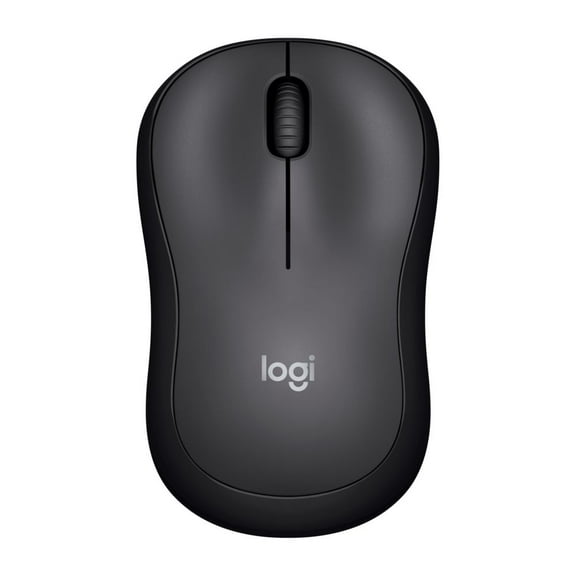


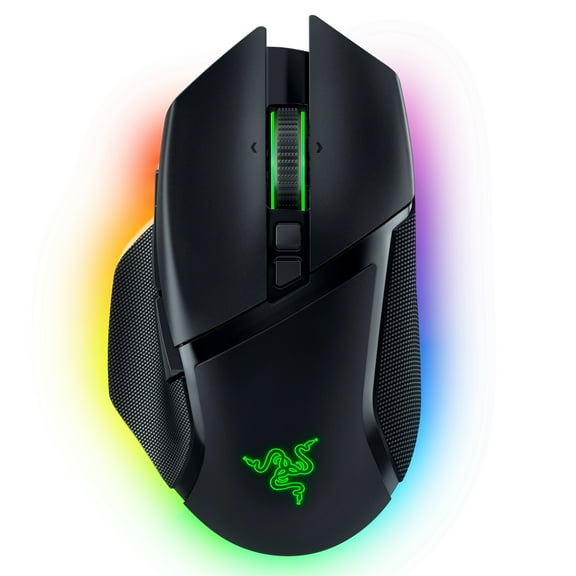


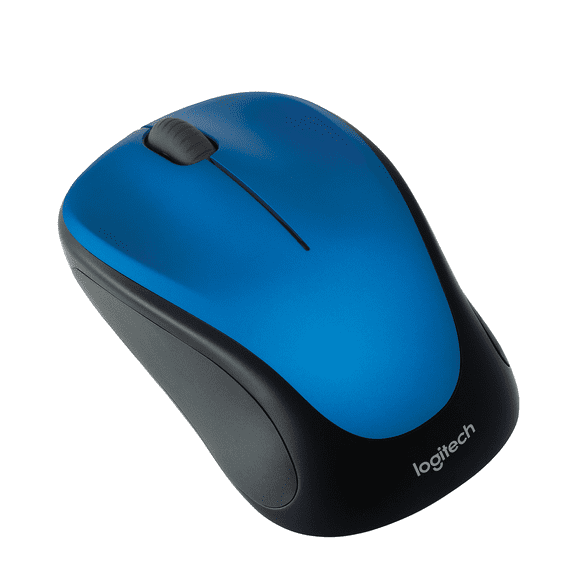


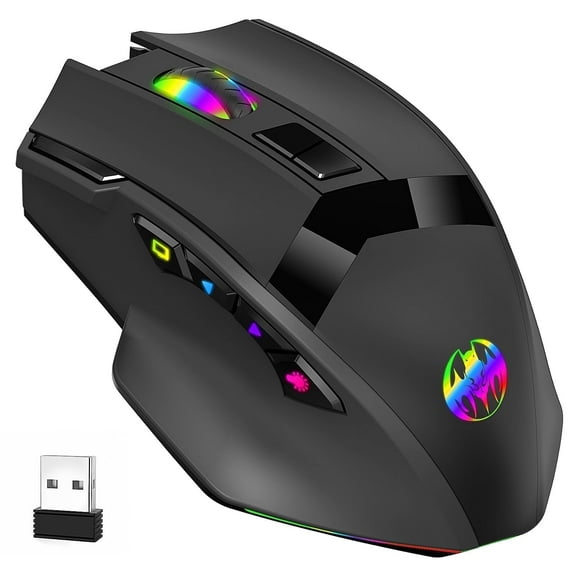





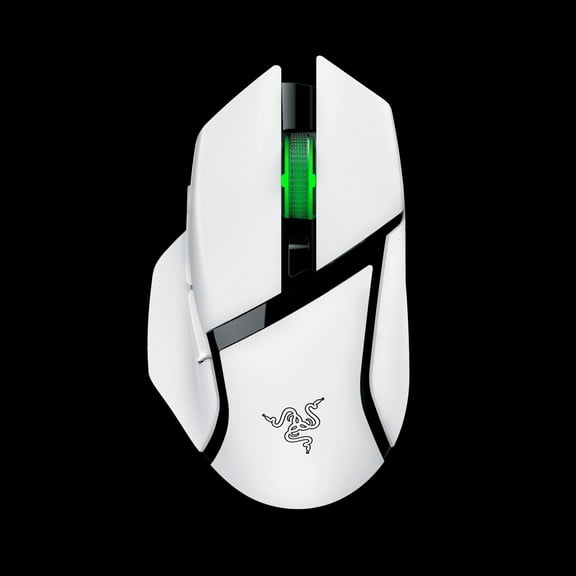


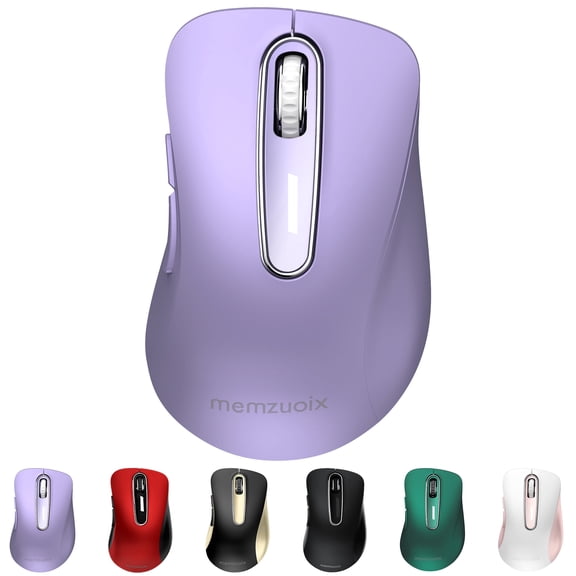
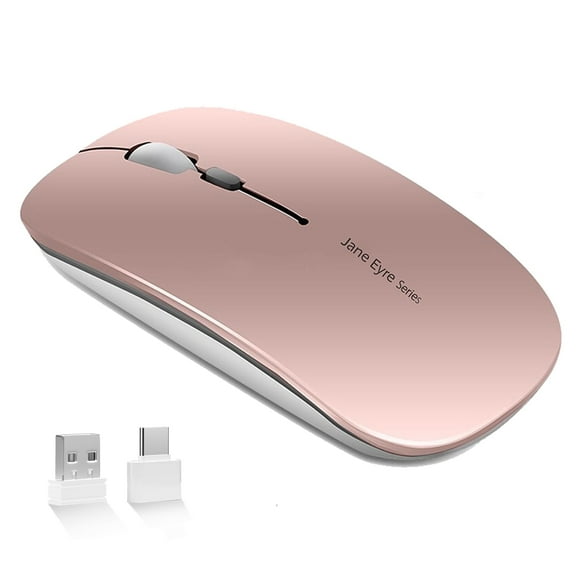


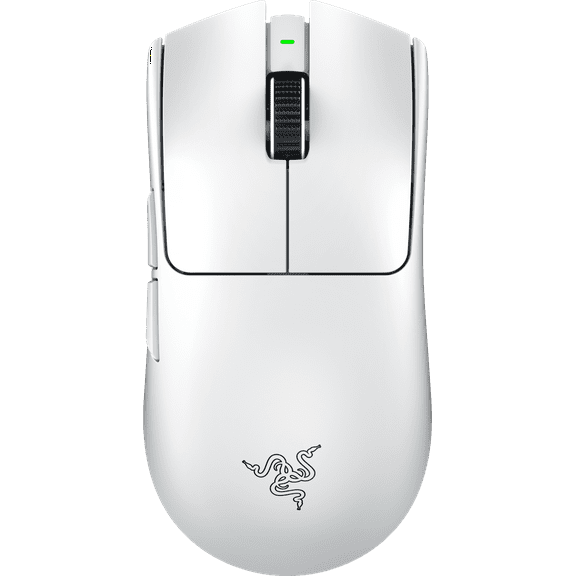



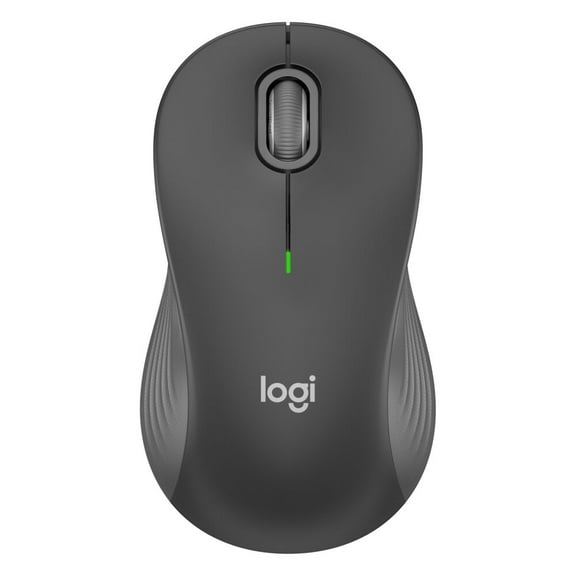


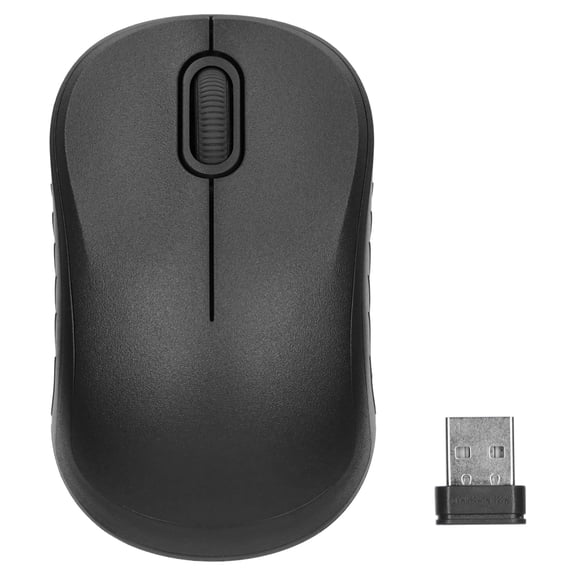
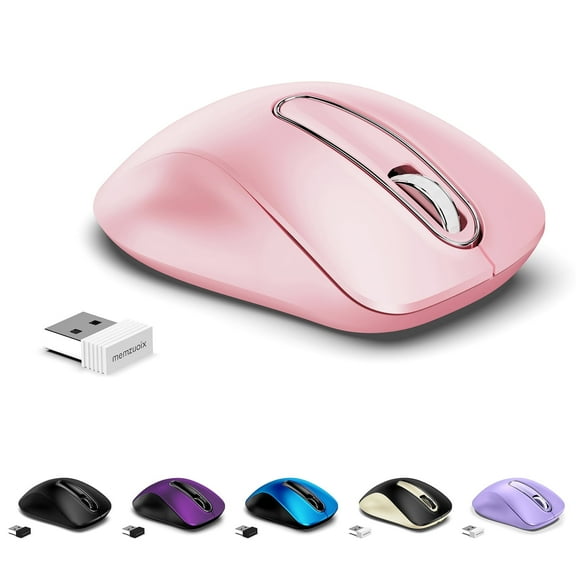


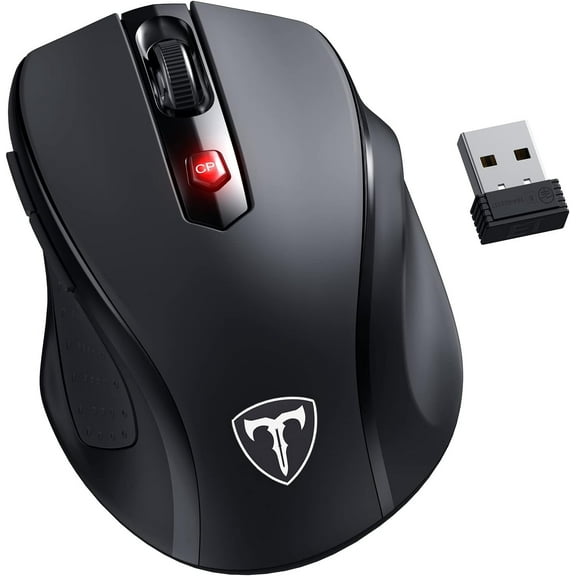


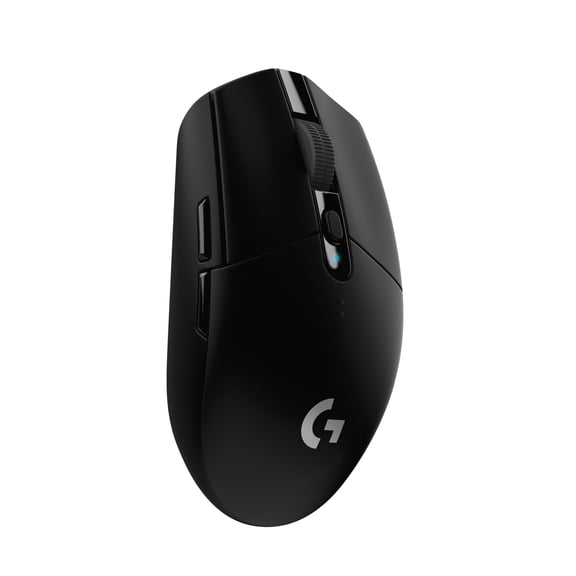


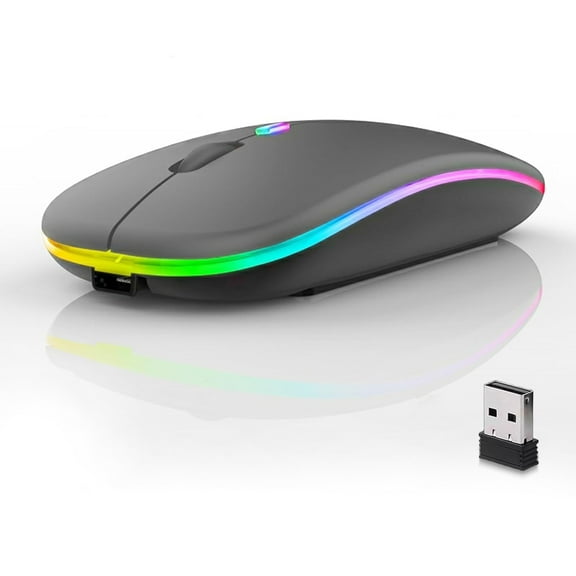
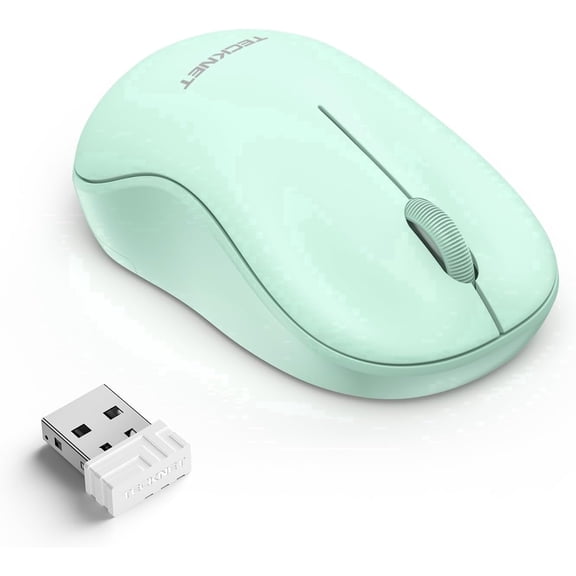
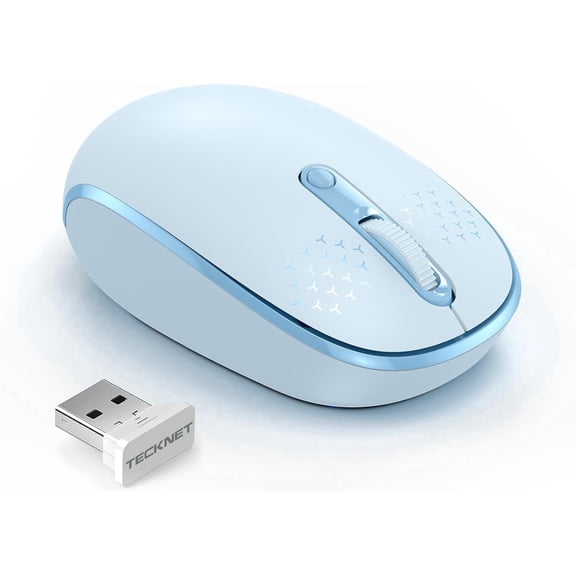






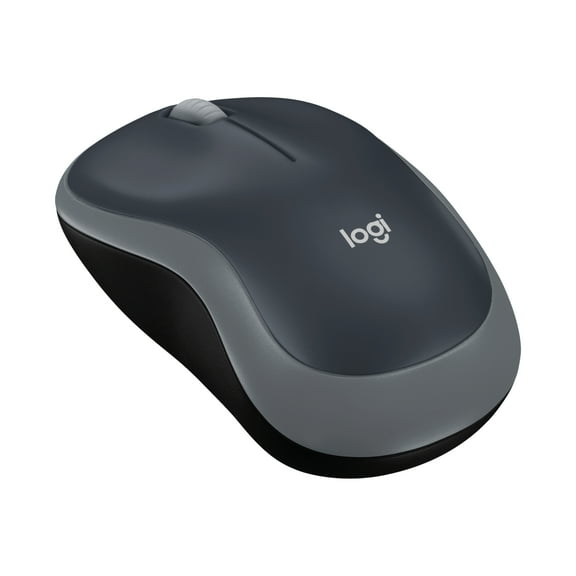


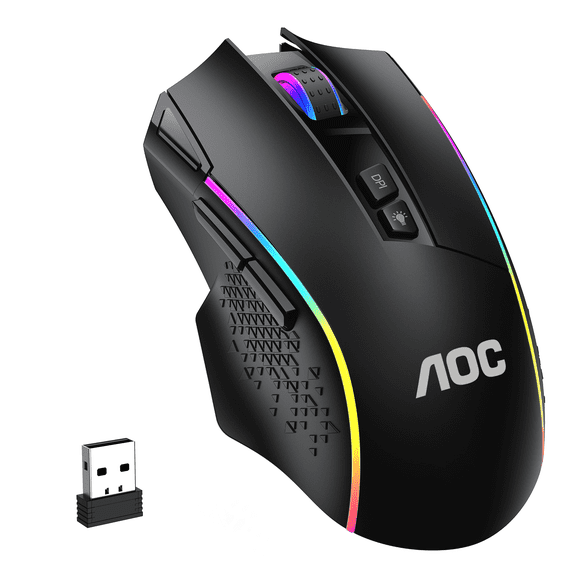
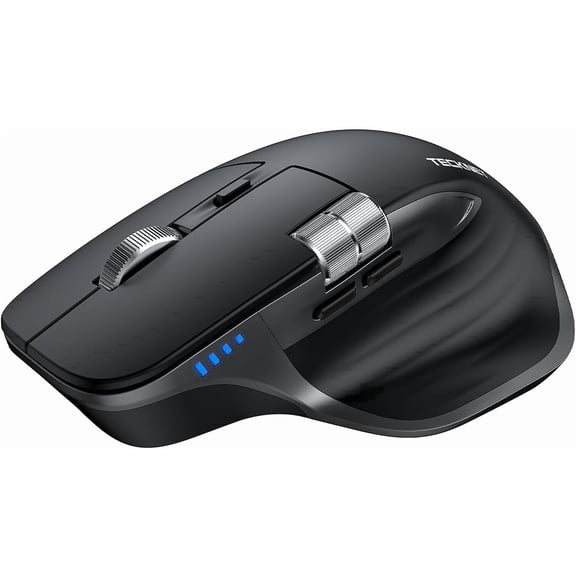
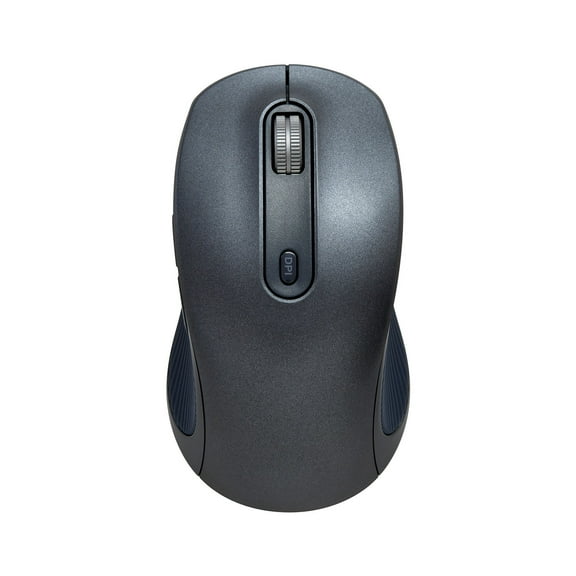
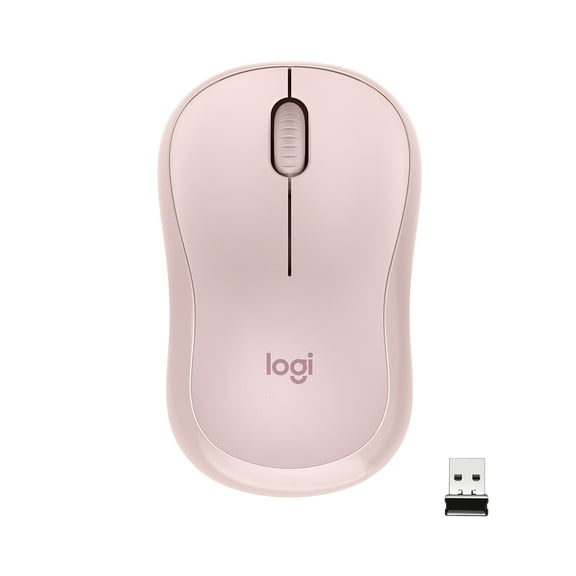


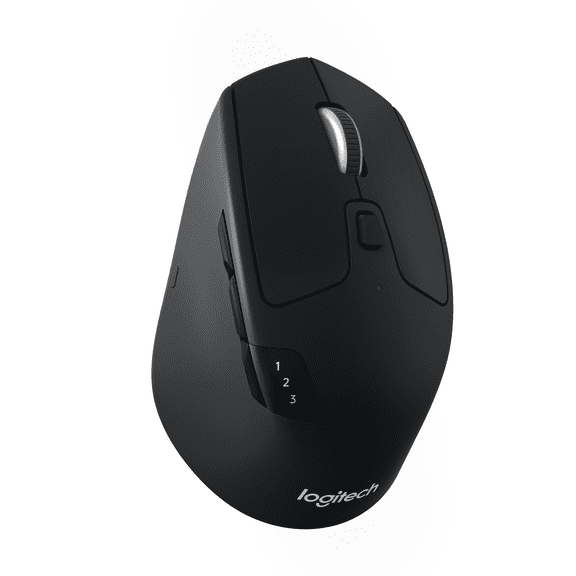
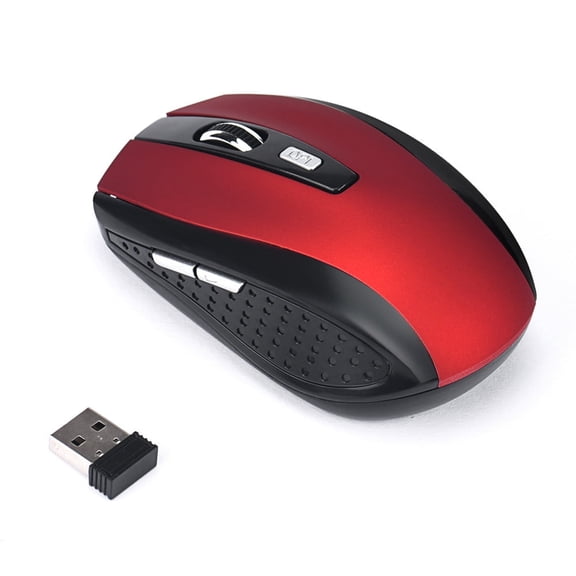


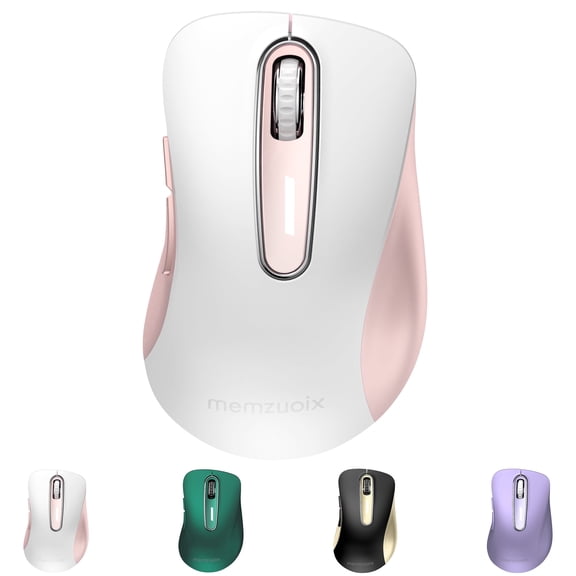


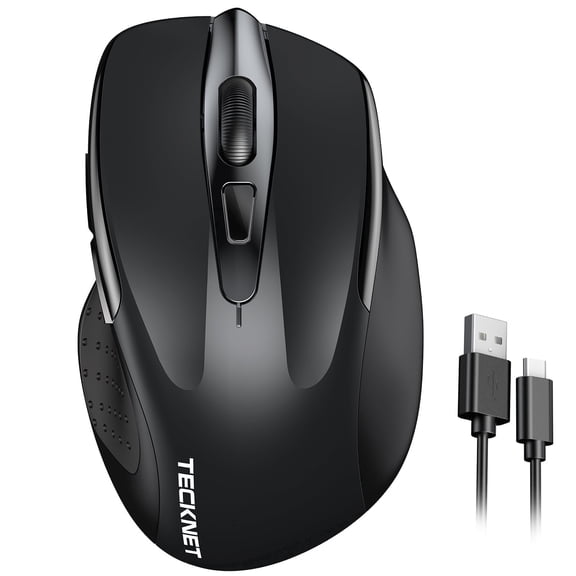


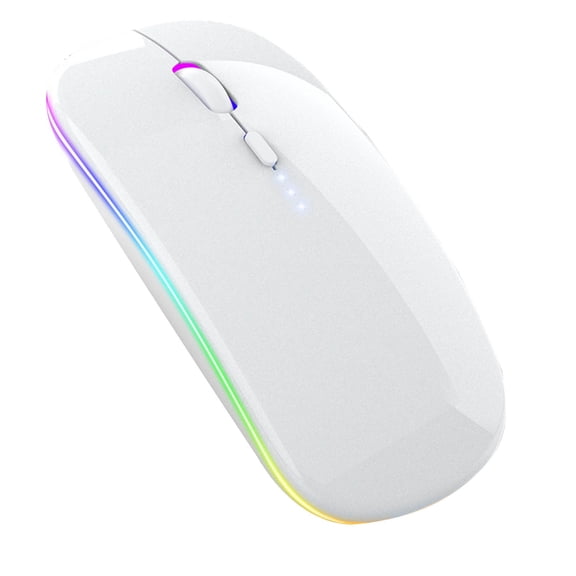


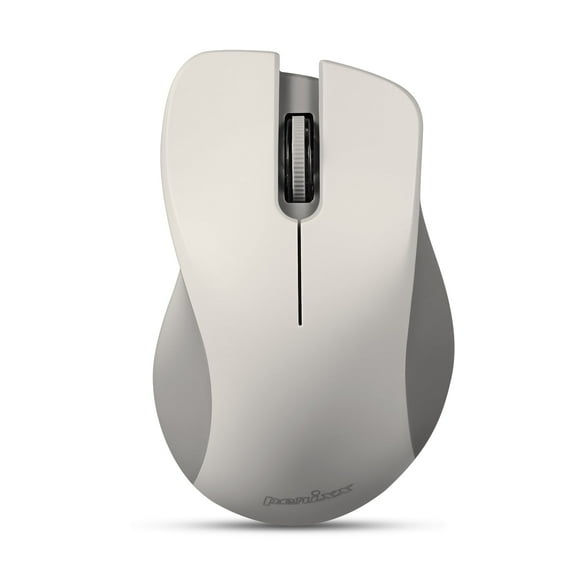


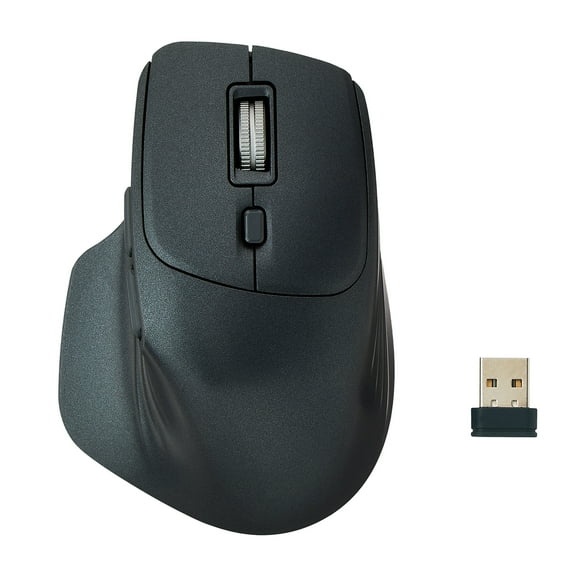
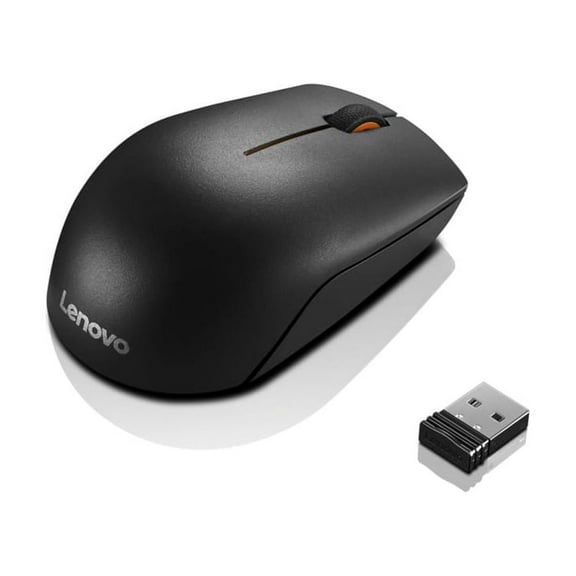
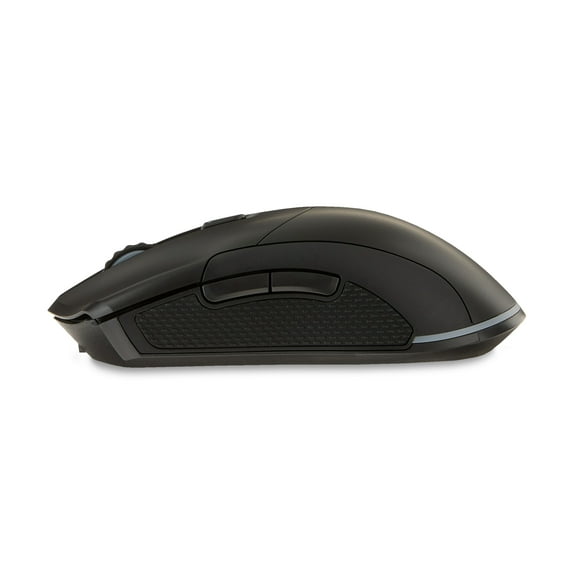


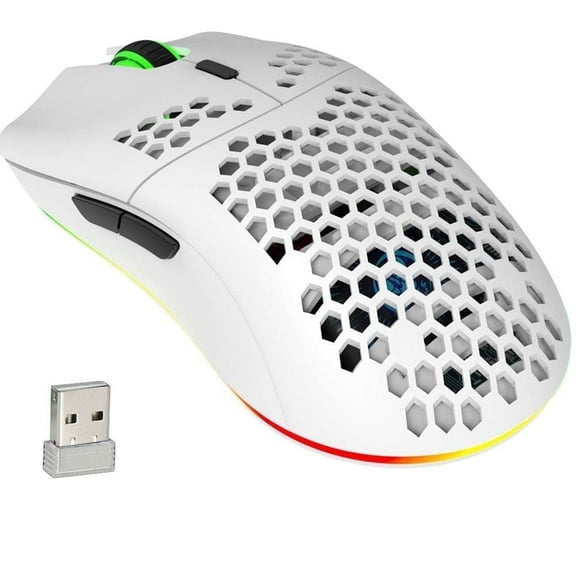


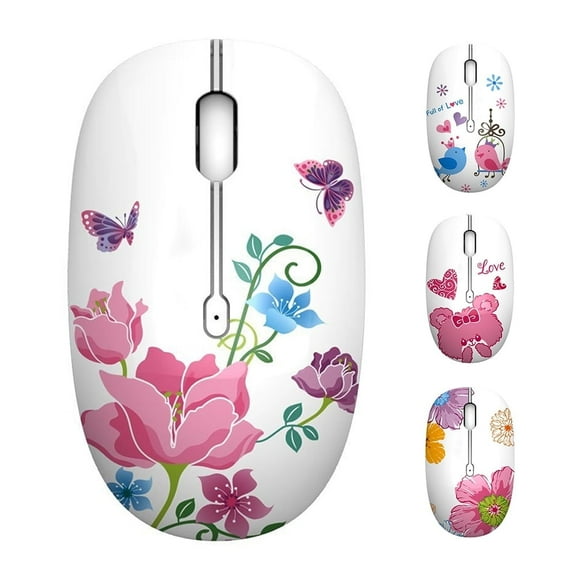


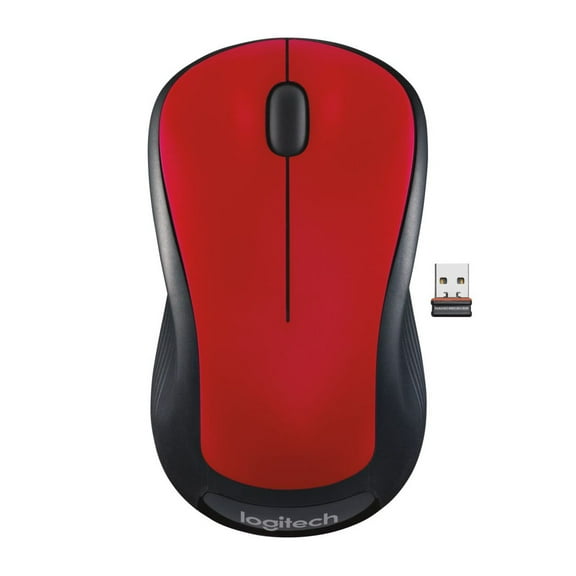


About Wireless Mouse in Computer Mouse & Mouse Pads - Walmart.com
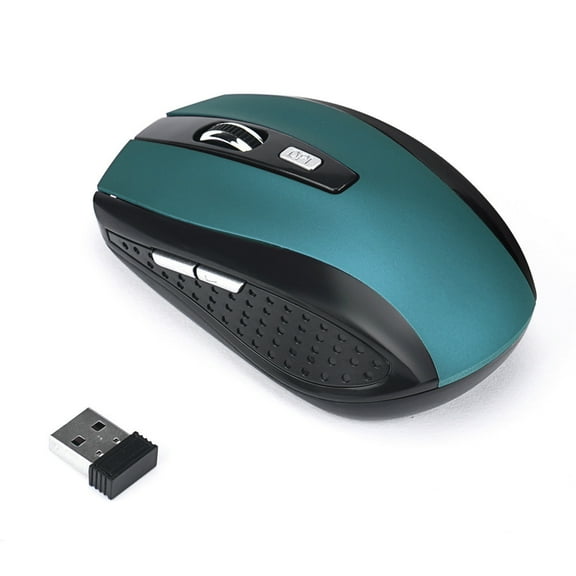
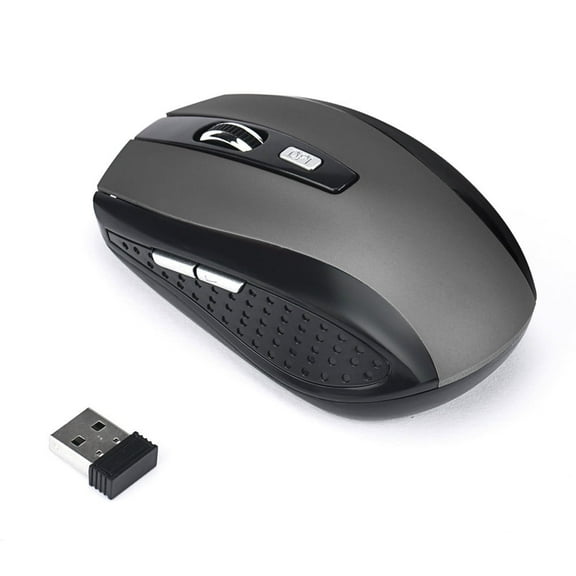
A wireless mouse gives you cleaner desk space, flexible movement, and quick control for laptops, desktops, and compact travel setups. Walmart carries styles for everyday clicking, spreadsheet work, gaming sessions, and portable use.
You can compare Bluetooth and USB receiver options in one place. Pickup and delivery availability also help when you want a computer accessory without extra stops.
Wireless mouse options for work, gaming, and travel
The right pointer changes how your setup feels during long tasks. A contoured shape supports steady hand placement, while a compact shell slips easily into a laptop sleeve.
Silent buttons fit shared spaces, and gaming-focused designs keep rapid inputs consistent. Different designs suit different routines.
Full-size models usually feel stable on larger desks. Travel mice often weigh less and take up less room in a backpack pocket.
- Bluetooth models free up a USB port on thin laptops.
- USB receiver models pair quickly with many desktops and monitors.
- Ergonomic shapes support natural hand positioning during extended computer use.
- Silent click designs keep libraries, offices, and study spaces calmer.
- Multi-button layouts give fast access to shortcuts, browser controls, or game commands.
How to choose a wireless computer mouse
Start with connectivity. A wireless computer mouse may use Bluetooth, a USB dongle, or both.
Bluetooth works well with many modern laptops and tablets. USB receivers offer simple plug-in setup across many Windows and ChromeOS devices.
Battery style matters too. Some models use replaceable AA or AAA batteries.
Others recharge through a cable, which reduces battery swaps. Long battery life can be useful if you move between classrooms, offices, and home desks.
Sensor sensitivity affects cursor speed and control. Adjustable DPI settings help if you switch between detailed design work and everyday browsing.
A textured scroll wheel can also improve precision when moving through long documents or spreadsheets. Shape is another key factor.
Symmetrical bodies fit left- and right-handed users. Vertical and sculpted designs change wrist angle and suit shoppers who want a different grip feel.
Side grips, thumb rests, and palm support vary by model. Those details can change comfort during long sessions.
Use cases for cordless mouse and computer mouse wireless setups
A cordless mouse is useful when your desk already has a laptop stand, charger, headset, and notebook competing for space. Without a cord dragging across the surface, movement feels cleaner.
That can help in compact dorm rooms, kitchen counters, and shared workstations. For office tasks, computer mouse wireless designs make it easy to move from docked desktop work to conference room presentations.
Some models connect to multiple devices, letting you switch between a laptop and tablet. That feature fits hybrid work routines and multitasking setups.
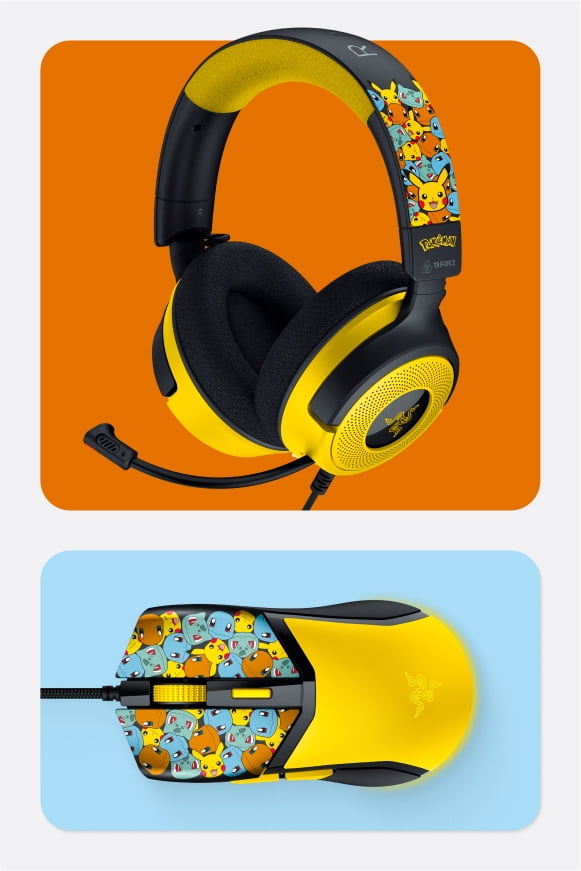
Gaming shoppers often look for fast polling, programmable buttons, and grippy side panels. Those details matter during quick turns, repeated commands, and long sessions.
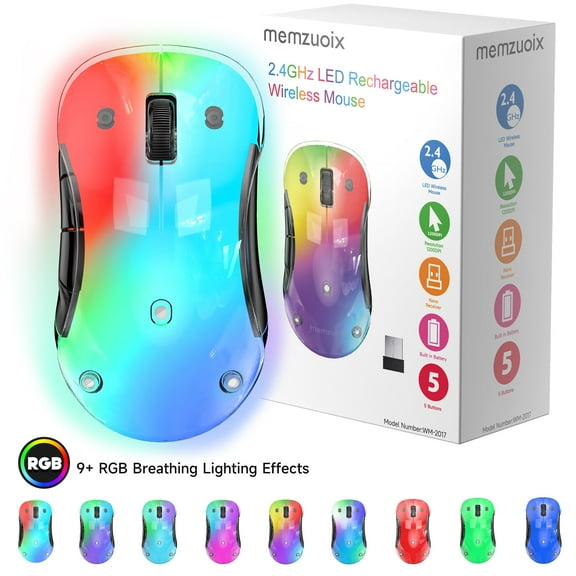
RGB lighting, lightweight shells, and high-DPI sensors also appear on many gaming-focused models. Students and travelers usually want compact dimensions and simple storage.
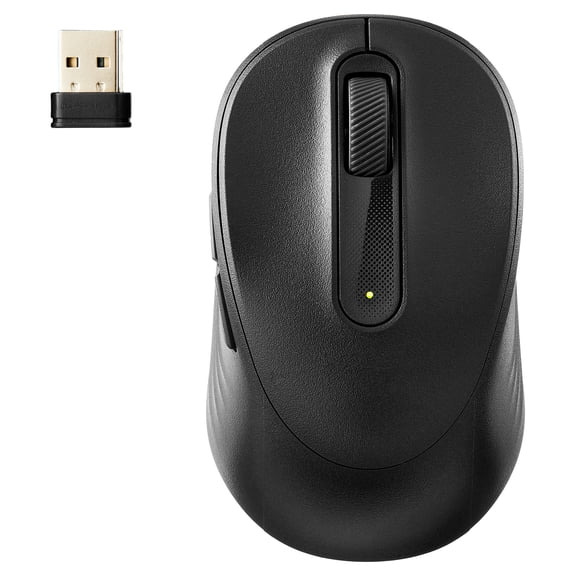
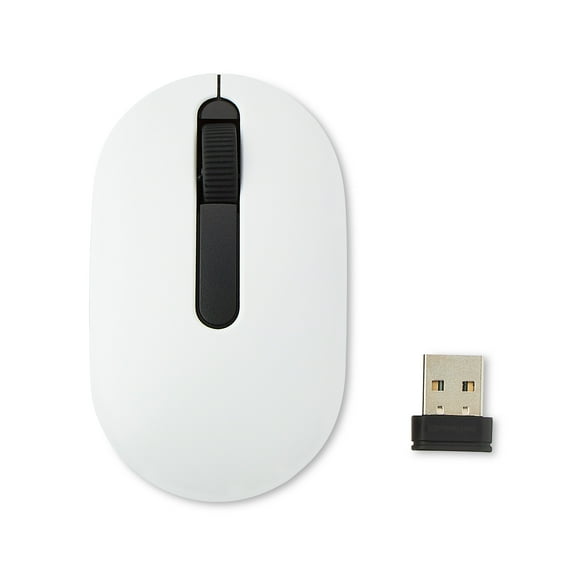
A small receiver can stay inside a laptop port or tuck into the mouse body. That detail is specific to portable computer accessories and makes packing easier.
Some shoppers search for mouse inalambrico when comparing options for bilingual households or shared devices. Clear product filters help you sort by brand, color, connection type, hand orientation, and battery format.
That makes matching a mouse to your setup more straightforward. Pickup options also support convenient access when timing matters.
Features that matter in a wireless mouse
Look closely at button count, scroll behavior, and surface compatibility. Basic models handle daily browsing and document work well.
Advanced versions may add side buttons, tilt scroll wheels, or software customization for shortcuts and macros. Receiver storage is easy to overlook, yet it matters for travel.
Many portable designs include a compartment underneath the shell. That small feature is specific to wireless mice and helps keep the USB receiver from getting misplaced.
Weight also changes the feel of every movement. Lighter models can feel quick and agile.
Heavier designs may feel planted for steady cursor control. Materials, glide feet, and shell texture all affect how the mouse moves across pads and desks.
Compatibility is another smart checkpoint. Many options work with Windows, Mac, ChromeOS, and some tablets.
If youu're pairing with a laptop, a desktop tower, or a shared family computer, checking connection type keeps setup simple. A well-matched wireless mouse keeps your cursor responsive and your desk less cluttered.
It also makes everyday work, study time, and gaming sessions feel smoother from the first click. That practical upgrade supports a cleaner, more flexible setup.