

All Computer Mice in Computer Keyboards & Mice

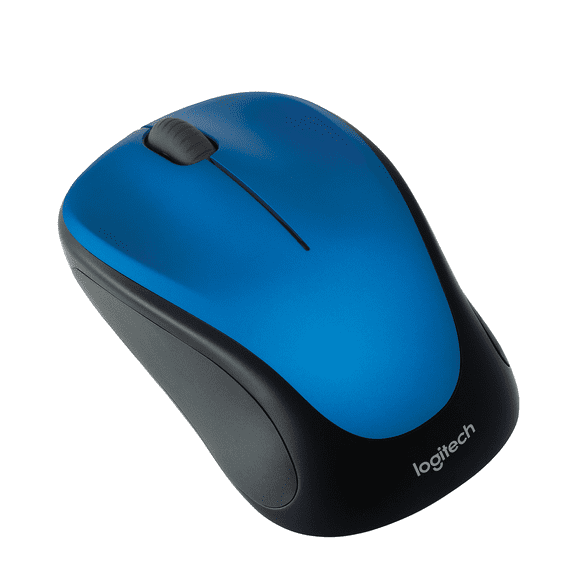


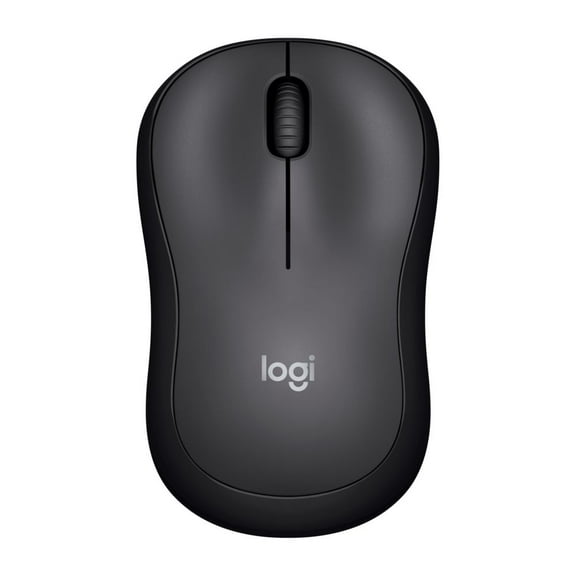


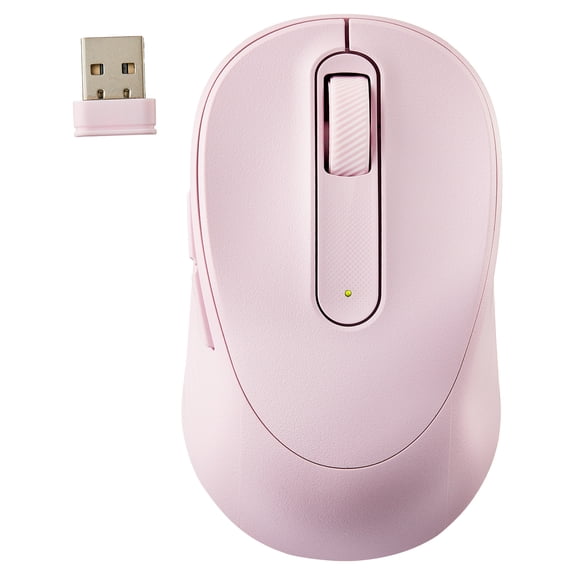


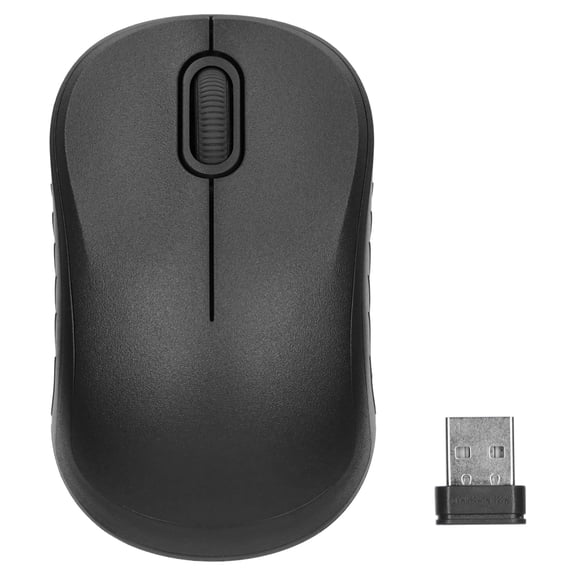
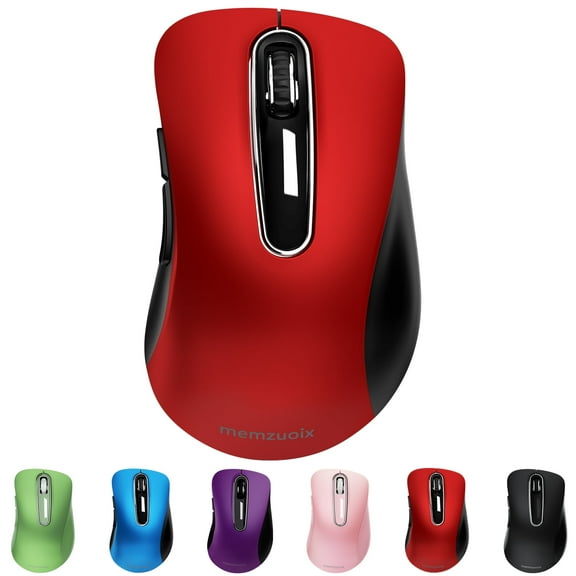


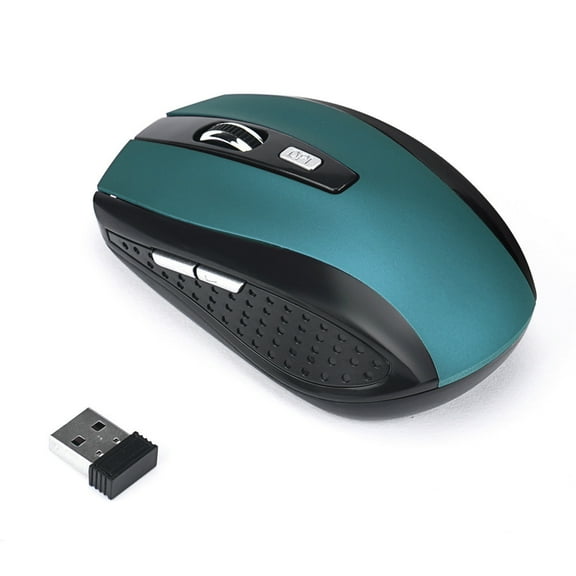


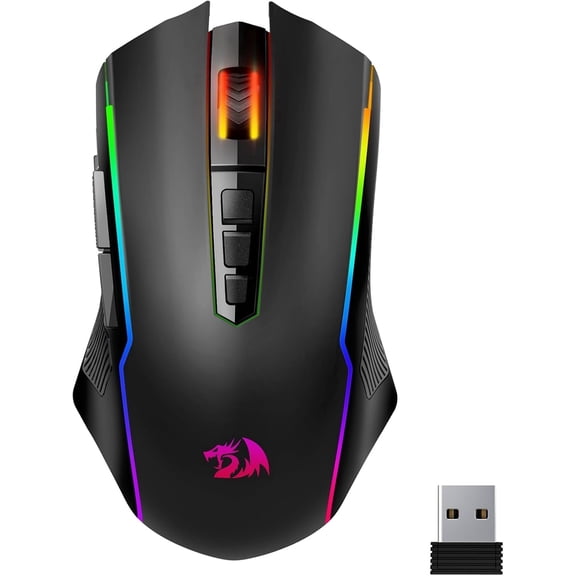




















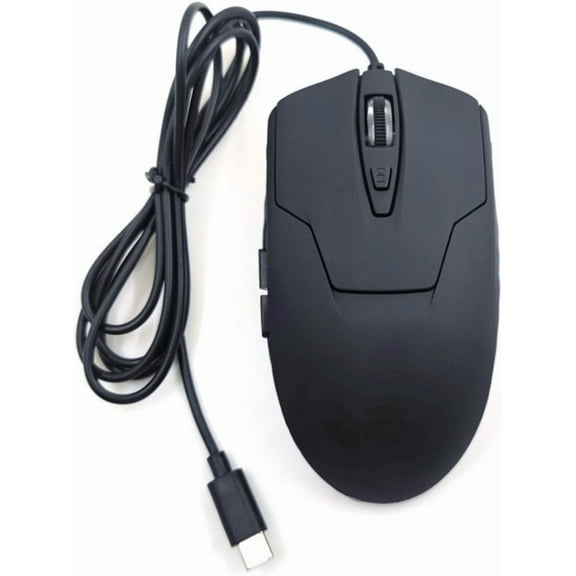
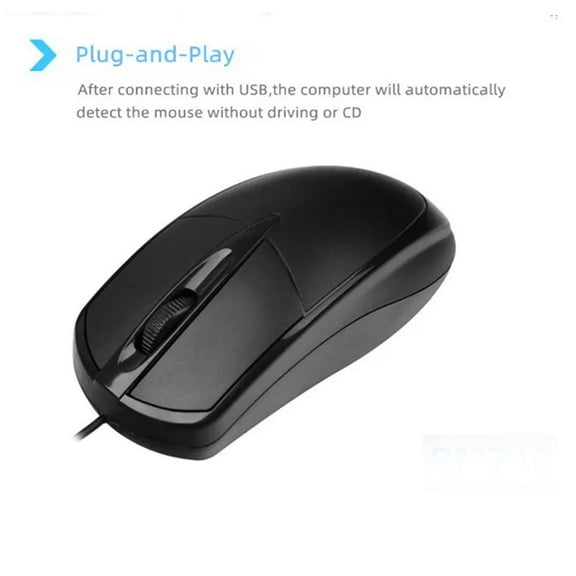
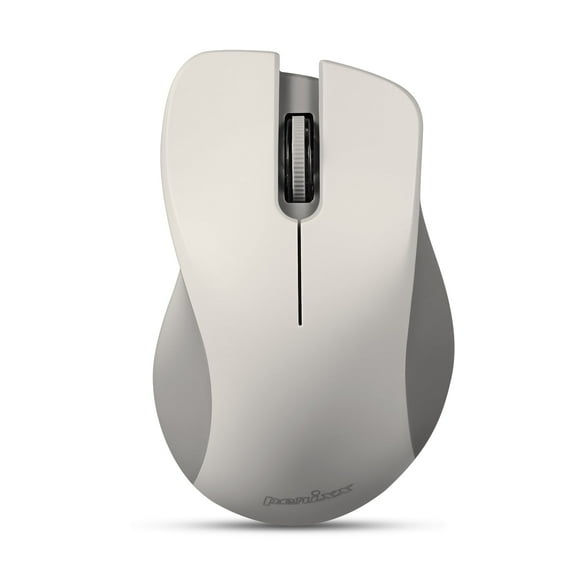


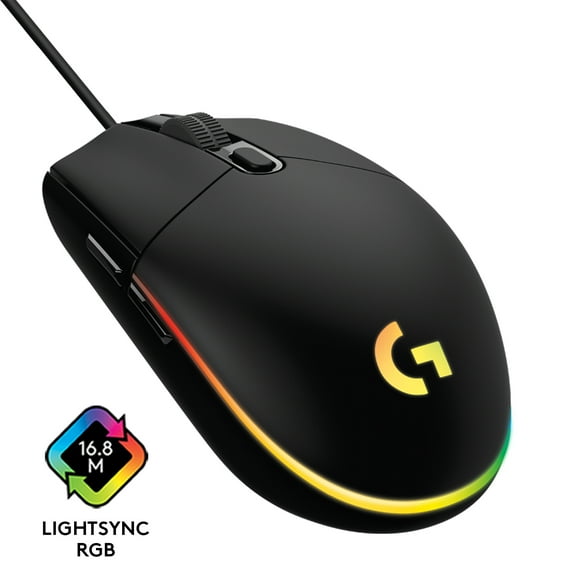










About All Computer Mice in Computer Keyboards & Mice - Walmart.com
Your computer mouse shapes how smoothly you work, scroll, and click each day. You can compare wireless, wired, ergonomic, and compact options at Walmart for desks, travel, and shared spaces.
When you need a replacement fast, you can check pickup and delivery options that fit your schedule. You can also narrow choices by connection type, shape, power source, and tracking style.
How to choose the right computer mouse
You can start by matching your mouse to your routine and workspace. If your desk stays busy all day, you may want comfort features that support longer sessions.
For desktop setups, you may prefer a full-size shape that gives your hand a steadier resting position. If your bag stays packed, you may want a compact body that slips beside your laptop charger.
You can also compare click feel before you choose. If you share a room, you may want silent click designs, while tactile switches can give your fingers more feedback.
- You can choose wireless styles for cleaner desks and easier movement.
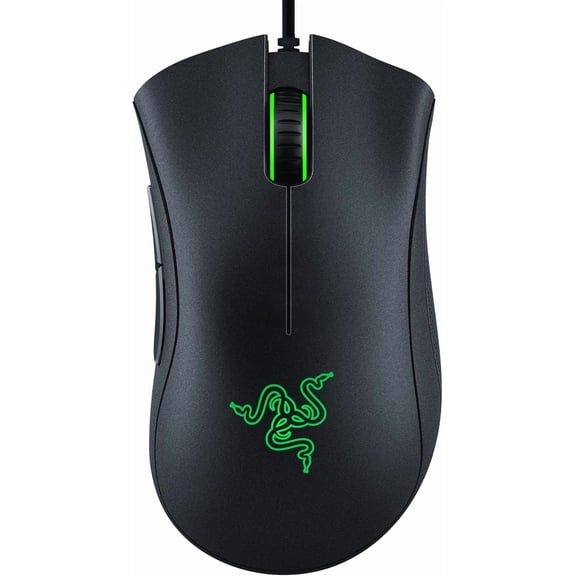
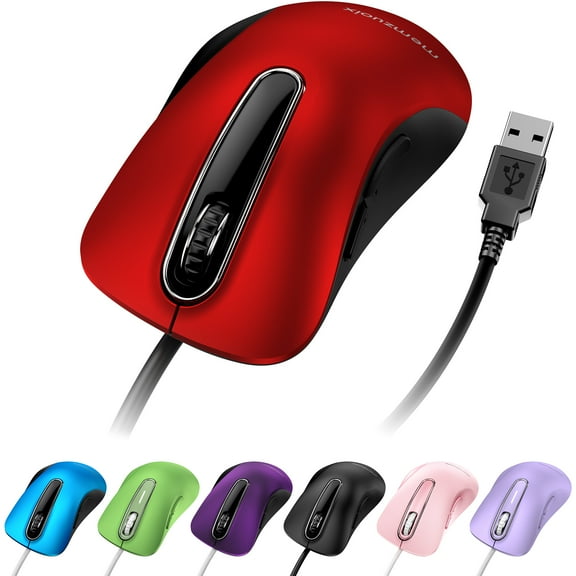
- You can pick wired styles when you want plug-in simplicity and steady response.
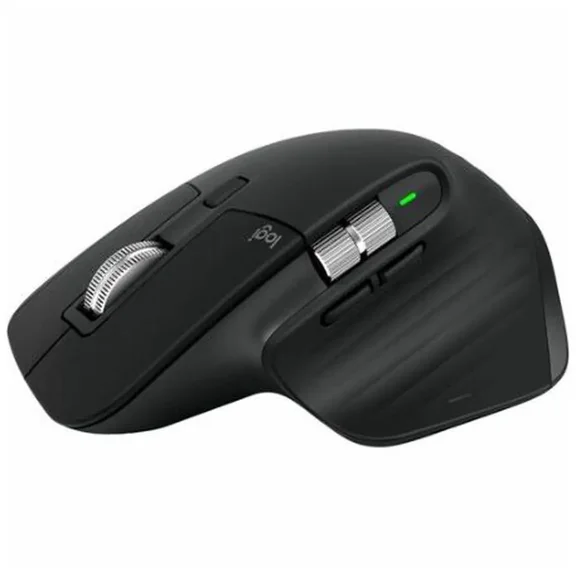
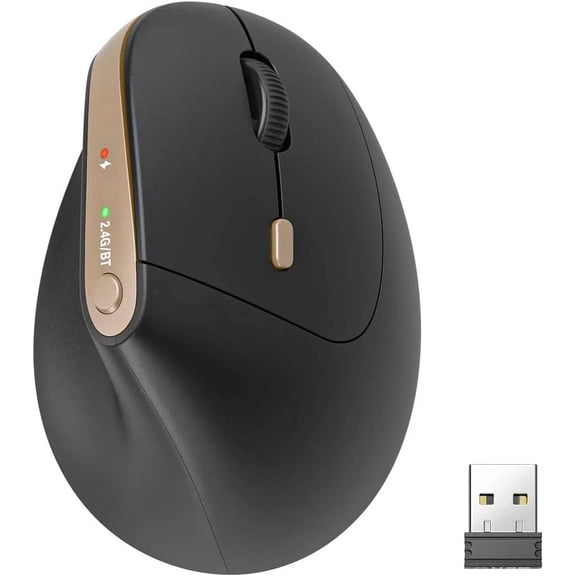
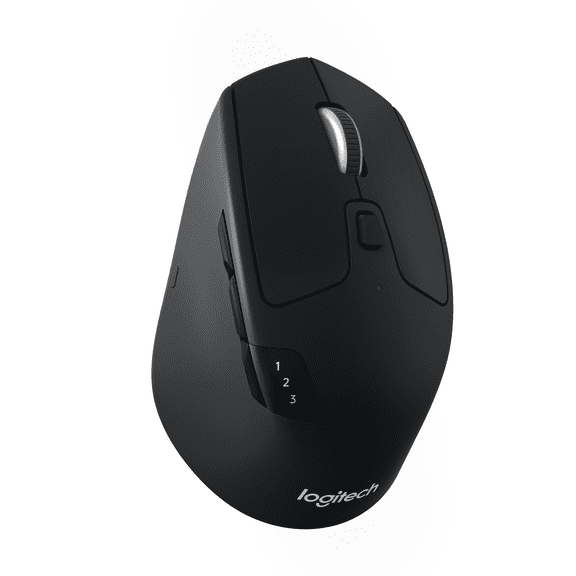
- You can look for ergonomic or vertical shapes when your hand position matters during long sessions.
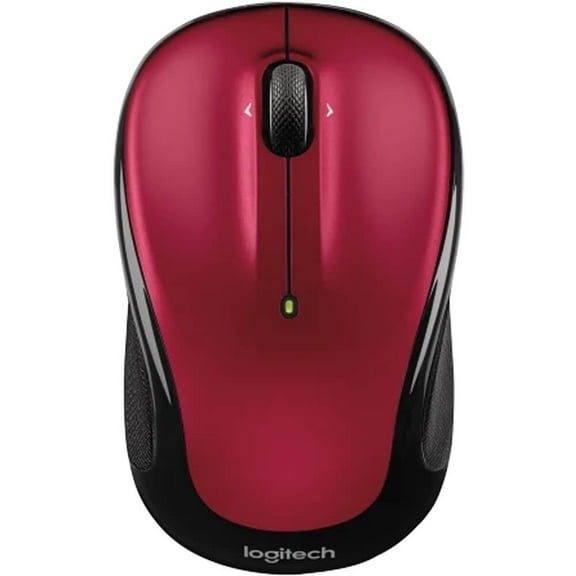
- You can compare compact and ambidextrous designs for travel or shared use.
Choosing between wired, wireless, and bluetooth computer mouse options
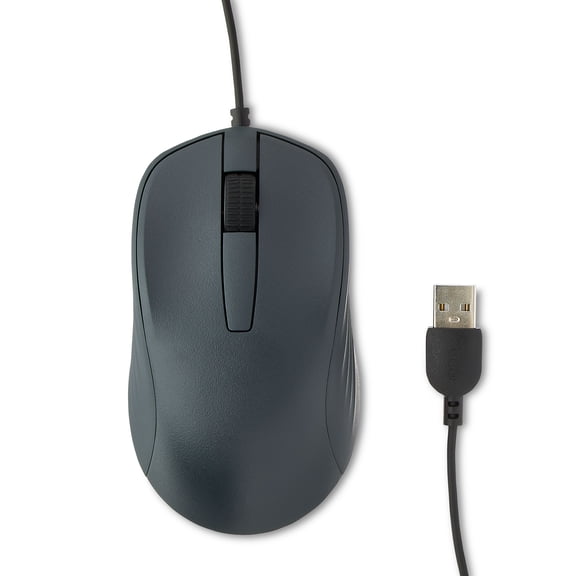
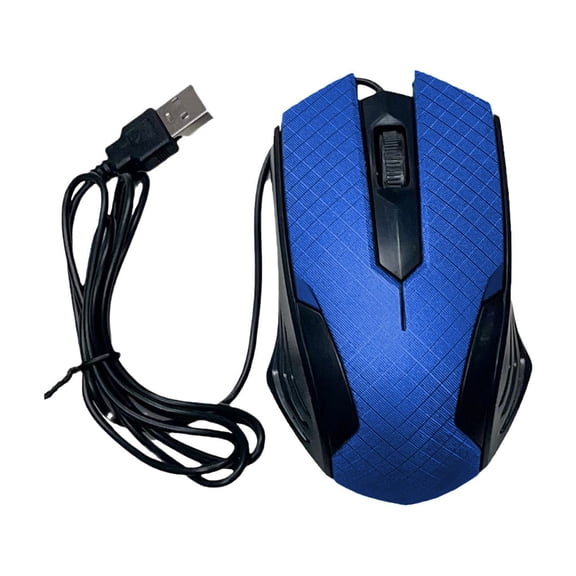
You should start with connection type because it affects convenience, setup, and desk layout. Wired models connect through a USB port, and you can avoid monitoring battery levels.
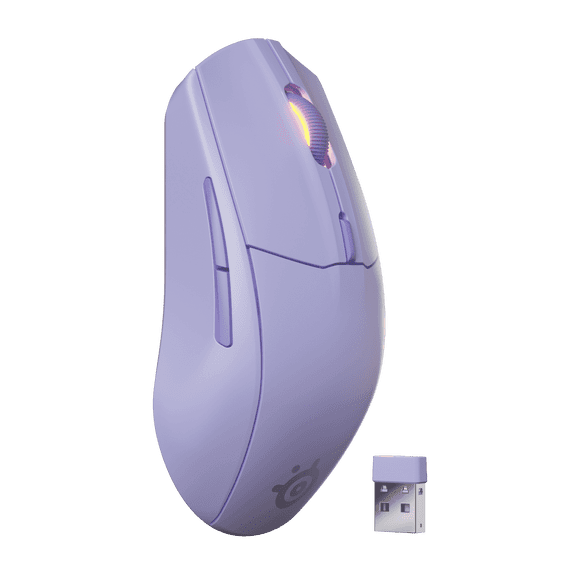
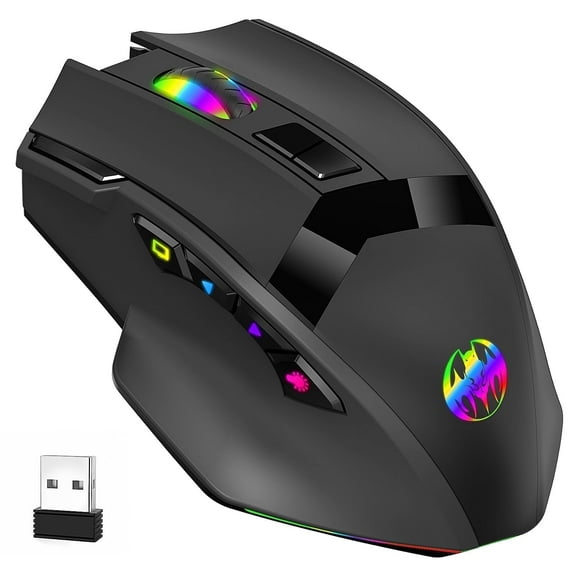
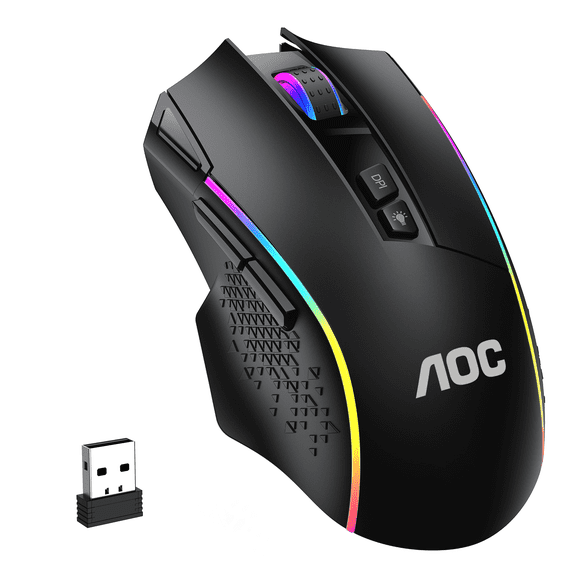
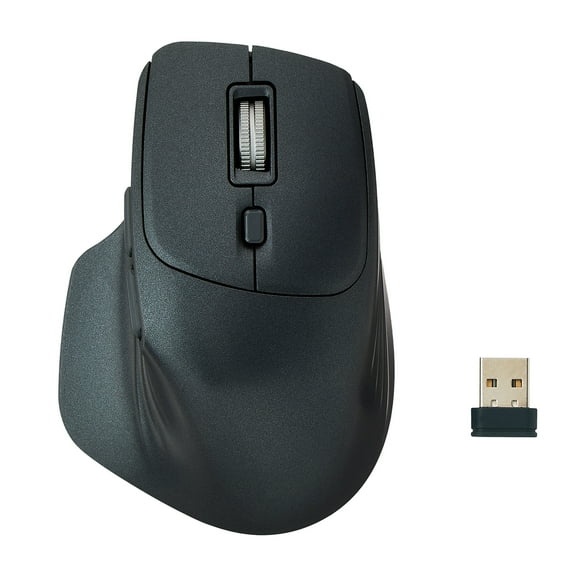
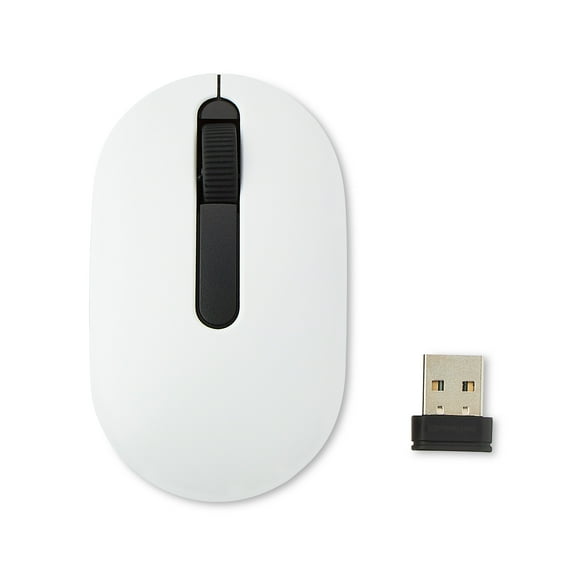
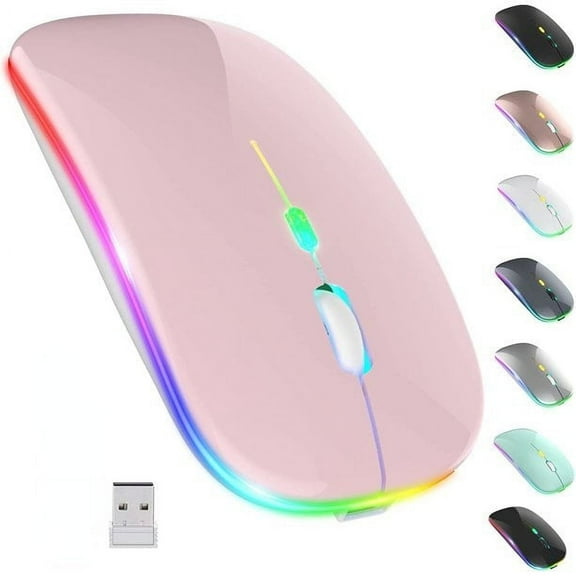
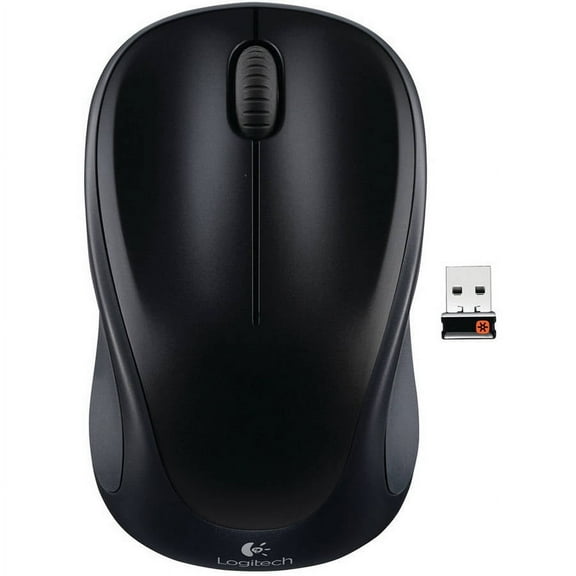
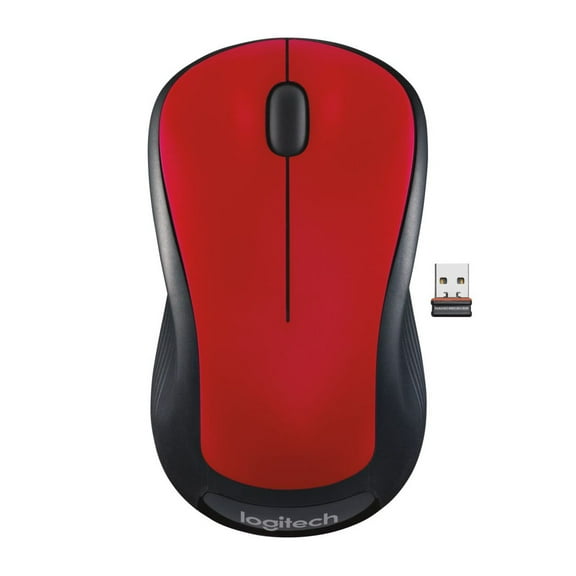
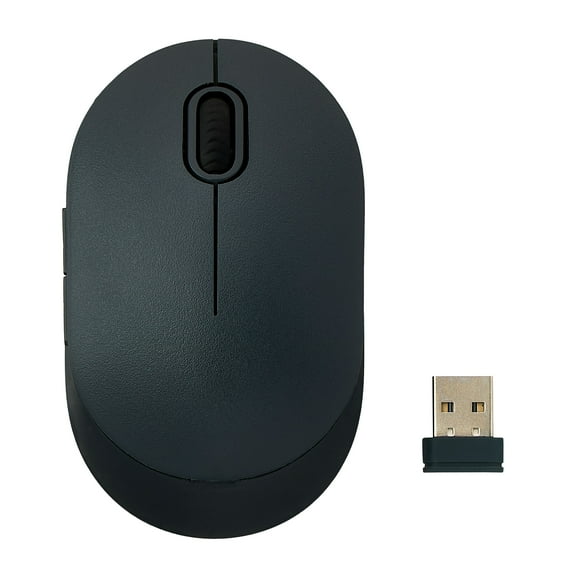
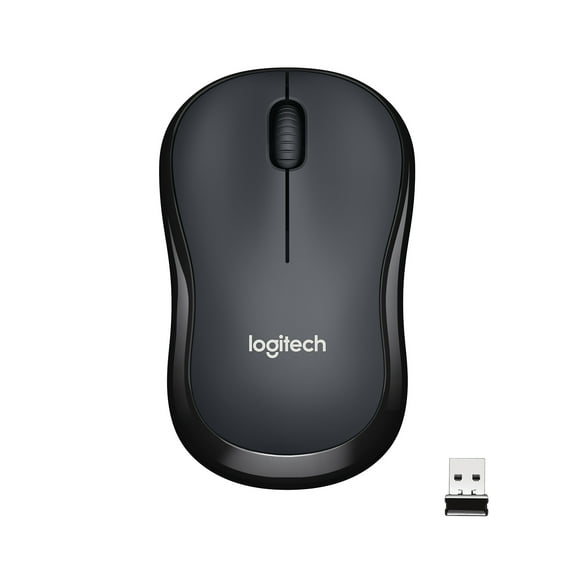
If you want fewer cables across your workspace, you may prefer a wireless computer mouse with a USB receiver. Bluetooth options can help you connect without using a receiver, which matters on slimmer laptops.
You may also compare polling rate and latency if you need sharper response during detailed work or gaming. In plain terms, you may notice faster input can make cursor movement feel more immediate.
Battery life matters when you use your mouse all day at work or school. You can choose rechargeable designs for cable charging, or battery-powered models for quick battery swaps.
Comparing ergonomics, shape, and computer mouse near me needs
You can compare shape before color because hand fit changes your daily experience. Ergonomic bodies can guide your hand into a more natural angle, while vertical designs shift wrist position.
If more than one person uses the same setup, you may want an ambidextrous mouse. That shape can feel familiar whether you switch hands or share a desk.
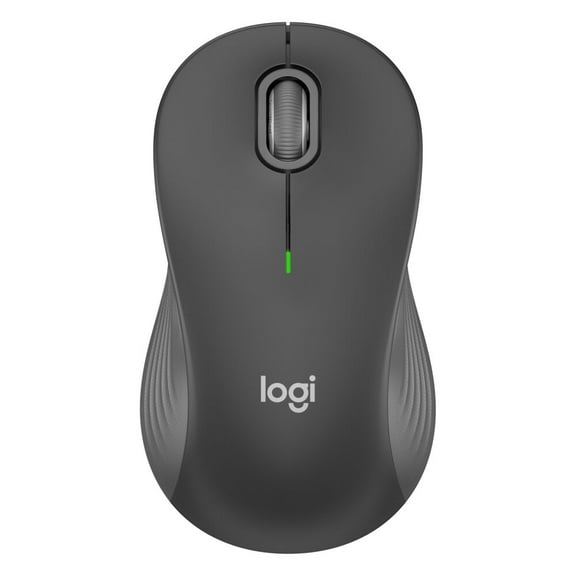
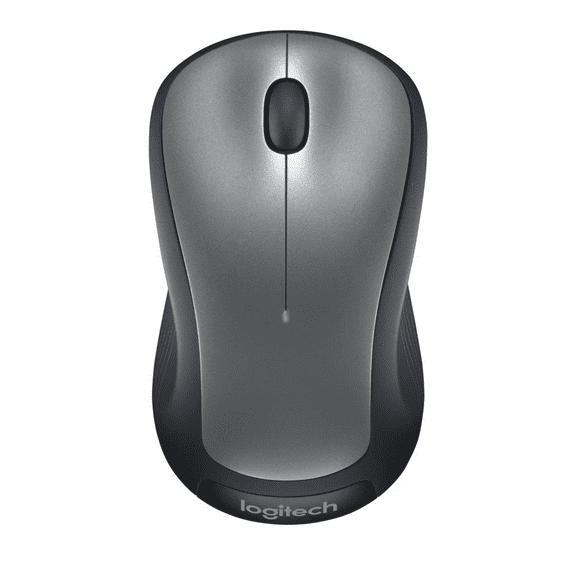
Compact options help when you work in small spaces or carry your gear between meetings. Full-size designs can give your palm more support when your desk time runs long.
When you search for a computer mouse near me, you may really want quick pickup or easy delivery. You can check local availability and compare shapes before choosing a fit for your desk.
What to look for in tracking technology and desktop mouse details
You can narrow your options faster by checking optical and laser tracking styles. Optical sensors often work well on standard desks, while laser sensors can track across more varied surfaces.
If you need more control, you should look for adjustable DPI settings. Higher DPI can move the cursor farther with less hand motion, while lower DPI can help with careful placement.
You may notice sensor sensitivity matters during photo edits, design tasks, and multi-monitor work. A responsive desktop mouse can help you move smoothly between small icons, wide screens, and tight toolbars.
You should also check whether your setup includes glass, wood, or a mouse pad. Surface compatibility can affect how steady your cursor feels during daily use.
Matching power source, availability, and cost of mice to your routine
You can compare rechargeable and battery-powered mice by thinking about where you work most. Rechargeable models can suit fixed desks, while replaceable batteries can help when you’re often away from cables.
If you’re searching for computer mouses near me, you may be focused on timing and convenience. Walmart can help you check local availability so your replacement fits your timeline.
When you need computer mouse delivery today, you can filter by fulfillment options first. That step can help you find a ready-to-go choice for work, school, or home office needs.
If you’re asking how much does a computer mouse cost, you can compare features before you decide. The cost of mice often reflects connection type, sensor controls, materials, and added buttons.
Using your computer mouse for work, gaming, travel, and shared spaces
If you build a home office, you may want wireless freedom, silent clicks, and an ergonomic shape. Those features can support long sessions, cleaner desks, and fewer distractions during calls.
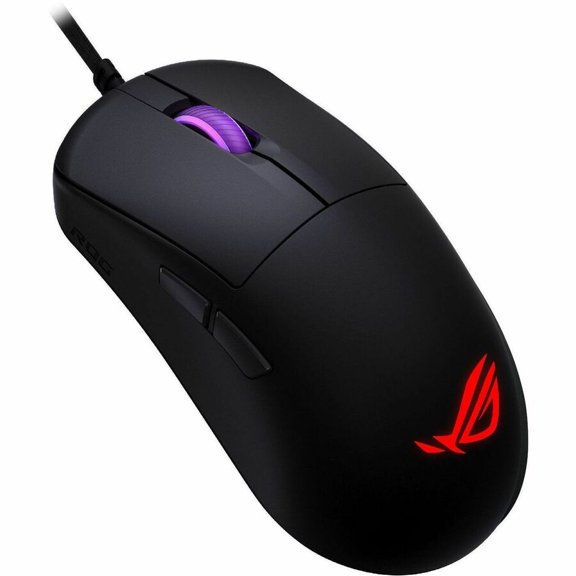
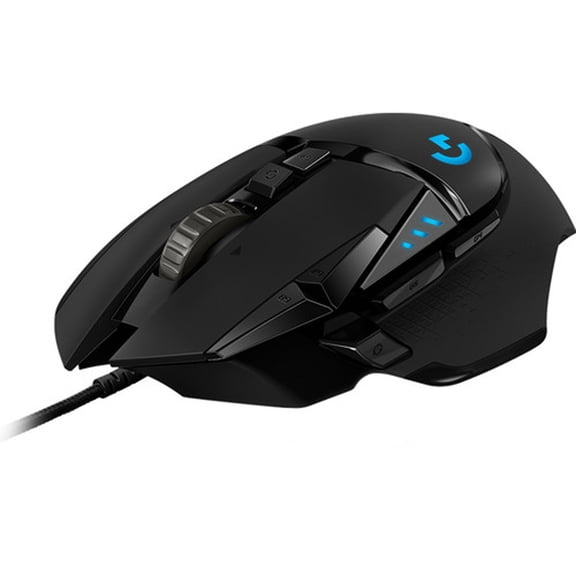
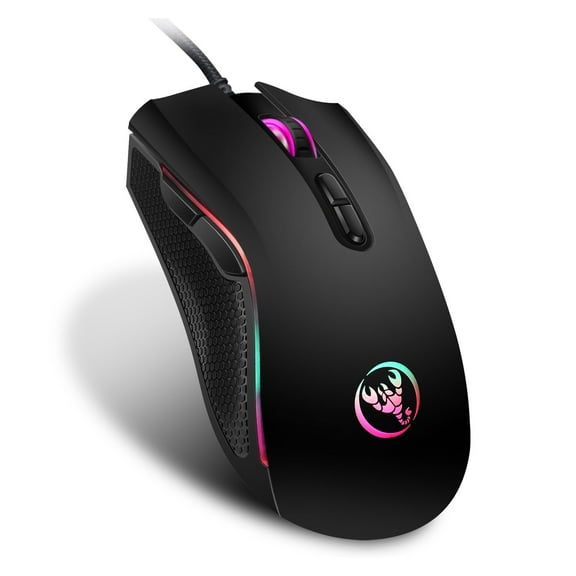
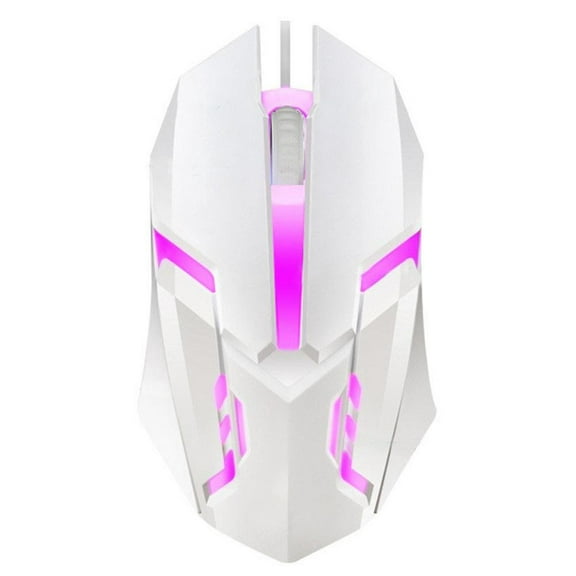
For gaming or fast-paced tasks, you may prefer wired response and adjustable DPI settings. Those details can help your cursor feel steadier during quick moves and repeated actions.
When you travel with a laptop, you may want a compact Bluetooth mouse that packs easily. That setup can keep your USB ports open and reduce cable clutter in tight spaces.
In classrooms, libraries, or shared offices, you may value quieter buttons and dependable tracking. Those choices can help you work comfortably without drawing attention to every click.
You can feel confident choosing a computer mouse when you compare connection, comfort, power, and tracking together. That clear approach helps you find a setup that fits your desk, your pace, and your daily tasks.