

Cateye Gps(3)


CATEYE AirGPS

CATEYE AirGPS
Other options to consider(1)
Fuyu Bikeputer Gps Wireless 1.43" Amoled Touchscreen 850 Nits Maps Turn-by-turn Navigation Call & Text Alerts Ip6dual Mounts Spee $179.98

Fuyu Bikeputer Gps Wireless 1.43" Amoled Touchscreen 850 Nits Maps Turn-by-turn Navigation Call & Text Alerts Ip6dual Mounts Spee
FAQ
How do I set up a bike computer?
Setting up a bike computer can be pretty simple. Most models come with a step-by-step manual, but here's a general approach:
- Attach the mount securely to your handlebars or stem.
- Install the sensor (if included) on your wheel or fork.
- Pair the computer with the sensor via Bluetooth or wired connection.
- Enter wheel size and personal info for accurate readings.
- Turn on the unit and test it before your ride.
If you run into issues, check the instruction booklet for troubleshooting tips or visit the manufacturer's website for videos and support.
Can I use these computers for indoor cycling?
Some bike computers support indoor cycling, but it depends on the model. If the device uses GPS only, it may not track movement indoors. Wireless computers with sensors can sometimes monitor speed or cadence during stationary workouts. Check the product specifications to see if indoor use is possible. For more detailed tracking on a trainer, look for devices with sensor pairing options and consult the manual for setup instructions.
What features should I look for in a cycling computer?
- Display: Easy-to-read screens, especially in bright sunlight.
- Data Tracking: Distance, speed, cadence, and sometimes heart rate.
- GPS: Accurate tracking for outdoor rides.
- Connectivity: Bluetooth or ANT+ lets you pair sensors and smartphones.
- Battery Life: Longer rides require lasting power.
Think about your riding goals and choose the features that fit your routine. Reading product descriptions and reviews can help you decide.
How do I clean my bike computer?
To clean your bike computer, use a soft, damp cloth to wipe the screen and body. Avoid harsh cleaners and don’t submerge it in water. Make sure the contacts are dry before reattaching it to the bike. Regular cleaning helps keep the device looking good and functioning properly, especially after muddy or wet rides. For stubborn dirt, gently use a cotton swab around buttons and crevices.
Are replacement sensors available for these devices?
Replacement sensors and accessories are often available in stores or online. You can check if compatible parts are sold separately for your model by searching the item description or contacting the manufacturer. Look for official accessories to ensure proper fit and functionality. If you’re unsure about compatibility, customer service teams from the brand can offer advice based on your bike computer’s model number.
Popular in Cateye GPS Bike Computers for Cyclists Sports Outdoors
Related Products
Garmin Speed Sensor 2 and Cadence Sensor 2 Bundle
 Garmin Speed Sensor 2 and Cadence Sensor 2 Bundle$114.97current price $114.97
Garmin Speed Sensor 2, Bike Sensor to Monitor Speed, Black
 Garmin Speed Sensor 2, Bike Sensor to Monitor Speed, Black$63.90current price $63.90
RAVEMEN Bike Tracker Compatible with Apple Find My, Rechargeable Anti-Theft Tracker for Bikes, 8-Month Power Life, Hidden Under Bottle Holder iOS Only
 RAVEMEN Bike Tracker Compatible with Apple Find My, Rechargeable Anti-Theft Tracker for Bikes, 8-Month Power Life, Hidden Under Bottle Holder iOS Only$29.95current price $29.95
Garmin Edge 840 Solar GPS Cycling Computer, Touchscreen, Button Controls, Advanced Navigation with Wearable4U Power Bank Bundle
 Garmin Edge 840 Solar GPS Cycling Computer, Touchscreen, Button Controls, Advanced Navigation with Wearable4U Power Bank Bundle$454.99current price $454.99
Garmin Edge 1050 Premium Cycling Computer, Advanced Bike Training and Group Ride Feature, Touch Screen Display, Built-in Speaker, Road Hazard Alerts Bicycle Computer Bundle with Cleaning Kit
 Garmin Edge 1050 Premium Cycling Computer, Advanced Bike Training and Group Ride Feature, Touch Screen Display, Built-in Speaker, Road Hazard Alerts Bicycle Computer Bundle with Cleaning Kit$684.95current price $684.95
Garmin Edge 1050, Premium Cycling Computer, Vivid Color Touchscreen Display, Built-in Speaker, Advanced Training and Group Ride Features, Road Hazard Alerts
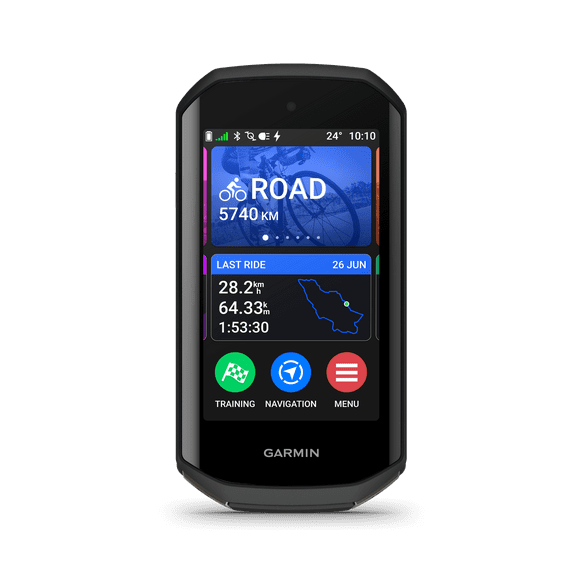 Garmin Edge 1050, Premium Cycling Computer, Vivid Color Touchscreen Display, Built-in Speaker, Advanced Training and Group Ride Features, Road Hazard Alerts$599.99current price $599.99
ROCKBROS M1 Series Wireless Cycling Computers ANT+ Bluetooth Bicycle Computer, Mini Speedometer Odometer LCD Screen GPS/BDS/Galileo Position System
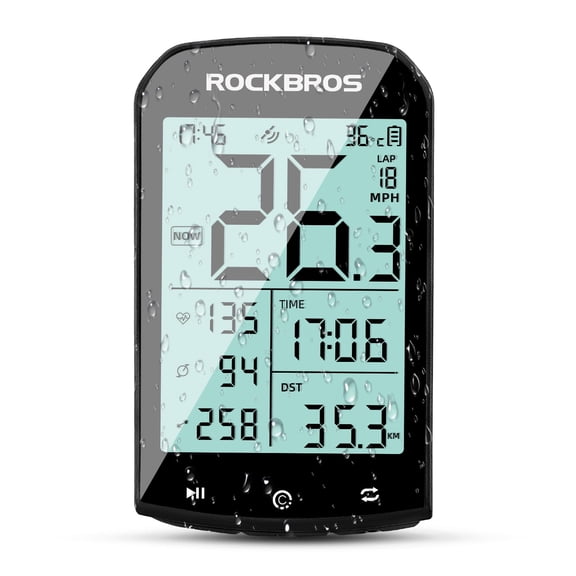 ROCKBROS M1 Series Wireless Cycling Computers ANT+ Bluetooth Bicycle Computer, Mini Speedometer Odometer LCD Screen GPS/BDS/Galileo Position System$39.99current price $39.99
Garmin Edge 550, Compact GPS Cycling Computer, 2.7" Vivid Color Display, Bike-Specific Mapping, Advanced Training & Performance Insights + White Silicone Case w/ Wearable4U PowerBank Bundle
 Garmin Edge 550, Compact GPS Cycling Computer, 2.7" Vivid Color Display, Bike-Specific Mapping, Advanced Training & Performance Insights + White Silicone Case w/ Wearable4U PowerBank Bundle$429.99current price $429.99
Garmin Edge 550 Standard Edition Compact GPS Cycling Computer with Color Display, Advanced Training Insights, GroupRide, Road Hazard Alerts, Smart Routing, MTB Metrics and Up to 36-Hour Battery Life
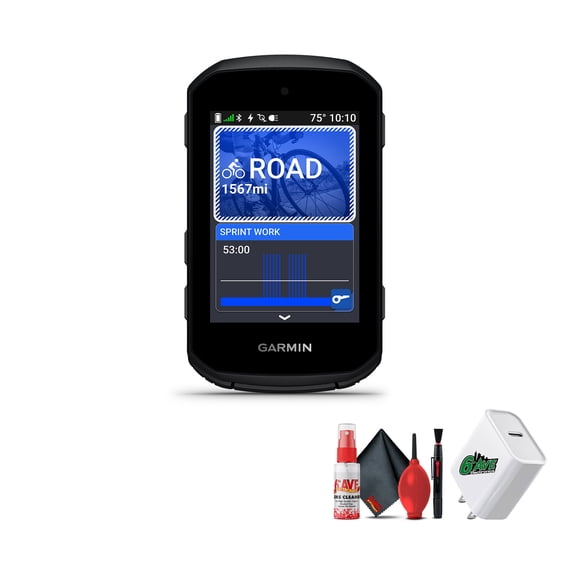 Garmin Edge 550 Standard Edition Compact GPS Cycling Computer with Color Display, Advanced Training Insights, GroupRide, Road Hazard Alerts, Smart Routing, MTB Metrics and Up to 36-Hour Battery Life$474.95current price $474.95
Garmin Edge 850, Compact GPS Cycling Computer, 2.7" Vivid Color Display, Bike-Specific Mapping, Advanced Training & Performance Insights + Sandstone Silicone Case w/ Wearable4U PowerBank Bundle
 Garmin Edge 850, Compact GPS Cycling Computer, 2.7" Vivid Color Display, Bike-Specific Mapping, Advanced Training & Performance Insights + Sandstone Silicone Case w/ Wearable4U PowerBank Bundle$529.99current price $529.99
Garmin 010-02695-20 Edge 840 Solar, Compact GPS Cycling Computer, Device Only Bundle with Deco Gear 16-in-1 Bike Mechanic Repair Tool Kit, Deco Essentials Bike Phone Mount| Official Garmin USA Dealer
 Garmin 010-02695-20 Edge 840 Solar, Compact GPS Cycling Computer, Device Only Bundle with Deco Gear 16-in-1 Bike Mechanic Repair Tool Kit, Deco Essentials Bike Phone Mount| Official Garmin USA Dealer$459.99current price $459.99
Garmin Edge MTB Rugged GPS Bike Computer with Preloaded, Full-Color Trail Maps and Advanced Performance-Tracking for Mountain Bikers Bundle With Cleaning Kit and More
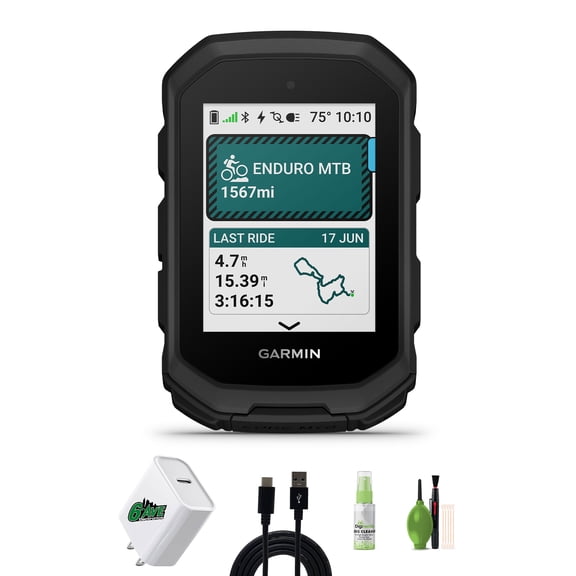 Garmin Edge MTB Rugged GPS Bike Computer with Preloaded, Full-Color Trail Maps and Advanced Performance-Tracking for Mountain Bikers Bundle With Cleaning Kit and More$407.99current price $407.99
Garmin Edge MTB Rugged GPS Bike Computer With Top Tube Mountain Bike Mount, Preloaded, Full-Color Trail Maps and Advanced Performance-Tracking for Bikers + More
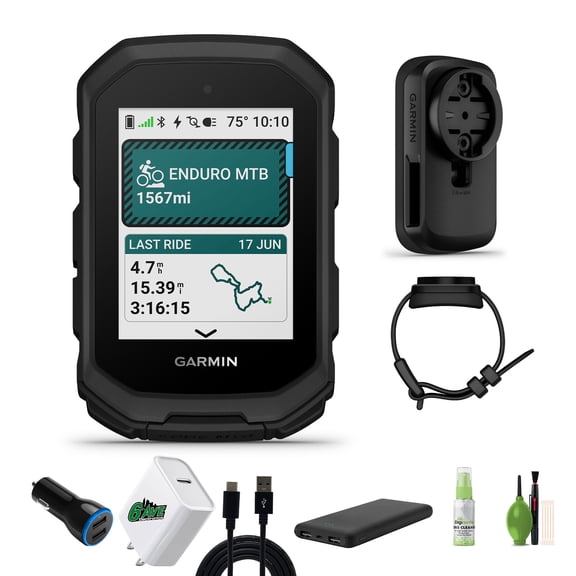 Garmin Edge MTB Rugged GPS Bike Computer With Top Tube Mountain Bike Mount, Preloaded, Full-Color Trail Maps and Advanced Performance-Tracking for Bikers + More$438.58current price $438.58
Garmin Edge 1050 Premium Bike / Cycling Computer Bundle with Cleaning Kit and More
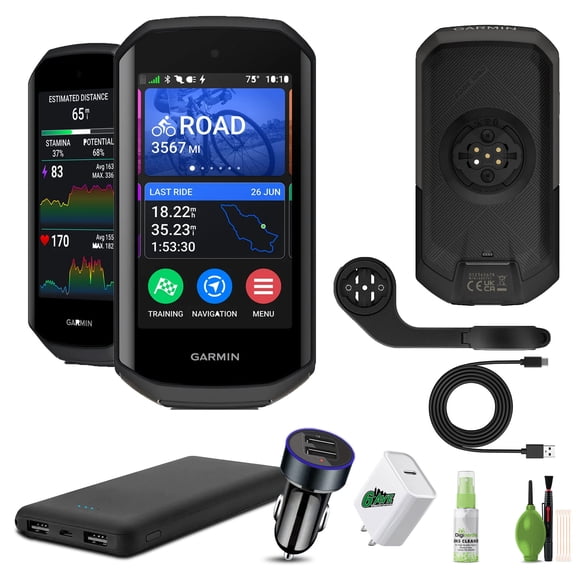 Garmin Edge 1050 Premium Bike / Cycling Computer Bundle with Cleaning Kit and More$694.95current price $694.95
Saris Magnetless Speed & Cadence Sensor Black – Dual-Band ANT+ & Bluetooth BLE Cyclng Sensor
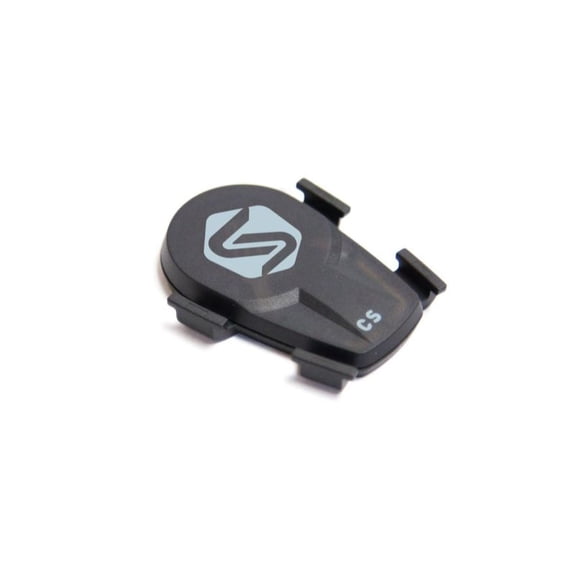 Saris Magnetless Speed & Cadence Sensor Black – Dual-Band ANT+ & Bluetooth BLE Cyclng Sensor$24.99current price $24.99
Garmin Varia RTL515 25" LCD Display Bicycle Computer, Black
 Garmin Varia RTL515 25" LCD Display Bicycle Computer, Black$154.99current price $154.99
