

Canon D530 Printer(10)
Canon imageCLASS LBP172dw - Wireless, Duplex Laser Printer with 1-Year Limited Warranty $179.99

Canon imageCLASS LBP172dw - Wireless, Duplex Laser Printer with 1-Year Limited Warranty
Canon 6171C002 (GX2020) MegaTank MAXIFY Wireless AIO Printer $335.99
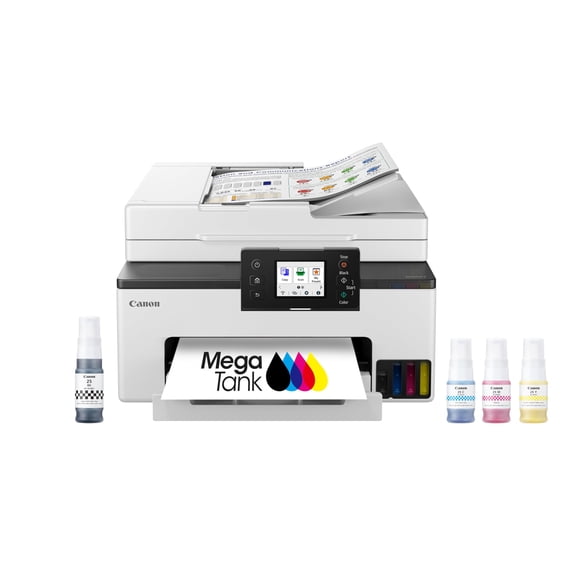
Canon 6171C002 (GX2020) MegaTank MAXIFY Wireless AIO Printer
Canon PIXMA TR160 Wireless Mobile Printer Bundle (International Model) $256.99 Was $278.49
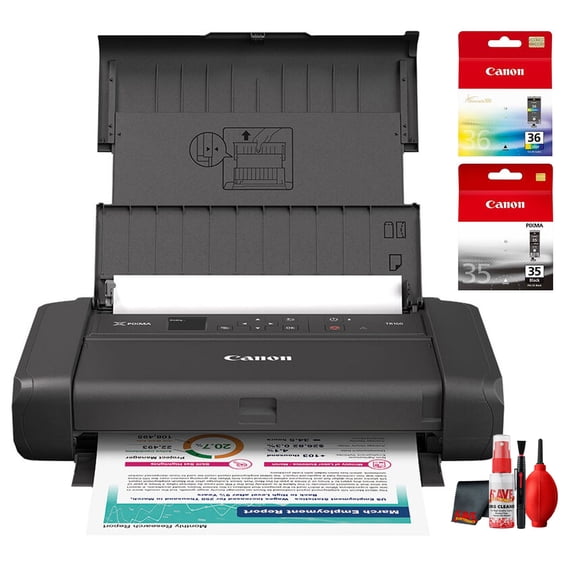
Canon PIXMA TR160 Wireless Mobile Printer Bundle (International Model)
Canon MegaTank PIXMA G3272 All-In-One, Wireless Color Inkjet Printer for Home Office Use $194.00

Canon MegaTank PIXMA G3272 All-In-One, Wireless Color Inkjet Printer for Home Office Use
Canon PIXMA TS9520a Wireless All-in-One Printer Black Bundle (International Model) $379.95
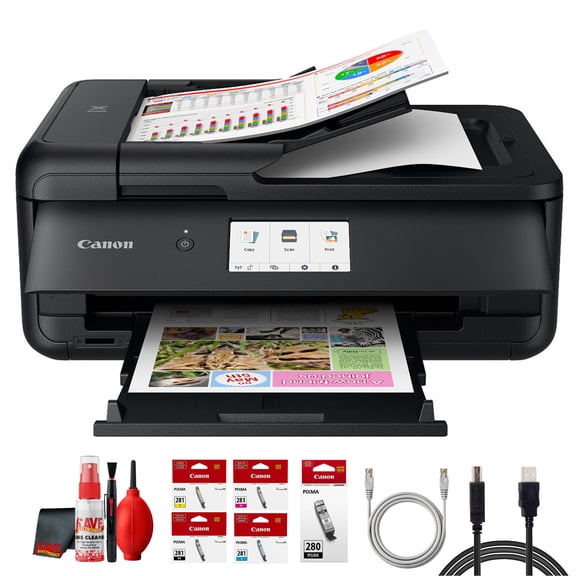
Canon PIXMA TS9520a Wireless All-in-One Printer Black Bundle (International Model)
Canon PIXMA G3270 MegaTank Wireless All-in-One Printer, Black Bundle (International Model) $224.95 Was $248.00

Canon PIXMA G3270 MegaTank Wireless All-in-One Printer, Black Bundle (International Model)
Best seller, Canon PIXMA TR4722 All-In-One, Wireless Color Inkjet Printer for Home Office Use $75.00
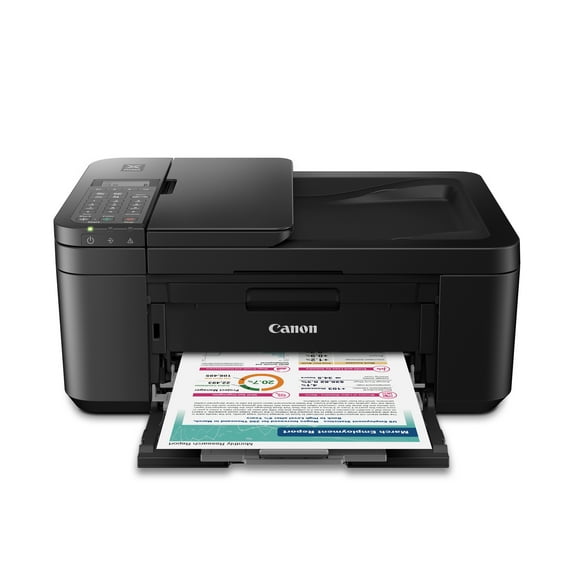
Canon PIXMA TR4722 All-In-One, Wireless Color Inkjet Printer for Home Office Use
Canon PIXMA TS9521Ca Wireless All-in-One Printer White Bundle(International Model) $374.95
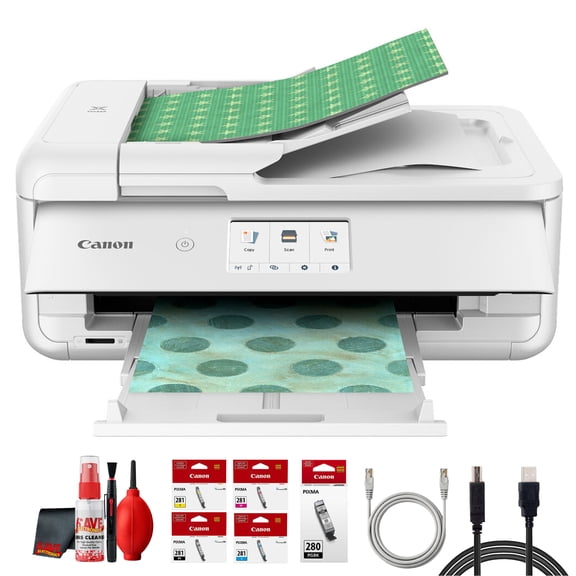
Canon PIXMA TS9521Ca Wireless All-in-One Printer White Bundle(International Model)
Canon MAXIFY GX3020 MegaTank Wireless MFP Color Printer Bundle (International Model) $464.95
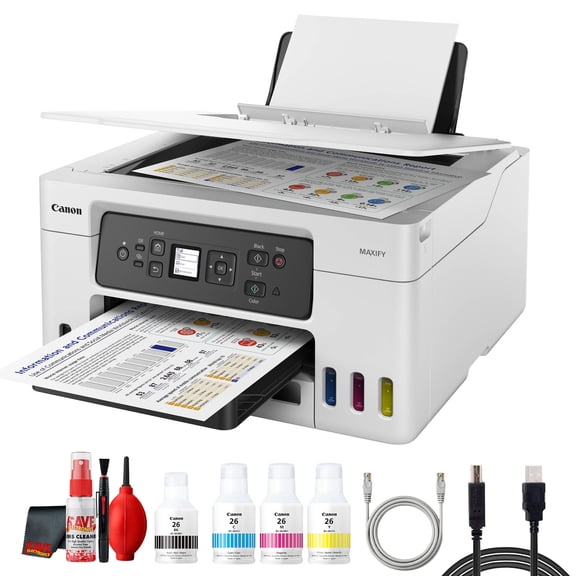
Canon MAXIFY GX3020 MegaTank Wireless MFP Color Printer Bundle (International Model)
Canon MAXIFY GX4020 Wireless All-in-One Printer Bundle (Sold Without Manufacturer Warranty) $539.95

Canon MAXIFY GX4020 Wireless All-in-One Printer Bundle (Sold Without Manufacturer Warranty)
Other options to consider(1)
25ft USB Cable for Canon ImageCLASS D530 Laser Multifunction Printer, Beige or White From $9.75


25ft USB Cable for Canon ImageCLASS D530 Laser Multifunction Printer, Beige or White
FAQ
How do I set up a new photo printer?
Getting started with a new photo printer is pretty straightforward. You'll usually need to unpack the printer, install the ink cartridges and paper, and connect it to your device via USB, Wi-Fi, or Bluetooth.
- Follow the included setup guide for step-by-step instructions.
- Download any required drivers or apps from the manufacturer's website.
- Run a test print to check everything is working.
If you run into issues, customer support or online tutorials can be helpful resources.
Can I print from my phone with this printer?
Most modern wireless printers let you print directly from your smartphone or tablet. To do this, you'll usually need to connect your device and printer to the same Wi-Fi network.
- Install the manufacturer's print app or use built-in mobile printing features.
- Select your photos or documents and choose the printer from the app's menu.
- Some printers also support Bluetooth or AirPrint for easier connection.
Check your printer's manual for specific instructions that match your model.
What types of paper can I use for printing photos?
Photo printers are compatible with a variety of paper types. Common options include glossy, matte, and specialty photo papers.
- Glossy paper delivers vibrant colors and a shiny finish.
- Matte paper produces softer tones and reduces glare.
- Some printers accept sticker paper or postcard-sized sheets for creative projects.
Always check your printer's specifications to make sure the paper size and weight are supported.
How do I keep my printer working smoothly?
Regular maintenance can help keep your printer in good shape. It's a good idea to clean the print head and rollers occasionally and use the printer's built-in maintenance tools.
- Run cleaning cycles from the printer's menu to clear clogs.
- Refill ink or replace cartridges when levels are low.
- Store the printer in a dust-free area and keep it covered when not in use.
These steps can help improve print quality and extend your printer's lifespan.
What should I do if my prints look faded?
If your prints are coming out faded, there are a few things you can try. First, check your ink levels to make sure they're not running low.
- Use the printer's cleaning function to clear any clogged nozzles.
- Make sure you're using the right type of paper for your printer.
- Adjust print settings for color and quality in the print dialog box.
If problems persist, consult the user manual or reach out to customer support for additional troubleshooting tips.
Popular in Canon D530 Printer
Related Products
Canon PIXMA MX492 Wireless All-In-One Small Printer, Copy , Scan, Fax, with Mobile or Tablet Printing, AirPrint and Google Cloud Print Compatible, White
 Canon PIXMA MX492 Wireless All-In-One Small Printer, Copy , Scan, Fax, with Mobile or Tablet Printing, AirPrint and Google Cloud Print Compatible, White$349.00current price $349.00
Canon PIXMA TS5320 White Wireless Inkjet All-In-One Printer
 Canon PIXMA TS5320 White Wireless Inkjet All-In-One Printer$126.98current price $126.98
Canon PIXMA Pro9000 Mark II Photo Printer
 Canon PIXMA Pro9000 Mark II Photo Printer$779.00current price $779.00
Canon PIXMA Pro9000 Desktop Inkjet Printer, Color
 Canon PIXMA Pro9000 Desktop Inkjet Printer, Color$779.00current price $779.00
Restored Canon Pixma Pro9500 MK II Inkjet Photo Printer with USB Connectivity, 4800 x 2400 dpi - 3298B002 (Refurbished)
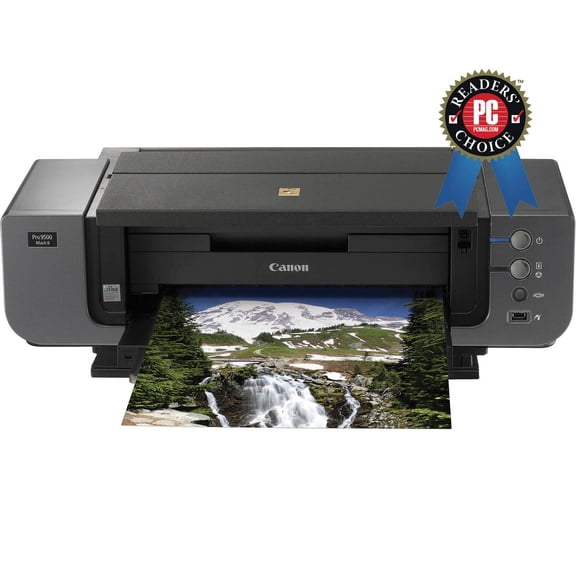 Restored Canon Pixma Pro9500 MK II Inkjet Photo Printer with USB Connectivity, 4800 x 2400 dpi - 3298B002 (Refurbished)$1944.00current price $1944.00
Restored Canon PIXMA Pro9000 Mark II Inkjet Photo Printer with USB & Ethernet Connectivity, 4800 x 2400 dpi - 3295B002 (Refurbished)
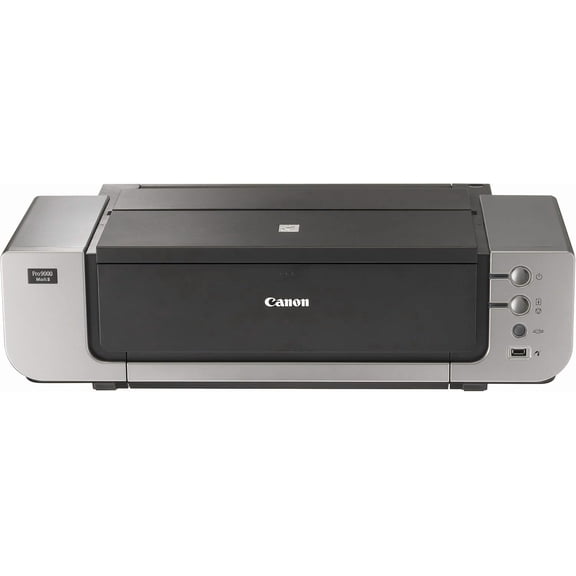 Restored Canon PIXMA Pro9000 Mark II Inkjet Photo Printer with USB & Ethernet Connectivity, 4800 x 2400 dpi - 3295B002 (Refurbished)$840.00current price $840.00
Canon 6875C002 13 in. Pixma Pro-200S Wireless Inkjet Photo Printer - Black
 Canon 6875C002 13 in. Pixma Pro-200S Wireless Inkjet Photo Printer - Black$453.43current price $453.43
Restored Canon PIXMA iP4700 Premium Inkjet Photo Printer with USB Connectivity Technology - 9ppm Monochrome Printspeed - 9600 x 2400 dpi - 3742B002 (Refurbished)
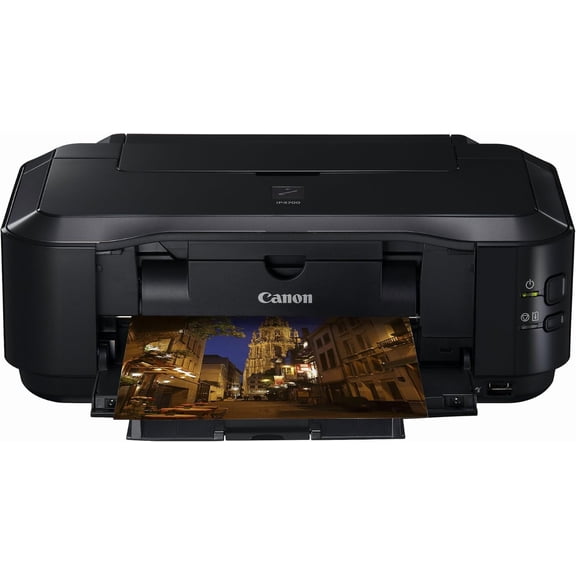 Restored Canon PIXMA iP4700 Premium Inkjet Photo Printer with USB Connectivity Technology - 9ppm Monochrome Printspeed - 9600 x 2400 dpi - 3742B002 (Refurbished)$718.80current price $718.80
Canon imagePROGRAF iPF770 - 36" large-format printer - color - ink-jet - - USB 2.0, Gigabit LAN
 Canon imagePROGRAF iPF770 - 36" large-format printer - color - ink-jet - - USB 2.0, Gigabit LAN$2695.00current price $2695.00
Canon PIXMA PRO-200S Wireless Photo Printer | 13-Inch Borderless Printing | 8-Color Dye Ink for Photographers & Designers (6875C002) + More (International Model)
 Canon PIXMA PRO-200S Wireless Photo Printer | 13-Inch Borderless Printing | 8-Color Dye Ink for Photographers & Designers (6875C002) + More (International Model)$604.95current price $604.95
4192C007 (PFI-300) Ink - Matte Black/Photo Black/Gray/Cyan/Photo Cyan/Red/Magenta/Photo Magenta/Yellow/CO (10/Pack)
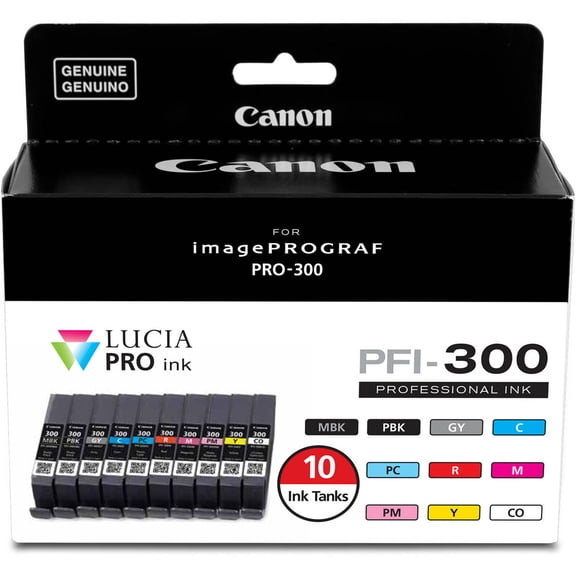 4192C007 (PFI-300) Ink - Matte Black/Photo Black/Gray/Cyan/Photo Cyan/Red/Magenta/Photo Magenta/Yellow/CO (10/Pack)$134.78current price $134.78