

C21(1)
New, C21 All-in-One Hidden Selfie Stick Tripod, 52.8" Aluminum Alloy Extendable Phone Stand with Detachable Bluetooth Remote, Portable Travel Holder for Live Streaming & Selfie Vlog $27.54

C21 All-in-One Hidden Selfie Stick Tripod, 52.8" Aluminum Alloy Extendable Phone Stand with Detachable Bluetooth Remote, Portable Travel Holder for Live Streaming & Selfie Vlog
Other options to consider(1)
8k Fiber Opticb C To Hdmi Cable 75 Ft 8k@60hz 4k@120hz Hdr Active Optical 3.1 Type-c 2.1 Cordpatible Thunderbolt 3/4 For Galaxybo From $119.98


8k Fiber Opticb C To Hdmi Cable 75 Ft 8k@60hz 4k@120hz Hdr Active Optical 3.1 Type-c 2.1 Cordpatible Thunderbolt 3/4 For Galaxybo
FAQ
How does the selfie stick tripod work?
This type of selfie stick tripod combines a phone holder, extendable pole, and tripod base in one. You can open the tripod legs to set it on a flat surface for hands-free photos or videos, or use it as a handheld stick for selfies. The phone holder adjusts to fit most phones, and the length extends to reach different angles. A detachable Bluetooth remote lets you snap pictures or start videos from a distance. This makes it handy for group photos, live streaming, or capturing wide shots during travel.
Can I use the tripod with any phone?
Most selfie stick tripods are designed to fit a wide range of smartphones. The adjustable phone holder typically expands to accommodate various sizes, including many popular models. Before using, check your phone's width and compare it to the holder's specifications to ensure a secure fit. If your phone has a thick case or unique shape, you may need to remove the case for a better grip. Always make sure your device is firmly secured before use to help prevent accidental falls.
What's the best way to set up for live streaming?
Setting up your phone stand for live streaming can help create stable, clear footage. Start by opening the tripod legs fully on a level surface, then extend the pole to your preferred height. Adjust the phone holder so your camera is centered and at eye level for a flattering angle. Make sure the Bluetooth remote is paired with your device if you want to control recording from a distance. Test your setup before going live to ensure everything is steady and your phone is secure.
Is the selfie stick easy to carry while traveling?
This kind of selfie stick tripod is designed for portability. Many models collapse down to a compact size, making them easy to fit in backpacks or luggage. The lightweight materials, like aluminum alloy, keep it light without sacrificing sturdiness. Some versions even have a carrying strap or bag included. These features can make it a convenient addition to your travel gear, allowing you to capture moments on the go without bulky equipment.
How do I keep the tripod clean and working well?
Maintaining your selfie stick tripod can help extend its life and keep it functioning smoothly. After each use, wipe down the surfaces with a soft, dry cloth to remove dust or dirt. Avoid using harsh chemicals or soaking it in water, as moisture can affect the metal parts or Bluetooth remote. Check the joints and locking mechanisms regularly, making sure they move freely and aren't loose. Store the tripod in a dry place and keep the remote with the stick to avoid misplacing it.
Popular in Shop C21 Cell Phones and Accessories Online
Related Products
Spy Case for Cricket Innovate E 5G Case w/Tempered Glass Screen Protector Ring Car Mount Kickstand Hybrid Hard PC Soft TPU Shockproof Protective Phone Case - Blue
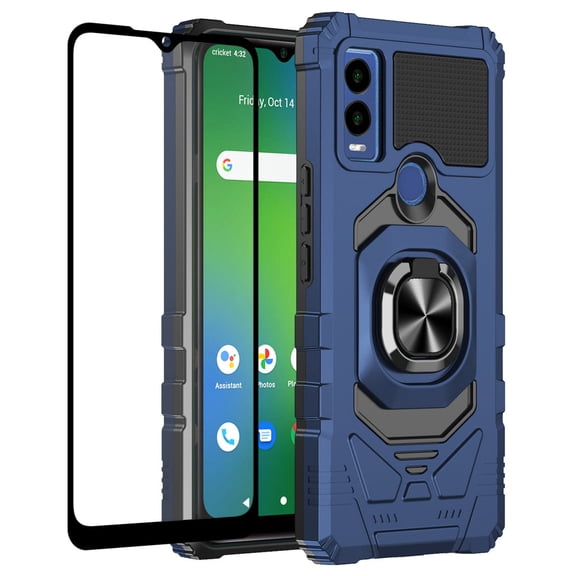 Spy Case for Cricket Innovate E 5G Case w/Tempered Glass Screen Protector Ring Car Mount Kickstand Hybrid Hard PC Soft TPU Shockproof Protective Phone Case - Blue$11.98current price $11.98
Rome Tech for T-Mobile REVVL 6 5G (2022) Shell Holster Combo Case With Belt clip
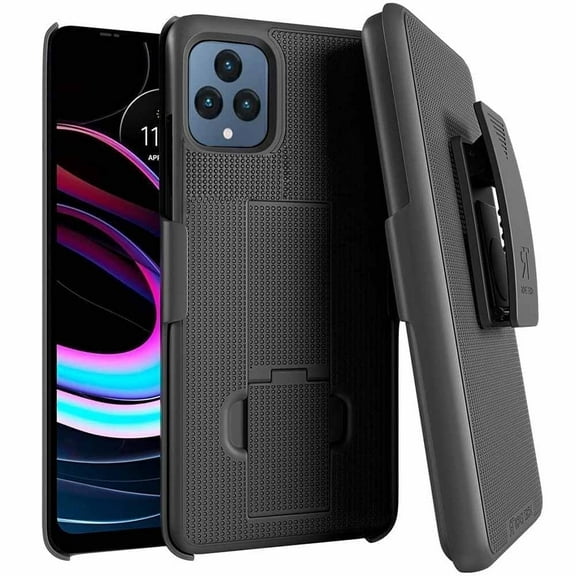 Rome Tech for T-Mobile REVVL 6 5G (2022) Shell Holster Combo Case With Belt clip$10.00current price $10.00
Body Glove Black Zigzag Case - AT&T Fusion 5G / AT&T RADIANT Max 5G
 Body Glove Black Zigzag Case - AT&T Fusion 5G / AT&T RADIANT Max 5G$34.99current price $34.99
For Cricket Icon Pro SN512C 2026 Premium Tough Hybrid Cell Phone Cover Case - PTF Blue
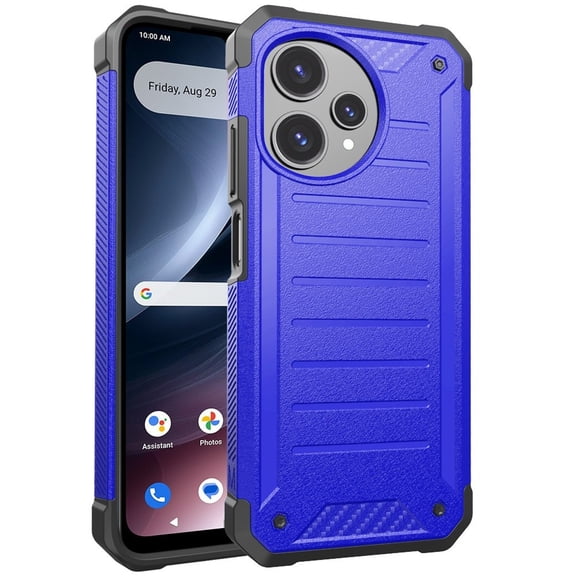 For Cricket Icon Pro SN512C 2026 Premium Tough Hybrid Cell Phone Cover Case - PTF Blue$12.45current price $12.45
For Cricket Icon Pro SN512C 2026 Premium Tough Hybrid Cell Phone Cover Case - PTF Gray
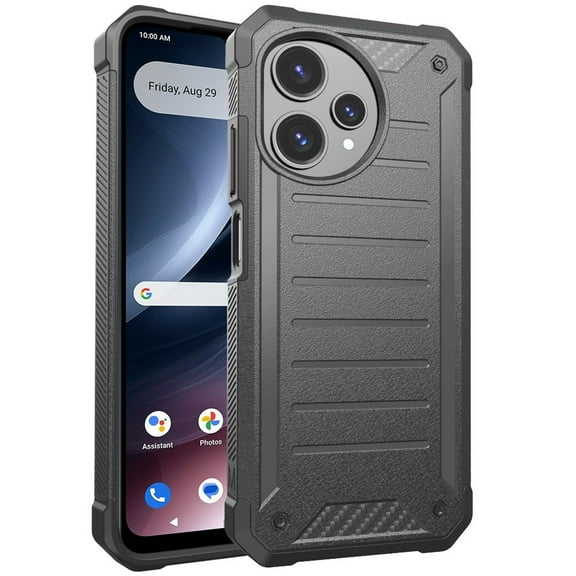 For Cricket Icon Pro SN512C 2026 Premium Tough Hybrid Cell Phone Cover Case - PTF Gray$12.45current price $12.45
For Boost Mobile Summit 5G Shockproof Phone Case Cover with Tempered Glass Screen Protector, by OneToughShield - Desert Camo
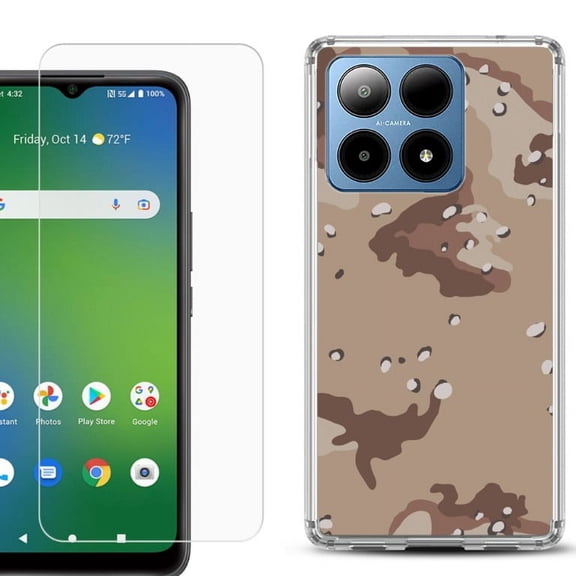 For Boost Mobile Summit 5G Shockproof Phone Case Cover with Tempered Glass Screen Protector, by OneToughShield - Desert Camo$17.89current price $17.89
For Cricket Ovation 3 U668AC Robotic Ring Stand Phone Case Cover + Tempered Glass - Black
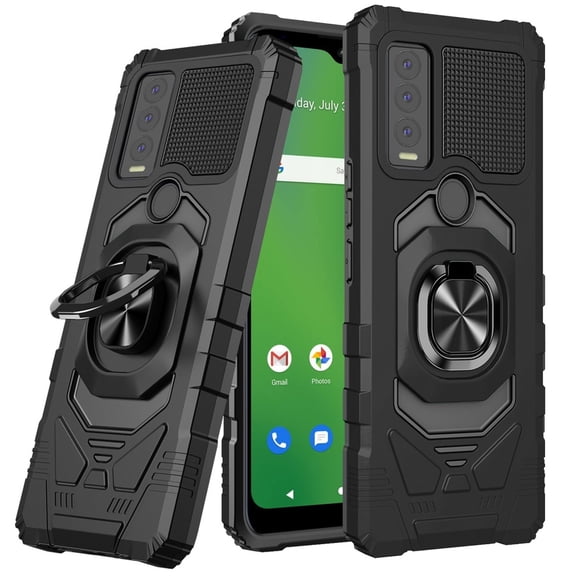 For Cricket Ovation 3 U668AC Robotic Ring Stand Phone Case Cover + Tempered Glass - Black$14.98current price $14.98
For Boost Mobile Summit 5G Shockproof Phone Case Cover with Tempered Glass Screen Protector, by OneToughShield - Deer/Snow/Camo
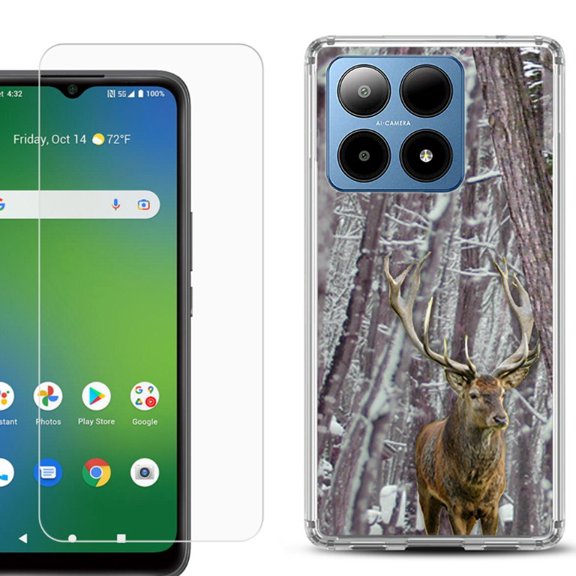 For Boost Mobile Summit 5G Shockproof Phone Case Cover with Tempered Glass Screen Protector, by OneToughShield - Deer/Snow/Camo$15.89current price $15.89
For Boost Mobile Summit 5G Shockproof Phone Case Cover with Tempered Glass Screen Protector, by OneToughShield - Camo B/W
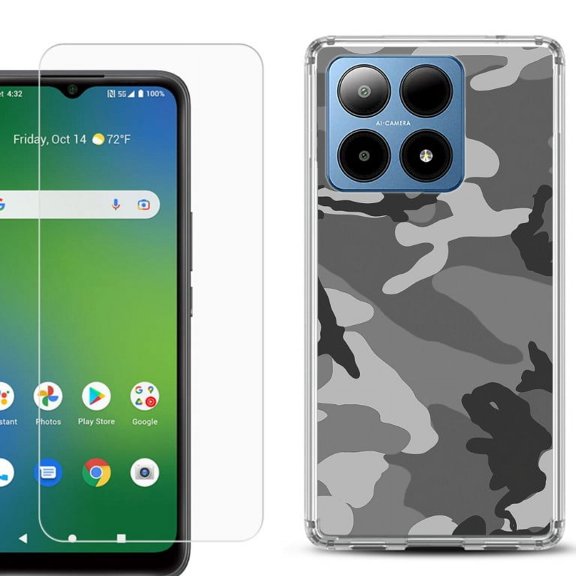 For Boost Mobile Summit 5G Shockproof Phone Case Cover with Tempered Glass Screen Protector, by OneToughShield - Camo B/W$17.89current price $17.89
TCL 4X 5G Case, Kickstand & Belt Clip, Shockproof, Black
 TCL 4X 5G Case, Kickstand & Belt Clip, Shockproof, Black$10.00current price $10.00
Rome Tech T-Mobile REVVL 6 Pro 5G (2022) Shell Holster Combo Case With Belt clip
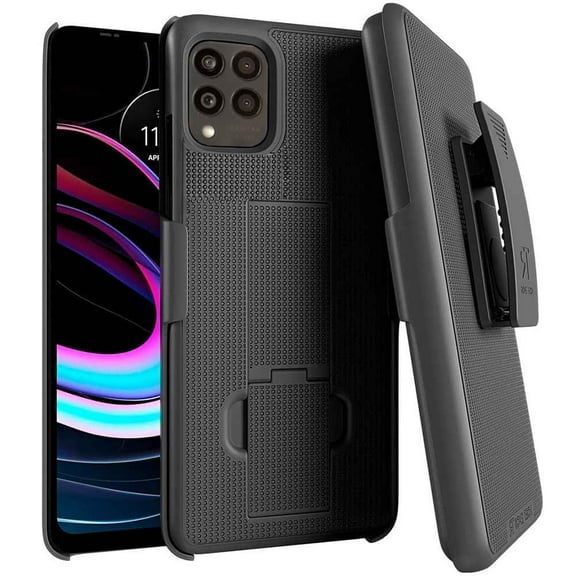 Rome Tech T-Mobile REVVL 6 Pro 5G (2022) Shell Holster Combo Case With Belt clip$10.00current price $10.00
TCL 20S Case, [Not Fit TCL 20L/20 Pro] Military Grade 6 Feet Drop Test Protection Dual Layer Cover-Red
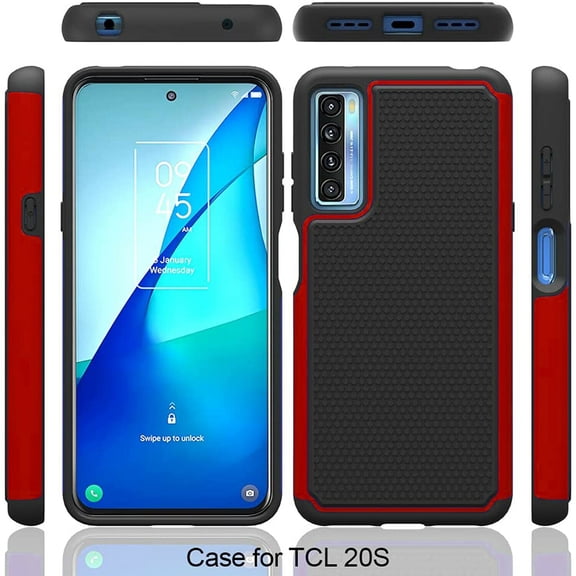 TCL 20S Case, [Not Fit TCL 20L/20 Pro] Military Grade 6 Feet Drop Test Protection Dual Layer Cover-Red$9.99current price $9.99
For Cricket Ovation 3 U668AC Robotic Phone Case Cover + Tempered Glass - Red
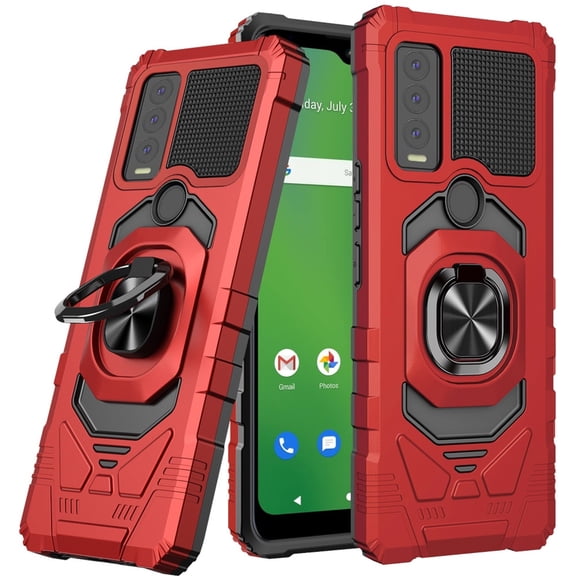 For Cricket Ovation 3 U668AC Robotic Phone Case Cover + Tempered Glass - Red$14.98current price $14.98
TCL 20S Case, [Not Fit TCL 20L/20 Pro] 6 Feet Drop Test Proof Clear Durable Armor Protective Cover-Black
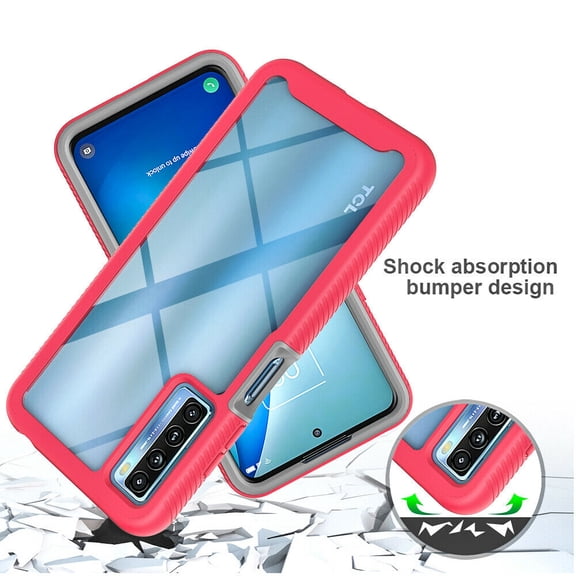 TCL 20S Case, [Not Fit TCL 20L/20 Pro] 6 Feet Drop Test Proof Clear Durable Armor Protective Cover-Black$9.99current price $9.99
Black Heavy Duty Rugged Metal Clip Case fits CoolPad Suva
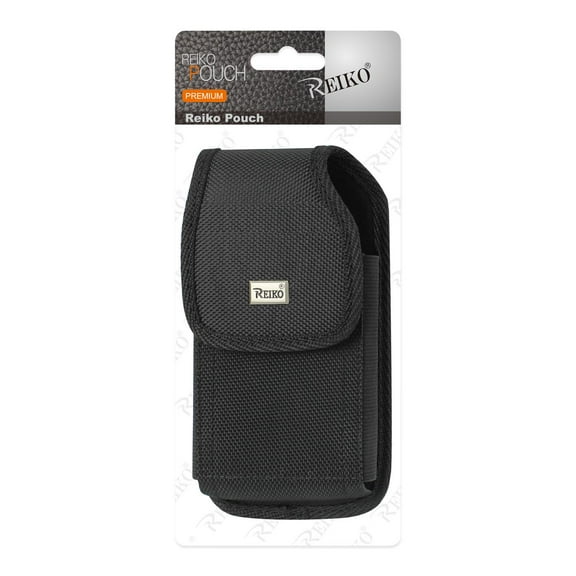 Black Heavy Duty Rugged Metal Clip Case fits CoolPad Suva$14.88current price $14.88