Braille Printer(6)
Kodak X Barbie Step Slim Wireless Photo Printer with ZINK Zero Ink, Bluetooth, 2x3 Prints $134.99

Kodak X Barbie Step Slim Wireless Photo Printer with ZINK Zero Ink, Bluetooth, 2x3 Prints
Kodak X Barbie Step Slim Wireless Photo Printer with ZINK Zero Ink, Bluetooth, 2x3 Prints $144.99

Kodak X Barbie Step Slim Wireless Photo Printer with ZINK Zero Ink, Bluetooth, 2x3 Prints
Best seller, JADENS BluetoothThermal Label Printer 4x6 Shipping Label Printer for Shipping Packages Small Business Black From $65.99
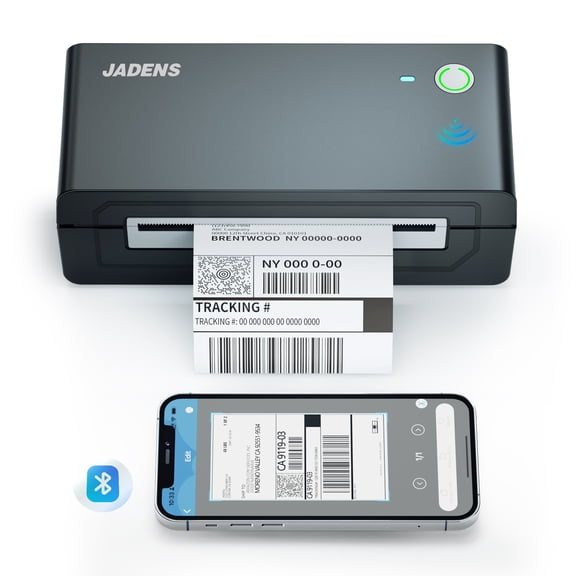
JADENS BluetoothThermal Label Printer 4x6 Shipping Label Printer for Shipping Packages Small Business Black
Reduced price, TOLENFUL Thermal Printer Bluetooth 4x6 Shipping Label Printer for Shipping Packages Small Business,White From $49.99
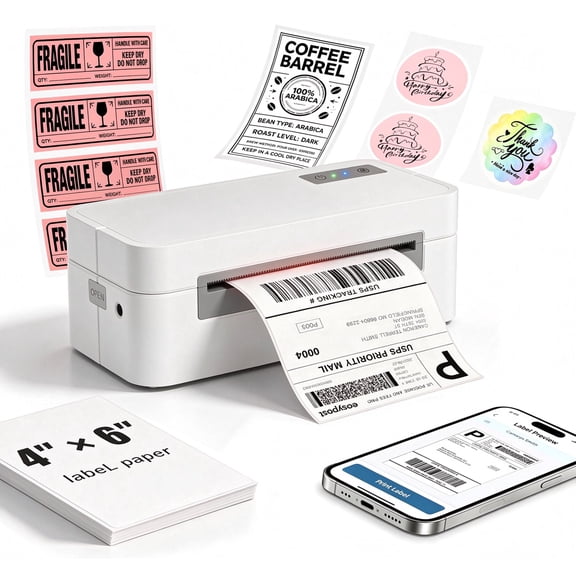
TOLENFUL Thermal Printer Bluetooth 4x6 Shipping Label Printer for Shipping Packages Small Business,White
Reizen RL-350 Braille Labeler $32.87

Reizen RL-350 Braille Labeler
Reizen Braille Labeler with Spanish Dial $32.87

Reizen Braille Labeler with Spanish Dial
Other options to consider(2)
Restored Oki data Microline ML321 Turbo 9-Pin Dot Matrix Printer – 435 CPS, Wide Carriage, Parallel Interface P/N: 62411701 $1,056.00
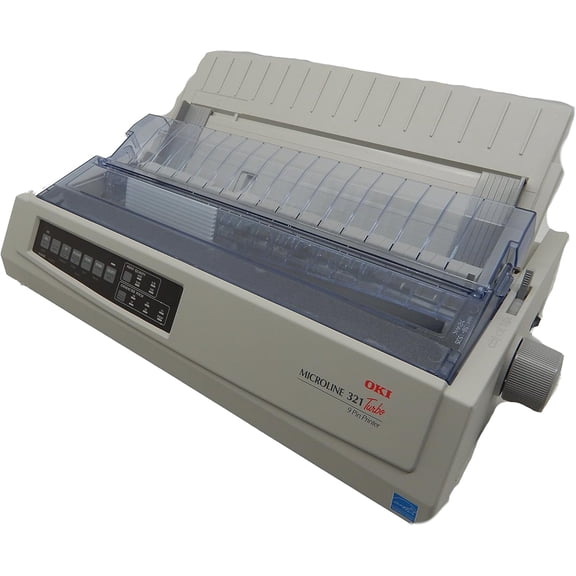
Restored Oki data Microline ML321 Turbo 9-Pin Dot Matrix Printer – 435 CPS, Wide Carriage, Parallel Interface P/N: 62411701
Portable Handheld POS PDA Terminal Thernal Printer 3G Internet with GPS 58mm wifi Android 8.1 Rugged Industrial Barcode Printers ,Complete Kit From $205.06

Portable Handheld POS PDA Terminal Thernal Printer 3G Internet with GPS 58mm wifi Android 8.1 Rugged Industrial Barcode Printers ,Complete Kit
FAQ
How does a braille labeler work?
A braille labeler helps create raised dot labels so people who read braille can identify items more easily. To use one, you typically turn a dial to select the letter or symbol you want, then squeeze the handle to emboss the dots onto adhesive tape.
- Choose your letter or symbol by rotating the dial.
- Squeeze the handle to emboss the tape.
- Cut the tape and stick it onto the desired item.
This tool can be handy for organizing household items, files, or personal belongings for accessible identification.
Can I print braille labels with a thermal printer?
Thermal printers, like many portable label printers, typically use heat to create text or images on special paper, but they don't produce raised dots for braille. For tactile braille labels, you'll need a dedicated braille labeler or embosser.
- Thermal printers are great for barcodes, text, and images.
- Braille labelers specifically create raised dots for touch reading.
If you need braille, choose a labeler designed for that purpose rather than a standard thermal printer.
What should I look for in a braille printer?
When choosing a braille printer, consider your needs and the printer's features. Look for:
- Compatibility with your devices (Windows, Mac, mobile phones).
- Ability to print in braille or tactile text.
- Ease of use, especially if it's for kids or beginners.
- Supported label or paper sizes.
- Portability if you need to carry it around.
Thinking about how you plan to use the printer can help you pick the right one for your situation.
How do you refill braille label tape?
Refilling braille label tape is usually straightforward. First, open the labeler's compartment and remove any used tape. Insert a new roll of compatible adhesive tape, making sure it feeds through the embossing area. Close the compartment and turn the dial to test emboss a few letters to check the setup.
- Always use tape recommended for your labeler model.
- Keep extra rolls handy for uninterrupted labeling.
Following the instructions in your labeler's manual can make the process even easier.
Who benefits from using braille labelers?
Braille labelers are helpful tools for anyone who reads braille or needs to organize items for people who do. They're especially useful for:
- Individuals who are blind or have low vision.
- Parents or caregivers labeling household items.
- Teachers and students in accessible education environments.
- Businesses aiming to provide accessible labeling in public spaces.
These devices can make everyday life more accessible and organized for people who rely on braille.
Popular in Braille Printer Electronics for Accessible Printing Solutions
Related Products
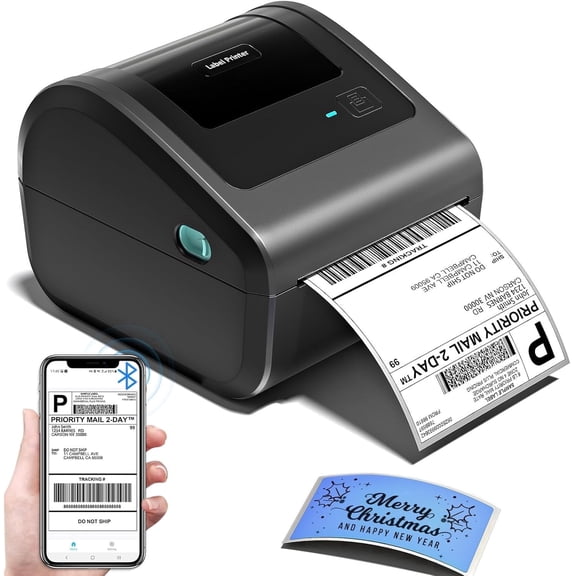
Bluetooth Thermal Shipping Label Printer, Wireless 4x6 Label Printer for Shipping Package and Small Business, Compatible with Android iOS Windows Mac, High Speed Labels Maker Printer
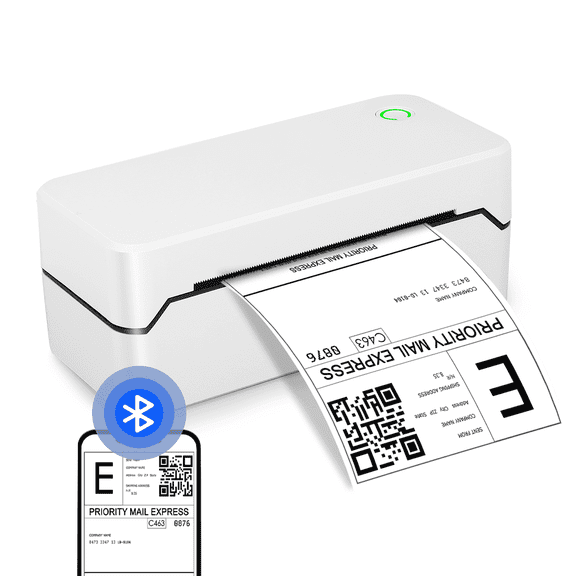 Bluetooth Thermal Shipping Label Printer, Wireless 4x6 Label Printer for Shipping Package and Small Business, Compatible with Android iOS Windows Mac, High Speed Labels Maker Printer$49.99current price $49.99
Phomemo M150 Label Maker Machine,2in Barcode Thermal Printer, Bluetooth Portable Label Printer, for Small Business, Clothing Tags & Mailing,Round Gift Stickers(Blue)
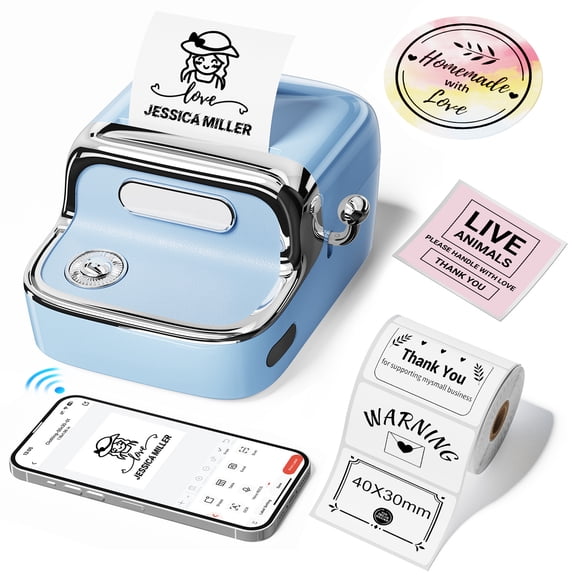 Phomemo M150 Label Maker Machine,2in Barcode Thermal Printer, Bluetooth Portable Label Printer, for Small Business, Clothing Tags & Mailing,Round Gift Stickers(Blue)$33.55current price $33.55
Phomemo A42 Label Maker Machine,2in Barcode Thermal Printer, Bluetooth Portable Label Printer, for Small Business, Clothing Tags & Mailing,Round Gift Stickers(Black)
Phomemo A42 Label Maker Machine,2in Barcode Thermal Printer, Bluetooth Portable Label Printer, for Small Business, Clothing Tags & Mailing,Round Gift Stickers(Black)
Label Maker Machine, Portable Bluetooth Label Printer with Tape, Inkless Label Maker Handheld for Home Office Organization, Purple
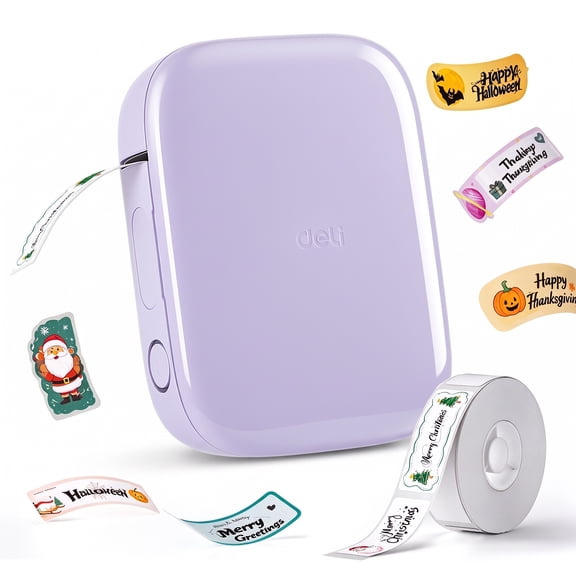 Label Maker Machine, Portable Bluetooth Label Printer with Tape, Inkless Label Maker Handheld for Home Office Organization, Purple$14.98current price $14.98
Phomemo A30 Half-Inch Ribbon Label Maker, Thermal Transfer Bluetooth Portable Mini Label Printer, Rechargeable Sticker Printer for Gift & Clothing Tags
Phomemo A30 Half-Inch Ribbon Label Maker, Thermal Transfer Bluetooth Portable Mini Label Printer, Rechargeable Sticker Printer for Gift & Clothing Tags
SCS Labels Thermal Label Printer Roll - 2000 (1" X 2 5/8") Permanent Amazon FBA Shipping Labels - 100% Compatible with FBA, Rollo and Zebra
 SCS Labels Thermal Label Printer Roll - 2000 (1" X 2 5/8") Permanent Amazon FBA Shipping Labels - 100% Compatible with FBA, Rollo and Zebra$12.95current price $12.95
LabelWriter 550 Turbo Series Label Printer 90 Labels/min Print Speed, 5.34 x 7.38 x 8.5
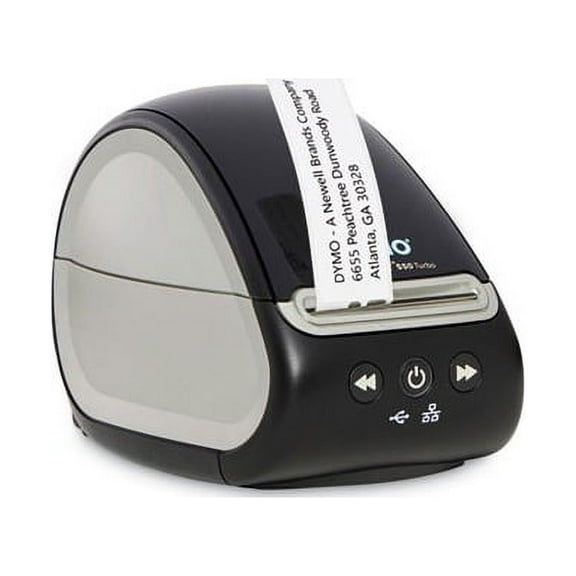 LabelWriter 550 Turbo Series Label Printer 90 Labels/min Print Speed, 5.34 x 7.38 x 8.5$176.80current price $176.80
2 x 1 Labels for Thermal Transfer Printers - Online Labels (1 Roll)
 2 x 1 Labels for Thermal Transfer Printers - Online Labels (1 Roll)$13.41current price $13.41
Phomemo M110 Label Maker Machine with Tape Barcode Printer Bluetooth Portable Thermal Printer, Wireless Label Maker with 100 Labels, for Small Business, Shipping, Clothing Tags & Mailing(Black)
 Phomemo M110 Label Maker Machine with Tape Barcode Printer Bluetooth Portable Thermal Printer, Wireless Label Maker with 100 Labels, for Small Business, Shipping, Clothing Tags & Mailing(Black)$40.99current price $40.99
INKBIRD Bluetooth Portable Label Maker Machine with tape Thermal Printer for 3/4" to 2" Labels, Wireless Sticker Printer for Home, Office, School
 INKBIRD Bluetooth Portable Label Maker Machine with tape Thermal Printer for 3/4" to 2" Labels, Wireless Sticker Printer for Home, Office, School$29.99current price $29.99
Seiko Smart Label Printer 620, 70 Mm/s Print Speed, 4.5 X 6.78 X 5.78
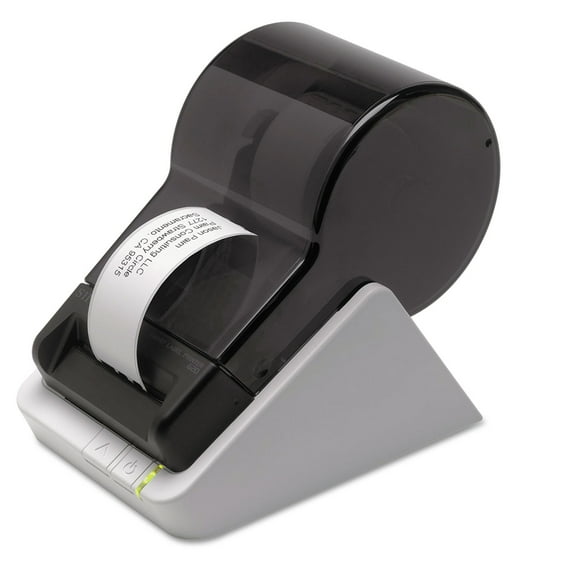 Seiko Smart Label Printer 620, 70 Mm/s Print Speed, 4.5 X 6.78 X 5.78$110.13current price $110.13
Phomemo D32 Label Maker,Thermal Label Printer, Bluetooth Wireless Mini Pocket Smartphone Label Maker Machine with Tape, Compatible with iOS/Android, for Home, Office, and Supermarket(Green)
 Phomemo D32 Label Maker,Thermal Label Printer, Bluetooth Wireless Mini Pocket Smartphone Label Maker Machine with Tape, Compatible with iOS/Android, for Home, Office, and Supermarket(Green)$17.99current price $17.99
Embossing Label Maker, Manual Label Maker Printer with 6 Rolls Emboss Tapes, Handheld Label Printer for Organizing, Small Old School Label Printer for Home Kitchen Office and DIY
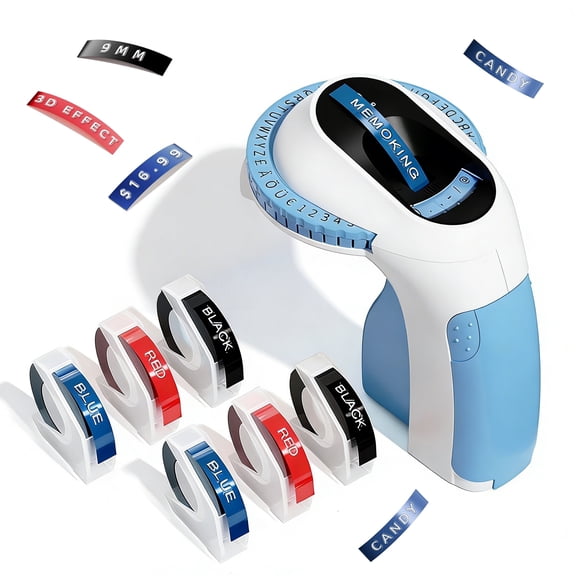 Embossing Label Maker, Manual Label Maker Printer with 6 Rolls Emboss Tapes, Handheld Label Printer for Organizing, Small Old School Label Printer for Home Kitchen Office and DIY$26.99current price $26.99
SCS Direct Thermal Label Printer Roll - 250 (4" X 6") Permanent Amazon FBA Shipping Labels - 100% Compatible w Neatoscan & Zebra Printers
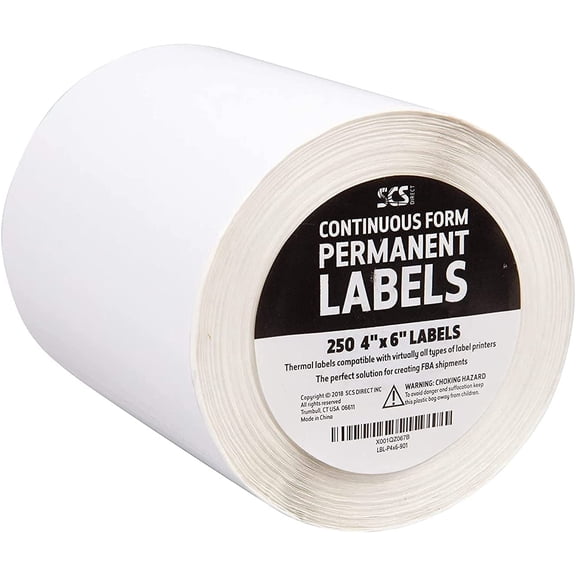 SCS Direct Thermal Label Printer Roll - 250 (4" X 6") Permanent Amazon FBA Shipping Labels - 100% Compatible w Neatoscan & Zebra Printers$11.95current price $11.95
Phomemo D450BT Bluetooth Shipping Label Printer, 4x6 Thermal Label Printer for Shipping Packages, Thermal Printers for Small Business, Compatible with iPhone, Android, Windows, macOS, UPS, Tiktok
Phomemo D450BT Bluetooth Shipping Label Printer, 4x6 Thermal Label Printer for Shipping Packages, Thermal Printers for Small Business, Compatible with iPhone, Android, Windows, macOS, UPS, Tiktok