

Boss Recording(9)
Boss Katana Mini Practice Amp $119.99
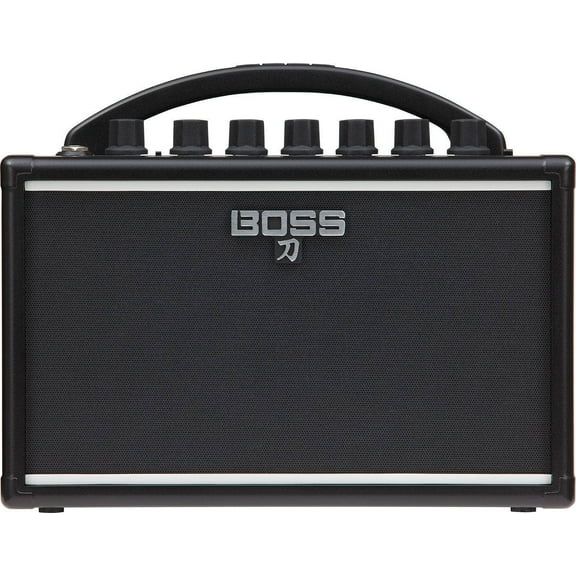
Boss Katana Mini Practice Amp
Boss OS-2 OverDrive Multi Effects Stomp Amp Guitar Processor Pedal Stompbox $140.99
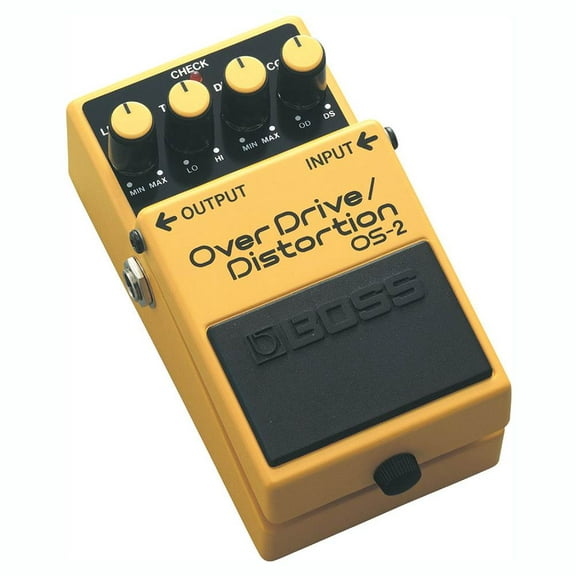
Boss OS-2 OverDrive Multi Effects Stomp Amp Guitar Processor Pedal Stompbox
Boss GX-1 Guitar Effects Processor $229.99
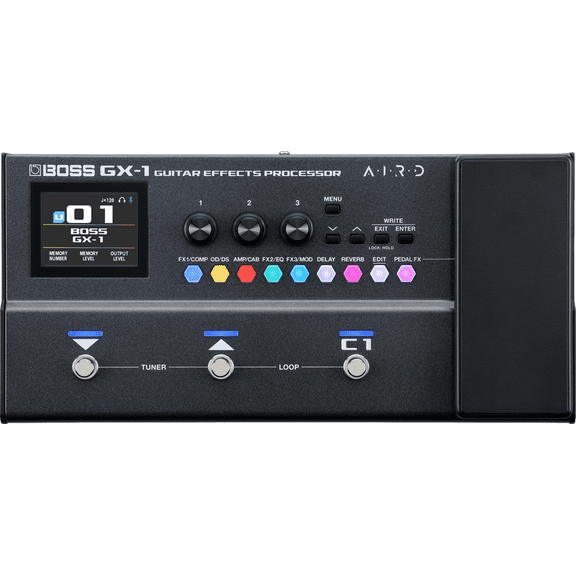
Boss GX-1 Guitar Effects Processor
Boss Gigcaster 5 Streaming Mixer $349.99

Boss Gigcaster 5 Streaming Mixer
Boss ME-90B Bass Multiple Effects Processor $450.99
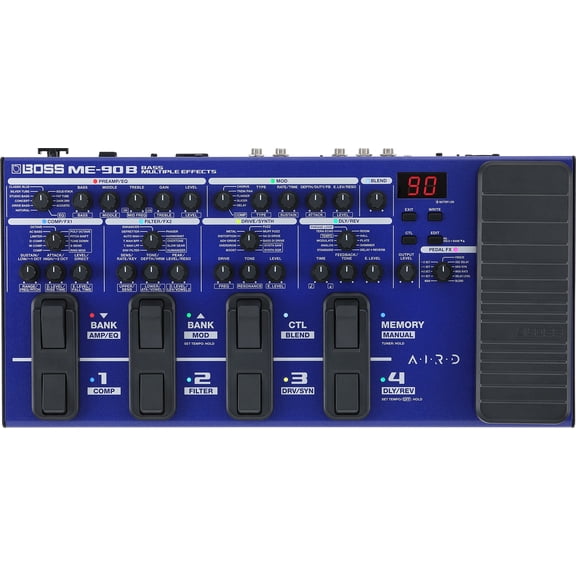
Boss ME-90B Bass Multiple Effects Processor
Boss Gigcaster 8 Streaming Mixer $799.99
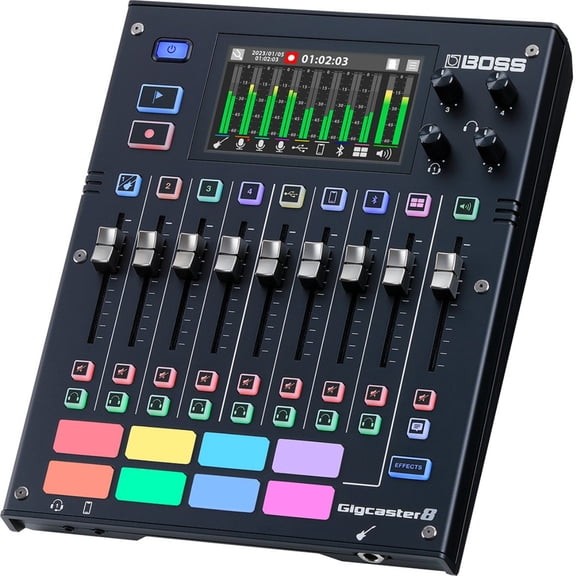
Boss Gigcaster 8 Streaming Mixer
BOSS Volume Pedal (FV-500H) $151.99
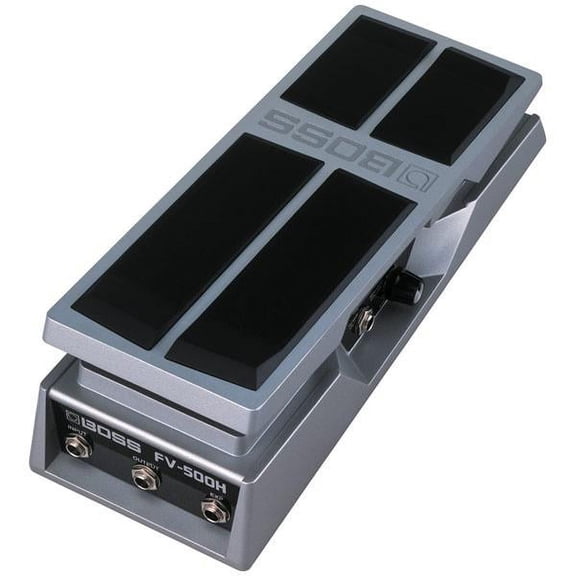
BOSS Volume Pedal (FV-500H)
Boss RC-500 Loop Station Guitar Effect Pedal $351.99

Boss RC-500 Loop Station Guitar Effect Pedal
Boss GX-1B Bass Effects Processor $229.99
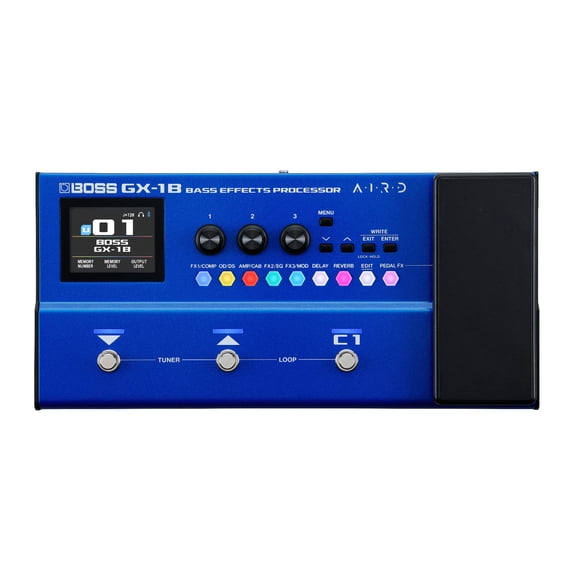
Boss GX-1B Bass Effects Processor
Other options to consider(1)
BOSS FS-7 Dual Footswitch $81.99
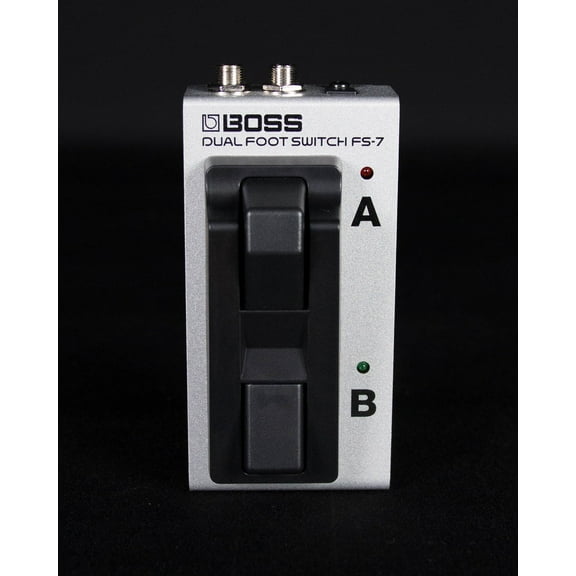
BOSS FS-7 Dual Footswitch
FAQ
How do I connect a streaming mixer to my computer?
Connecting a streaming mixer to your computer usually involves using a USB cable. Most mixers are plug-and-play, so just plug the USB cable from the mixer into an available USB port on your computer. After connecting, you may need to select the mixer as your input and output device in your computer's sound settings or your streaming software. Always check the user manual for any additional drivers or setup steps that might be needed. With everything set up, you should be able to start mixing and streaming your audio right away.
Can I use a practice amp with headphones?
Many practice amps include a headphone output, making it easy to play quietly without disturbing others. To use headphones, simply plug them into the amp's dedicated headphone jack. This feature is especially useful for late-night practice or when you need privacy. Make sure your headphones are compatible with the amp's output and adjust the volume to a comfortable level. Always refer to the amp's manual for specific instructions and safety guidelines regarding headphone use.
What does a loop station do for musicians?
A loop station lets musicians record, layer, and playback short audio loops in real time. This tool is popular for solo performers, as it allows you to create complex arrangements by building up loops of vocals, guitar, beatboxing, or other instruments. Many loop stations offer multiple tracks, effects, and the ability to save loops for future use. It's a creative way to enhance live performances or songwriting sessions, providing flexibility and hands-on control over your sound.
How do I keep my guitar processor clean?
Keeping your guitar processor clean helps maintain its performance and appearance. First, unplug the device before cleaning. Use a soft, dry cloth to wipe the exterior and remove dust or fingerprints. Avoid using water or harsh chemicals, as these can damage the finish or electronics. For knobs and footswitches, gently clean around them without applying excessive pressure. Regular care can help extend the life of your gear and ensure it stays in top shape for your next session.
Are wireless systems hard to set up?
Most modern wireless systems are designed for easy setup. Generally, you'll connect the transmitter to your instrument and the receiver to your amplifier or mixer. Many systems automatically select the best frequency to avoid interference. It's important to follow the included instructions for pairing and placement, as positioning can affect signal strength. If you run into issues, try moving the receiver or checking for sources of interference nearby. With a bit of practice, setting up wireless gear can become a quick part of your routine.
Popular in Boss Recording Effects and Audio Gear for Musicians
Related Products
Blaupunkt CALI1000 10.1" Floating Screen Receiver w/ Wireless CarPlay & Android
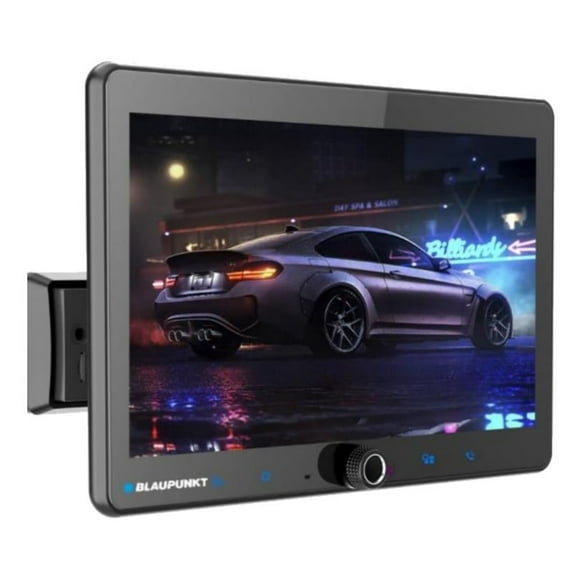 Blaupunkt CALI1000 10.1" Floating Screen Receiver w/ Wireless CarPlay & Android$359.99current price $359.99
JVC KW-M690BW 6.8" Capacitive Monitor Single-DIN Bluetooth USB/MP3 Digital Media Shallow Chassis Multimedia Receiver, 2x Kicker CSC65 CS Series 6.5" 300W Max Power 2-Way Car Audio Coaxial Speakers
 JVC KW-M690BW 6.8" Capacitive Monitor Single-DIN Bluetooth USB/MP3 Digital Media Shallow Chassis Multimedia Receiver, 2x Kicker CSC65 CS Series 6.5" 300W Max Power 2-Way Car Audio Coaxial Speakers$422.49current price $422.49
Restored - BOSS Audio Systems Elite BV960NV GPS Car Audio Stereo System - Refurbished
 Restored - BOSS Audio Systems Elite BV960NV GPS Car Audio Stereo System - Refurbished$97.49current price $97.49
Restored - BOSS Audio Systems BVCP9850W Wireless Car Stereo System - Refurbished
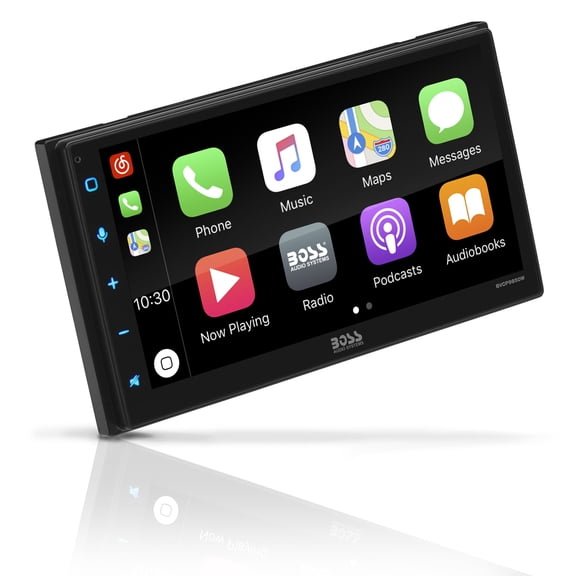 Restored - BOSS Audio Systems BVCP9850W Wireless Car Stereo System - Refurbished$188.36current price $188.36
Xelon Audio XA-928WCP 2-DIN In-Dash Car Multimedia Receiver w/ 6.5" Touchscreen
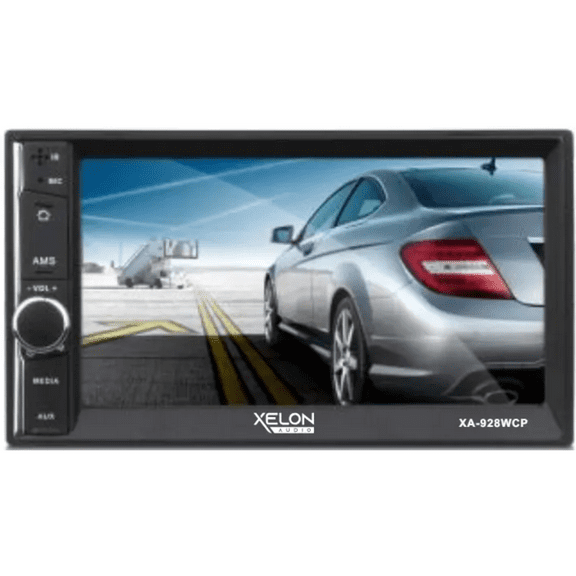 Xelon Audio XA-928WCP 2-DIN In-Dash Car Multimedia Receiver w/ 6.5" Touchscreen$169.99current price $169.99
Power Acoustic POAPL-700HB 2DIN Digital Media with Phonelink Bluetooth & 7 in. Capacitive LCD
 Power Acoustic POAPL-700HB 2DIN Digital Media with Phonelink Bluetooth & 7 in. Capacitive LCD$104.12current price $104.12
Blaupunkt FRANKFURT RCM 82 DAB Legacy Car Stereo with Bluetooth - Retro Design with Modern Technology
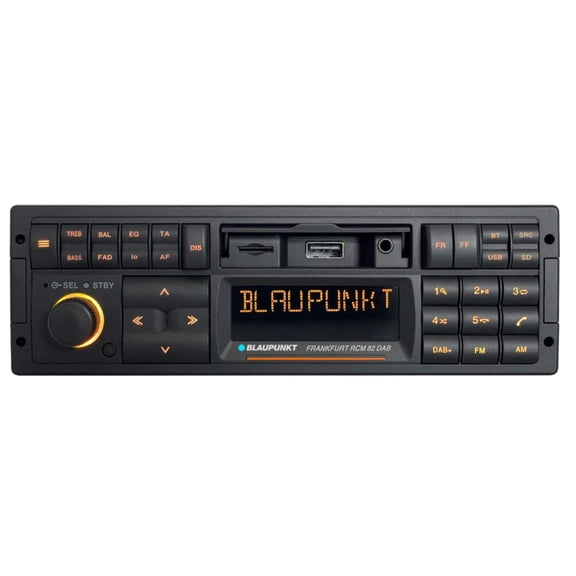 Blaupunkt FRANKFURT RCM 82 DAB Legacy Car Stereo with Bluetooth - Retro Design with Modern Technology$629.00current price $629.00
JVC KW-M690BW 6.8" Capacitive Monitor Single-DIN Bluetooth USB/MP3 Digital Media Shallow Chassis Multimedia Receiver, 4x 6.5" 300W Max Power 2-Way Car Audio Speakers, 4 Channel 400W Amplifier W/Kit
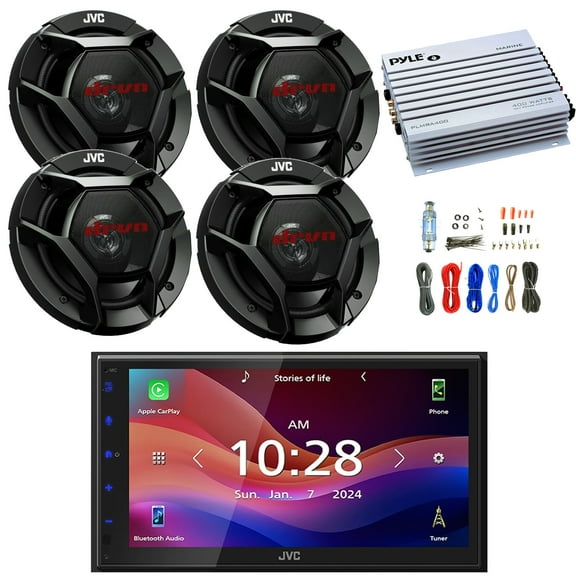 JVC KW-M690BW 6.8" Capacitive Monitor Single-DIN Bluetooth USB/MP3 Digital Media Shallow Chassis Multimedia Receiver, 4x 6.5" 300W Max Power 2-Way Car Audio Speakers, 4 Channel 400W Amplifier W/Kit$517.49current price $517.49
JVC KW-M690BW 6.8" Capacitive Monitor Single-DIN Bluetooth USB/MP3 Digital Media Shallow Chassis Multimedia Receiver, 4x 6.5" 300W Max Power 3-Way Shallow Mount Coaxial Car Audio Speakers W/50FT. Wire
 JVC KW-M690BW 6.8" Capacitive Monitor Single-DIN Bluetooth USB/MP3 Digital Media Shallow Chassis Multimedia Receiver, 4x 6.5" 300W Max Power 3-Way Shallow Mount Coaxial Car Audio Speakers W/50FT. Wire$419.00current price $419.00
Planet Audio P350MB Car Audio Stereo System - Single Din, Bluetooth Audio and Calling Head Unit, MP3
 Planet Audio P350MB Car Audio Stereo System - Single Din, Bluetooth Audio and Calling Head Unit, MP3$42.00current price $42.00
JVC KW-M690BW 6.8" Capacitive Monitor Single-DIN Bluetooth USB/MP3 Digital Media Shallow Chassis Multimedia Receiver, JVC CS-DF620 6.5" 300 Watts Max Power 2-Way Coaxial Car Audio Speakers (2 Pairs)
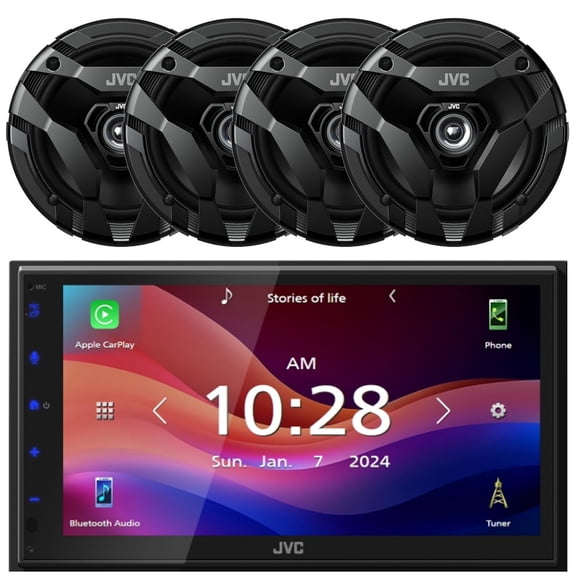 JVC KW-M690BW 6.8" Capacitive Monitor Single-DIN Bluetooth USB/MP3 Digital Media Shallow Chassis Multimedia Receiver, JVC CS-DF620 6.5" 300 Watts Max Power 2-Way Coaxial Car Audio Speakers (2 Pairs)$419.00current price $419.00