Atmega328(6)
Pro Micro ATmega32U4 5V 16MHz Replaces ATmega328 Pro Mini Arduino-Compatible $11.89

Pro Micro ATmega32U4 5V 16MHz Replaces ATmega328 Pro Mini Arduino-Compatible
ATTINY88 Micro Development Board ATMEGA328 16Mhz / Digispark ATTINY85 Upgrade for Arduino $8.49

ATTINY88 Micro Development Board ATMEGA328 16Mhz / Digispark ATTINY85 Upgrade for Arduino
Velleman VMA100 ATmega328 Uno Development Board $19.91

Velleman VMA100 ATmega328 Uno Development Board
ATmega328 CH340G 5V 16M Micro-controller with Mini USB Cable $9.95

ATmega328 CH340G 5V 16M Micro-controller with Mini USB Cable
For ATmega328P Ch340G Micro-Controller Board w/USB Cable Arduino-Compatible $18.99

For ATmega328P Ch340G Micro-Controller Board w/USB Cable Arduino-Compatible
Whats Next? Microcontroller Board Based ATmega328 and ESP8266 Wi-Fi Chip WN00009 $10.25

Whats Next? Microcontroller Board Based ATmega328 and ESP8266 Wi-Fi Chip WN00009
Other options to consider(7)
Best seller, Project Super Starter Kit for Arduino R3, UNO 2560, Mega 328, Nano, with Tutorials, Compatible with Arduino IDE $34.88

Project Super Starter Kit for Arduino R3, UNO 2560, Mega 328, Nano, with Tutorials, Compatible with Arduino IDE
Best seller, Arduino Uno Rev 3 (Uno R3 A000066) $27.60

Arduino Uno Rev 3 (Uno R3 A000066)
SparkFun 7-Segment Serial Display - Red $32.12

SparkFun 7-Segment Serial Display - Red
Adafruit Metro Mini 328 Arduino-Compatible Development Board, 5V 16MHz, 2590 $24.95
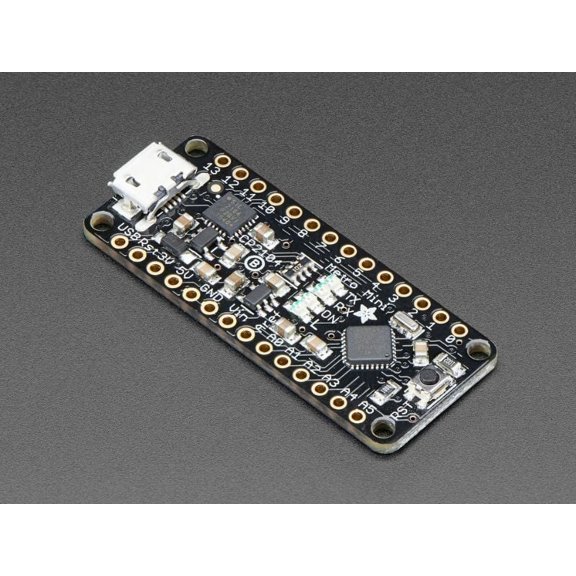
Adafruit Metro Mini 328 Arduino-Compatible Development Board, 5V 16MHz, 2590
3X FT232BL FT232RL USB 2.0 to TTL Download Cable Jumper Serial Adapter Module for Suport Win10 5V 3.3V $12.07

3X FT232BL FT232RL USB 2.0 to TTL Download Cable Jumper Serial Adapter Module for Suport Win10 5V 3.3V
Arduino Pro Mini 328 - 3.3V/8MHz

Arduino Pro Mini 328 - 3.3V/8MHz
Adafruit Feather M0 Basic Proto - ATSAMD21 Cortex M0

Adafruit Feather M0 Basic Proto - ATSAMD21 Cortex M0
FAQ
what can you do with a microcontroller board?
Microcontroller boards are great for building all sorts of electronics projects. You can use them to control lights, motors, sensors, and displays, making everything from simple gadgets to complex systems.
- Automate tasks like turning lights on and off
- Monitor environmental sensors (temperature, humidity, etc.)
- Create custom games, robots, or wearable devices
These boards are popular with hobbyists and students because they offer flexibility and creativity for hands-on learning and prototyping.
how do you connect a microcontroller to your computer?
Connecting a microcontroller board to your computer is usually straightforward. Most boards come with a USB port and cable that you plug into your computer.
- Install the recommended software or drivers (often the Arduino IDE)
- Connect the board using the USB cable
- Open the software to upload code or monitor data
This setup lets you program the board, update firmware, and communicate with it for project development.
is it hard to get started with microcontrollers?
Getting started with microcontrollers doesn't have to be complicated, even if you're new to electronics. Most boards are designed for beginners and come with clear instructions and online tutorials.
- Look for guides and sample projects online
- Start with basic tasks like blinking an LED or reading a sensor
- Use user-friendly software like Arduino IDE
With a bit of practice and curiosity, you can quickly learn to build your own projects.
can you reuse a microcontroller board for different projects?
Absolutely! Microcontroller boards are versatile and can be used over and over for different projects. After finishing one project, you can erase or update the board's code and start something new.
- Swap out sensors, motors, or other components
- Try different software sketches or libraries
- Experiment with new ideas without buying a new board
This flexibility makes them ideal for learning and prototyping various designs.
how do you troubleshoot if your board isn't working?
If your microcontroller board isn't working as expected, there are a few steps you can try to troubleshoot.
- Check all connections for loose wires or cables
- Make sure the correct drivers and software are installed
- Reset the board and reload your code
- Consult online forums and documentation for specific issues
Simple checks can often resolve problems, but additional help is available online if you get stuck.
Popular in Shop ATmega328 Microcontrollers for Electronics Projects
Related Products
Pre-Owned Cisco WS-C3850-48UW-S Catalyst 48 Port UPoE w/ 5 AP & PWR-C1-1100WAC (Good)
 Pre-Owned Cisco WS-C3850-48UW-S Catalyst 48 Port UPoE w/ 5 AP & PWR-C1-1100WAC (Good)$129.99current price $129.99
Dell Networking Transceiver SFP1000BASE-LX1310nm, J6FGD (SFP1000BASE-LX1310nm Wavelength10km Reach - Kit)
 Dell Networking Transceiver SFP1000BASE-LX1310nm, J6FGD (SFP1000BASE-LX1310nm Wavelength10km Reach - Kit)$37.99current price $37.99
Restored HPE SFP+ Transceiver Module - 1 x 10GBase-X16 QW923A (Refurbished)
 Restored HPE SFP+ Transceiver Module - 1 x 10GBase-X16 QW923A (Refurbished)$89.00current price $89.00
HPE 50G SFP56 LC SR 100m MMF Transceiver - For Optical Network, Data Networking - 1 x LC 50GBase-X Network - Optical Fiber - Multi-mode - 50 Gigabit Ethernet
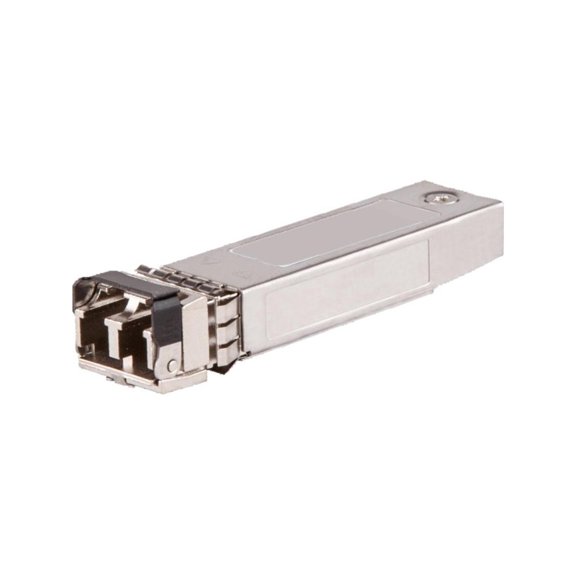 HPE 50G SFP56 LC SR 100m MMF Transceiver - For Optical Network, Data Networking - 1 x LC 50GBase-X Network - Optical Fiber - Multi-mode - 50 Gigabit Ethernet$1986.47current price $1986.47
For Ubiquiti UF-SM-1G Compatible 1000BASE-LX SFP 1310nm 10km Transceiver Module
 For Ubiquiti UF-SM-1G Compatible 1000BASE-LX SFP 1310nm 10km Transceiver Module$16.00current price $16.00
Restored Cisco C9300-NM-2Q Catalyst 9300 Switch Module, Uplink, High-Speed Expansion, P/N: C9300-NM-2-40G (Refurbished)
 Restored Cisco C9300-NM-2Q Catalyst 9300 Switch Module, Uplink, High-Speed Expansion, P/N: C9300-NM-2-40G (Refurbished)$252.00current price $252.00
Star IFBD-HU07 - USB adapter - USB - for Star TSP847; TSP 650, 654, 654IIU, 700, 743, 743IIBi, 800, 847, 847IIBi, TSP847IIWebPRNT
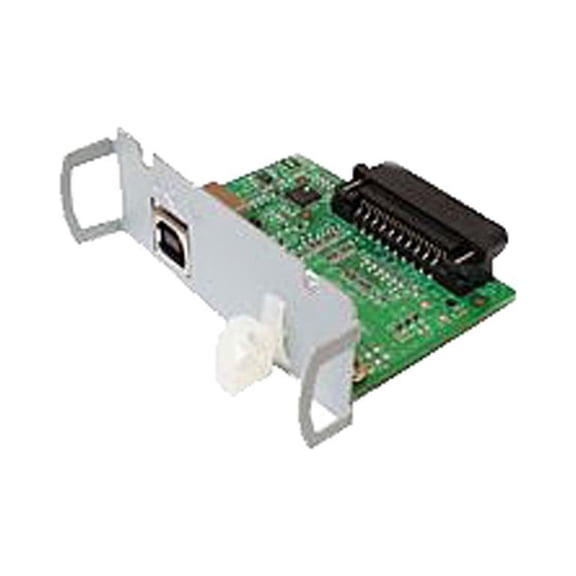 Star IFBD-HU07 - USB adapter - USB - for Star TSP847; TSP 650, 654, 654IIU, 700, 743, 743IIBi, 800, 847, 847IIBi, TSP847IIWebPRNT$61.51current price $61.51
Dell Networking Transceiver SFP 1000BASE-SX 850nm Wavelength 550 m reach
 Dell Networking Transceiver SFP 1000BASE-SX 850nm Wavelength 550 m reach$35.89current price $35.89
Finisar Network FCLF8522P2BTL SFP Transceiver 1000Base-T RoHS 1.25Gb/s Electronic Consumer Electronics
 Finisar Network FCLF8522P2BTL SFP Transceiver 1000Base-T RoHS 1.25Gb/s Electronic Consumer Electronics$39.95current price $39.95
HPE 25G SFP28 LC eSR 400m MMF Transceiver - For Data Networking, Optical Network - 1 x LC Network - Optical Fiber - Multi-mode - 25 Gigabit Ethernet
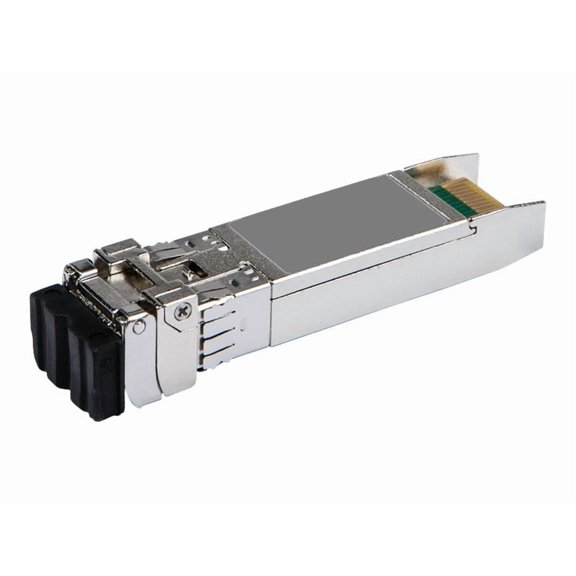 HPE 25G SFP28 LC eSR 400m MMF Transceiver - For Data Networking, Optical Network - 1 x LC Network - Optical Fiber - Multi-mode - 25 Gigabit Ethernet$1078.75current price $1078.75
Meraki 1000Base LX10 Single-Mode - For Data Networking, Optical Network - 1 x 1000Base-LX10 Network
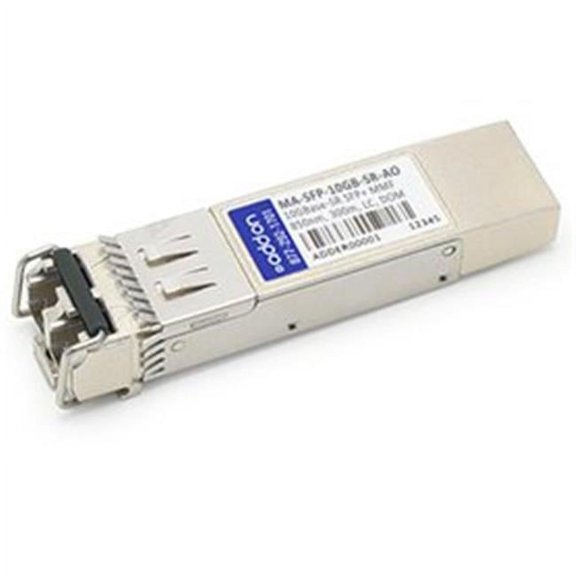 Meraki 1000Base LX10 Single-Mode - For Data Networking, Optical Network - 1 x 1000Base-LX10 Network$1003.06current price $1003.06
Cisco Small Business MGBLX1 - SFP (mini-GBIC) transceiver module - 1GbE - 1000Base-LX - LC single-mode - up to 6.2 miles - 1310 nm - for Business 110 Series; 220 Series; 350 Series; Small Business SF350, SF352, SG250, SG350
Cisco Small Business MGBLX1 - SFP (mini-GBIC) transceiver module - 1GbE - 1000Base-LX - LC single-mode - up to 6.2 miles - 1310 nm - for Business 110 Series; 220 Series; 350 Series; Small Business SF350, SF352, SG250, SG350
AddOn HP J4858B Compatible SFP Transceiver - SFP (mini-GBIC) transceiver module - Gigabit Ethernet
 AddOn HP J4858B Compatible SFP Transceiver - SFP (mini-GBIC) transceiver module - Gigabit Ethernet$60.69current price $60.69
HPE Networking Instant On 10G SFP+ LC SR 300m OM3 MMF Transceiver (r9d18a)
 HPE Networking Instant On 10G SFP+ LC SR 300m OM3 MMF Transceiver (r9d18a)$96.99current price $96.99
Pre-Owned Finisar 10Gb SFP+ Transceiver 850nm SR, LC, 400m, Multi-Mode - FTLX8574D3BCL
Pre-Owned Finisar 10Gb SFP+ Transceiver 850nm SR, LC, 400m, Multi-Mode - FTLX8574D3BCL$17.99current price $17.99Compatible P9H32A HP B-series 32Gb SW SFP28 Short Wave Transceiver 855073-001
 Compatible P9H32A HP B-series 32Gb SW SFP28 Short Wave Transceiver 855073-001$55.00current price $55.00