

Amd Crossfire Bridge(5)
Clearance, Extreme N Card SLI Bridge Good Protect Crossfire Connector Flexible Board Using Flame-retardant Materials Crossfire $10.04 Was $11.33

Extreme N Card SLI Bridge Good Protect Crossfire Connector Flexible Board Using Flame-retardant Materials Crossfire
High-quality Work N Card SLI Bridge Using Flame-retardant Materials Crossfire $8.99
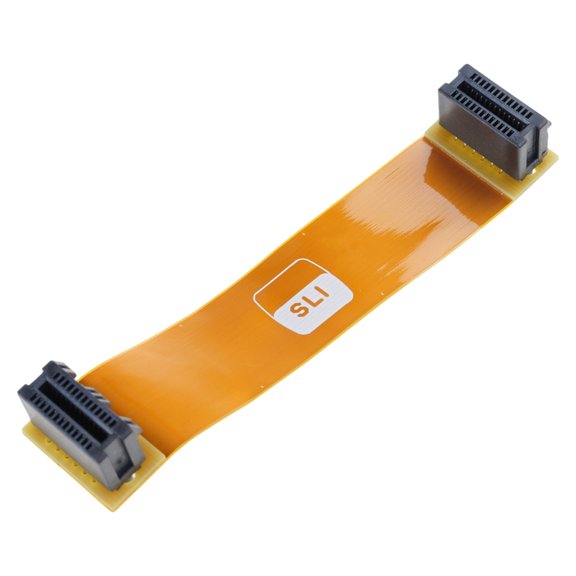
High-quality Work N Card SLI Bridge Using Flame-retardant Materials Crossfire
Clearance, CIYISON Extreme N Card SLI Bridge Good Protect Crossfire Connector Flexible Board $10.53 Was $12.11

CIYISON Extreme N Card SLI Bridge Good Protect Crossfire Connector Flexible Board
Lerpwige Extreme N Card SLI Bridge Good Protect Crossfire Connector Flexible Board $10.16 Was $11.35

Lerpwige Extreme N Card SLI Bridge Good Protect Crossfire Connector Flexible Board
ANXPTIME Extreme N Card SLI Bridge Good Protect Crossfire Connector Flexible Board See price in cart

ANXPTIME Extreme N Card SLI Bridge Good Protect Crossfire Connector Flexible Board
Other options to consider(10)
Replacement N Card Flexible SLI Bridge Connector Flexible Crossfire Cable $12.99
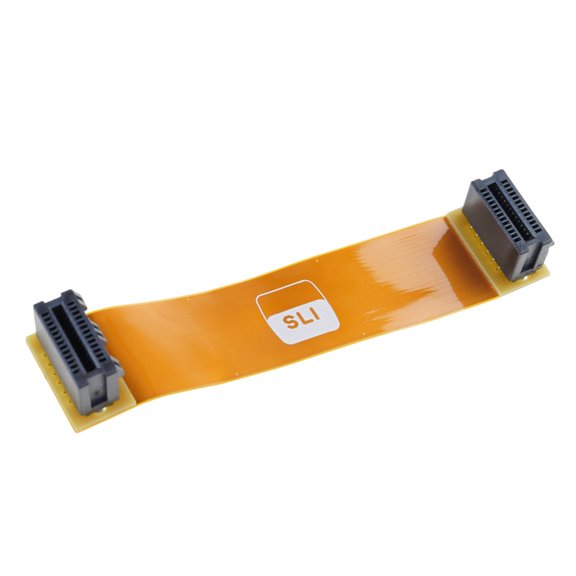
Replacement N Card Flexible SLI Bridge Connector Flexible Crossfire Cable
XFX AMD Radeon R9 280 Graphic Card, 3 GB DDR5 SDRAM $279.00

XFX AMD Radeon R9 280 Graphic Card, 3 GB DDR5 SDRAM
Flexible SLI Bridge Cable Connection Cable Connector Computer Accessories $11.99
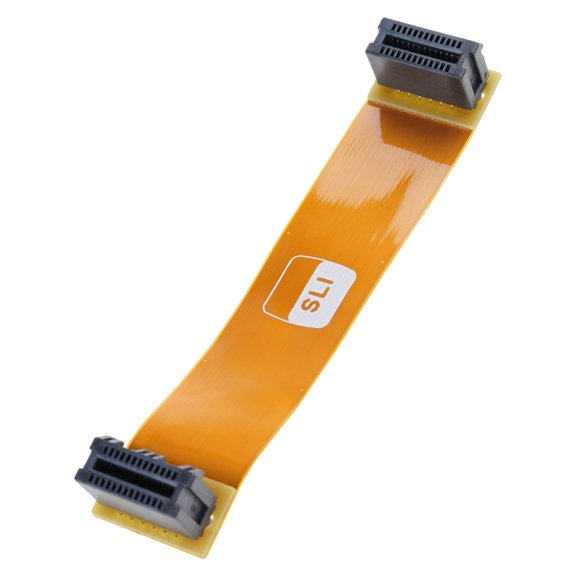
Flexible SLI Bridge Cable Connection Cable Connector Computer Accessories
Sapphire AMD Radeon R9 270 Graphic Card, 2 GB GDDR5, Full-height $269.00

Sapphire AMD Radeon R9 270 Graphic Card, 2 GB GDDR5, Full-height
(1 piece) SLI N card crossfire line $12.59

(1 piece) SLI N card crossfire line
POYOGA Flexible Board SLI Bridge Cable N Card Replacement High-Speed Technology $7.99 Was $10.99
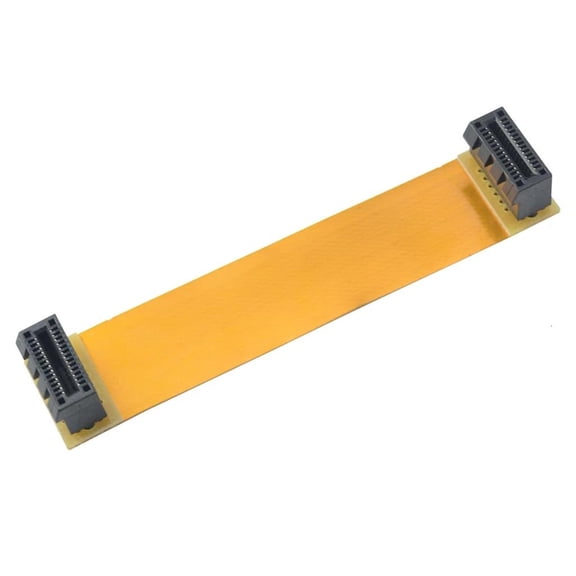
POYOGA Flexible Board SLI Bridge Cable N Card Replacement High-Speed Technology
AMD ATI FirePro V8800 2GB GDDR5 256-Bit PCI Express 2.1 x16 Full Height Video Card $319.00
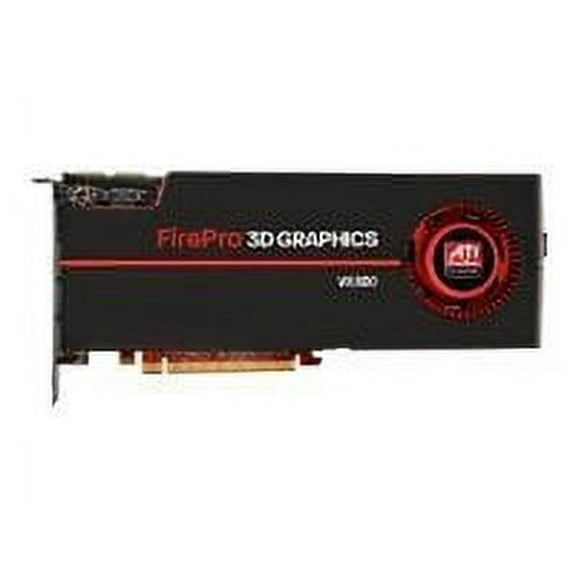
AMD ATI FirePro V8800 2GB GDDR5 256-Bit PCI Express 2.1 x16 Full Height Video Card
CEORPER Flexible SLI Bridge Cable Connection Cable Connector Computer Accessories See price in cart

CEORPER Flexible SLI Bridge Cable Connection Cable Connector Computer Accessories
Quality N Card SLI Bridge Good Protect Capabilities Protect Your Computer $8.69

Quality N Card SLI Bridge Good Protect Capabilities Protect Your Computer
Zecic High-Speed SLI Bridge Interconnect Connectors Safety Flexible Board Replacements $10.94 Was $12.29
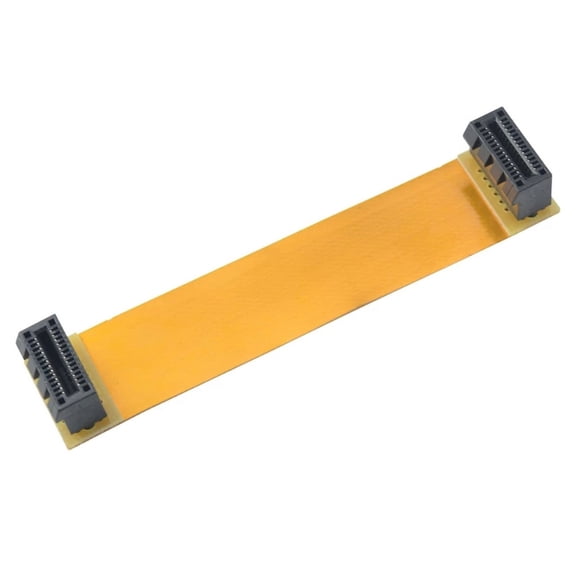
Zecic High-Speed SLI Bridge Interconnect Connectors Safety Flexible Board Replacements
FAQ
What does an AMD Crossfire bridge do?
An AMD Crossfire bridge connects two compatible graphics cards, allowing them to work together for improved graphics performance. By linking the cards, the bridge helps them communicate efficiently, which can lead to smoother gameplay and better visuals in supported applications. It's important to check that both your graphics cards and motherboard support Crossfire technology before installing the bridge. For most setups, the bridge is a small, flexible connector that fits over specific slots on the cards. Always refer to your hardware manuals for proper installation steps and compatibility details.
How do I install a Crossfire bridge?
- First, power off your computer and unplug it for safety.
- Install both compatible AMD graphics cards into the appropriate PCI Express slots on your motherboard.
- Locate the Crossfire connectors on the top edge of each card.
- Gently attach the Crossfire bridge to connect the two cards, ensuring a secure fit.
- Reconnect your power supply, turn on your computer, and install the necessary drivers or software to enable Crossfire mode.
Always follow your motherboard and graphics card manuals for specific instructions, as layouts can vary by model.
Do I need a Crossfire bridge for all setups?
Not every dual graphics card setup requires a physical Crossfire bridge. Some newer AMD cards can communicate directly through the motherboard, while older models typically need the bridge for optimal performance. It's a good idea to check your graphics card documentation or the manufacturer's website to see if a bridge is necessary for your specific model. If you're unsure, using a bridge where supported can help maintain stable communication between cards and may enhance performance in compatible games and applications.
Can I use different graphics cards with Crossfire?
For best results, AMD Crossfire works with two graphics cards from the same series and similar specifications. Mixing different models or series may not be supported and could lead to reduced performance or compatibility issues. Always check the compatibility list provided by the graphics card manufacturer or consult your motherboard's documentation. Using matching cards helps ensure smoother operation and maximizes the benefits of Crossfire technology.
How do I troubleshoot Crossfire bridge issues?
- Double-check that the Crossfire bridge is securely connected to both graphics cards.
- Ensure both cards are properly seated in their slots and powered.
- Update your graphics drivers and system BIOS to the latest versions.
- Open your graphics control panel to verify that Crossfire mode is enabled.
- If you experience display issues or performance drops, try reseating the bridge or testing with another compatible bridge if available.
If problems persist, consult your hardware manuals or reach out to customer support for further assistance.
Popular in AMD Crossfire Bridge Components and Accessories
Related Products
ASRock Challenger Arc A380 6GB GDDR6 PCI Express 4.0 ITX Video Card A380 CLI 6G OC
 ASRock Challenger Arc A380 6GB GDDR6 PCI Express 4.0 ITX Video Card A380 CLI 6G OC$189.99current price $189.99
Intel Arc Pro B50 Graphic Card - 16 GB GDDR6 - 7680 x 4320 - 1.70 GHz Core - 2.60 GHz Boost Clock - 128 bit Bus Width - PCI Express 5.0 x8 - DisplayPort
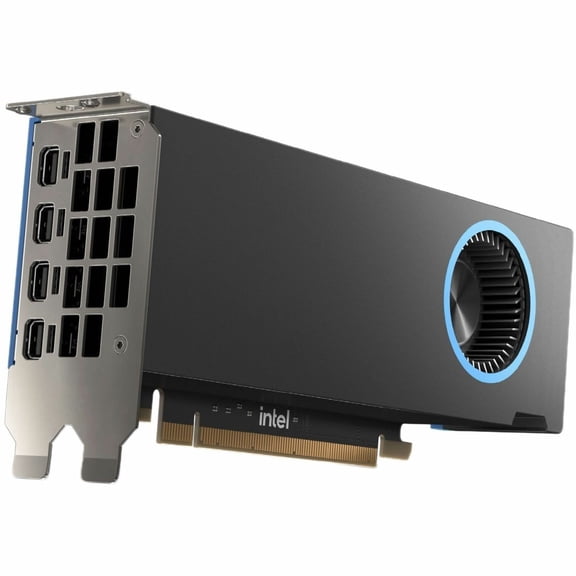 Intel Arc Pro B50 Graphic Card - 16 GB GDDR6 - 7680 x 4320 - 1.70 GHz Core - 2.60 GHz Boost Clock - 128 bit Bus Width - PCI Express 5.0 x8 - DisplayPort$689.99current price $689.99
GIGABYTE B650 EAGLE AX AM5 LGA 1718 AMD B650 ATX , DDR5 Triple M.2, PCIe 5.0, USB 3.2 Gen2x2 Type-C, AMD Wi-Fi 6E, Realtek GbE LAN
 GIGABYTE B650 EAGLE AX AM5 LGA 1718 AMD B650 ATX , DDR5 Triple M.2, PCIe 5.0, USB 3.2 Gen2x2 Type-C, AMD Wi-Fi 6E, Realtek GbE LAN$145.98current price $145.98
ASRock Steel Legend Radeon RX 9070 XT 16GB GDDR6 PCI Express 5.0 x16 Graphics Card RX9070XT SL 16G
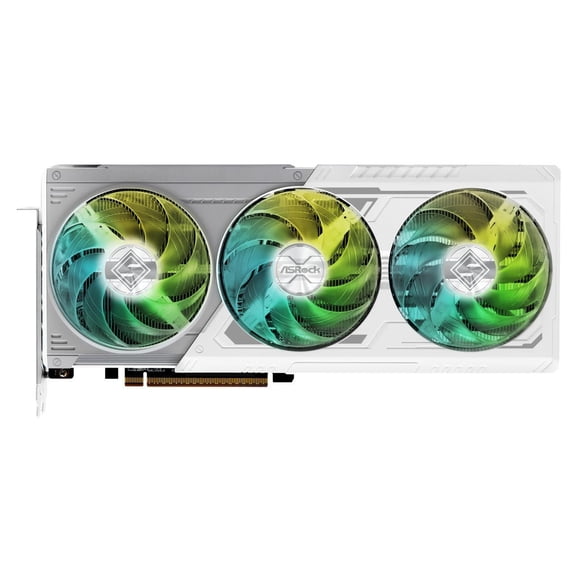 ASRock Steel Legend Radeon RX 9070 XT 16GB GDDR6 PCI Express 5.0 x16 Graphics Card RX9070XT SL 16G$999.99current price $999.99
GIGABYTE B650M GAMING PLUS WIFI AM5 LGA 1718 AMD B650 M-ATX, DDR5, PCIe 4.0 M.2, PCIe 4.0, USB 3.2 Gen 1 Type-C, Wi-Fi 6E, 2.5GbE LAN
 GIGABYTE B650M GAMING PLUS WIFI AM5 LGA 1718 AMD B650 M-ATX, DDR5, PCIe 4.0 M.2, PCIe 4.0, USB 3.2 Gen 1 Type-C, Wi-Fi 6E, 2.5GbE LAN$199.73current price $199.73
ASUS ROG Herculx Graphics Card Holder (Tool-free design, Included spirit level, Solid zinc alloy, 72-128mm, Aura Sync)
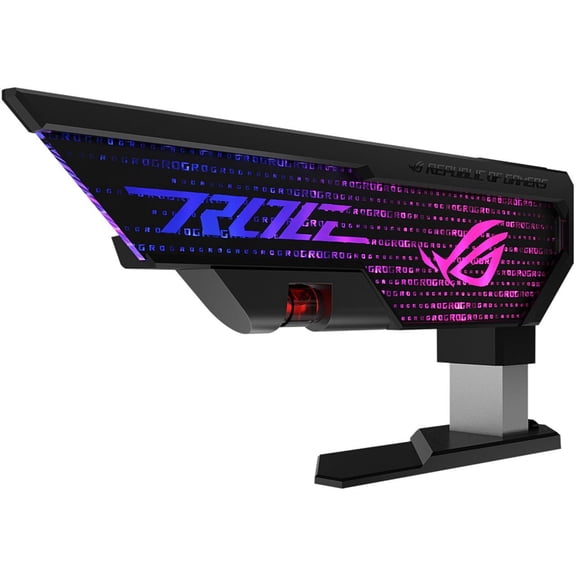 ASUS ROG Herculx Graphics Card Holder (Tool-free design, Included spirit level, Solid zinc alloy, 72-128mm, Aura Sync)$60.77current price $60.77
ASRock Low Profile Arc A310 4GB GDDR6 PCI Express 4.0 ITX Video Card A310 LP 4G
 ASRock Low Profile Arc A310 4GB GDDR6 PCI Express 4.0 ITX Video Card A310 LP 4G$155.86current price $155.86
ASRock B570 CL 10GO Intel Arc B570 10GB OC Graphics Card
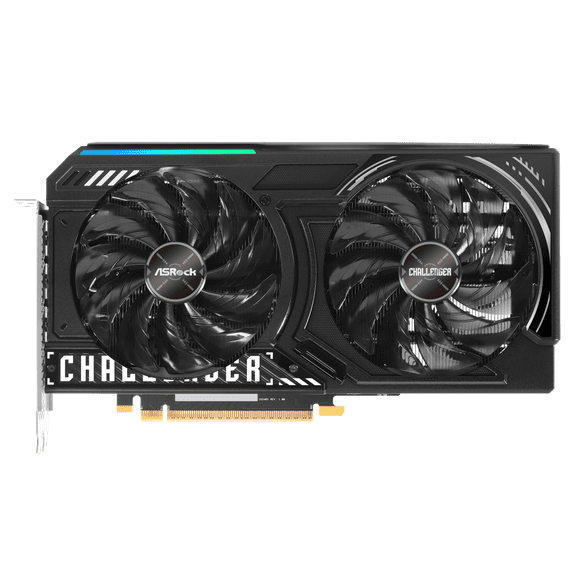 ASRock B570 CL 10GO Intel Arc B570 10GB OC Graphics Card$289.99current price $289.99
ASRock B580 CL 12GO Intel Arc B580 12GB OC Graphics Card
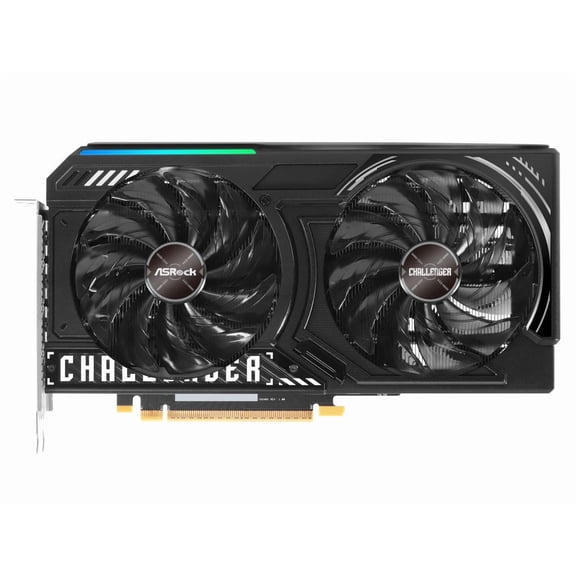 ASRock B580 CL 12GO Intel Arc B580 12GB OC Graphics Card$349.98current price $349.98