

Aluminum Printer(11)
Brother MFC-J1360DW Work Smart Wireless Color Printer & LC501XL High Yield Ink Bundle $189.00
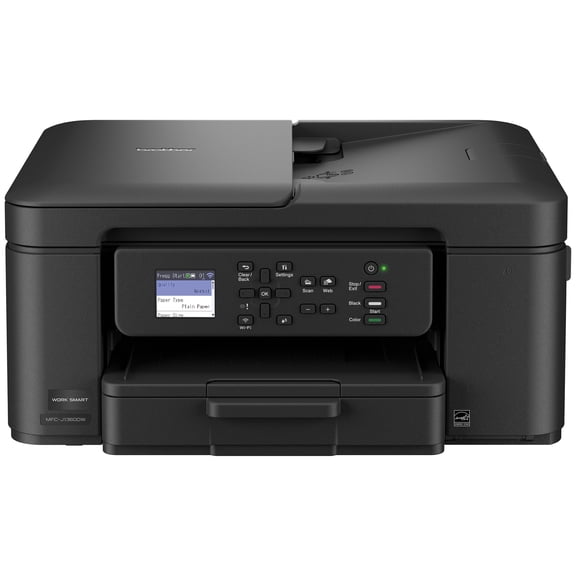
Brother MFC-J1360DW Work Smart Wireless Color Printer & LC501XL High Yield Ink Bundle
Brother MFC-J4355DW Wireless Color Inkjet All-in-One Printer & LC506XL High Yield Ink Bundle $244.00 Was $279.28
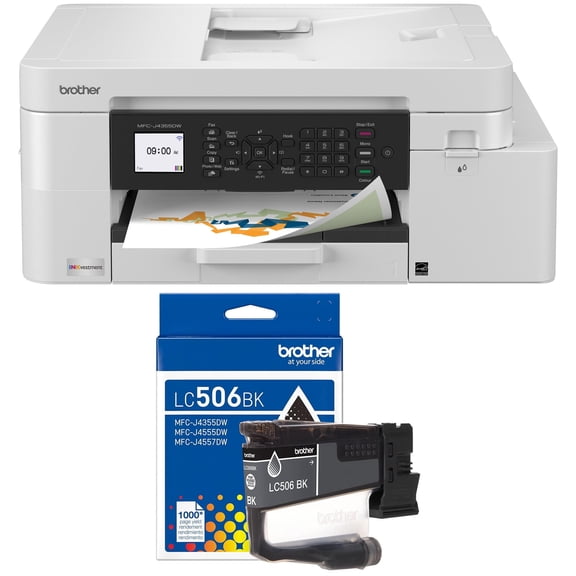
Brother MFC-J4355DW Wireless Color Inkjet All-in-One Printer & LC506XL High Yield Ink Bundle
Portable Printers Wireless, M832 Bluetooth Thermal Printer, Inkless Mobile Printer Support 8.5'' x 11'' & A4 Thermal Paper, Compatible with iPhone Android Laptop for Office Car Home From $65.99

Portable Printers Wireless, M832 Bluetooth Thermal Printer, Inkless Mobile Printer Support 8.5'' x 11'' & A4 Thermal Paper, Compatible with iPhone Android Laptop for Office Car Home
Deal, RONGTA F12A Portable Thermal Printer, Wireless Bluetooth Inkless US Letter Printer for Travel, Home Office $43.99 Was $79.99

RONGTA F12A Portable Thermal Printer, Wireless Bluetooth Inkless US Letter Printer for Travel, Home Office
Best seller, Creality Ender 3 3D Printer Fully Open Source with Resume Printing Function Printing Size 220x220x250mm Aluminum Black

Creality Ender 3 3D Printer Fully Open Source with Resume Printing Function Printing Size 220x220x250mm Aluminum Black
Best seller, Brother Wireless MFC-L2760DW Compact Monochrome All-in-One Laser Printer with Copy, Scan and Fax, Duplex and Mobile Printing $199.99
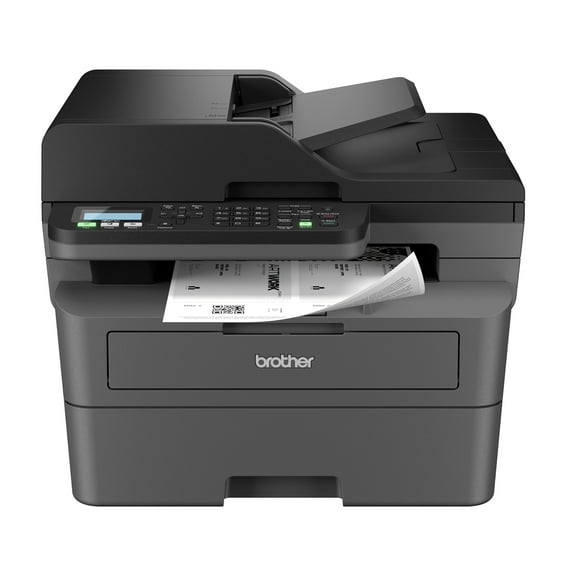
Brother Wireless MFC-L2760DW Compact Monochrome All-in-One Laser Printer with Copy, Scan and Fax, Duplex and Mobile Printing
Inkless Thermal Printer, Compatible with US Letter/A4/A5/B5 Paper, Works with Android & iOS Phones and Laptops From $42.99

Inkless Thermal Printer, Compatible with US Letter/A4/A5/B5 Paper, Works with Android & iOS Phones and Laptops
Shengjinsh A3 L805 UV Flatbed Printer, 2880x1440 DPI, with Bottle Holder, for Multi-Material Custom Printing $2,939.99
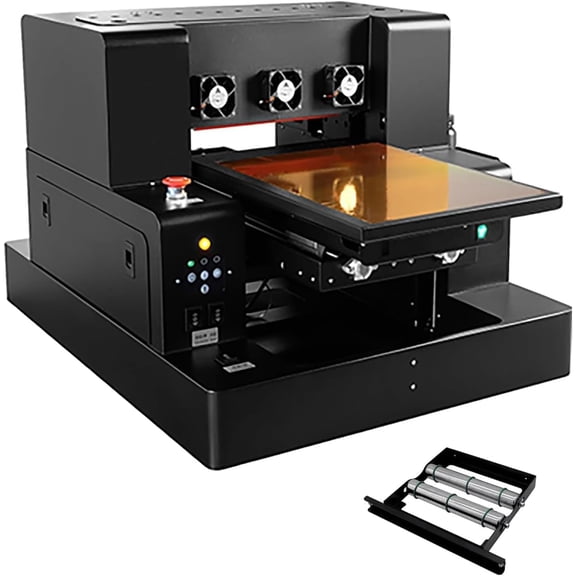
Shengjinsh A3 L805 UV Flatbed Printer, 2880x1440 DPI, with Bottle Holder, for Multi-Material Custom Printing
SHENJINSH C31 A3 Direct to Film DTF Printer, XP600 Printhead Heat Transfer Printer for Garment T-shirt Printing $1,800.99

SHENJINSH C31 A3 Direct to Film DTF Printer, XP600 Printhead Heat Transfer Printer for Garment T-shirt Printing
Flash Deal, Thermal Printer, Wireless Printer Support US Letter & A4 for Travel, Inkless Portable Compatible with Ios Android Laptop for Home Car Office From $44.64 Was $49.99
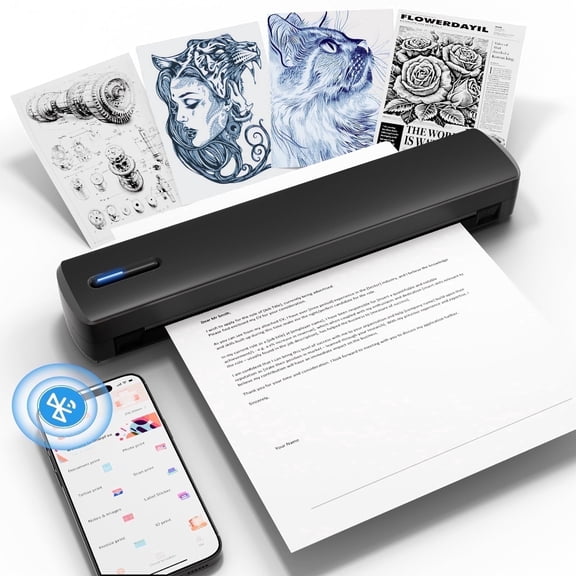
Thermal Printer, Wireless Printer Support US Letter & A4 for Travel, Inkless Portable Compatible with Ios Android Laptop for Home Car Office
Brother Wireless HL-L2465DW Compact Monochrome Multi-Function Laser Printer with Print, Copy and Scan, Duplex and Mobile Printing $170.00
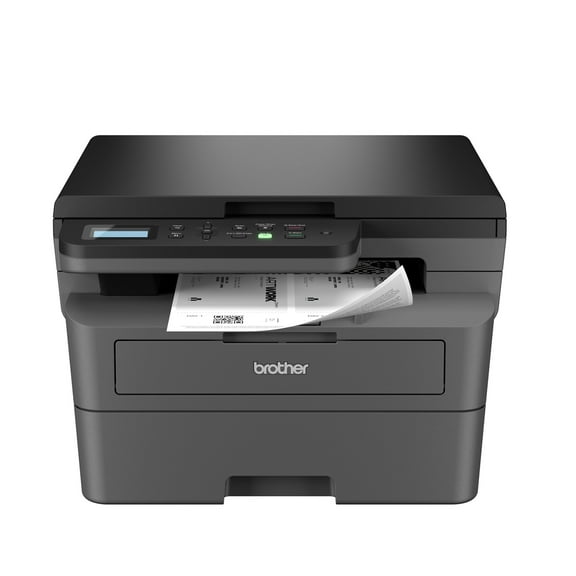
Brother Wireless HL-L2465DW Compact Monochrome Multi-Function Laser Printer with Print, Copy and Scan, Duplex and Mobile Printing
FAQ
What should I check before buying a printer for metal labels?
When shopping for a printer that works with metal or aluminum labels, it's smart to look for a few key features that match your needs. Consider:
- Material Compatibility: Verify the printer supports aluminum or the specific surfaces you want to mark.
- Ink or Stamping Method: Check if it uses inkjet, thermal transfer, or hot stamping, depending on your application.
- Size and Portability: Think about if you'll use it mostly in one spot or need a portable model for different locations.
- Connectivity: Look for wireless or USB options for easy setup with your devices.
Reviewing these factors can help you find a better fit for your projects or business needs.
How do you use a handheld inkjet on aluminum foil?
Using a handheld inkjet printer on aluminum foil can be pretty straightforward if you keep a few things in mind:
- Prep the Surface: Make sure the foil is clean and wrinkle-free so the ink adheres smoothly.
- Select the Right Settings: Choose the recommended ink type and print setting for metallic surfaces from your printer’s manual.
- Steady Application: Move the printer at an even pace and with consistent pressure for best results.
- Test First: Try a small area before larger batches to check print quality.
Every printer model may have its own tips, so refer to the included guide for detailed instructions.
Can thermal label printers handle metal surfaces?
Thermal label printers are primarily designed for printing on compatible label materials, like paper or synthetic labels, rather than directly on metal. However, you can:
- Print labels using the thermal printer
- Apply those labels to aluminum or metal surfaces
For marking directly on metal, specialized devices like hot foil stamping or handheld inkjet coders are usually needed. Always check the specifications of the printer and your label material for best results.
What's the best way to keep stamped prints looking sharp?
Keeping your stamped prints clear and long-lasting involves a few upkeep tips:
- Clean Surfaces First: Prep the metal or foil to remove dust or grease.
- Use Quality Ribbons or Foils: Stick with recommended ribbons and supplies for your printer model.
- Avoid Excess Handling: Try not to touch the print areas right away—as this gives ink or foil time to set.
- Store Properly: Keep printed items away from moisture or direct sunlight, whenever possible, to prevent fading or smudging.
Regular maintenance of your printer can also help ensure the prints stay sharp over time.
How do you maintain a hot foil stamping printer?
Regular care can help your hot foil stamping printer last longer and keep prints looking crisp. Here’s what to focus on:
- Keep It Clean: Gently wipe down the printer and remove foil residue after use, following manufacturer guidelines.
- Check the Heating Element: Make sure the element isn’t worn out or dirty so stamping stays consistent.
- Inspect Moving Parts: Lubricate or tighten components as needed to avoid any jams or misprints.
- Use the Right Supplies: Always use foils and ribbons recommended for your device to prevent damage.
Regular maintenance helps your printer run smoothly and extends its usable life.
Popular in Shop Aluminum Printers for Home and Office Electronics
Related Products
Canon MAXIFY GX2020 MegaTank Wireless All-in-One Printer Bundle Print Scan Copy Fax with Cleaning Kit, Ethernet Cable (International Model)
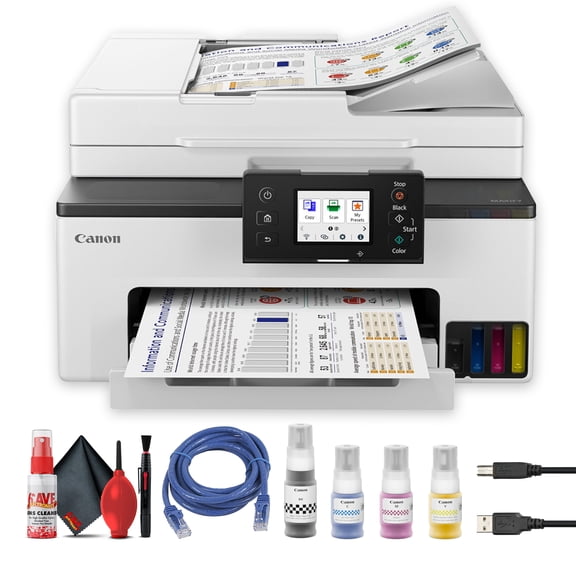 Canon MAXIFY GX2020 MegaTank Wireless All-in-One Printer Bundle Print Scan Copy Fax with Cleaning Kit, Ethernet Cable (International Model)$364.95current price $364.95
The D830 portable wireless printer is ideal for inkless printing, perfect for travel and office use. Compatible with iOS, Android, and laptop devices.
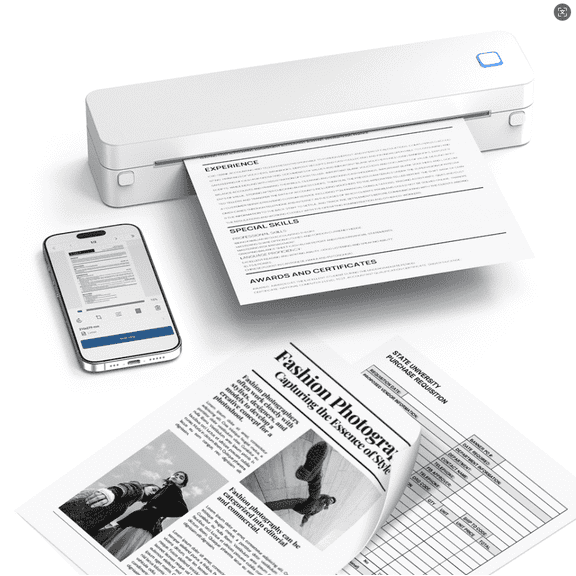 The D830 portable wireless printer is ideal for inkless printing, perfect for travel and office use. Compatible with iOS, Android, and laptop devices.$37.30current price $37.30
Canon 6171C002 (GX2020) MegaTank MAXIFY Wireless AIO Printer
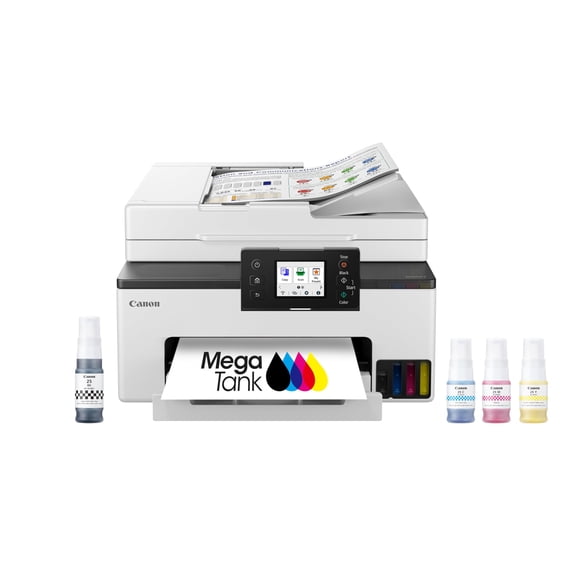 Canon 6171C002 (GX2020) MegaTank MAXIFY Wireless AIO Printer$335.99current price $335.99
Canon PIXMA MX492 Wireless All-In-One Small Printer, Copy , Scan, Fax, with Mobile or Tablet Printing, AirPrint and Google Cloud Print Compatible, White
 Canon PIXMA MX492 Wireless All-In-One Small Printer, Copy , Scan, Fax, with Mobile or Tablet Printing, AirPrint and Google Cloud Print Compatible, White$349.00current price $349.00
Canon imagePROGRAF PRO-2100 11-Color 24" Large Format Inkjet Printer
 Canon imagePROGRAF PRO-2100 11-Color 24" Large Format Inkjet Printer$2595.00current price $2595.00
HP 4U555A#B1H OfficeJet Pro 9130b Copy/Fax/Print/Scan All-in-One Inkjet Printer
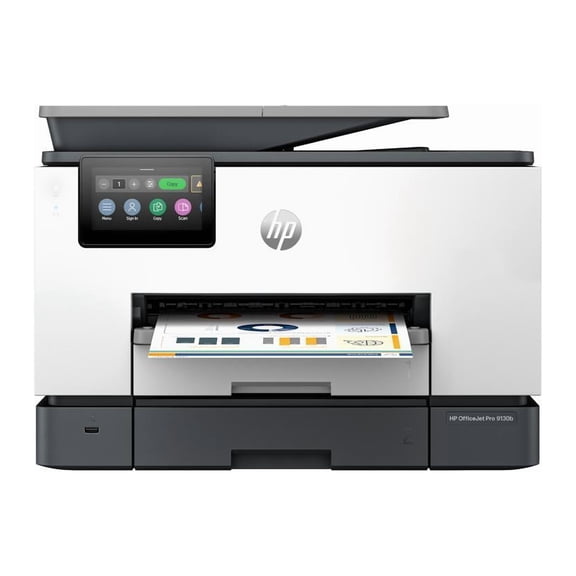 HP 4U555A#B1H OfficeJet Pro 9130b Copy/Fax/Print/Scan All-in-One Inkjet Printer$429.89current price $429.89
Canon Wide Format 4460C002 TR7020 Wireless Color All-in-One Inkjet Printer
 Canon Wide Format 4460C002 TR7020 Wireless Color All-in-One Inkjet Printer$179.89current price $179.89
Canon MAXIFY GX7120 Wireless MegaTank Duplex All-in-One Inkjet Color Printer, Fax, White
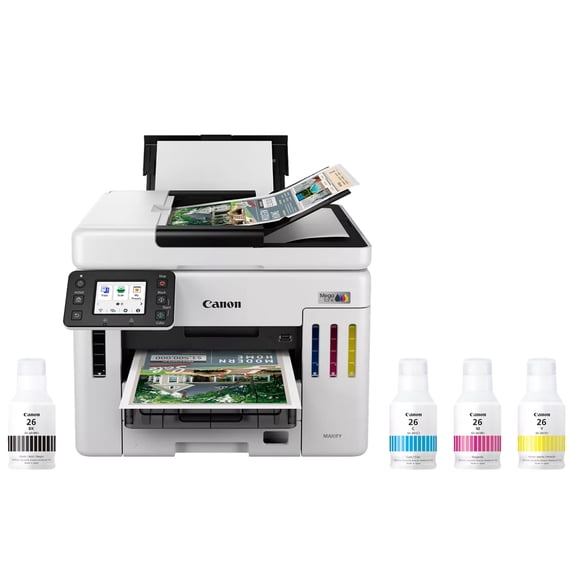 Canon MAXIFY GX7120 Wireless MegaTank Duplex All-in-One Inkjet Color Printer, Fax, White$863.99current price $863.99
HP Smart Tank 5103 All-in-One Inkjet Printer, Mobile Print, Copy, Scan Up to
 HP Smart Tank 5103 All-in-One Inkjet Printer, Mobile Print, Copy, Scan Up to$269.99current price $269.99
Canon MAXIFY GX1020 - Wireless Home and Office All-in-One Printer with MegaTank Technology
 Canon MAXIFY GX1020 - Wireless Home and Office All-in-One Printer with MegaTank Technology$278.61current price $278.61
Canon MAXIFY MB5420 Inkjet All-in-One Printer
 Canon MAXIFY MB5420 Inkjet All-in-One Printer$431.01current price $431.01
