

Altice Remote Input Button(6)
Latest Altice One Optimum Cablevision Bluetooth Remote Control New with Batteries $13.95

Latest Altice One Optimum Cablevision Bluetooth Remote Control New with Batteries
Replacement Remote Control Fit for Altice Optimum Cablevision T4HU1608 35k T4HU1714/36k $9.88

Replacement Remote Control Fit for Altice Optimum Cablevision T4HU1608 35k T4HU1714/36k
New, New Replacement T4HIU2101/47K T4HU1616/47k Remote Control fit for Optimum Altice Cable Box $8.94
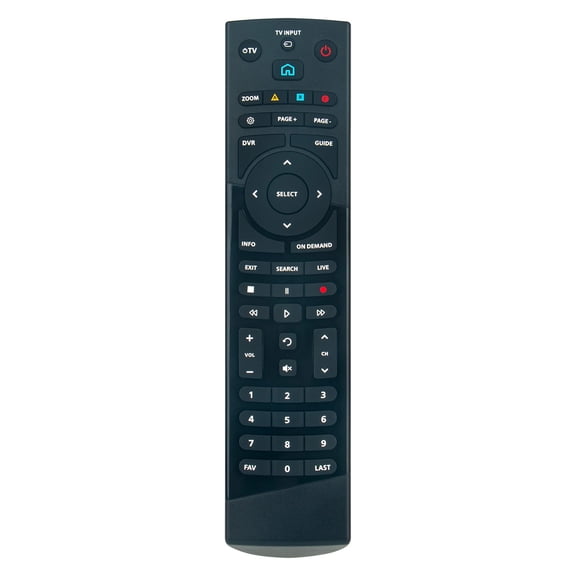
New Replacement T4HIU2101/47K T4HU1616/47k Remote Control fit for Optimum Altice Cable Box
SatelliteSale Remote Control Replacement Compatible with Altice Optimum Cablevision Cable Box T4HIU2101/47k T4HU1616/47k $15.95

SatelliteSale Remote Control Replacement Compatible with Altice Optimum Cablevision Cable Box T4HIU2101/47k T4HU1616/47k
Replacement Remote for ALTEC LANSING A13832, RTA13832, IMT620 $38.91
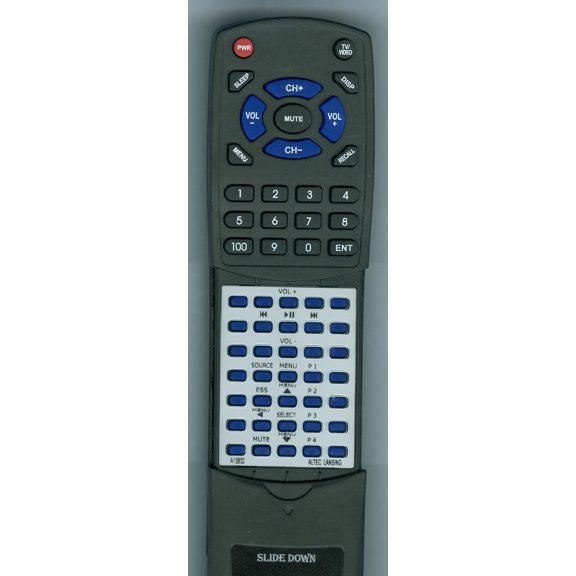
Replacement Remote for ALTEC LANSING A13832, RTA13832, IMT620
T4HIU2101/47K T4HU1616/47k Replaced Remote fit for Optimum Altice Cable Box $8.94

T4HIU2101/47K T4HU1616/47k Replaced Remote fit for Optimum Altice Cable Box
Other options to consider(5)
Replacement Remote for ALTEC LANSING RTM602, M602, T612 $38.91
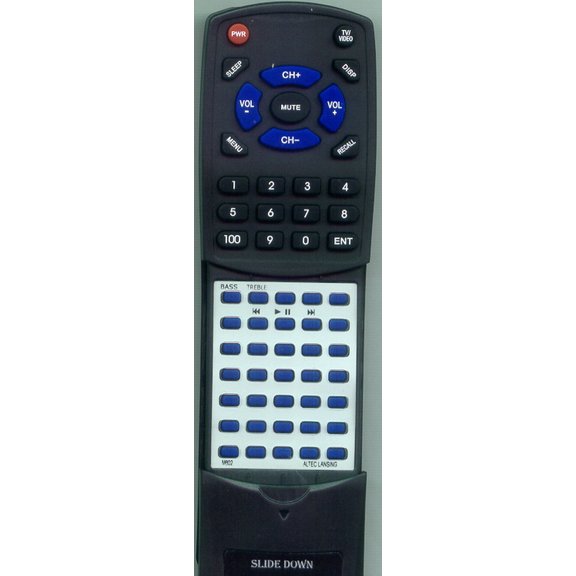
Replacement Remote for ALTEC LANSING RTM602, M602, T612
Replacement Remote for ALTEC LANSING RTFX6021, FX6021 $38.91
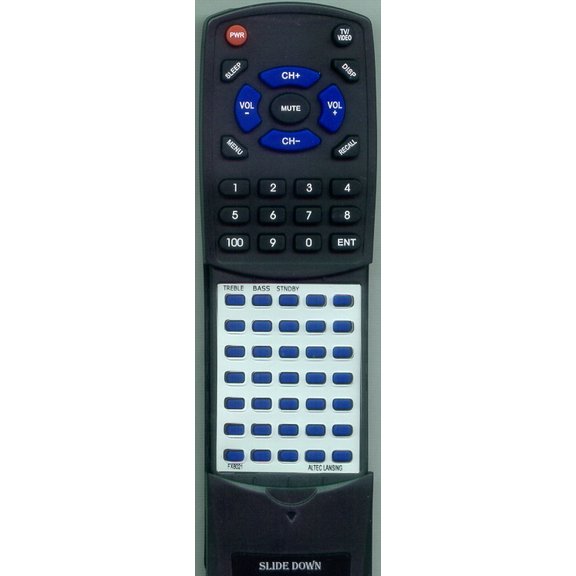
Replacement Remote for ALTEC LANSING RTFX6021, FX6021
New, YongCo Multiple Brand Compatible Voice Remote with Battery Change & Low Power Consumption Replaces 00786A for Entertain $13.39

YongCo Multiple Brand Compatible Voice Remote with Battery Change & Low Power Consumption Replaces 00786A for Entertain
Replacement Remote for BOSTON ACOUSTICS 120-003555, 120003555, RT120003555, SOUNDWARE XS DIGITAL CINE, SOUNDWAREXSDIGITALCINE, SWXSDCB $38.91

Replacement Remote for BOSTON ACOUSTICS 120-003555, 120003555, RT120003555, SOUNDWARE XS DIGITAL CINE, SOUNDWAREXSDIGITALCINE, SWXSDCB
New, New Replace Infrared Remote Control Compatible with Boston Accoustics TVee 26 TVee10 $15.99
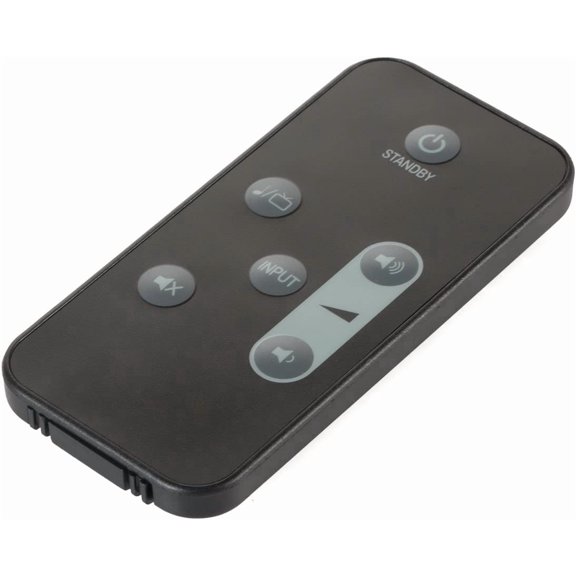
New Replace Infrared Remote Control Compatible with Boston Accoustics TVee 26 TVee10
FAQ
What does the input button on my Altice remote do?
The input button on your Altice remote lets you switch between different devices connected to your TV, like cable boxes, streaming players, or gaming consoles. When you press it, you'll see options for available sources—just use the arrow keys to pick the one you want. This feature is handy if you're juggling multiple devices, making it easy to move from cable to another entertainment source without needing extra remotes.
How can I set up my Altice remote to control my TV?
- Start by holding down the 'TV' and 'OK' buttons until the LED blinks.
- Enter the code for your TV brand (check the manual or online guides).
- The LED should blink again—test by pressing the power button.
If the remote doesn't work right away, try another code or use the auto-search function. Setting up your Altice remote lets you control volume and power from one device, making your setup simpler.
Why isn’t my Altice remote input button working?
If your input button isn't responding, try these troubleshooting steps:
- Check the batteries and replace them if needed.
- Make sure the remote is paired with your cable box and TV.
- Remove any obstacles between the remote and the devices.
- Restart your cable box and TV.
If the issue persists, your remote may need to be reset or replaced. Walmart offers replacement remotes compatible with Altice devices for a quick fix.
Can I use an Altice remote with different cable boxes?
Many Altice remotes are designed to work with several Optimum Cablevision cable boxes. Check the model numbers listed in the product description to confirm compatibility. If your cable box matches one of the supported models, you can usually pair the remote by following the setup instructions. This flexibility makes it easier to replace a lost or broken remote without worrying about matching exact models.
What should I do if I need a replacement Altice remote?
If your Altice remote is lost or damaged, look for replacement remotes compatible with your cable box model. Walmart carries several options—just match the model numbers listed in the product title to your device. Once you have your new remote, follow the pairing instructions to get it working. Having a backup remote can help you stay connected to your favorite entertainment without interruption.
Popular in Altice Remote Input Button Replacement Options
Related Products
Compustar 2-Way WSST Replacement Remote, 1 Mile Range
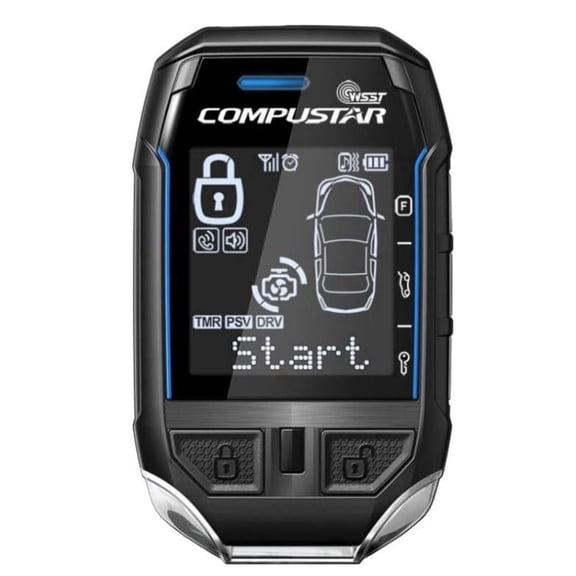 Compustar 2-Way WSST Replacement Remote, 1 Mile Range$99.00current price $99.00
AUX YKR-P/001E Replacement Remote Control for AUX AC YKR-P/002E, White, New
 AUX YKR-P/001E Replacement Remote Control for AUX AC YKR-P/002E, White, New$9.96current price $9.96
Flipper Large Button Universal Remote Control
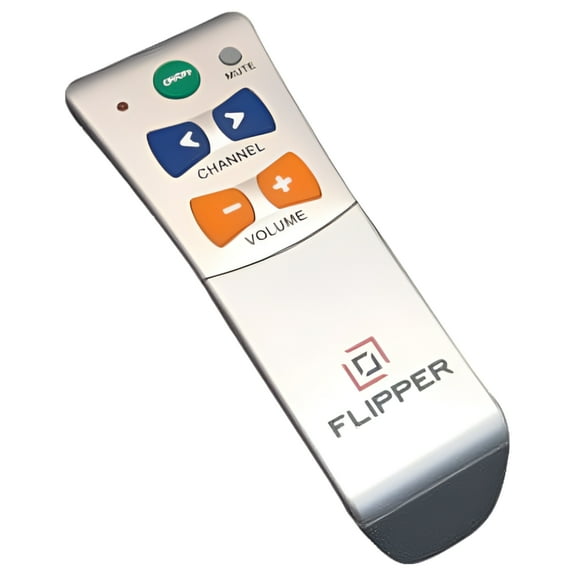 Flipper Large Button Universal Remote Control$39.95current price $39.95
Compustar 2WG15R-FM 2-Way LED Replacement Remote, 4-Button, 3000 feet Range
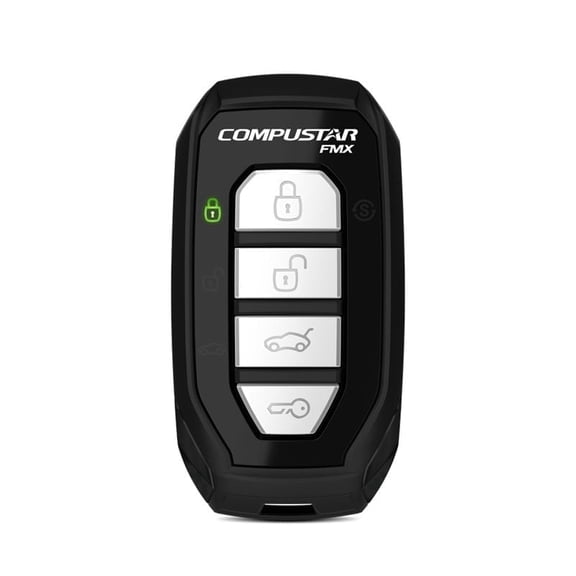 Compustar 2WG15R-FM 2-Way LED Replacement Remote, 4-Button, 3000 feet Range$73.00current price $73.00
Compustar T9 2-Way LCD Replacement Remote, 3000 Feet Range
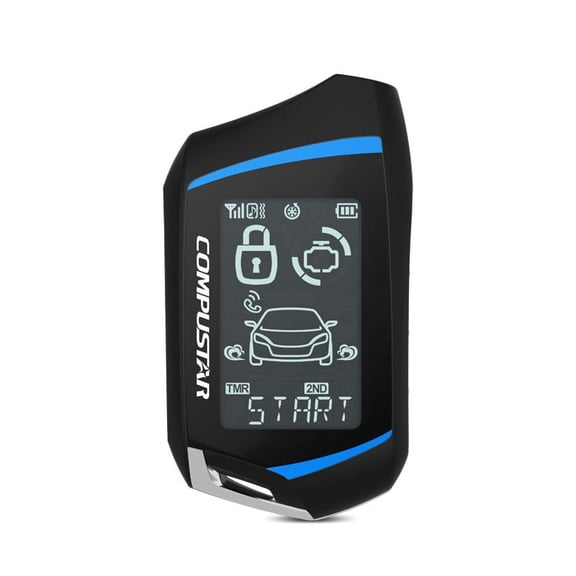 Compustar T9 2-Way LCD Replacement Remote, 3000 Feet Range$89.99current price $89.99
Linear Linear Key Chain Transmitter (1 Channel)
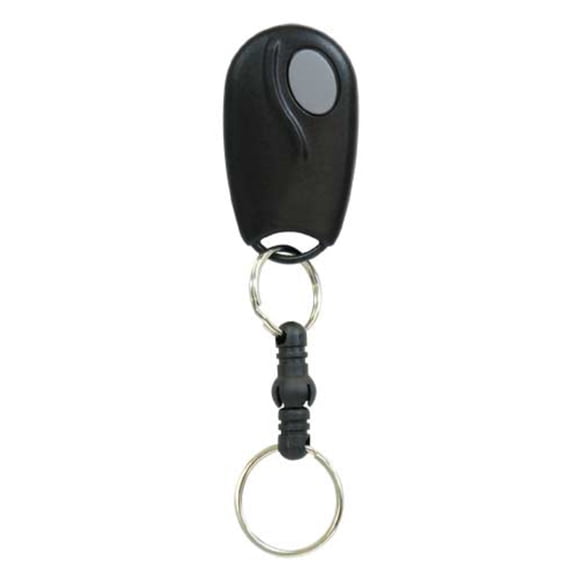 Linear Linear Key Chain Transmitter (1 Channel)$23.99current price $23.99
MyKey Premium Genesis G80 Remote Starter
 MyKey Premium Genesis G80 Remote Starter$309.99current price $309.99
New Viper 7856V 5-Button Transmitter LED 2-Way Replacement Remote Control
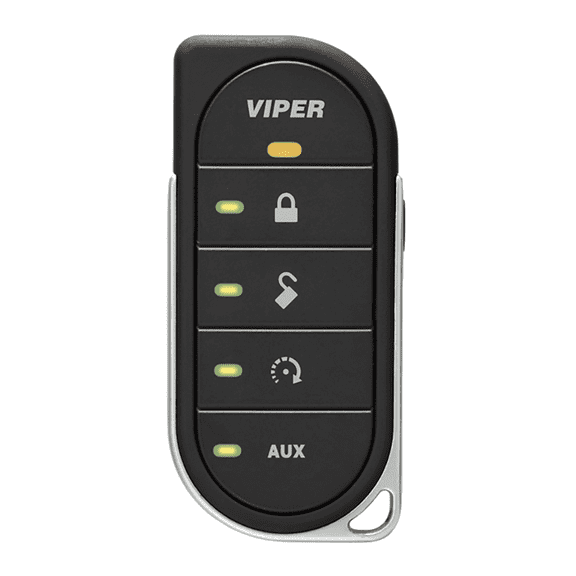 New Viper 7856V 5-Button Transmitter LED 2-Way Replacement Remote Control$78.00current price $78.00
Eagle EG643 Chrome Series 2 Button Keychain Remote Transmitter Compatible with EG650/EG652 Receiver Only
 Eagle EG643 Chrome Series 2 Button Keychain Remote Transmitter Compatible with EG650/EG652 Receiver Only$42.00current price $42.00
Ghost Controls AXWK Premium Wireless Keypad
 Ghost Controls AXWK Premium Wireless Keypad$69.99current price $69.99
Compustar 900R Replacement Remote, 4-Button, 1000 Feet Range
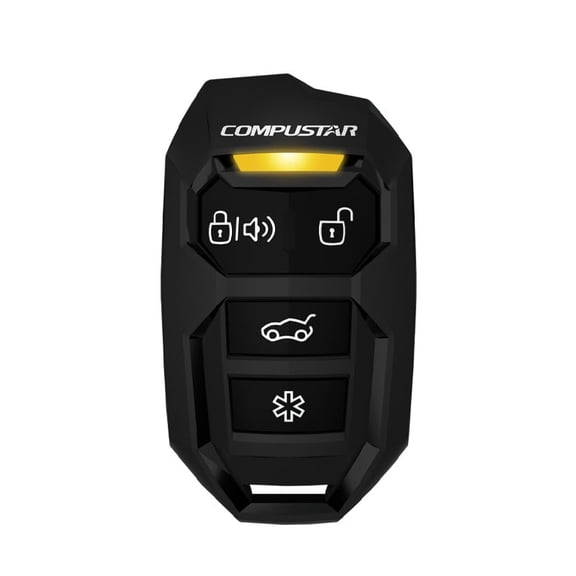 Compustar 900R Replacement Remote, 4-Button, 1000 Feet Range$19.99current price $19.99
Ghost Controls AXP1 5 Button Transmitter
 Ghost Controls AXP1 5 Button Transmitter$37.79current price $37.79
Maxwell Wireless Remote Handheld w/Rode Counter [P102981]
 Maxwell Wireless Remote Handheld w/Rode Counter [P102981]$1607.94current price $1607.94
Linear Key Ring Transmitter,Range 200 ft. MCS307010
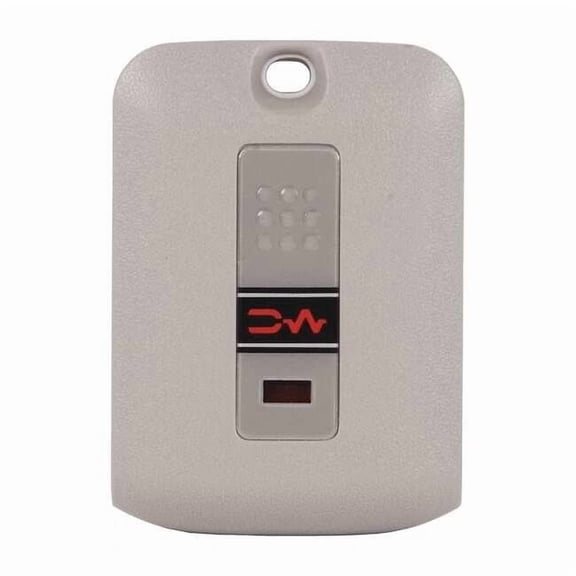 Linear Key Ring Transmitter,Range 200 ft. MCS307010$24.54current price $24.54
Compustar RFX-2WQ9-FM Q9 3000' Range 2-Way LCD Remote RFX Bundle w/ LTE Module
 Compustar RFX-2WQ9-FM Q9 3000' Range 2-Way LCD Remote RFX Bundle w/ LTE Module$199.99current price $199.99
Prestige 18LCDSP 2-Way LCD Remote Control for APS596Z APS997Z
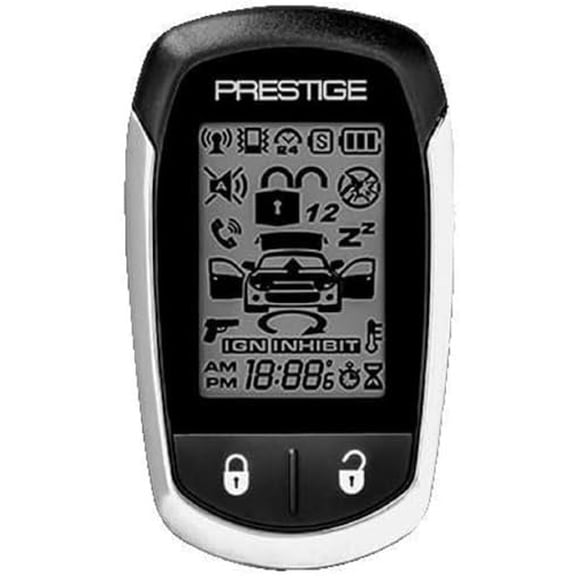 Prestige 18LCDSP 2-Way LCD Remote Control for APS596Z APS997Z$119.99current price $119.99
